-
Slide 1
-
Slide 5
-
Slide 2
-
Slide 3
-
Slide 4
Inspiration
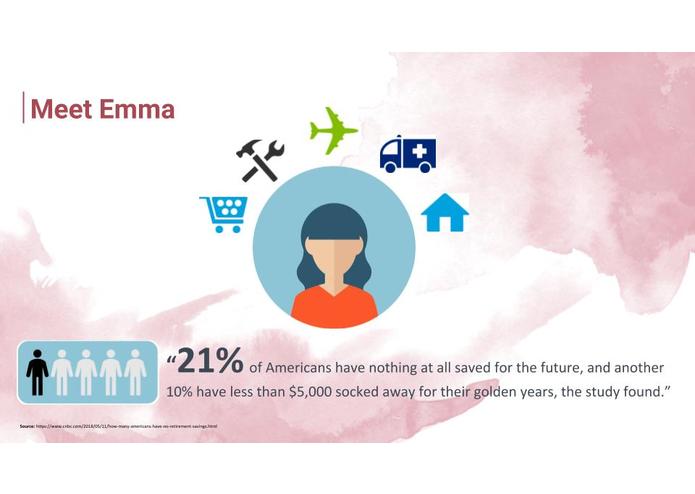
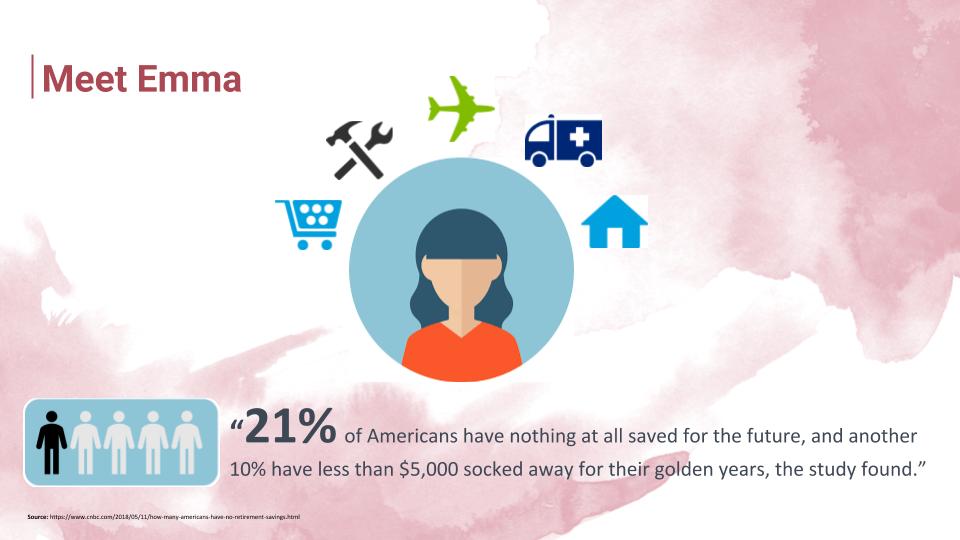
Based on a survey conducted on 80 participants ages 18-22 earlier this week, we identified that 80% of participants struggled the most with saving in managing personal finances. In fact, this accurately reflects the population today. We were shocked to find that 21% of Americans have nothing at all saved for retirement with another 10% having less than $5000 socked away for their golden years. This is a problem, but it doesn't have to affect us; we have time and are able to make changes.
What it does
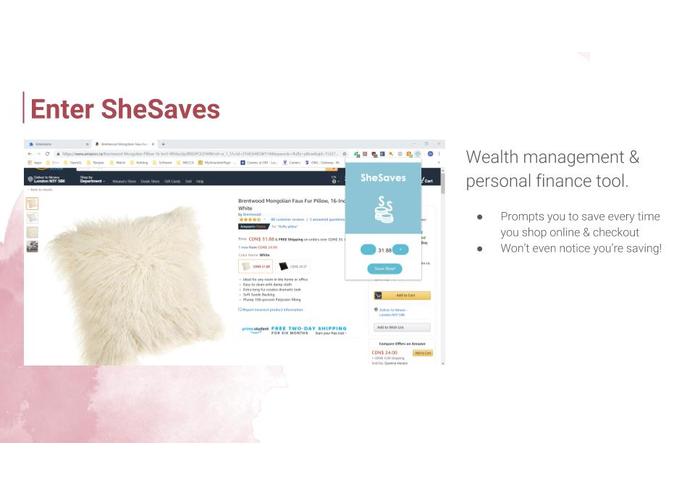
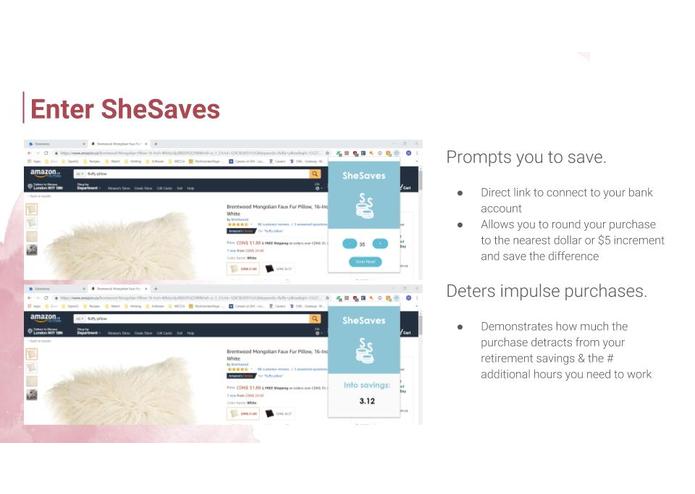
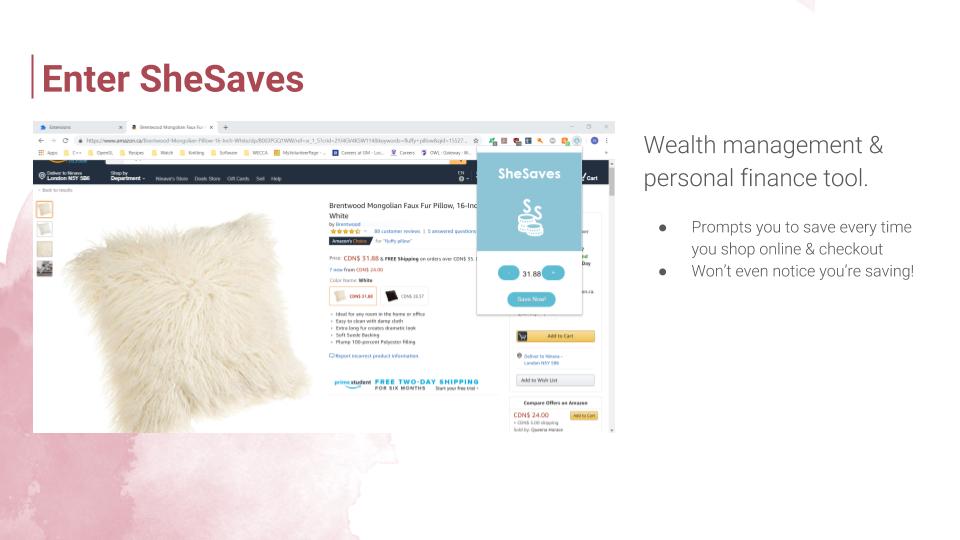
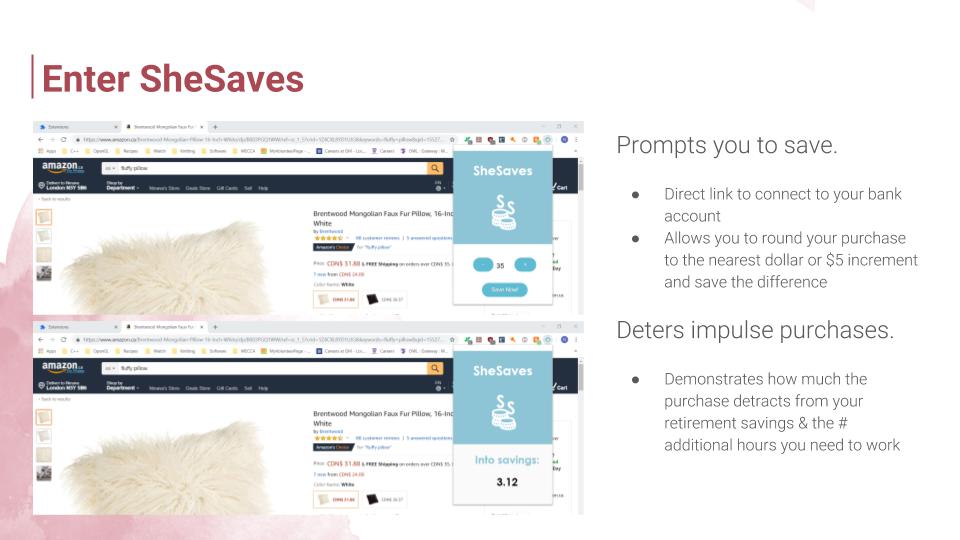
SheSaves is a wealth management and personal finance tool that lets you round up to your nearest dollar or $5 increment on online purchases. It prompts you to save every time you’re checking out and directly links your savings to your bank account. It also has a function to allow you to see the value of the item in terms of the number of additional hours you need to work or how much it detracts you from retirement.
In the scheme of your purchase, a $5 roundup doesn’t seem like much but it adds up year over year. In fact, if you round your online-ordered dinner for $8.76 to $10 and save the difference, you can save $193K by retirement.
How we built it
The Chrome Extension was built using JavaScript, html, and CSS elements.
Challenges we ran into
Chrome Extensions do not have many of the features and functionalities of JavaScript, html, and CSS, creating limitations for our hack. Next, we also struggled with having multiple html pages and sharing Javascript variables across several files. Finally, when we were trying to read prices on a website, it was difficult to understand how to grab the text from the webpage and connect it to our Extension.
Accomplishments that we're proud of
Of our three members, one has never coded before and the two others had minimal experience with the languages used. We supplemented a lot of our lack of experience with Youtube videos and existing Chrome Extension code to reverse-engineer our SheSaves Extension. Since we were new to JavaScript, it was interesting to work with the different functions and learn the language. Ultimately, we were able to set up a working Google Chrome Extension.
What we learned
In conducting primary interviews, we were surprised to learn about the overwhelming confusion around how to save and lack of financial literacy among people who attend Western and Ivey. Having gone through several design-thinking brainstorming sessions and iterations, we learned that if we pushed ourselves to think beyond conventional ideas and kept the user in mind, we could create ideas that actually make a difference. On a technical level, we were also very grateful for the opportunity to learn about and gain a working knowledge of Google Chrome Extensions / manifest files, a skill we did not anticipate learning prior to beginning SheHacks.
What's next for SheSaves
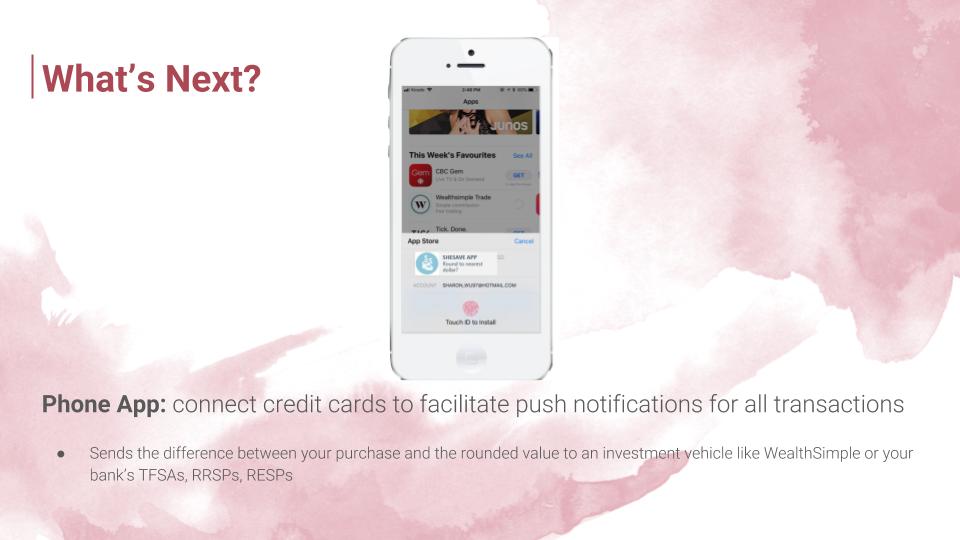
For the Chome Extension, next steps include (1) creating a function to read prices from webpages and (2) linking the bank account to the 'Save Now' button and essentially eTransfer the savings into your investment vehicle (RRSP, RESP, TFSA). We also would want to (3) include a tab in the Extension pop-up to detail the Transaction History and total savings (using a database and SQL queries).
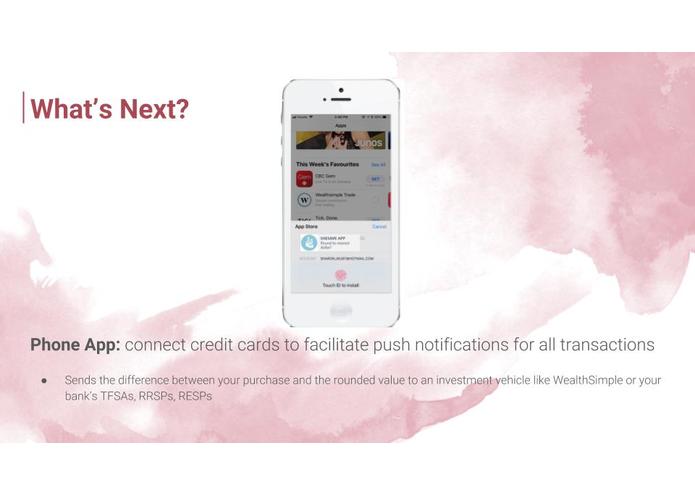
To broaden our platform, we plan on building in a phone application next to connects credit cards to facilitate push notifications for all transactions (morning Starbucks coffee, vending machine purchase, or gas) and directs savings into investment vehicles. We’re excited for this and we’re excited for you to start saving today with SheSaves.

Log in or sign up for Devpost to join the conversation.