-
-
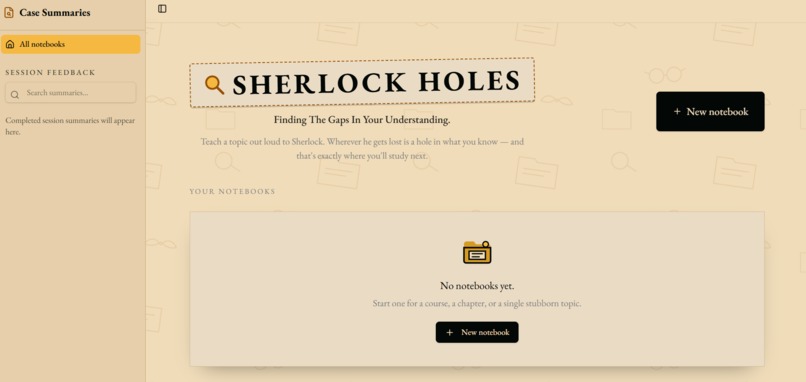
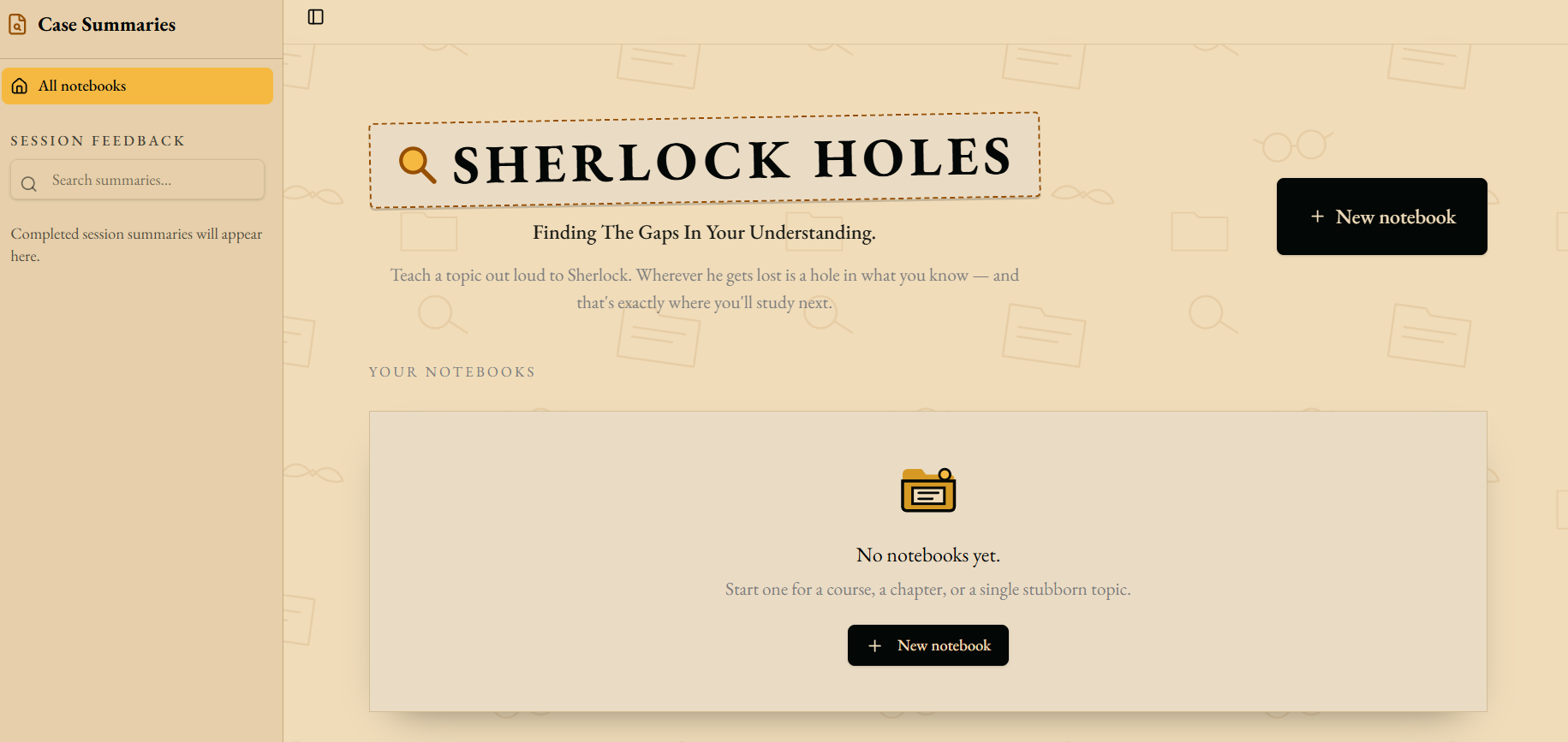
Landing Page
-
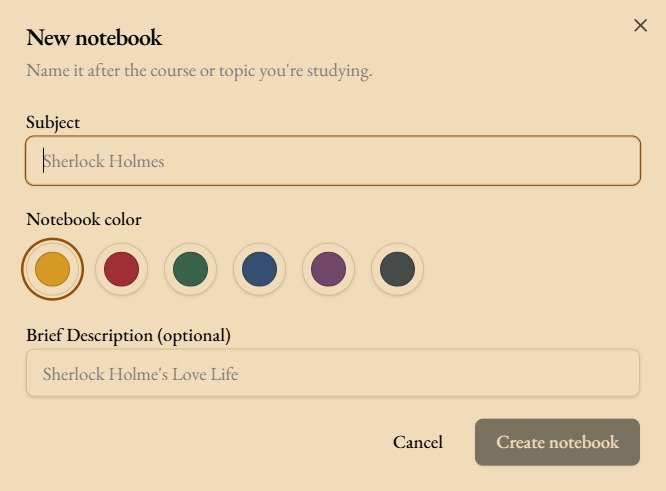
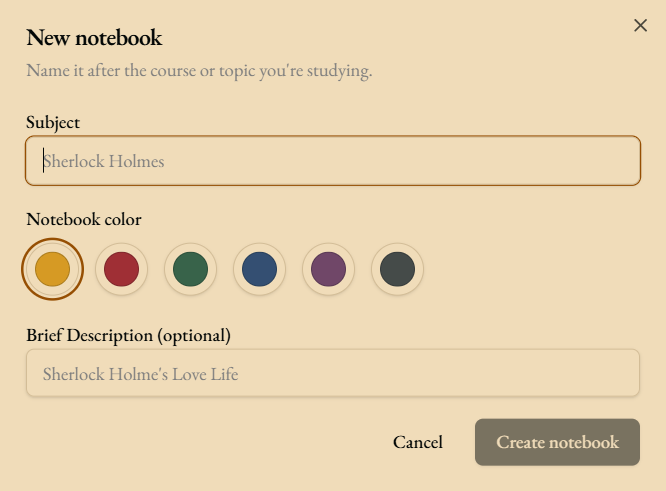
Creating a New Notebook
-
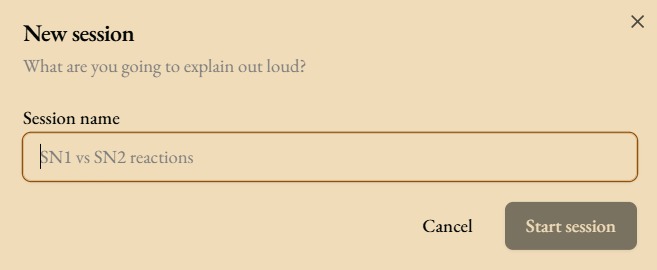
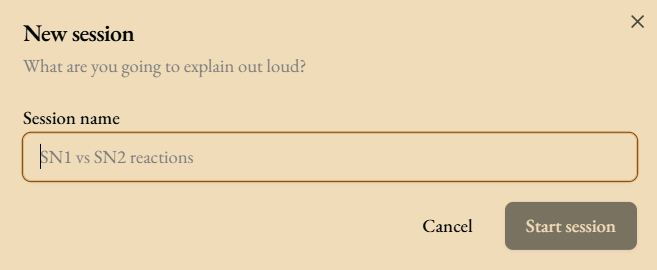
Creating a New Session
-
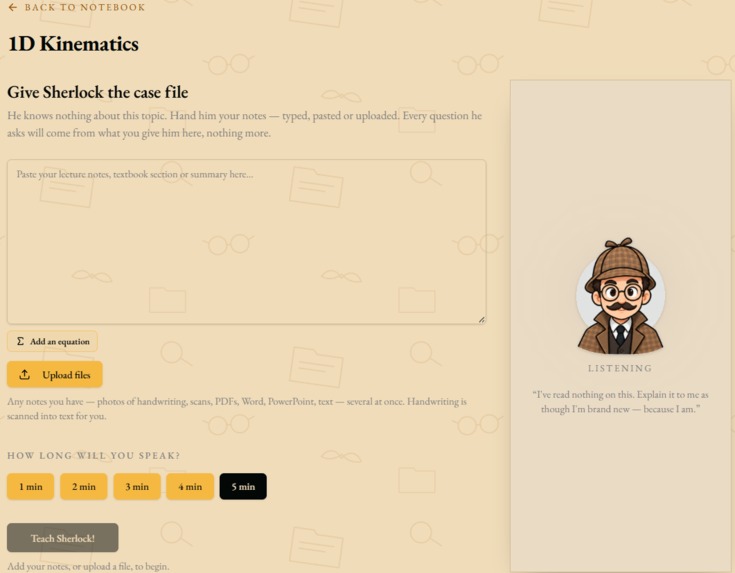
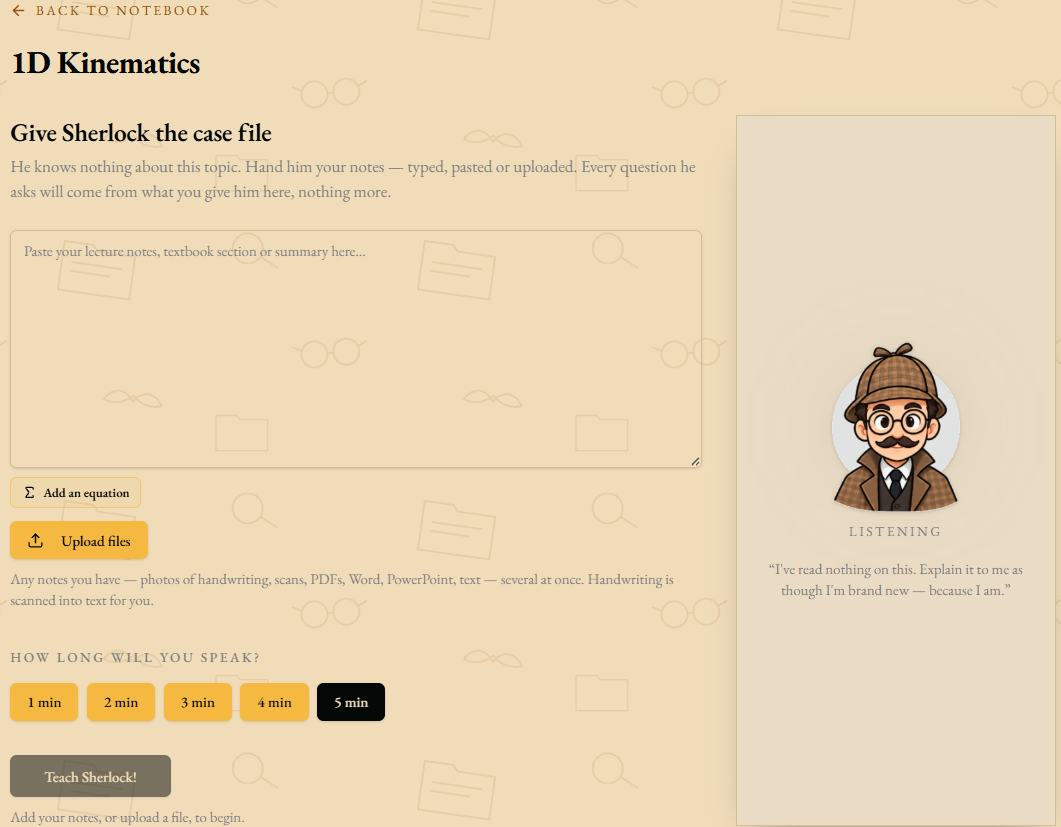
Initial Session Creation
-
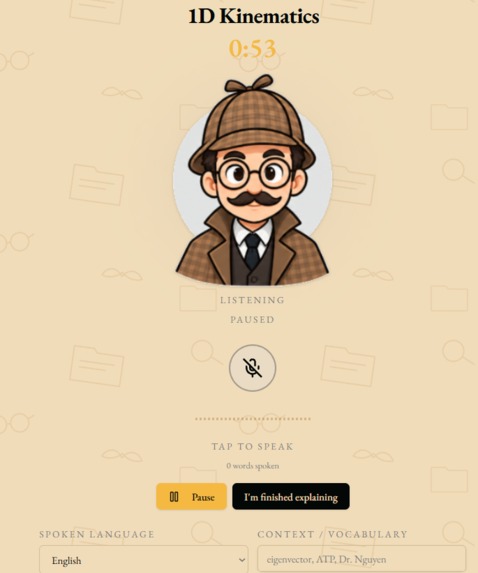
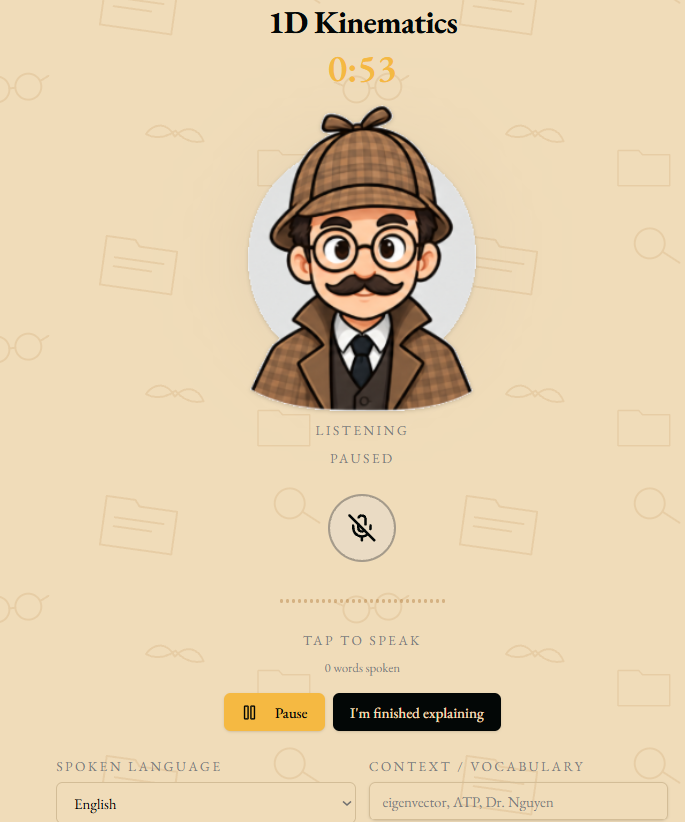
During Student's Blurt
-
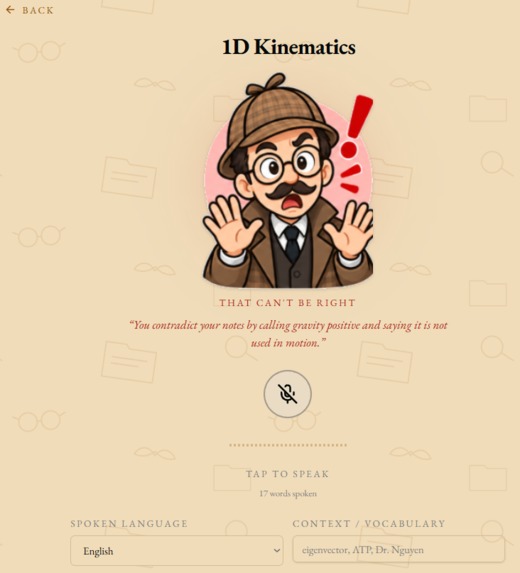
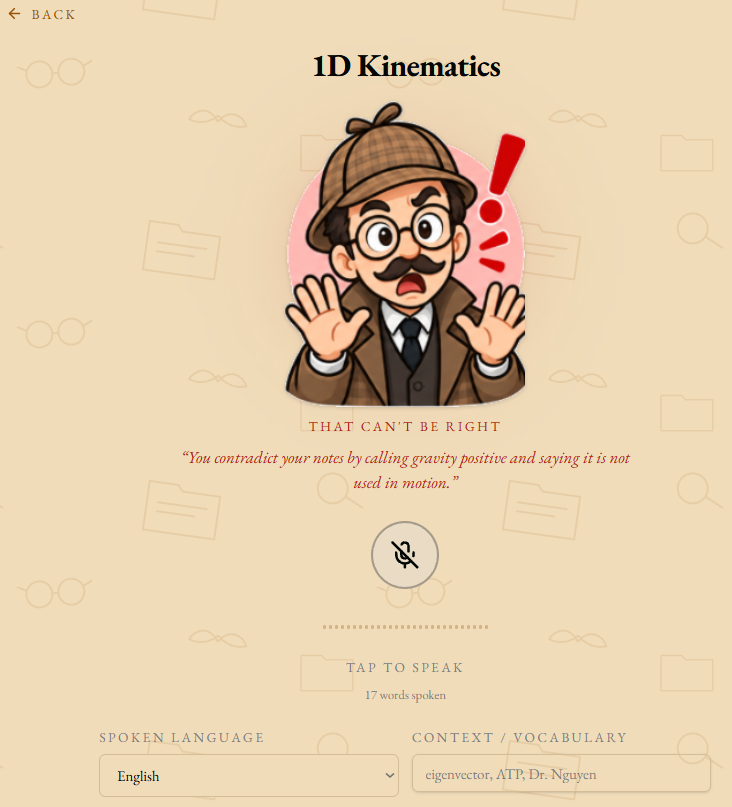
Reaction Based on Student's Blurt
-
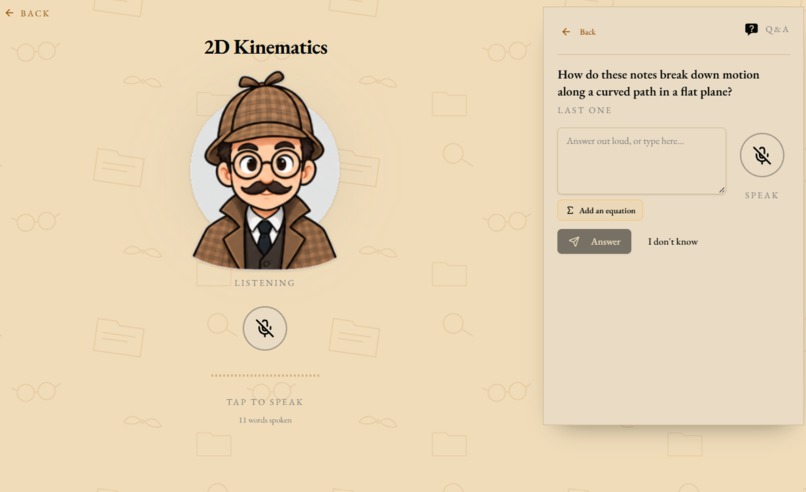
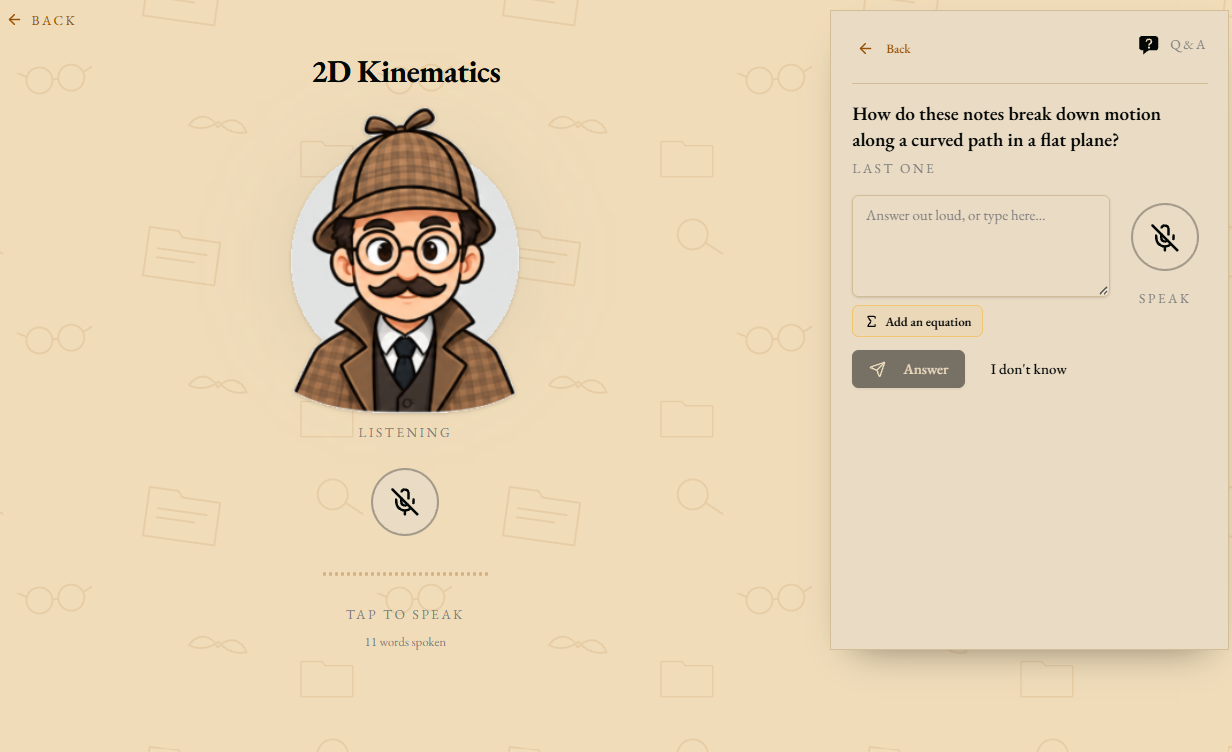
Mid-Session Q&A Post-Blurt
-
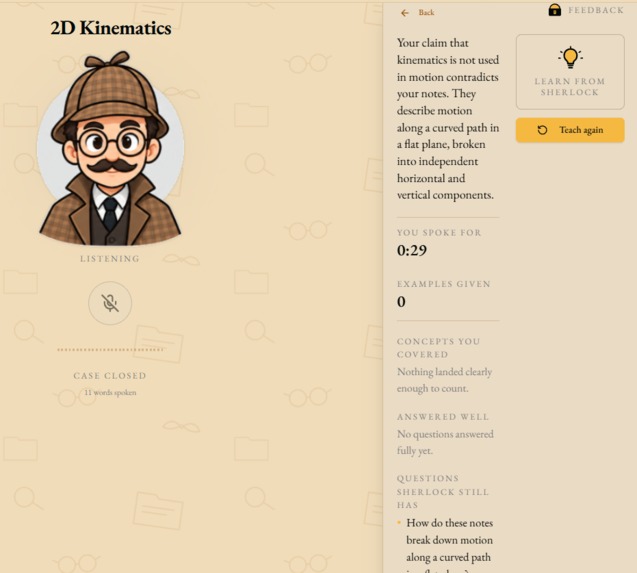
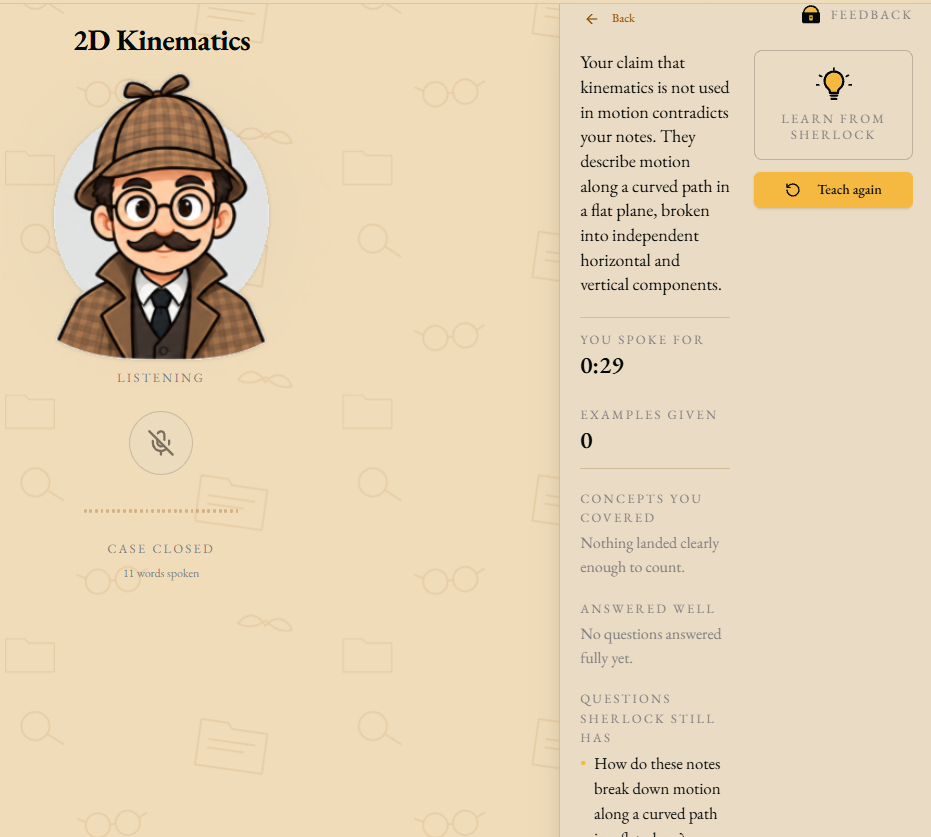
Feedback Session after Q&A
-
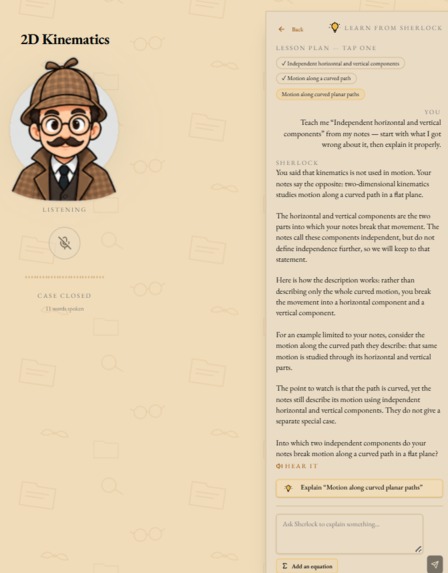
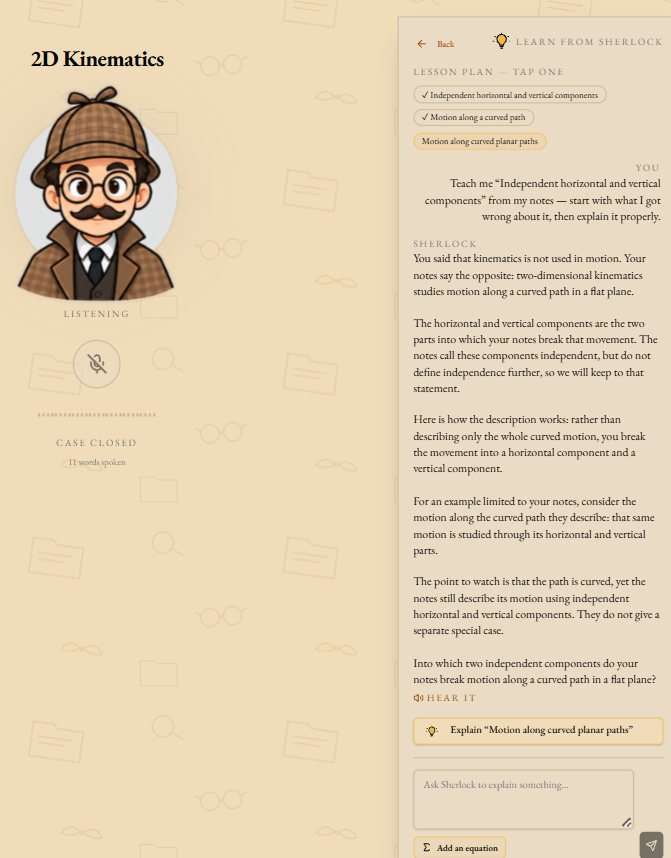
Learn from Sherlock session, where the user goes in depth into learning a topic
Inspiration
As students, we have experienced before in high school how inefficient simply reviewing one's notes is. Simply re-reading didn’t necessarily equate to understanding for us, and we felt that we were sometimes unprepared for the questions on exams. We are sure many other students may relate to this, and thus, we wanted to build an AI tool that is not just simply re-reading or passive studying, but rather actually applying one's learning through the Feynman technique. Another inspiration is the usage of AI. We know firsthand how AI is oftentimes used for studying, helping on homework, or creating ideas that are not the students’ own. We are even sometimes victims of asking AI to simply feed us answers, which is detrimental to our learning. Instead of having an AI bot that simply feeds the user the answer, the roles are reversed. The student is teaching the AI what they know out loud, and the AI bot can fill in any gaps in understanding while still being relevant to your own uploaded notes.
What it does
Sherlock takes any notes or material the user has (think lecture slides or textbook pages) and learns the concepts. It then takes on the role of a student: barely aware of the material, but inquisitive and open to learning. The user then starts a blurt session, teaching Sherlock everything they know about the topic. After they finish, Sherlock asks questions about anything that wasn’t covered in the blurt, but was in the notes, just like students in a lecture hall. The user can then answer these questions. Sherlock’s reactions throughout the program provide the user a gauge for how they’re doing, and the end of session feedback details their teaching and mastery of subjects.
How we built it
- Frontend: React with TypeScript, TanStack Start for routing and server functions, Tailwind CSS and shadcn/ui for components, and EB Garamond for the detective-nobook aesthetic.
- Backend: TanStack server functions for app logic, Supabase (Lovable Cloud) for PostgreSQL persistence, and Drizzle for migrations.
- AI / Voice: Lovable AI Gateway for OpenAI gpt-6-astra (grading, Q&A, feedback, Learn mode) and Google Gemini gemini-3.5-transcribe for English speech-to-text. ElevenLabs provides Sherlock's spoken voice.
- Document parsing: PDFs are rendered to images, DOCX files are parsed, and images are run through a vision model to extract handwritten or printed text.
- Math support: KaTeX and MathLive let users type and view equations anywhere they input text.
Challenges we ran into
Our biggest challenge that we ran into was the transcription part of the chat session. Initially, when the user was speaking, the transcribed text was extremely inaccurate and kept dividing whole words into two or more non-related words. We decided to learn how some of the most popular platforms, such as Zoom and Gemini, incorporate audio transcription and were hoping to be able to somewhat mirror their solutions. Then, through strict prompting, we were able to use Google Gemini 3.5 Transcribe through the Lovable AI Gateway. Eventually, almost every word we spoke was correctly transcribed by Sherlock, even high-level STEM terminologies. Another challenge was keeping Sherlock to only pull information from the user's notes. Early prompts asked for definitions of terms the notes never defined or went more in depth than the notes. We tightened every prompt with a shared boundary rule: only use what the user supplied and never infer.
Accomplishments that we're proud of
- Uploading handwritten digital notes — even large scanned PDFs — and having Sherlock accurately transcribe them into usable study material.
- Building a real-time expression engine where Sherlock's face reacts to the user's explanation as they speak.
- Creating a complete learn-review loop: teach → get quizzed → receive feedback → study exactly what was missed.
- Supporting mathematical notation throughout the app, from notes to Q&A answers to spoken explanations.
What we learned
- Prompt engineering is the product. Small wording changes in system prompts changed the entire user experience, especially for Q&A depth and feedback tone.
- Voice UX is hard. Latency, autoplay policies, and audio cleanup across browsers required careful handling of streams, blobs, and user gestures.
- Grounding AI in user data matters. When Sherlock stayed strictly within uploaded notes, the app felt useful rather than annoying.
What's next for Sherlock Holes
- User accounts so each student owns their own notebooks, sessions, and feedback history.
- Long-term retention tracking, so Sherlock can surface concepts the user hasn't reviewed in a while.
- Support for more document types and richer session analytics.
- A teacher mode where educators can preview how well their own explanations would land before presenting them to a class.
Built With
- elevenlabs
- gemini
- geminiai
- lovable

Log in or sign up for Devpost to join the conversation.