-
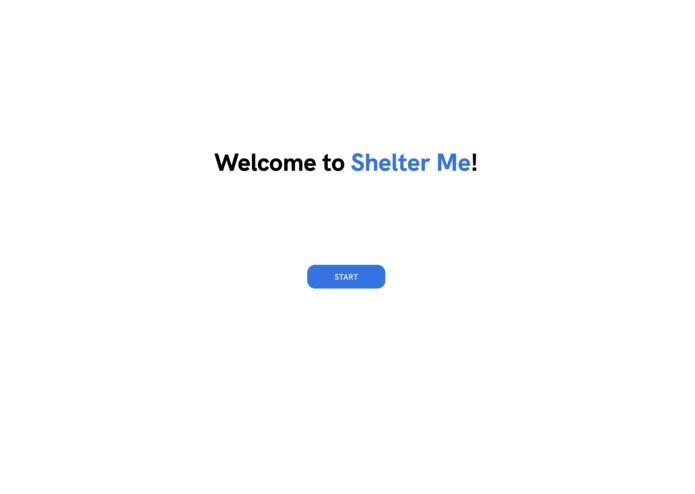
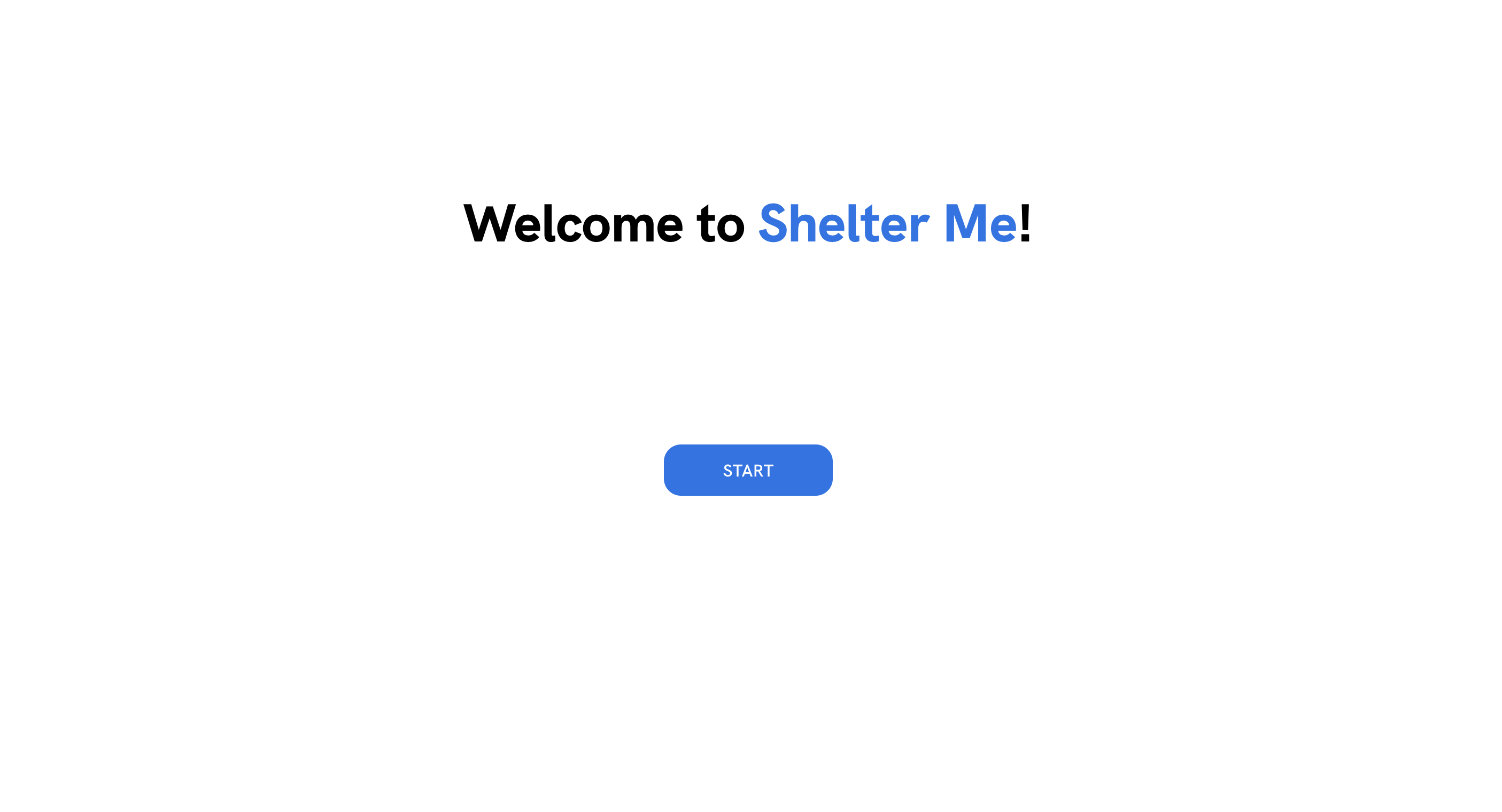
Start page for ShelterMe
-
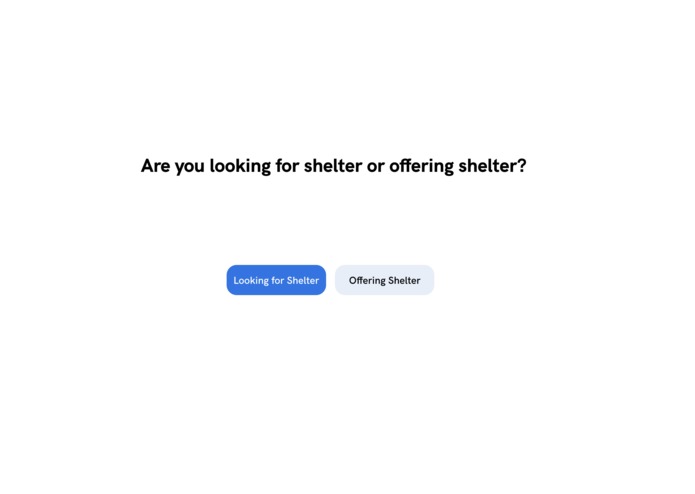
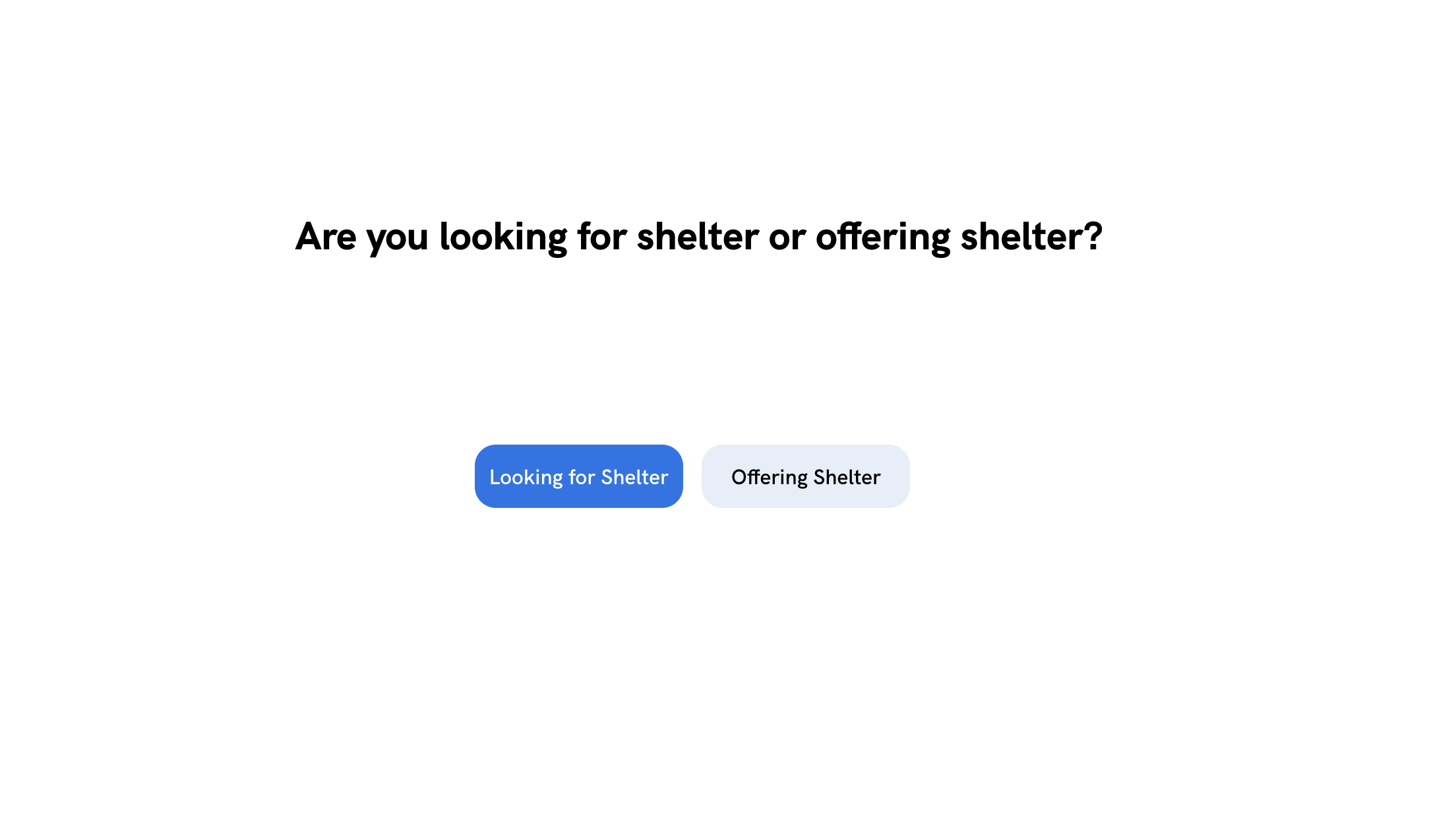
Page that allows people to choose whether they're searching or offering shelter
-
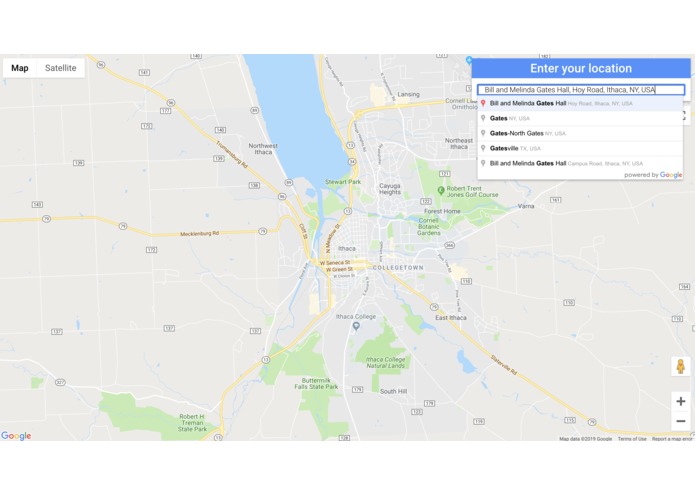
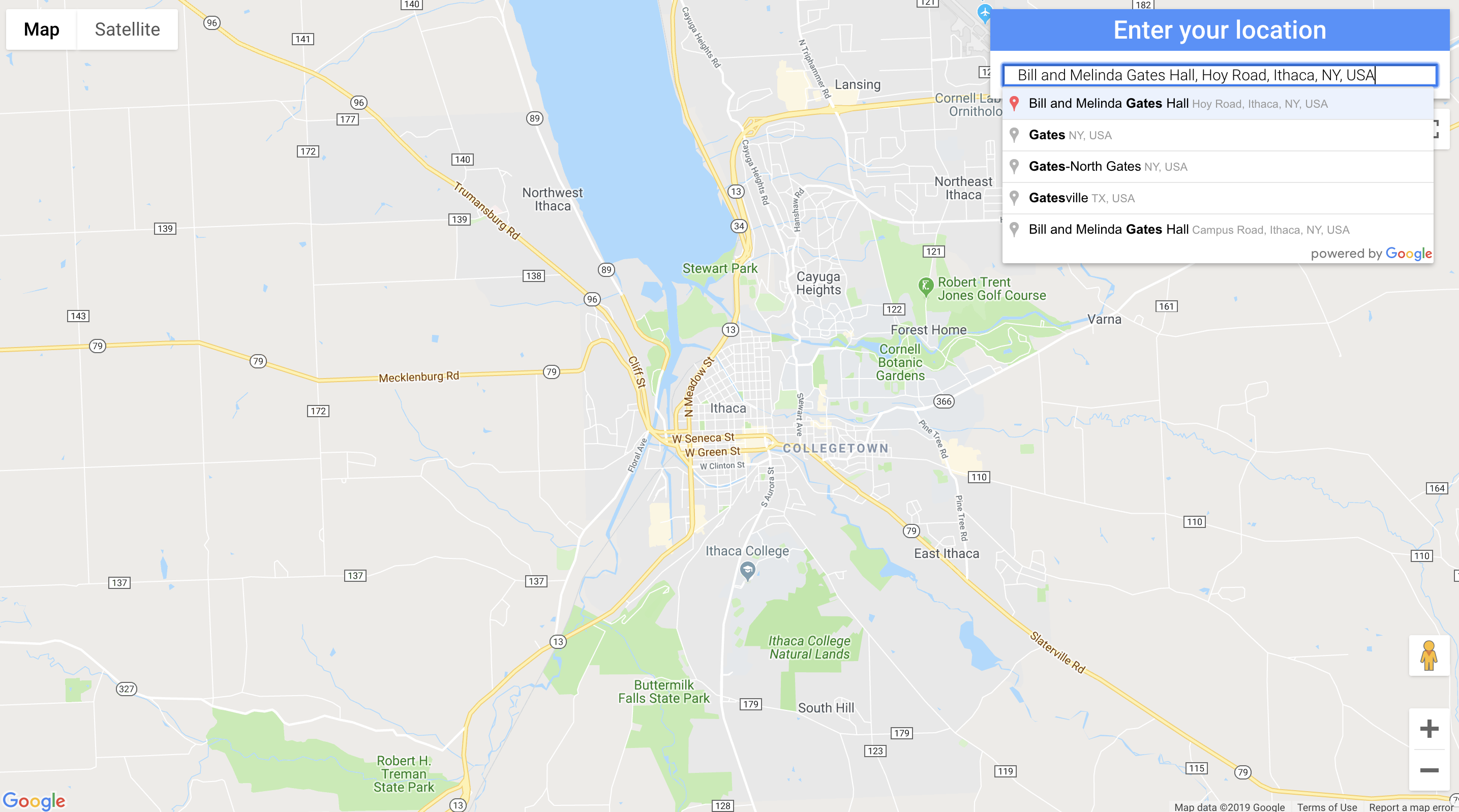
Map that allows people to enter their location
-
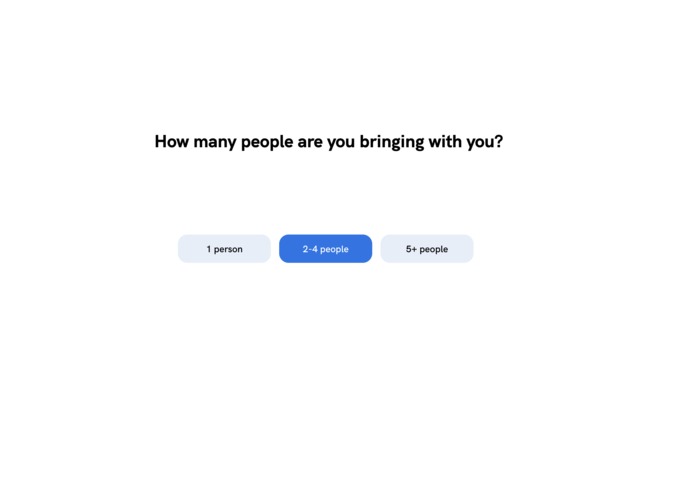
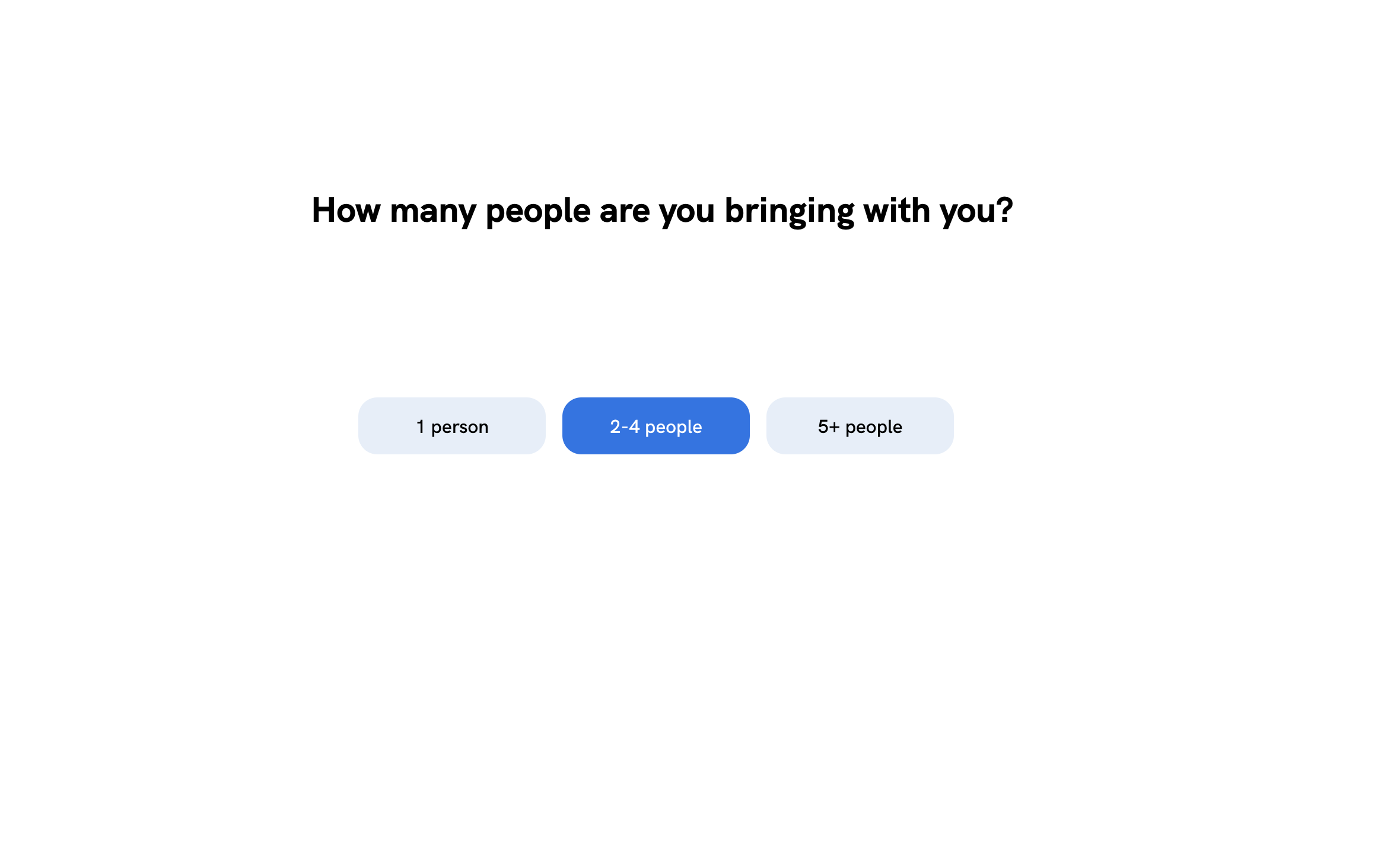
Page that allows people to enter how many people are in their party
-
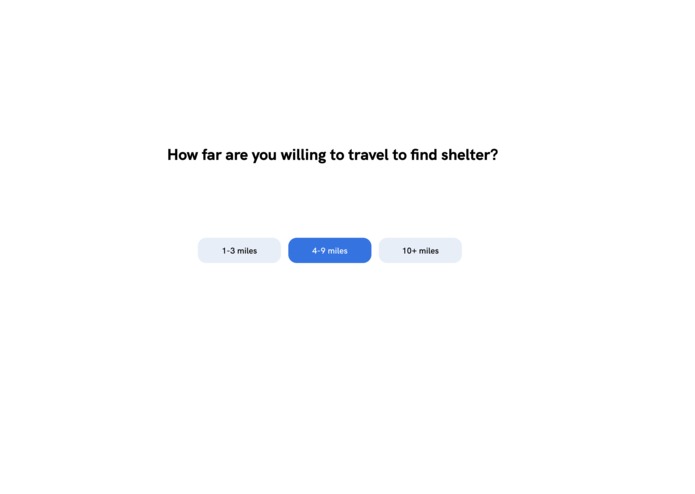
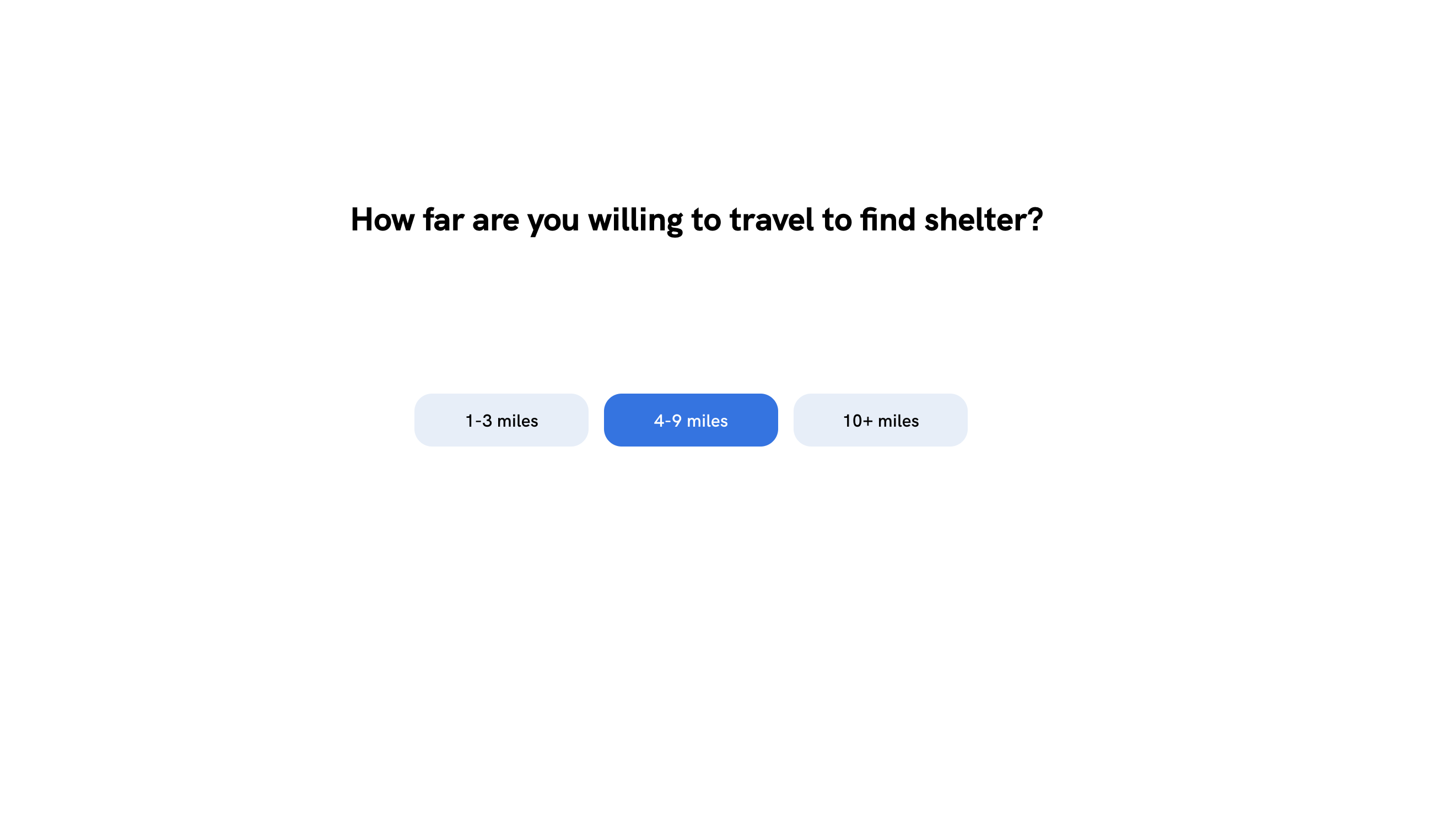
Page that allows people searching for shelter to enter how far they are willing to travel
Inspiration
Our inspiration for this project came from our teammates. Two of our teammates have lived through hurricanes, and they spoke about knowing people who would need shelter but did not know where to turn. This inspired us to create a project that allows people to both search for places for shelter and also offer their places as shelter.
What it does
People searching for shelter have the ability to enter their location, how many people are with them and the range they are willing to travel in. They are then presented with a map listing various shelters in their location range.
People offering shelter have the ability to enter their location, the number of people they can accommodate, meals they can supply, the duration they will let people stay, and whether or not they can accommodate people with special needs. They are then presented with a summary of all the information they have entered.
How we built it
Before bringing the project to life, our product designer began her design journey by researching about the effects of Hurricane Maria and Dorian. She wanted to see what the people of the Caribbean needed in times of crisis. After user researching, she created personas to determine the different needs of all kinds of users of our product. She later crafted sketches and medium fidelities, taking the user into account. After determining the most efficient flow, she brought the designs to a program called Sketch and later helped the front end developers.
Our developers used HTML, CSS, and Javascript, as well as Python, in order to create ShelterMe. We used HTML, CSS, and Javascript to create a web application that would give the user the ability to start at the home screen and go through on an on boarding process that would eventually bring them to a results page unique to the conditions that they entered. The backend of this project, which is written in Python, helps us have the ability to go from page to page.
Challenges we ran into
We were unable to get a database working for this project, so as of now, we are not able to store the data that the user enters as they click through the screen.
Accomplishments that we're proud of
We created a fully functional frontend for ShelterMe! This is the first hackathon for all of our team members, so we're very proud of what we created. We were able to style our application with code the way that our product designer envisioned it, and we completed most of the features that we wanted to implement when thinking about the idea. We had a fun time, and we got to bond as a team!
What we learned
We learned a lot about teamwork during this hackathon. We all had to heavily rely on each other in order to get bugs fixed and to get different areas of ShelterMe done. We also all learned about working efficiently and productively. Since we had a very short amount of time to get our project done, we had to make sure to stay on task as much as we could.
What's next for ShelterMe
We don't want this hackathon to be the end of ShelterMe! We want to continue looking into and understanding databases, so we can implement one and allow user data to be stored properly. We also want to look at potentially implementing more features in order to make ShelterMe a more robust application.


Log in or sign up for Devpost to join the conversation.