-
-

Team Logo
-
Our Discord Server
-
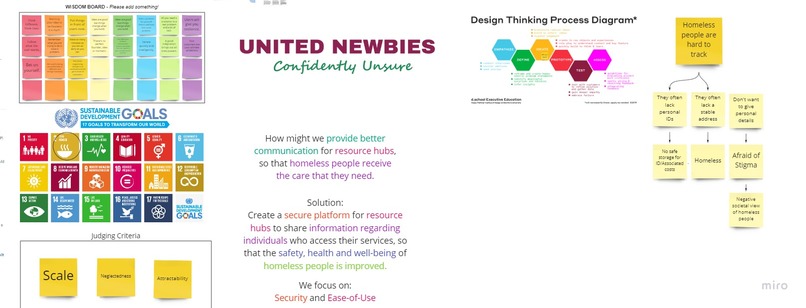
Our Miro Board
-
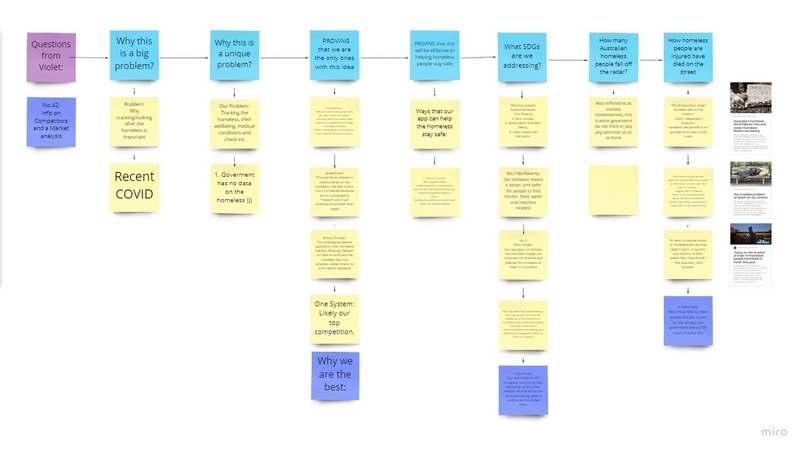
Research
-
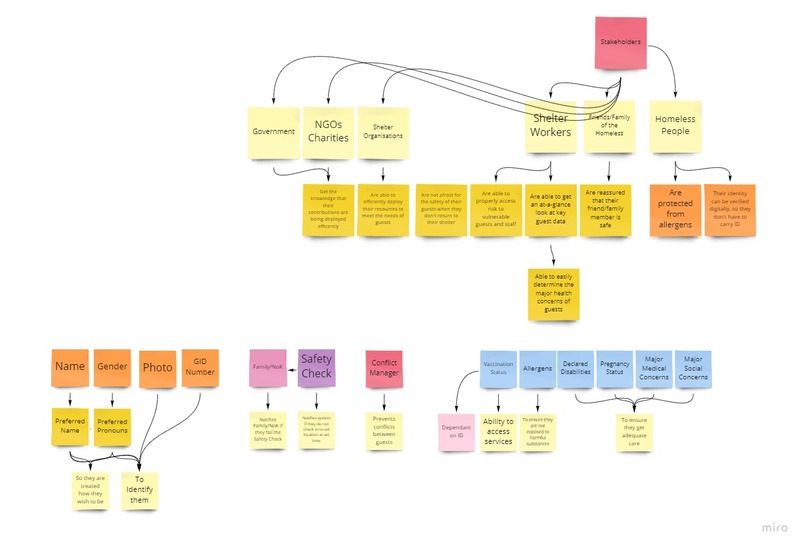
Analysis
-
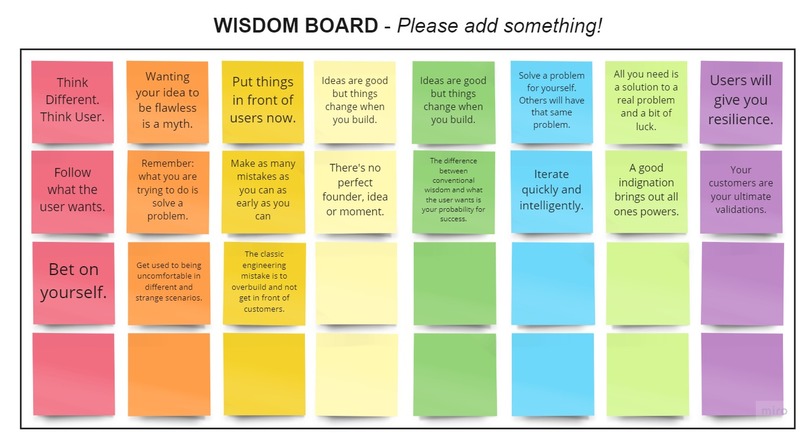
Team Wisdom Board
-
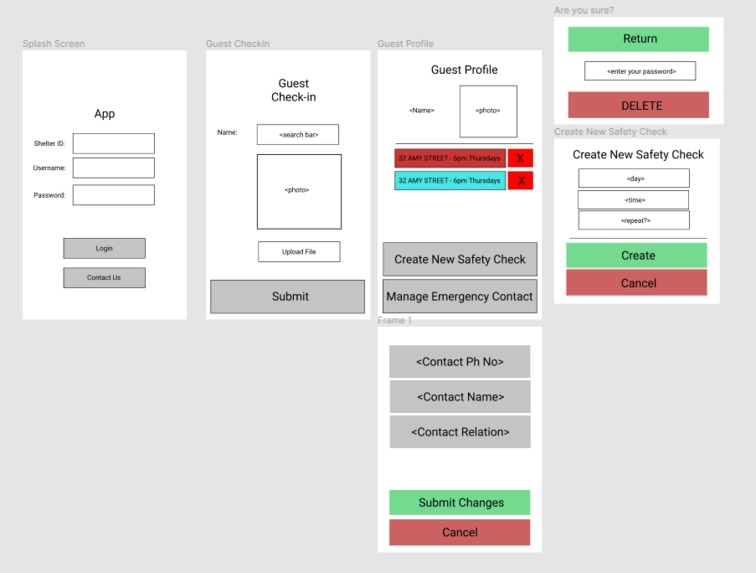
Figma Mockup

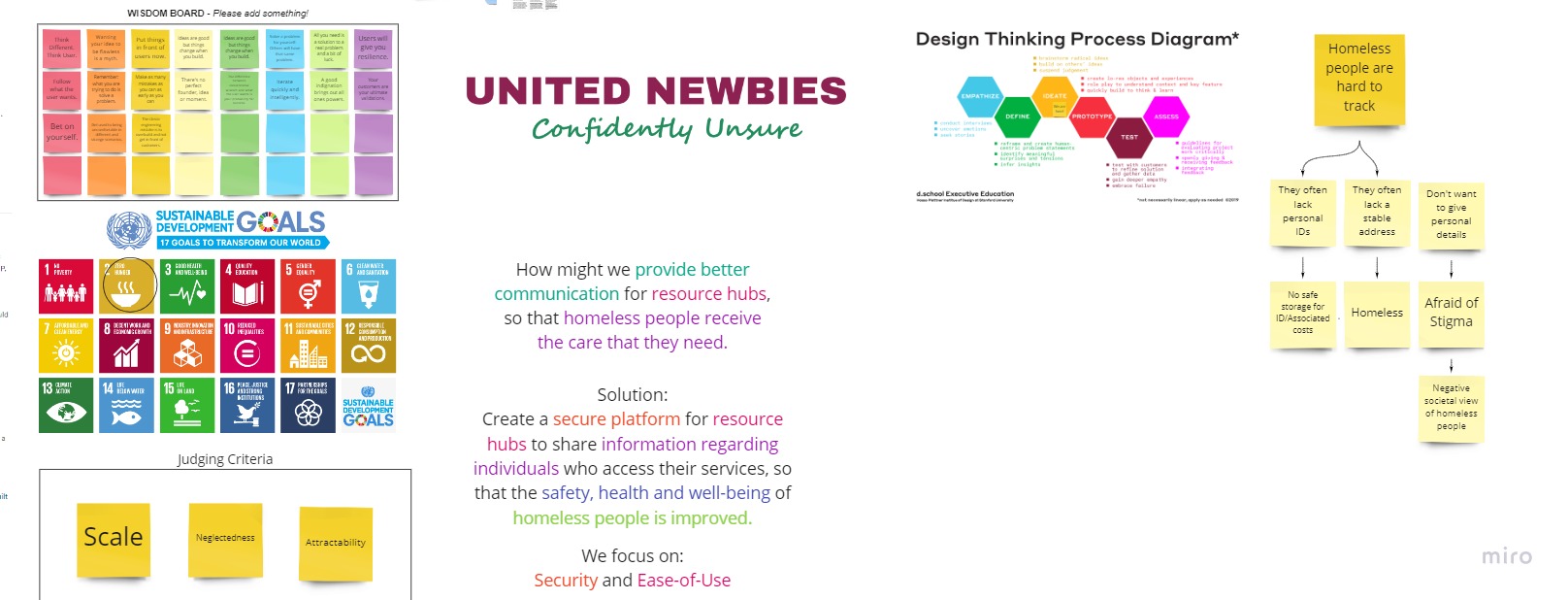
Inspiration
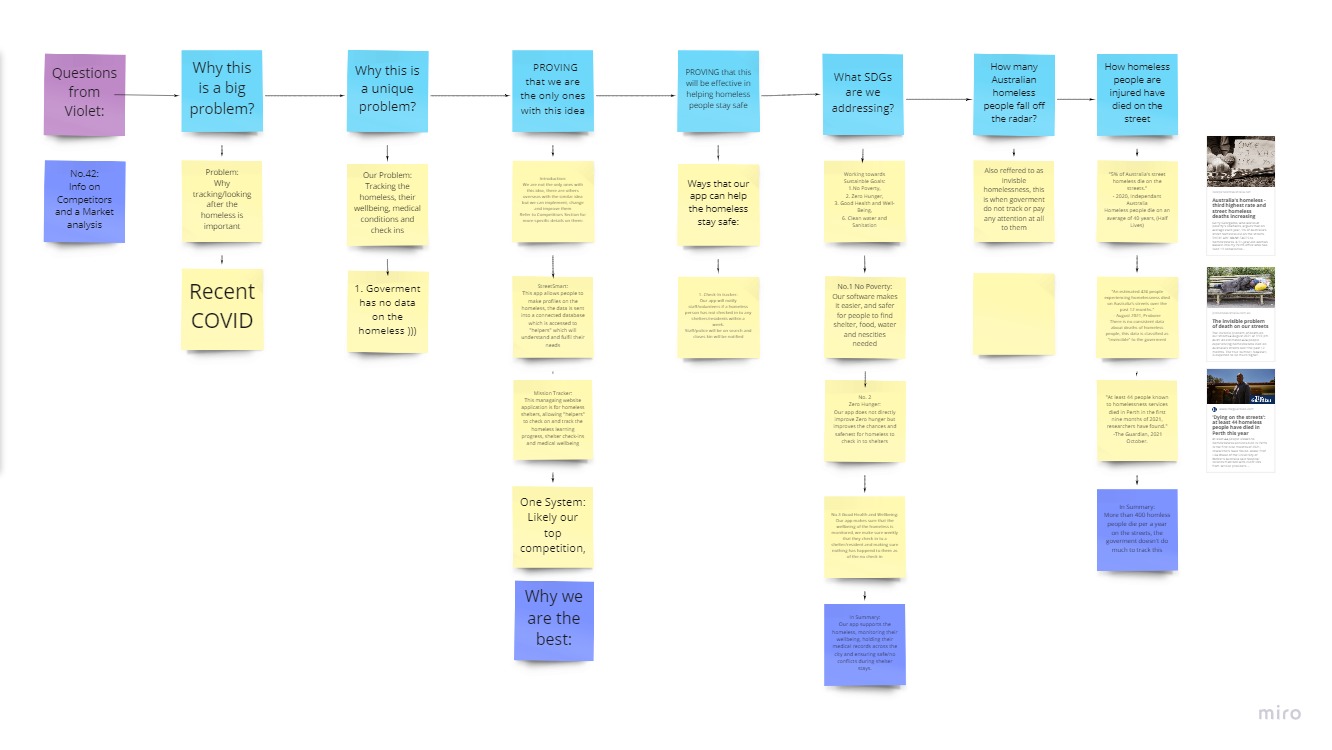
We have seen the huge number of homeless people on our city streets. We have spoken to shelters and members of the community about the biggest problems facing homeless people in Australia and their answer was overwhelmingly: that it is hard to keep track of their guests. People just vanish off the street and shelters don't know what happened to them. People can and do go missing without anyone noticing.
What it does
SHELTER ALERT is an easy-to-use, super light-weight and secure tool for shelter workers to ensure that their housing insecure guests are free from harm.
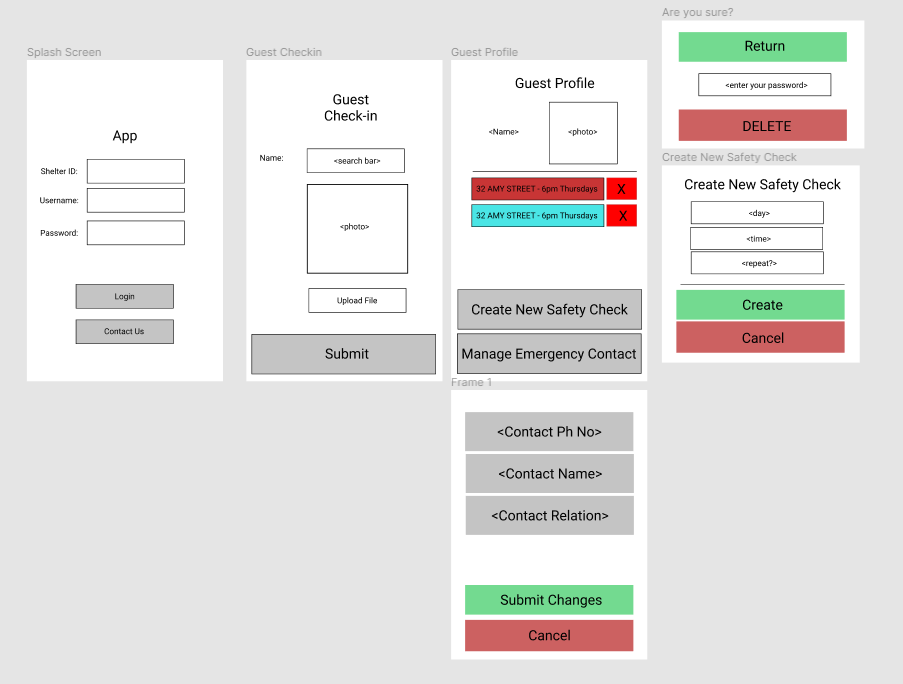
Shelter workers can download the app from the app store then log-in with their verified and secure SHELTER-ID, personal username and password.
When guests arrive at the shelter, they can use the search bar to find their name, and use the attached to identify them.
They can then view that guest's profile, see the currently active safety checks, and add new checks on request from guests.
They can also update the guests preferred emergency contact details, who will be notified in the event of an alert.
If a guest is not checked-in to the shelter within an hour of their set safety check, an alert will be triggered that sends a text message to all workers at the shelter, the shelter manager and the guest’s emergency contact - informing them that the guest didn’t get in and may be in danger.
These parties are encouraged to contact the police and file a missing persons report, and speak to the people that may know the guest to determine any potential dangers.
How we built it
After building the Android mobile application files in the Android Studio IDE we perform this demo on the Pixel 4 in-built emulator. The splash screen automatically appears and has a fading animation to navigate to the landing screen which is the login. We enter the shelter manager or co-ordinator’s credentials (which will be pre-assigned by the supervisor). After the id, username and password are verified from our online/cloud database- the firebase real-time database by Google developers- we reach the check-in screen. Here we select from the drop-down menu the guest’s name and their picture appears. We then view the safety check list, deleting the expired or irrelevant ones alongside the guest’s profile details. From here one can enter a new emergency contact or even schedule a new safety check alert. The app is programming in Kotlin and its resource assets include layout files to strings, colors, styles, dimensions, drawable icons and media. Kotlin good practices are followed like the MVC software design pattern, concurrency and recycler view to improve performance (validated by Profiler recordings) and sound UI/UX principles like colour button affordances and visibility of system status by the progress bar and popup message after the login is successful. Dependencies for the firebase remote database storage, UI widgets and live data using android lifecycles and viewmodels are implemented in the gradle and network use and smooth navigation from the manifest files. Google material design, styles, icons and documentation has been diligently followed as well.
Challenges we ran into
- This is our first hack-a-thon so we had no experience.
- We ran really tight on time.
- We spent 7 hours stuck on ideation because we struggled to find a problem that other people weren't solving. ## Accomplishments that we're proud of
- We worked very well together as a team. We all played our part and pooled our strengths to get the project done.
- The UI/UX is sleek and highly-usable.
- We are proud of the highly-creative pitch that took a lot of filming, practicing and editing. ## What we learned
- Our ideation skills have improved ten-fold.
- We learnt how fun it is to participate in a hack-a-thon.
- We learnt how quickly we can work when time is not on our side.
- We learnt resilience. We didn't give up when we didn't have a solid idea after 7 hours. ## What's next for Shelter Alert
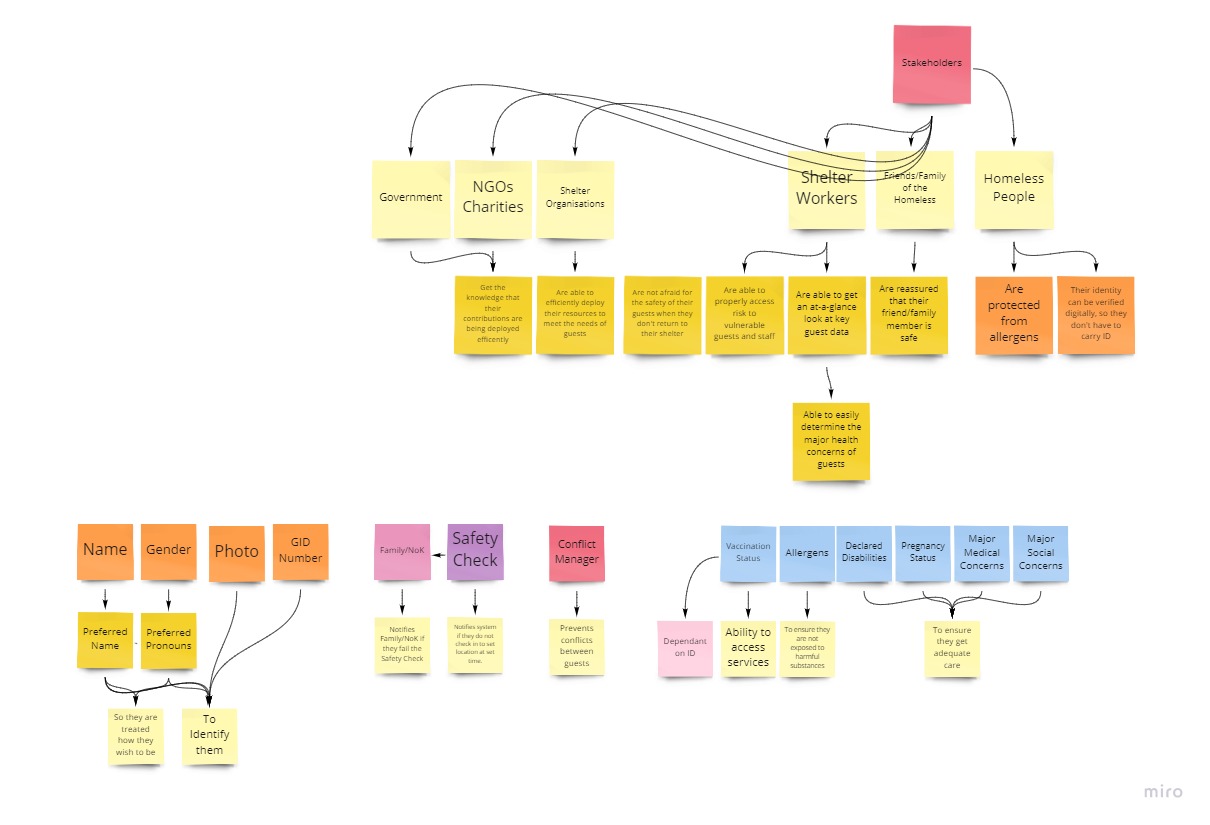
- With proper funding and time, we want to add more features to the system such as a conflict manager to help shelter workers avoid conflicts between guests and a flag-system that allows staff to have a record of guest's health risks, medical problems and allergies when they check in.
Built With
- adobe-rush
- android-lifecycles
- android-studio
- android-viewmodels
- figma
- firebase
- google-docs
- google-drive
- google-material-design-styles-icons-documentation
- google-slides
- kotlin
- kotlin-concurrency-and-recycle-view
- miro
- mvc-software-design-pattern
- online/cloud-database
- photoshop
- pixel4-in-built-emulator


Log in or sign up for Devpost to join the conversation.