Inspiration
With the increase in AI integration into transportation, it is important to ensure that people don't end up near their location but exactly where they want to be. As we spoke to a mentor at ShellHacks, and he shared his experience getting left at the wrong entrance from an AI taxi in the morning of ShellHacks, we decided there needs to be a more precise way to get people to their destinations. With this, DoorStep was created where users could specify exactly where to be dropped off for every stop while being assisted with every other part of their travel at the same time. Together we wanted to tackle Waymo's challenge of improving transportation and with DoorStep we are able to save everyone time and always get them to the right doorstep not just the right building.
What it does
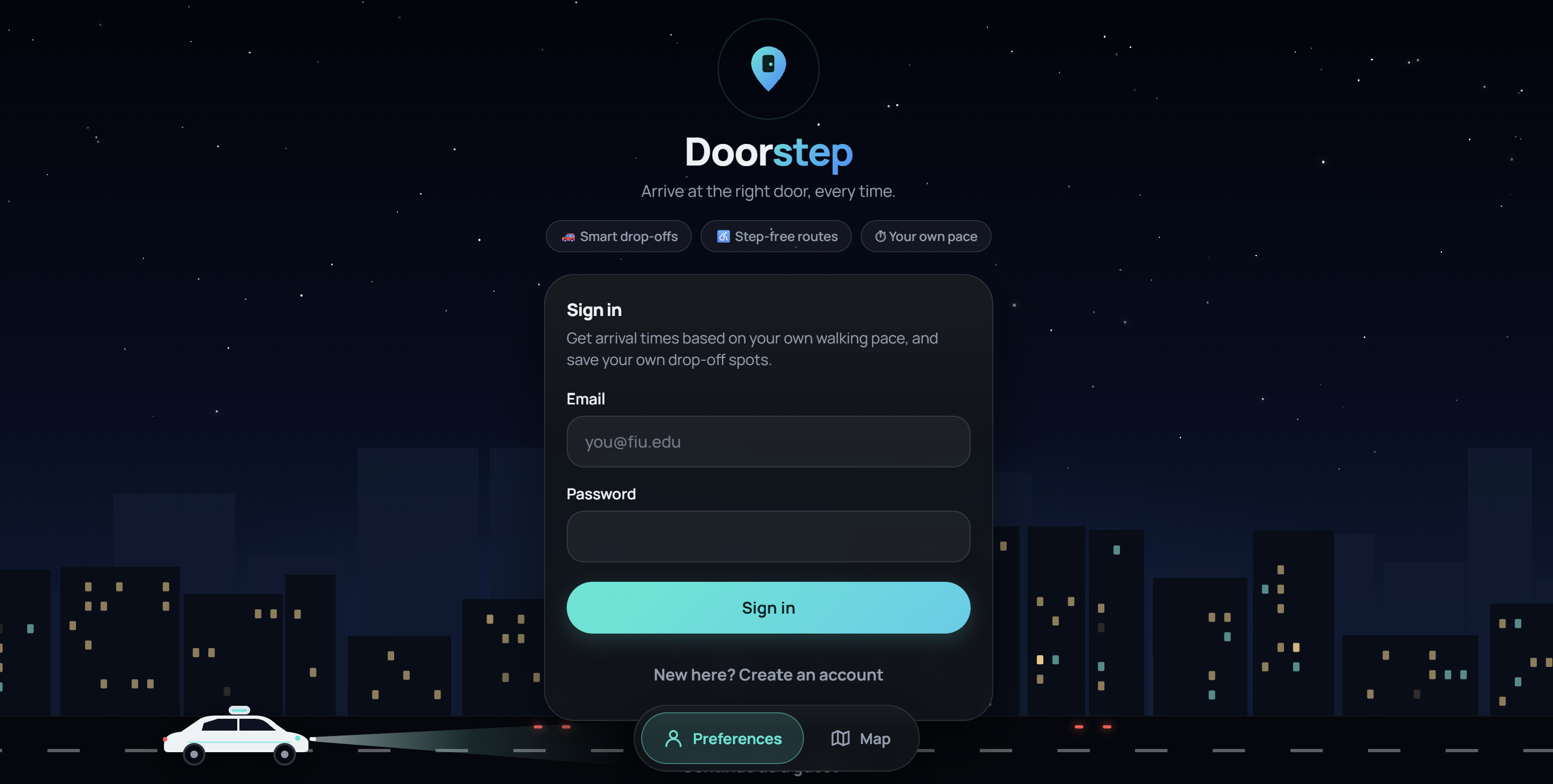
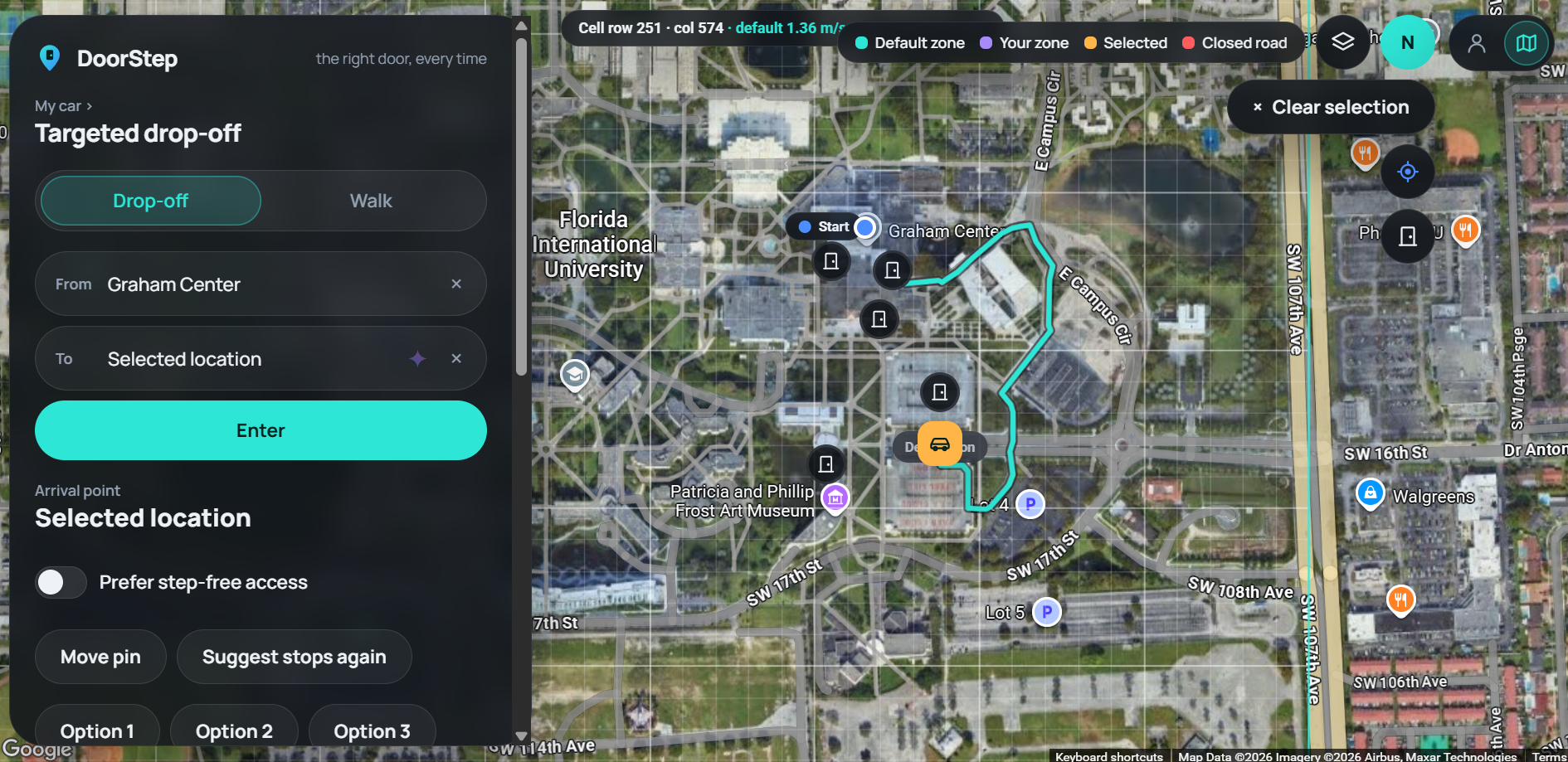
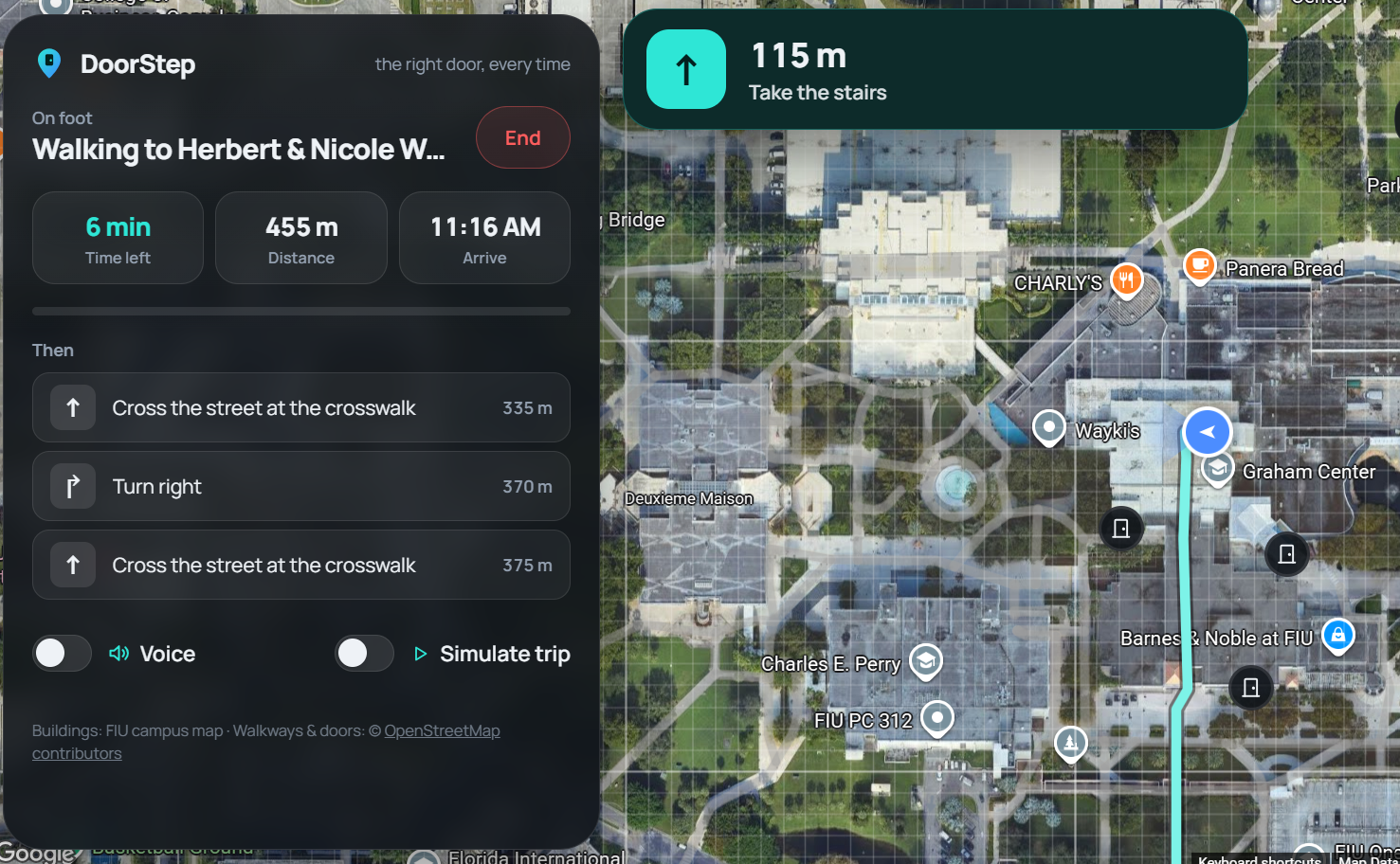
DoorStep is a AI-powered web application that gives users full control over their transportation. A user can create an account and use the application to get picked-up or dropped off by a driverless video or get assisted finding the best walking routes between locations. What separates DoorStep is the customization it presents users. Buildings on the map come with set drop-off/pick-up locations for different sections of the building specified per location. These set-up locations come by default to DoorStep users, but, they are fully customizable allowing all users to be transported to the perfect location for them specifically. This means a hospital needing certain patients in one entrance can easily ensure that happens or a student can make sure their car is ready at the south exit of a building eliminating an extra walk. Outside of the main features of DoorStep, it eases transportation problems in other methods: calculating walk times for individual people and allowing them to simulate their walk with an estimated time, letting users report potential hazards they find while walking, having AI find certain destinations from building descriptions, and more. Finally, this information is presented on a clean and clear UI that does not overwhelm the user despite the customization they may have.
How we built it
We used Google Server Key with Routes API and Places API, MongoDB, Prisma 6, React, Bun, and JavaScript, TypeScript, CSS, and HTML for the frontend and backend. The Google Server Key and APIs along with MongoDB allow us to take map data and use it to section out areas allowing AI vehicles to have set paths that fit individual user desires. We additionally use Bun to do all calculations for the best routes, user walking speed, and expected arrival all while also adjusting for areas a user wants to avoid. We used Gemini API to allow for destination requests to be descriptions that Gemini is able to use to search for actual locations a user wants to go to or leave from.
For our frontend we used TypeScript, HTML, and CSS to create a clear UI in which users can fully zoom into and view the areas they travel to while additionally being able to clearly see where AI drivers will arrive based on building locations. Additionally this was combined with backend logic to allow for the zones to be easily changed by users and update routes accordingly.
Beyond campus buildings, we extended the same idea to any address or business: a user can search a location or tap directly on the map, choose a drop-off or pick-up point, preview the suggested stop and walking path, and save it privately to their account. This meant building an arrival-planning system that prefers a user's saved spot first, falls back to Google's own mapped arrival point, and only then considers nearby alternatives, while excluding any route that crosses an actively reported hazard or restriction.
Challenges we ran into
Trouble Keeping the UI Clean: Due to the nature of the application it was a challenge to add a significant amount of customizability while not having the screen be overwhelming. We resolved this by spending the majority of the time working on the frontend and removing unnecessary features that cluttered the screen so the UI could be easily accessible for all users.
Issues with Pathfinding Logic: Initially the app was not properly finding the best routes between locations or taking into account zones we were adding but after implementing a better pathfinding algorithm in the back-end we were able to accurately simulate the best pathways between locations per user and even simulate the trip.
Balancing Flexibility with Reliability: Letting users move a pin anywhere they wanted meant we had to be honest about the limits of that freedom. A user-moved point can get snapped to Google's road network, and it isn't automatically verified for things like stopping legality, private property access, or a fully accessible path. Rather than hide that uncertainty, we built the preview step to surface it before a user confirms a spot, and we made sure step-free requests are flagged as unverified rather than guaranteed.
Accomplishments that we're proud of
- We are proud of making a useful transportation system that can affect us in our day-to-day life.
- We're proud that DoorStep works for more than just mapped campus buildings: a user can drop a pin on virtually any address or business and get the same personalized, saved arrival experience.
- We built a real authenticated backend (MongoDB + Prisma) with a full API for saving, listing, and deleting a user's own arrival points, so preferences persist across devices instead of resetting every session.
- We're proud of how the app handles imperfect real-world conditions gracefully: excluding routes through reported hazards, being upfront when GPS isn't available, and never overstating accessibility it can't confirm.
What we learned
We learned how much complexity lives underneath a problem that sounds simple on the surface. Unlike how it initially seems we needed route planning, zone modeling, GeoJSON coordinate handling, and real-time hazard checking once you actually build it. On the technical side, we got much more comfortable working with the Google Routes and Places APIs, structuring a Prisma/MongoDB schema for per-user preferences, and using Bun to keep our route calculations fast. We also learned a lot about UI restraint: giving users powerful customization options is only valuable if it doesn't come at the cost of a confusing interface.
What's next for DoorStep
Our main goal going forward is to make DoorStep part of the AI driving systems that are already on the road today.
- Building an integration layer that lets a platform like Waymo pull a rider's saved arrival point directly into its own routing system, so the vehicle's onboard AI already knows the exact door, entrance, or curb the rider wants before the trip even starts.
- Turning DoorStep into a plug-in preference layer that any AI driving company can adopt, rather than a standalone app riders have to remember to open, so the precision we offer becomes a default part of the ride instead of an extra step.
- Improving offline and low-GPS support so walking simulations and arrival estimates stay useful even without a strong signal.
Built With
- bun
- css
- gemini-api
- google-maps
- google-places
- google-routes-api
- html
- javascript
- mongodb
- prisma
- react
- typescript


Log in or sign up for Devpost to join the conversation.