Project Story: ShelfScan
🎯 Inspiration
ShelfScan was inspired by the need to help people manage their grocery items more effectively. I wanted to create an app that simplifies the process of keeping track of grocery items, particularly their expiry dates, which can be easily forgotten.
As a busy individual, I often found myself buying duplicate items or forgetting to use ingredients before they expired. This led me to the idea of creating an app that scans receipts, tracks groceries, and suggests recipes based on what you already have.
📚 What I Learned
Throughout the development of ShelfScan, I learned a lot about different technologies and techniques:
- Flask: I deepened my understanding of Flask by building the web server for this app, handling routes, and managing API requests.
- OCR with Tesseract: I implemented Optical Character Recognition (OCR) using Tesseract, which was my first hands-on experience with extracting text from images.
- Spoonacular API: I learned how to integrate third-party APIs like Spoonacular to fetch recipe suggestions, expanding the app’s capabilities and offering more value to the user.
- TailwindCSS: I used TailwindCSS to create a clean and responsive UI. I learned how to work with utility-first CSS frameworks to quickly build a modern, mobile-friendly interface.
- Handling Image Uploads: I also gained valuable experience in handling file uploads in web applications, especially image processing, and storing them on the server.
🔨 How I Built It
Building ShelfScan involved several steps:
Backend Setup with Flask:
- I started by setting up the Flask server to handle routing and manage user interactions with the app.
- Created routes for uploading receipts, viewing items, and fetching recipe suggestions.
Receipt Scanning with Tesseract OCR:
- Used Python's Pillow library to process uploaded receipt images.
- Integrated Tesseract OCR to extract text from the images.
- Wrote logic to parse and extract item names from the scanned text.
Integrating Spoonacular API:
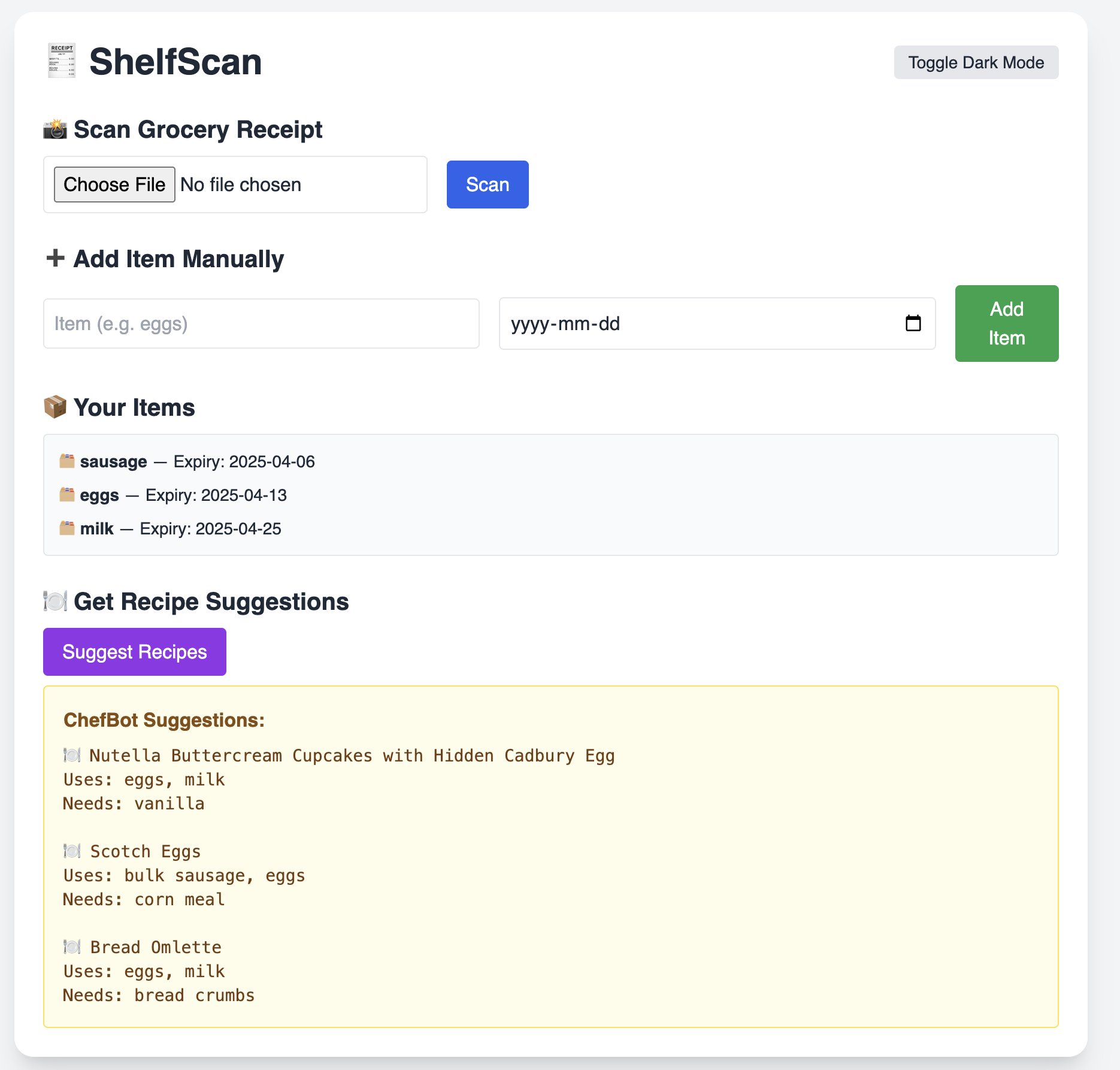
- After extracting grocery items, I used the Spoonacular API to fetch recipe suggestions based on the user’s ingredients.
- Implemented error handling for when the API limit is reached or when there’s no internet connection.
Frontend Development:
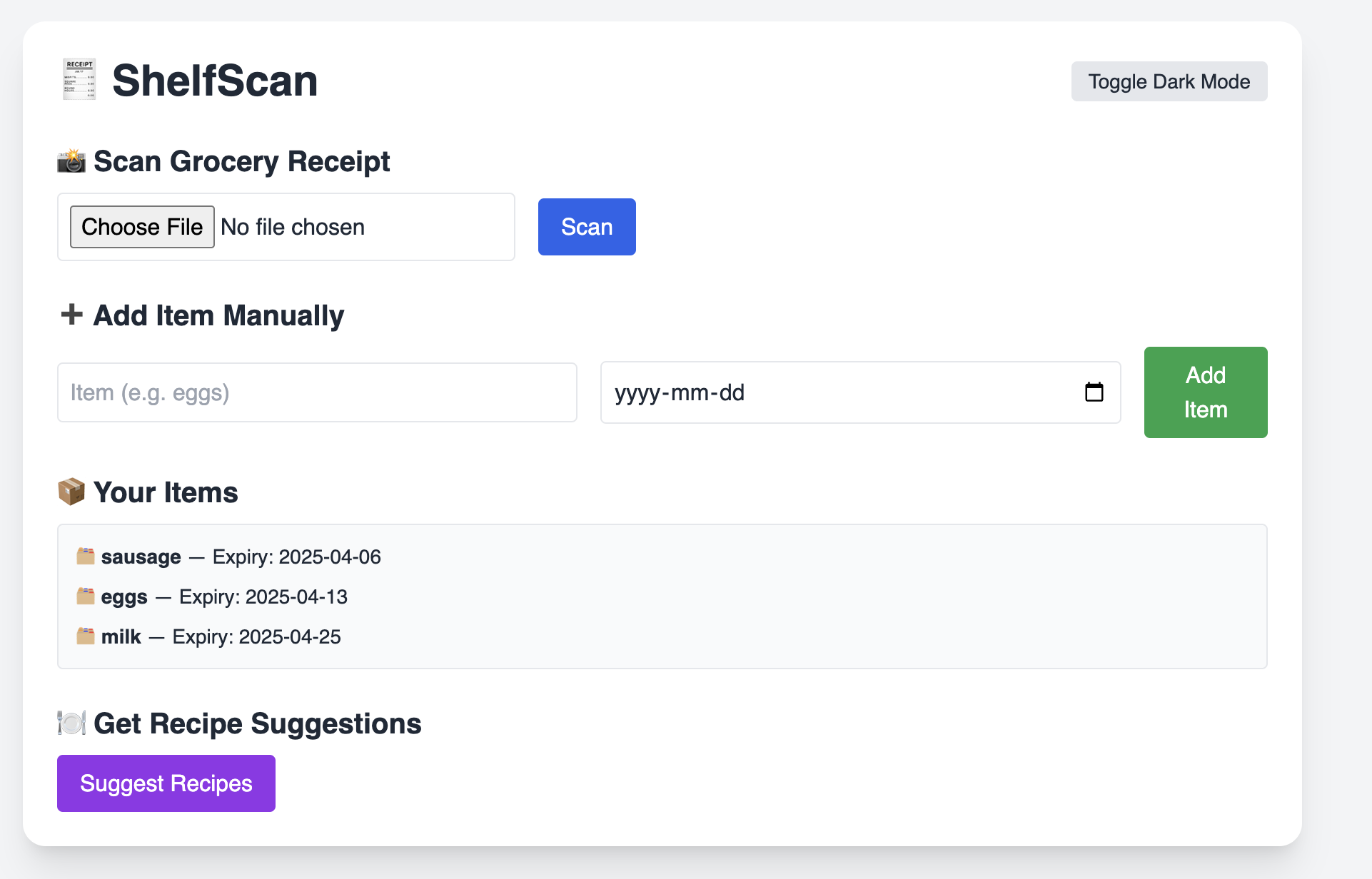
- Designed a simple, clean UI with TailwindCSS. The design is fully responsive, so it works well on both desktops and mobile devices.
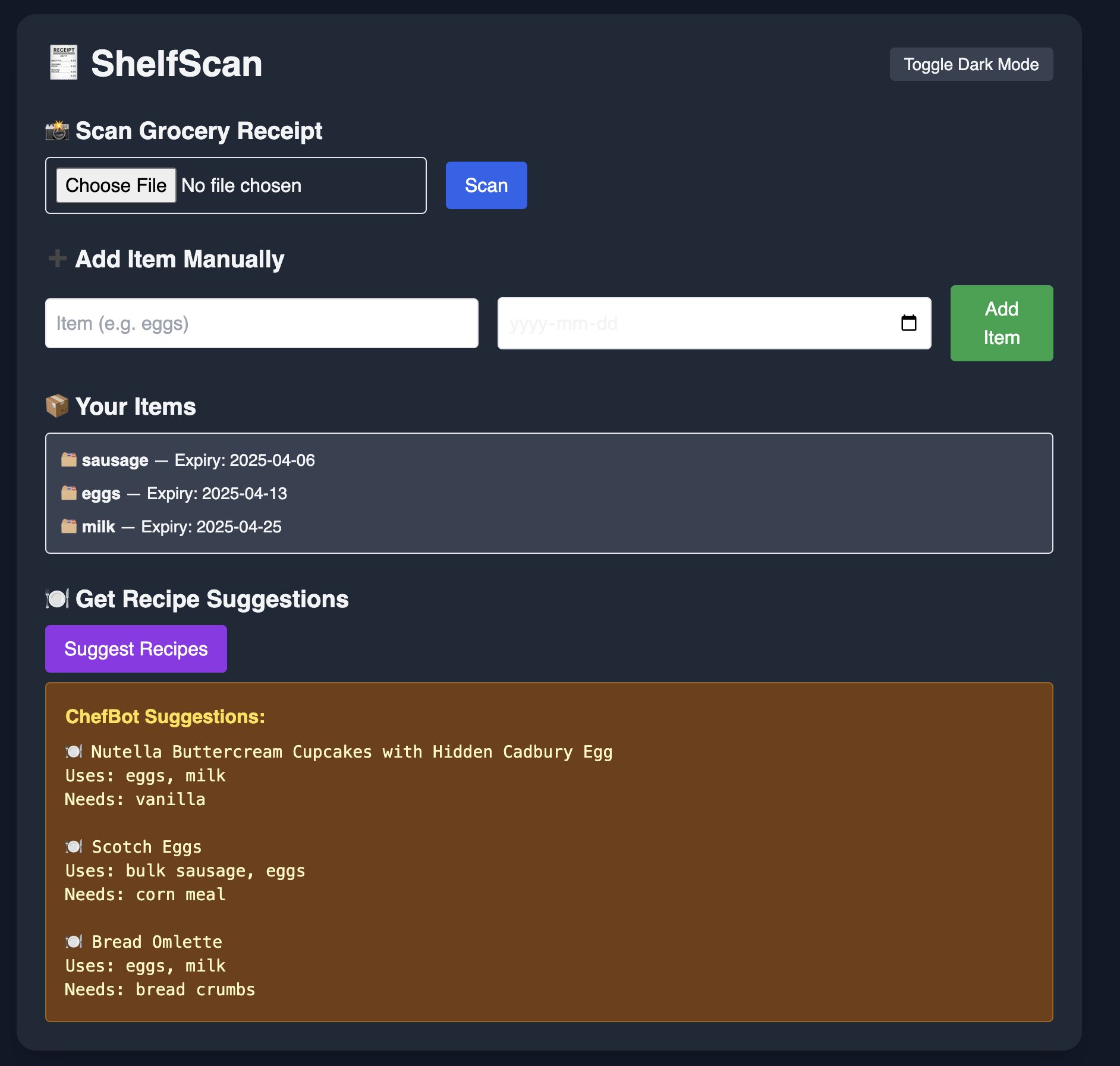
- Added a dark mode toggle and animations for better user experience.
Dark Mode and UI Animations:
- Implemented dark mode for a more user-friendly interface.
- Used simple CSS animations for item transitions to make the app more interactive and visually appealing.
⚠️ Challenges Faced
While building ShelfScan, I faced several challenges:
Tesseract OCR Accuracy:
- One of the main hurdles was improving the accuracy of Tesseract OCR. Receipt quality can vary, and Tesseract sometimes struggles with certain fonts or layouts.
- To mitigate this, I had to clean up the image before processing and experiment with different preprocessing techniques to enhance OCR results.
Handling Recipe Suggestions:
- The Spoonacular API has rate limits, so at times, I had to ensure that requests were optimized, especially since making too many requests in a short period could cause the app to crash.
- I also had to handle cases where the API didn't return any results, making sure the app wouldn't break in those situations.
Designing the UI:
- Initially, the UI was basic, but as I got deeper into development, I realized how crucial user experience (UX) is for an app like this. I spent time fine-tuning the dark mode, layout, and animations to make sure it was pleasant to use and easy to navigate.
File Uploads and Server Configuration:
- I ran into issues handling large image uploads and ensuring that the server was configured to handle them properly.
- I had to ensure that uploaded files were stored securely and that the app didn't crash under heavy usage.
💡 Future Improvements
- Enhanced Recipe Search: Add more filters to the recipe search, such as dietary preferences (e.g., vegetarian, gluten-free).
- User Authentication: Allow users to sign up and log in so they can save their grocery lists and favorite recipes.
- Barcode Scanning: Integrate barcode scanning to make it even easier for users to add items.
🚀 Conclusion
Building ShelfScan has been an amazing experience that has taught me a lot about web development, APIs, and user experience design. I’m proud of the final product and look forward to continuing to improve it.


Log in or sign up for Devpost to join the conversation.