-
-
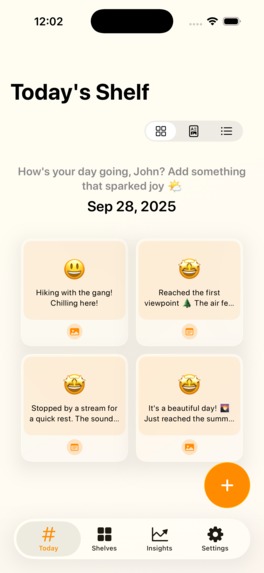
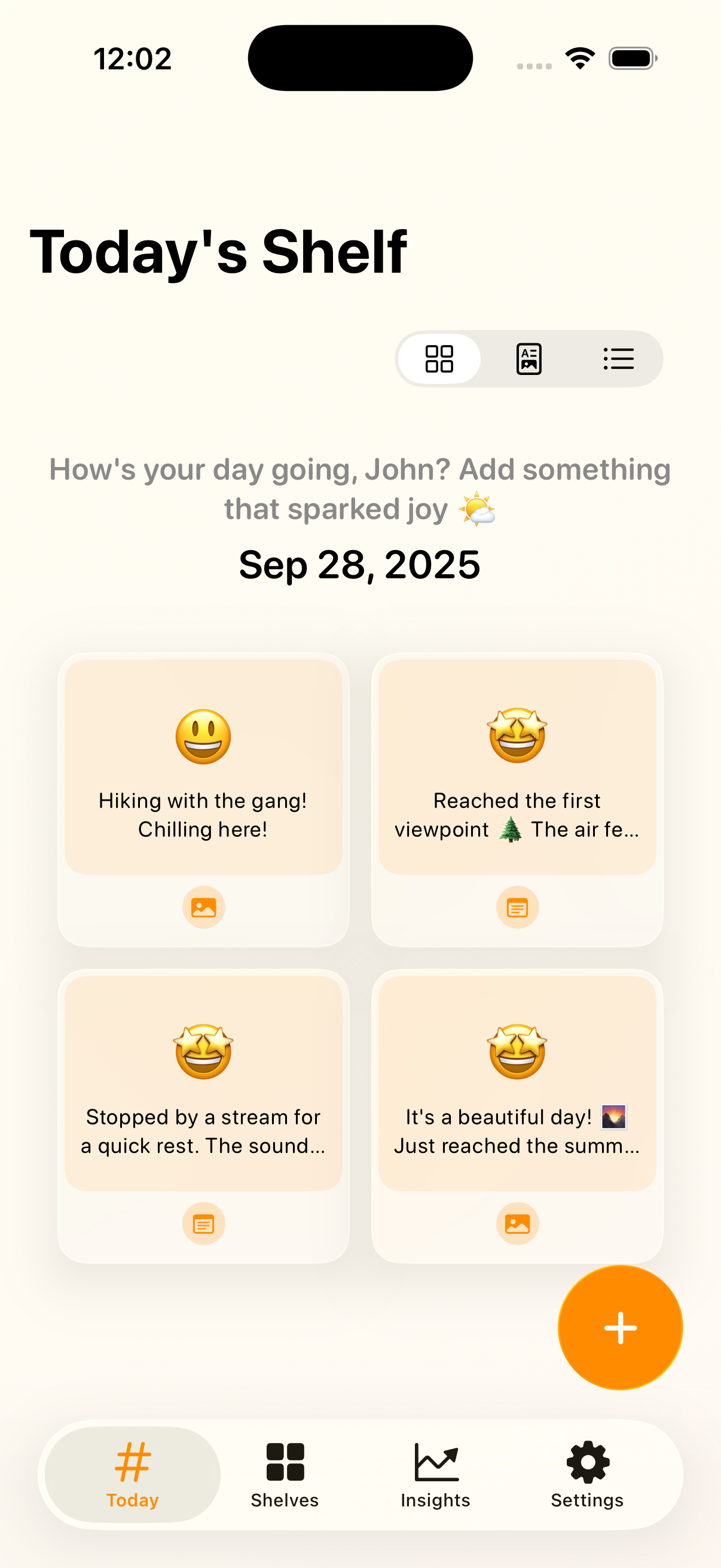
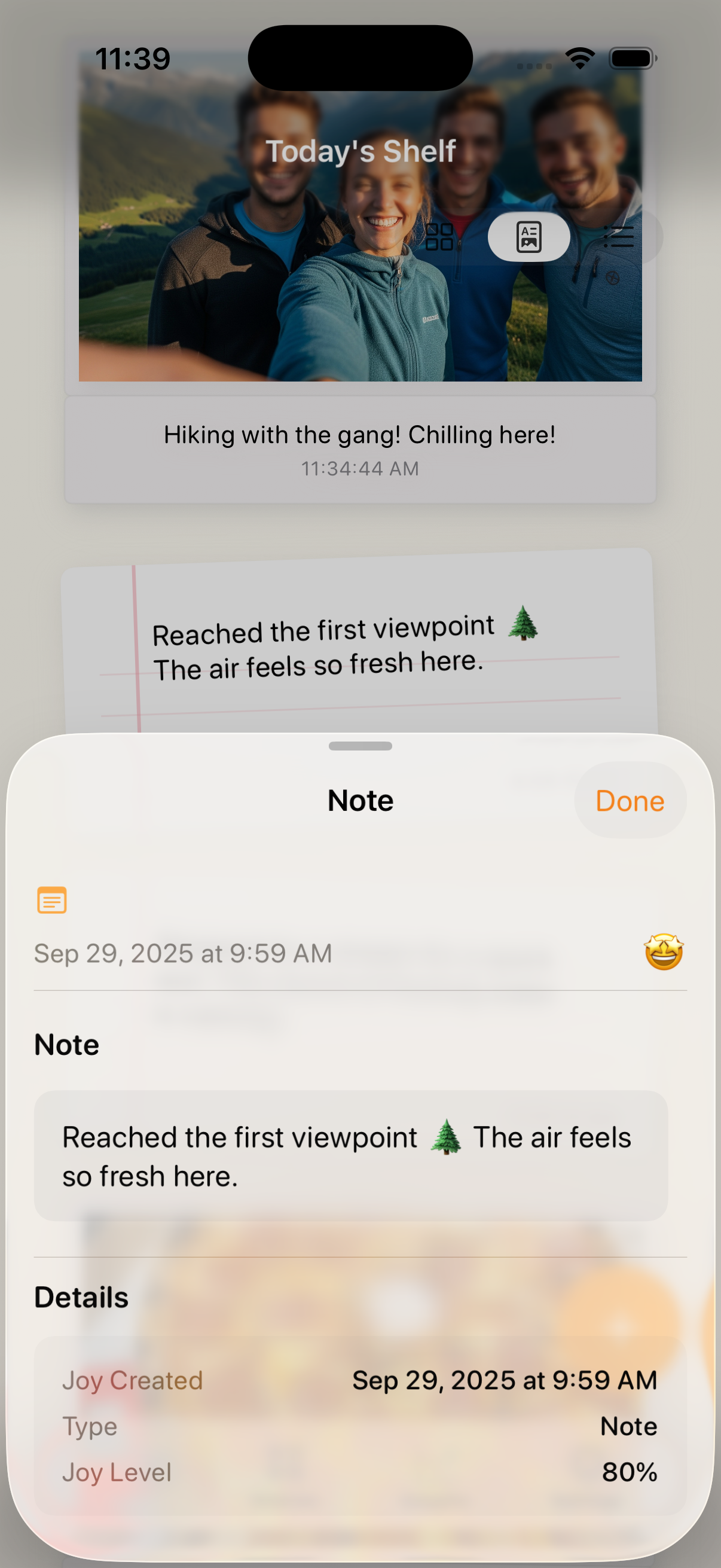
Today's Shelf
-
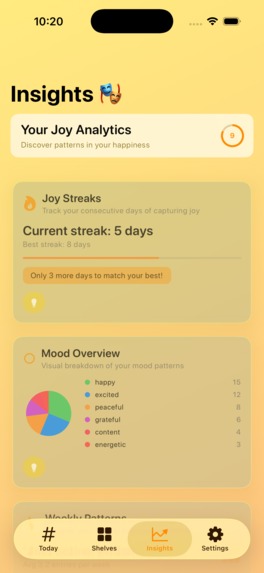
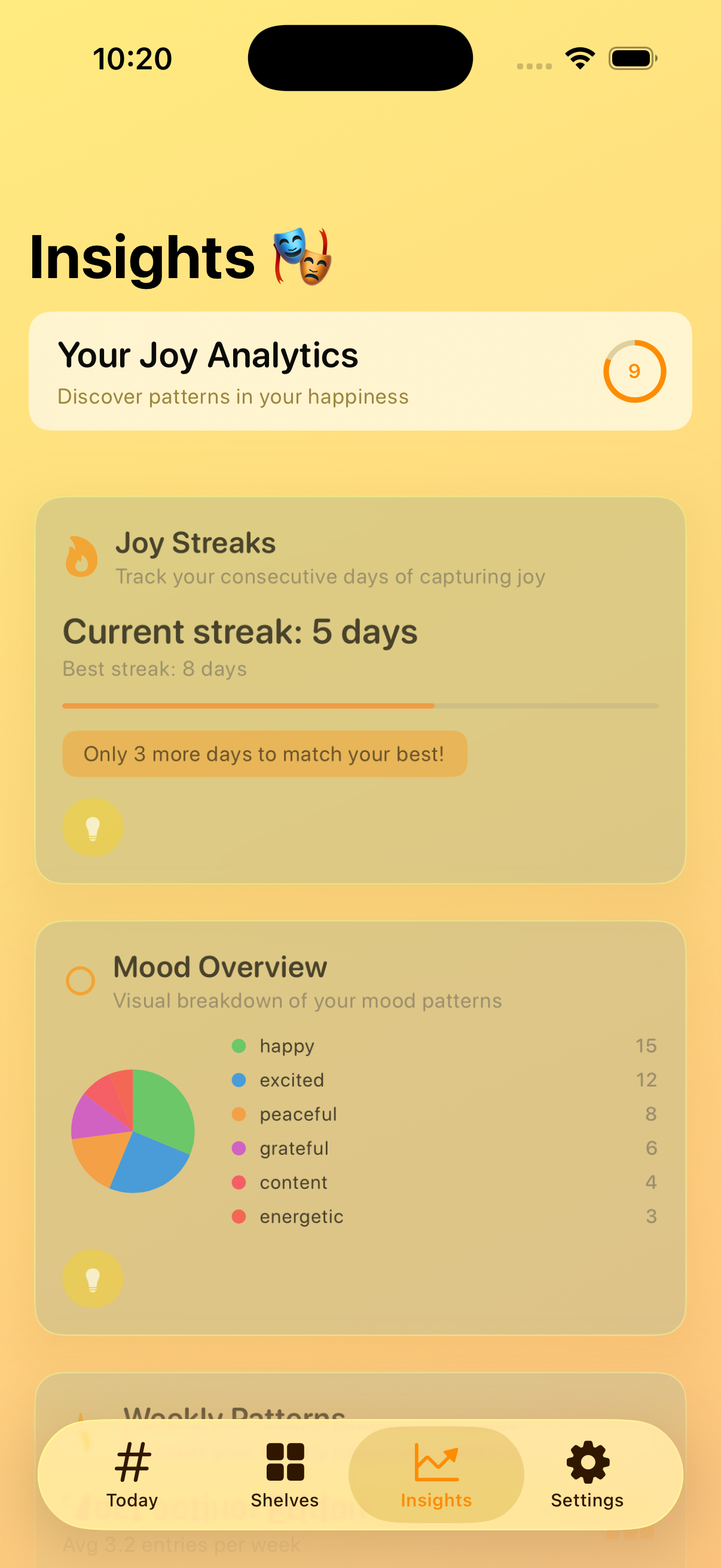
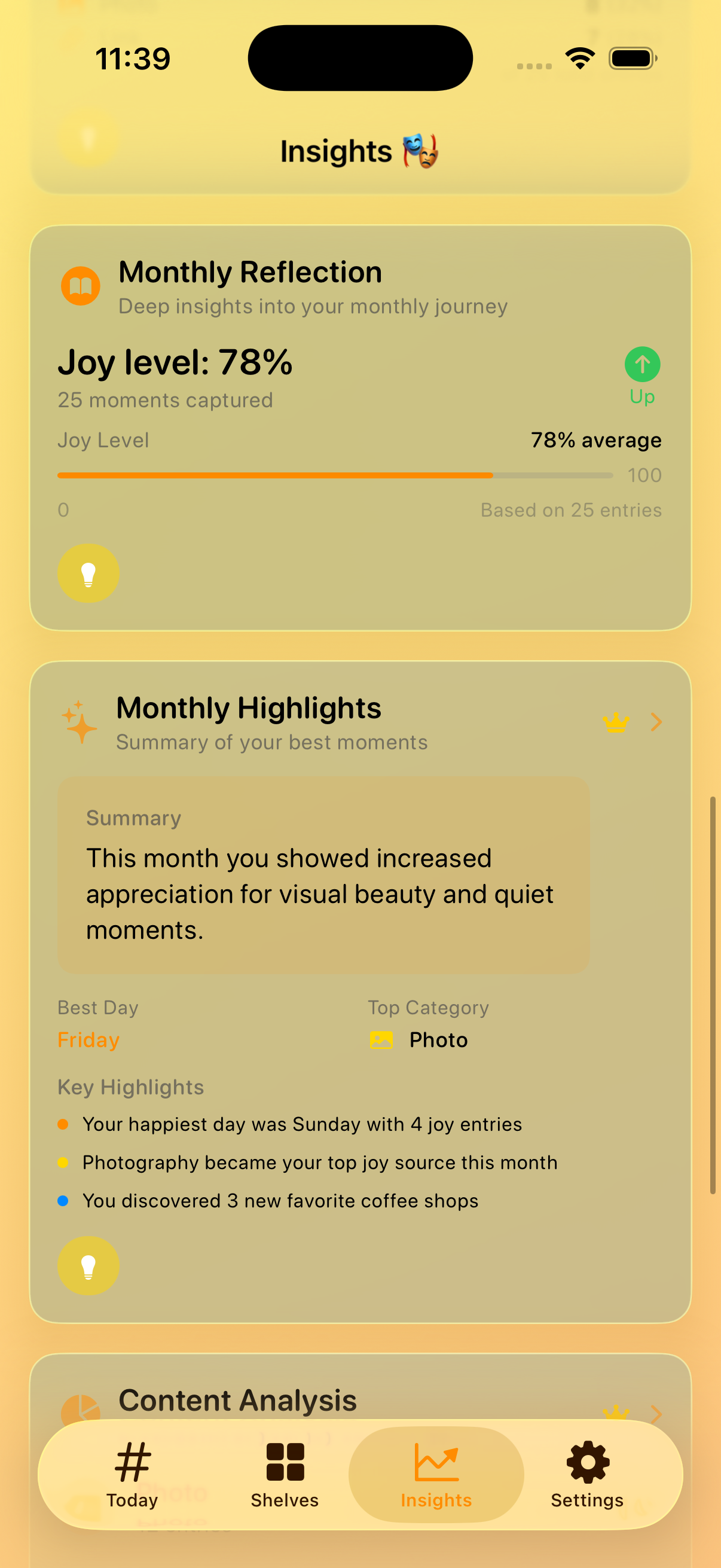
Insights
-
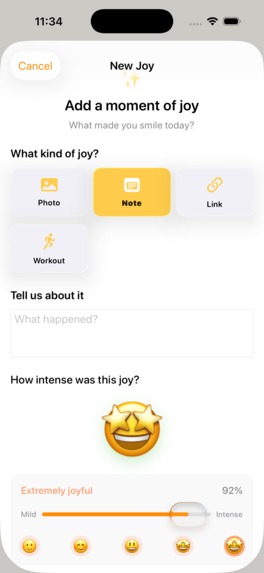
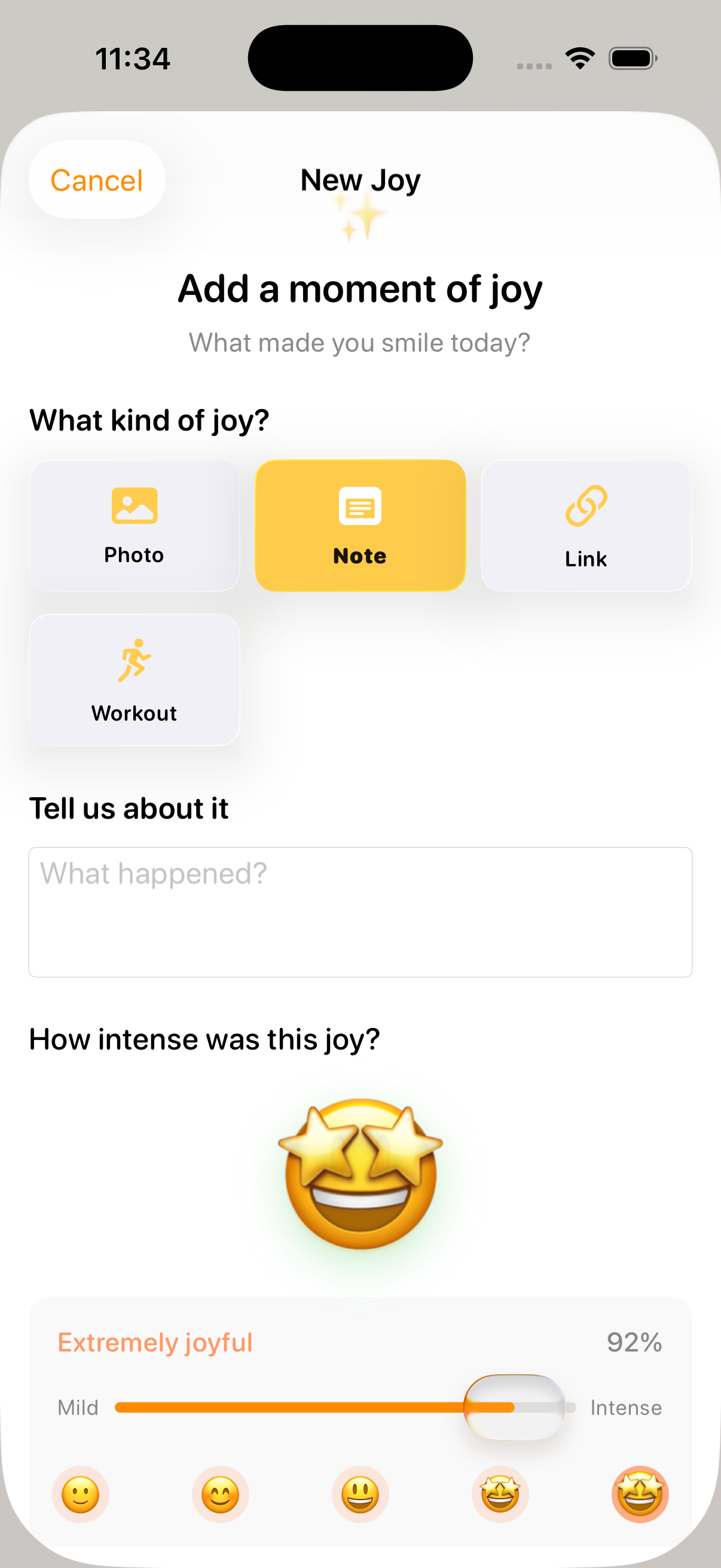
Add a New Joy
-
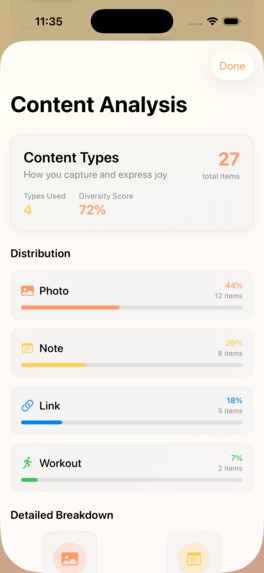
Insights
-

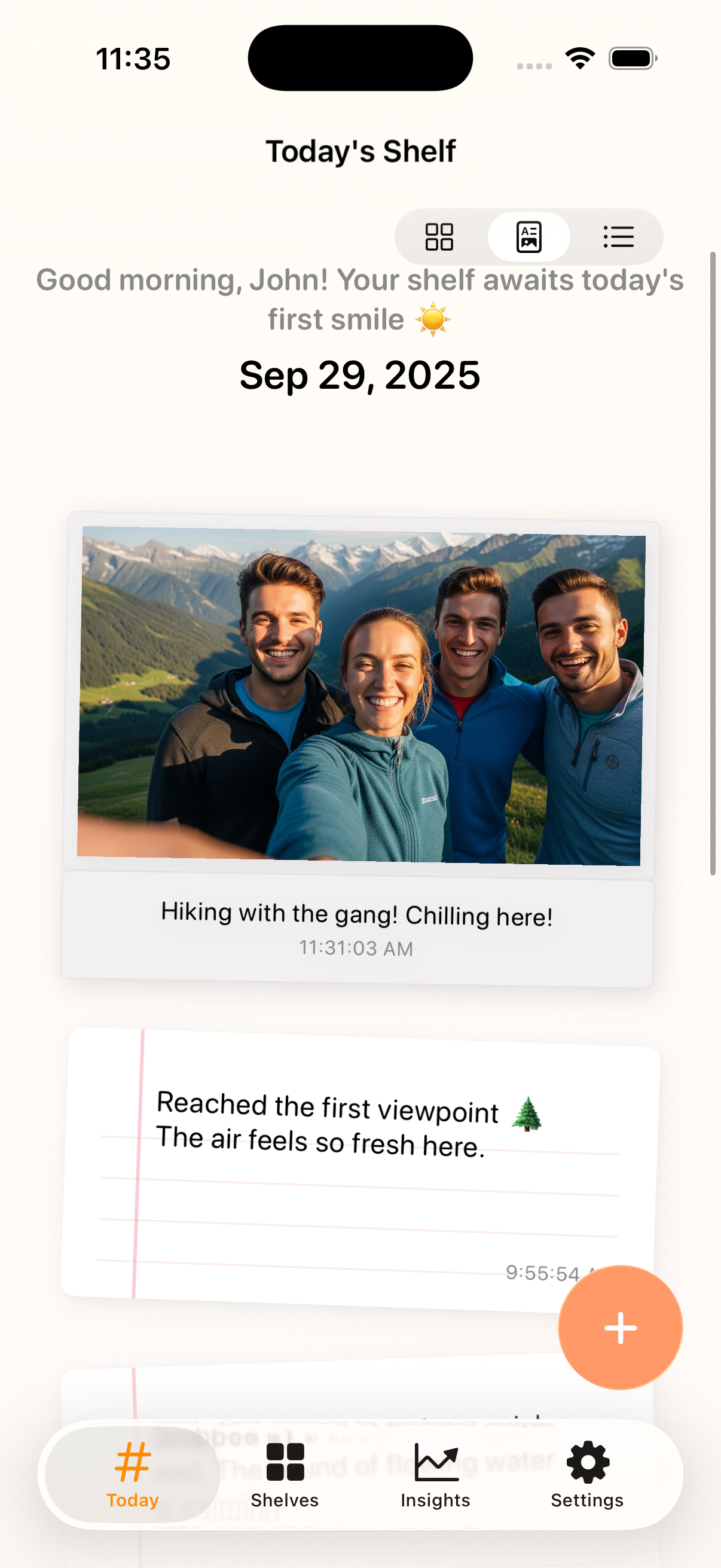
Today's Shelf: Scrapbook View
-
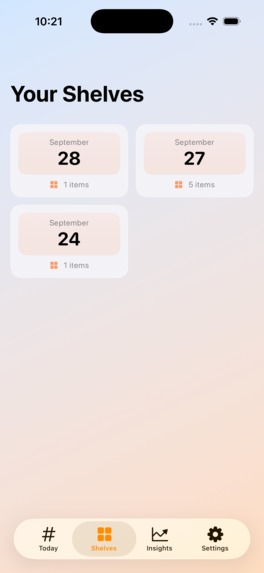
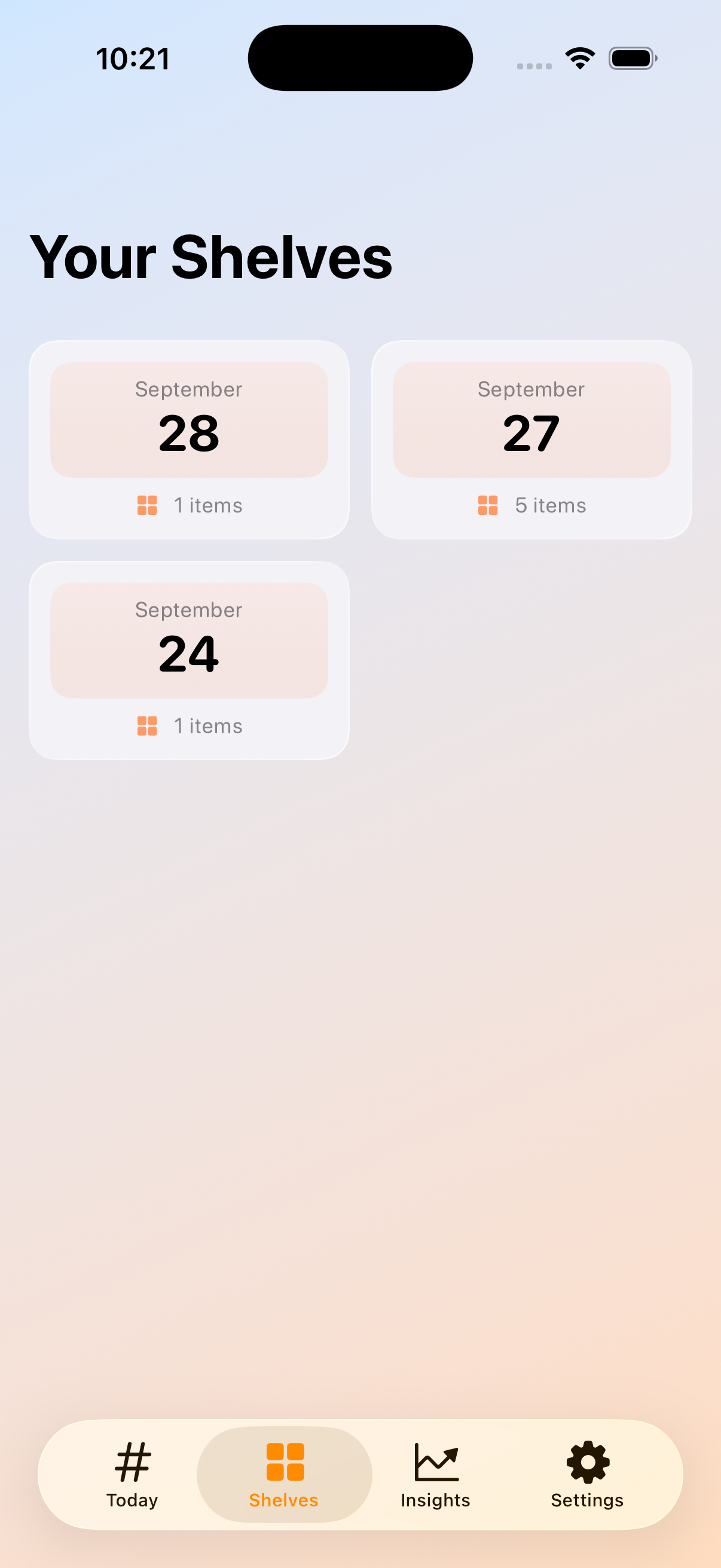
Shelves
-
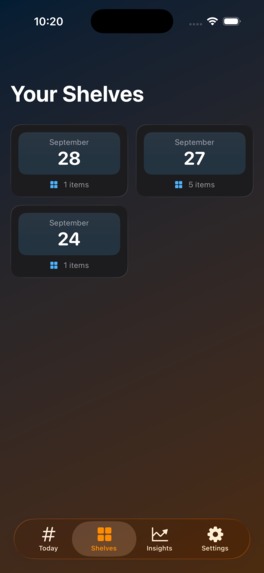
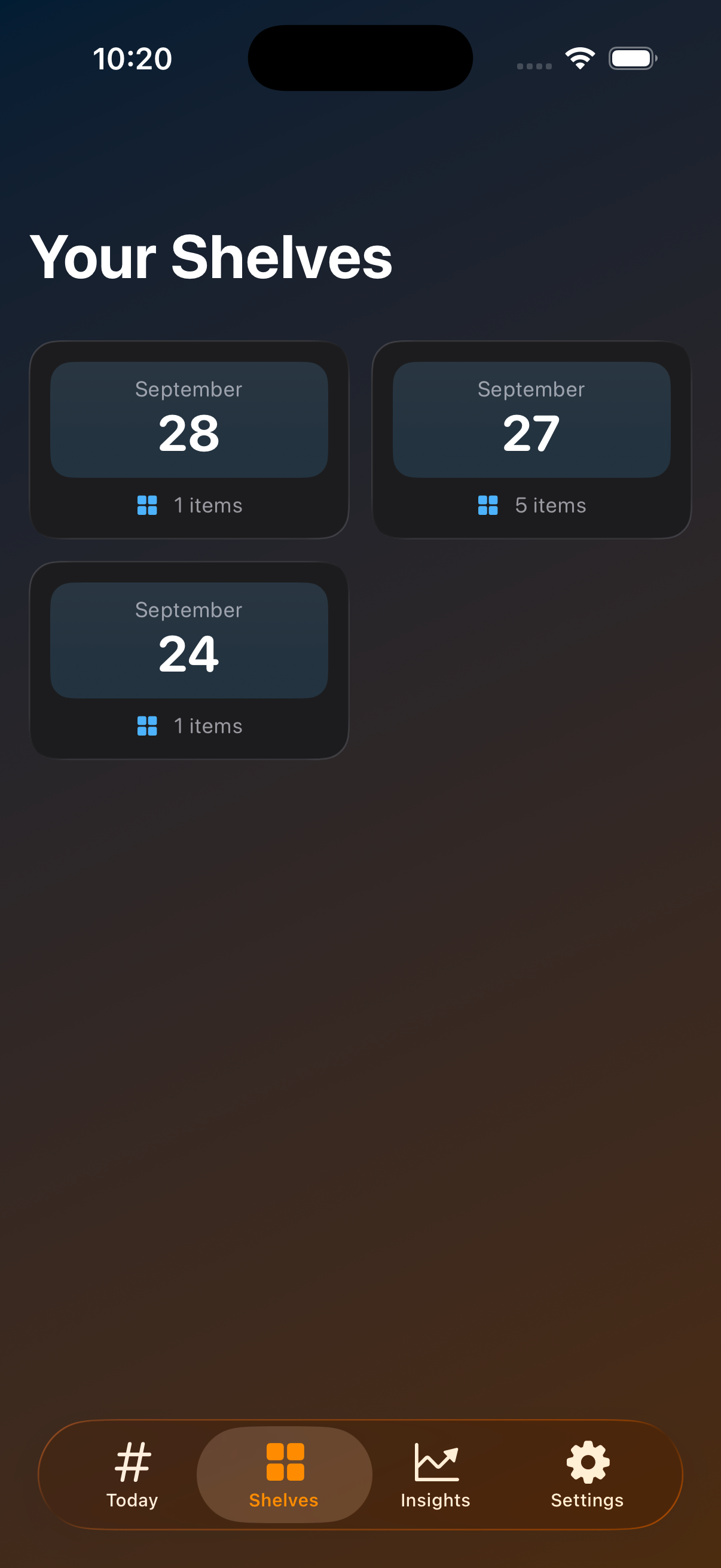
Shelves Dark Mode
-

App Icon
-
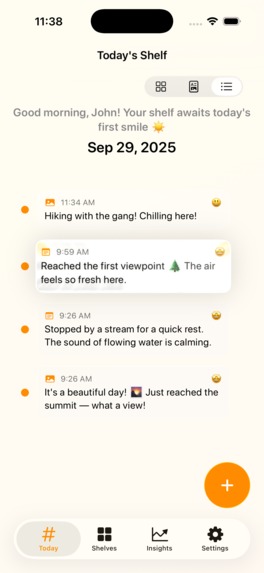
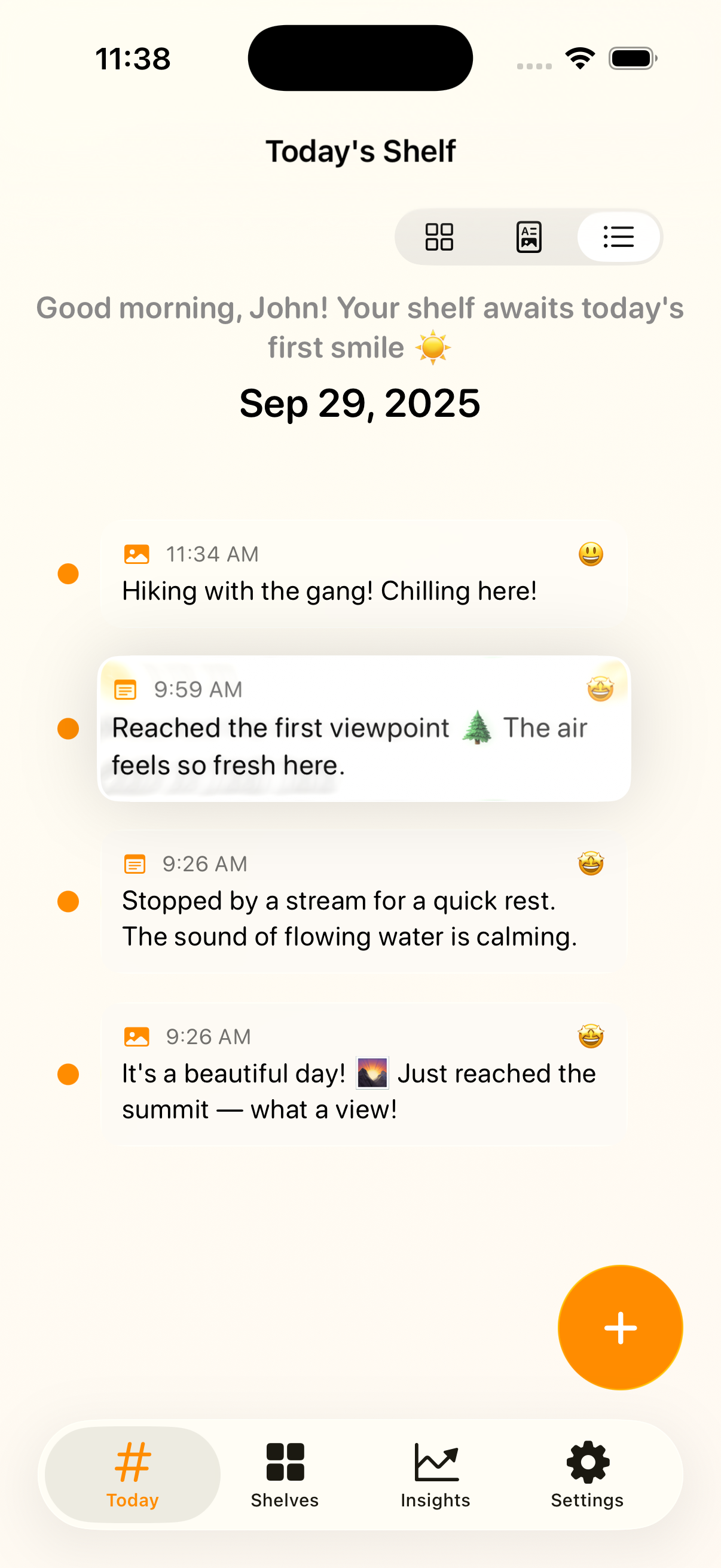
Timeline View
-
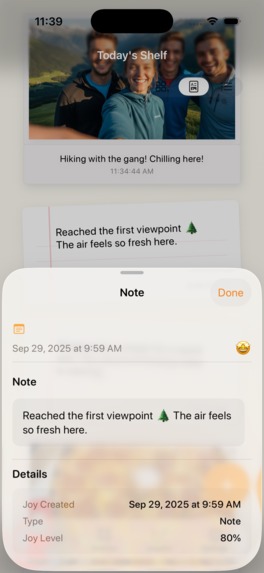
Joy Detail View
-
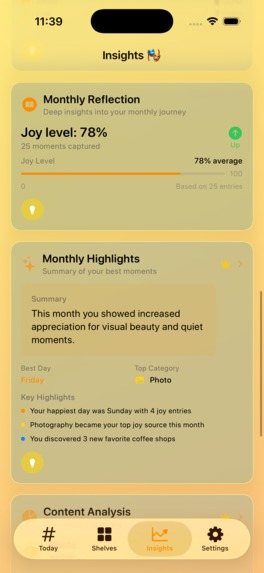
Insights 3
-
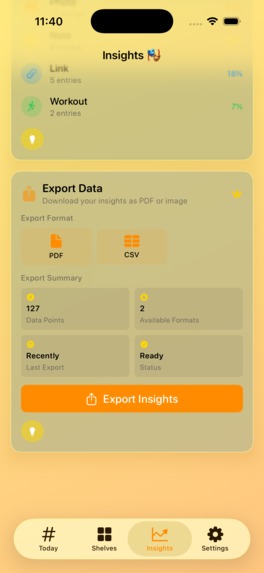
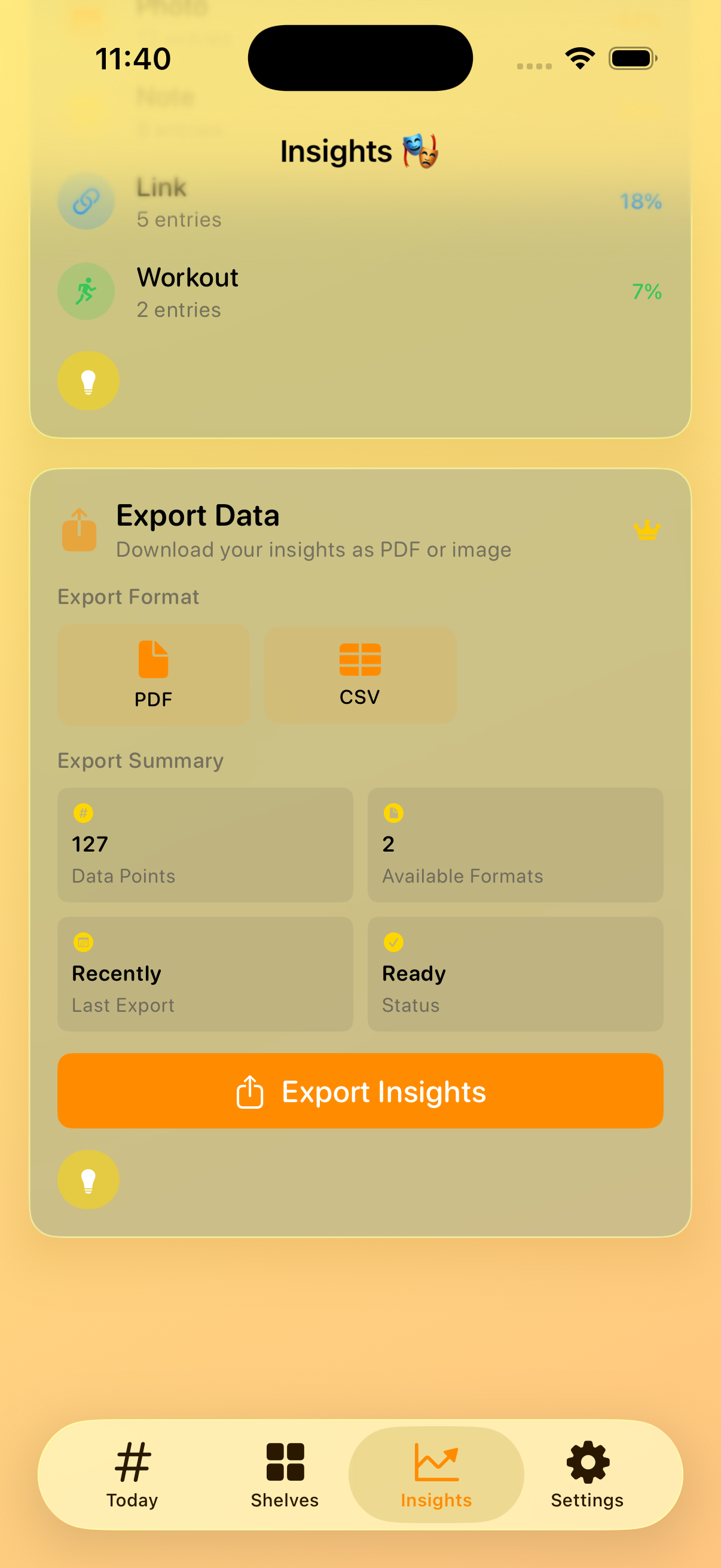
Export
-
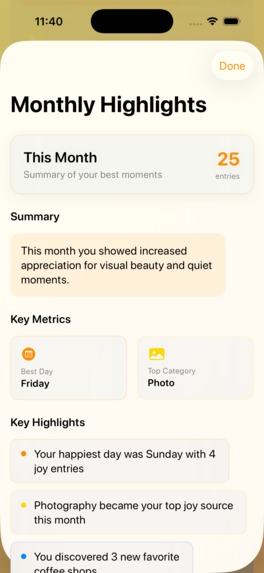
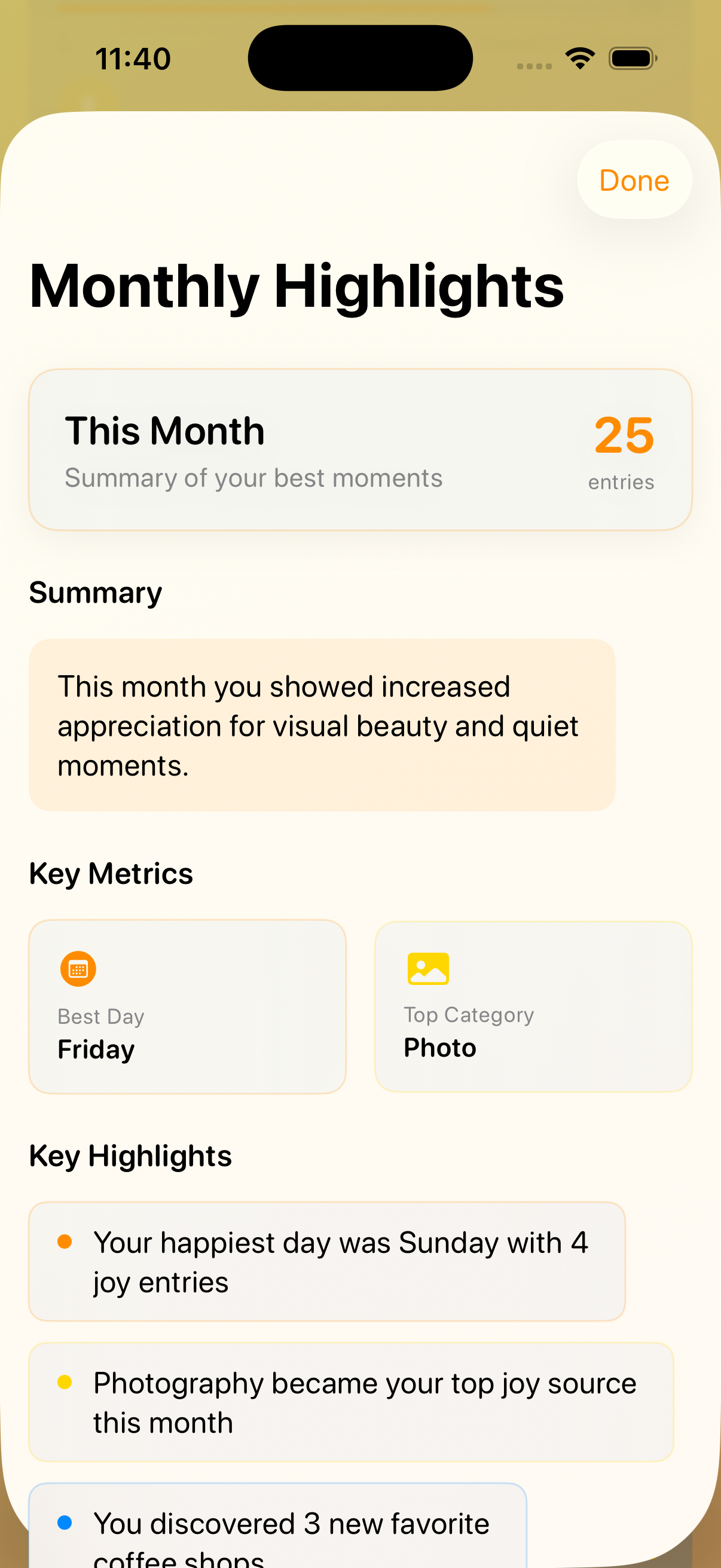
Monthly Highlights
-
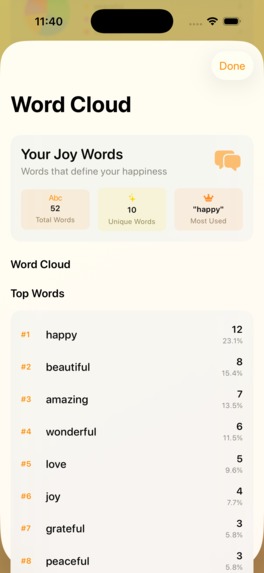
Top Words

Inspiration
I’ve always been a bit of a journaler and I love noticing the little happy moments in life. The idea for Shelf Life: Daily Joys really clicked when I was reading about gratitude journaling – studies show that regularly reflecting on what you’re thankful for can improve emotional well-being and even health
What it does
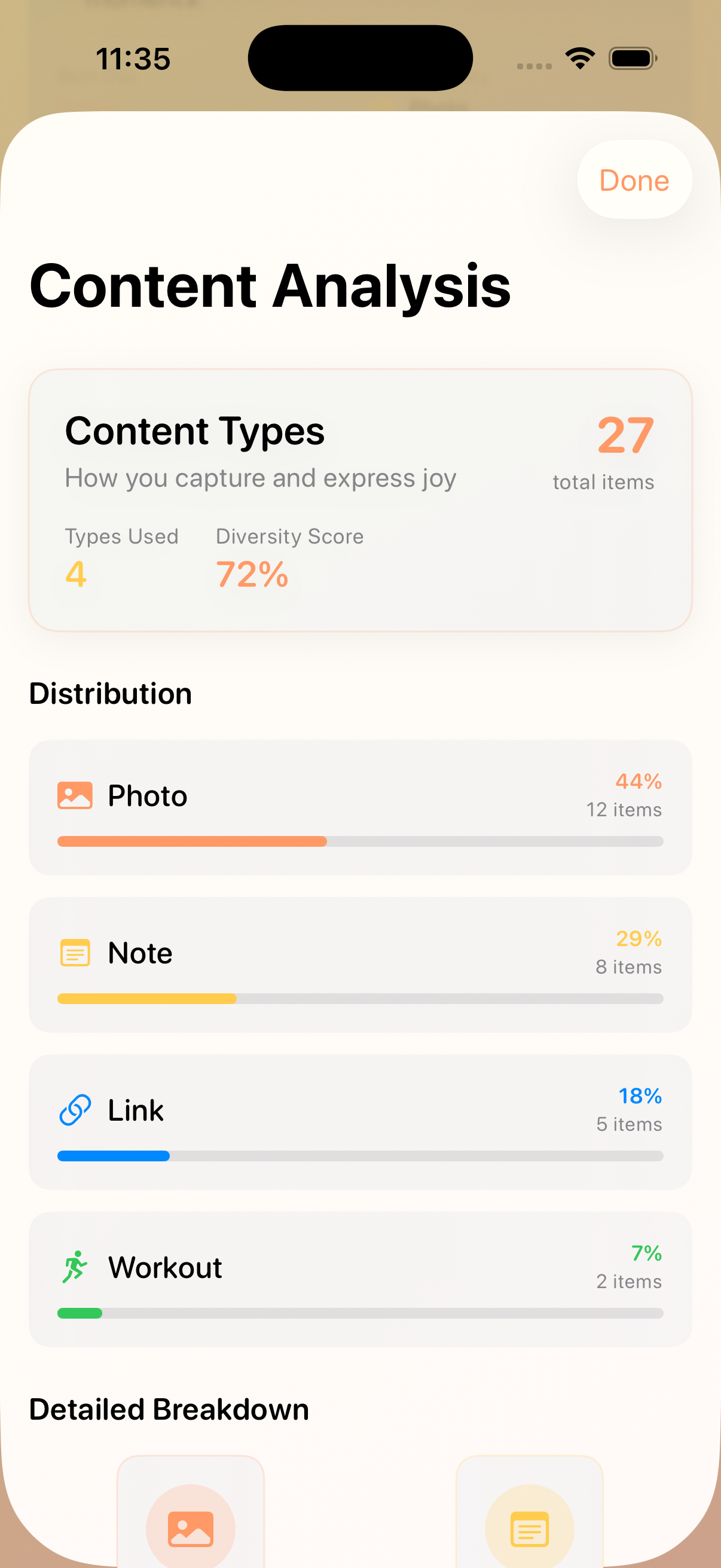
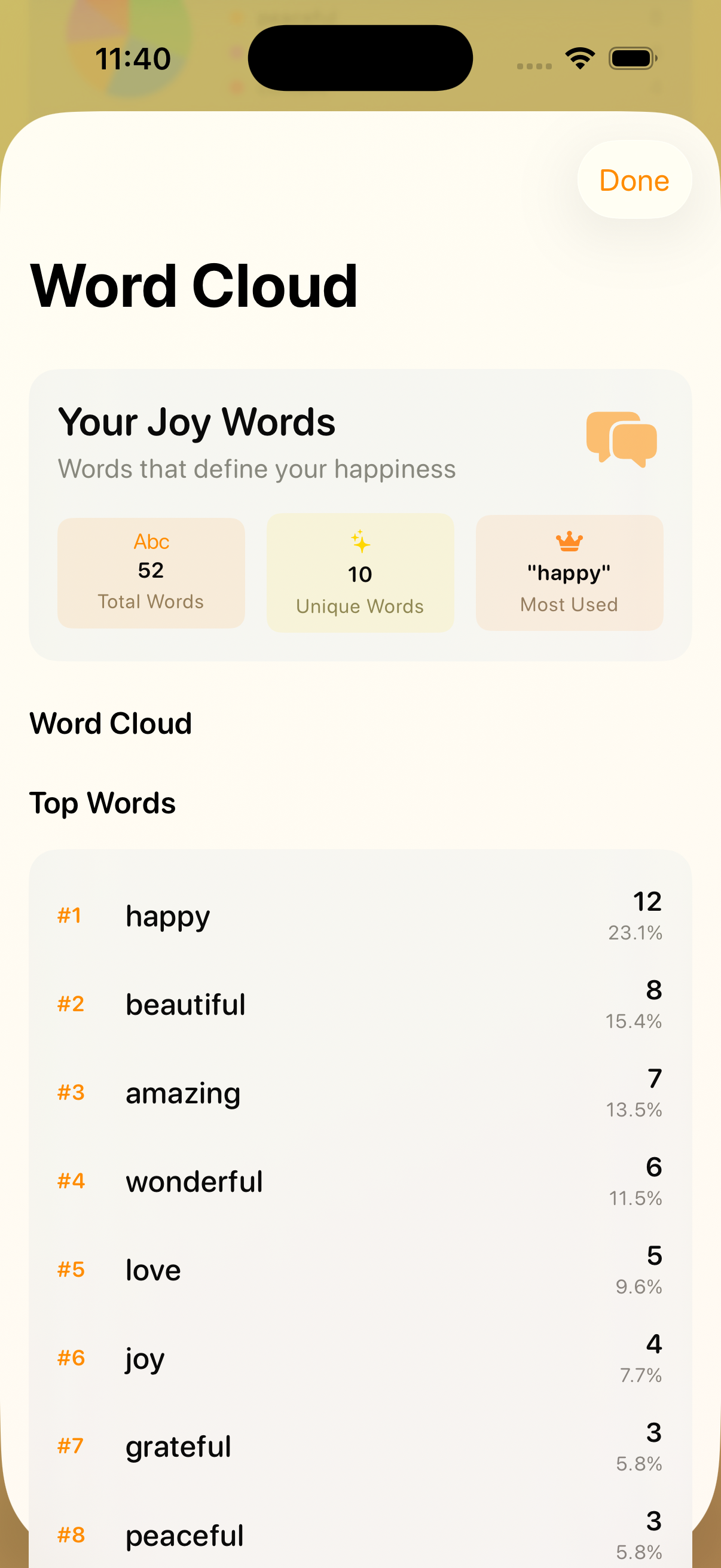
Shelf Life is a mindful, minimalist personal journal app for collecting all the little things that brought you joy each day – whether it’s a funny meme, a quote, a photo, a workout session, or just a small win. Each day you fill a “shelf” of joy entries, and you can later flip through past shelves to relive those moments. The app’s Insights tab then analyzes your entries over time: it shows fun stats like your joy streaks, weekly patterns, and even word clouds from what you wrote. This way you can really see the patterns in your own happiness. (For example, in one screenshot you can see the analytics page with joy streaks and category charts
In short, Shelf Life helps you capture and reflect on daily joy, with built-in visualizations so you can track your emotional highlights over time.
How we built it
We leaned on a bunch of modern tools to build Shelf Life fast and well. For brainstorming and copywriting, I used ChatGPT to draft text ideas, taglines, and UI copy – which saved tons of time. In fact, tools like ChatGPT are known to be great for generating snappy marketing lines and content ideas quickly
For the actual coding, I started boot strapping the codebase using Claude AI Desktop, then continue manually coding on my own, then a few days later I realized that I have limited time on my weekdays, and I have lots of weekend trips that was already scheduled for the month of August and September, then I tried Claude Code (an AI coding assistant), it was a game-changer. Claude Code runs right in your terminal and can read issues, write code, run tests, and even submit pull requests . Using it, I could scaffold functions and fix bugs much faster than writing everything from scratch. To gather info and ideas, Perplexity AI’s Deep Research feature was super helpful – it can comb dozens of sources and give a detailed report in minutes , so I could quickly research similar apps or technical solutions.
For project management, I used Linear to track tasks, sprints, and milestones (it’s great for fast-moving dev teams). Graphic design for the icon and App Store screenshots was done in Affinity Designer 2. And when it came time to make a product video and screenshots, I used RocketSim to record the iOS Simulator. RocketSim lets you capture videos with touches, audio, and even custom bezels (making everything look polished) . I then used MockView to wrap those raw recordings in sleek device mockups – MockView is perfect for creating video mockups of your app, turning plain screen grabs into convincing phone or tablet videos . Finally, for marketing I tried out Astro (AstroApp) to optimize the App Store listing. It’s an ASO tool that finds the best keywords and tracks rankings; essentially it tells you exactly which keywords your audience is searching for, so you can include them in your app’s metadata .
In summary, our tech stack was Swift/iOS under the hood, plus a raft of modern AI and productivity tools: Claude Code for code, ChatGPT and Perplexity for writing & research, Linear for planning, Affinity for design, RocketSim and MockView for polished previews, and Astro for ASO.



Log in or sign up for Devpost to join the conversation.