-
-
Sheetdb
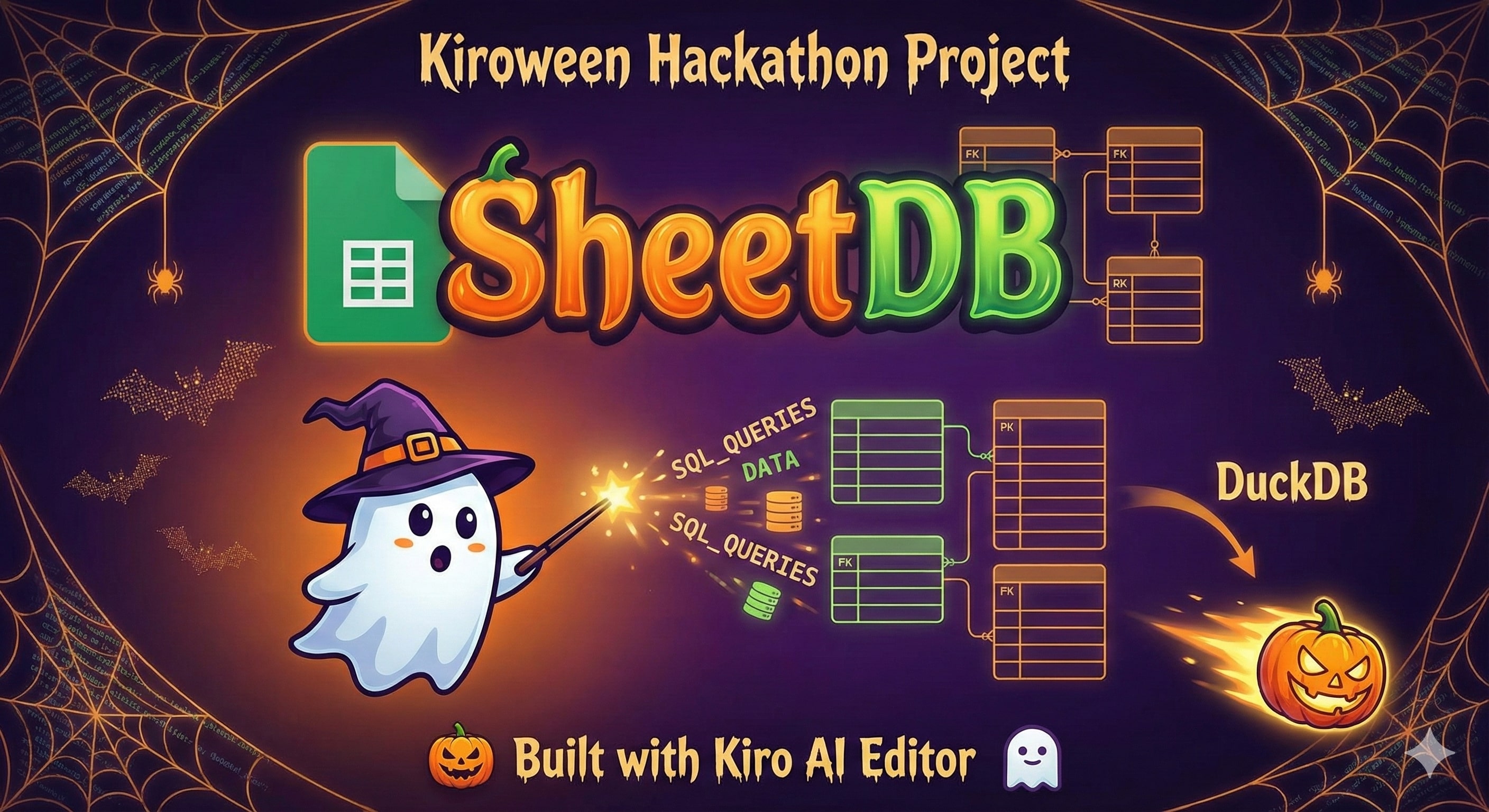
SheetDB - Google Sheets as a Relational Database
Inspiration
Back in my student days, I was constantly dreaming up side projects—those exciting ideas that keep you up at night, eager to build something real. But there was always one massive roadblock: cost. Hosting web applications, especially ones with databases, wasn't cheap. For a student with limited resources and even more limited users (let's be honest, most side projects start with a handful of people), paying for database hosting felt like overkill.
Over the years, I discovered that developers were using Google Sheets as makeshift databases for small apps and quick prototypes. The most notable solution was Retrosheet, which elegantly turned Google Sheets into a single-table database. It was brilliant for quick MVPs, but as I tried to build more ambitious projects, I kept hitting walls:
- No real database queries - Couldn't write SQL or do complex filtering
- Single table only - All data had to live in one sheet, no relationships
- No relational data - Impossible to model users → posts, products → orders, etc.
- Limited flexibility - Rigid architecture with no room for customization
These weren't just minor inconveniences—they were deal-breakers for the kinds of projects I wanted to build. I needed something more powerful, more flexible, but still free and easy to deploy.
That's when I decided to build SheetDB to fill exactly those gaps.
What it does
SheetDB transforms Google Sheets into a full-featured relational database with all the power of traditional databases, but zero hosting costs.
Core Features:
🗄️ True Relational Database
- Multiple tables with relationships and foreign keys
- Full SQL support (JOINs, aggregations, subqueries, WHERE clauses)
- Schema validation and type checking
- Primary keys and referential integrity
⚡ 500x Performance Boost
- DuckDB caching layer for lightning-fast queries (~1ms vs ~500ms)
- Sync once, query unlimited times from in-memory cache
- Smart sync strategies (aggressive, lazy, scheduled)
🎯 Three Flexible Operating Modes
- Public Mode - No authentication, unlimited reads from published sheets
- Authenticated Mode - Full CRUD with service account credentials
- Hybrid Mode - Public reads + authenticated writes (best of both worlds)
📝 Multiple Read/Write Options
- Direct SQL queries with DuckDB
- Django-like ORM for Python
- REST API for any frontend
- Google Forms integration (unlimited writes, no API limits!)
- CLI tools for automation
🤖 Everything Automated
- Auto-generate schemas from existing sheets
- Auto-create sheets from schema definitions
- Auto-create forms for data entry
- Auto-sync data on schedule
- Auto-validate against schema
🌐 Framework Agnostic
- Python core library with Django adapter
- JavaScript/TypeScript npm package
- React hooks for frontend
- FastAPI REST server
- Works with any framework
Real-World Use Cases:
- Quick Prototypes - Build and deploy MVPs in hours
- Internal Tools - Admin dashboards with built-in Google Sheets UI
- Collaborative Apps - Multiple users editing data simultaneously
- Public APIs - Zero-infrastructure data APIs
- Side Projects - Ambitious projects without hosting costs
How we built it
SheetDB is built with a carefully designed architecture that combines multiple technologies:
Core Components:
- Python Core Library - The heart of SheetDB, handling all database operations
- DuckDB Integration - In-memory relational database for 500x faster queries
- Google APIs - Sheets API for data access, Drive API for sheet management, Forms API for unlimited writes
- Schema System - YAML-based configuration with automatic validation and type checking
Framework Integrations:
- Django ORM Adapter - Django-like models and querysets for Python developers
- FastAPI REST Server - Universal backend API for any frontend
- JavaScript/TypeScript Client - npm package with React hooks for frontend integration
- CLI Tools - Command-line utilities for automation and setup
Key Technical Decisions:
DuckDB as Cache Layer - Instead of hitting Google APIs for every query, we sync data once and query in-memory. This gives us SQL capabilities and massive performance gains (500-1000x faster).
Three Operating Modes - Public (no auth), Authenticated (full control), and Hybrid (best of both) to support different use cases from quick prototypes to production apps.
Forms API for Writes - Google Forms submissions don't count against API rate limits, giving us unlimited write capacity. This is a game-changer for high-volume data collection.
Schema-First Design - Explicit schema definitions enable type safety, validation, automatic code generation, and clear documentation.
Framework Agnostic Core - Built as a core library with adapters, so it works with Django, FastAPI, React, or vanilla JavaScript. Not tied to any specific framework.
The entire stack is designed to be zero-cost (leveraging Google's infrastructure) while providing production-grade features like caching, validation, and relational queries.
Challenges we ran into
1. Google API Rate Limits The Sheets API has strict rate limits (100 requests per 100 seconds). Our solution: DuckDB caching. Sync once, query unlimited times. This turned a limitation into our biggest performance advantage.
2. Relational Data in Flat Sheets Google Sheets are inherently flat, but we needed relationships. We built a schema system that maps sheets to tables and defines foreign keys, then DuckDB handles the joins in-memory.
3. Type Safety Without a Real Database Sheets store everything as strings. We implemented automatic type inference and validation, converting strings to proper types (integers, dates, booleans) based on the schema.
4. Multiple Framework Support Supporting Django, FastAPI, React, and vanilla JS meant building a clean core library with well-defined interfaces. We used the adapter pattern to keep framework-specific code separate.
5. Authentication Complexity Google's authentication can be tricky. We simplified it with three modes: public (no auth), authenticated (service account), and hybrid. Each mode has clear setup instructions and examples.
6. Schema Management Manually writing schemas is tedious. We built auto-generation from existing sheets, auto-creation of sheets from schemas, and validation tools to catch errors early.
7. Forms API Integration The Forms API is powerful but complex. We abstracted it into simple functions: create a form, link it to a sheet, and get unlimited writes. All automated.
Accomplishments that we're proud of
🚀 500x Performance Improvement Going from ~500ms per query (Retrosheet) to ~1ms (SheetDB) is a massive win. DuckDB caching makes Google Sheets feel like a real database.
🎯 True Relational Database We didn't just add features—we fundamentally changed what's possible. Multiple tables, foreign keys, SQL joins, aggregations. It's a real database now.
🆓 Still Completely Free Despite all the advanced features, SheetDB remains free to use. No hosting costs, no bandwidth limits, no hidden fees. Google's infrastructure handles everything.
🤖 Automation That Actually Works From schema generation to form creation, everything can be automated. This saves hours of manual setup and reduces errors.
📚 Comprehensive Documentation We built extensive docs with examples, tutorials, troubleshooting guides, and API references. The Django app and React examples show real-world usage.
🎨 Beautiful Demo Apps The Monster Hunt Tracker (Django) showcases the full stack with a Kiro dark mode + Halloween theme. It's functional and fun.
🌐 Framework Flexibility Works with Python, JavaScript, Django, FastAPI, React—whatever you're building with. Not locked into any specific framework.
📊 Production-Ready Type safety, validation, error handling, logging, testing. SheetDB isn't just a prototype—it's ready for real applications.
What we learned
Technical Lessons:
Caching is Everything - The DuckDB layer transformed performance. Sometimes the best solution isn't faster APIs, it's not calling them at all.
Constraints Breed Creativity - Google Sheets' limitations forced us to think differently. The result is more innovative than a traditional database wrapper.
Simplicity Wins - The three operating modes (public, authenticated, hybrid) cover 99% of use cases. We resisted adding complexity.
Documentation Matters - Good docs with examples are as important as good code. We invested heavily in guides, tutorials, and working demos.
Framework Agnostic is Hard - Supporting multiple frameworks requires careful architecture. The adapter pattern and clean interfaces were essential.
Product Lessons:
Solve Your Own Problem - SheetDB exists because I needed it. Building for yourself ensures you understand the pain points.
Start with the Core - We built the Python library first, then added Django, FastAPI, and JavaScript. Solid foundation first, integrations second.
Real Examples Matter - The Monster Hunt Tracker isn't just a demo—it's a real application showing best practices and patterns.
Performance is a Feature - The 500x speedup isn't just a technical achievement—it's a user-facing feature that changes what's possible.
Community Lessons:
Open Source is Powerful - Building in public, sharing progress, and accepting feedback made SheetDB better.
Comparisons Help - Being honest about how we compare to Retrosheet helps users understand when to use each tool.
Migration Paths Matter - We built migration guides for Retrosheet users. Making it easy to switch is important.
What's next for SheetDB
Short-term (Next 3 Months):
Incremental Sync - Only update changed data instead of full reloads. Track modifications and sync deltas for even better performance.
Real-time Updates - WebSocket support for live data updates. Multiple users see changes instantly.
Query Optimization - Result caching, query planning, and index support for even faster queries.
More Examples - Flask app, Vue.js app, Angular app. Show SheetDB working with every major framework.
Testing Suite - Comprehensive unit tests, integration tests, and property-based tests for bulletproof reliability.
Medium-term (6 Months):
Multi-Spreadsheet Support - Combine data from multiple Google Sheets. Join across spreadsheets, aggregate data, create views.
Advanced Relationships - Many-to-many relationships, polymorphic associations, and self-referential relationships.
Schema Migrations - Version control for schemas. Add columns, change types, migrate data safely.
Long-term (1 Year+):
- Visual Schema Builder - Web UI for designing schemas, no YAML required. Drag-and-drop table relationships.
Community Goals:
1000+ GitHub Stars - Build a community of developers using SheetDB for their projects.
Plugin Ecosystem - Enable third-party plugins for custom data sources, validation rules, and integrations.
Video Tutorials - YouTube series covering setup, best practices, and advanced patterns.
Case Studies - Showcase real projects built with SheetDB. Share success stories and lessons learned.
Built with 🎃 Kiroween spirit
Because the best solutions come from working around limitations, not throwing money at them.
Try SheetDB:
pip install git+https://github.com/yourusername/sheetdb.git

Log in or sign up for Devpost to join the conversation.