Inspiration
Creating an NFT without knowing how to code can be a daunting task so decided to simplify the process by creating this tool.
What it does
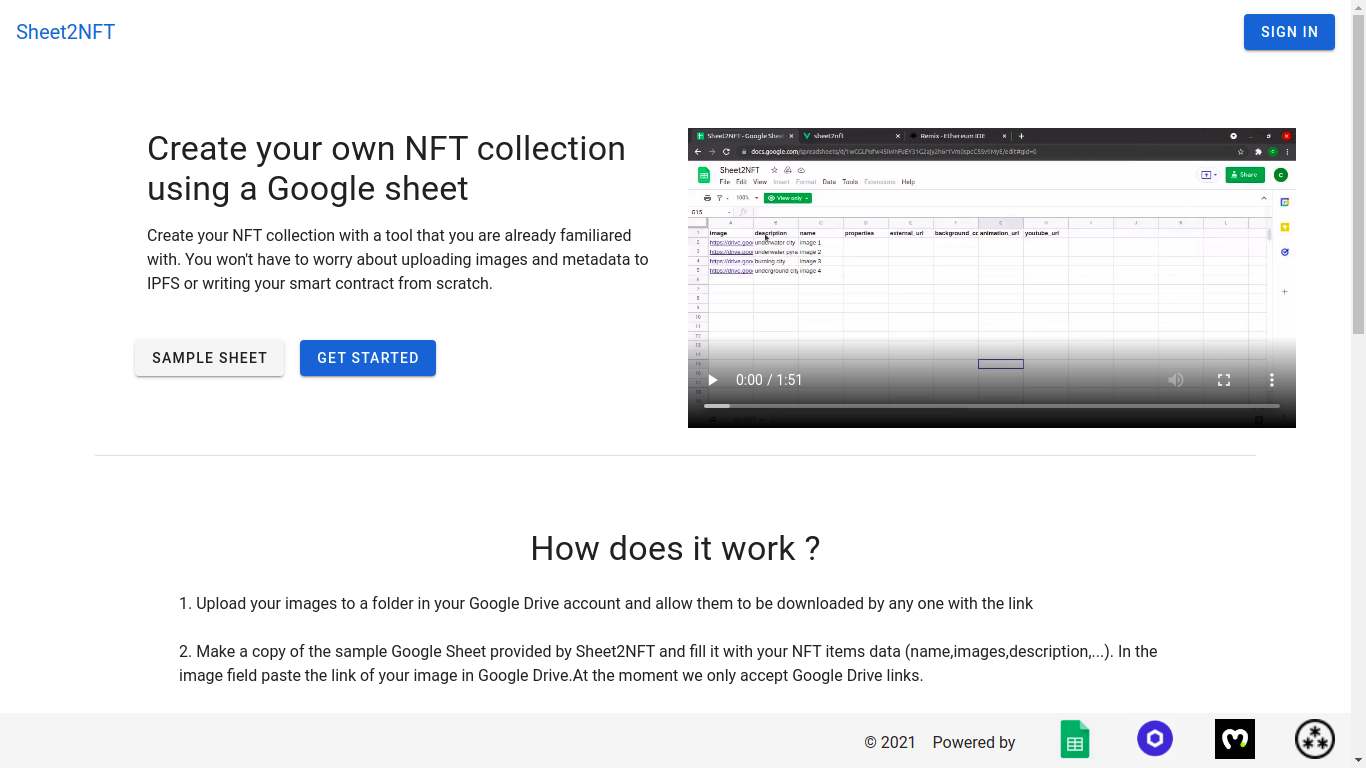
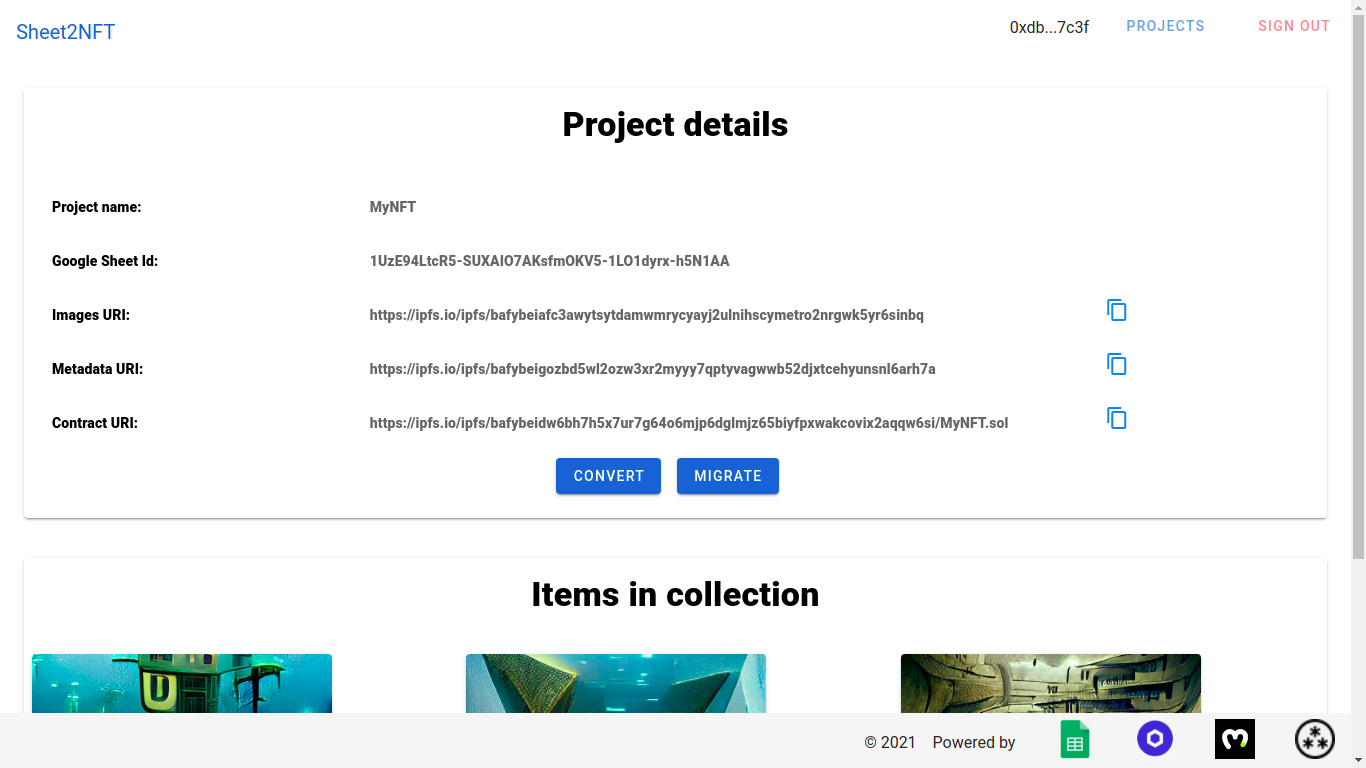
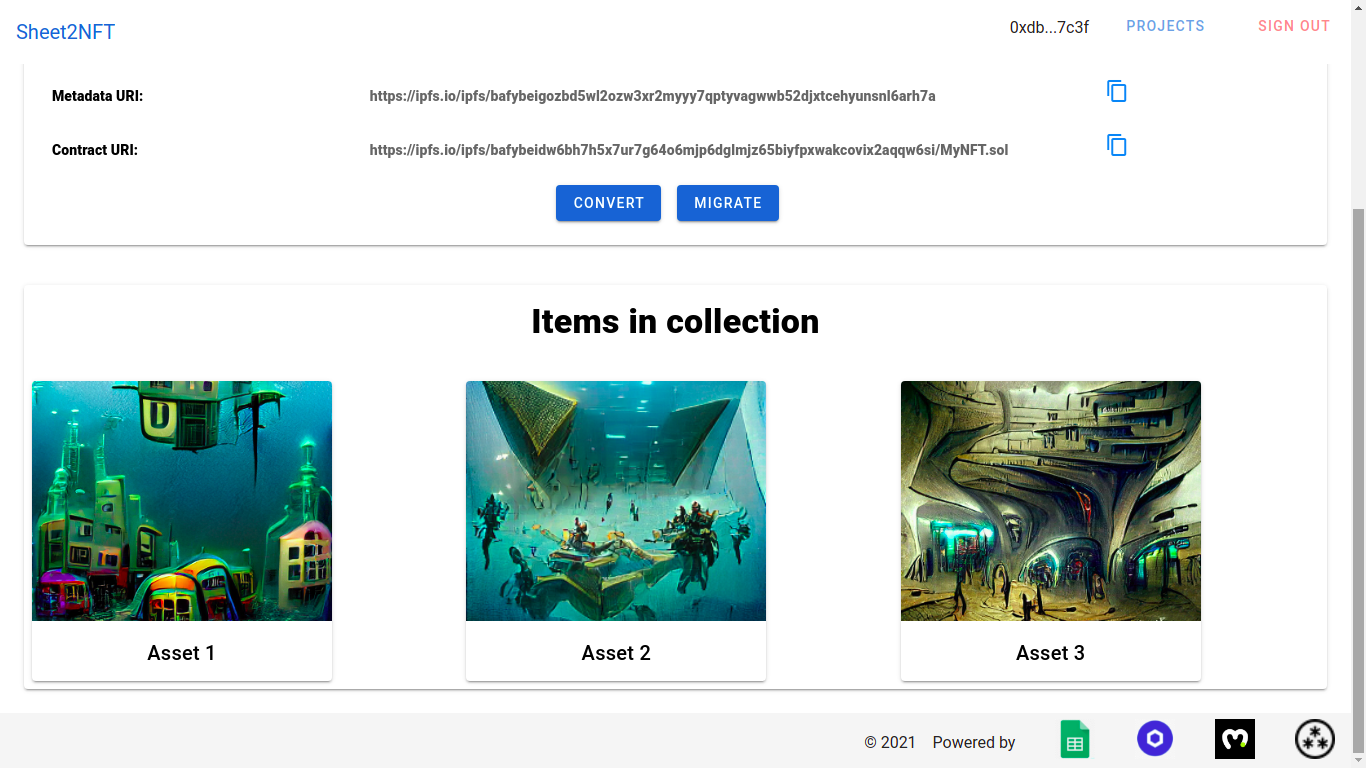
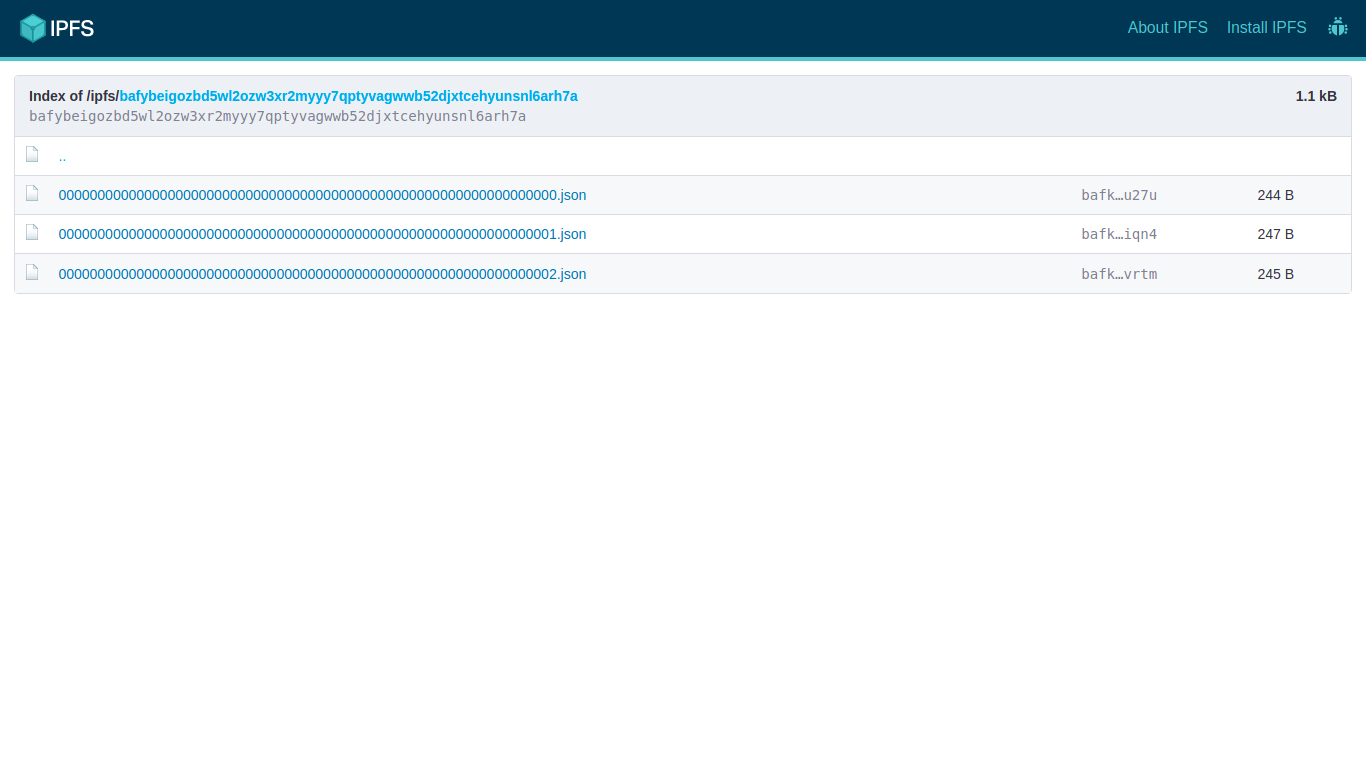
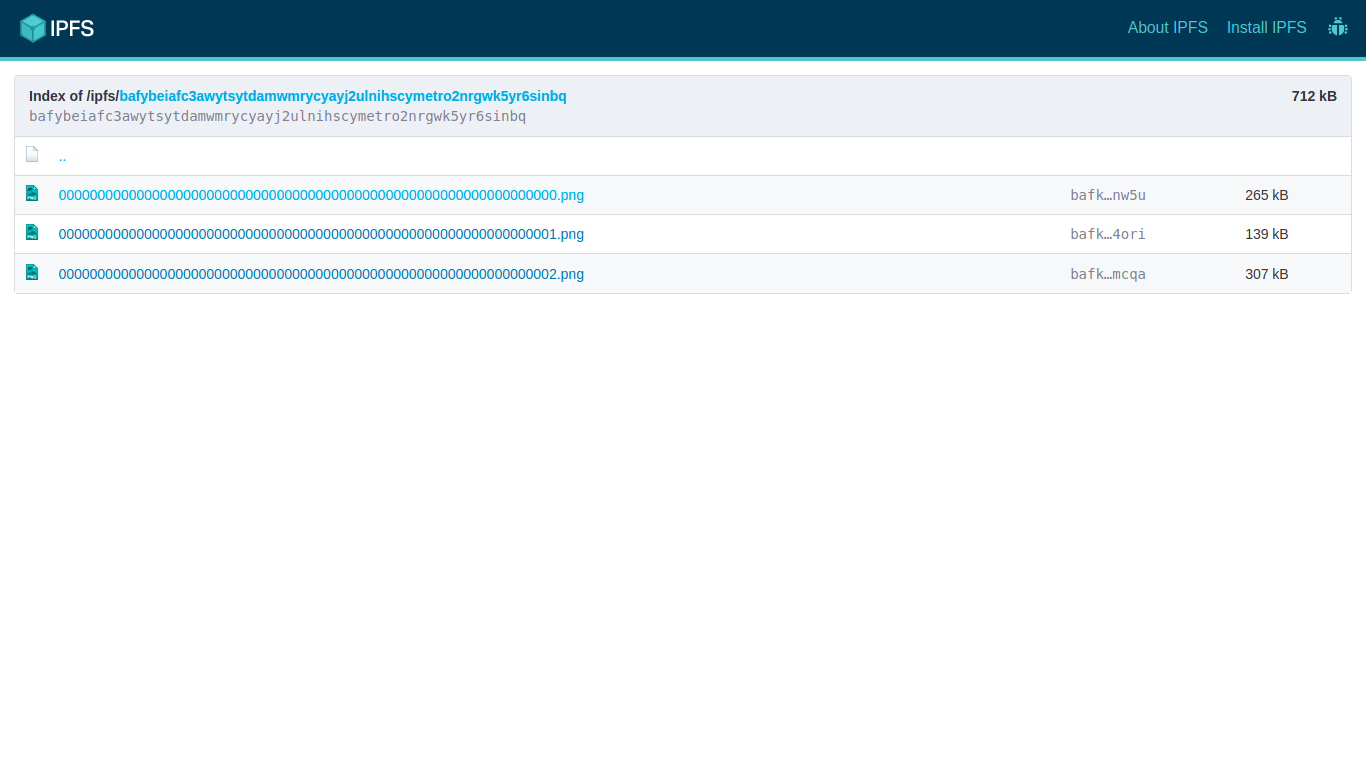
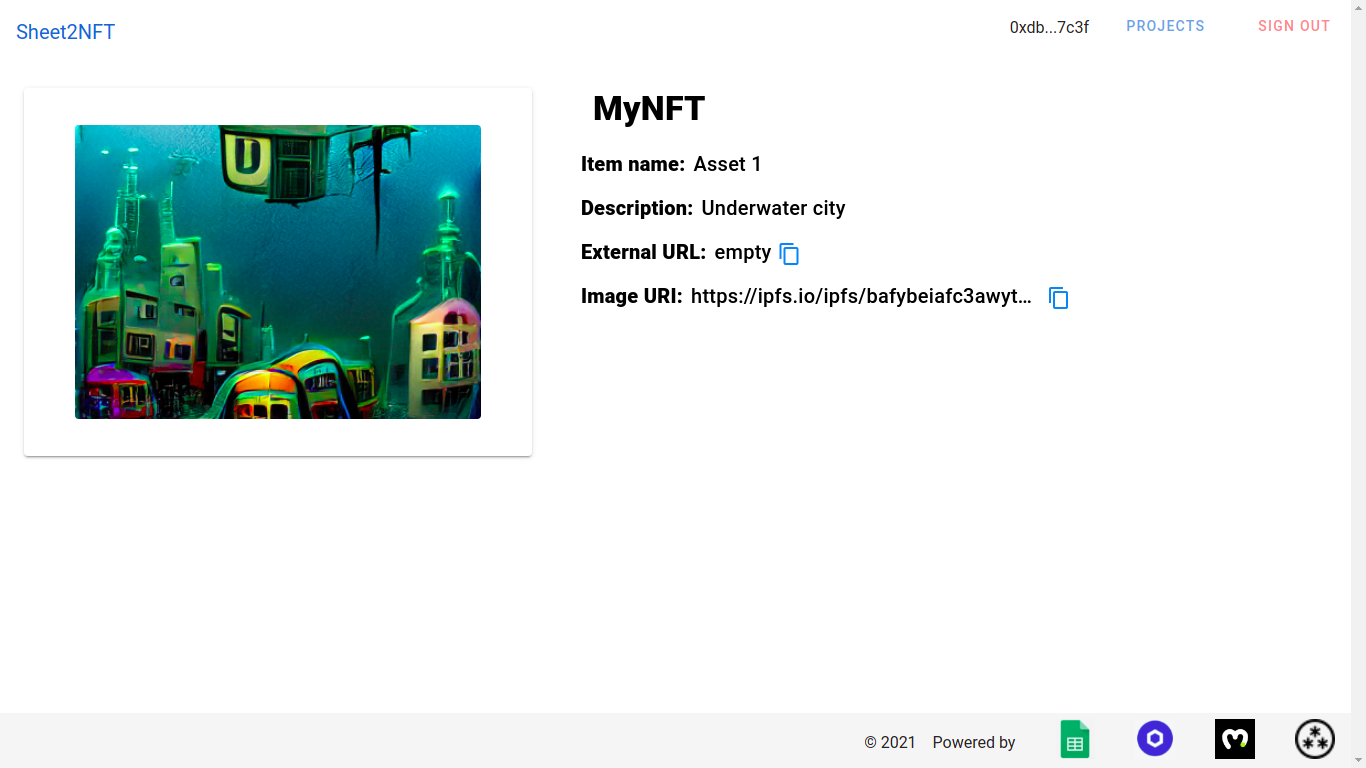
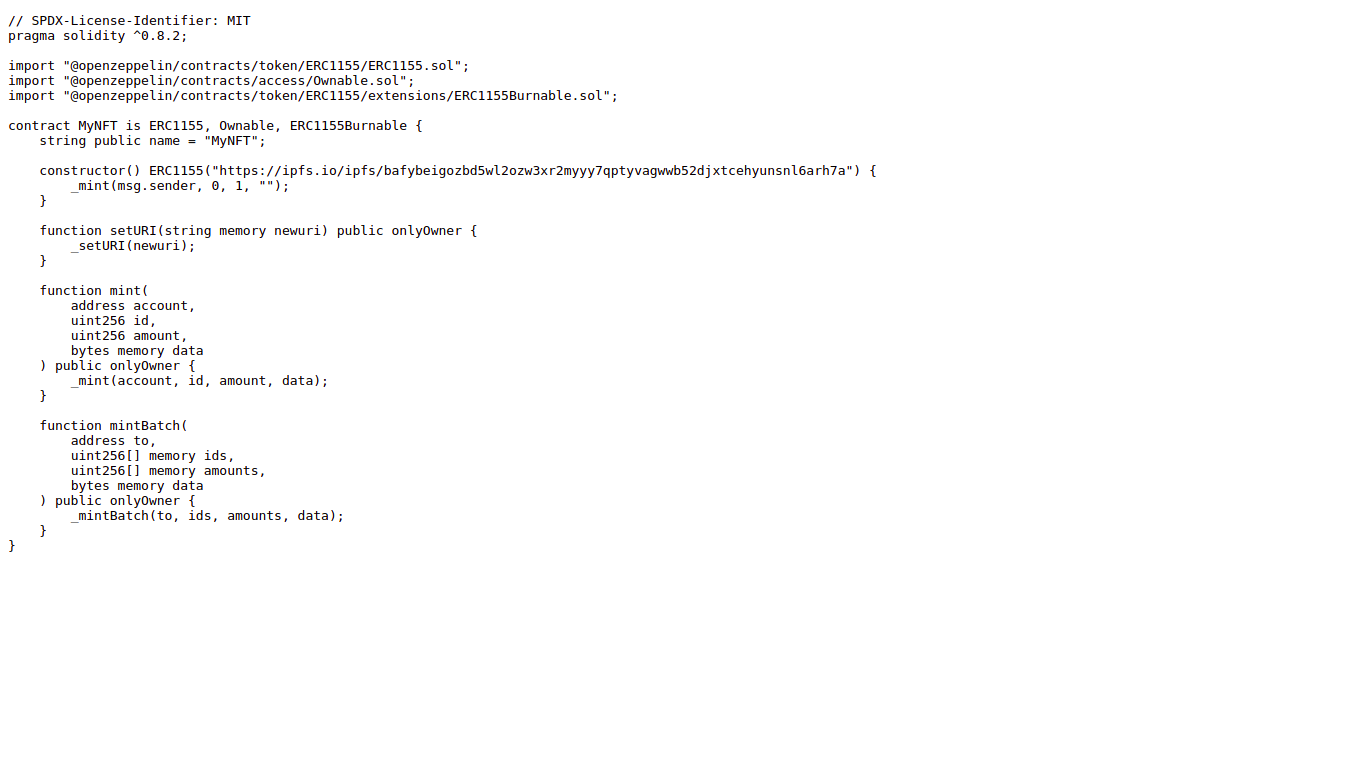
Sheet2NFT is a no-code tool that I built with the help of Vue, Node.js, Google Sheets, Chainlink, Moralis, IPFS, Web3.Storage, and Filecoin, that allows users to easily create NFTs assets without knowing how to code, the only thing left for the user to do after using this tool is to deploy the NFT contract. Sheet2NFT will upload the images to IPFS, generate and upload the metadata to IPFS, generate an ERC-1155 contract, insert the metadata URI and upload it to IPFS.
How we built it
Here is how I am using Vue, Node.js, Google Sheets, Chainlink, Moralis, IPFs, Web3.Storage, and Filecoin : Vue is being used in the frontend application, and Node.js in the backend application.
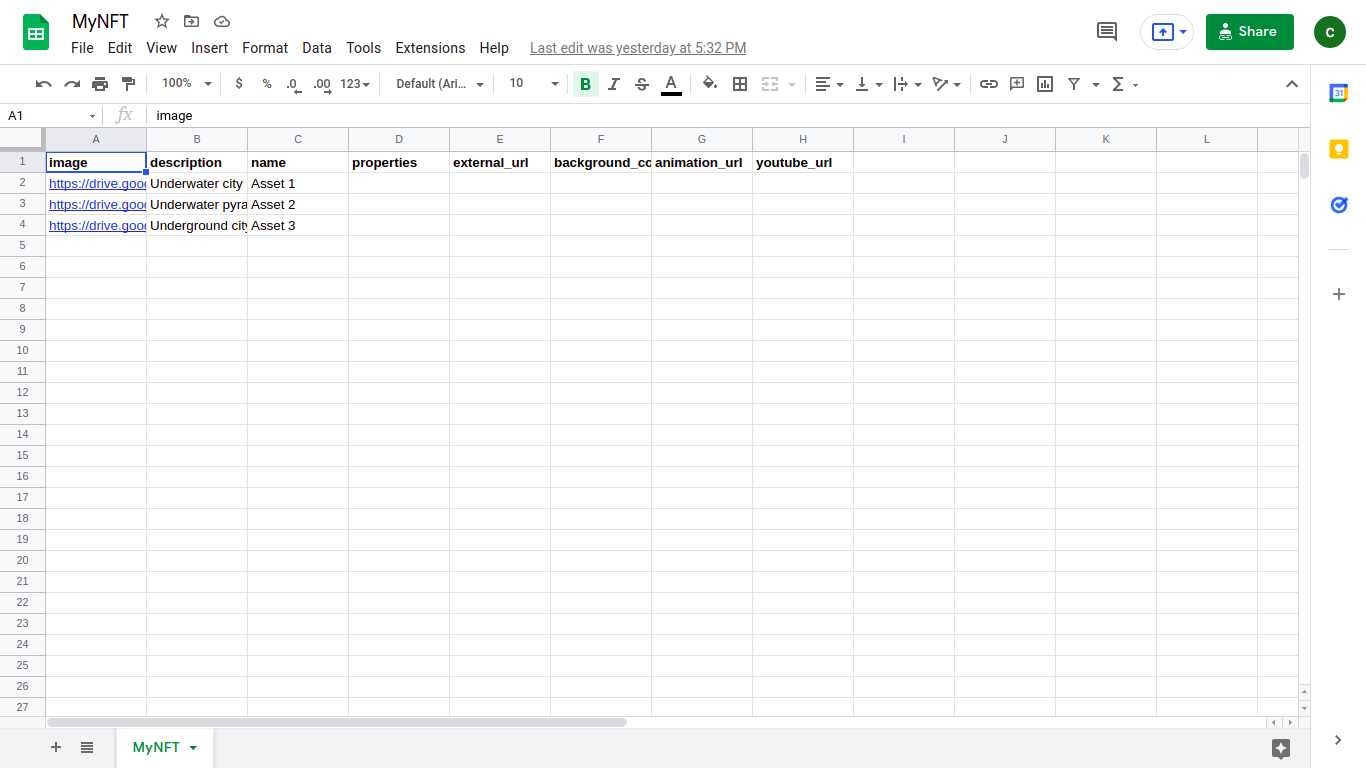
Google sheets is being used to input and store the information needed to create an NFT (images, name, description).
Chainlink is being used inside a smart contract ( Kovan network, the hash is 0x3f8FfF4EC4a949A72B29c4Df6385d4e9F443BF61) to send an HTTP GET request containing the sheetId and projectId (project stored in Moralis database) to a server that will convert the contents of the sheet to NFT assets. Once the server receives the request, first, it will retrieve the contents of the provided sheet. After that, it will download and store the images in a temporary folder. After downloading the images, it will use Moralis to upload the images to IPFS and store the URI. After retrieving the images URI, it will generate a metadata file for each item found in the Google Sheet and insert the corresponding image URI. After generating all metadata files, it will use Moralis to upload them to IPFS and store the URI. After retrieving the metadata URI, it will generate an ERC-1155 contract file, insert the metadata URI, use Moralis to upload the contract to IPFS and store the contract URI. Finally, the server will take the projectId, images, metadata, and contract URI and update the project stored in the Moralis database.
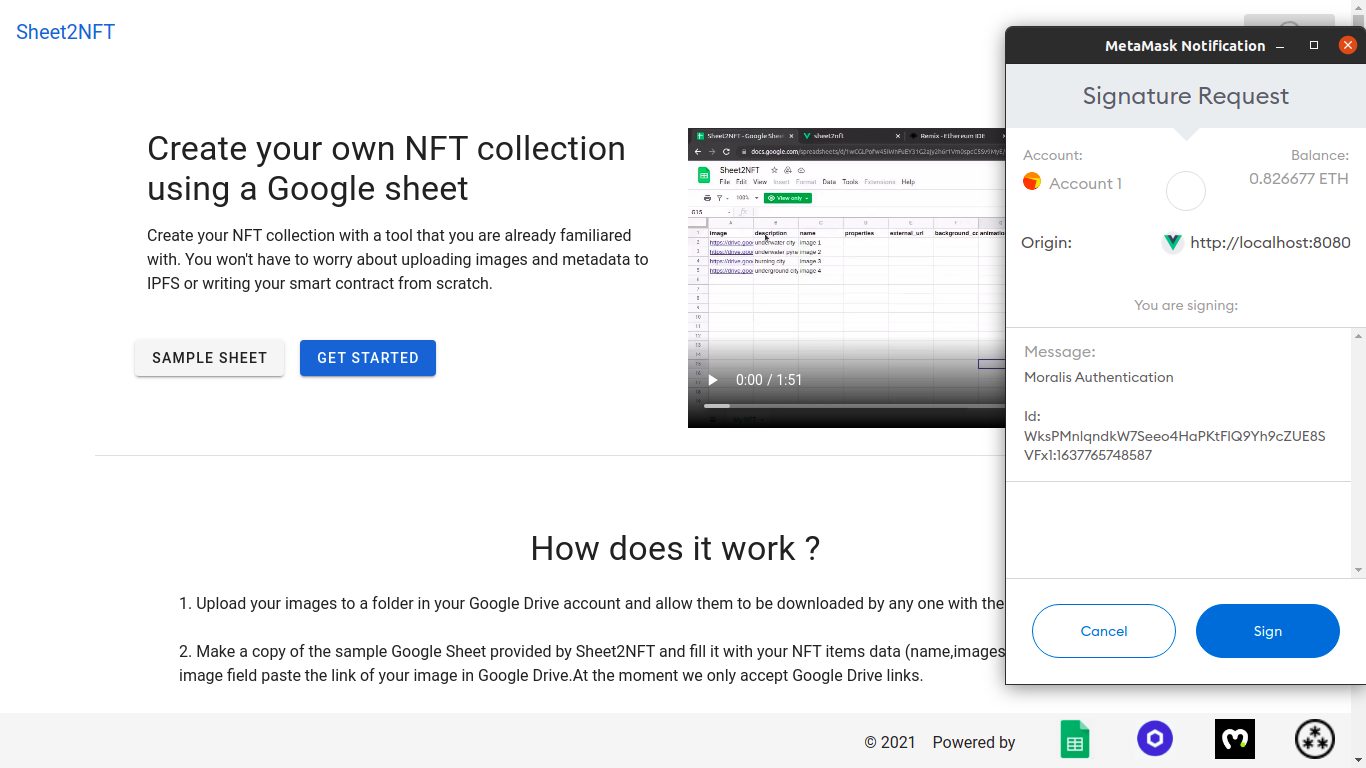
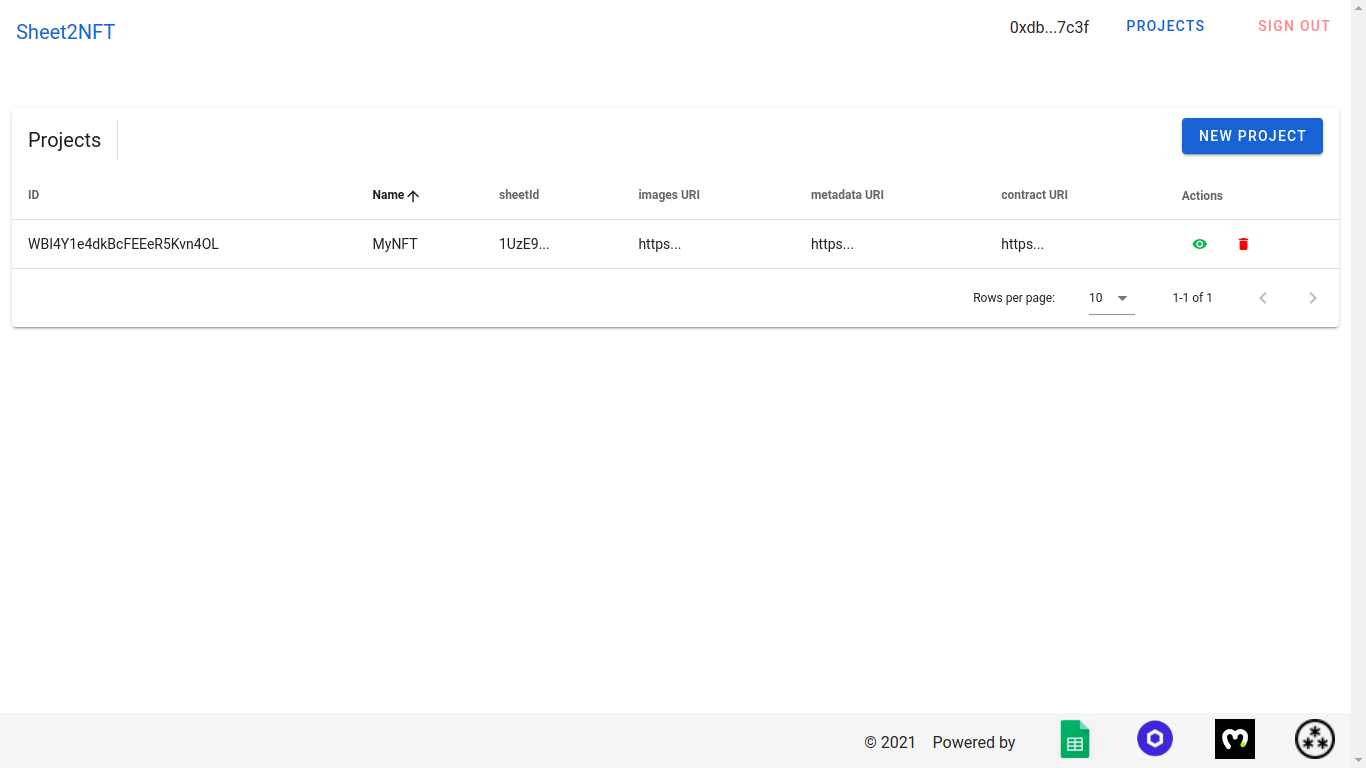
Moralis authentication is being used to allow users to use their Ethereum account (Kovan network only) and Metamask to log in to Sheet2NFT and call the smart contract responsible for converting the data in the Google Sheet. Moralis databases are being used to store projects containing NFT data such as images URI and metadata URI. Moralis IPFS storage is being used to store the images, metadata and the generated NFT contract file containing the metadata URI. I am also using Moralis to call the Chainlink smart contract responsible for converting the data in the sheet to NFT assets
Web3.Storage which is built on top of Filecoin is being used as an alternative free IPFS storage service provider
Prerequisites
In order to use Sheet2NFT you will need the following:
- An Ethereum test net Kovan account.
- Images stored in your Google Drive. The images read permission should be set to allow anyone with a link to download them.
Challenges we ran into
I had no experience with solidity smart contracts, Chainlink, Moralis, web3.storage before this hackathon.
Accomplishments that we're proud of
I have managed to build a tool that will reduce the barrier of entry for those interested in creating their NFT.
What we learned
- I learned the basics of how to write smart contracts;
- I learned how to use Chainlink to call an API from a smart contract;
- I learned how to use Moralis to authenticate users, call smart contracts, store data in databases, and store assets in IPFS.
- I learned how to use Web3.Storage to store data in IPFS.
What's next for Sheet2NFT
Allow users to deploy and manage their NFTS without leaving the site, because right now the user has to use something like Remix to do that.
Built With
- chainlink
- ipfs
- javascript
- moralis
- node.js
- solidity
- web3.storage


Log in or sign up for Devpost to join the conversation.