-
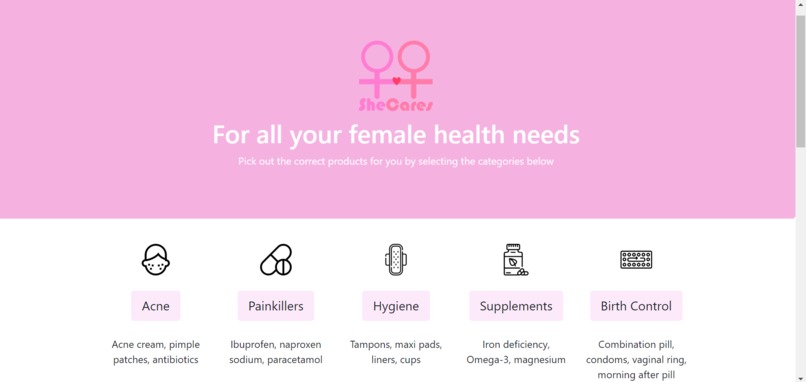
Main Page Interface Design
-
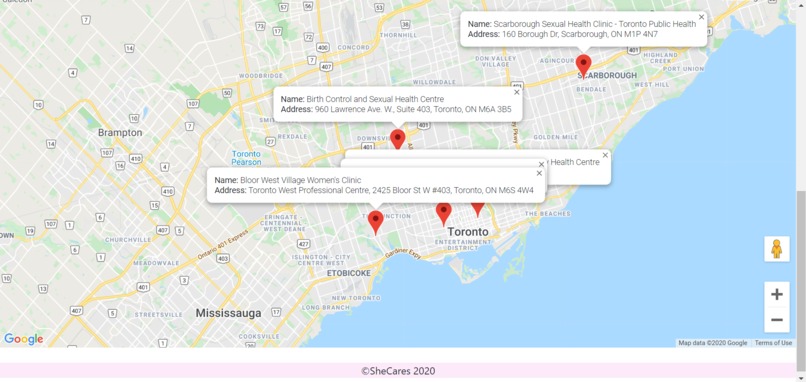
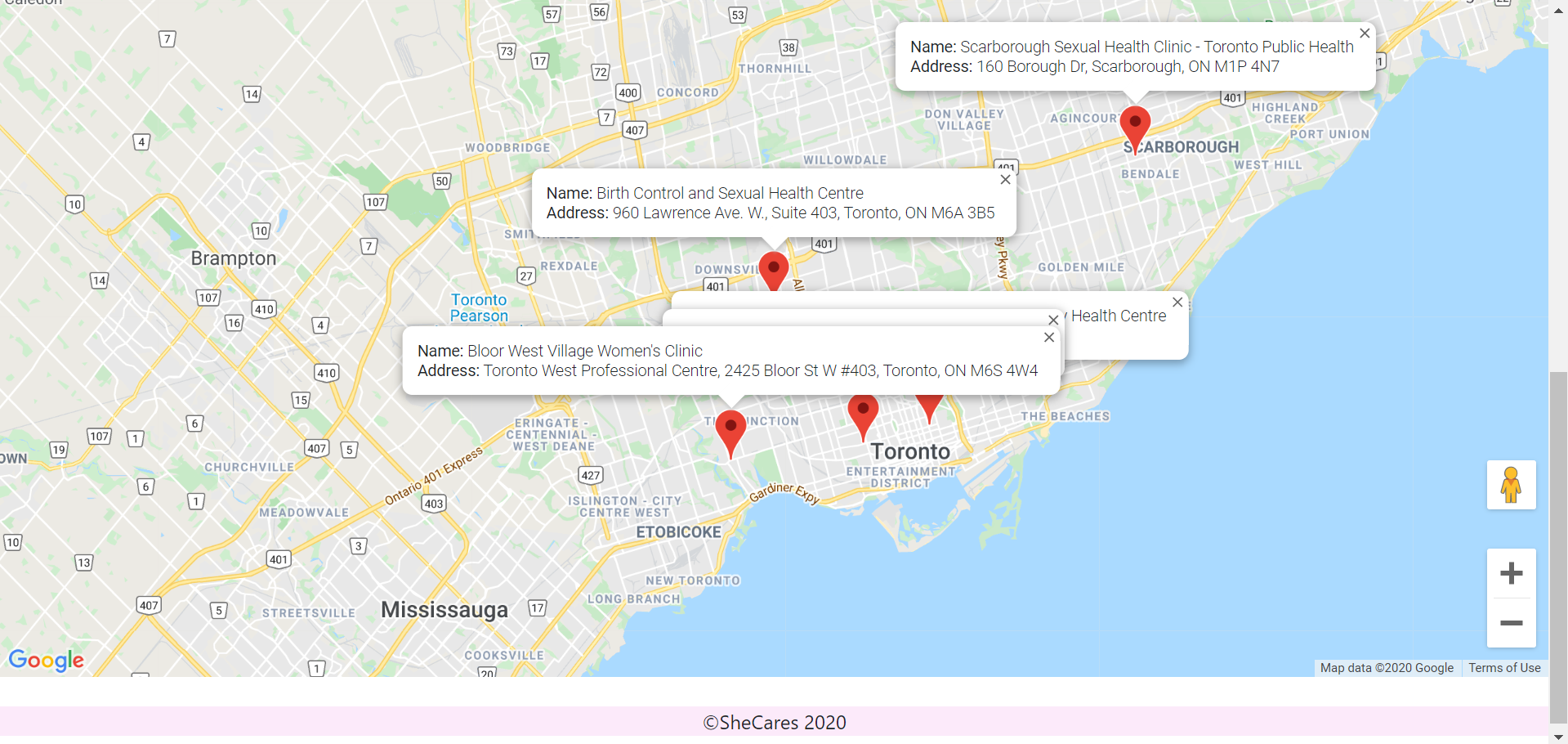
Google-API Map displaying female health clinics in the GTA region
-
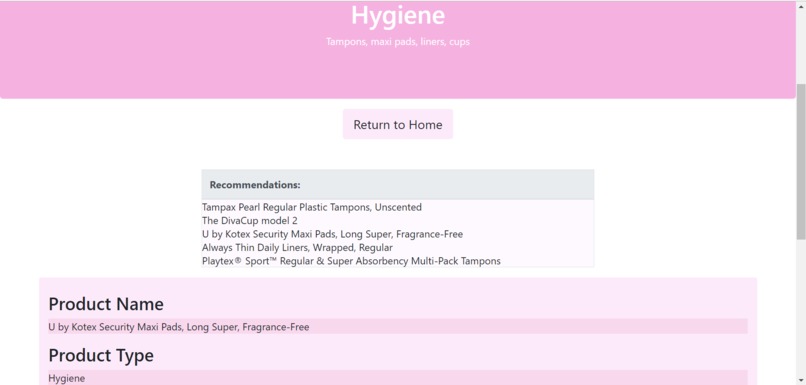
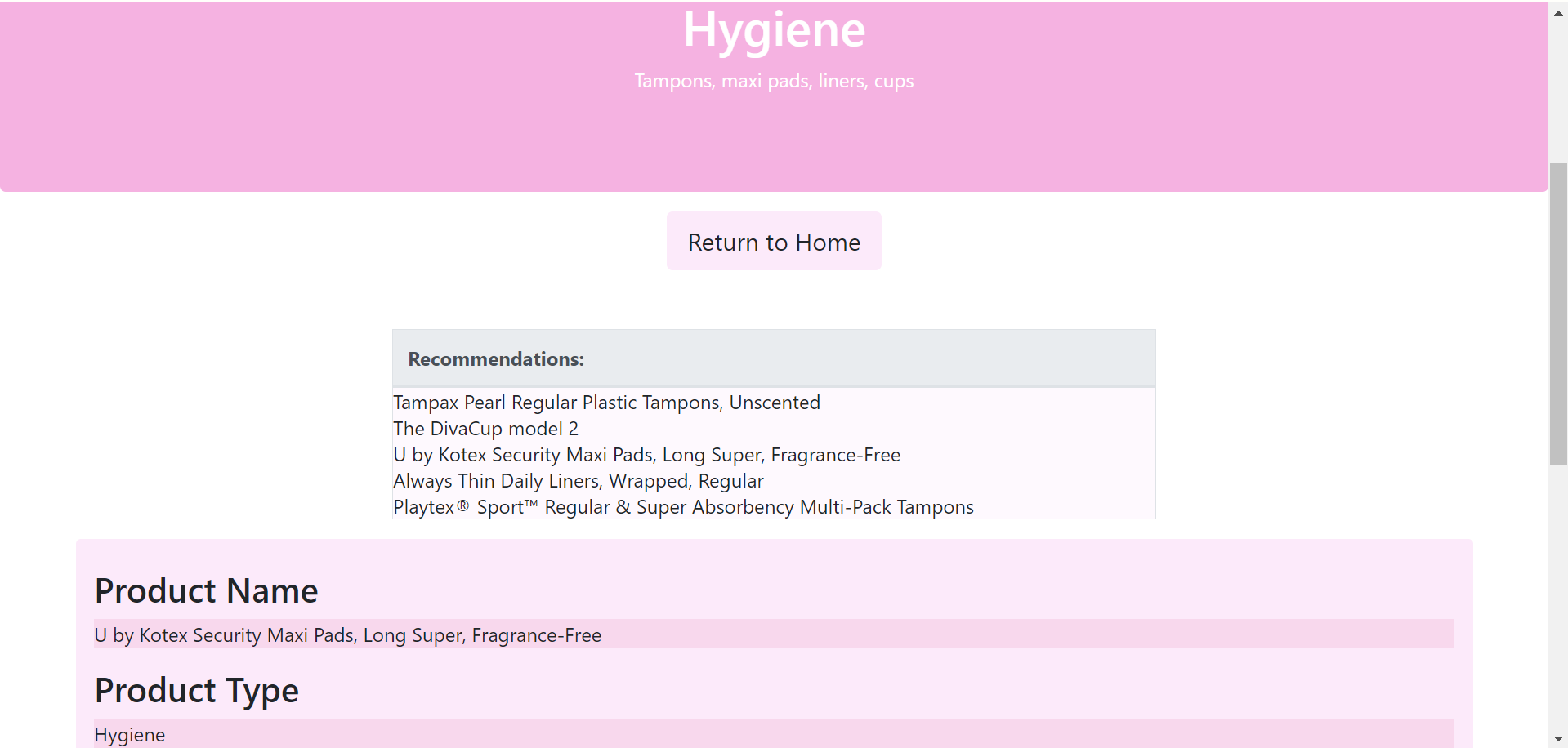
SheCares' Interactive Products Table
Inspiration
As 3 girls who have personal experience with negative stereotypes surrounding women's health, we wanted to create a site that would help women easily find the health products they need. Through an anonymous website that conveniently compiles the top products for many different issues, we hoped to reduce female users' stress in caring for their health.
What it does
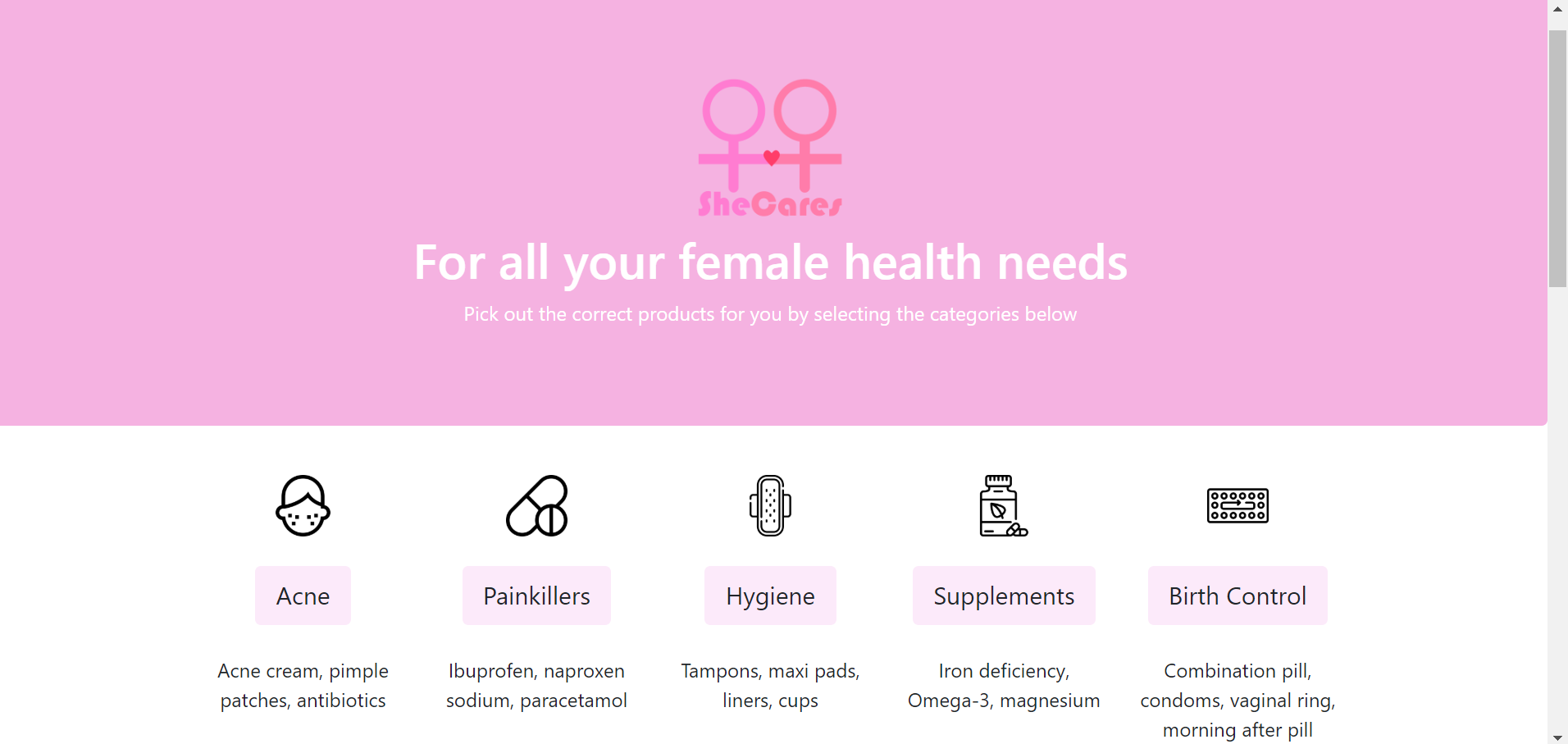
The main html page consists of relevant categories of women's health products (acne, painkillers, hygiene, supplements, and birth control). These labels are all placed on buttons that link to another html page, which contains some recommended products in the desired category. By clicking on a product, the site displays important information about that product, such as its approximate price, advantages, disadvantages, and a link to purchase the product. Since the three of us are from the GTA, we incorporated a page that marks women's health clinics in the GTA on google maps.
How we built it
The user interface was created with HTML, and bootstrap CSS and SCSS. We aimed to format our UI so that it would be scalable across different screen sizes (including phones). Also, we tried to make our website very reactive (ex. changing button colours on hover), so that the user would be encouraged to continue navigating the site.
We set up a database in firebase with collections for each product category. Each collection contains documents representing individual products. Using JavaScript, we set the table on our product display page to dynamically populate with entries from the database. This would ensure the scalability of this product table, since it would populate correctly no matter how many entries we added or deleted in the database. When the user clicks on a product, the name of the product is used to query the rest of the product's information, which is immediately displayed.
We also used firebase to store a collection of women's health clinics. With the Google Maps API, we added markers to a map of the GTA, adding info windows to display the name and address of the clinics on click.
Challenges we ran into
It was difficult to ensure both a lot of data and the reliability of the data since this was very time-consuming. Thus, we did more thorough research on fewer products and included only those in our database. In the future, more products could definitely be added to give the user more options.
Also, we ran into challenges with detecting the user's location on google maps and using that location to search nearby health clinics. Since we were on a time constraint and had never used this API previously, we decided to simplify this feature to only display clinics in the GTA.
As a first time user of bootstrap, we took on the difficult task of trying to modify the default bootstrap style attributes with SCSS. We tried to follow online tutorials for setting up SASS on our computers, however, because SASS has gone through many changes since May 2019, the tutorials were not up to date. Luckily, we were able to find the modifications of the updates after extended research through SASS's official website.
Accomplishments that we're proud of
During this hackathon, we explored many technologies with which we were previously unfamiliar. None of us had used firebase, bootstrap, nor Google Maps. However, we persevered relentlessly and ended up implementing all of these tools in our project!
What we learned
Throughout this hackathon, we have learned about many things, in particular, Google Cloud and Bootstrap implementation. Firstly, we used Google's Firebase as the database for our website, which was a lot more intuitive than SQL. We were also able to create an interactive map element using the Google Maps API that was kindly sponsored by MLH. For UI/UX, it was our first time using Bootstrap to assist with the styling of our website. Through this, we learned about Sassy CSS (SCSS) and its capability to help better organize our style sheets. Overall, it was an exhilarating weekend filled with knowledge and fun!
What's next for SheCares
For our next steps, we want to implement a search-by-keyword bar, so that users may search for products they may need using associate keywords. We also would like to permit the user to shortlist items and then potentially produce a downloadable pdf out of the list they create. As well, we would also like to expand our database of selected products. Finally, we would also like to modify our map, so it displays the closest health clinics based on the user's current location.

Log in or sign up for Devpost to join the conversation.