FINspiration
As young, aspiring software developers, we wanted to develop a useful, fin-tastic, application not only for shark-lovers but also for practically anyone who uses Google Chrome! We also took inspiration from a very popular Chrome extension, Momentum. We wanted to create an improved version of their extension with all their features and more for free.
What it does
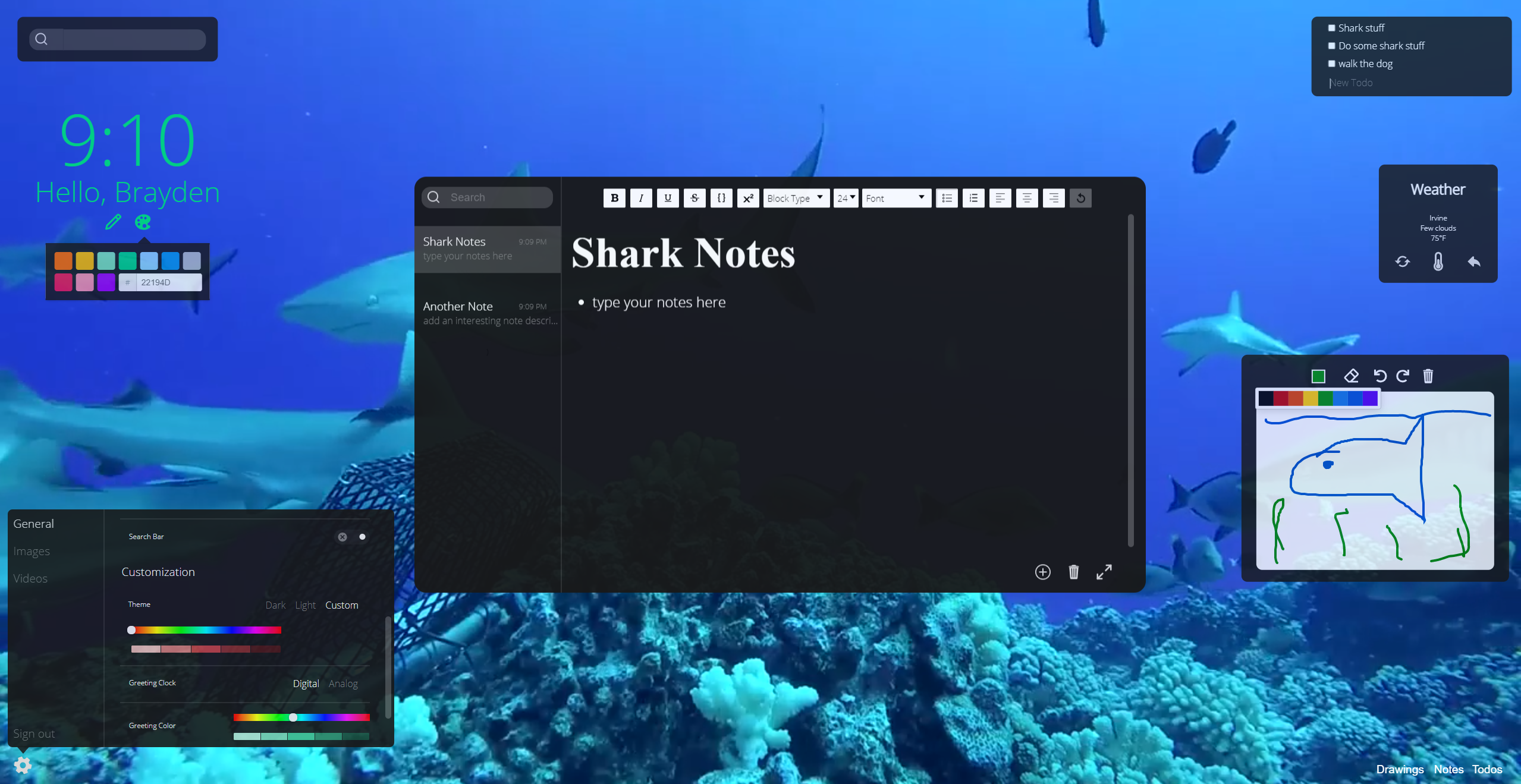
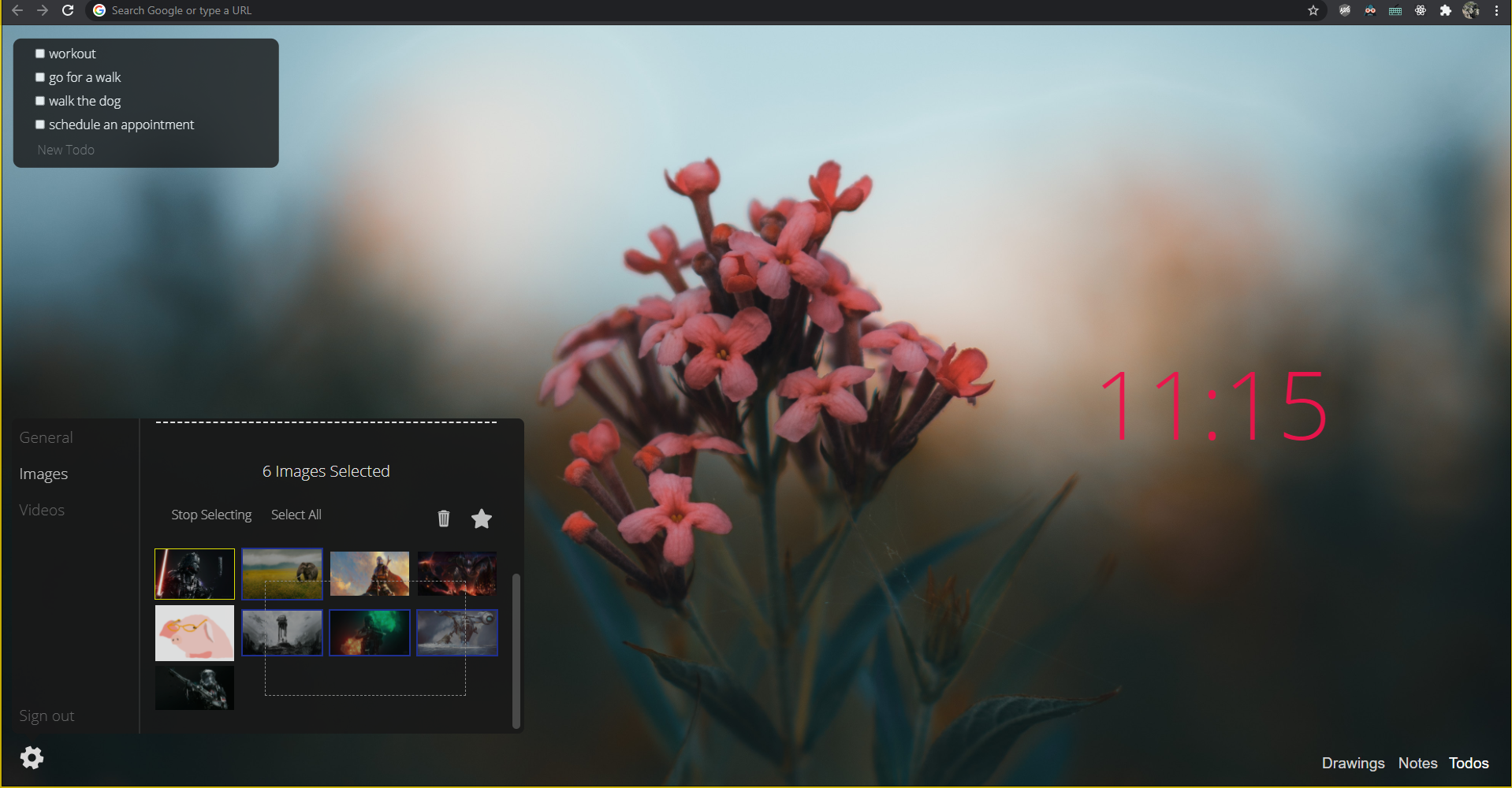
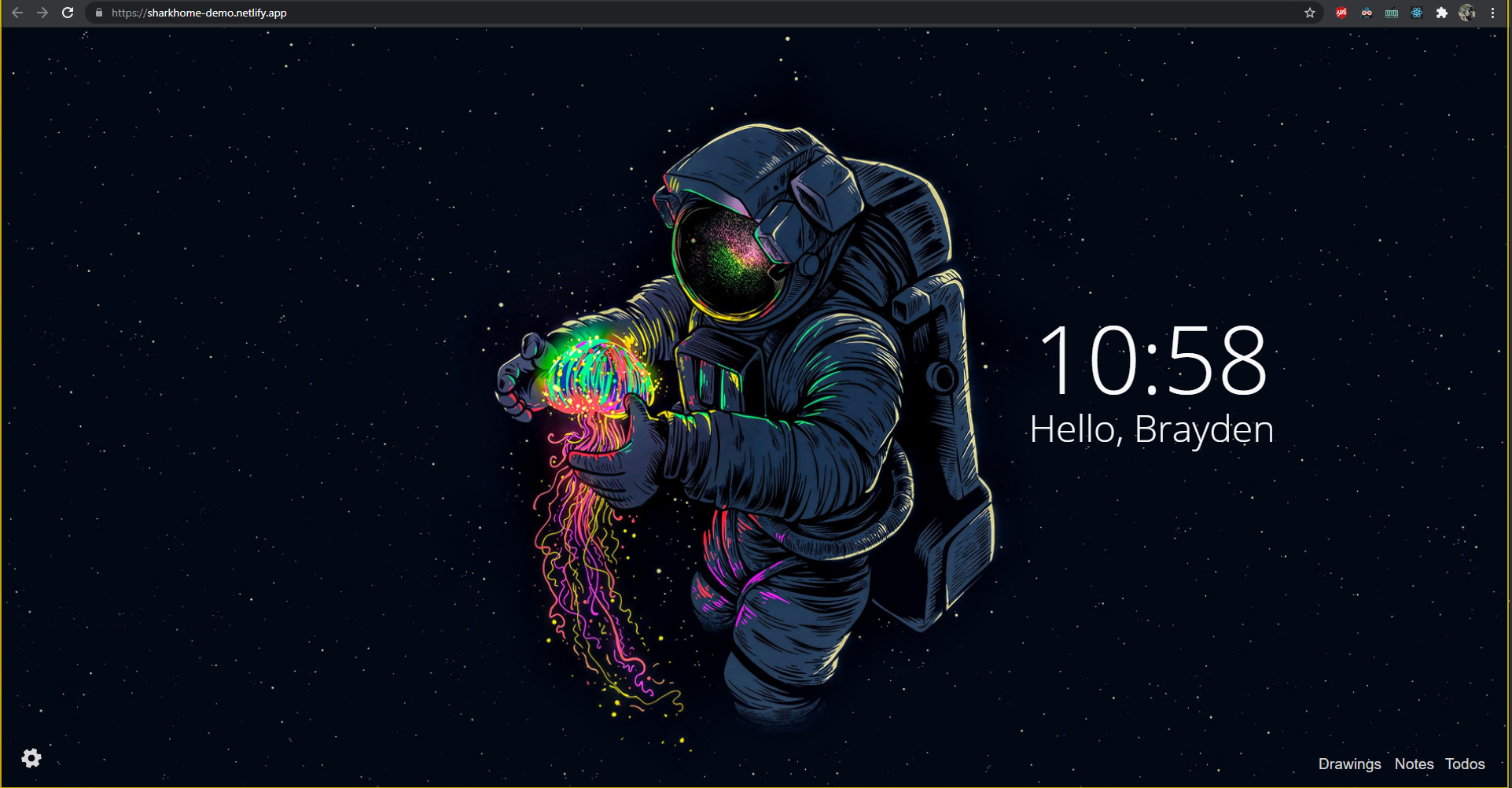
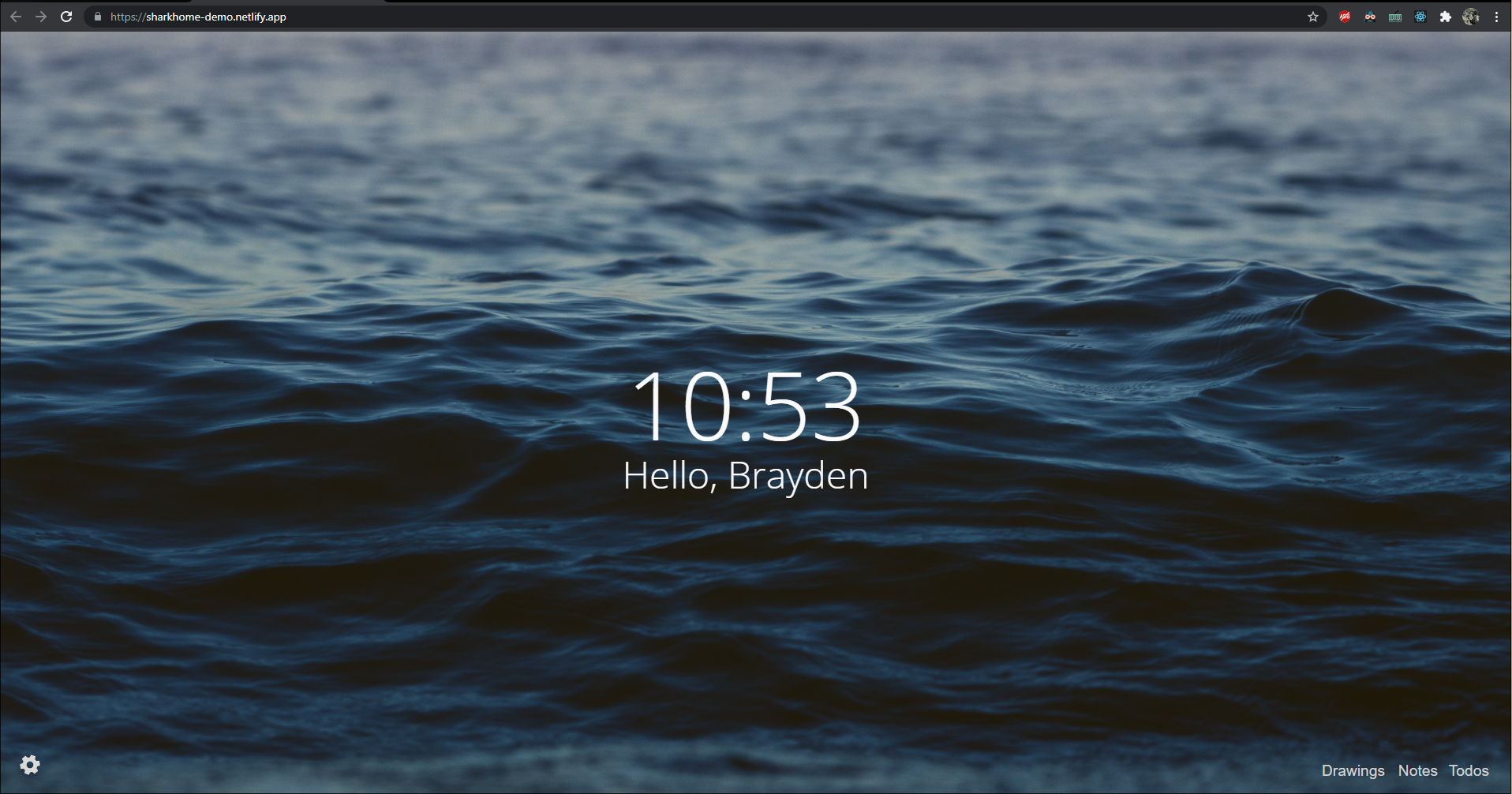
Our Chrome extension, Shark Home, transforms your boring chrome new-tab page to a beautiful wallpaper with a plethora of widgets and shark-like power. Shark Home provides not only spiffy wallpapers for your chrome homepage but also has a variety of useful widgets such as a fully customizable to-do list, intelligent notepad, artistic whiteboard canvas, real-time weather data, and more. Our users will no longer have to spend countless hours scattering through different apps and websites to take notes, add reminders, or check the weather. With the touch of a button, it will display all of the most necessary information in one view.
How we built it
We built the frontend with React and used Apollo as our GraphQL client to make requests to the backend. We used Firebase Authentication in combination with JWT tokens for handling user sign-in / signup. In addition, we leveraged several APIs for images and weather info as well.
We ran the backend on Apollo Server using express in Node.js. It connects to our Postgres database through TypeORM, in which we have several tables including notes, drawings, to-dos, images, videos, and more. Our backend also connects to Google Cloud Storage so that when an image is sent to video/image resolvers, we can save the image to the bucket, obtain the URL, and set it in the database.
Challenges we ran into
We intended to add pagination to the drawing tool, however, we ran into multiple issues with cache invalidation with Apollo Client that slowed down the process significantly, and we were not able to finish. Additionally, it was difficult working with authentication within a Chrome extension. We tried cookie authentication with express-session and found that it does not work within an extension, and we had to migrate to JWT header token authentication.
Accomplishments that we're proud of
We are proud that we completed so much of the extension during the short time we had this weekend. We efficiently split up the work and developed features on our own, which is how we were able to engineer many complex features. First, we quickly set up the application’s boilerplate together. Then, we delegated one person's work on connecting the frontend features, two people developed the frontend components, and one person was in charge of setting up the backend.
What we learned
This was our first time using a Google Cloud Storage Bucket, and learning how to connect to it through our backend was very informative. Additionally, we implemented some optimization techniques that were new to each of us. Initially, our to-do list was lagging behind and was too slow to load upon initial page rendering. However, by getting information from local storage and then overriding this data with the most updated information from our database, we ensured that information was always being rendered as quickly as possible.
What's next for Shark Home
There are still a few more features we’d like to implement before we launch Shark Home as an official extension on Google Chrome. For example, we wish to create more widgets such as live stock/crypto price charts. We also want to make the app much more customizable for users by allowing them to change how their widgets look, adjust the size of widgets, and change font styles, so they can feel comfortable when using this extension.
Built With
- apollo
- firebase
- google-cloud
- graphql
- jwt
- node.js
- postgresql
- react
- typegraphql
- typeorm
- typescript


Log in or sign up for Devpost to join the conversation.