-
-
ShareCare Logo
-
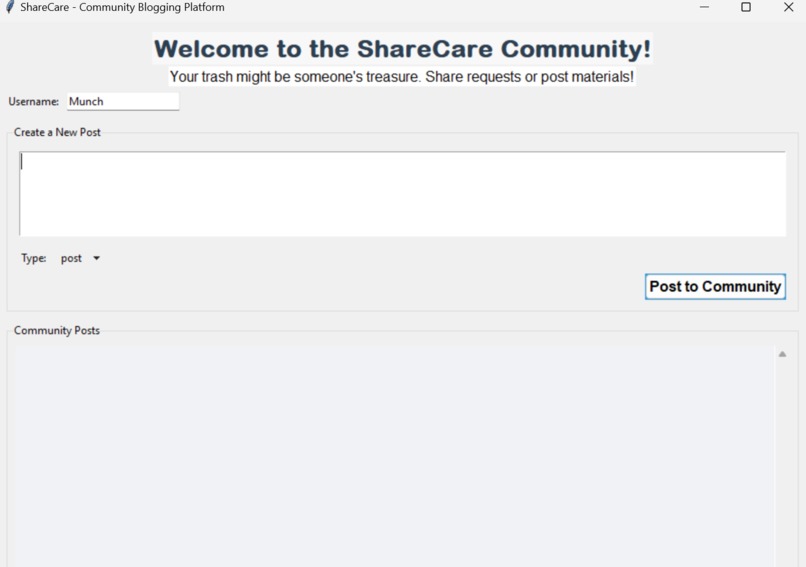
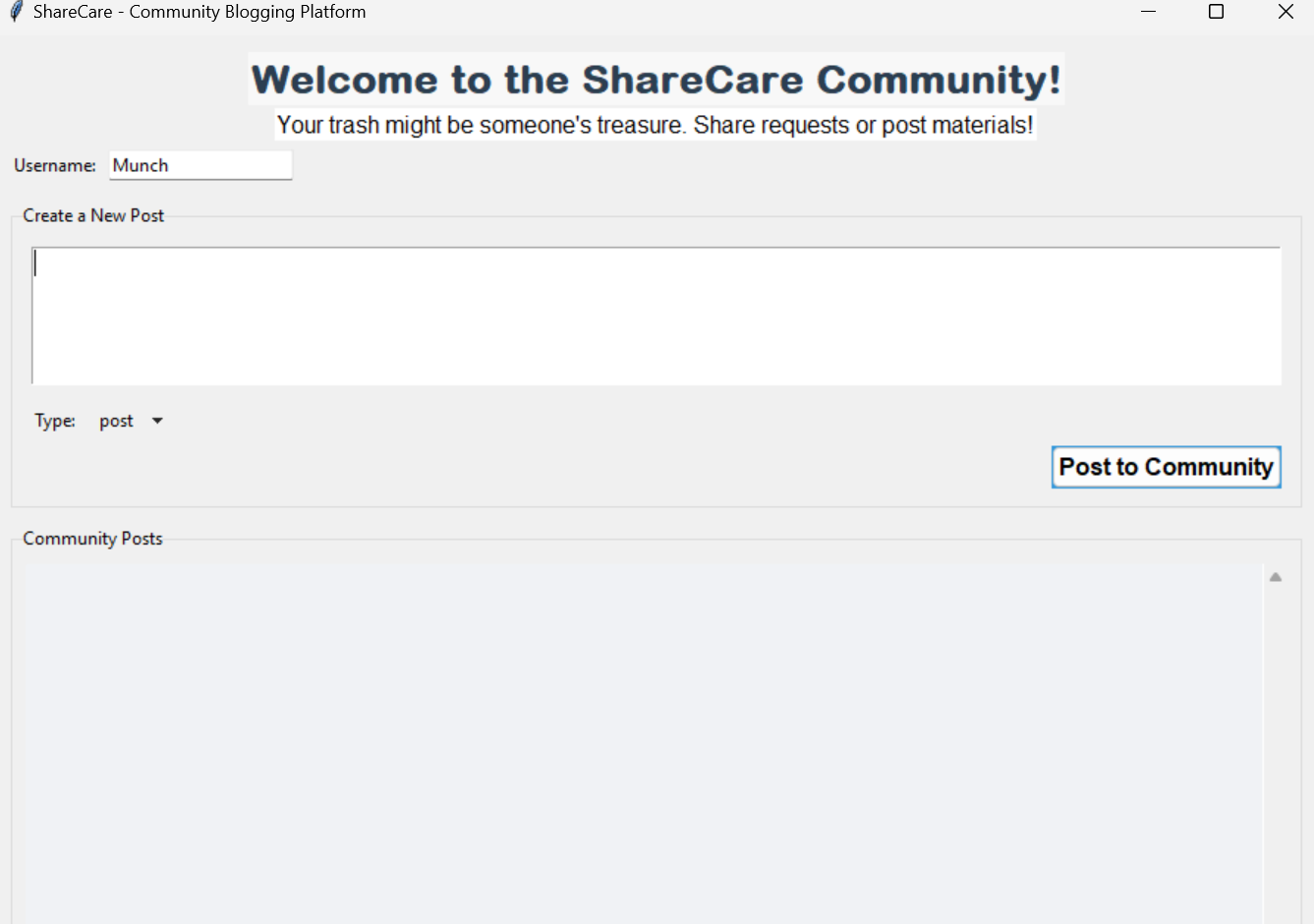
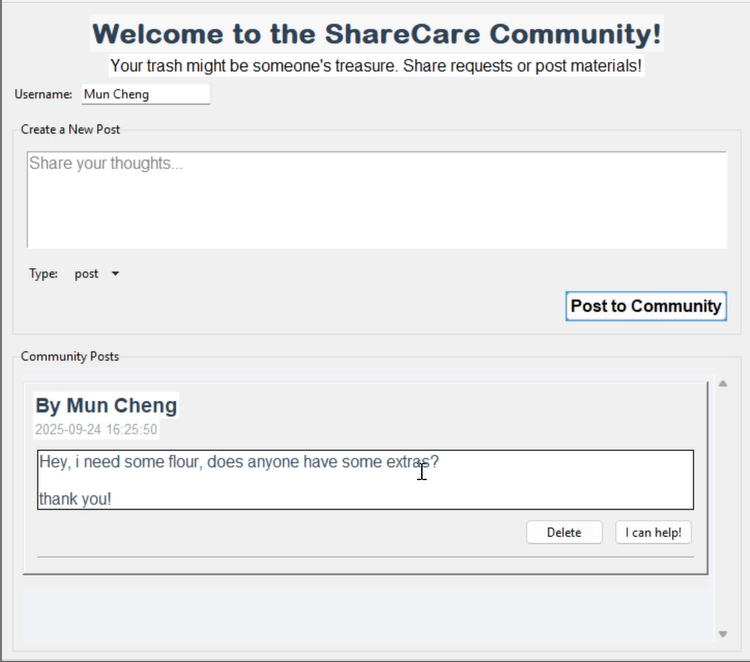
Interface of the ShareCare App
-
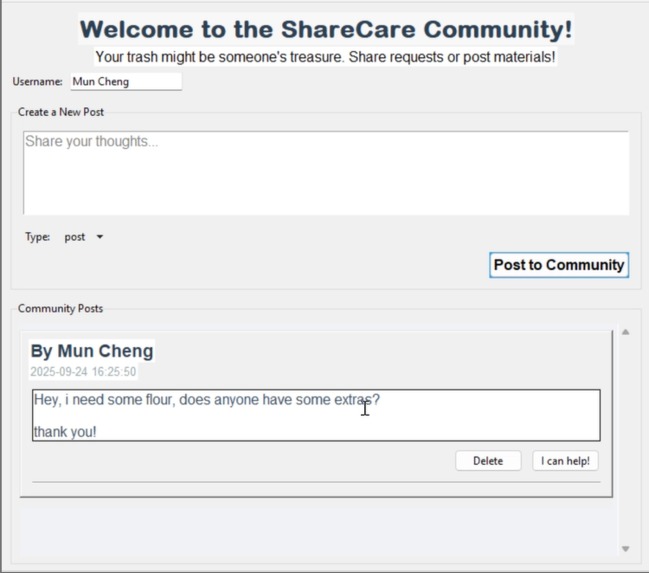
Screenshot of the interface and post of the app
-
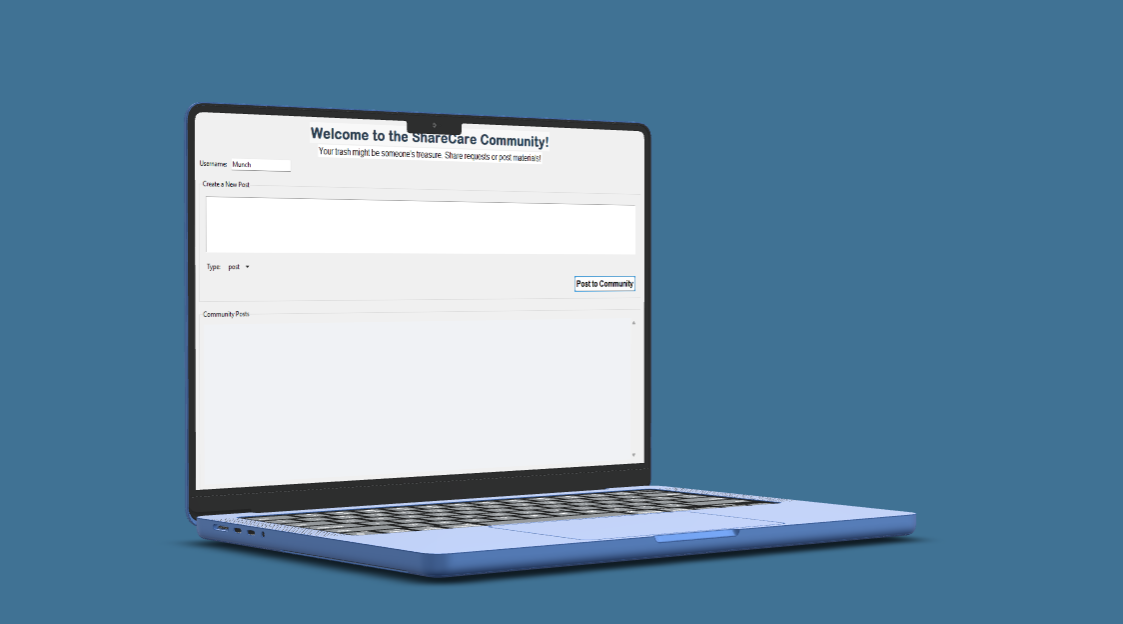
Mockup of the ShareCare app
-
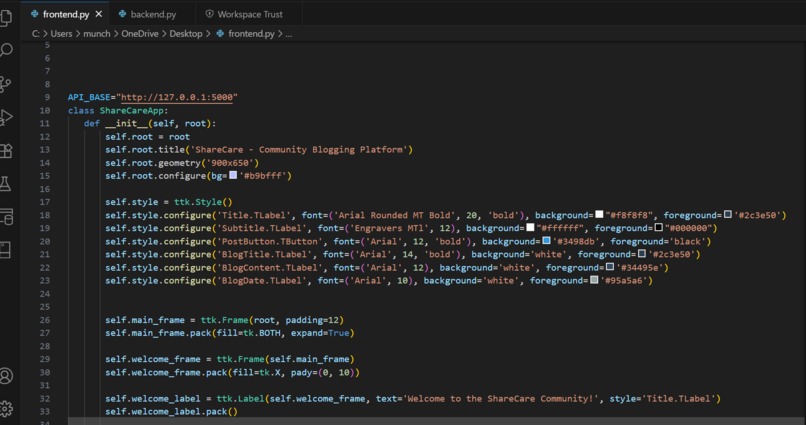
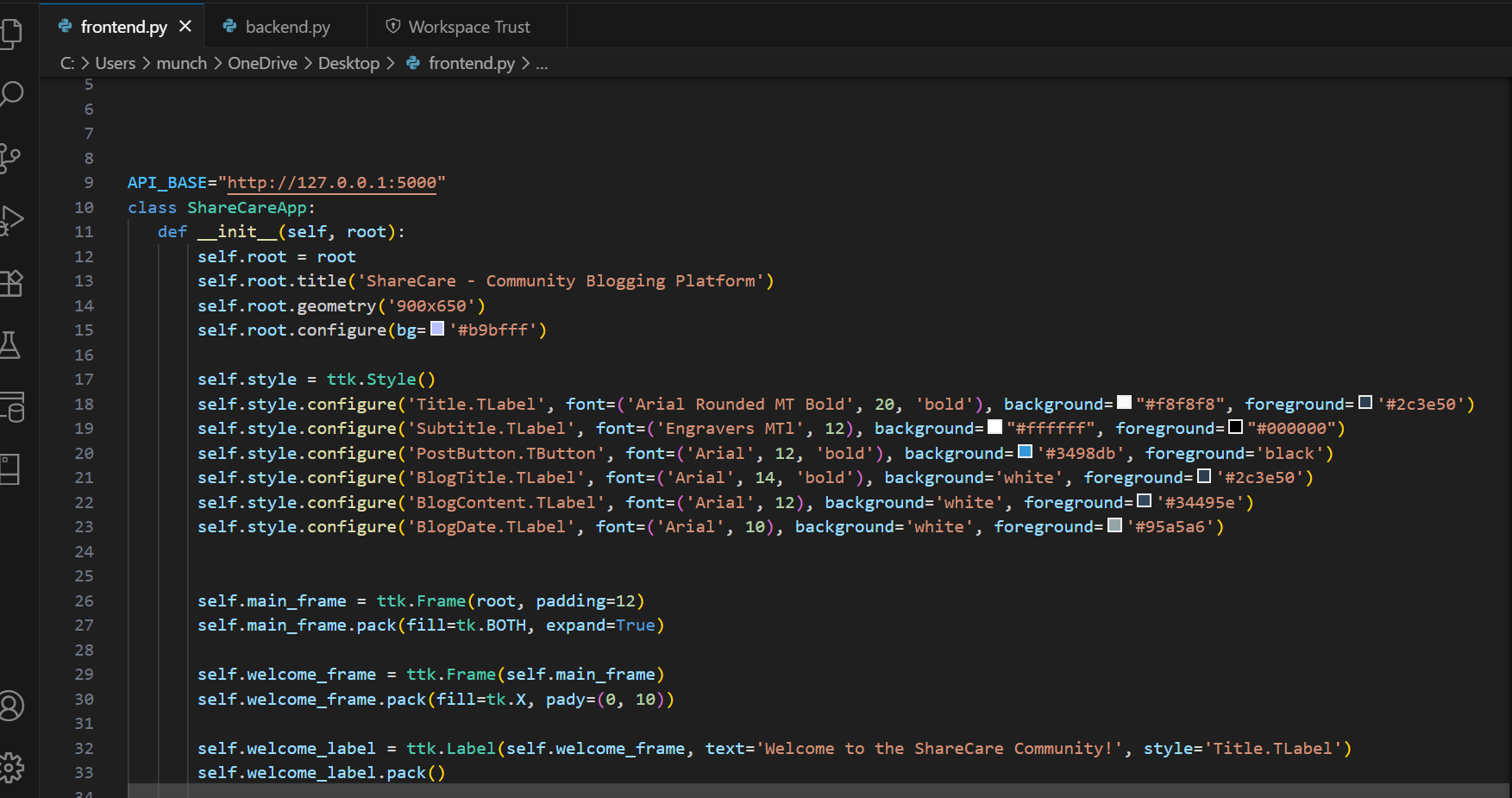
Snippet of Frontend Code
-
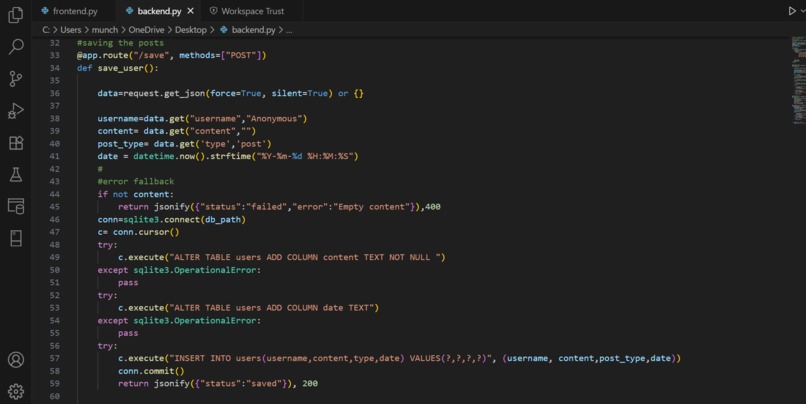
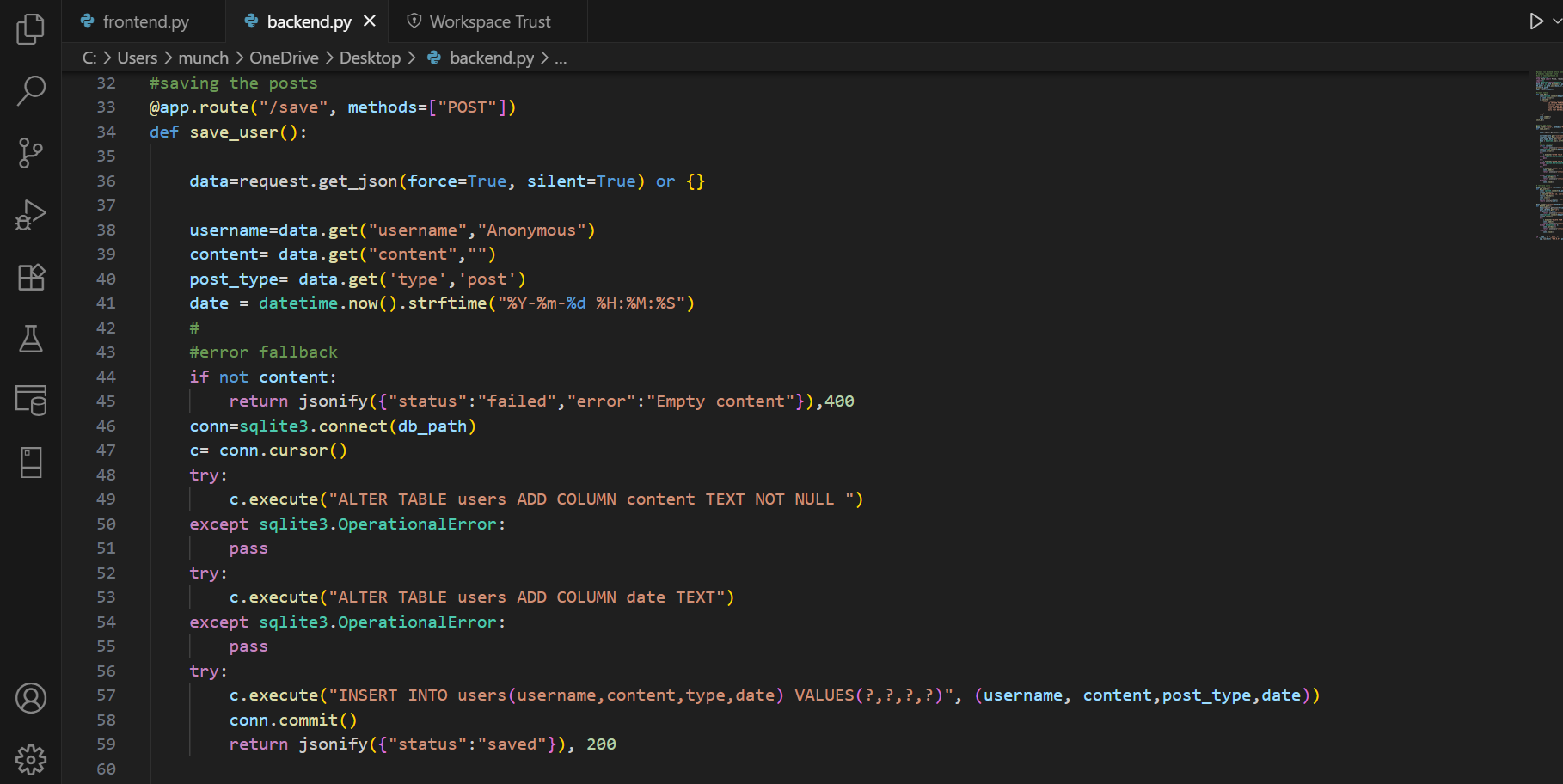
Snippet of Backend Code
Inspiration
We noticed that in every community, people often have “extras” materials that they don’t use - like leftover materials, advice, or even knowledge - while others struggle to find those exact things. For example, someone might have a huge bag of flour they’ll never finish, while someone else only needs a small cup. We wanted to build a bridge between these gaps and create a space where sharing becomes easy and natural.
Click Here to watch our Concept Video
What it does
ShareCare is a simple community platform that lets people either:
- Post something they want to share (ideas, items, experiences).
- Request something they need (materials, help, advice).
- Other users can then click “I can help!” to connect, making it more than just a posting wall - it’s an actionable space for real community support.
How we built it
Frontend: We used Python’s tkinter library to design the interface. This is where users can type content, choose whether it’s a post or request, and view posts in a scrollable feed.
Backend: We built a Flask server that receives requests from the frontend. It handles creating, retrieving, and deleting posts.
Database: We used Python’s built-in sqlite3 for local file-based storage. This keeps all posts persistent even after the app is closed. Since this is a prototype, it only supports local storage, not multi-device syncing.
Challenges we ran into
Debugging database migrations (adding new columns like “content” and “date” sometimes caused errors).
Making the delete function work reliably with unique post IDs.
Designing the interface in Tkinter so it wasn’t too cramped while still showing all the post information.
Coordinating as a team and managing time effectively during the 7-day hackathon.
Accomplishments that we’re proud of
Successfully building a full-stack app from scratch with both a frontend and backend.
Implementing two different post types (Post vs Request).
Adding delete functionality, which makes the app feel more realistic.
Designing a demo that ties back to the hackathon’s theme of “Connected Worlds.”
What we learned
How frontend and backend communicate through HTTP requests (requests.post to Flask).
How to manage and migrate SQLite databases in Python projects.
The importance of clear teamwork and project planning.
That hackathons are intense, but also a great way to push our coding and problem-solving skills.
Teammate personal reflections:
Mun Cheng: "I worked on the Backend code and both of the videos for the project, I think this is quite challenging as I am more used to coding Frontend as opposed to backend, but this experience has taught me how to power through difficulties and sharpen my problem solving skills. It also taught me how to manage my time better through the short amount of time given. Being in charge of the demo video and concept video also pushed me out of my comfort zone as I'm not confident in public speaking and being in front of a camera, so I am quite happy with the outcome and quality of the video."
Yingci: "I felt like that we have made great use of our time especially given that it was quite short, I was in charge of coding the frontend code because I've never learnt much data science so I don't have the skillset to code the backend. I found this competition significantly harder because I was also juggling multiple other commitments like the IMONST Maths competition and piano practices, if we were given the time, we would absolutely try to expand on more functions and furnish the interface more but I am satisfied with the work we produced in this time frame."
What’s next for ShareCare
Expanding from local-only storage to a cloud database, enabling true multi-device access.
Adding authentication so users can log in and track their posts/requests.
Building a conversation feature so people can chat directly when a request matches someone’s offer.
Improving the design with more modern UI libraries or a web app version.
By TEAM 'sum basikal boiz': Yingci and Mun Cheng


Log in or sign up for Devpost to join the conversation.