Inspiration 💡
As developers, we’re always looking for ways to stand out. Incorporating 3D models into our projects was a clear way to elevate our work—but the process of modeling or sourcing assets was time-consuming and overly complex. With the help of ShapeShift, taking our projects to the next dimension has never been easier.
What it does 💭
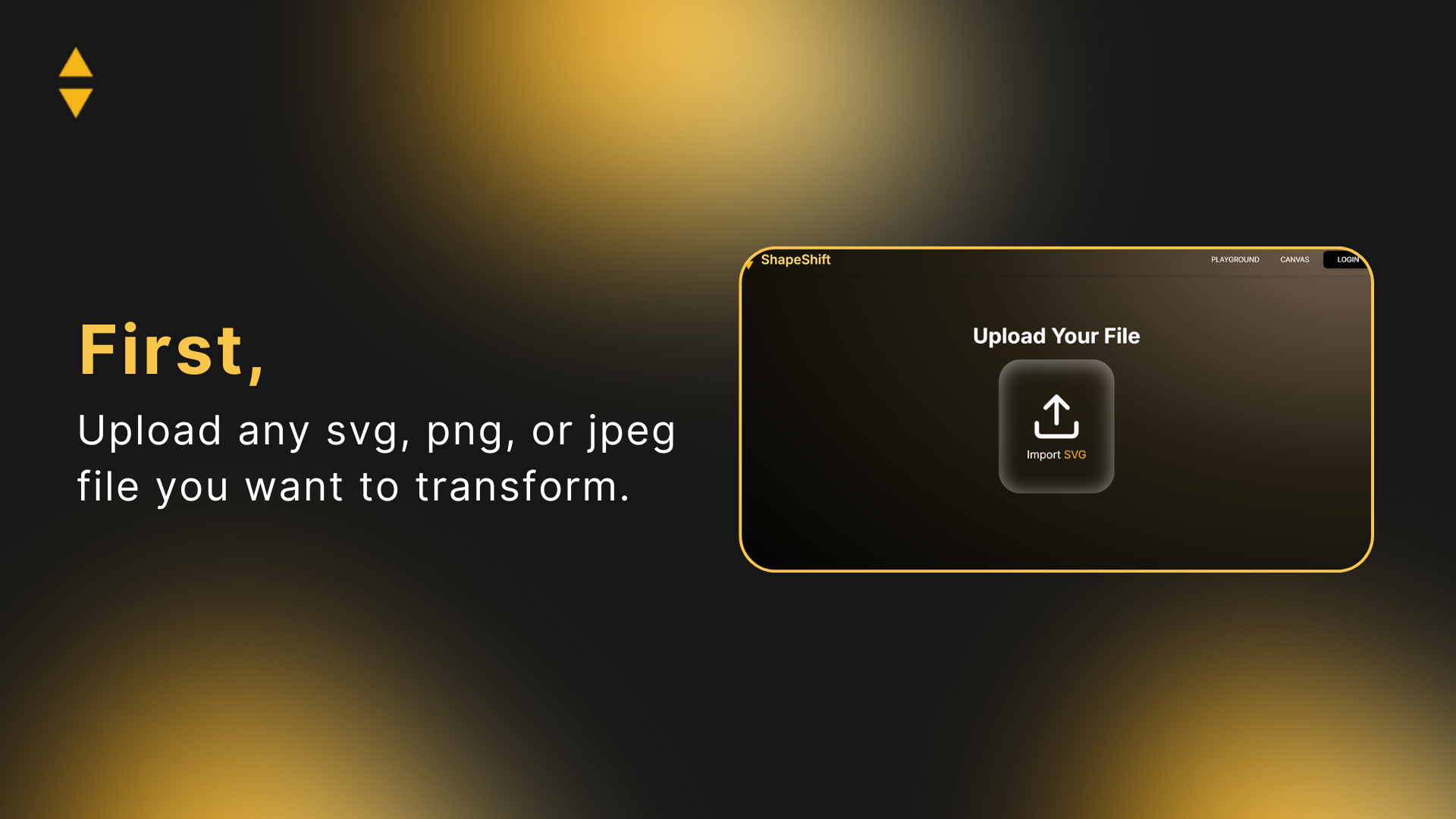
ShapeShift instantly converts SVGs into Three.js-ready code, helping developers turn any idea into 3D reality.
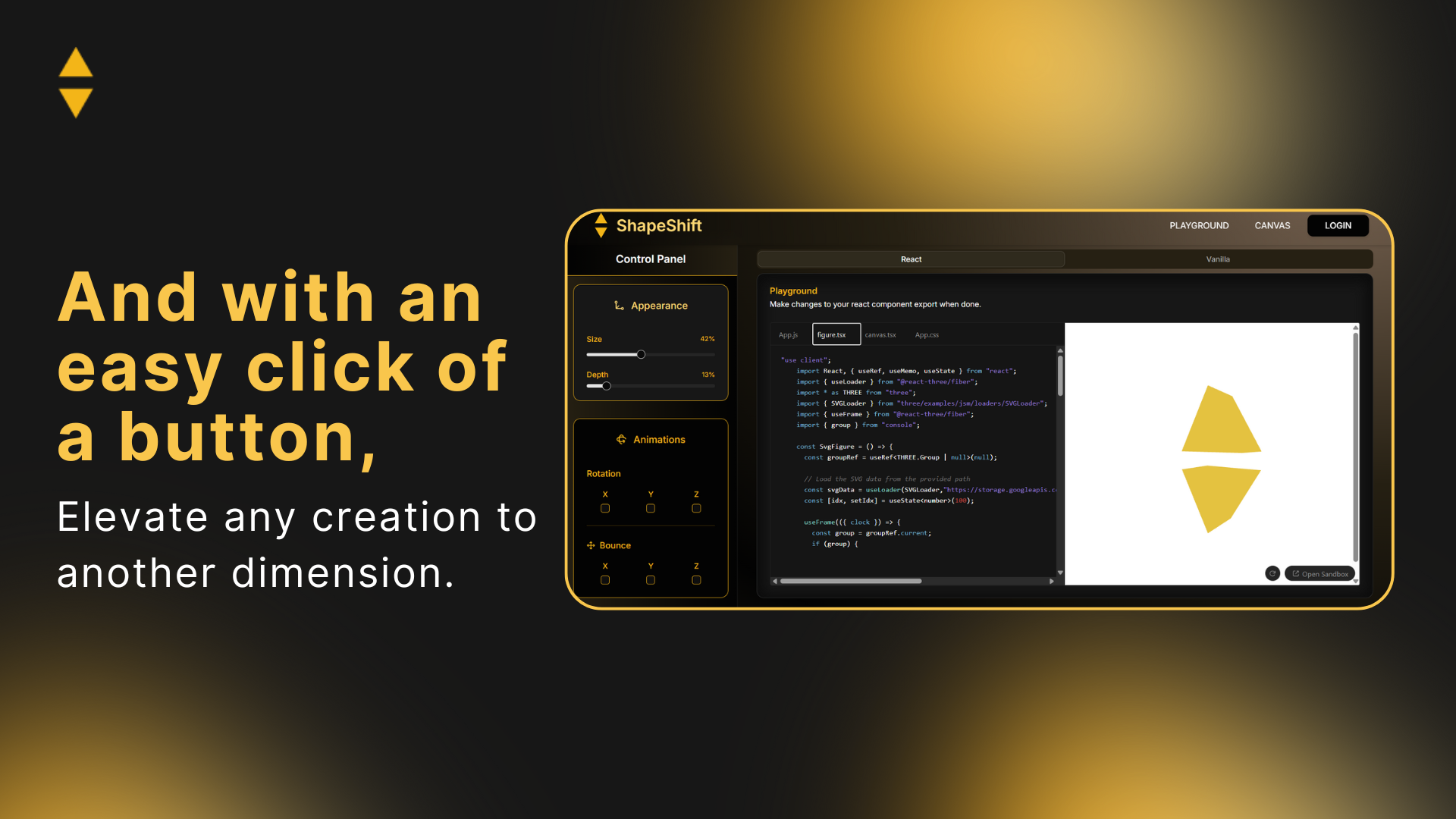
- Animations made easy 🎥: models can spin, move, and come to life with just a few clicks.
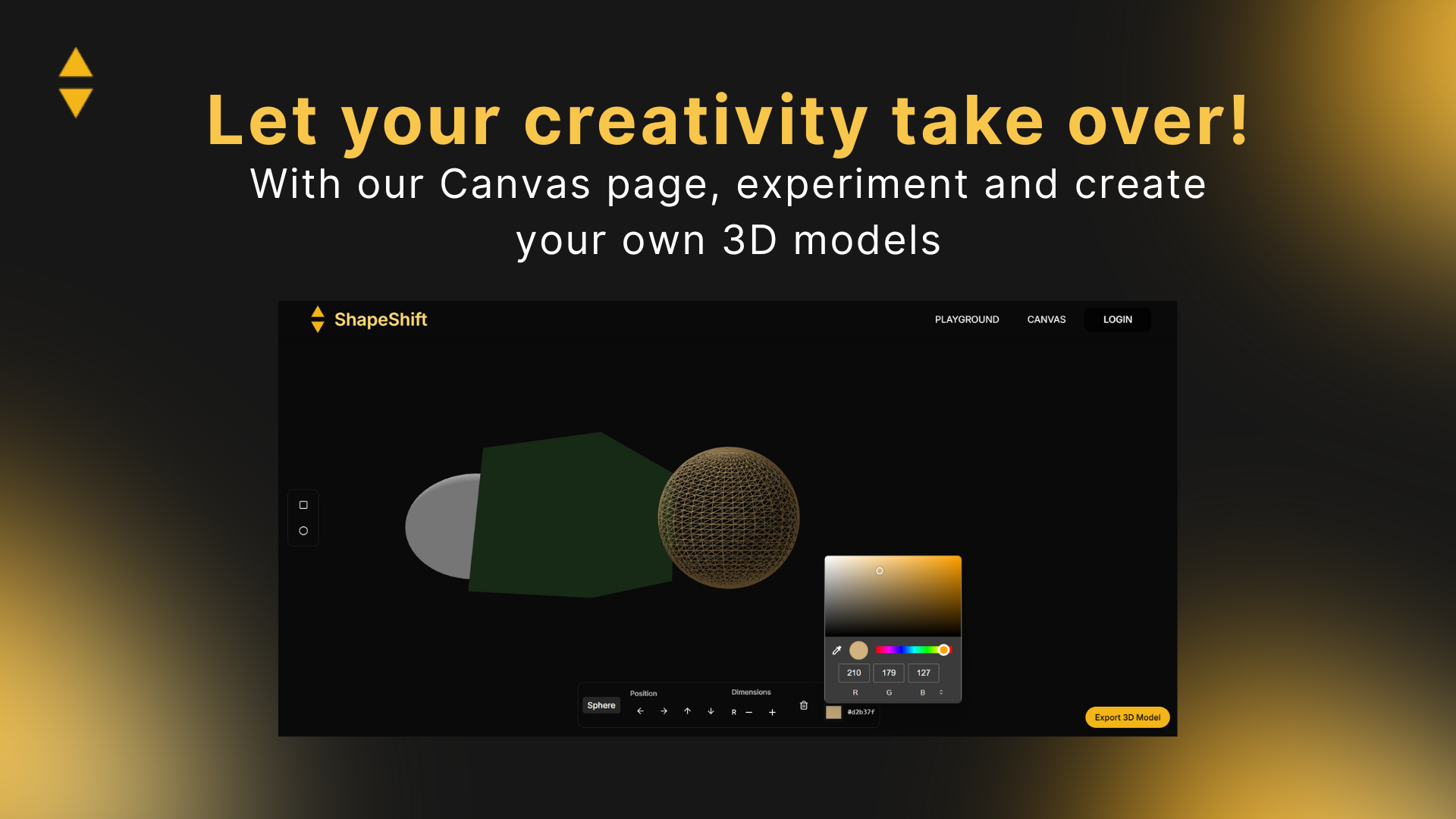
- Not sure what to build? Our interactive Canvas page lets users create and experiment with 3D models directly in the browser.
- Save your work! With user authentication, a smooth login/logout system, and invaluable project storage, ShapeShift makes 3D development seamless, accessible, and stress-free.
How we built it 🛠️
We built ShapeShift using a modern web stack—React for the frontend, Three.js for 3D rendering, and MongoDB for authentication and data storage.
To generate 3D models, we started by parsing SVG files and extracting their individual shapes (paths, circles, polygons, etc.). Each shape is then converted into a 3D mesh using Three.js geometry generators. We normalize and group these meshes to ensure consistent scaling and alignment in the 3D scene.
For real-time interactivity, we use React Three Fiber to seamlessly integrate Three.js with our React components. Users can rotate, animate, and manipulate their models directly within our custom Canvas interface. Model data is stored securely via MongoDB, enabling save/load functionality tied to user accounts.
Our resulting project is a smooth, accessible pipeline from 2D SVG to fully interactive 3D model—all inside the browser.
Challenges we ran into 🧗
Throughout development, we faced a variety of technical challenges. Exporting and importing 3D models required careful handling of file formats and geometry data to maintain model integrity. Object storage was another hurdle—we needed a reliable and scalable way to save user-generated models and retrieve them efficiently.
Building an interactive coding playground inside the browser also presented unique difficulties, from syncing 3D updates in real-time to ensuring a smooth and intuitive user experience. Each challenge pushed us to dig deeper into Three.js, file handling, and real-time data management—but overcoming them made ShapeShift a much more robust and powerful tool.
Accomplishments that we're proud of 🎉
One of our biggest accomplishments was the growth we experienced as a team. Every member picked up new skills—whether it was learning 3D rendering with Three.js, working with SVGs, building a full-stack web app, or implementing authentication and storage. The challenges we've overcome with our code have been great, and we’re proud of how far we pushed ourselves. In the end, we were able to bring our vision for ShapeShift to life in such a short time.
What we learned 🧠
- How to create, import, and export 3D models
- Animating components using React and React Three Fiber
- Navigating and building with Next.js
- Understanding the fundamentals of WebGL and how it powers 3D rendering in the brow
What's next for ShapeShift 🤔
We’re excited to keep building! Here are some of the next steps we have planned:
- Enhanced model export options, including support for more file formats like .glb and .gltf
- More import options, including png and jpeg
- Advanced control tools for customizing motion paths and vector options within the model
- Collaborative features that allow users to share and co-edit models in real-time
- AI-assisted model suggestions based on SVG input and prompts
Our goal is to turn ShapeShift into a go-to platform for fast and accessible 3D development.
Built With
- html
- javascript
- mongodb
- react
- tailwindcss
- three.js
- typescript


Log in or sign up for Devpost to join the conversation.