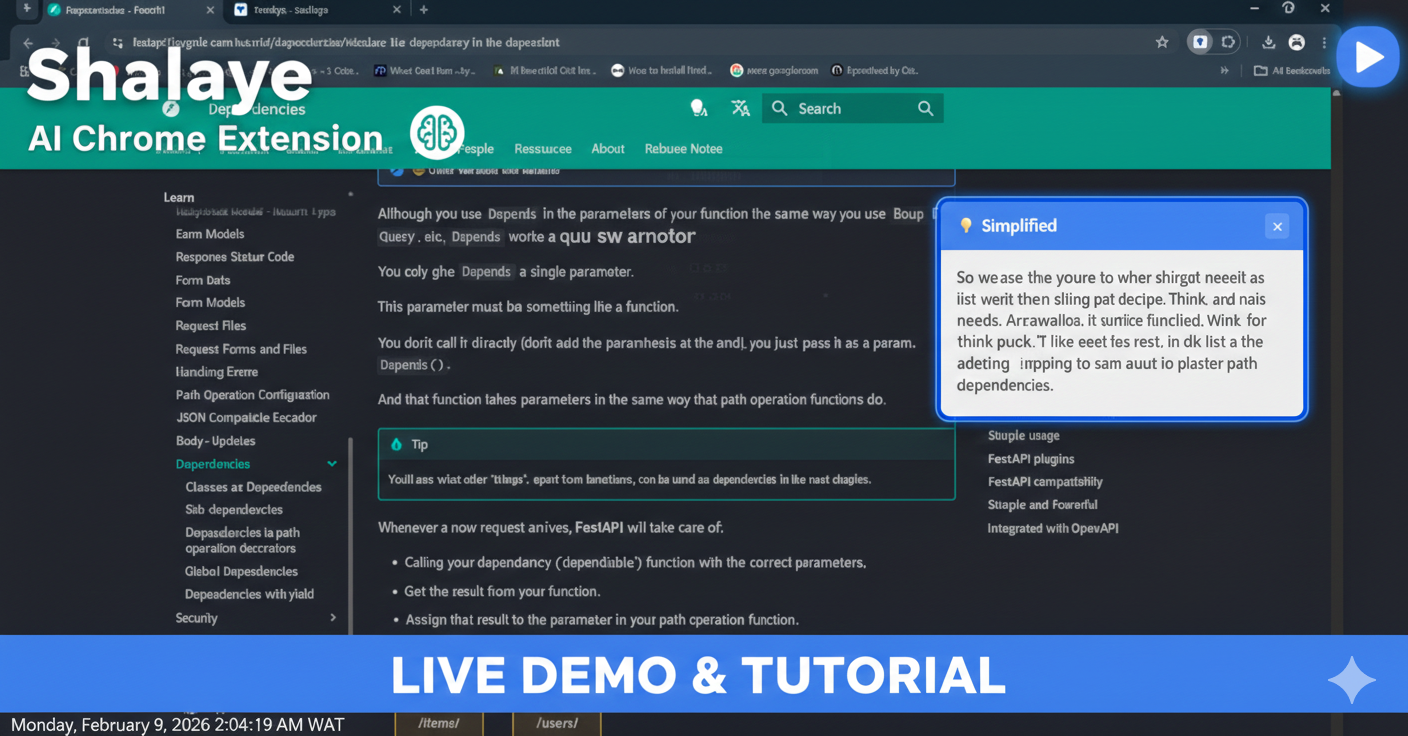
Inspiration We've all experienced the overwhelming feeling of opening a dense article, technical documentation, or lengthy blog post and thinking "I don't have time for this." In a world of infinite content and limited attention spans, cognitive overload is real.
We built Shalaye (Nigerian Pidgin for "explain it") to help people with:
- ADHD and attention difficulties who struggle with long-form content
- Non-native English speakers who need simpler explanations
- Busy professionals who need quick summaries
- Students who want to understand complex topics faster Our inspiration came from the simple question: "What if getting the gist of any webpage was just one click away?"
What it does Shalaye is a Chrome extension that instantly simplifies any web content using AI:
🚀 One-Click Summarization - Click and get a concise summary of any article, blog, or documentation 🎚️ Adjustable Complexity - Choose Quick (2-3 sentences), Standard, or Detailed breakdowns ✓ Key Takeaways - Automatically extracts the most important points as bullet points 💡 Quick Explain - Highlight any confusing text and get an instant, simple explanation 🔊 Text-to-Speech - Listen to summaries read aloud for accessibility 💾 Save & Organize - Store summaries for later reference 🌙 Light/Dark Mode - Comfortable reading in any environment
How we built it Tech Stack: Frontend: HTML, CSS, JavaScript (no frameworks - pure performance) AI Engine: Google Gemini 2.0 Flash API for fast, accurate summarization Backup AI: Groq (Llama 3.3 70B) for automatic failover Platform: Chrome Extension using Manifest V3
Architecture:
- Popup UI - Clean, premium interface with theme toggle
- Content Script - Extracts page content and displays tooltips
- Service Worker - Handles API calls with intelligent failover
- Chrome Storage - Local persistence for saved summaries and preferences We prioritized a clean, premium UI inspired by tools like Notion and Linear - minimal, functional, and beautiful.
Challenges we ran into
- API Rate Limits - Initial Gemini API testing hit rate limits. We solved this by implementing a dual-API system with Groq as an automatic failover.
- Content Script Injection - The "Receiving end does not exist" error plagued us when trying to communicate with content scripts. We solved it with dynamic script injection.
- GitHub Secret Scanning - When pushing to GitHub, our API keys were blocked. We had to restructure the code to use placeholder keys for the public repo while keeping real keys locally.
- Manifest V3 Constraints - Chrome's new extension platform has stricter security requirements. We adapted our architecture to work within these constraints.
- PDF Handling - Chrome's built-in PDF viewer made content extraction tricky. We implemented special detection and handling for PDF documents.
Accomplishments that we're proud of
- Seamless failover - Users never know if they're using Gemini or Groq. The experience is always fast and reliable.
- Premium UI - We didn't settle for a basic popup. Our interface has smooth animations, theme switching, and a polished aesthetic.
- Quick Explain feature - The inline tooltip that appears when you select text feels magical. It's the feature we use most ourselves!
- Reading time estimation - A small detail that helps users decide whether to read or summarize.
- Zero-dependency frontend - No React, no frameworks. Just clean, fast vanilla JavaScript.
What we learned
- AI failover is essential - Never rely on a single API. Having Groq as backup saved us multiple times.
- Manifest V3 is different - Service workers behave differently than background pages. Understanding this was crucial.
- UI matters - A beautiful interface makes people want to use your tool. We spent significant time on design and it paid off.
- Test on real content - Academic papers, news articles, and documentation all behave differently.
Testing diversity is important. Nigerian Pidgin connects - The name "Shalaye" resonates with our community and makes the tool feel personal and approachable.
What's next for Shalaye - AI-Powered Web Accessibility Extension
- 📱 Firefox & Safari Support - Expand beyond Chrome
- 🌍 Multi-language Summaries - Summarize in one language, output in another
- 🌍 Build for Mobile Phone Version (not extension) 🤖 Custom AI Instructions - Let users define their preferred summary style 📚 Study Mode - Generate flashcards and quiz questions from content 🏢 Team Features - Share and annotate summaries with colleagues

Log in or sign up for Devpost to join the conversation.