-
-
ShadowMLO
-
Overview
-
Jobs
Shadow-MLO
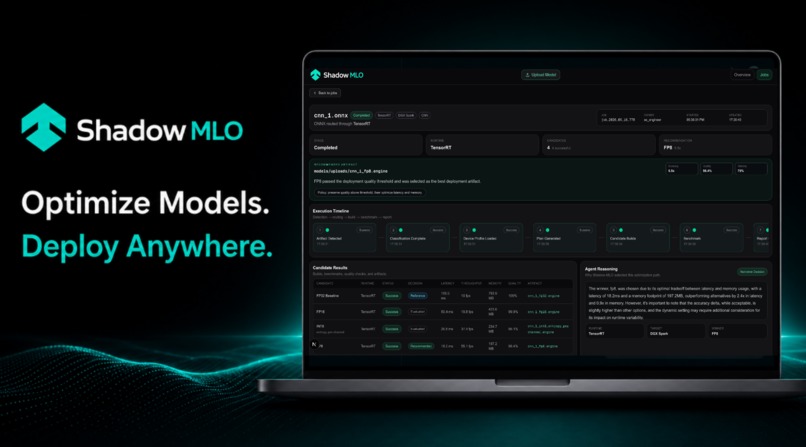
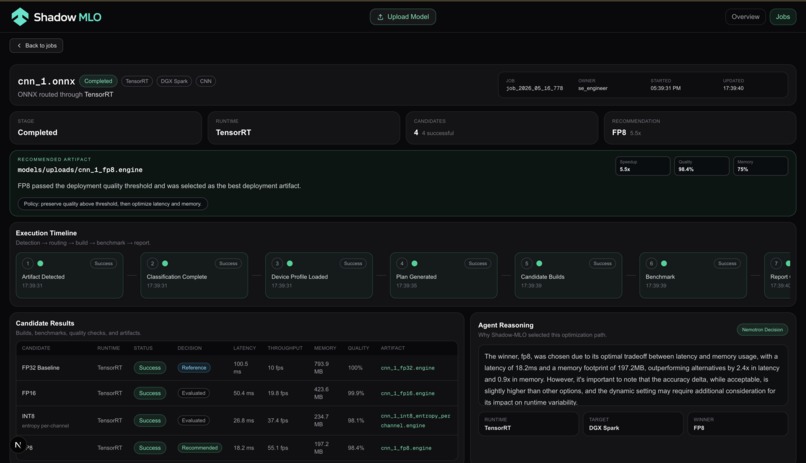
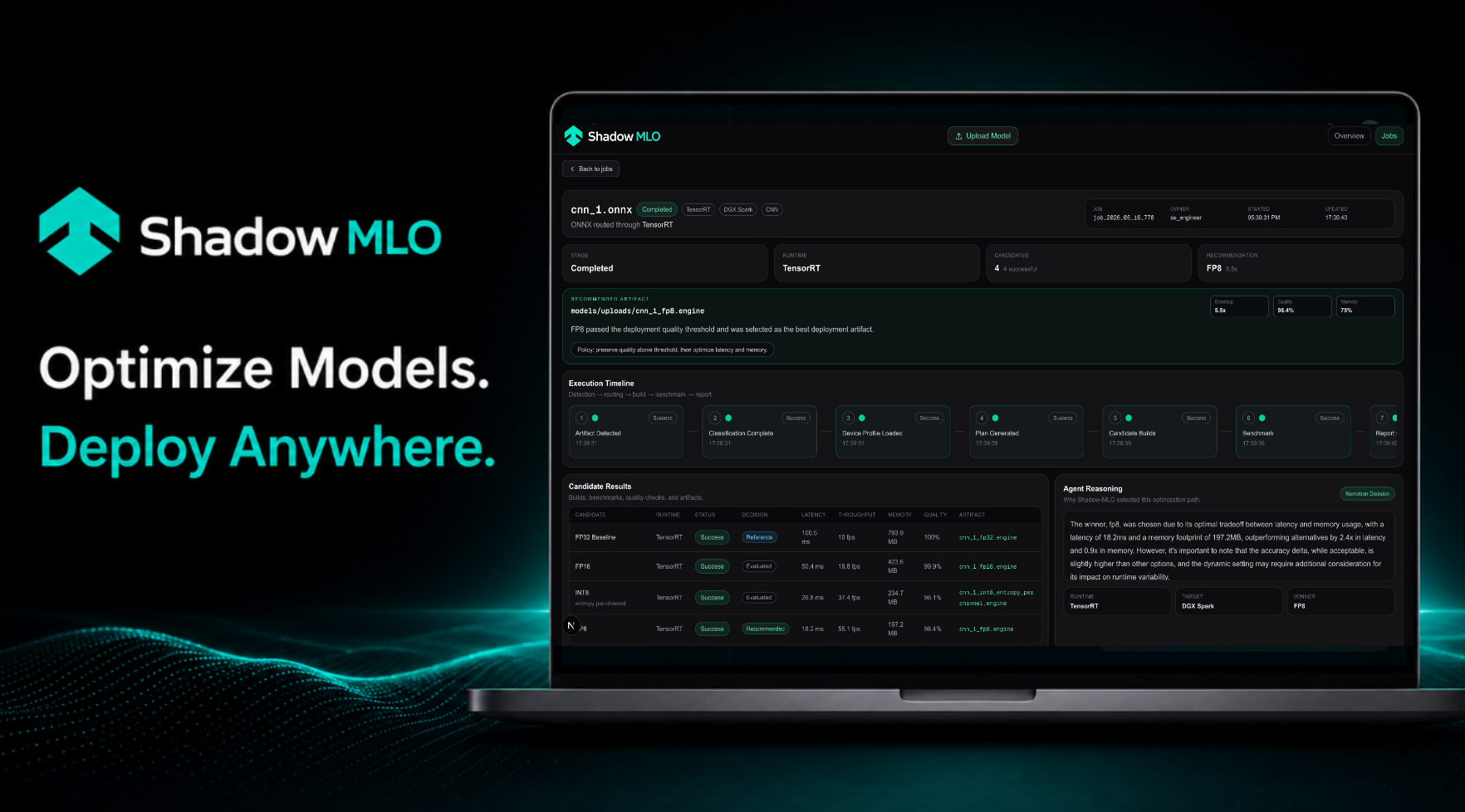
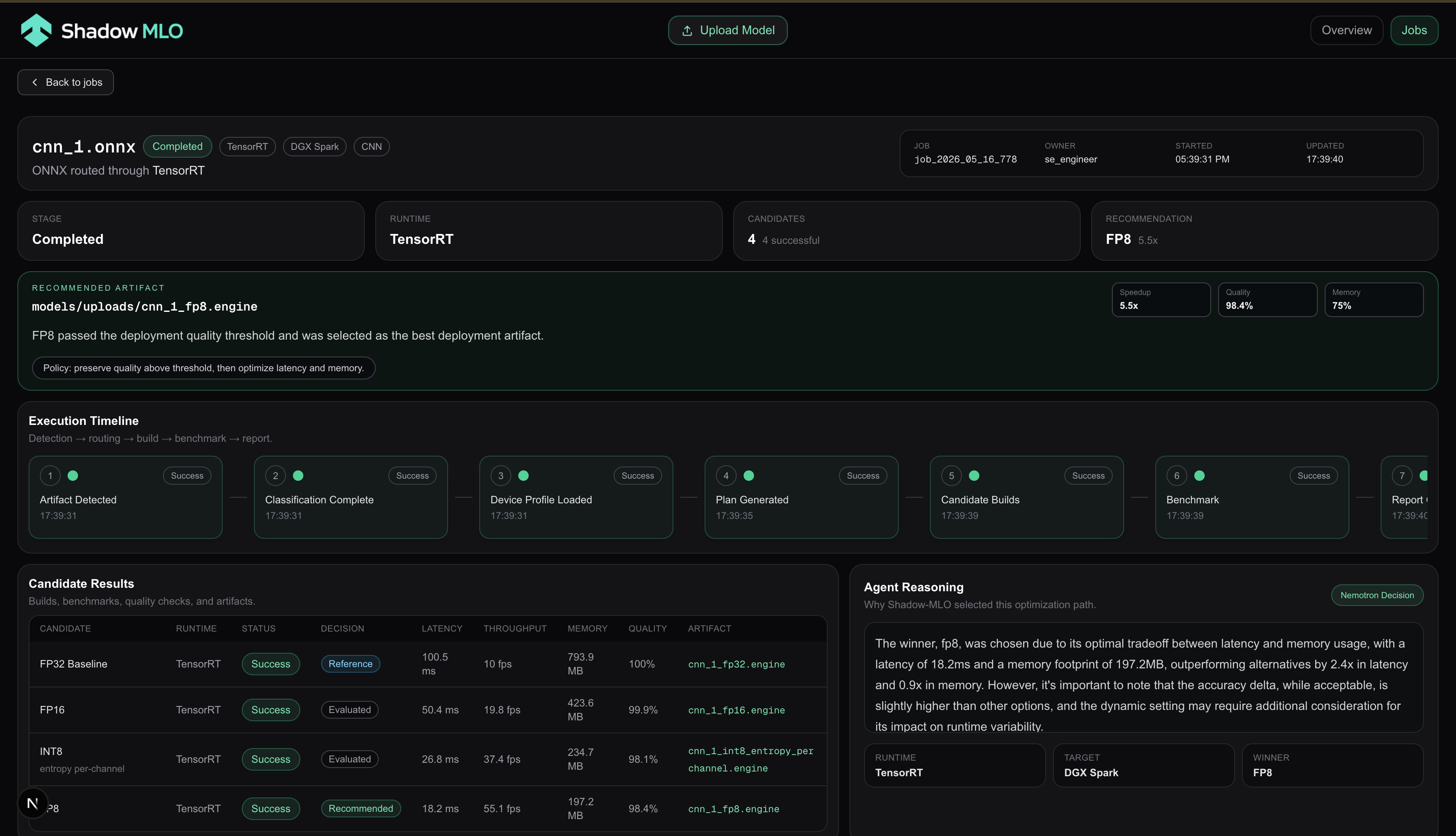
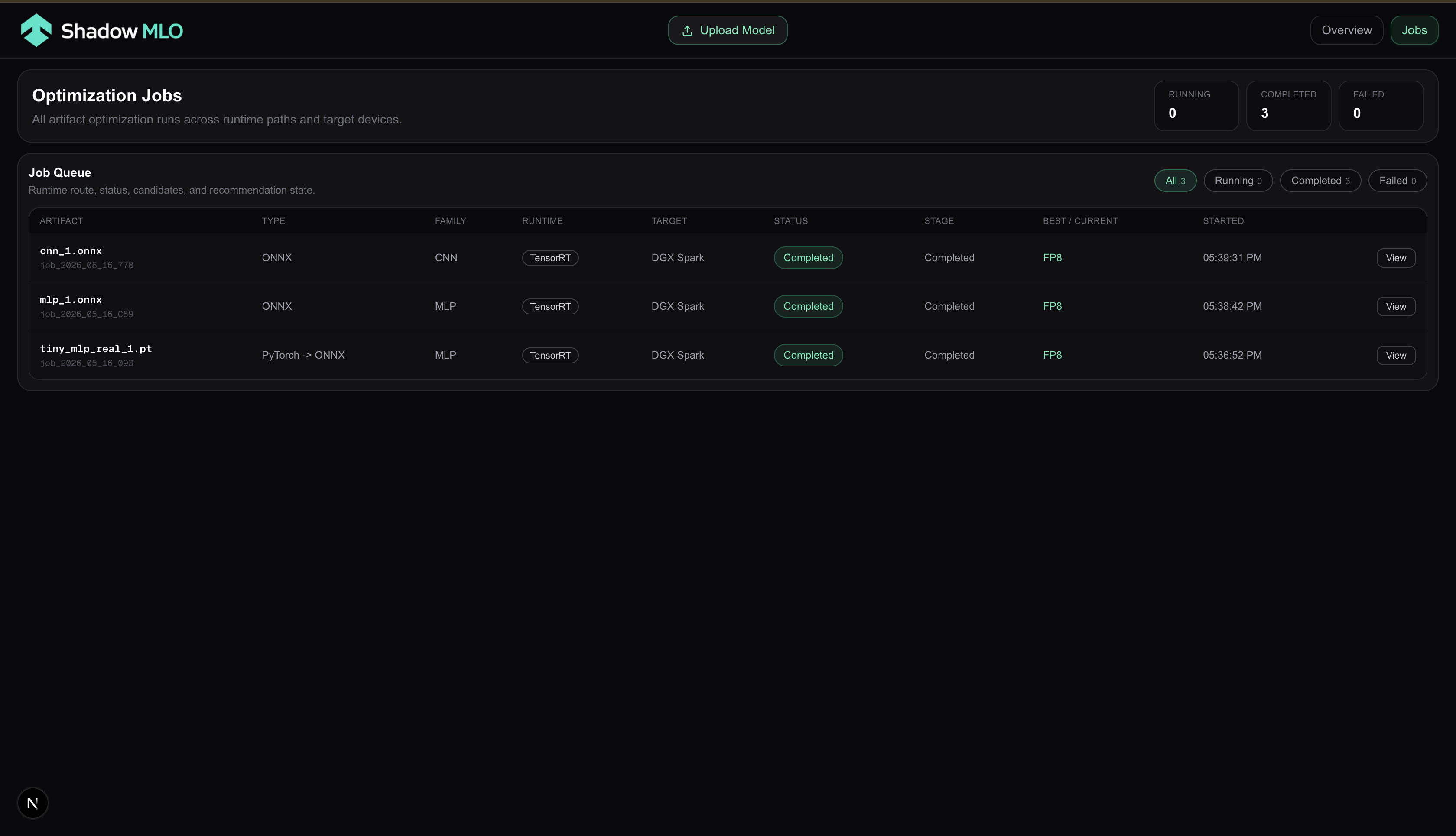
An autonomous ML model optimization agent for NVIDIA hardware. Drop an ONNX, PyTorch, or GGUF model file into a watched directory and Shadow-MLO automatically classifies it, selects TensorRT optimization configs (via Nemotron), compiles candidate engines, benchmarks them, and surfaces the best one — all visible in a live dashboard.

How it works
- Drop a model into
backend/models/ - The watcher detects it and triggers the agent
- The agent inspects the model, queries Nemotron for an optimization plan, and runs TensorRT builds in parallel
- Results stream to the dashboard in real time via SSE
- The recommendation surfaces the best engine with speedup, memory reduction, and quality metrics
Stack
| Layer | Tech |
|---|---|
| Backend | Python, FastAPI, SQLite |
| Optimization | TensorRT 10.x (trtexec) |
| LLM Planning | NVIDIA Nemotron (via NVIDIA API) |
| Model Inspection | ONNX Runtime, onnx |
| Frontend | Next.js 16, Tailwind CSS, Bun |
| Real-time | Server-Sent Events (SSE) |
Requirements
- NVIDIA GPU with TensorRT 10.x installed
- Python 3.12+
- Bun (frontend)
- NVIDIA Nemotron API key (optional — falls back to default configs)
Install TensorRT (DGX Spark / ARM64)
sudo dpkg -i cuda-keyring_1.1-1_all.deb
sudo apt-get update
sudo apt-get install -y tensorrt
Setup
Backend
cd backend
python -m venv .venv
.venv/bin/pip install -r requirements.txt
Add your Nemotron API key (optional):
echo "NEMOTRON_API_KEY=nvapi-..." > backend/.env
Frontend
cd frontend
bun install
Running
Terminal 1 — Backend:
cd backend
.venv/bin/python main.py
Terminal 2 — Frontend:
cd frontend
bun dev
- Dashboard:
http://localhost:3000 - API:
http://localhost:7860 - SSE stream:
http://localhost:7860/stream
Usage
Generate a sample model to test with:
cd backend
.venv/bin/python - <<'EOF'
import numpy as np, onnx
from onnx import helper, TensorProto, numpy_helper

w1 = np.random.randn(256, 784).astype(np.float32)
b1 = np.random.randn(256).astype(np.float32)
w2 = np.random.randn(10, 256).astype(np.float32)
b2 = np.random.randn(10).astype(np.float32)

nodes = [
    helper.make_node("Gemm", ["input", "w1", "b1"], ["h1"], transB=1),
    helper.make_node("Relu", ["h1"], ["h1_relu"]),
    helper.make_node("Gemm", ["h1_relu", "w2", "b2"], ["output"], transB=1),
]
graph = helper.make_graph(
    nodes, "mlp",
    inputs=[helper.make_tensor_value_info("input", TensorProto.FLOAT, ["batch", 784])],
    outputs=[helper.make_tensor_value_info("output", TensorProto.FLOAT, ["batch", 10])],
    initializer=[numpy_helper.from_array(a, n) for a, n in [(w1,"w1"),(b1,"b1"),(w2,"w2"),(b2,"b2")]],
)
model = helper.make_model(graph, opset_imports=[helper.make_opsetid("", 17)])
onnx.checker.check_model(model)
onnx.save(model, "models/sample.onnx")
print("Saved models/sample.onnx")
EOF
The dashboard will update automatically as the pipeline runs.
API
| Endpoint | Description |
|---|---|
GET /api/jobs |
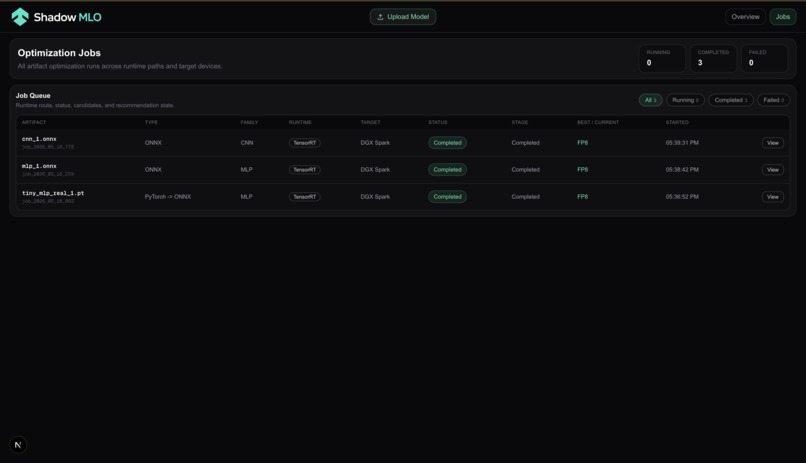
All optimization jobs |
GET /api/jobs/latest |
Most recent job |
GET /api/jobs/{id} |
Job by ID |
GET /api/hardware |
Detected hardware profile |
GET /stream |
SSE stream for live updates |
POST /api/run |
Manually trigger optimization |
POST /api/clear |
Clear all jobs |
Project structure
shadow-mlo/
├── backend/
│   ├── main.py                  # Entry point
│   ├── models/                  # Drop models here
│   ├── shadow_mlo/
│   │   ├── agent/               # Optimization agent + Nemotron integration
│   │   ├── inspector/           # ONNX model metadata extraction
│   │   ├── optimizer/           # TensorRT, TensorRT-LLM, mock backends
│   │   ├── registry/            # SQLite job persistence
│   │   ├── watcher/             # File system watcher
│   │   ├── hardware.py          # GPU detection
│   │   ├── events.py            # SSE broadcast
│   │   └── jobs.py              # Job data model
│   └── requirements.txt
└── frontend/
    ├── app/                     # Next.js pages
    ├── components/
    │   ├── dashboard/           # Dashboard cards and panels
    │   ├── lib/                 # API client, SSE hooks
    │   └── types/               # TypeScript types
    └── package.json


Log in or sign up for Devpost to join the conversation.