-
-
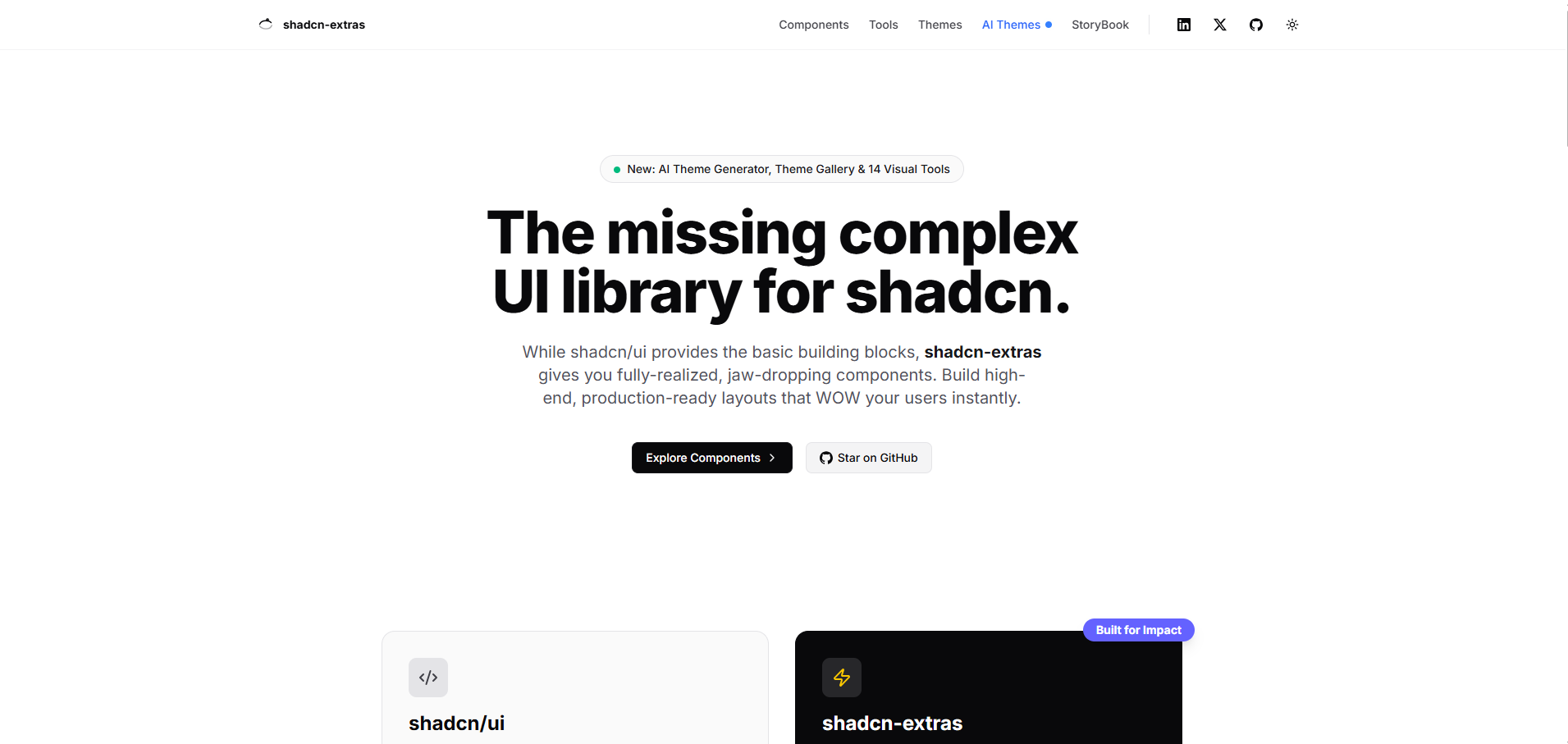
Home Page (Landing)
-
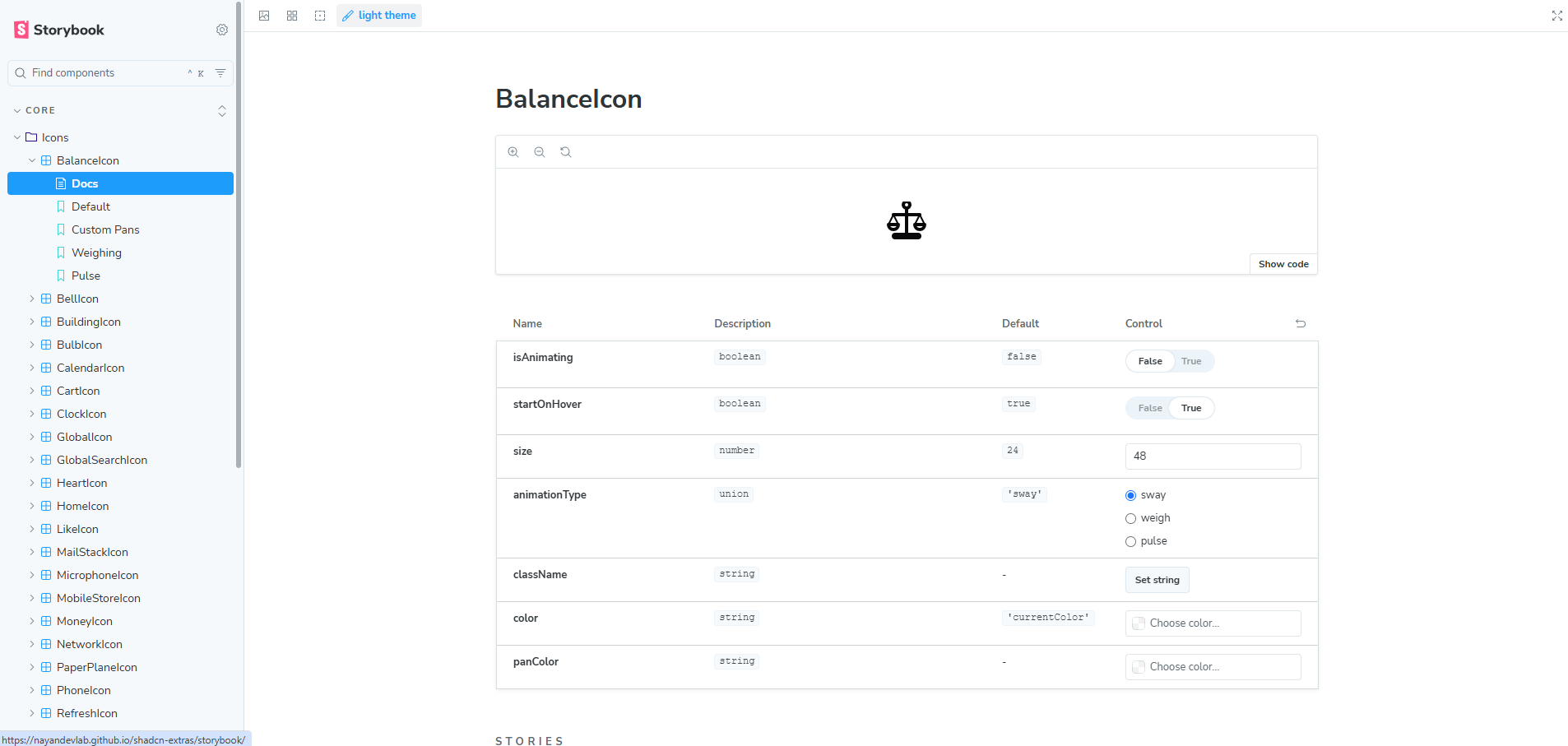
Storybook
-
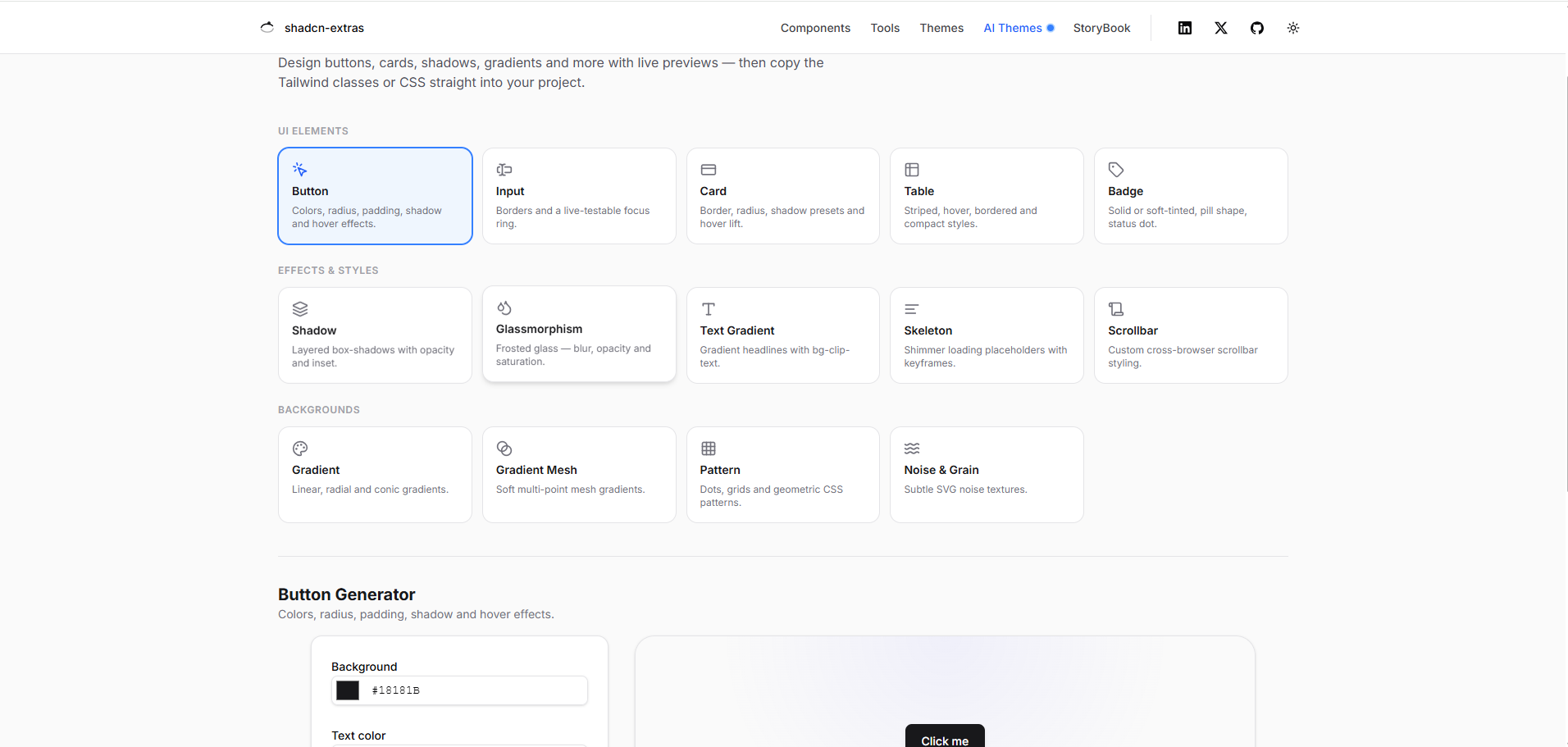
Tools
-
Theme generator
-
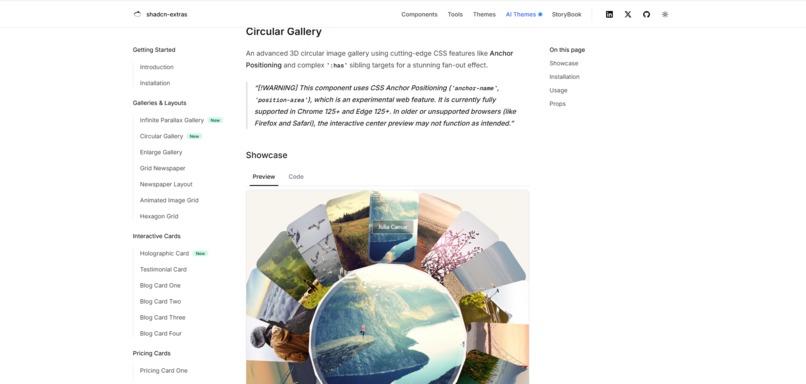
Components
Inspiration
Every time I built a project with shadcn/ui, I noticed the same thing — every shadcn website looks the same. Same neutral colors, same fonts, same default look. If you wanted something unique — a glassmorphism dashboard, a newspaper-style layout, a gaming/cyberpunk theme — you had to build it from scratch, hours of work every time.
At the same time, I kept seeing AI tools that could generate images, text, and code — but almost none of them could generate a complete, working design system that plugs directly into a real component library. That gap was the spark: what if AI could design your theme for you, and instantly apply it to real, production-ready components — not just a mockup?
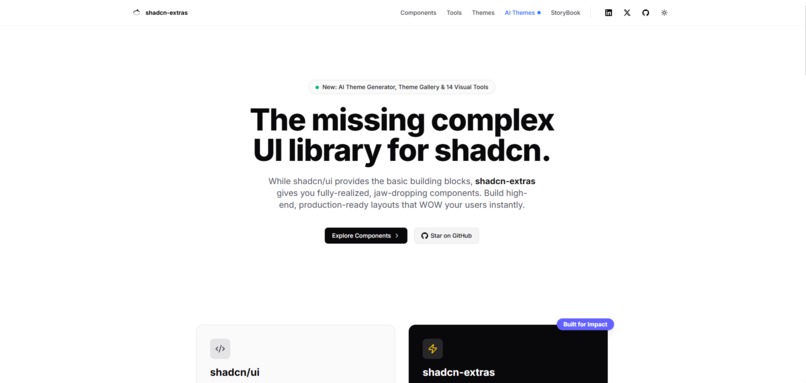
That question became shadcn-extras.
What it does
shadcn-extras is a complete design toolkit built on top of shadcn/ui:
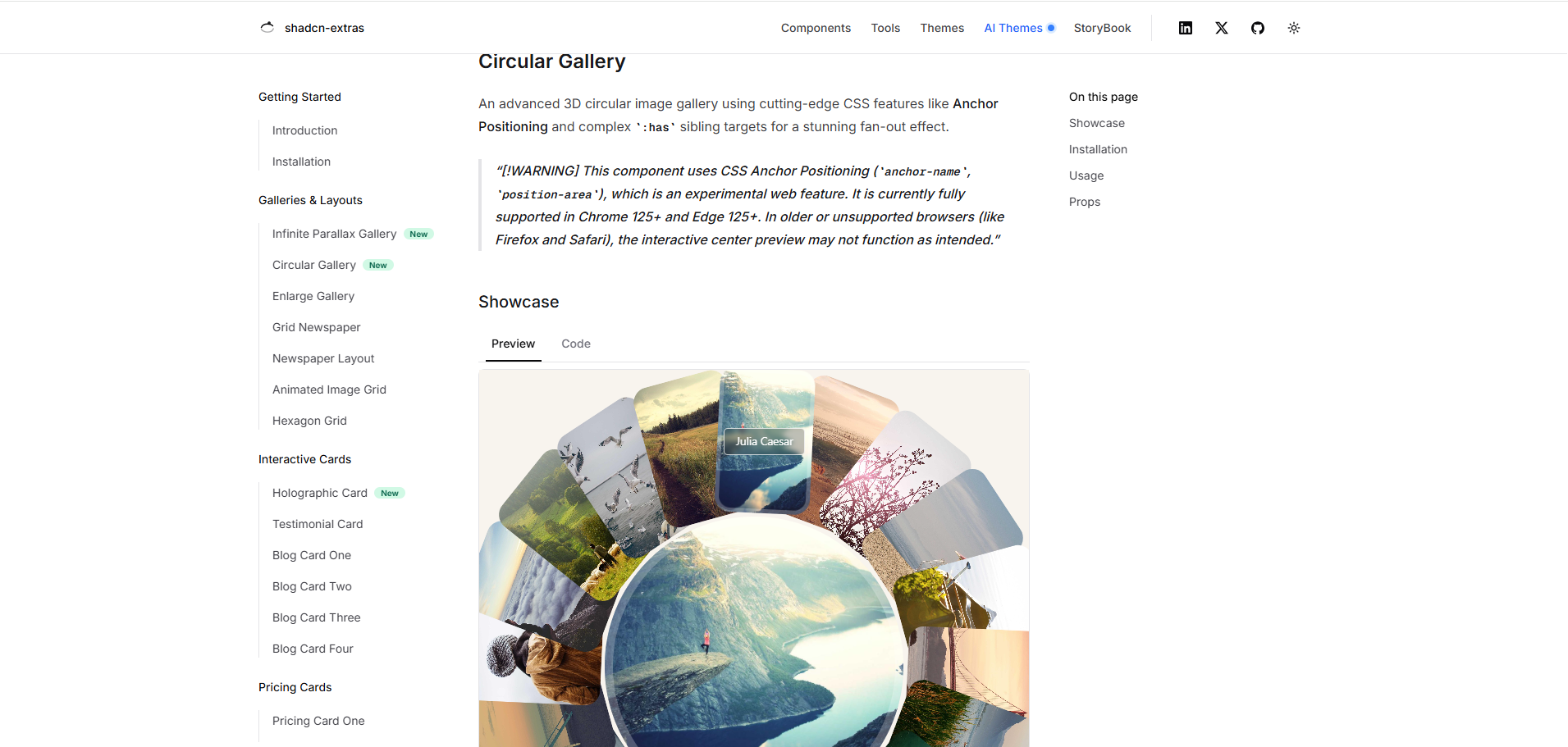
- 25+ premium animated components — WebGL parallax galleries, holographic cards, newspaper grid layouts, dashboard UI, and more, installable with one CLI command.
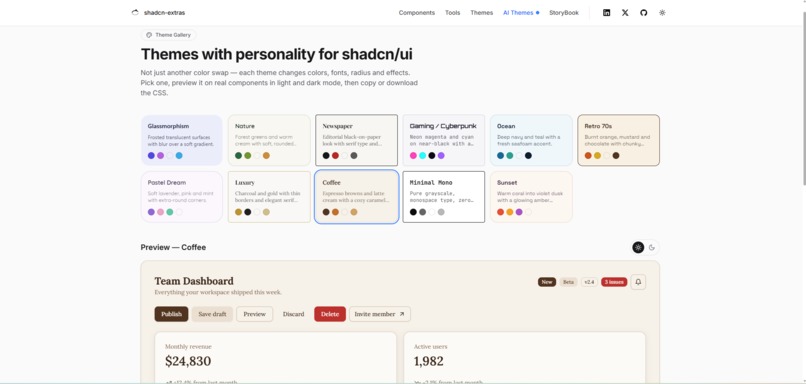
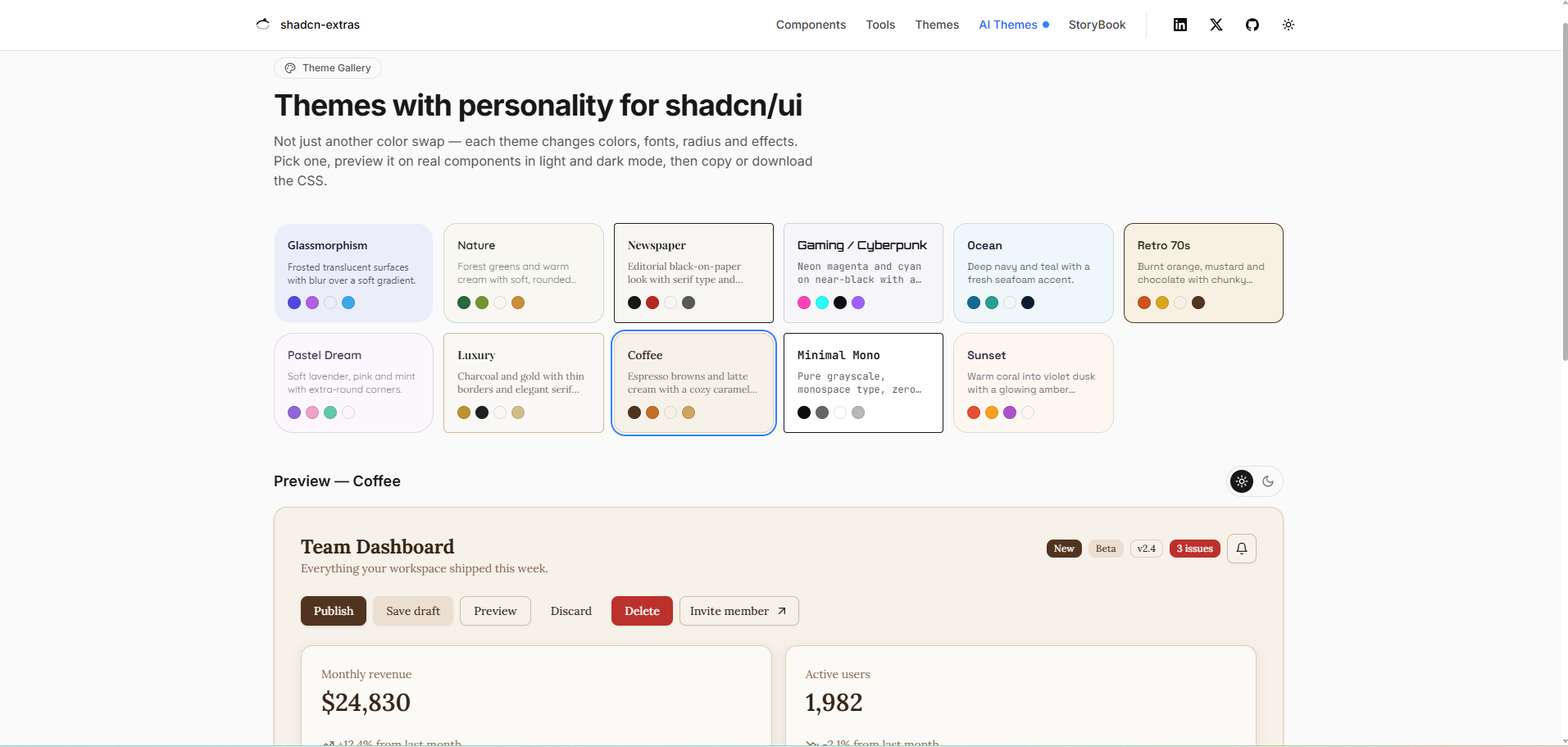
- Theme Gallery — 11 hand-crafted, full-style themes (Glassmorphism, Newspaper, Gaming/Cyberpunk, Nature, Luxury, and more). Unlike typical theme switchers that only swap colors, each theme changes colors, fonts, border radius, and effects — copy or download the CSS instantly.
- AI Theme Generator — powered by Google Gemini. Describe an aesthetic in plain English, or upload an image (a logo, screenshot, or photo), and AI extracts a complete theme — colors, fonts, radius, shadows — previewed live on real components in both light and dark mode.
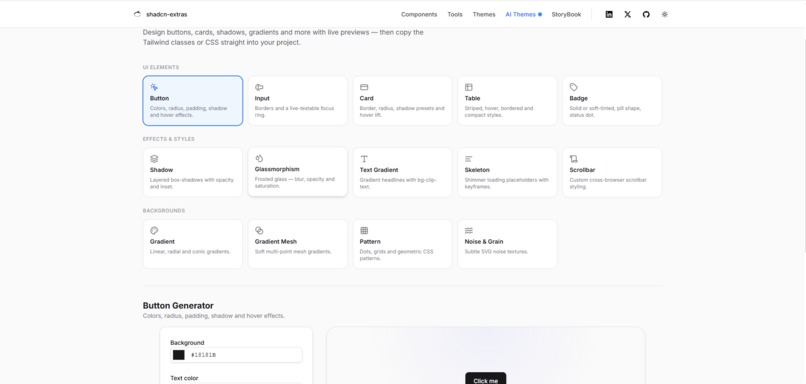
- 14 Visual Developer Tools — button, shadow, card, table, badge, glassmorphism, gradient, and more generators, all with live preview and one-click Tailwind/CSS export.
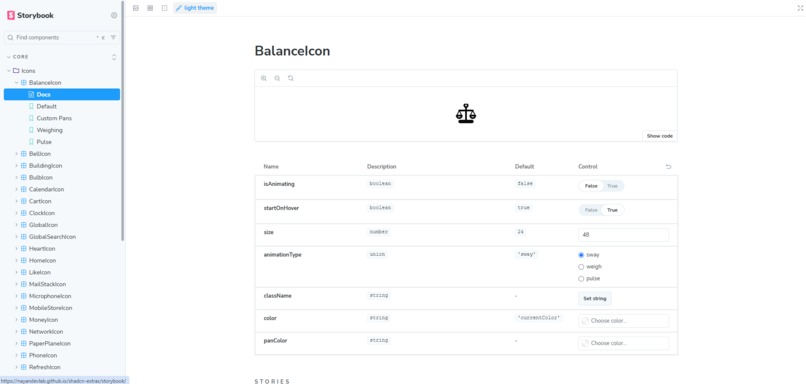
- Storybook Playground — 50+ interactive stories to test every component before installing it.
How I built it
The stack is Next.js 14 (App Router), Tailwind CSS v4 (CSS-first, no config file), Radix UI primitives, Framer Motion, Three.js for WebGL effects, and Google Gemini API for AI theme generation.
The core engine is a shared ThemePreset type — a single data shape describing colors (light + dark), fonts, radius, and shadows. Both the hand-crafted theme gallery and the AI generator produce this same shape, so they share one preview system: a scoped <style> tag injects CSS variables into a preview wrapper, so a theme can be tested live without touching the rest of the site. The same engine powers copy-to-clipboard and CSS file downloads.
For the AI theme generator, I designed a strict system prompt that forces Gemini to return a structured JSON palette, and a server-side normalization layer that validates and sanitizes every value before it reaches the browser. For the image-to-theme feature, uploaded images are downscaled and re-encoded client-side before being sent to Gemini's vision API, keeping payloads small and fast.
Challenges I ran into
- AI output format mismatch — Gemini returns raw HSL like
210 40% 98%, but Tailwind v4 needshsl(210 40% 98%). Themes were silently failing to apply until I built a validation/normalization layer on the server. - Scoping live previews — applying a theme normally affects the whole page. I solved this with CSS variables scoped to a preview wrapper, with its own light/dark toggle independent of the site's theme.
- Portals breaking out of the themed area — dialogs, selects, and tooltips render outside the preview DOM tree via React portals, so they weren't picking up the theme. I fixed this by passing the active theme's tokens through a data attribute that portal content also reads.
- Untrustworthy AI responses — AI sometimes returns incomplete palettes or invalid values. Every field is now validated and sanitized server-side, with a friendly retry message instead of a broken UI.
- Large image uploads — sending full-resolution photos to the vision API was slow. I added client-side downscaling (max 1024px) before upload.
- Securing the API key — GitHub's push protection caught a key I'd temporarily hardcoded for demo convenience. I moved it into a server-only API route with environment variables so it's never exposed to the browser.
What I learned
I learned how to design a shared data model that lets a hand-crafted system (the theme gallery) and an AI system (the generator) produce identical, drop-in-compatible output — instead of building two separate, inconsistent features. I also got much deeper into React portals, scoped CSS variables, Tailwind v4's CSS-first architecture, and how to design AI prompts that reliably return structured, safe-to-use JSON rather than free-form text.
Most of all, I learned that AI is most powerful not as a chatbot bolted on the side, but when it's wired directly into a real, working system — in this case, generating something a developer can copy-paste and use in production immediately.
Built With
- css3
- next.js
- react
- tailwind
- typescript

Log in or sign up for Devpost to join the conversation.