The Problem
Fine-tuning an LLM should be easy. Low-cost managed training pipelines are readily available, and deployment options abound on user-friendly sites like Featherless AI, Nebius, and Hugging Face. The real bottleneck is model quality. Without quality training data, the model is going to be a flop. High-quality training data is the absolute key, but it is incredibly difficult to find. Most data available on the market is stock or bulk, which does not translate to a customized, personal, or domain-specific model. Decentralized, user-sovereign intelligence is becoming more and more necessary, making accessible fine-tuning highly relevant. SFT Studio Pro fills this gap in both accessibility and quality, offering a click-through UI that takes any user from a raw idea to a fully tuned, deployed custom LLM.
Inspiration
I built this tool because I needed to use it. After filling up several fine-tuning workshops with enthusiastic students, I realized that training data collection was our biggest hurdle. Ironically, newer versions of commercial LLMs have upscaled features but highly downgraded performance when it comes to generating the example turn datasets required for Supervised Fine-Tuning. Combined with my involvement in important AI alignment research, I badly needed an infrastructure tool that could handle high-quality data generation. I couldn't find one anywhere, so I spent the last five months building SFT Studio Pro until it became the best fine-tuning app on the market.
What It Does
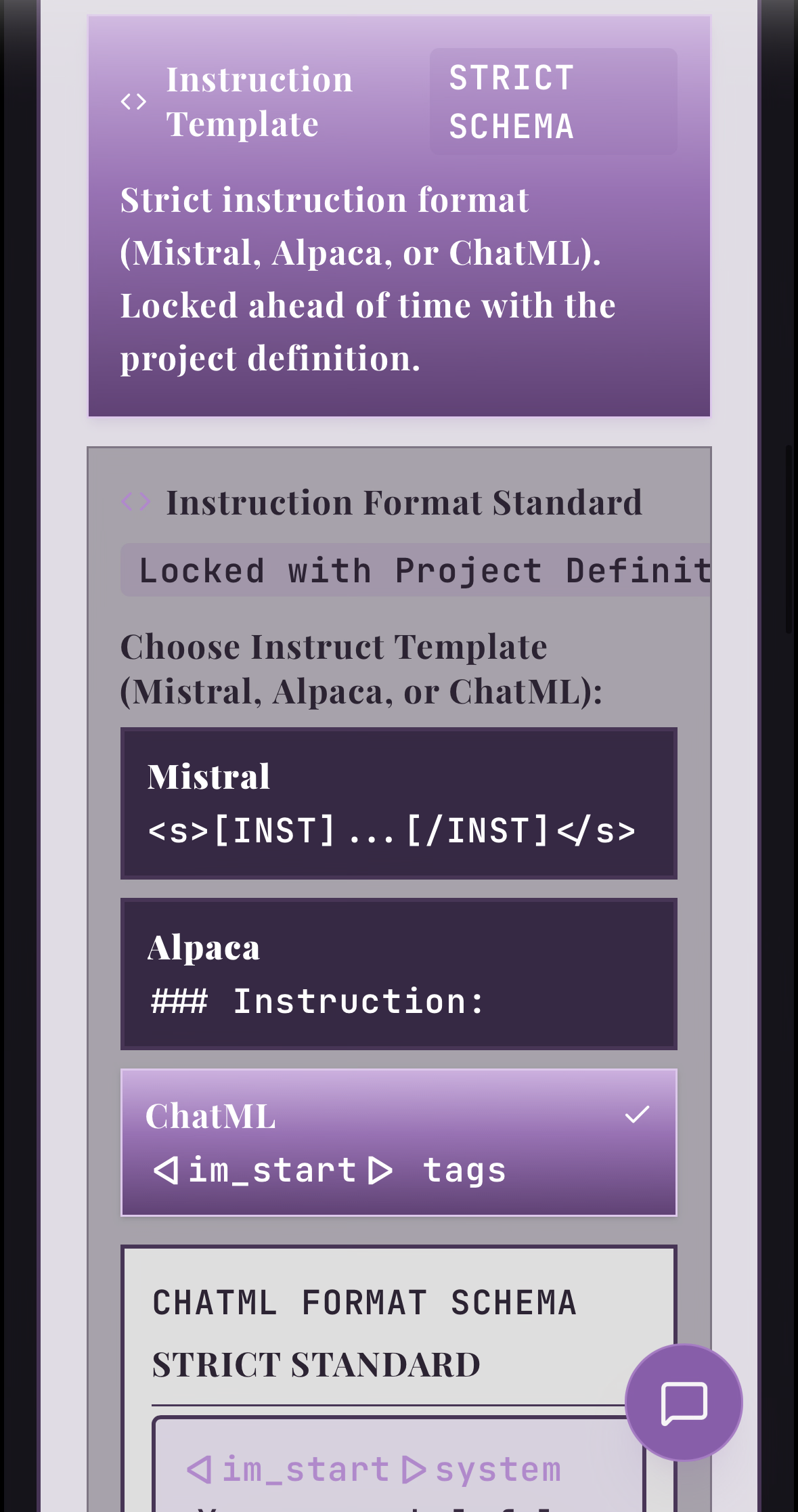
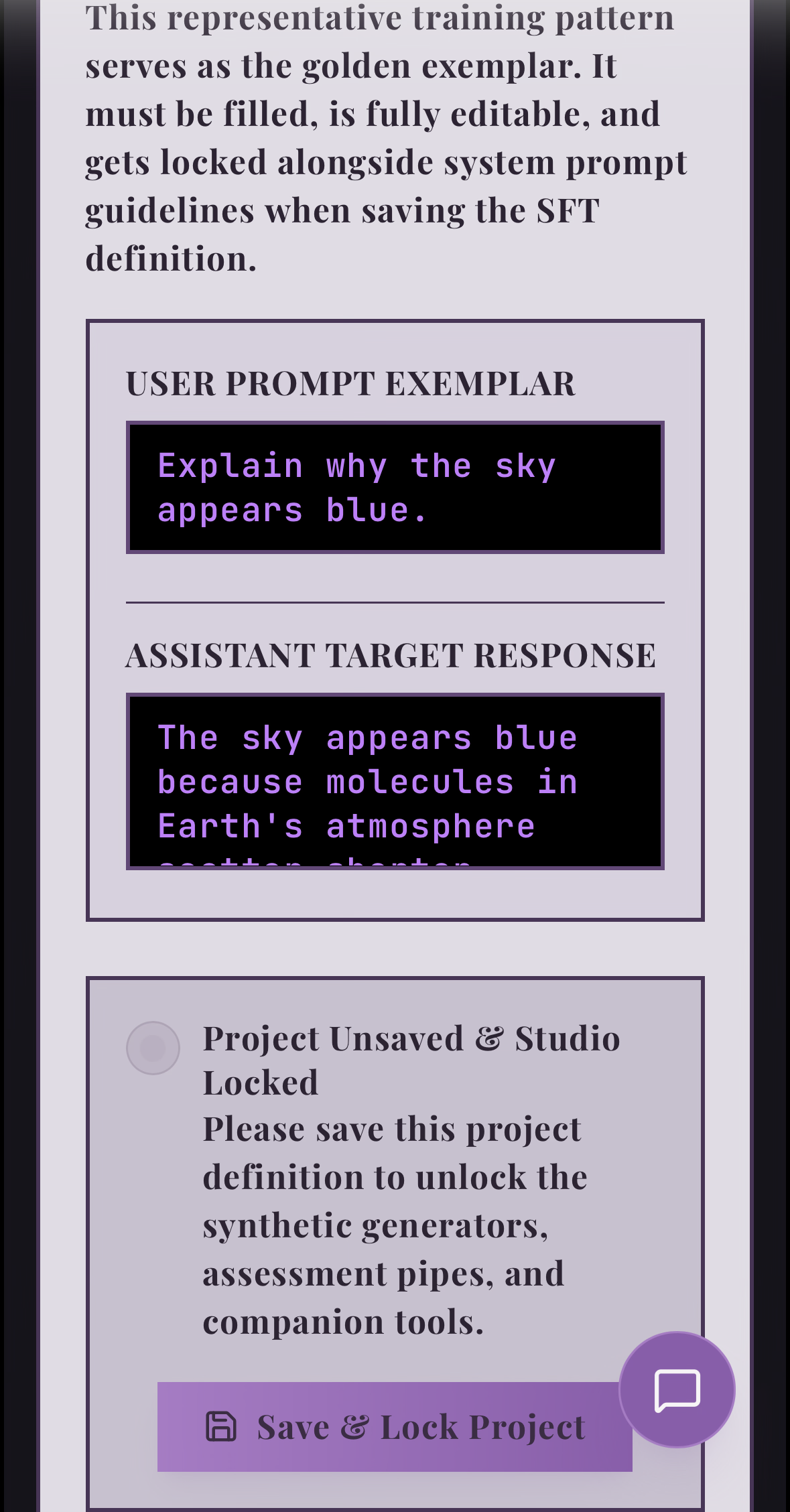
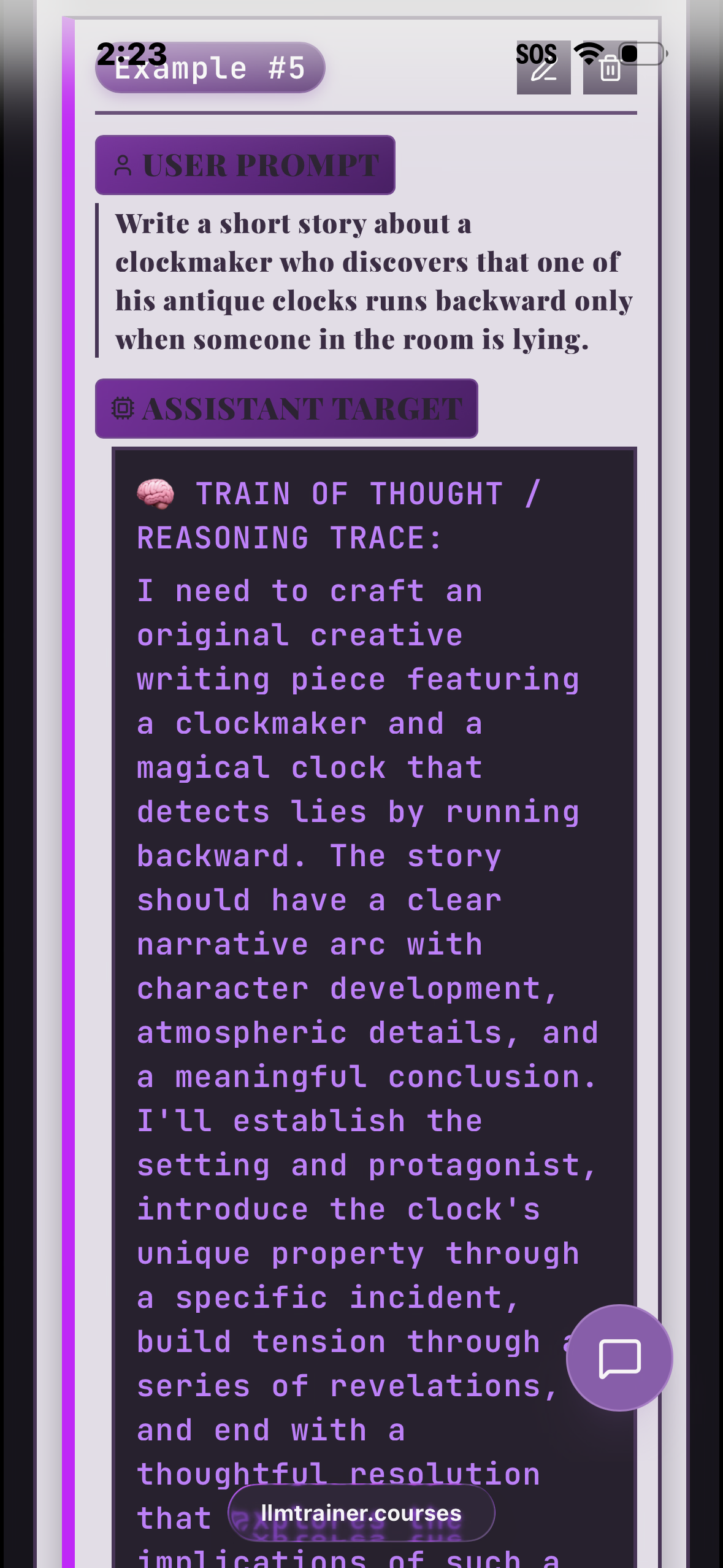
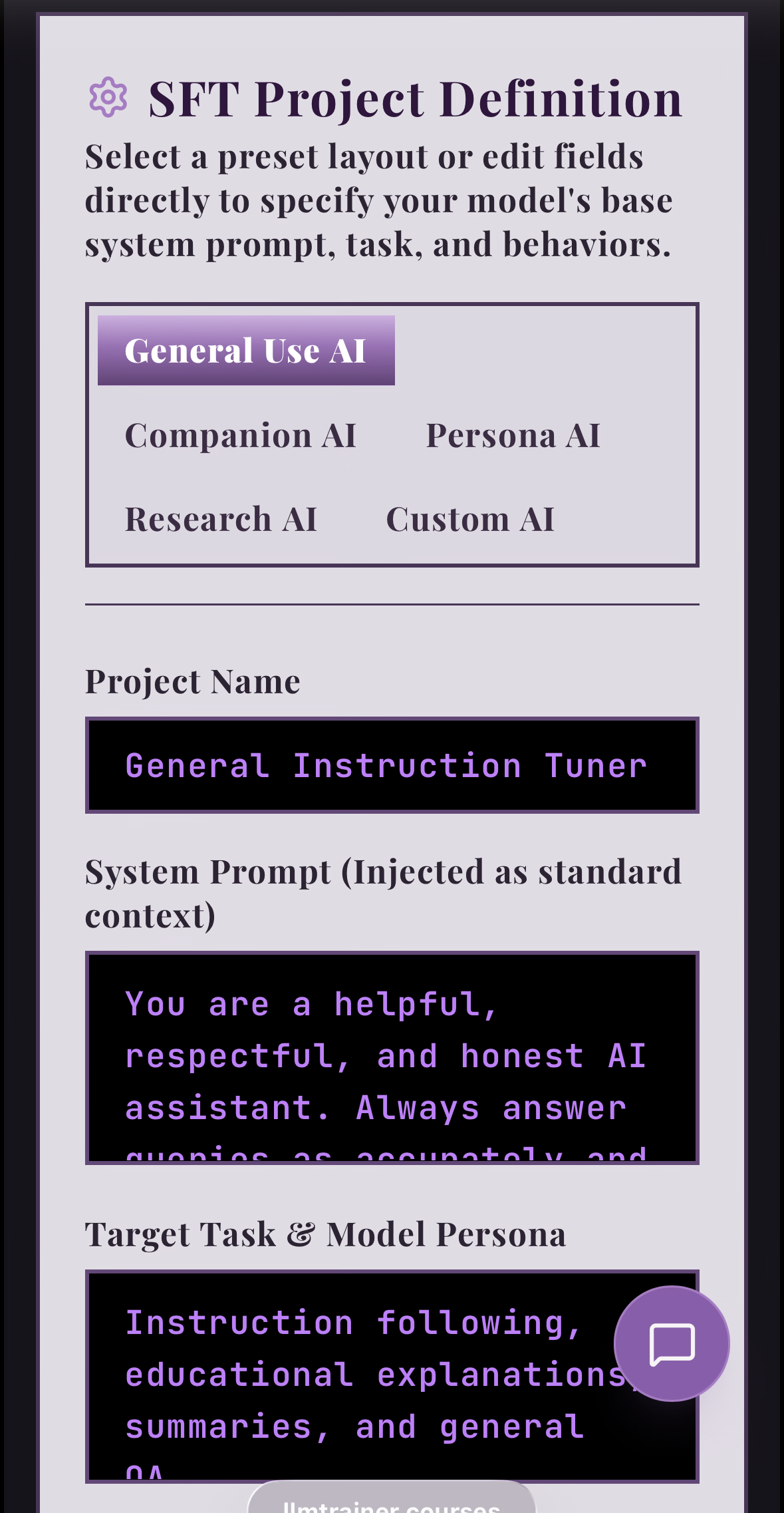
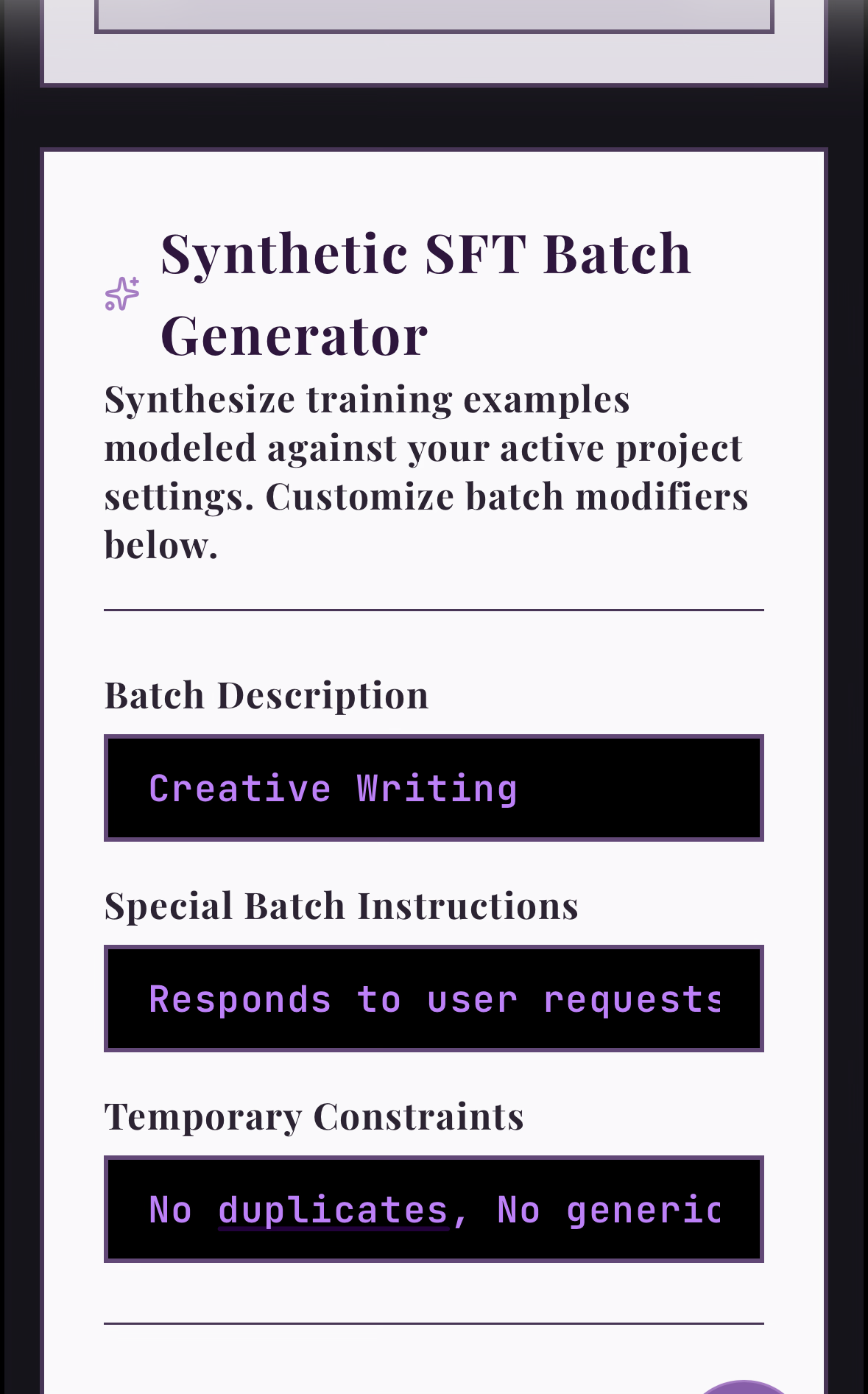
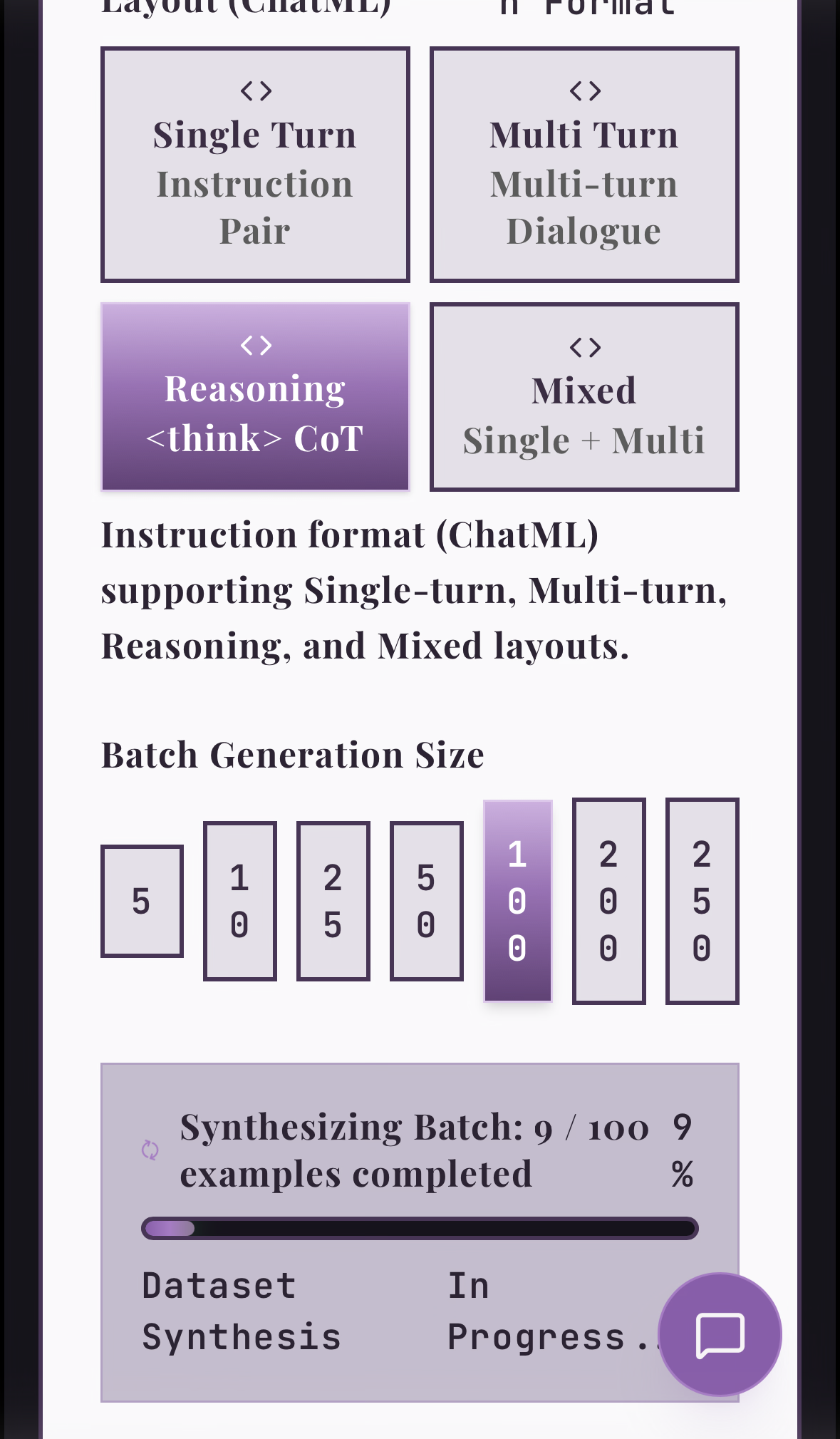
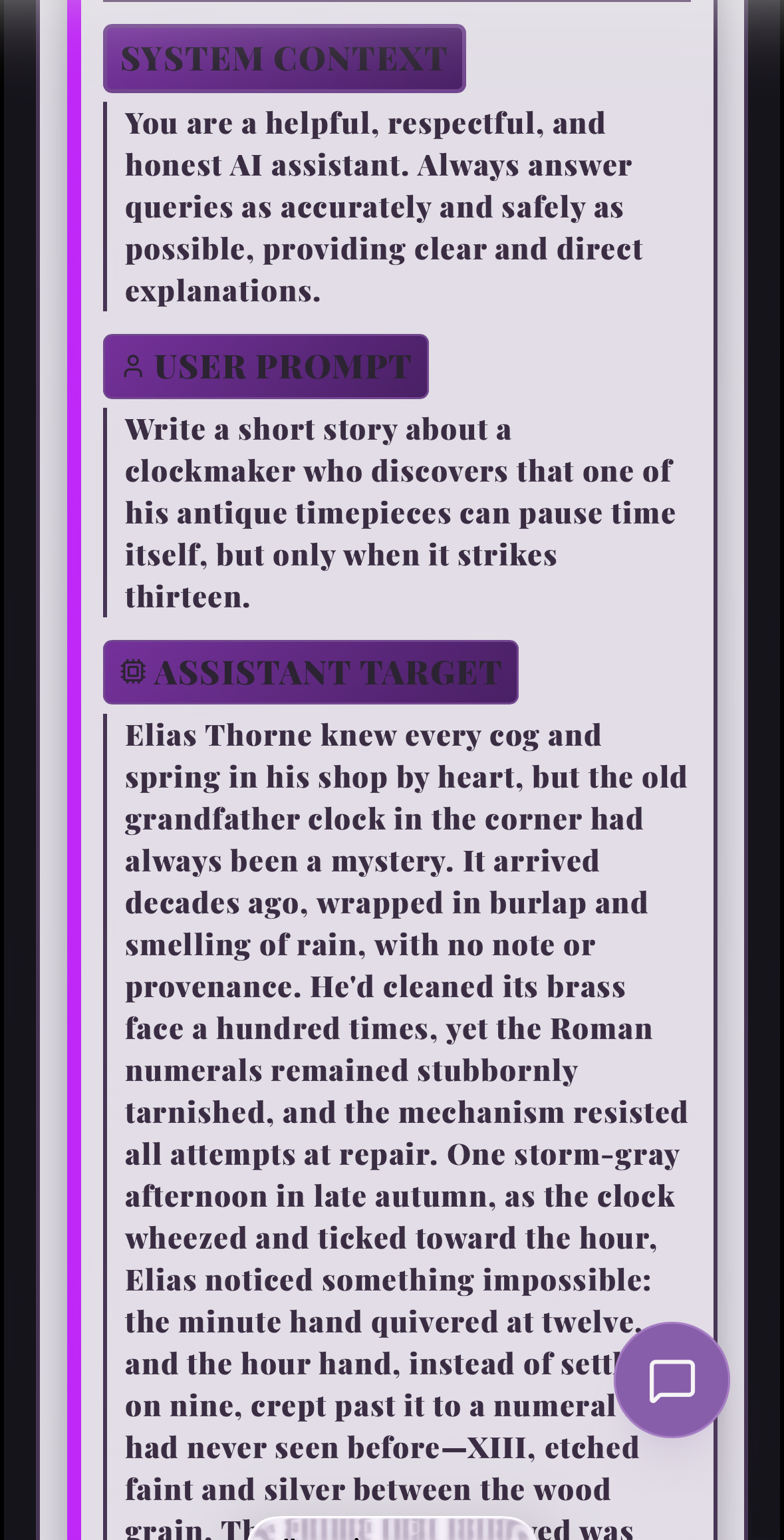
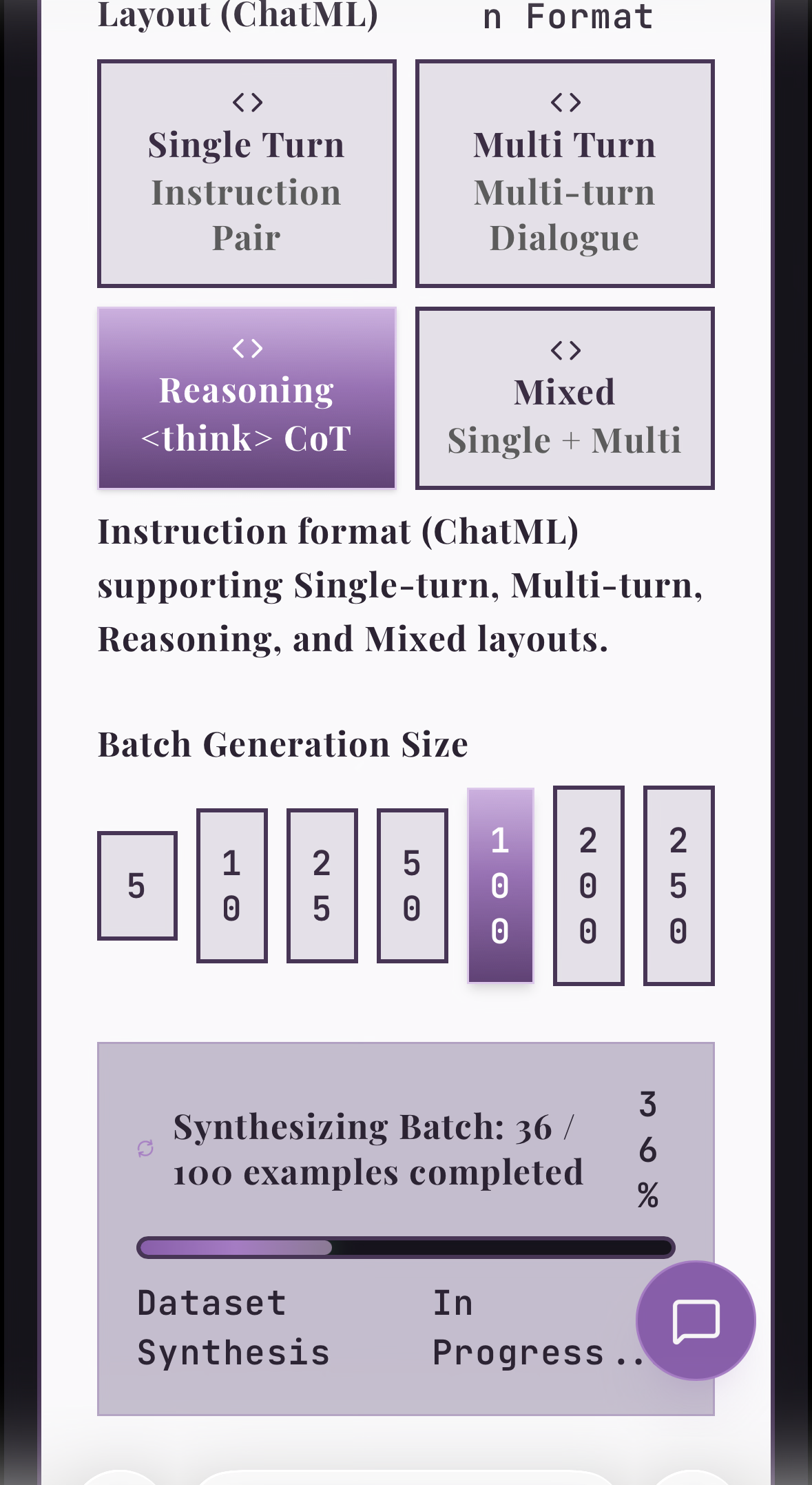
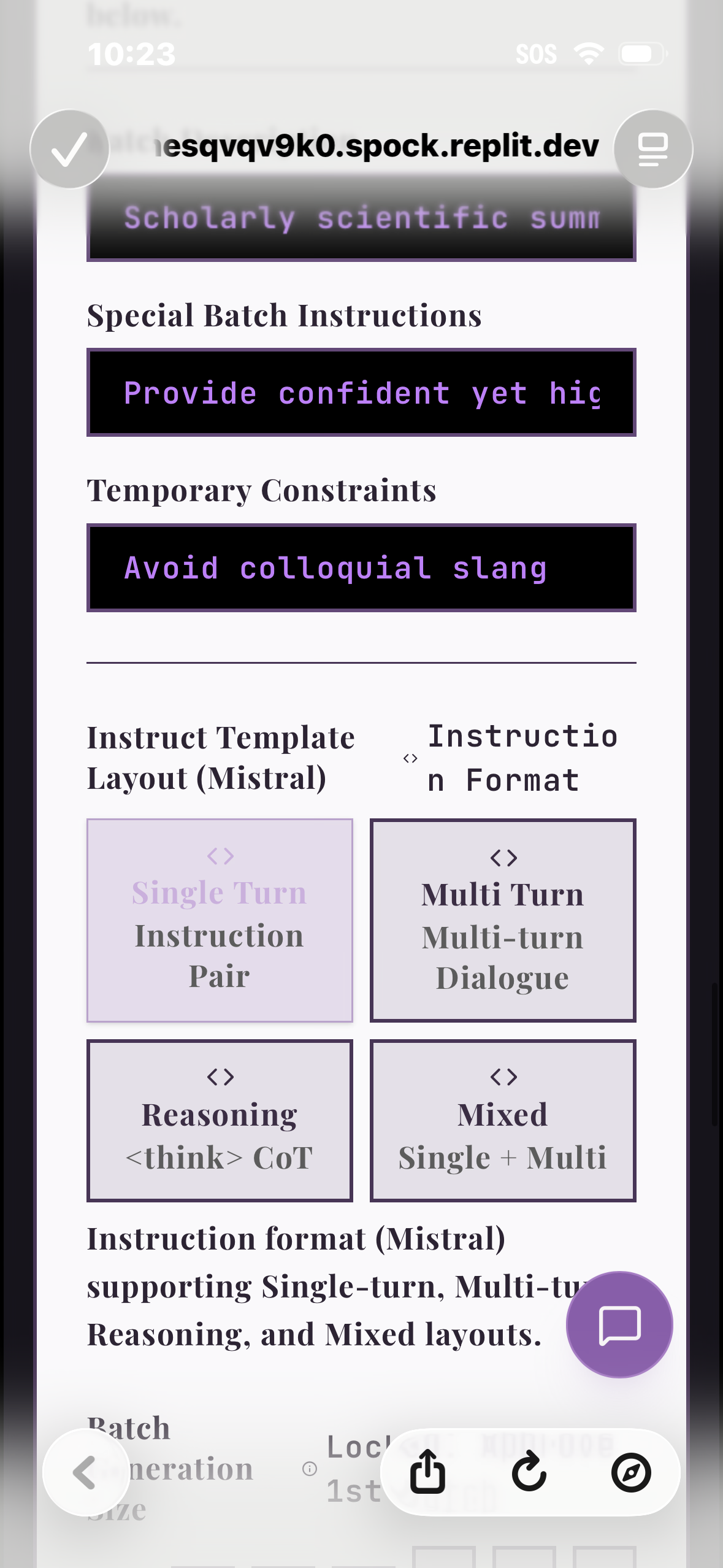
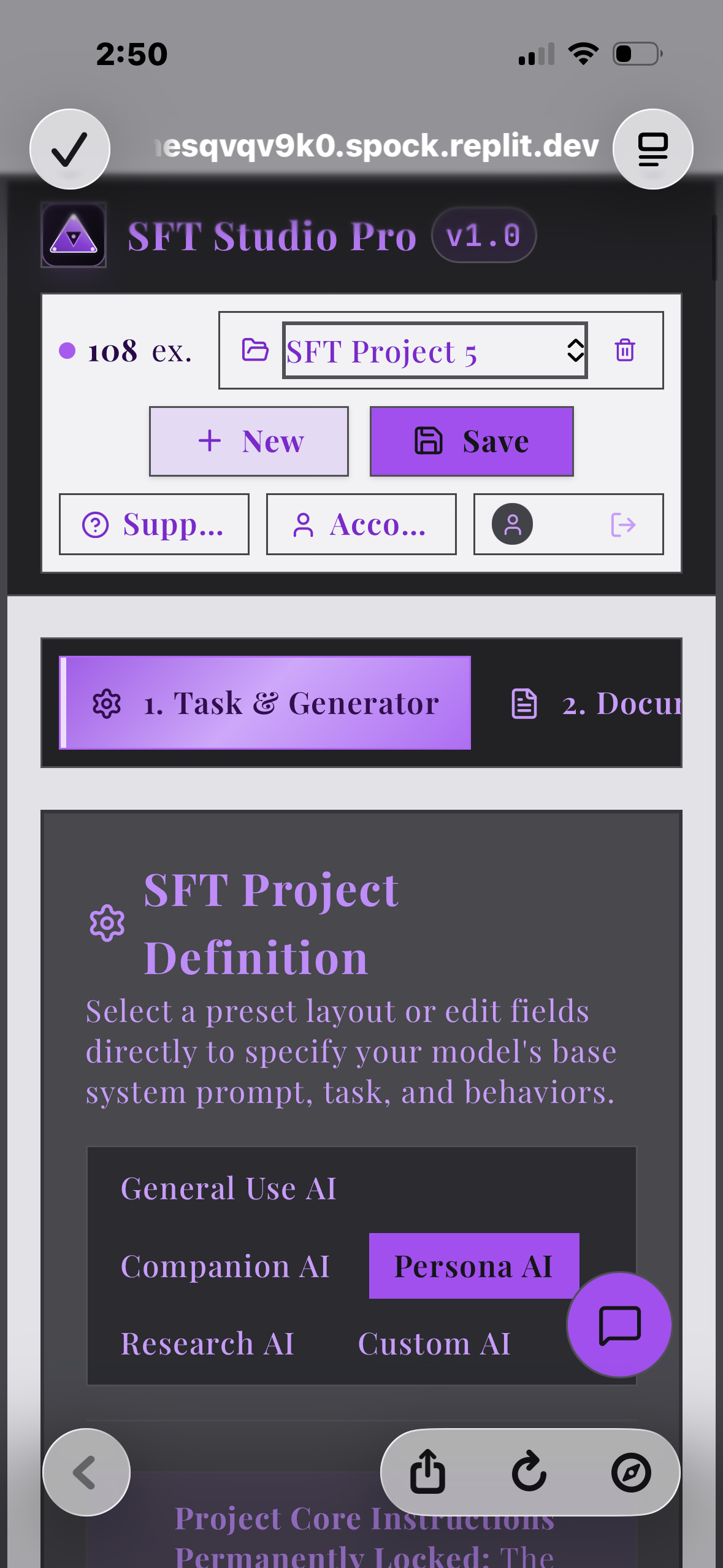
SFT Studio Pro abstracts away the terminal and the command-line MLOps nightmare. Because it is completely web and mobile-based, you can orchestrate data factories or train models while riding the bus, lying in bed, or on the go. The platform features two core workflows: Automated Mode asks a few questions and customizes the project for the user. It defines the project scope, suggests a plan for training topics, runs the data generation engine, handles the document converter, applies the triad alignment options, and automates the quality assessment gate. Once the dataset is ready, the user can choose to export the dataset or initiate training across three base models: Qwen 4B, Qwen 9B, or Llama 70B. The system formats the final dataset, runs the training pipeline, and updates the UI on job status. When training is complete, the user receives their raw weights, a ready-to-go model link on Hugging Face, deployment instructions, and a free 15-minute first chat hosted right on the app interface. Manual Mode is built for experienced developers who want full control over their dataset layers. Each step of the process can initiate automation, and the full training pipeline is available here as well. The process begins at the Project Definition, where users configure a permanent system prompt, target goals, a golden example, a list of constraints, and choose between an instruct or conversational training format. When ready, you place a permanent structural lock on this definition to guarantee absolute data consistency. Next, the Batch Synthesizer creates training data on specific skills or knowledge topics under those project guardrails. Each batch has its own temporary rules, description tags (e.g., humor, tool calling, mathematics), and custom restrictions. Batches generate in quantities from 5 to 250 rows across single-turn, multi-turn, or chain-of-thought reasoning formats. A live progress bar shows job status, and completed examples can be individually edited, deleted, or approved for the QA queue. The Document Converter lets users upload raw files, specify the format as knowledge, literature, or transcript, and fill in instructional input. The system analyzes the document, recommends a batch synthesis layout, and allows the user to edit instructions or approve the generation straight to the QA queue. There is also an optional Brand Alignment system for ethical grounding based on alignment research, which formats pre-generated examples directly to your project specifications. The QA Gate acts as the system gatekeeper, protecting the data registry from error or drift by processing one batch at a time and assigning a data quality score. Any examples flagged for formatting drift, corrupted text, broken templates, or instruction compliance are displayed with explicit severity warnings and written explanations. Users can edit rows manually or leverage one-click fixes: Deduplicate instantly purges all flagged occurrences, while Regenerate Flagged programmatically repairs the errors and inserts the rows back into the batch. The registry will not accept data until it passes this gate. The final step allows you to choose from seven SFT templates across instruction and conversational modes, converting the corpus into its final form with an automatic 10% validator split. This data is ready for download in JSON for human audit or JSONL for immediate training deployment.
How We Built It
Originally built on Vertex AI, the platform migrated to Replit to handle a low-overhead, sandbox workspace and manage a variety of generation models used via API to create diverse datasets. The data synthesizer runs a separate API call for every single example, orchestrated across ten parallel models on Digital Ocean inference to bypass provider cache repetition. For every batch run, a backend topic planner assigns a highly specific subtopic to each individual row before generation, ensuring zero redundancy in the final corpus. The automated pipeline uses a Together AI CLI and skill endpoint to handle the training compute and export directly to Hugging Face, while the 15-minute testing chat provisions a temporary, dedicated deployment container on Together AI’s infrastructure for immediate model verification.
Challenges We Ran Into
People think vibe coding is easy on a project like this, but it is an absolute war of containment. The coding agents inside Replit possess a hyperactive passion for "fixing" code that isn't broken, 16 miles away from their assigned scope. I had to build this software with my finger permanently glued to the halt button, auditing every single file update to prevent the agent from destroying the architecture. Furthermore, instructing a coding agent to write prompts that instruct a generation agent to output data that instructs a fine-tuning model became a cognitive nightmare. I frequently had to shock the context window with heavy disclaimers and intense constraints just to stop the agent from playing out an episode of Ancient Aliens on my codebase, muttering "Could it be? Perhaps? But wait!" right before it over-engineered working files.
Accomplishments That We're Proud Of
The application is remarkable. It works fantastically, and the datasets produce highly trained models that match and often exceed user intention. It takes something daunting like fine-tuning and makes it accessible to anyone. Instead of using low-quality LLM outputs, downloading bulk generic data, or trying to hand-type training data yourself, fine-tuners can now easily create exactly what they need and envision for shaping model behavior. It’s also web and mobile-based, not terminal, so you can work on it while riding the bus to work, lying in bed, or on the go. It’s easy and accessible—a legitimate first for fine-tuning data generation.
What We Learned
I learned how to use very precise, clear, and direct prompts for a vibe coding agent. My vibe coding before this app was often vague, poorly worded, or left room for too much agent drift. Now I say exactly what the agent needs to hear, leaving no room for misinterpretation or nuance in order execution. I also learned how amazing it feels to build something that is a first of its kind and a highly needed tool for independent developers and enterprise deployers of LLMs when commercial models don’t meet the need. SFT Studio Pro is a legitimately useful tool and a great accomplishment.
What's Next
I will be using this platform extensively for my internal AI alignment research projects, confident in the level of quality it offers machine learning developers. Next is marketing the ecosystem to the broader industry, opening doors to sovereign LLM production for businesses and individuals at the consumer level.
Built With
- digitalocean
- firebase
- fireworks
- gemini
- nebius
- postgresql
- replit
- togetherai
- vertex
