-
-
Tether
-

Tether Keychain Render
-
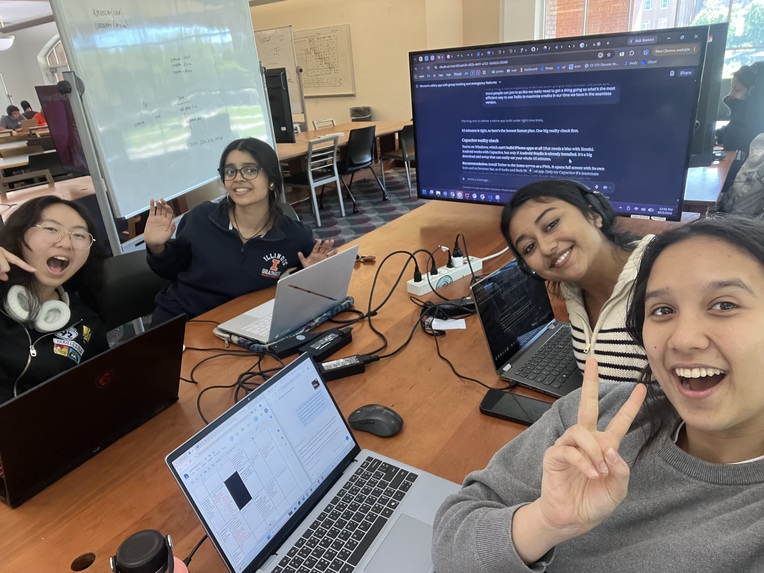
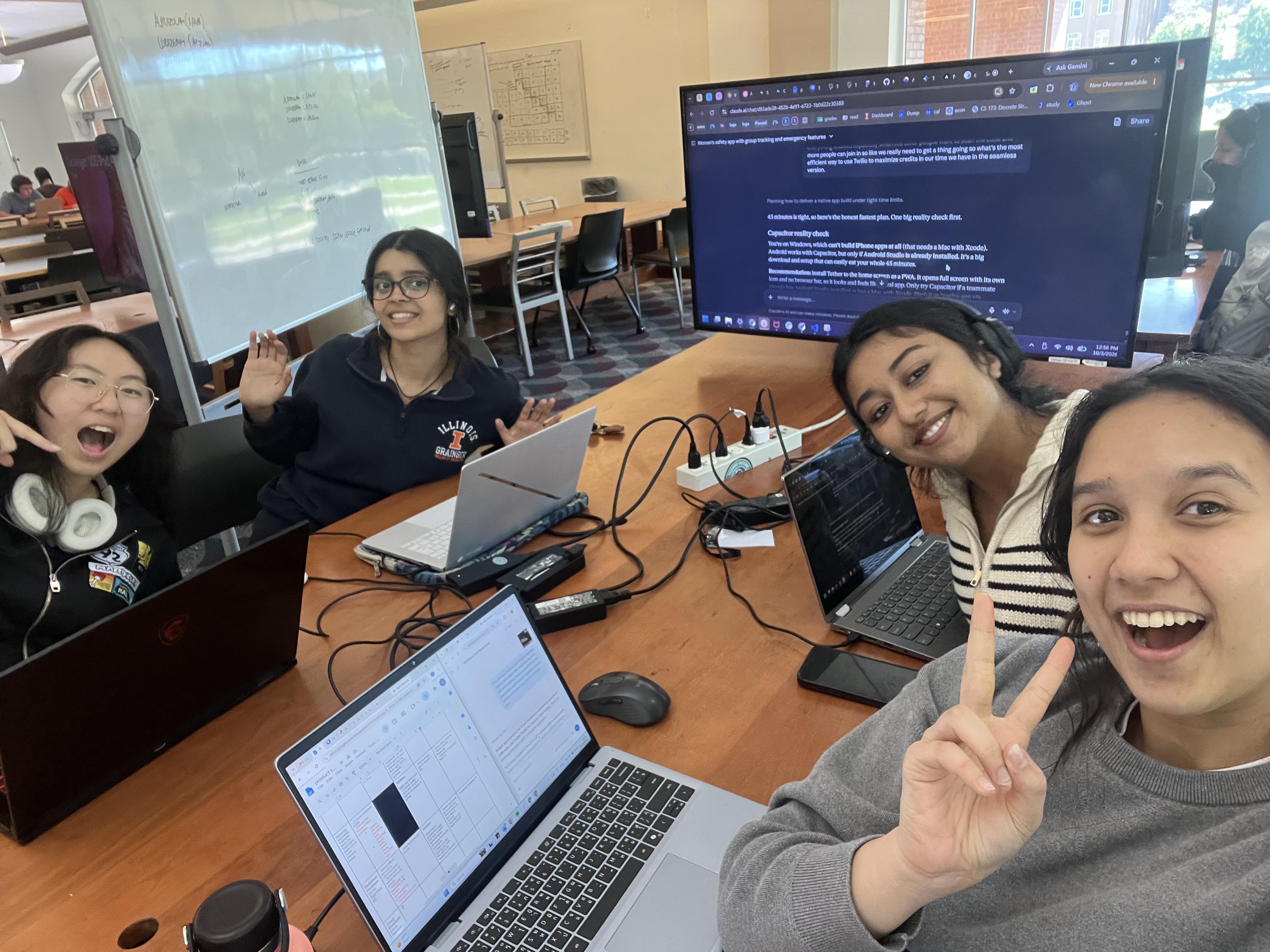
Hard at work!

Tether: Stay Together, Stay Tethered
Current live location apps rely on someone actively monitoring. In the situations where people most need help (a night out or an emergency), neither the person in trouble nor their friends are in the headspace to check, process, and act. We turn passive location sharing into active alerts that require almost no excessive stages of contemplation from anyone.
Target User & Barrier
Primary Users: Young adults, especially vulnerable women who are going out and may become separated from their group or experience a stressful/unexpected situation. Their circumstances can include:
- intoxication
- panic or stress
- being separated from friends
- rapidly changing plans
- not wanting to constantly use their phone
Secondary Users:
- Friends/guardians who want to keep track of someone but are not actively monitoring their location.
- Emergency responders: accessible identification and allergy information
Barrier: Cognitive and Informational Current location-sharing systems require someone to Notice, Monitor, Interpret, Decide, and then Act. That becomes difficult when:
- the person experiencing the situation is stressed, panicked, distracted, or intoxicated
- friends are socializing and aren't monitoring a map
- people don't know the intentions behind a location change
- someone doesn't know when they should intervene in a possible emergency
Tether targets this cognitive and informational barrier in which users must currently process and interpret too much information before they can recognize that someone may need help.
Bridging Four Key User Barriers
1. Separation & Loss of Awareness Pain Point: People can become separated from their group, while friends may not notice or know when separation is unintentional.
- Separation Alerts
- When someone falls behind or drifts away from the group, Tether prompts them to check in and alerts nearby friends if they don't respond. This removes the need for friends to constantly monitor them.
- “I'm On It”
- A friend can claim an alert so everyone knows someone is responding, preventing confusion or duplicated effort.
2. Distraction and Intoxication Pain Point: Stress, intoxication, or distraction can make typing, navigating, and making decisions difficult.
- Lock-Screen Widget
- Users can quickly send an alert/view their medical safety card from their lock screen
- One-Tap Status Updates
- Users can quickly select statuses like Bathroom, Outside, or Heading home without typing or explaining.
- PING
- Users can quickly ask for help with minimal interaction when they don't want or can't provide an explanation.
- HELP
- Large, simple buttons provide direct access to a guardian or 911, with press-and-hold protection against accidental activation.
- Simple, High-Contrast User Interface
- Large buttons, minimal text, and status-first screens make important information understandable at a glance.
3. Rapidly Changing Plans Pain point: People frequently change locations, split from their group, or leave earlier than expected, making static location sharing difficult to interpret.
- One-Tap Status Updates
- Communicate changes instantly without sending a text.
- Arrival Chain
- Tether follows the group through the end of the night and confirms when everyone gets home.
- Automatic Arrival Detection
- Friends are automatically notified when someone arrives home, reducing repeated check-ins.
4. Phone Dependence & Limited Availability Pain point: A phone may be dying, unavailable, or difficult to use when someone needs help.
- Battery Handoff
- When a user's battery is dying, Tether alerts a nearby friend to stay with them.
- Future
- Tether Keychain: A physical button would allow users to send an alert without accessing their phone.
How did we build it?
We began building Tether by first creating the front-end of our app on Lovable and Figma, where Lovable was used to create a generic mock-up of our userflow, and Figma was used to finish designing the elements of the app. Then, for the back-end, we coded a website version of the app using Claude code prompting and Supabase as the database and SQL editor. We hosted & deployed our website using Vercel and used Maptilercloud for the API keys for the map interface. We also connected our digital product to Twilio for direct SMS text notifications updates to the guardian and fellow group members. The overall project was coded using Claude code in the VS terminal with code in JSON, HTML, Javascript, and SQL. Finally, PWA was used for the final app-demo presentation so we can present a site as a mobile application.
We ran into multiple issues coordinating between front and back-end development, as we were working concurrently and making changes to both sides at once. It was also our first time using Figma and Supabase, so there was a longer turnaround time for front-end, which led to delays in implementation. We should have used third-party extensions to link Figma with Git to improve our workflow. Evaluating and prioritizing features based on our purpose was something we initially struggled with, as our app initially looked very similar to the interfaces of Find My and Life360. As we explored the specific problem we were trying to solve, we were able to narrow down which features were necessary and which were not.
What's Coming Up!
Feature Expansion:
- Native iOS and Android apps for background tracking when phones are locked
- Tether keychain: a discreet button to ping, alert, or sound a siren without your phone
- Critical alerts that break through Do Not Disturb
- Expansion to other moments when people can't use their phone, like apple watch detection for medical emergencies
Expansion Opportunities:
- Expansion to major university campuses nationwide (e.g., Big Ten institutions)
- Student brand ambassador programs
- Partnerships with local venues
- Integration into large-scale campus events (e.g., UIUC Homecoming Week)
- Safety zone mapping
- Crime-mapping integration (e.g., Illini-Alerts) paired with automated safety check-in prompts for friends
Additional Resources
Built With
- claude
- cloud
- code
- figma
- html
- javascript
- json
- lovable
- maptiler
- pwa
- sql
- supabase
- twilio
- vercel

Log in or sign up for Devpost to join the conversation.