-
-
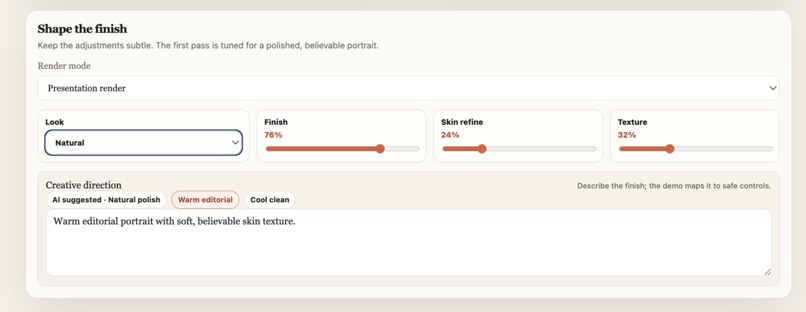
The setting
-
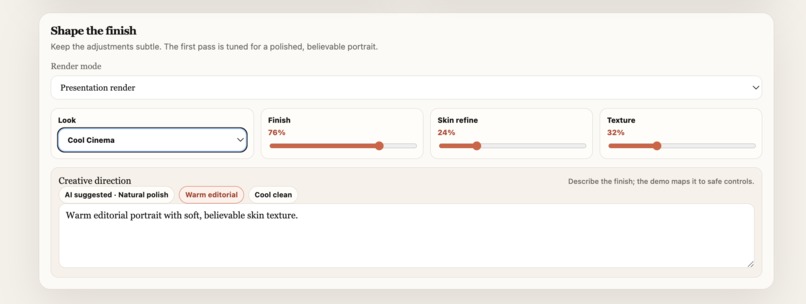
The setting
-
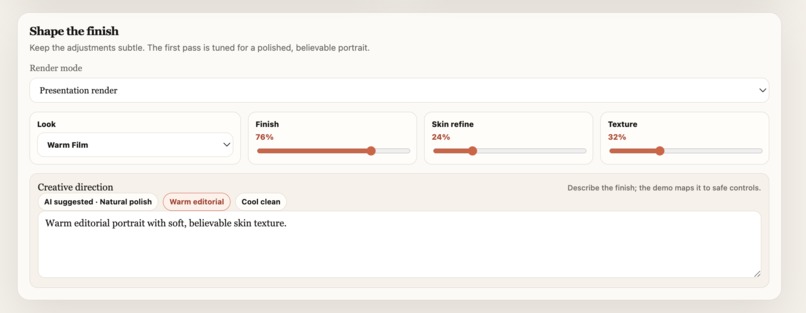
Another setting
-
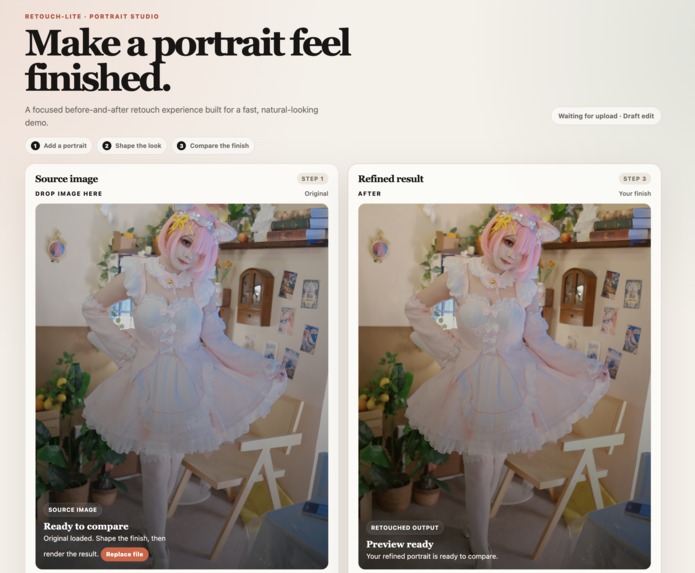
The main page
-
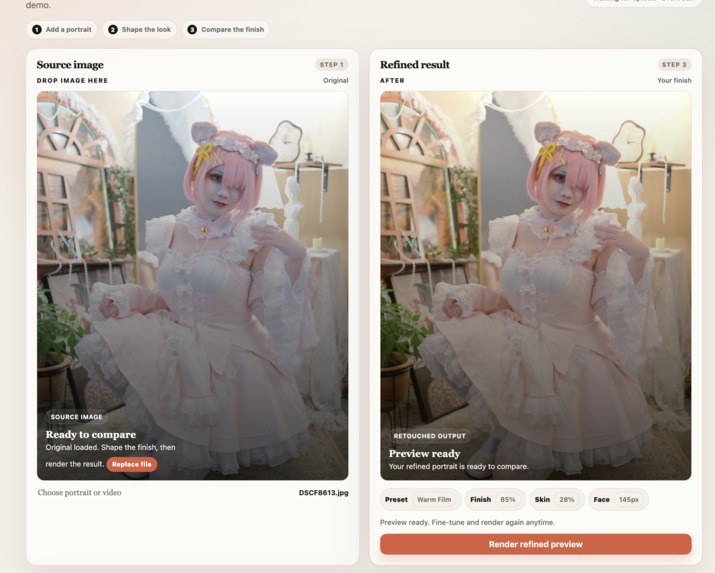
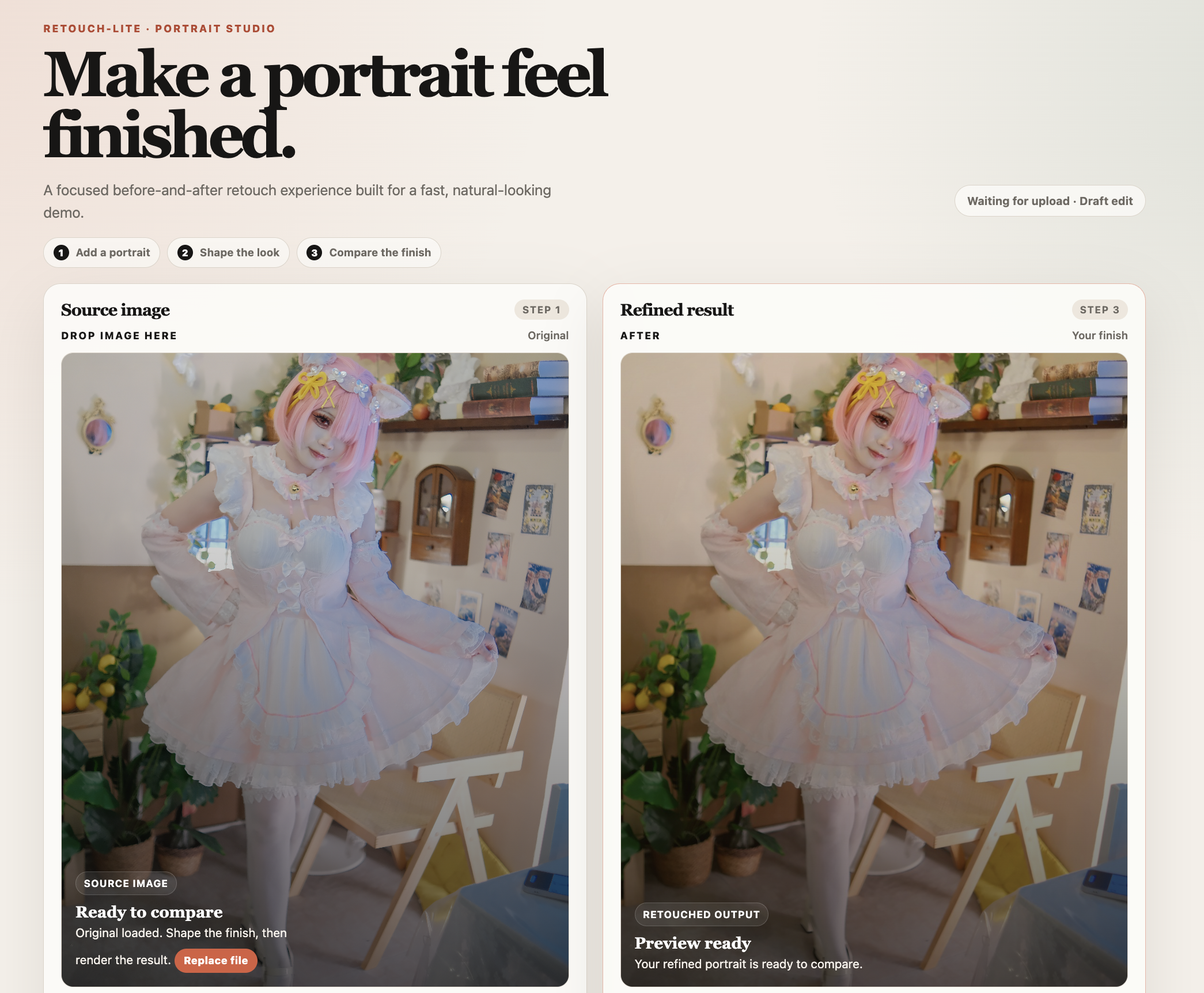
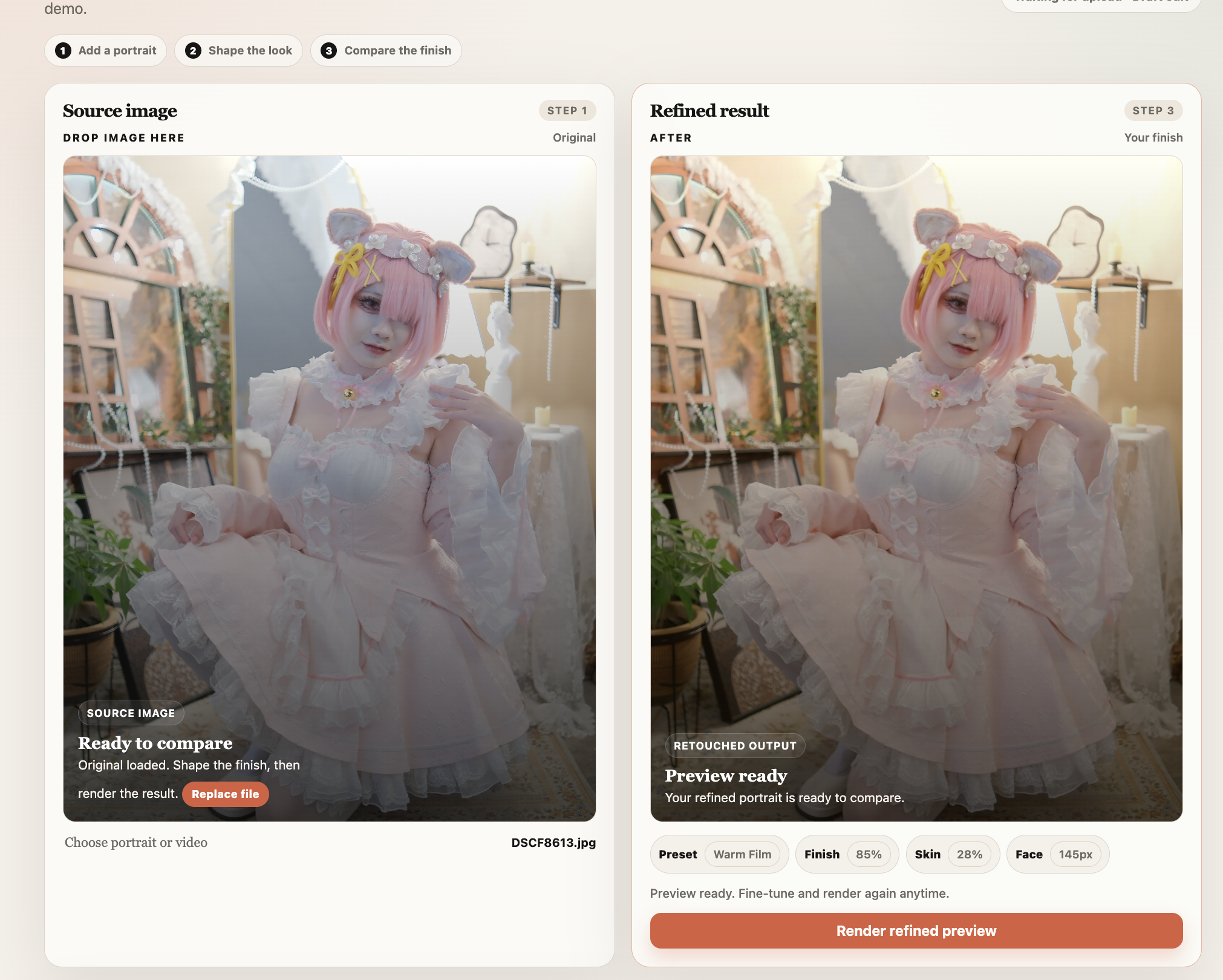
Before and after for 2nd test image
Inspiration
I've used a lot of portrait editing software, and most of it throws dozens of sliders at you before you've even figured out what you're trying to do. That always bugged me. I wanted to strip that down to something anyone could actually use — upload a portrait, say what kind of look you're going for, and get a clean, natural-looking preview without having to learn a professional editing tool first.
What it does
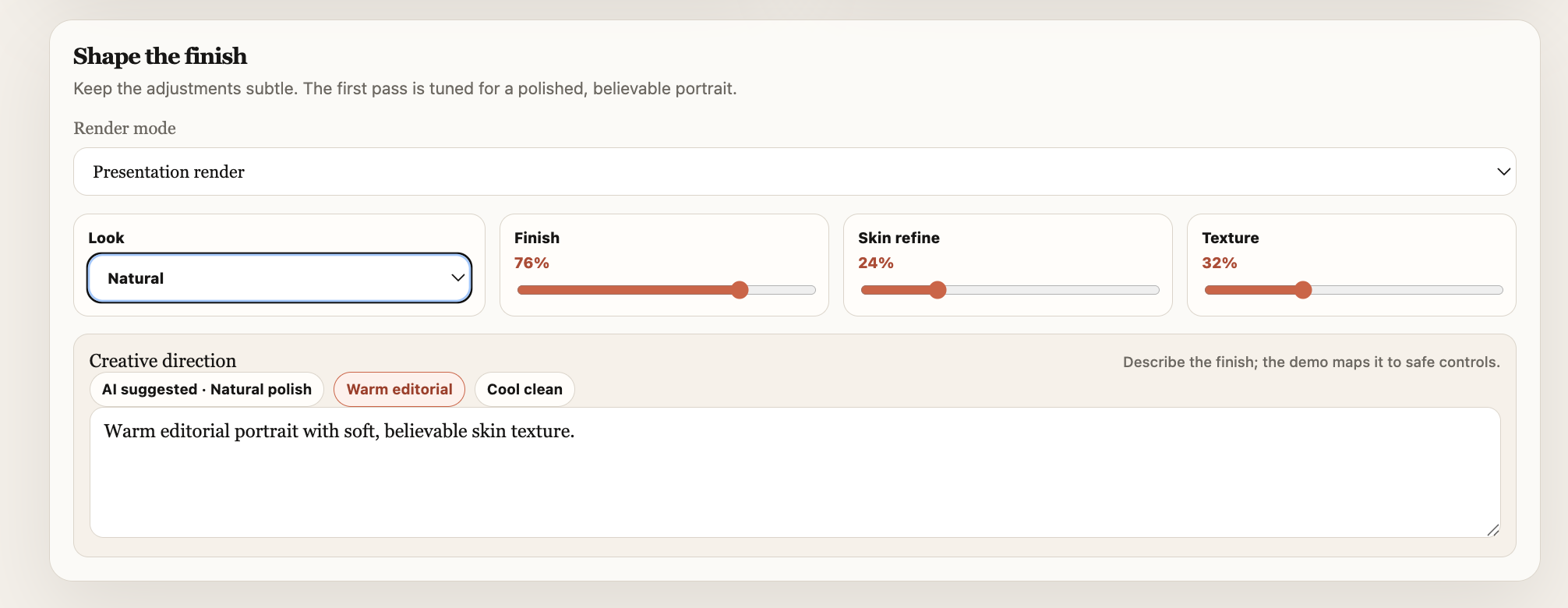
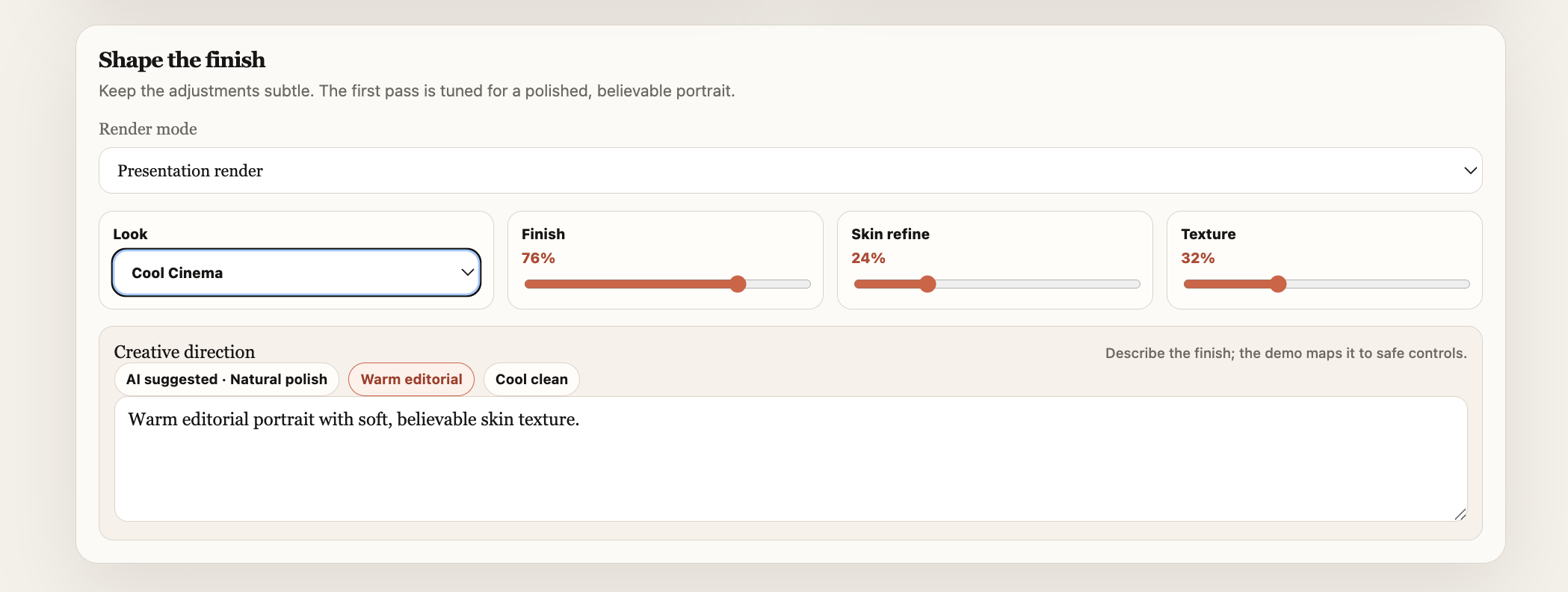
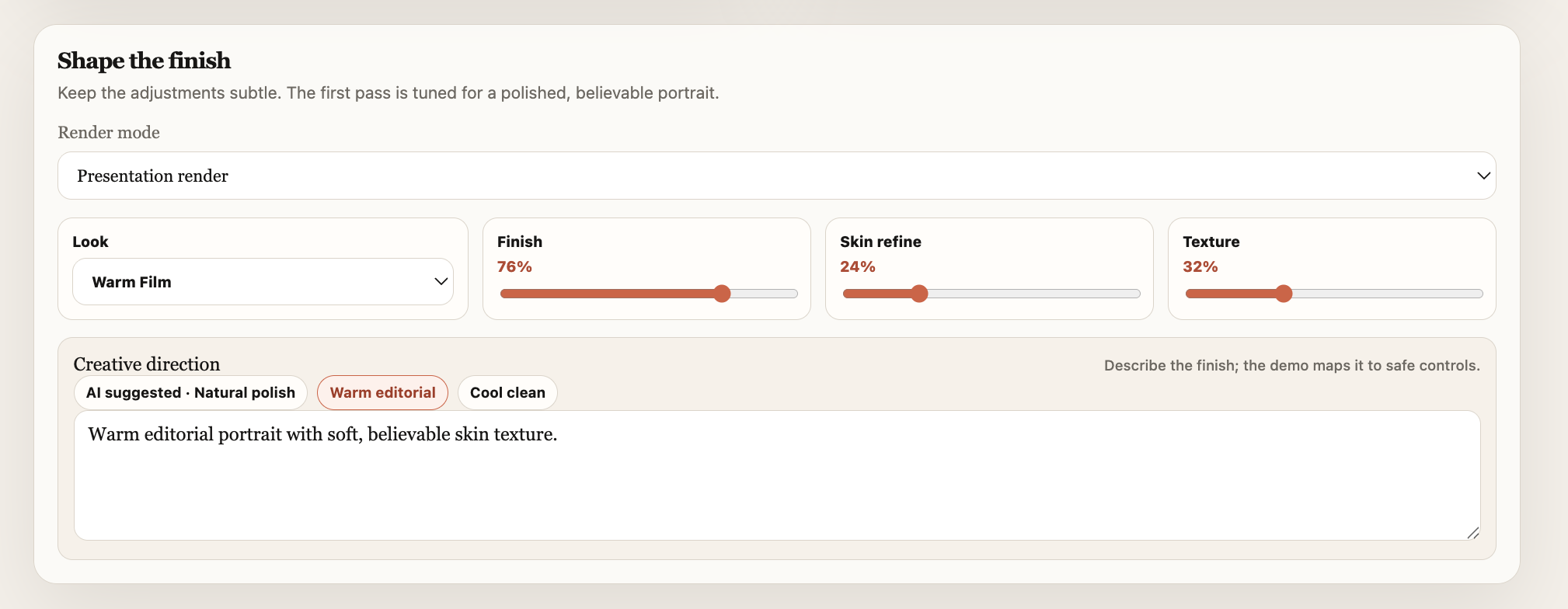
Retouch Lite takes a portrait photo or a short video of one person and turns it into an enhanced preview. You can pick from a few preset looks, tweak skin refinement and texture yourself, or just type something like "warm editorial" or "soft natural lighting" and let that get translated into the right editing parameters. No need to touch a dozen individual controls unless you want to.
It shows the original and the edited version side by side, so you can actually see what changed before you export or keep tweaking.
How I built it
It's a Python project with a simple browser-based front end. The actual image processing runs on OpenCV, built on top of the retouching engine I already had for skin refinement, texture preservation, and facial enhancement — I leaned on GPT-5.6 to help me move faster there. Most of my hackathon time went into the experience around that engine, not the engine itself: the upload flow, drag-and-drop, the live preview panels, rendering progress, the editing controls, and the text box for describing the look you want.
I skipped external AI services for now — the prototype just maps common phrases to local presets, so the whole demo runs offline with no API key needed.
Challenges I ran into
The hardest part was getting visible improvement without crossing into "that looks fake." Even a small bump in skin smoothing can make a face look plastic fast, so I spent a lot of time dialing back aggressive adjustments and making sure fine details stayed intact.
Accomplishments I'm proud of
I'm proud that this ended up being a full experience and not just a tech demo of an image algorithm. Someone can upload a photo, pick a look, adjust a few intuitive controls, render it, and compare it to the original — all in one flow.
I'm also glad I held back on feature creep. I tried out a few extra controls along the way but cut most of them, and the simpler interface made the whole thing easier to understand and way faster to demo.
What I learned
The biggest takeaway: a good demo depends on usability just as much as the algorithm behind it. The retouching engine was only half the story — clear controls, fast feedback, and a simple layout made people "get it" a lot quicker. I also came away with a lot more respect for preserving natural skin texture. Rather than just blurring away imperfections, the pipeline tries to even out tone while keeping the fine detail — so it looks edited, not overprocessed.
What's next for Retouch Lite
Next up is swapping the keyword-mapping system for something GPT-powered that can actually understand richer, more specific requests — instead of picking from preset phrases, people could describe exactly the look they want and have it translated into the right parameters automatically. After that: project saving, export options, and better video handling with face tracking so edits stay consistent frame to frame. The goal is to get Retouch Lite closer to something people could actually use day-to-day, without losing the simplicity.

Log in or sign up for Devpost to join the conversation.