
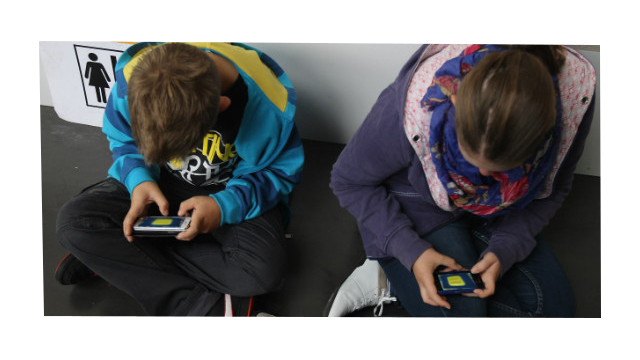
Experience this old school, classroom game in a whole new way with AllJoyn SDK.
Circulate around the virtual classroom from device to device quickly tagging one player at a time. Using AllJoyn SDK, simply connect with other users sharing the same network and tap other players out.
Original Seven Up Game How To Video link: http://youtu.be/PczXAKHPpAI
Seven Up App Rules:
Description: Tagging and guessing game Setting: Virtual Classroom
A.Seven players log into a new gameroom or "classroom", chose their language and then a group leader is chosen at random. The seven players are timed (30 seconds) to tag the remaining players that are sitting in desks with the tap of a finger in real time.
B.The group leader uses voice recognition such as S Voice to call to the remaining players in the gameroom, "Heads Down!" The remaining players tap their avatar's head down and have their thumbs raised in the air to be tagged.
*The remaining players can hear this call on their phone no matter where they are in the world. Voices are translated so that any langauge can be understood.
C. The remaining player's avatar's hand is shown on the main screen with the thumb up until the one of the seven in the group taps it down (tag).
D. After the timer goes off and the remaining players have been tagged, the leader of the seven players calls with voice recognition, "Heads up,Seven Up!"
E.The remaining players heads pop up after the command and the seven "tapped" or tagged players stand up beside their desk.
F.The leader asks each player using their voice, "Guess who tagged you!"
G.A correct guess exchange a student and their tapper. If the guess is incorrect, the player remains in their desk and the player retains thier position in the group of seven.
H.The game continues once all guesses and exchanges have been made.
*Tip: Incorrect guessers can leave a thumb up so that others in the gameroom/classroom can have a turn to be tapped.


Log in or sign up for Devpost to join the conversation.