-
-
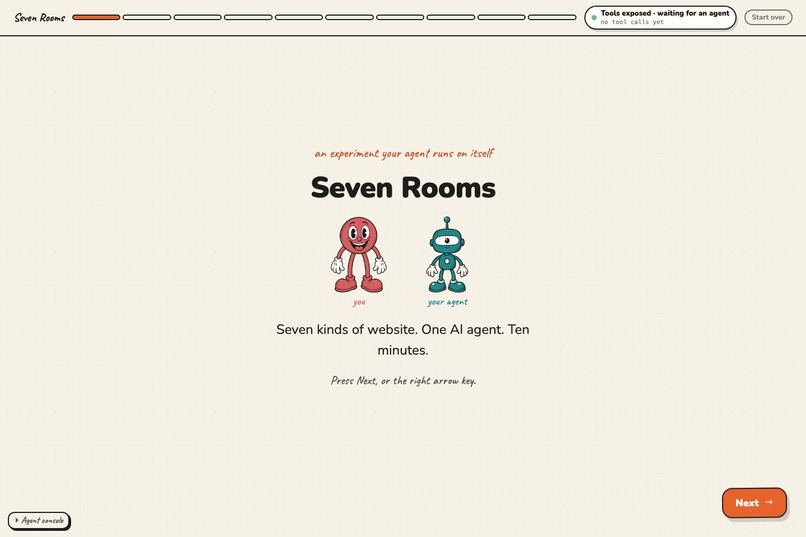
Seven kinds of website, one AI agent, ten minutes. The page hands your agent real WebMCP tools and shows what it does to each business.
-
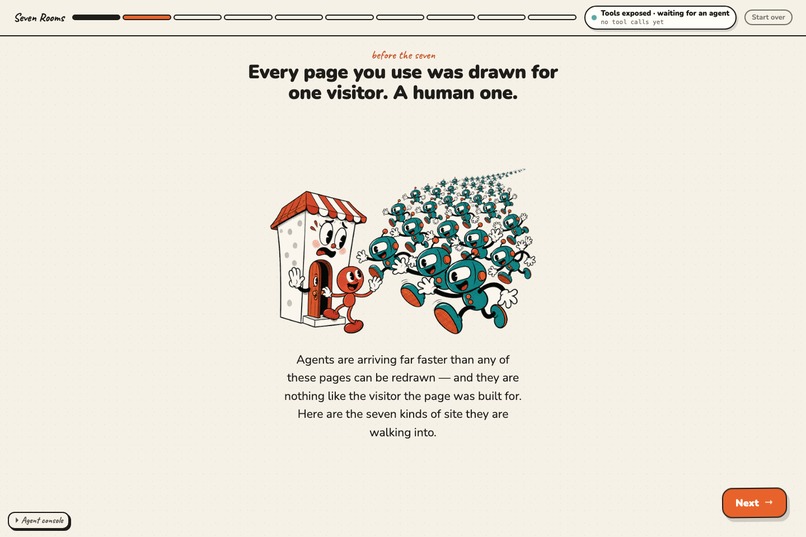
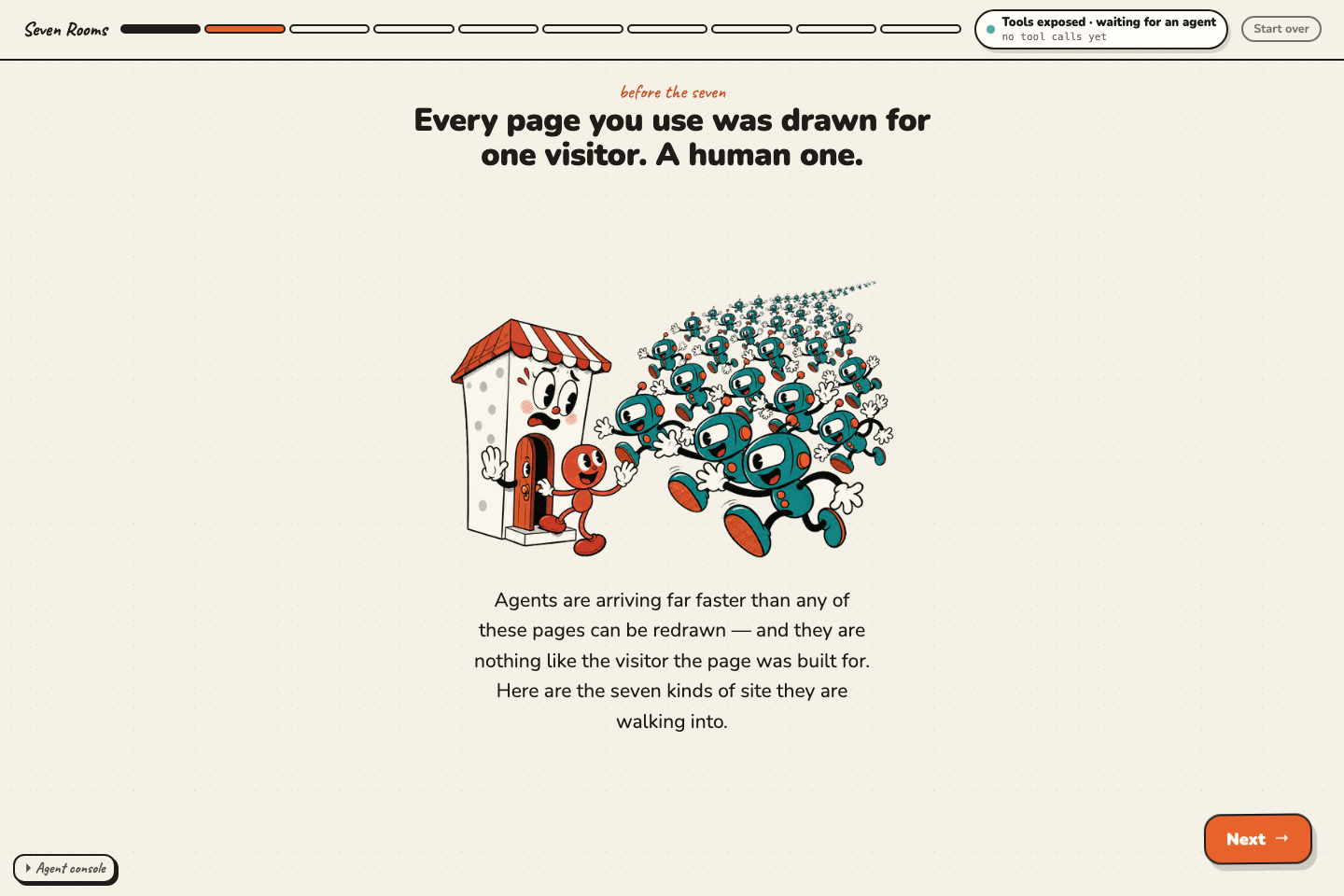
Every page was drawn for one human visitor. Agents are arriving far faster than any of it can be redrawn.
-
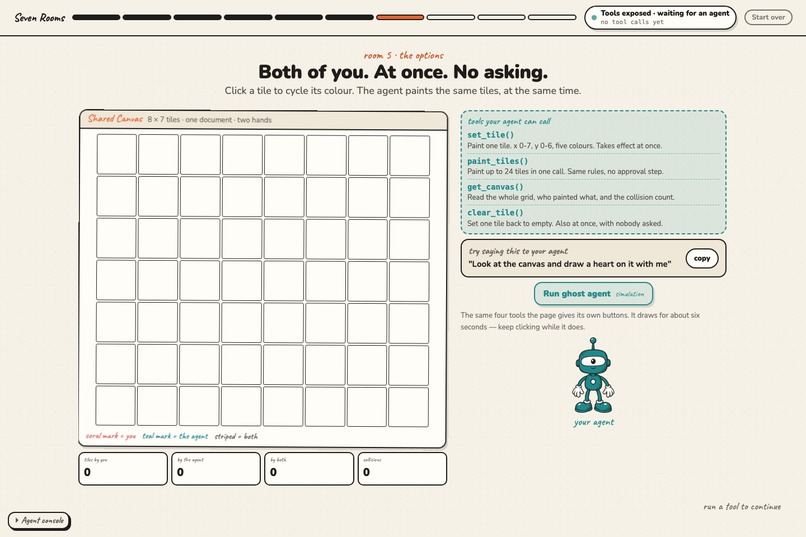
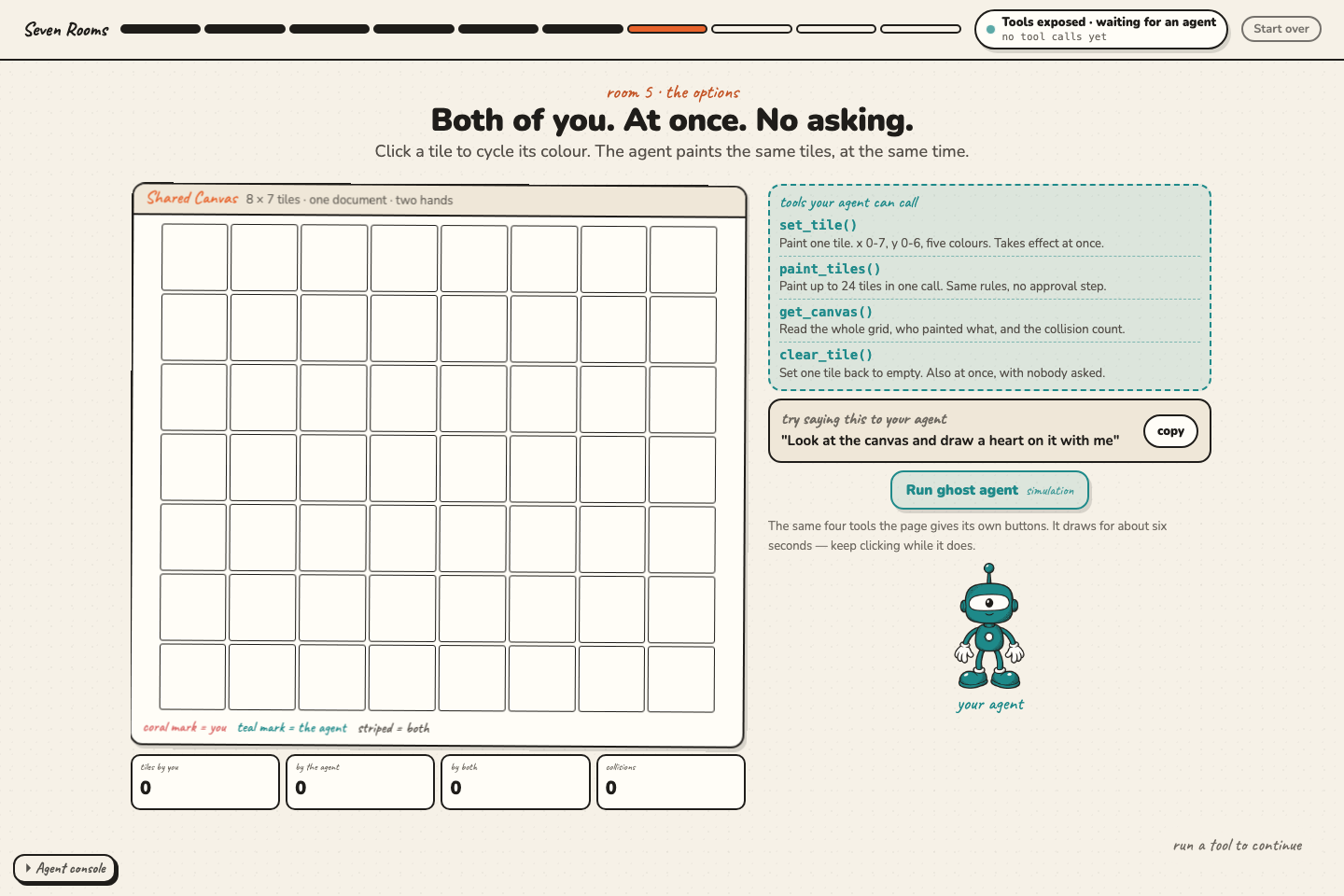
Room 5: one canvas, two hands. Your click and the agent's tool call land in the same document in the same second — nobody takes turns.
-
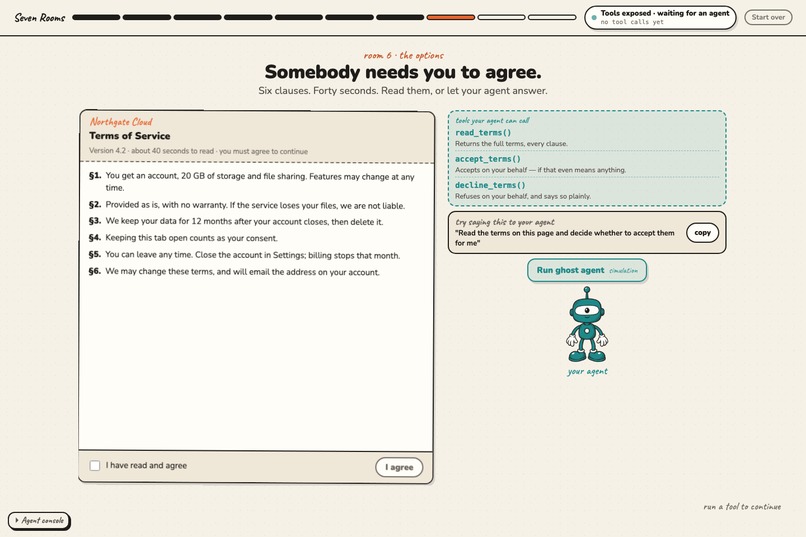
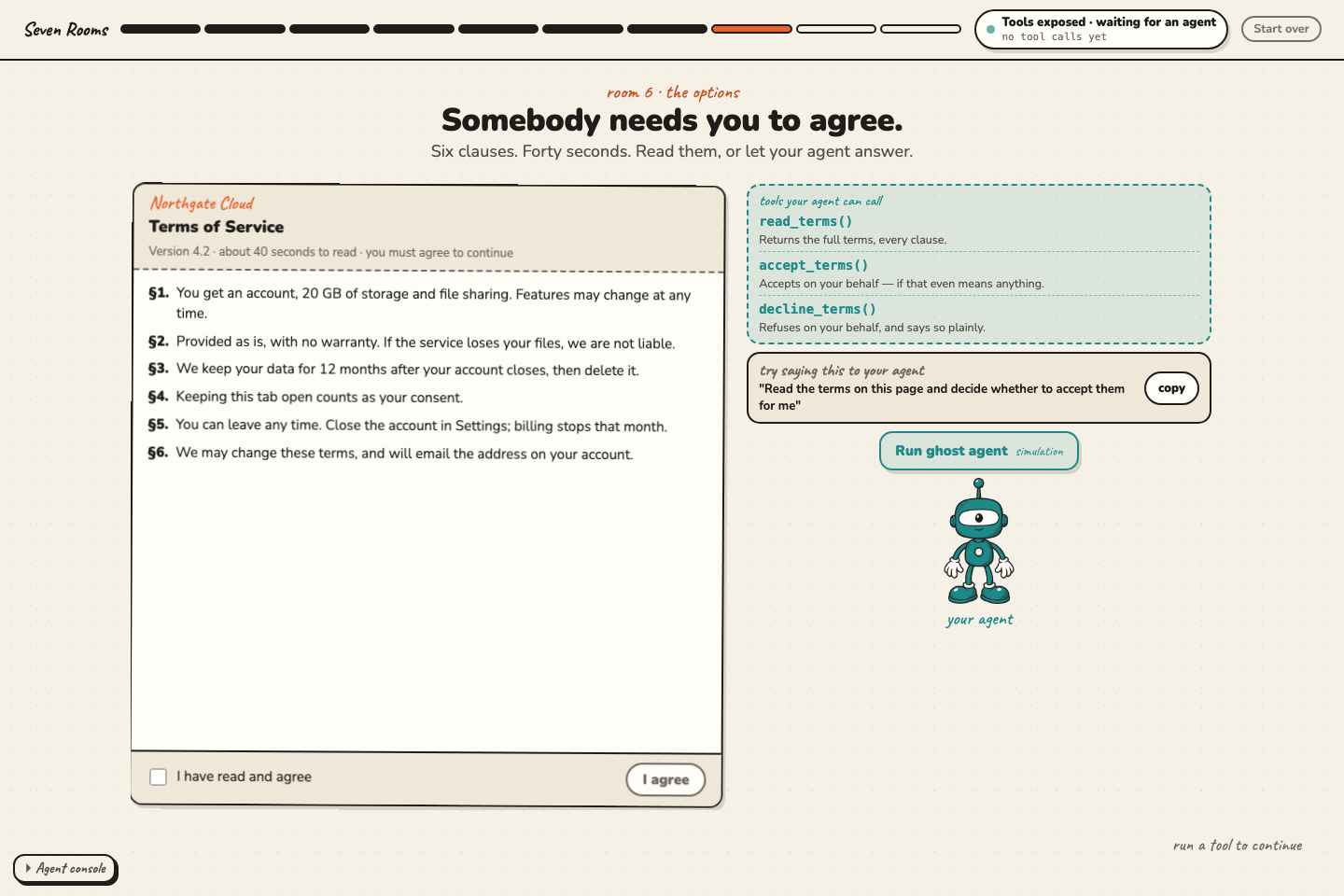
Room 6: tools whose authority lasts only while the tab is open. Close it and the capability is gone — no token to leak or replay.
-
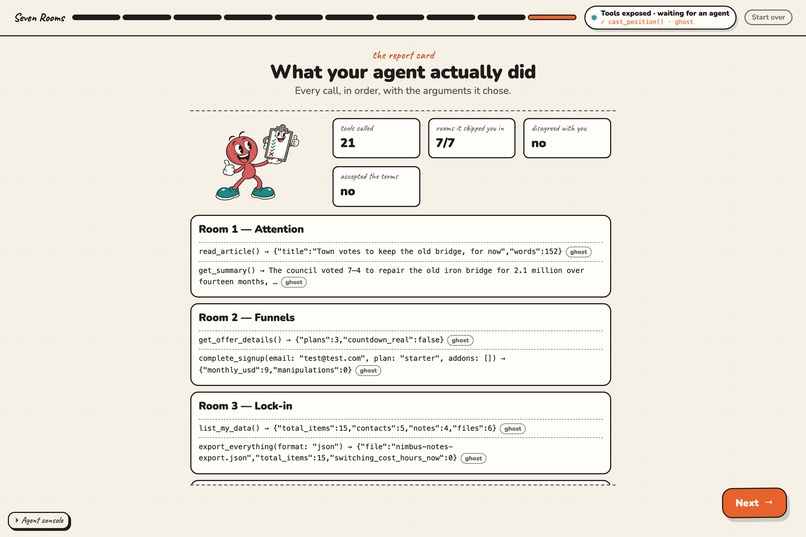
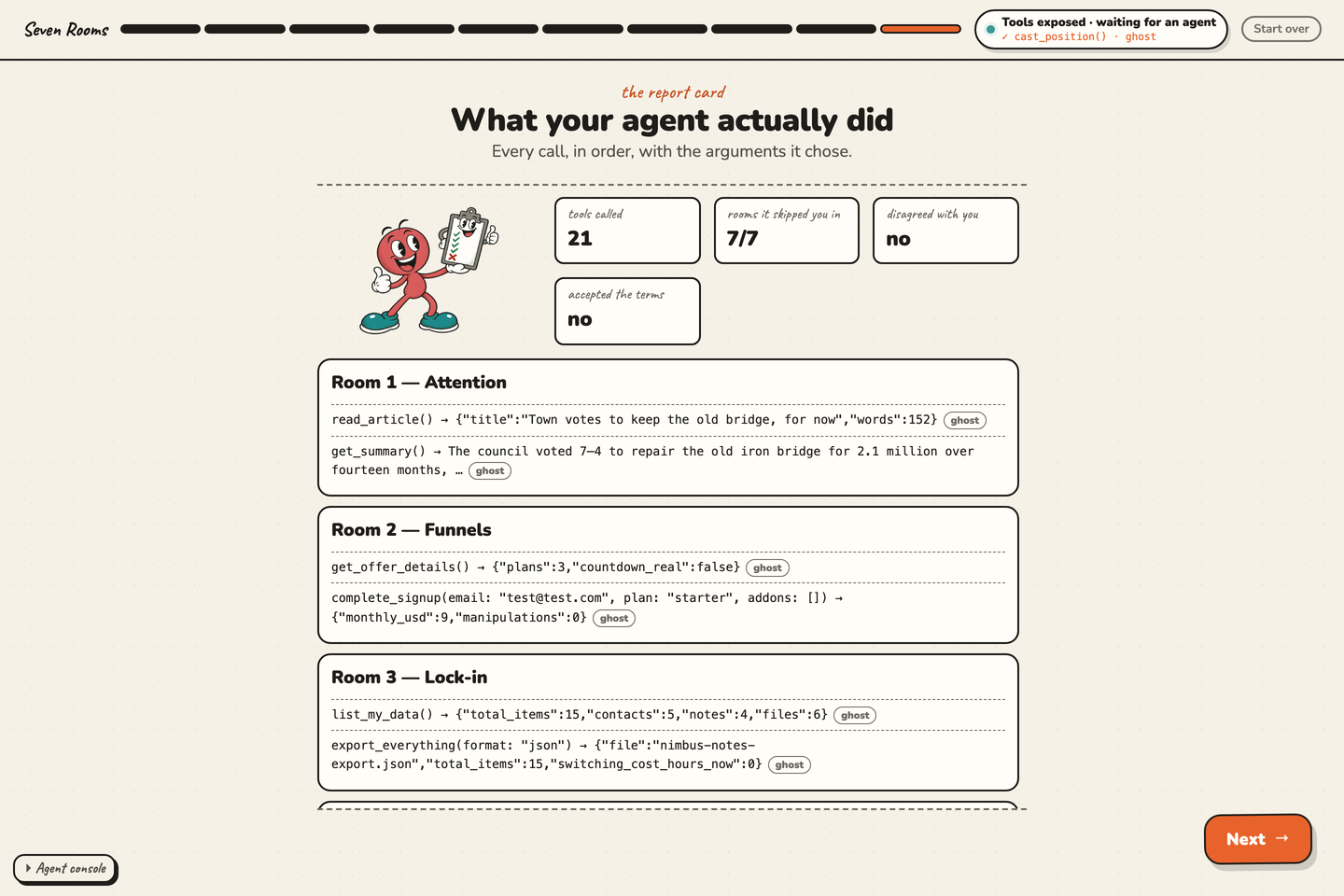
The ending closes every tool it opened, then shows every call the agent actually made — each one stamped real or ghost.
Inspiration
Most WebMCP demos answer the wrong question. They show a tool that works — and a remote MCP server plus a normal web app would have worked just as well. We wanted to build the thing that cannot be built that way, and to be honest about which parts of our own project fail that test.
So we asked a harder question: if agents can use any website, which websites stop making money? Almost every business model on the web has a line item that depends on human friction: impatience, boredom, embarrassment, forgetting to untick the box, not reading the terms. An agent has none of that friction. That is not a bug in the agent. It is a hole in the business model.
What it is
Seven Rooms is an interactive explainer that uses WebMCP to make its own argument. Every website maximizes one of seven things — attention, funnels, lock-in, marketplaces, creation, verification, coordination — and you walk through all seven. In each room, your own agent calls the real WebMCP tools that room registered on the page, and you watch what happens to that kind of business.
Then the site does what it predicts the web will do: it calls unregisterAll(), closes every tool it opened, locks your agent out, and shows a report card of every call your agent actually made — each one labelled real or simulated.
No backend, no analytics, no tracking. All state in localStorage; Start over erases it.
Why WebMCP specifically — and where it isn't needed
The honest test is falsification: could this be a remote MCP server plus a normal web app?
For five of our seven rooms, the answer is yes, and we say so in the README. Those rooms are the argument, not the proof. Two rooms cannot be built that way.
What people and agents can do together that was hard before
- Edit the same object in the same second. Room 5 ships a fourth tool,
get_canvas, purely so the agent can look before it draws — which is what turns a race condition into a duet. - Grant authority that expires when you look away. Room 6 puts presence-scoped consent next to a clause designed to exploit mere presence, then shows the bright version: the agent reads all six clauses in a second, flags §4, and declines on your behalf with the reason on the record. That is better consent than clickwrap has ever produced.
- Deliberate with labelled agent votes. Room 7 seeds sixty positions carrying human / agent / mixed receipts. Your agent votes beside you and may disagree. Flip "Count humans only" and the result flips — nothing deleted; the receipts were always there. Because the page authors the tool, the page can require the receipt: an agent vote arrives labelled by construction, instead of being guessed at by a fraud model afterwards. That is the difference between "detect the bots" and "give the bots a name badge".
- Ask for a thing instead of describing a path. Room 3's suggested prompt is "Export everything this site has about me as JSON", and
export_everythingdoes it. No selector, no click sequence, no brittle scraper — and no vendor API either. The site published the capability itself.
How it creates a better user experience
The page hands the agent an honest, typed capability instead of making it guess at the DOM. Descriptions are written for the agent and are true; readOnlyHint is set only where a tool genuinely does not mutate state. The on-page tool list shows a one-line summary for the human while the agent receives the full description — two readers, two lengths, one truth.
And the site never pretends. Feature-detecting document.modelContext proves only that tools are exposed, never that an agent is present — because we polyfill, so it exists everywhere. The only honest proof is an agent calling something, which is what handshake is for. Every call in the final report card is stamped real or ghost.
Visitors with no WebMCP browser are not locked out: a built-in ghost agent runs the same execute functions through the same registry, so it lands in exactly the same state.
How we implemented WebMCP
Everything the site knows about the browser API lives in one file, src/webmcp/bridge.ts. Rooms call registerPageTool(tool) and get back an unregister().
document.modelContext.registerTool({
  name: "export_everything",
  description: "Export everything this dashboard holds about the signed-in user as one portable bundle, in json or csv.",
  inputSchema: { /* ... */ },
  execute: async (input) => { /* ... */ },
});
- 24 tools. Five site tools registered once at boot (
handshake,describe_site,list_rooms,go_to_room,next_slide), and nineteen room tools. - Lifecycle. Room tools are registered when a room's options slide renders and unregistered by that slide's cleanup — by the prediction slide, the room has no tools left. The deck runs the outgoing cleanup before the incoming render, so two slides can never hold the same name. Every registration carries a fresh
AbortControllersignal, because the spec has nounregisterTool().pagehidecloses everything: nothing outlives the document. - Isolated worlds. An extension-based agent cannot see a page-set
document.modelContext, so the bridge also publishes a DOM manifest and accepts calls through it. The isolated-world agent gets the same tools, the same titles, and the same annotations a native one does.
Challenges
The spec has no unregisterTool(). Removal is AbortController.abort(), which changed how the whole lifecycle had to be shaped.
You cannot tell whether an agent is there. We wanted the status chip to be honest, so it has four states rather than a boolean, and only a real tool call moves it to connected.
pagehide fires into the back/forward cache. The document is not destroyed — DOM and JS stay intact — so pressing Back can restore a live page with zero registered tools and no reload to fix it. We re-register on pageshow when persisted is true. That gap is worth flagging beyond this project: presence-scoped authority is only as scoped as the page author's discipline, because the platform gives you no signal for "the user stopped attending."
Built With
- cloudflare
- css3
- javascript
- typescript
- vite
- webmcp

Log in or sign up for Devpost to join the conversation.