-
-
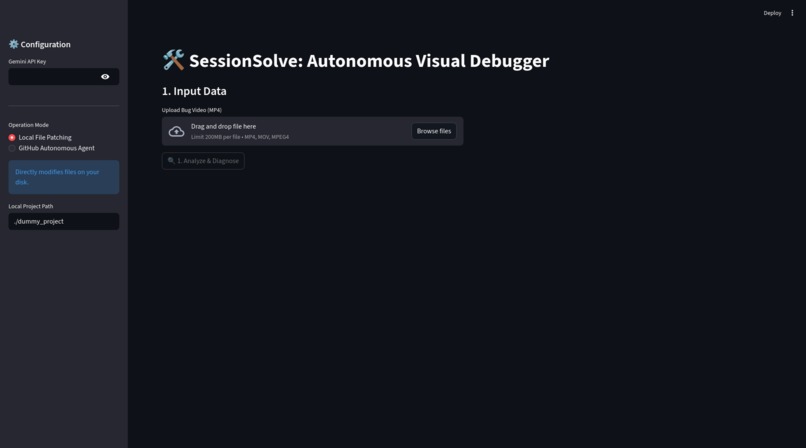
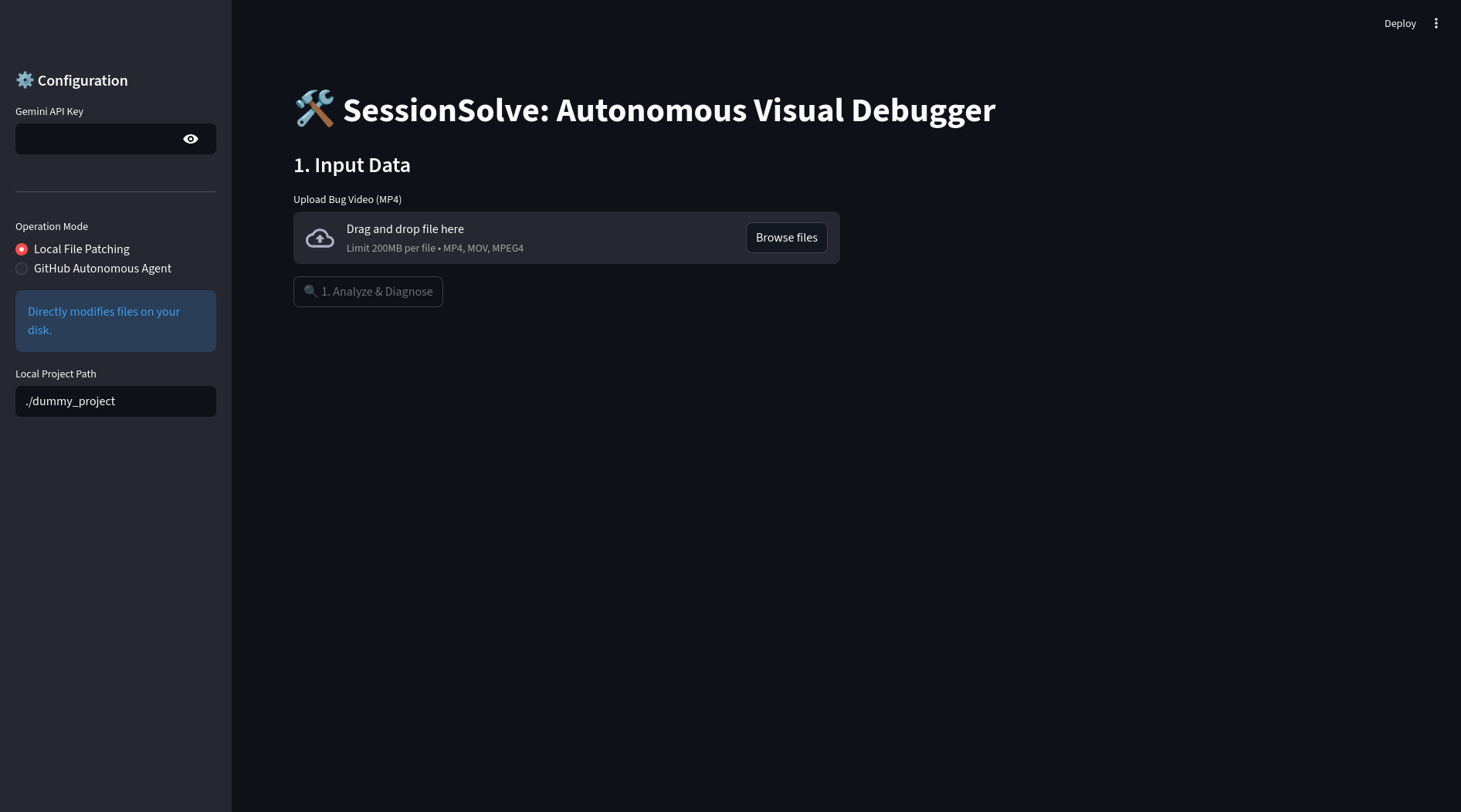
Local File Patching
-
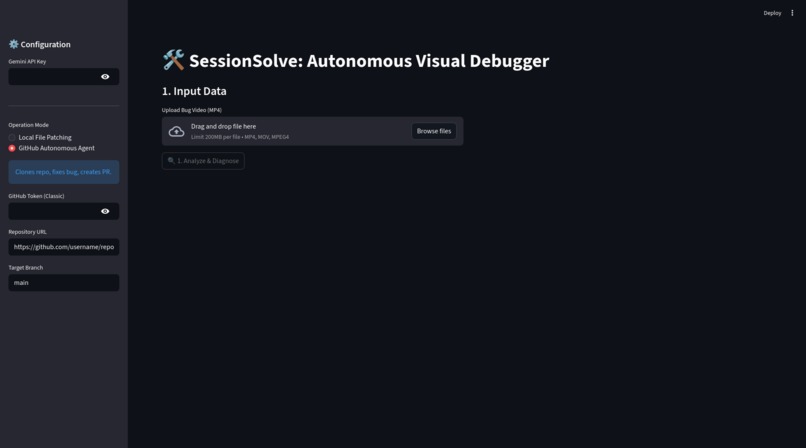
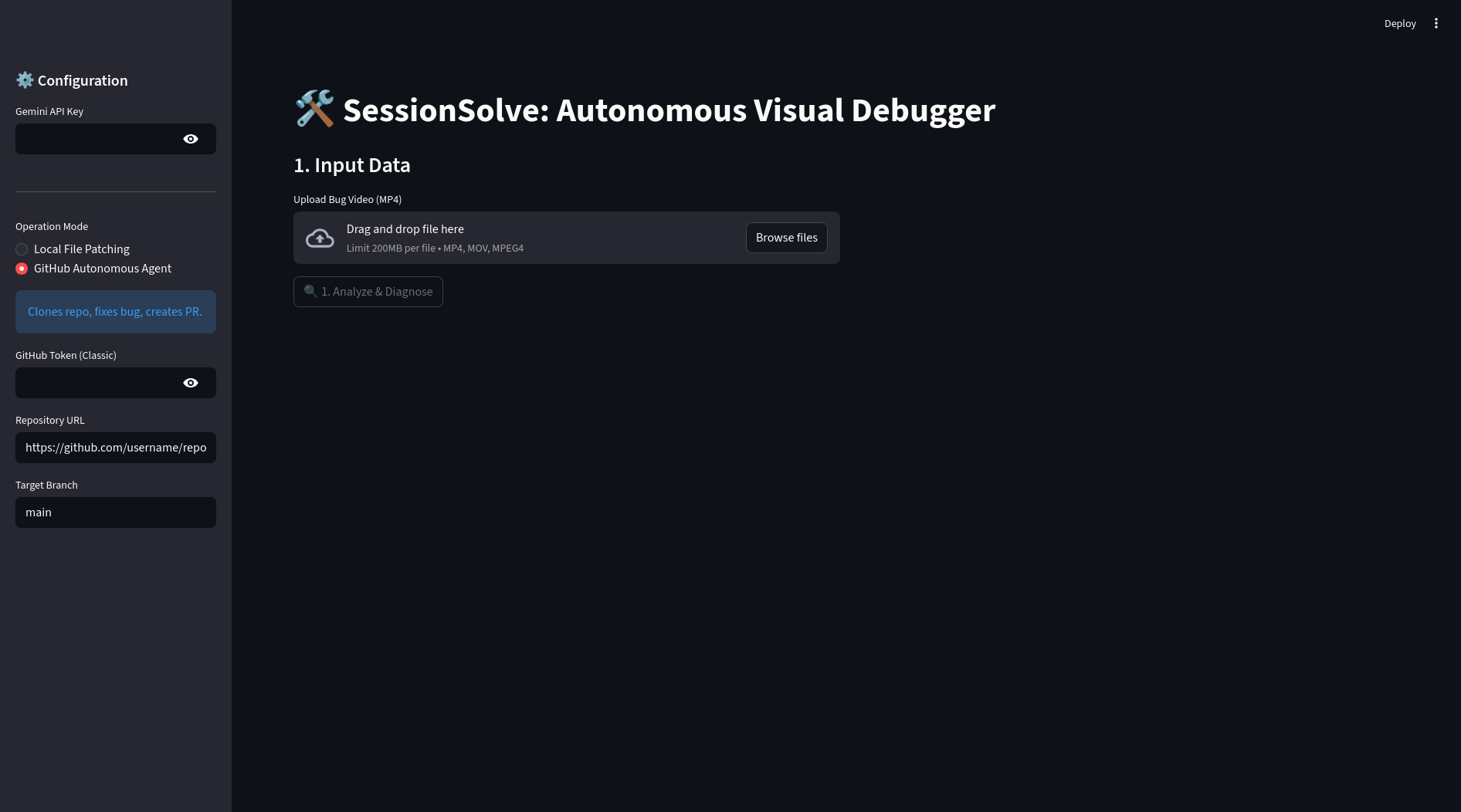
GitHub Autonomous Agent
Inspiration
Developers often encounter vague bug reports, such as a screen recording labeled “it’s broken” without essential details. Identifying the root cause can require hours of manual reproduction, searching through files, and guesswork.
The launch of Gemini 3 presented an opportunity to address this challenge. Its large context window and multimodal reasoning allowed us to develop an autonomous tool that reviews videos, analyzes code, and resolves issues.
What it does
SessionSolve is an autonomous visual debugger that streamlines the workflow from bug reporting to code resolution.
- Senses: It processes user screen recordings (MP4) and audio commentary to determine intent and identify the failure state.
- Reasons: It loads the entire project repository into Gemini 3’s context window, linking visual failures in the video, such as a non-responsive button, to the specific line of code responsible, such as a mismatched ID in
app.js. - Acts: It generates a code patch to resolve the bug and creates a deterministic regression test (Playwright) based on user actions in the video.
- Verifies: The agent runs the updated application in a sandbox, executes the test, and uses Gemini’s vision capabilities to confirm resolution.
- Delivers: It automatically opens a GitHub Pull Request with the fix, test, and visual confirmation of success.
How we built it
SessionSolve was developed using Python and Streamlit for the interface, with an advanced agent workflow powered by the Google GenAI SDK.
- Multimodal Analysis: Gemini 3 processes video frame by frame and transcribes audio simultaneously to extract a structured User Journey log.
- Context Injection: A custom Repo Packer traverses the GitHub repository, follows
.gitignorerules, and serializes the codebase into a format optimized for Gemini’s context window. - Autonomous Action: The GitHub API allows the agent to clone repositories, create branches, commit code, and open Pull Requests without human intervention.
- Visual Verification Loop: Playwright launches a headless browser during the agent’s runtime, captures screenshots of the fixed state, and submits them to Gemini for validation.
Challenges we ran into
- The “Needle in the Haystack”: Supplying an LLM with an entire codebase can be distracting. We refined system prompts to ensure Gemini prioritizes visual evidence from the video when analyzing the code.
- Hallucinated Fixes: Early versions of the agent proposed code that appeared correct but did not run. Implementing the Visual Verification step addressed this issue. If the Playwright test fails or the visual check does not match, the agent identifies the failure and can iterate.
- Audio/Video Sync: Understanding user intent often requires correlating specific spoken words with corresponding video frames. Gemini’s ability to interpret temporal relationships in media was essential for this task.
Accomplishments that we’re proud of
- True Autonomy: SessionSolve goes beyond code suggestions. It accepts a file and a link, then produces a Pull Request.
- The “Vibe Check”: The visual verification loop enables the agent to capture a screenshot of its fix and mark it as “PASSED,” closely resembling the work of a human engineer.
- Generated Tests: SessionSolve improves the codebase by automatically adding regression tests, which encourages best practices.
What we learned
The emergence of the Action Era is clear. Gemini 3 has significantly lowered the barrier to building autonomous agents. The ability to input an entire repository into the prompt fundamentally changes software architecture, removing the need for complex RAG pipelines for small-to-medium codebases when a large context window is available.
What’s next for SessionSolve
- Live Environment Integration: Enable the agent to access a staging URL directly instead of a local sandbox.
- Complex Multi-Step Bug Reproduction: Support bugs that require complex state setup, such as logging in as different users.
- IDE Extension: Integrate SessionSolve into VS Code, allowing developers to click “Fix this” on a Loom video link within their editor.

Log in or sign up for Devpost to join the conversation.