-
Title page @ sessions.ai
-
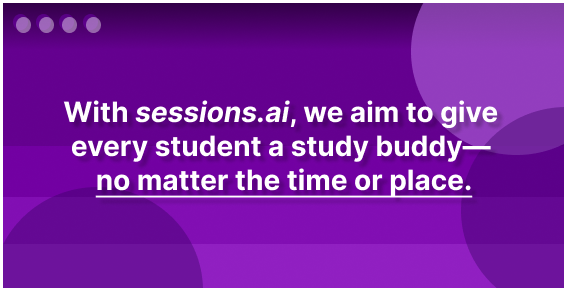
Mission statement
-
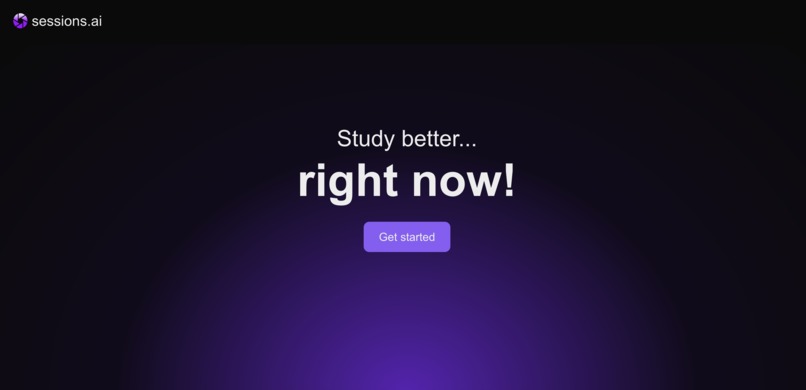
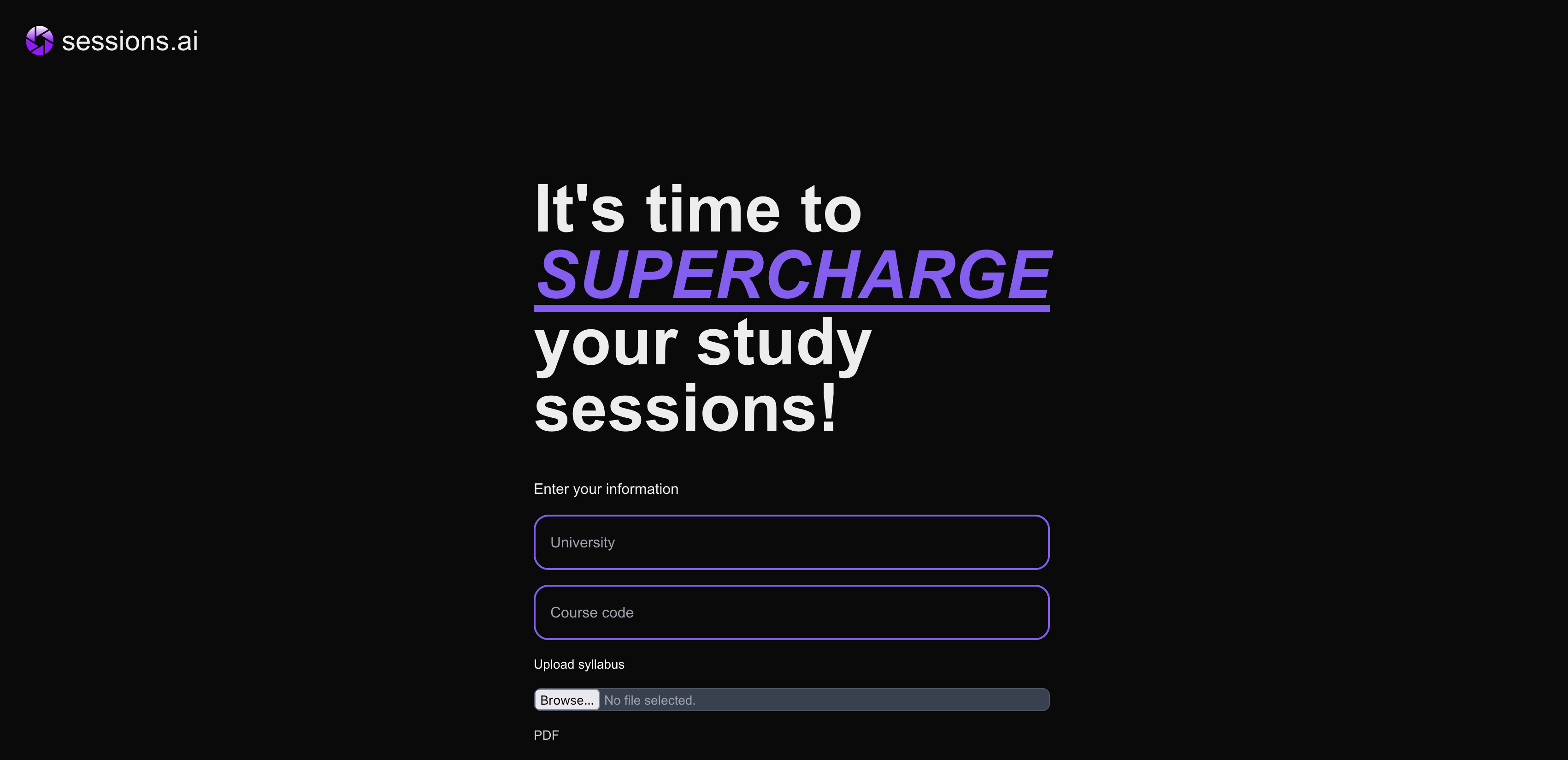
Get started screen
-
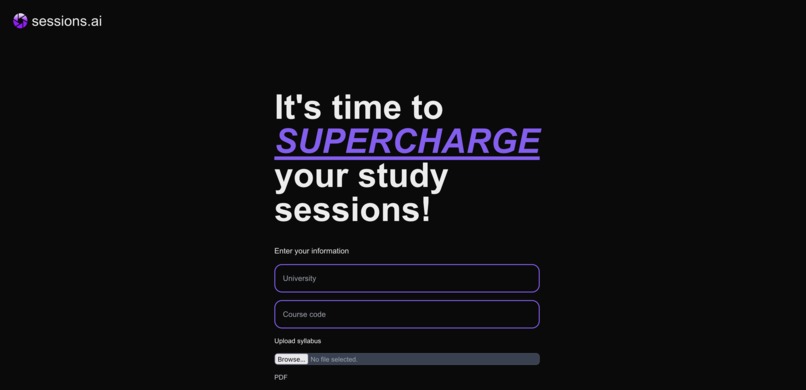
"It's time to SUPERCHARGE your study studdions"
-
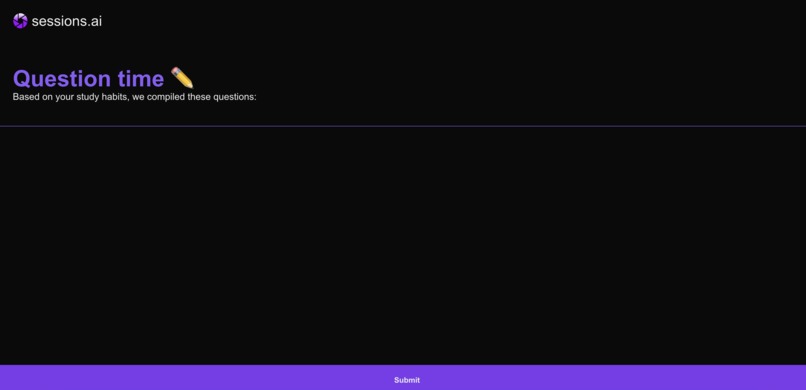
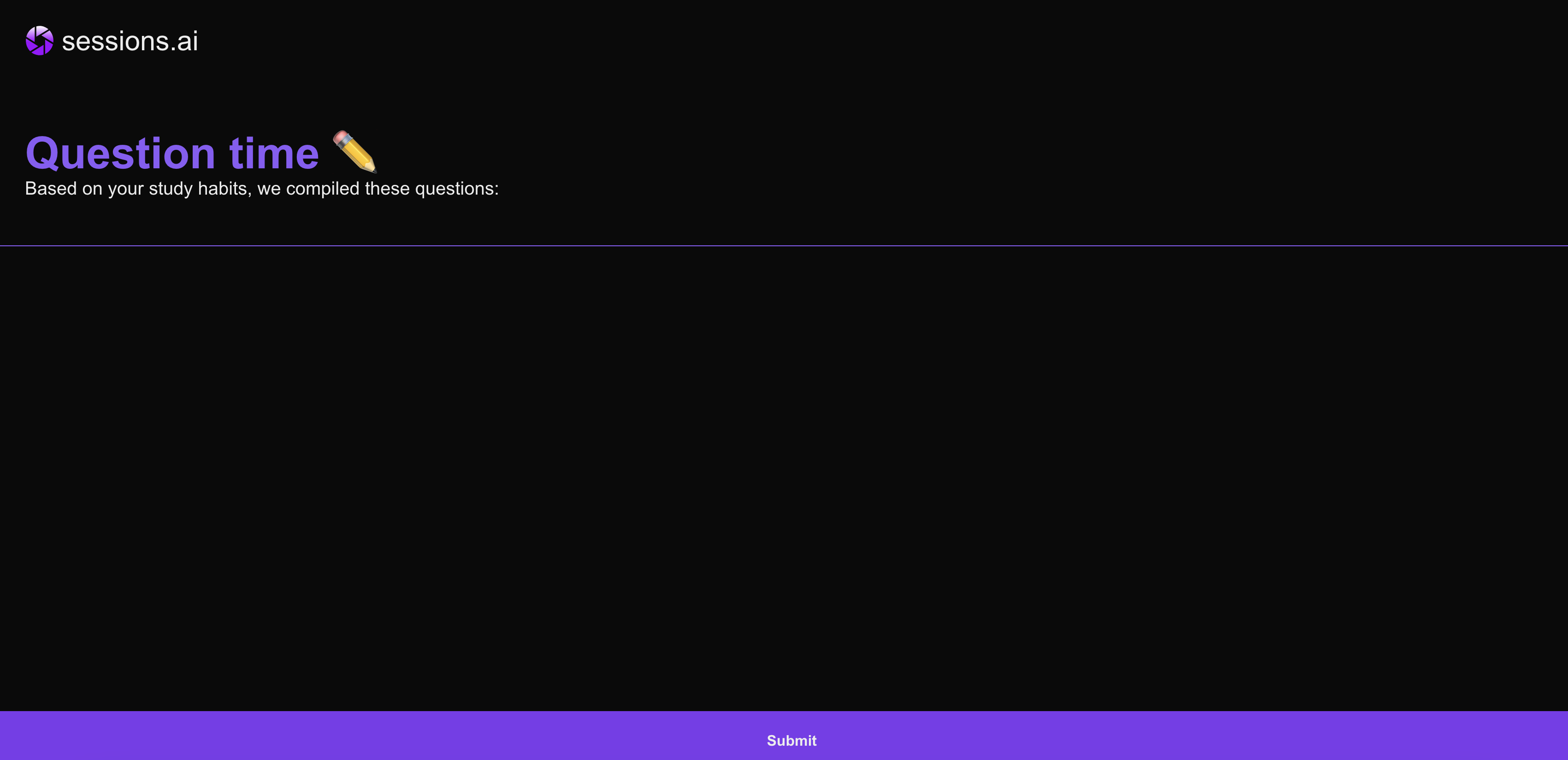
Question time
Inspiration 🧑🎓
Imagine: your friend tests you on a quiz, right before it starts. All of a sudden, you're asked questions you never even thought of, studying alone.
Oftentimes, having an outside perspective helps prevent acute tunnel vision when studying for exams. However, students might not always have their trusty pal to help them revise for tests. With sessions.ai, we sought out to give every student a study buddy- no matter the time or place.
What it does 📖
Like a study buddy that studies the same thing you do, sessions.ai watches over your shoulder and keeps you accountable while you study- all the while quizzing you and filling the gaps in your knowledge.
It does this through active recall, a studying technique which involves taking a topic the student wishes to learn, creating questions based on that topic, and then repeatedly testing the student on those questions.
The student is thrust into 20-30min long sessions, followed by short and succinct questions made to simulate an exam scenario, testing their knowledge on what they have learned/retained on the topic they have studied in the session.
How we built it 🔨
The building process of sessions.ai can be broadly broken down into three sections:
- Frontend, UX
- Creating the sessions.ai question engine
- Engine/frontend connections
1. Frontend, UX
Our goal in creating the frontend was a playful, straightforward experience making it easy for anyone to use the platform. The web application is built using NextJs App Router, along with TailwindCSS for a refined user interface and Zustand to manage global state. This combination allowed for quick development, iteration, and state management, letting us fine-tune our product every step of the way.
2. Creating the sessions.ai question engine
Our primary objective in creating the question engine that would ultimately power sessions.ai was to be able to generate relevant questions to the study material. On opening the app a PDF of the syllabus is passed into the backend server, which is then parsed and sent to Cohere to serve as context for the subsequent queries.
↓
As for capturing text off the screen, the method we landed on was utilizing OpenCV's "ImageGrab" function to continuously stream the user's desktop by capturing a series of images. Next, with the help of OCR software (Tesseract OCR), all words are extracted from the student's study material of choice (PDF, slideshow, textbook, etc.). These will aid in the creation of curated questions for the student.
↓
After some intermediate parsing and cleaning up of the OCR text, the notes are sent over the wire to the backend server which processes and feeds them into Cohere, which in turn returns a list of relevant multiple-choice, short, and long answer questions/answers to study with.
↓
These questions are then displayed to the user!
3. Engines/Frontend connections
- The connections between the frontend and backend (engines/frontend connections) were facilitated via an API layer between the OCR and Web interface.
Challenges we ran into 🏃♂️
OpenCV, the software we used for screen recording was often tricky to work with. Thankfully, ImageGrab from PIL came into the picture and made the screen recording aspect of sessions.ai far simpler.
Our project plan seemed easy at first, but in practice implementing a native screen reader that closely interacts with a web application is tricky. We overcame this problem using a local hosted web app. We could then achieve a close to native feel to our desktop application with the flexibility and ease of iteration that comes with a web app.
Prompt engineering is difficult! Getting Cohere to process our data in a satisfactory manner and return an object which in turn could be parsed by our backend was difficult, especially considering the fact that there were a few bugs in the Cohere API which made JSON validation difficult to implement service-side. Thankfully, we were able to mitigate this on our end. Phew!
Ensuring API consistency between the frontend and backend required a lot of communication between all of us, especially considering the nested nature of the format (and the often cryptic ways these errors can show up, especially in weakly typed languages cough cough js)
We had a few native components (most notably a border that indicates screen recording is active), and getting the app to look well enough on macOS (our target platform for now) required quite a bit of tinkering. We eventually had to go a bit low-level and interact with the native Objective-C Cocoa/AppKit framework to achieve the results we wanted.
These were just a few of the challenges we faced; if we were to elaborate on all of them we would likely run out of space 😅 Suffice it to say there were definitely hardships, but these pale in comparison to the satisfaction of finishing our project and getting it to a well-functioning state.
Accomplishments that we're proud of 🏆
Creating sessions.ai was quite difficult, especially considering how we were tying together so many different frameworks and services (many of which we only became comfortable with in the past 36 hours). They say necessity breeds innovation; considering the many umm, exotic ways in which we managed to tie things together, we can attest to this.
Towards the end, we made sure to gather feedback from mentors, volunteers, and people external to the team. Their suggestions and help made sessions.ai **even better, and we are very, very grateful!
Outside of those, being able to create a product that will make a change in the way students study is exciting. We thrive on being able to make change, and we're super excited to see what students will do with sessions.ai.
What we learned
Again, so so much; if we were to elaborate on everything we learned, we would probably run out of space! But nonetheless, we all learned quite a bit about the numerous languages, frameworks, and APIs we used: Cohere, Next.js, Tailwind, Python, Flask, etc, and how to bring them all together to create a coherent (get the pun) product.
What's next for sessions.ai
Validation, validation, validation! (In terms of the questions and answers). We were about to implement this; unfortunately, we ran out of time :( But this is of utmost importance, and is definitely something that will be added in the near future.
We also plan on growing its capabilities even further with LaTeX parsing. The Tesseract OCR software would ever-so-slightly have trouble with mathematics-based problems, but we expect with a LaTex-parsing integration, these troubles will no longer exist.
We would also implement user auth and create a native app in Tauri/Electron.
Here's a fun reel we made about the experience: https://youtu.be/5O64DHUfKjE
Thank you for reading!


Log in or sign up for Devpost to join the conversation.