-
-
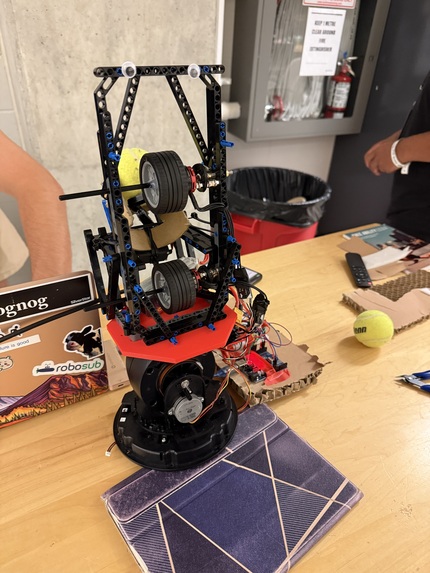
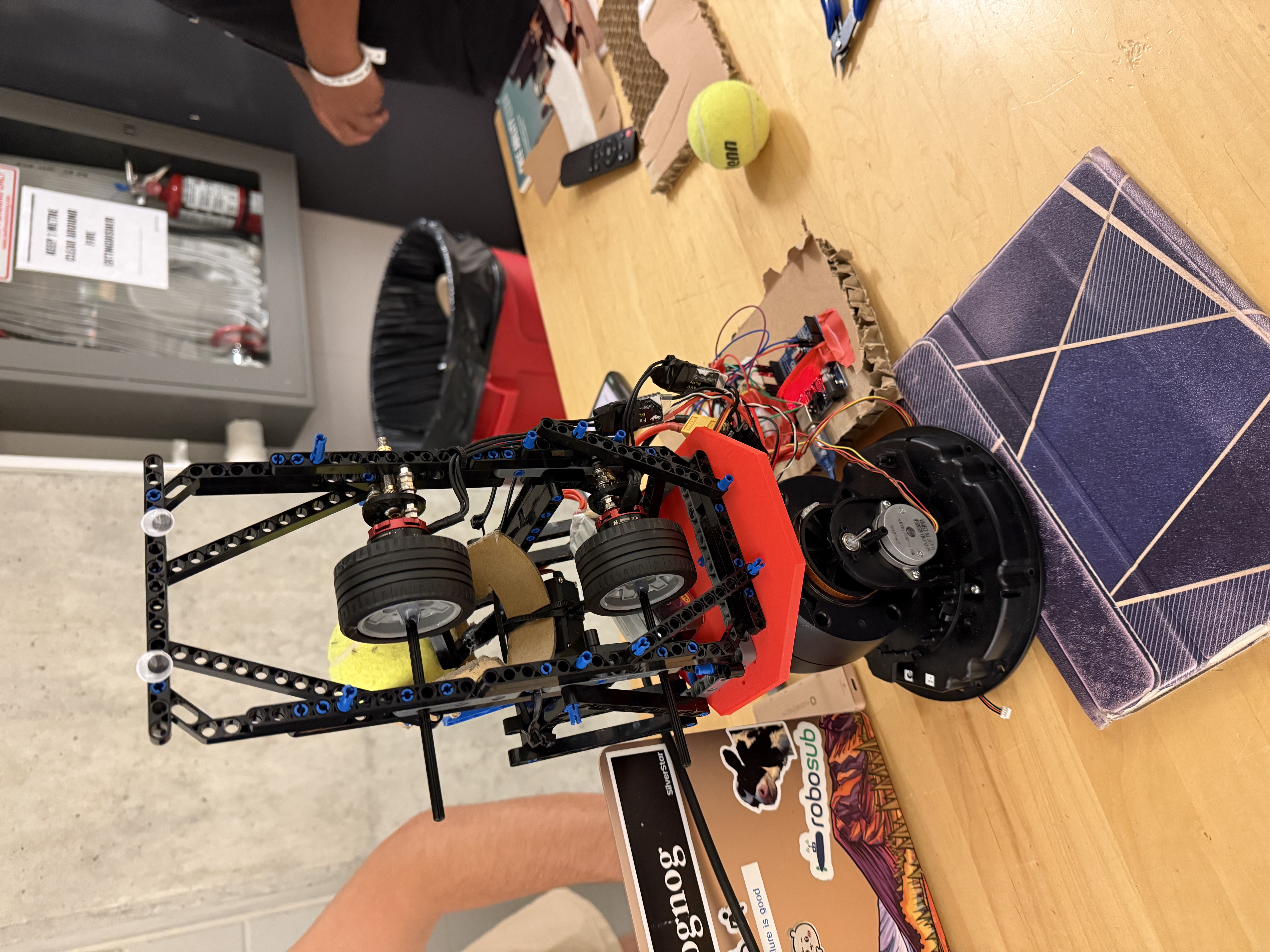
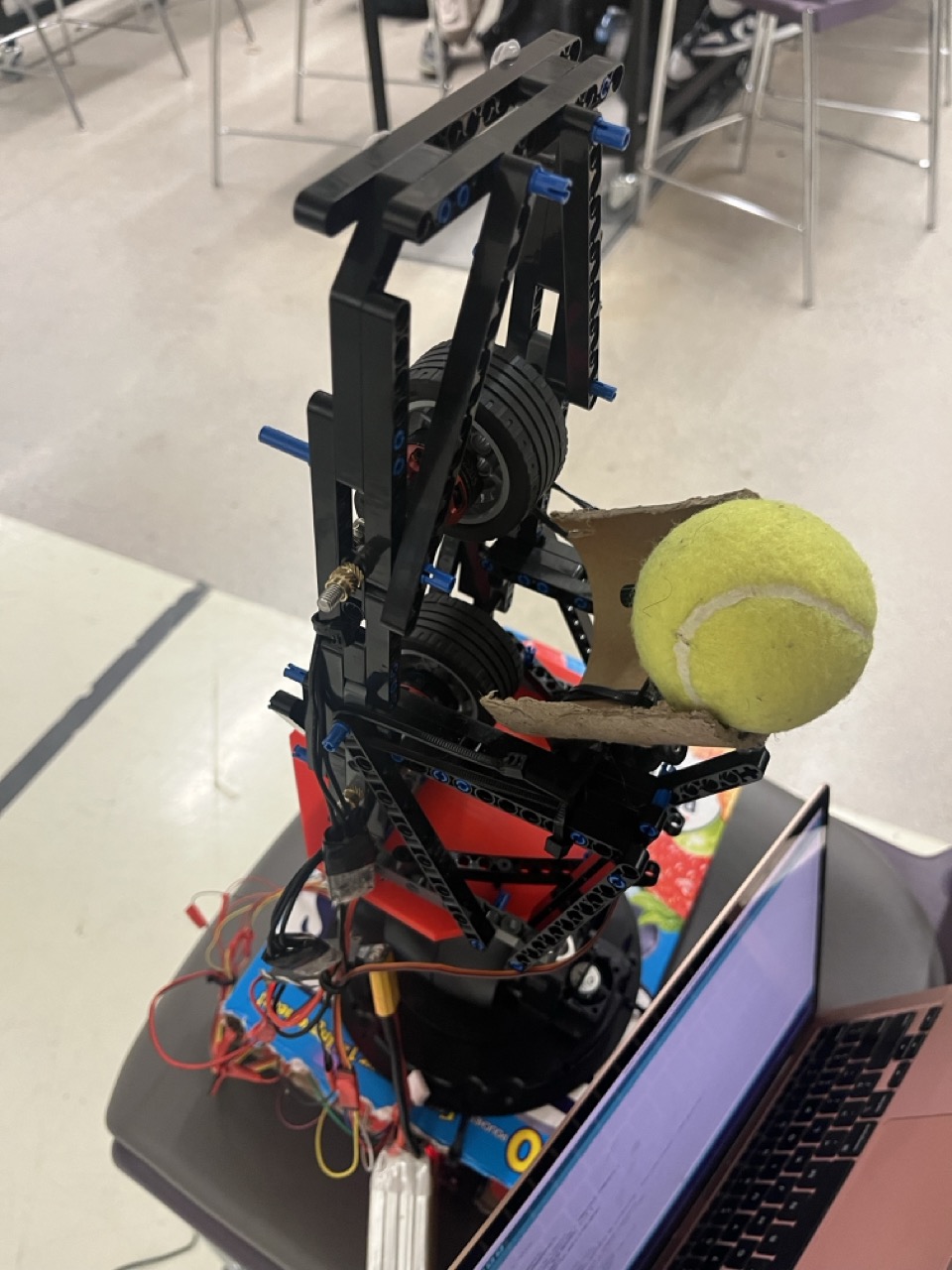
Front view of entire robot (security camera, drone motors, lego fixture, etc.)
-
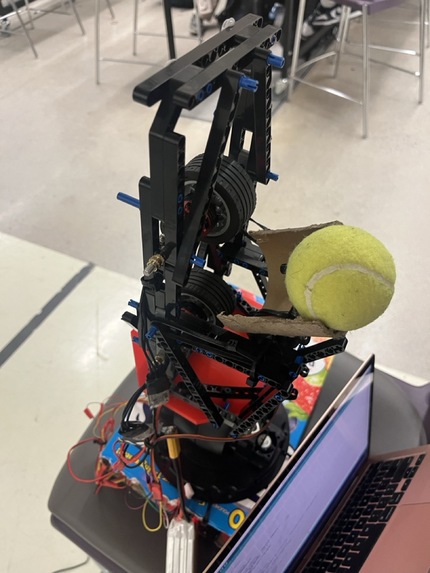
Rear view of ServeSim's loading mechanism (servo gate)
-
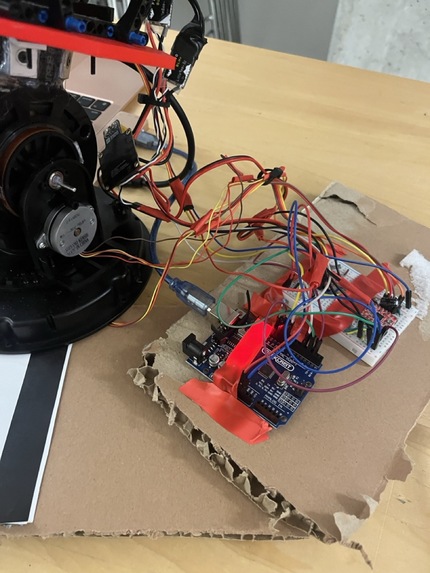
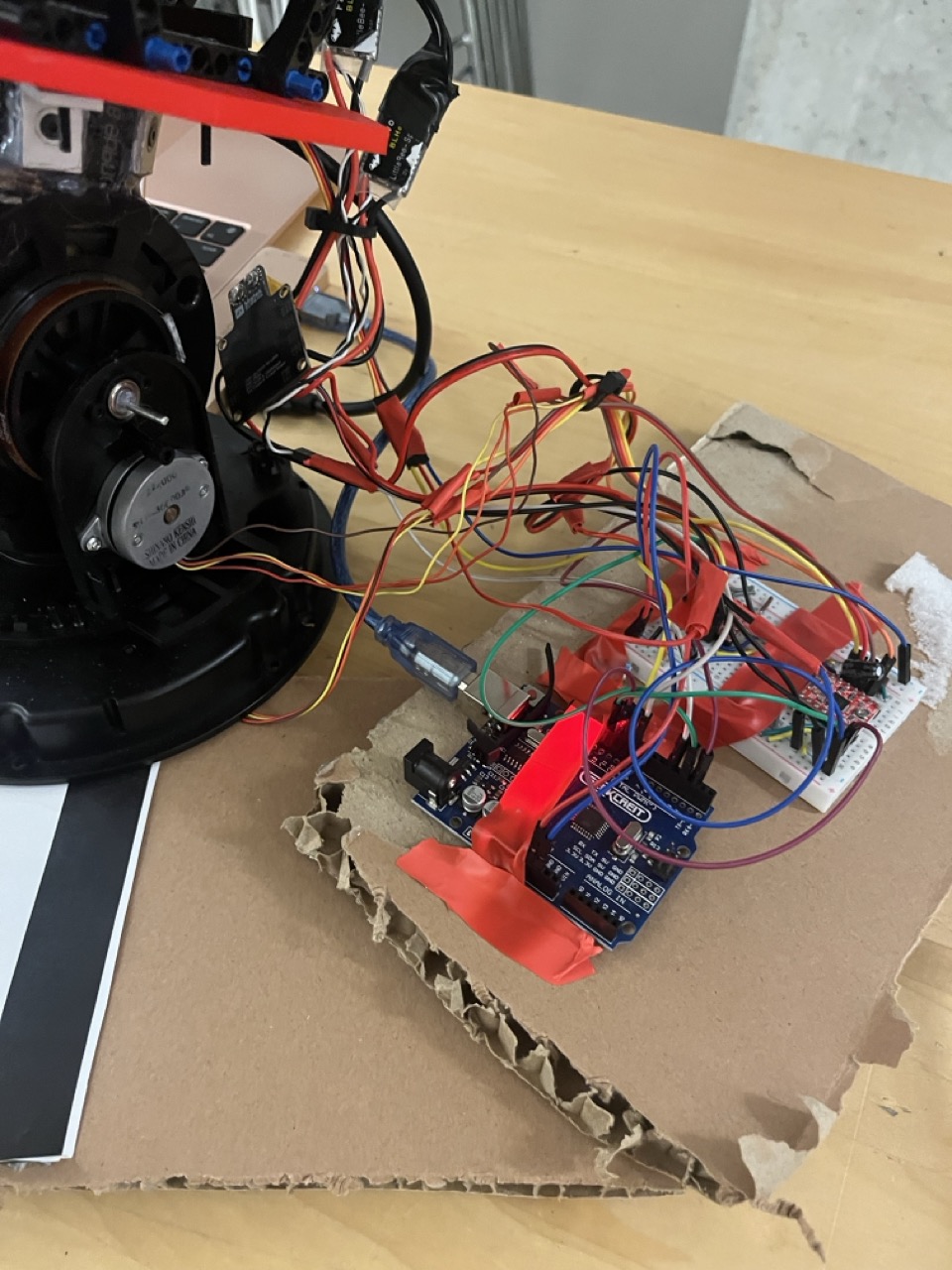
Wiring jungle (2 stepper motors, 2 BLDC's and a Servo motor)
-
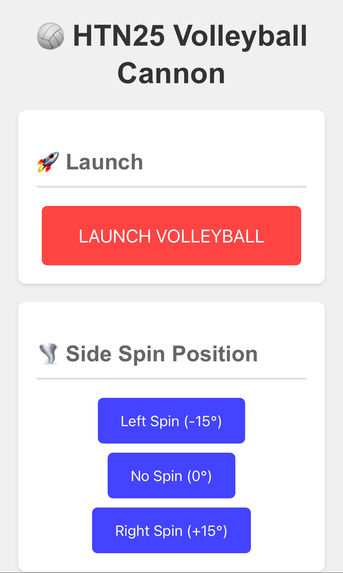
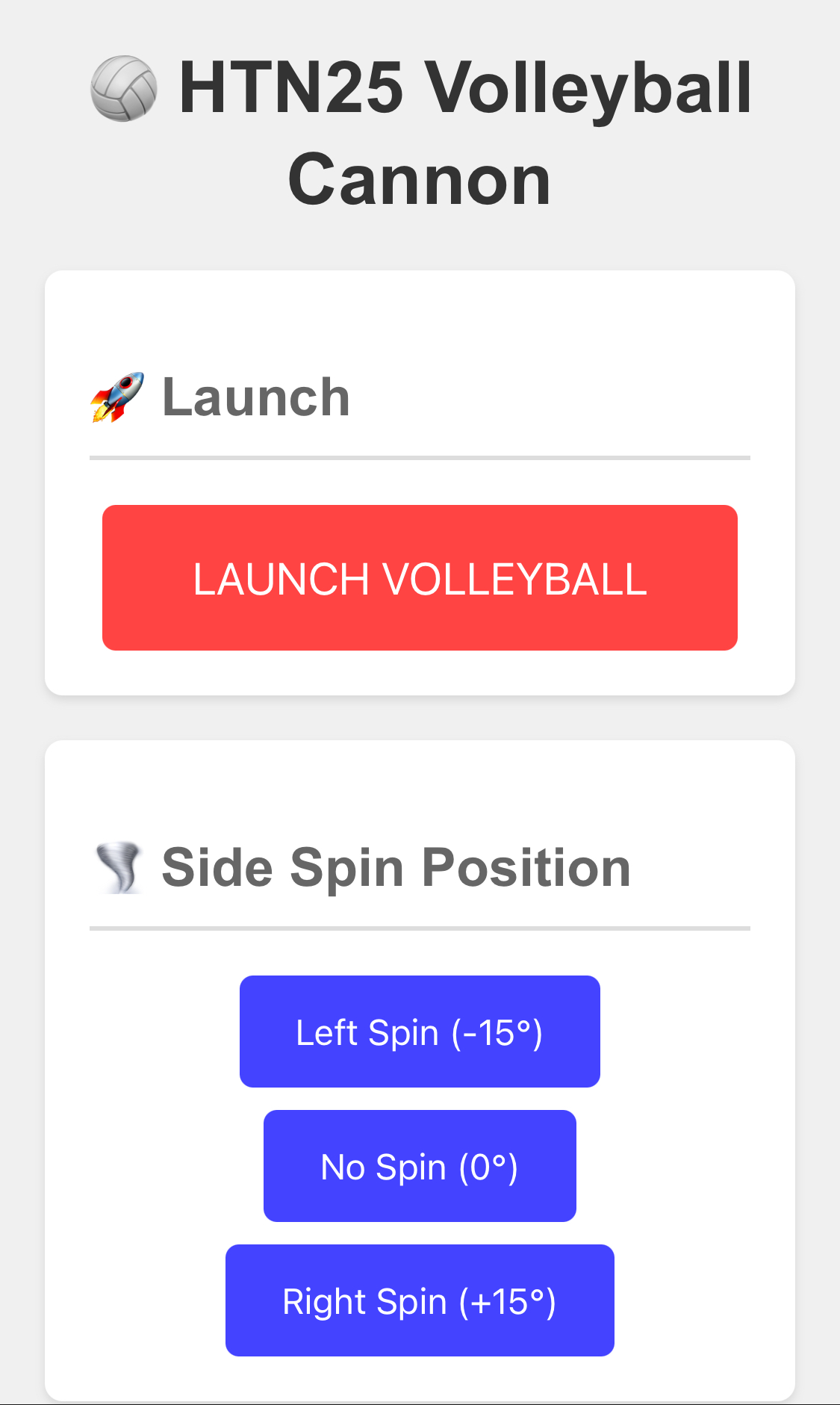
Screenshot of ServeSim's web interface on mobile
-
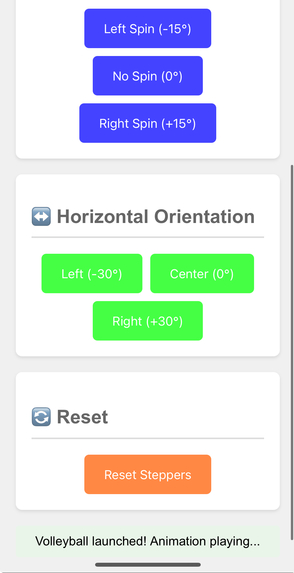
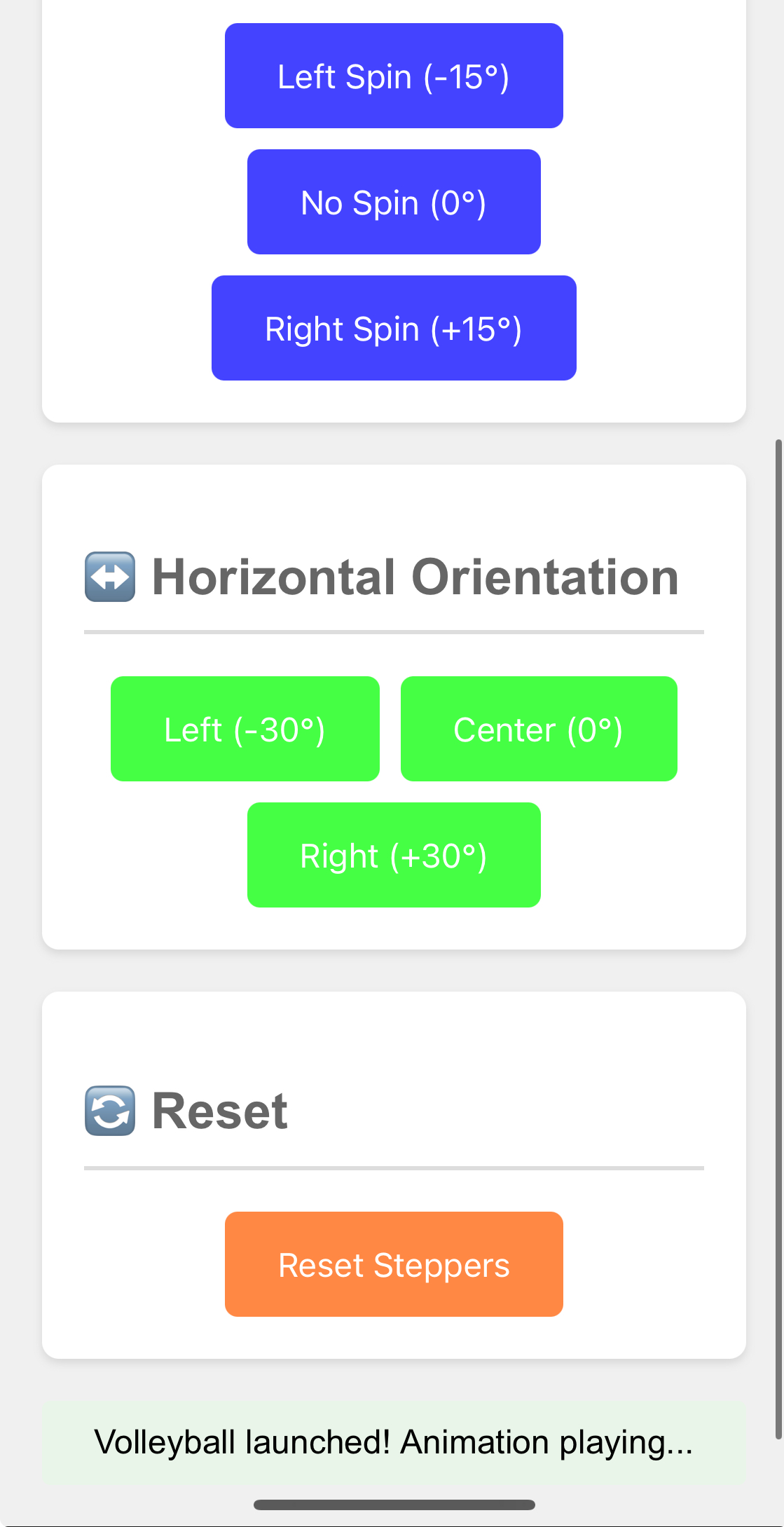
Screenshot #2 of ServeSim's web interface on mobile
-
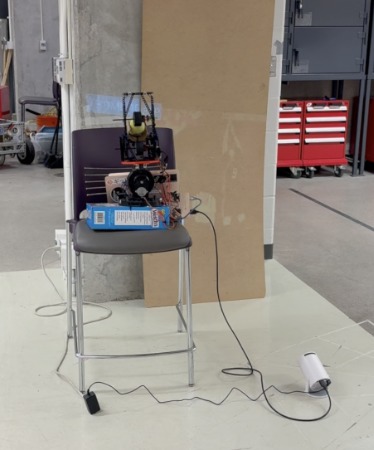
Projector with person serving timed to firing to improve training
-
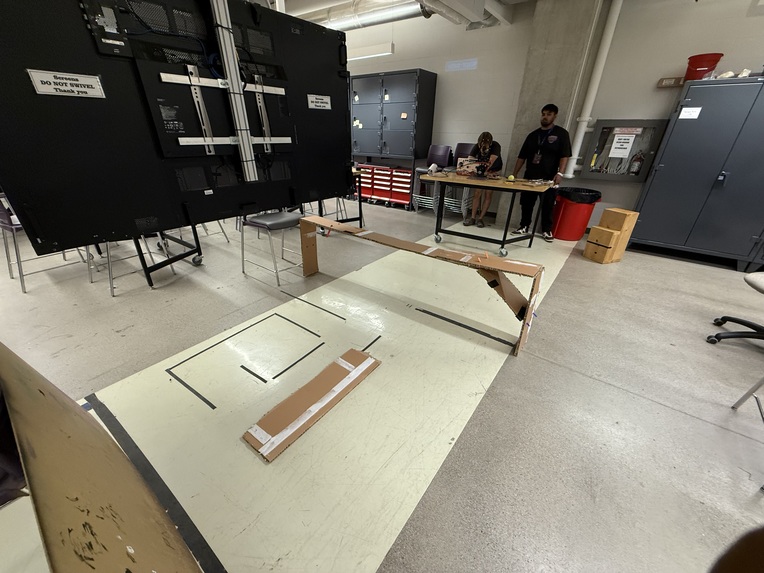
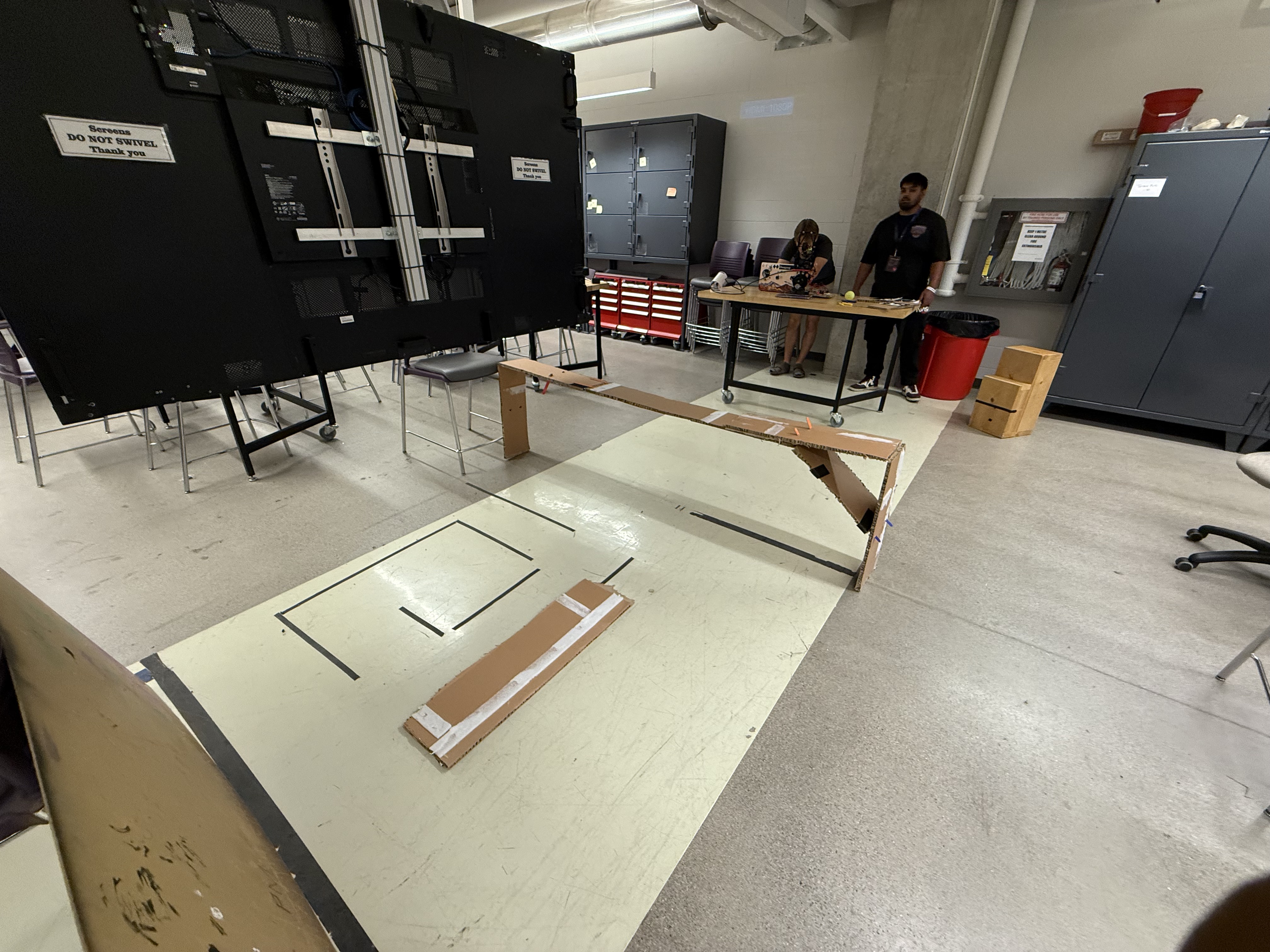
Full court (0.25x scale) built to test real life use case
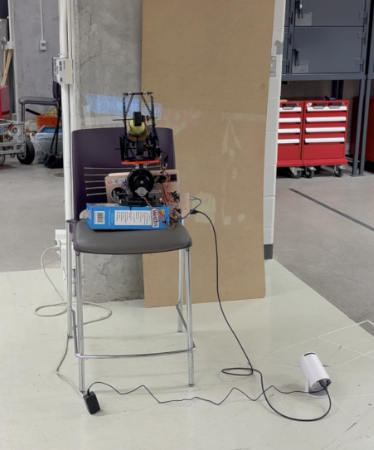
Imagine being able to train against a robotic version of the world's best volleyball players, like Yuji Nishida, Leon Thomas, and so on; now stop imagining, and instead starting training with ServeSim!
Inspiration
- Our team wanted to build a robotic hack to help people and make use of e-waste.
- One of our team members wanted to improve his DIY volleyball training clinics by using technology.
- Thus, we built a prototype of a better tool to improve the most important skill in volleyball: serve receive!
- Existing tools are expensive and controlled manually, thus being very different from the true in-game skill.
What it does
- ServeSim presents a scaled-down version of a volleyball receiving training robot.
- ServeSim shoots tennis balls 2-3 meters away, and it precisely controls the top spin, side spin, and overall direction of shots. This is done using 2 rapid, counter-rotating BLDC motors attached to LEGO tires for traction.
- During the serve, a projector displays the toss and approach of an actual volleyball player, allowing users to train their prediction skills, a key element lacking from existing solutions.
- Users can interface with ServeSim using our web interface, which allows for remote control of the location and characteristics of serves.
How we built it
- We repurposed e-waste to enable ServeSim to move (e.g. junk security camera from UBC, broken drone motors + power electronics, LEGO pieces, old 3D prints + metal parts, and more!)
- We began by testing all relevant electronic components individually, ensuring each kind of motor and corresponding control subsystem was functional. All low-level interfacing was done using an Arduino UNO.
- Once our electrical schematic and firmware was finalized, we designed and built a frame / fixture for ServeSim, allowing it to store and serve balls on its own.
- Once mechanical and electrical design was validated, we created the web interface using Flask. The device hosting the web interface communicates with the Arduino UNO using a simple Serial protocol.
Challenges we ran into
- Mounting high RPM motors using Lego (i.e. losing energy and facing various mechanical failures along the way when trying to mitigate vibration and recoil).
- Electronics integration (i.e. interfacing between stepper motors, servo motors, and brushless motors; and navigating their various failure points)
- The mechanics of stepper motors proved less intuitive than expected (e.g. what is VREF? The datasheet didn't seem to know either 😂).
Accomplishments that we're proud of
- We built an end-to-end software-hardware-firmware solution that works at the intended scale!
- We were able to successfully reuse all the components we salvaged, despite the fact they were well outside their intended use cases.
- ServeSim had consistent and smooth performance.
What we learned
- Considerations and constraints of real time software and firmware.
- How to interface with stepper motors.
- Time estimation never goes as expected.
- Using QNX for the first time is hard.
What's next for ServeSim
- Ideally ServeSim can one-day become a full-sized robot capable of shooting real volleyballs (and hopefully it won't be built entirely from LEGO and cardboard).
- Integration with computer vision algorithms and body tracking could allow for a more dynamic training experience.
- Pitching (or serving) to team Canada's olympic volleyball team would be awesome! Pro volleyball gets far less love (and equipment) than the sports juggernauts like golf and baseball.

