-
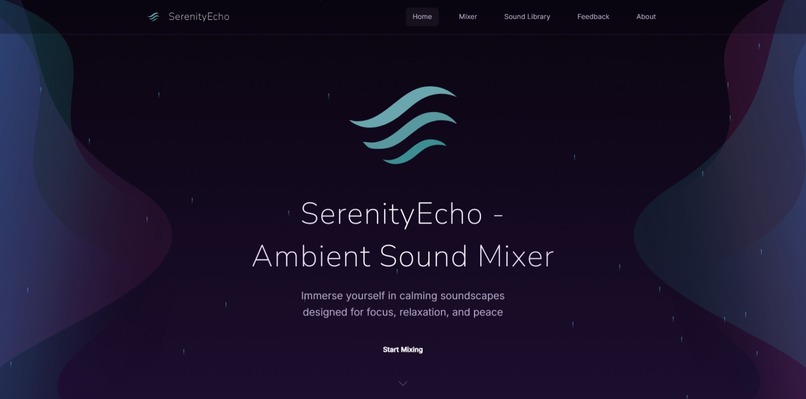
Home Page
-
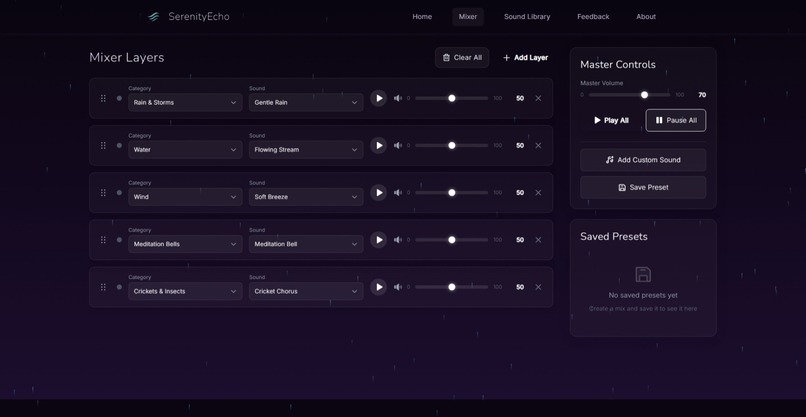
Mixer Page
-
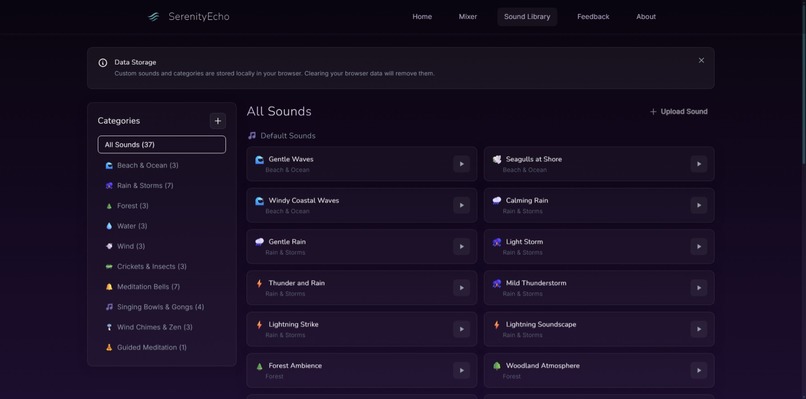
Sound Library Page


About the Project
SerenityEcho is a privacy-focused, offline-capable ambient sound mixer designed to offer a customizable, immersive audio experience. The project was born out of the desire to create a simple, effective tool that helps people build their ideal soundscape without compromising their privacy.
Inspiration
In today's world, many ambient sound apps and music services require sign-ups and have hidden paywalls. This often leads to concerns about privacy and intrusive ads. Inspired by the idea of providing users with control over their sound experience without needing an account or subscription, I decided to build SerenityEcho.
What I Learned
- Privacy-Focused Development: Building an app that doesn’t track users or require sign-ups taught me the importance of creating ethical digital experiences.
- Tech Stack Mastery: I gained a deeper understanding of React, TypeScript, Vite, and Tailwind CSS, and how to combine them to create a seamless user experience.
- IndexedDB: Implementing a local preset system with IndexedDB was an interesting challenge. It allowed me to persist user data without compromising privacy.
How It Was Built
SerenityEcho was built with the following technologies:
- Frontend: React (v18) with TypeScript
- Build Tool: Vite for fast development and builds
- Styling: Tailwind CSS and custom CSS animations for a sleek and modern interface
- State Management: React Hooks and Context API to manage global states like sound settings and presets
- Persistence: IndexedDB to store user sound presets and custom audio files locally on their device
- Icons: Phosphor Icons and Heroicons for clean, accessible visuals
I wanted the app to be fully responsive, so it works beautifully across Mobile, Tablet, and Desktop.
Challenges Faced
Privacy and Local Storage: Ensuring that all user data (such as sound presets and uploaded files) remained local and private was a challenge. I solved this by using IndexedDB for persistent storage and not relying on any server-side storage.
Mobile Optimization: While building the mobile version, I encountered issues with performance due to the heavy background animations. I had to find a balance between visual appeal and mobile performance by disabling certain animations and optimizing asset loading.
Sound Mixing Logic: Implementing a seamless sound mixer with multiple tracks, each with its own volume control, was more complex than initially anticipated. I had to learn how to handle Web Audio API to properly mix and control audio levels.
Future Plans
- Sleep Timer: I’m working on adding a sleep timer feature that will allow users to set a timer for automatic fade-out of sounds.
- More Sounds and Presets: The current sound library is just the beginning. I plan to expand it and add user-created preset sharing in future versions.
Overall, building SerenityEcho was an incredible learning experience, and I’m excited about how it can help users create their ideal sound environments while maintaining complete control over their data.

