-
-
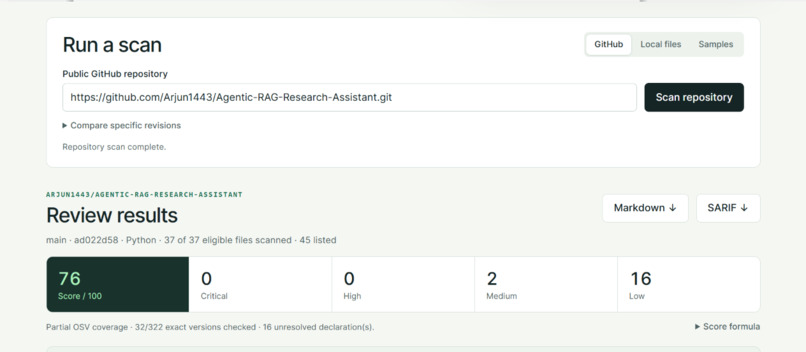
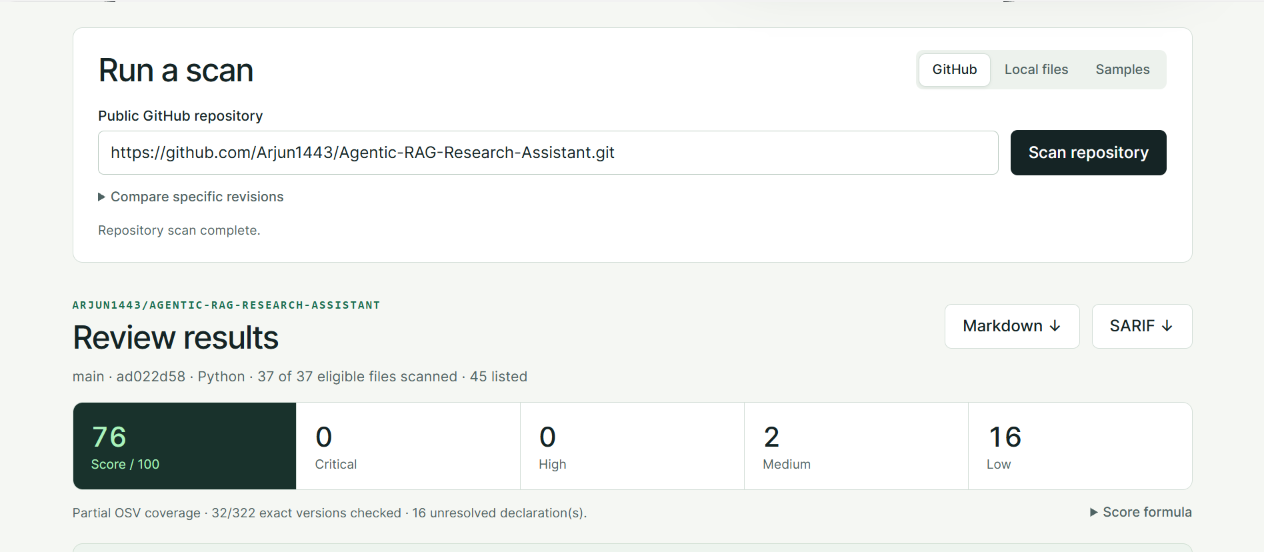
Run the scan and you'll get the results
-
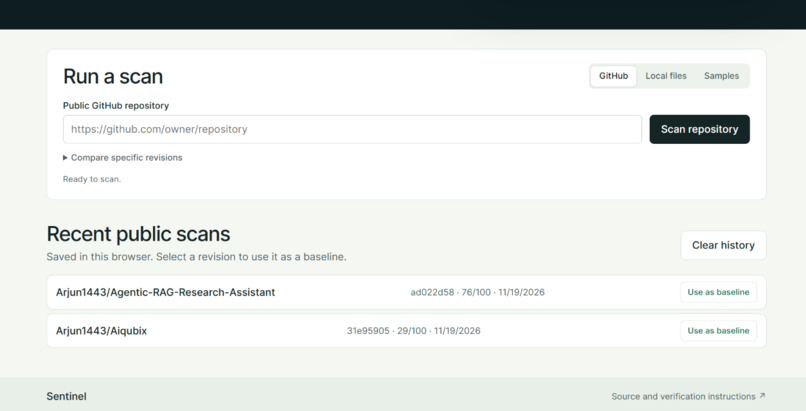
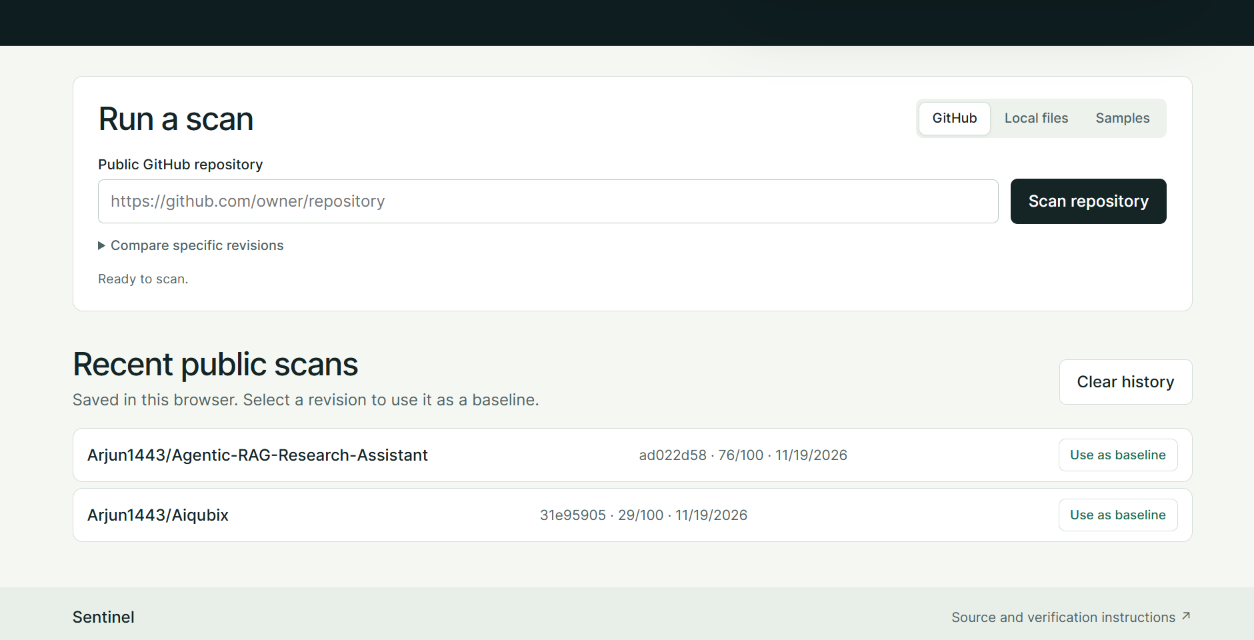
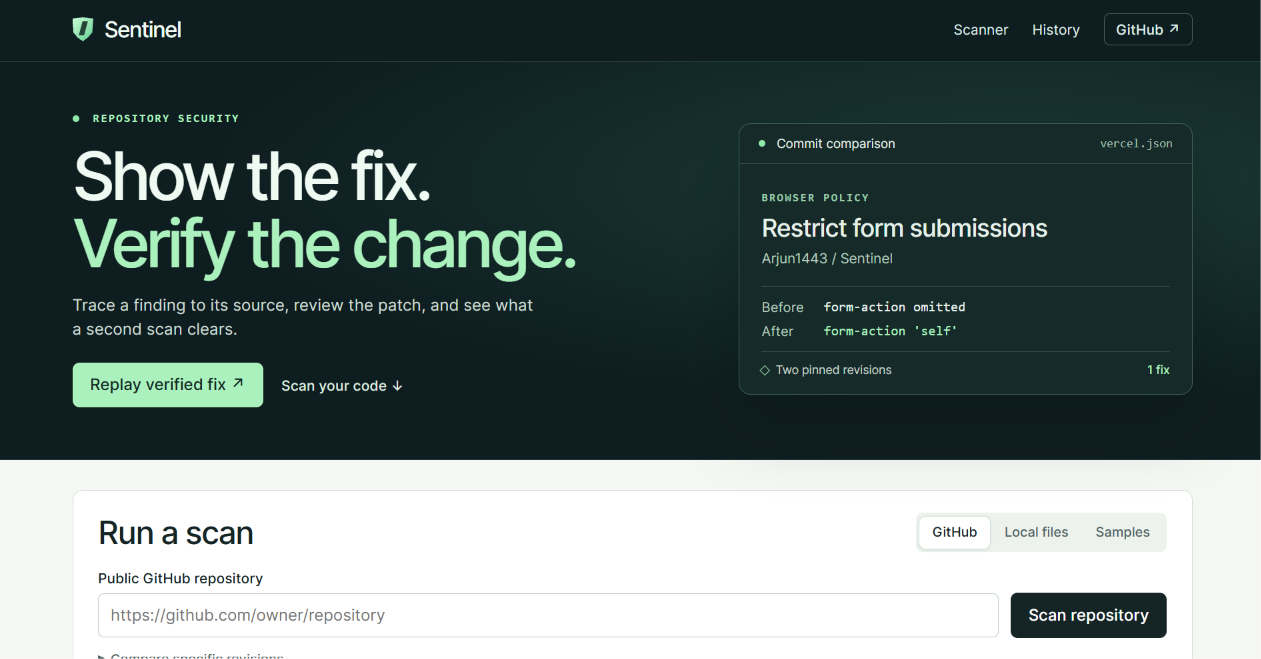
Paste your github repo here
-
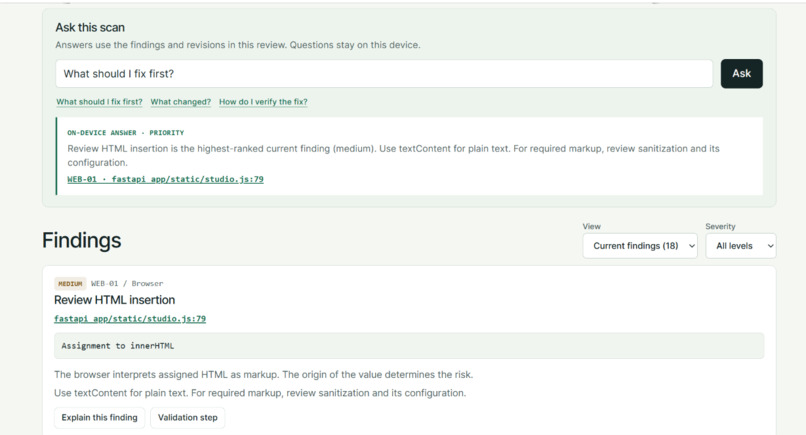
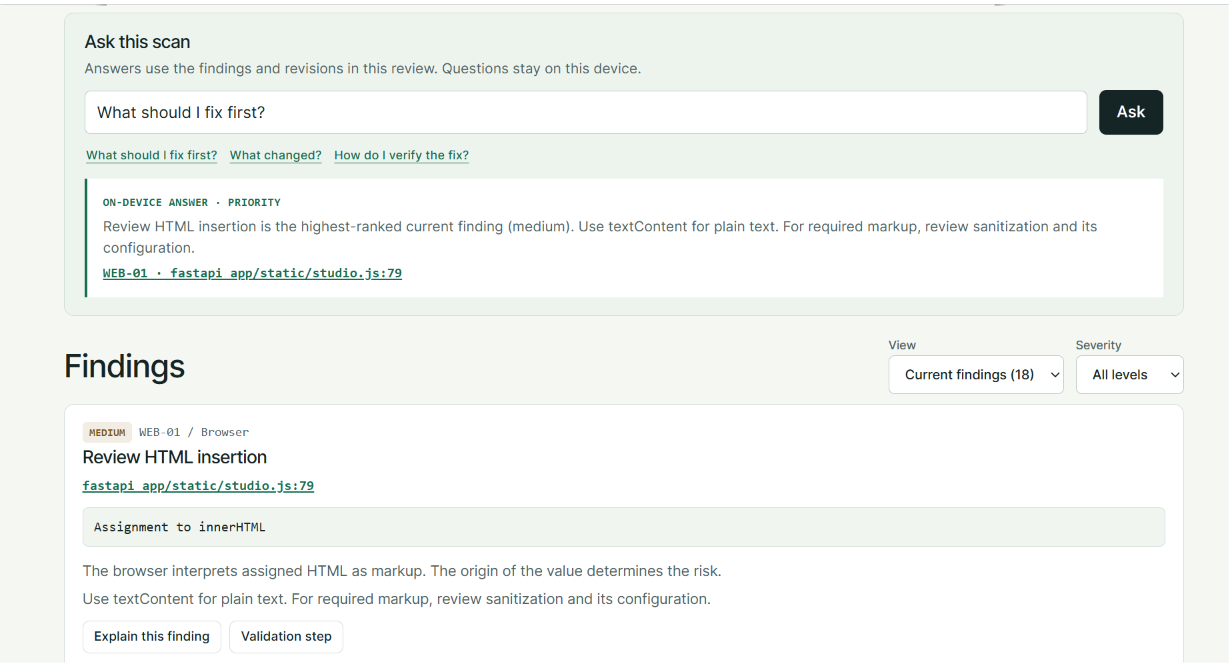
You can chat with AI to know which places you have to improve the code
-
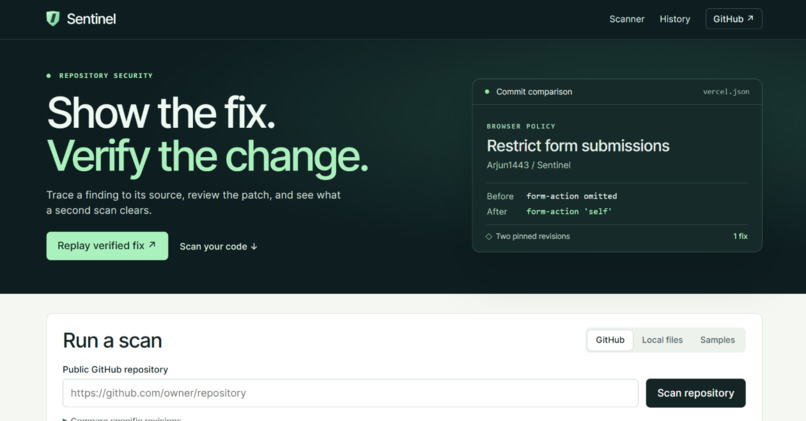
Home Page
-
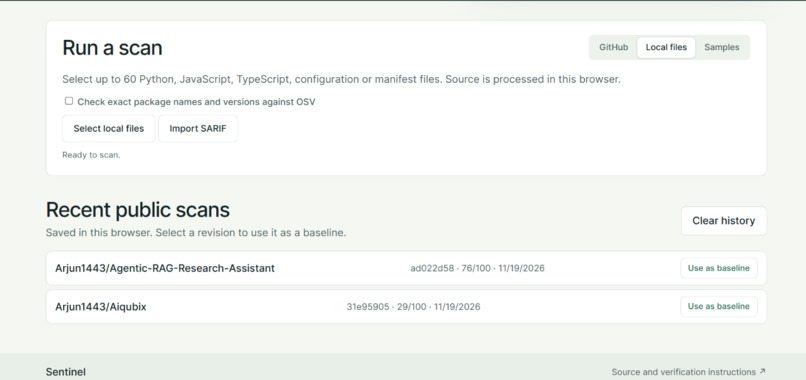
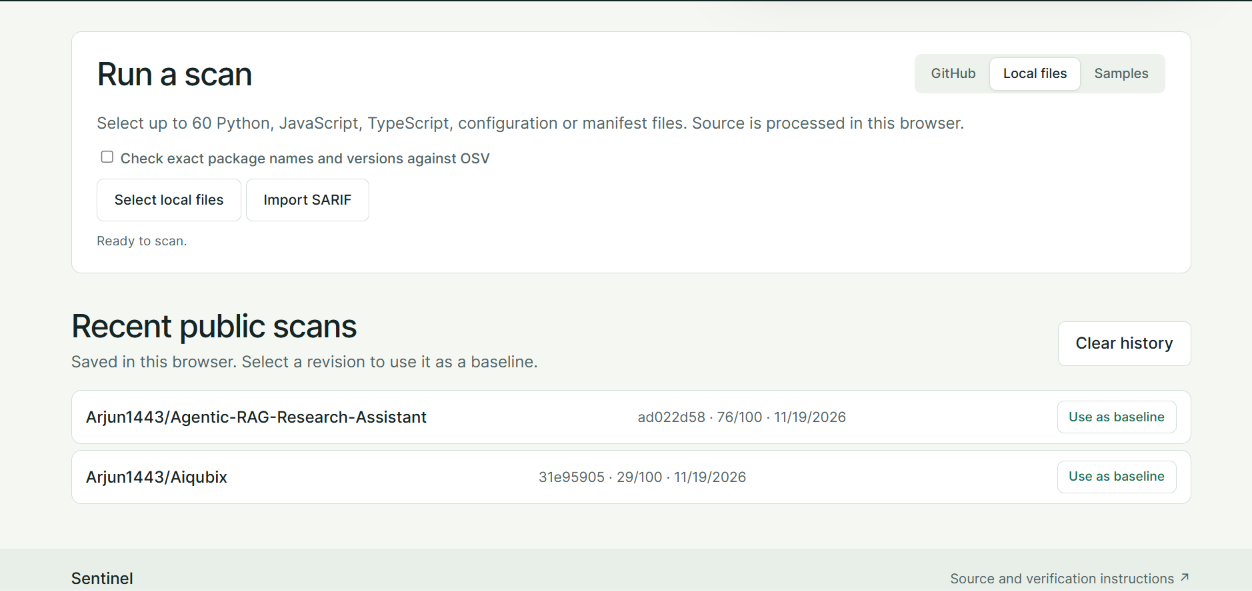
If can't paste git repo here upload local files here
Inspiration
A security scanner can show you the line where it found a problem. After you ship a patch, you still need to know whether the finding disappeared and whether the follow-up scan checked the same code. We built Sentinel to make that verification part of the workflow.
What it does
Sentinel scans public GitHub repositories at a specific commit and links findings to the exact file and line. You can review a suggested patch, compare two revisions, and see which findings are gone, which remain, and which are new.
Sentinel pipeline
Select a Git revision → Scan code and dependencies → Review the evidence → Apply a fix → Rescan and compare → Export the results
Key benefits
| Benefit | What developers get |
|---|---|
| Traceable findings | Open the exact file and line in the scanned commit, even after the default branch changes. |
| Verifiable fixes | Compare findings across files scanned in both revisions and see where coverage differs. |
| Dependency checks | Look up exact npm and Python package versions against published OSV advisories. |
| On-device answers | Ask what changed or how to verify a fix. The browser-based assistant cites the relevant finding and keeps questions on the device. |
| Portable results | Export a Markdown summary for teammates or a SARIF report for compatible developer tools. |
How we built it
We built the frontend in JavaScript and deployed it on Vercel. The backend reads a bounded set of files from a pinned GitHub commit and checks exact package versions against OSV. GitHub Actions runs automated tests and an independent Semgrep check.
For Ask this scan, we trained a naïve Bayes classifier to recognize six question types, including what to fix first, how to verify a change, and what changed between revisions. The assistant uses the scan evidence to answer and links back to the relevant finding.
Challenges we ran into
The hardest part was deciding when a finding could fairly be called fixed. If the follow-up scan skips a file, its findings can disappear from the report while the issue remains in the code. Sentinel compares findings in files scanned in both revisions and makes incomplete coverage visible.
We also wanted judges to try the assistant without creating an account or supplying an API key. Running the classifier in the browser made that possible and kept questions on the device.
Accomplishments that we're proud of
We demonstrated a real fix in Sentinel's own vercel.json. The original browser policy omitted form-action. We added form-action 'self' to restrict form submissions to the same origin.
- Configuration file score: 96 → 100
- Independent Semgrep matches: 1 → 0
- Automated tests: 44 passed
- Assistant evaluation: 17 of 18 held-out example questions routed correctly
The public demo links to both Git commits, checks their file digests, and confirms the updated policy in the deployed response header. Judges can inspect the patch and verify the result themselves.
What we learned
A score change is only as useful as the evidence behind it. Showing the original finding, the patch, and the coverage of both scans gives developers enough context to judge what the result means. We also learned that a small classifier can make scan results easier to navigate when every answer points to evidence people can inspect.
What's next for Sentinel
We want to add pull request checks so teams can catch new findings before merging. We also plan to test on a wider range of repositories, support more dependency formats, and improve how Sentinel matches findings when files move or change names.
Built With
- css
- github-actions
- github-api
- html
- javascript
- naive-bayes
- node.js
- osv
- sarif
- semgrep
- vercel
- web-crypto-api
