-
-
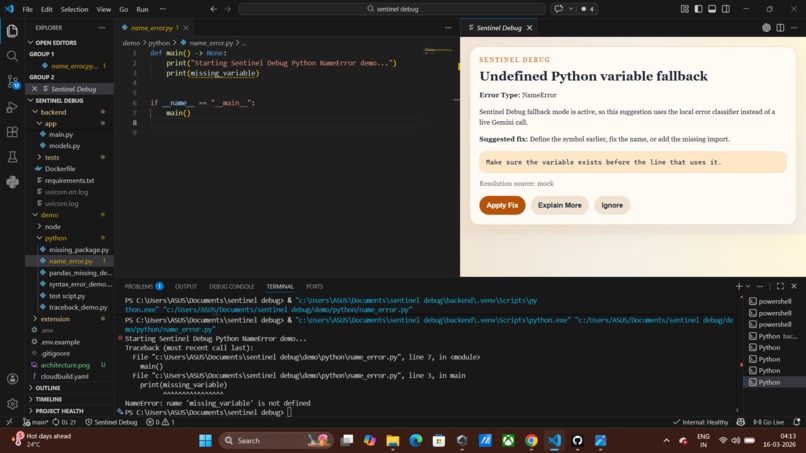
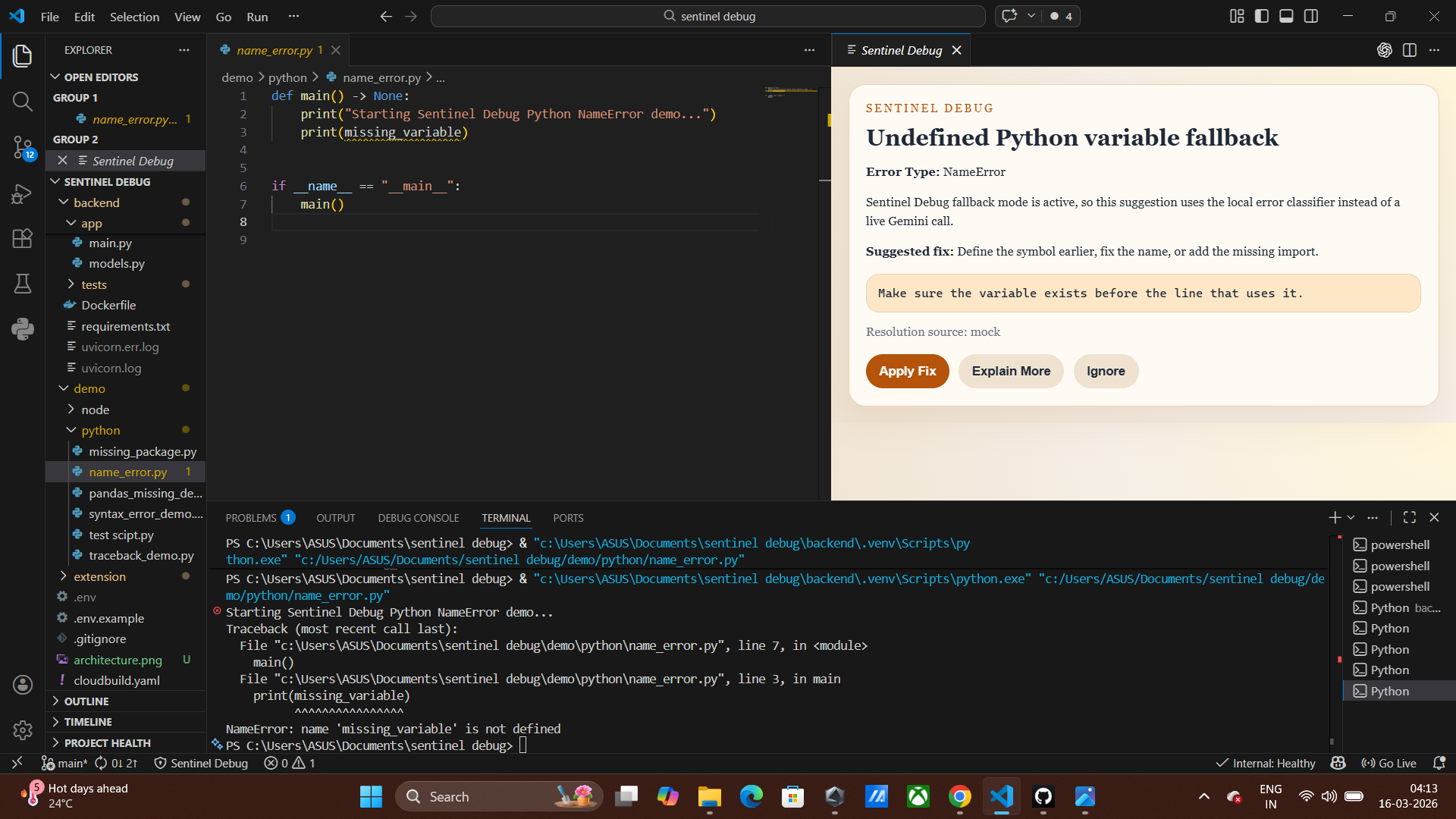
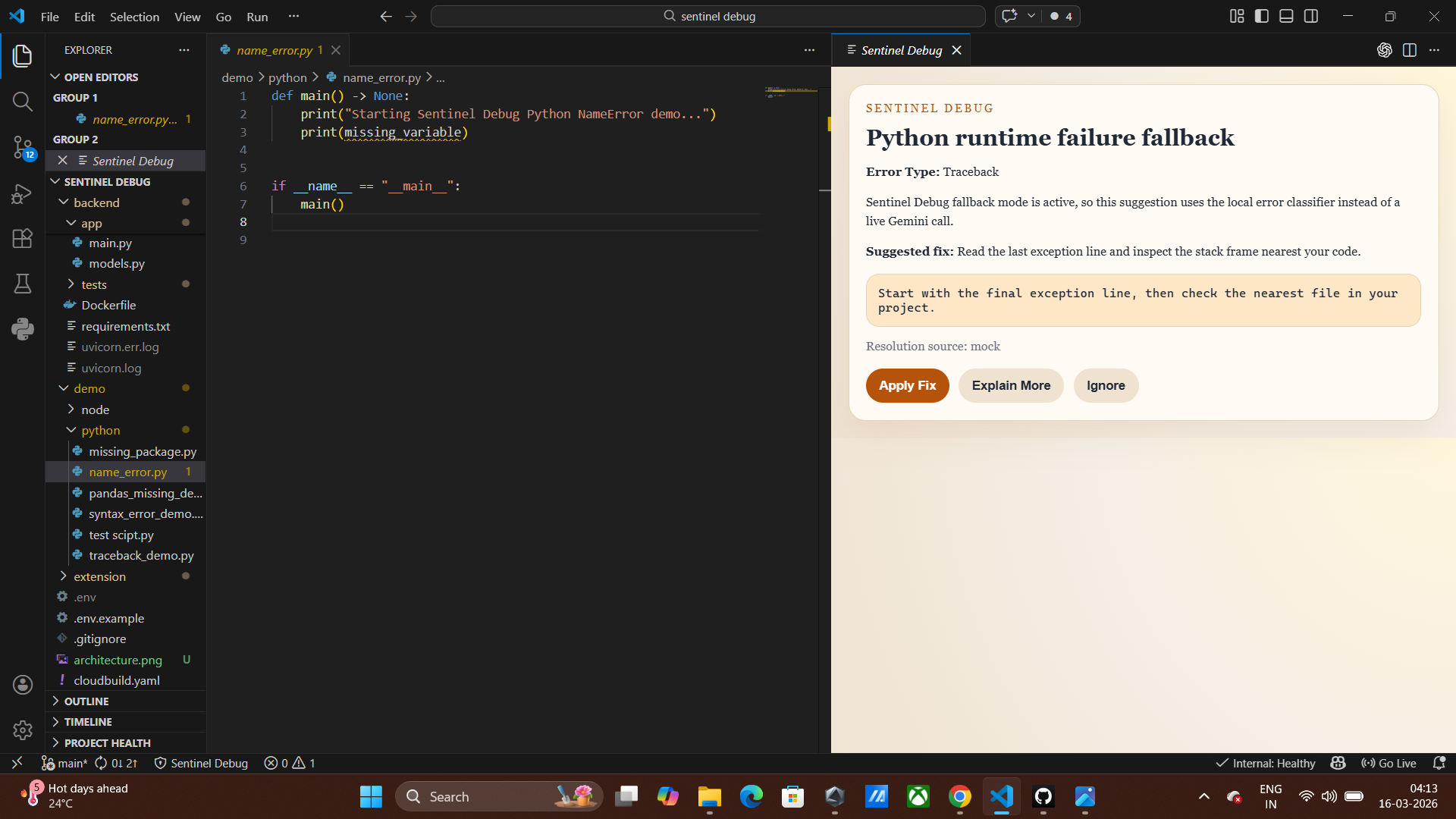
undefind python variable fallback
-
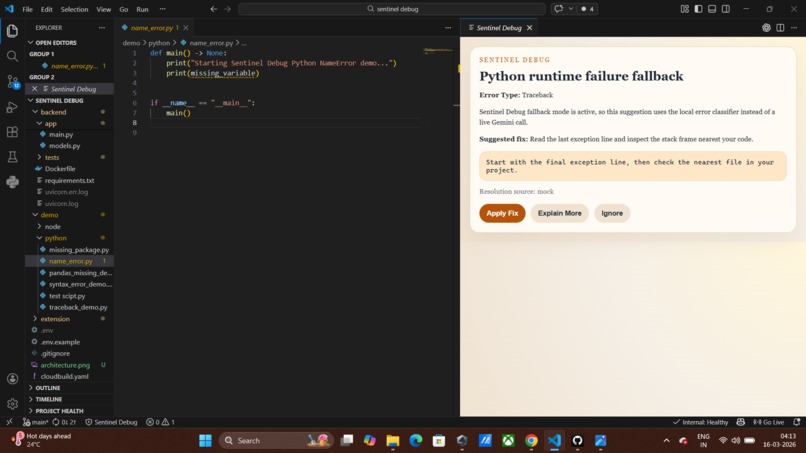
runtime failure fix
-
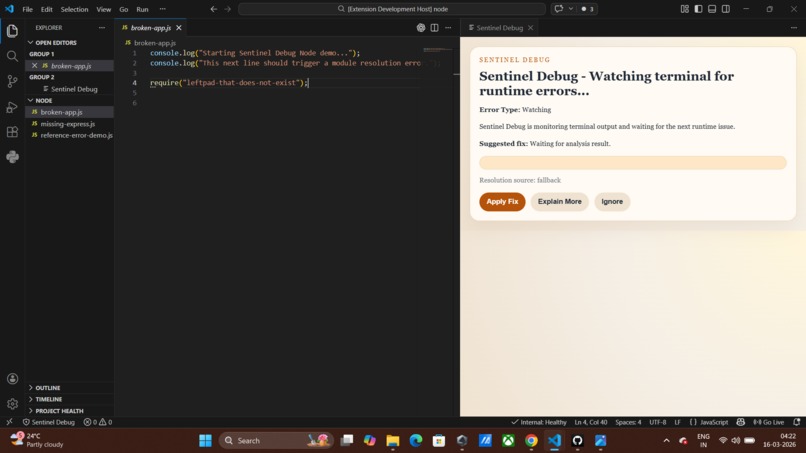
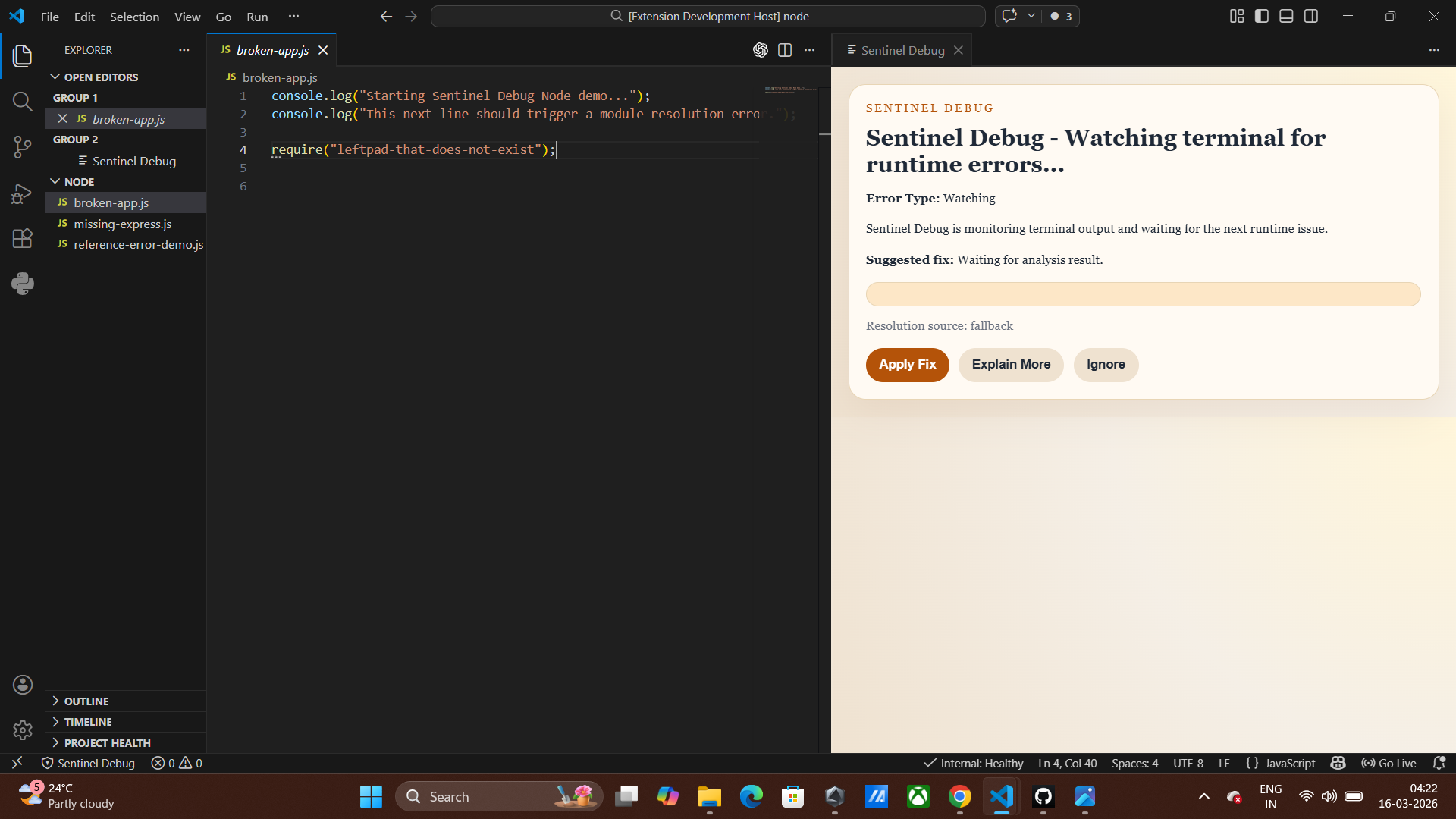
node fix
-
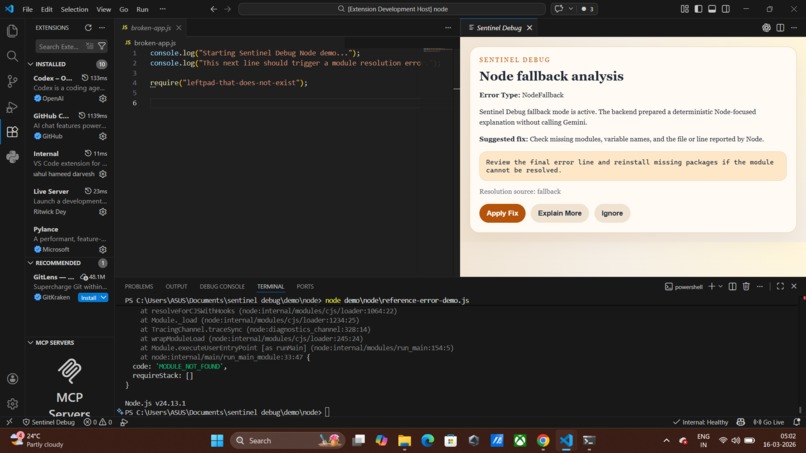
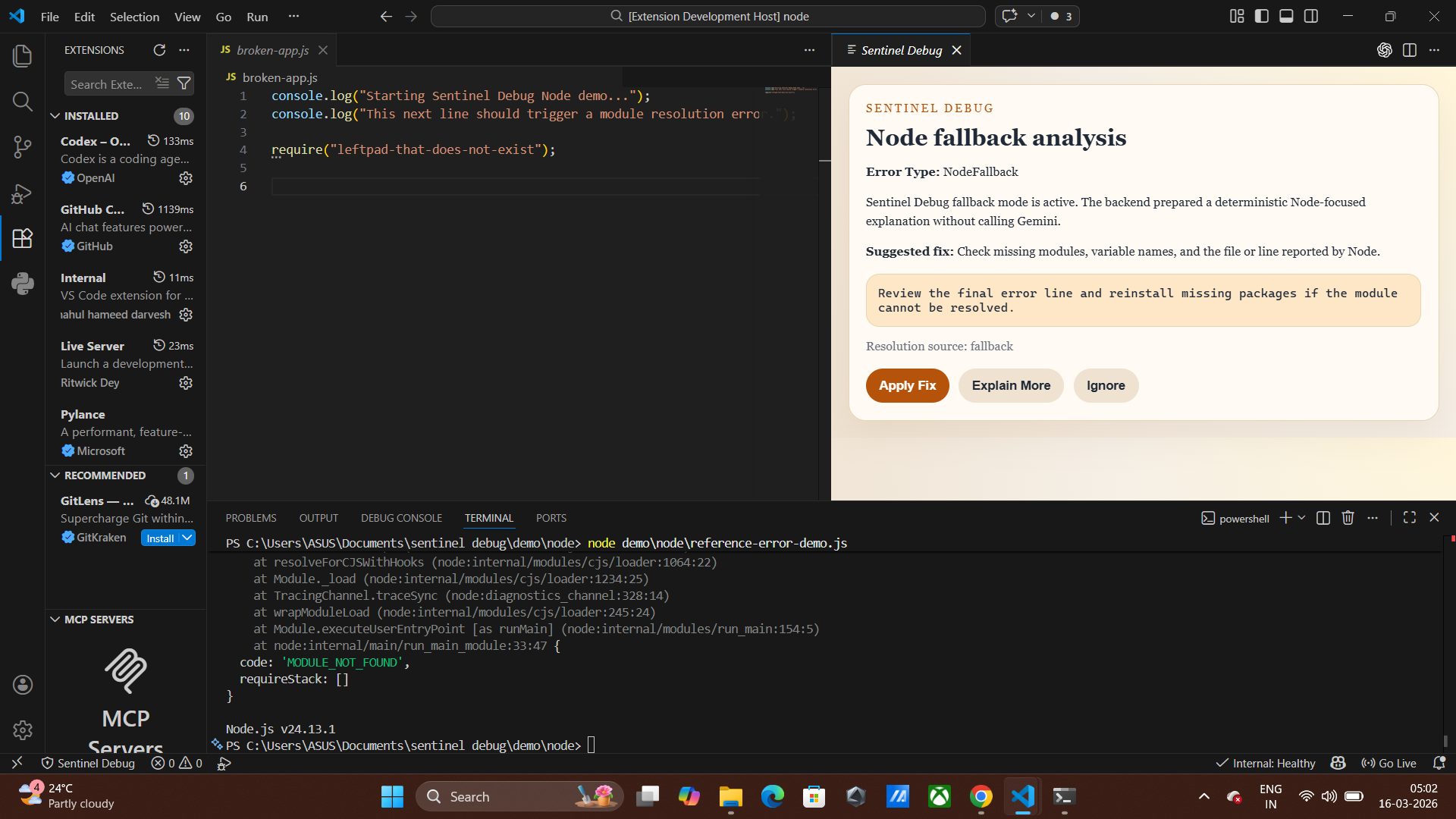
node fallback analysis
-
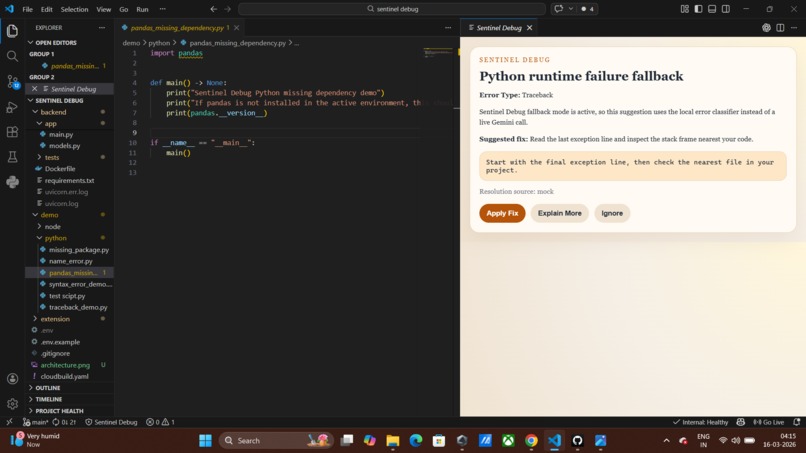
name error fix
-
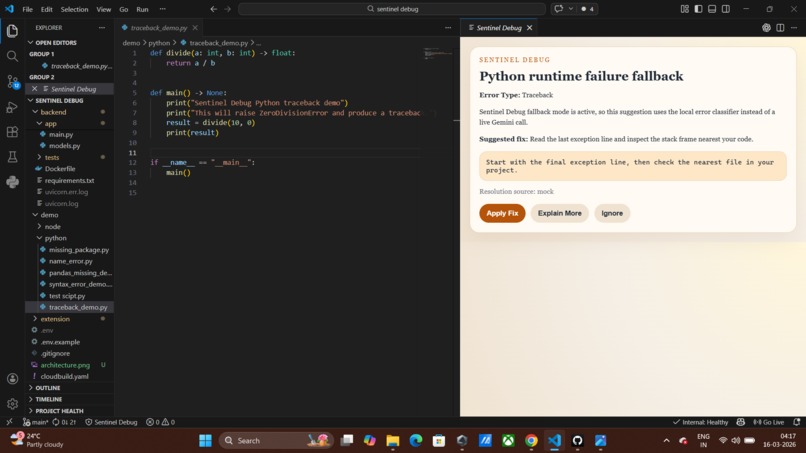
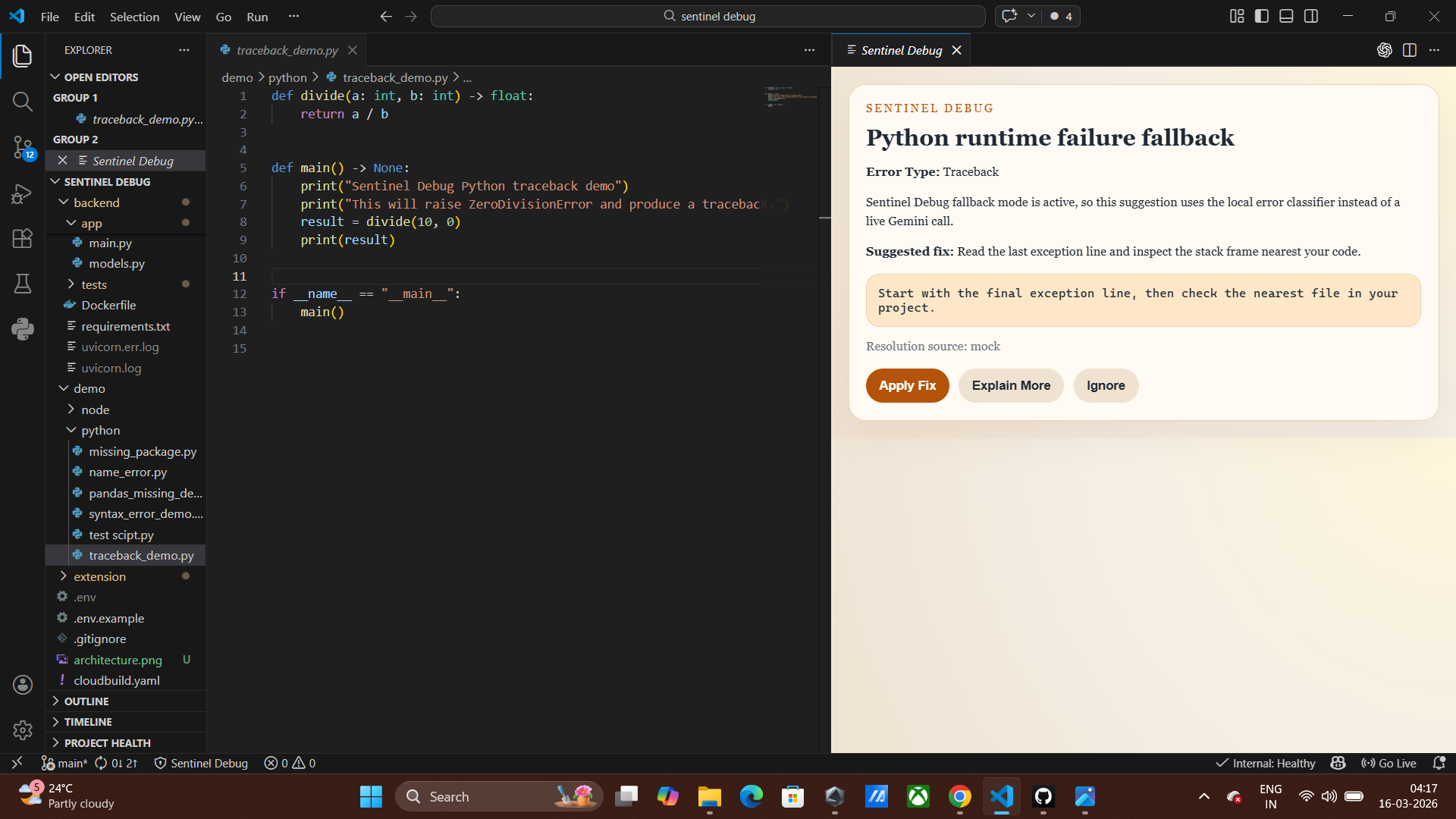
traceback error
-
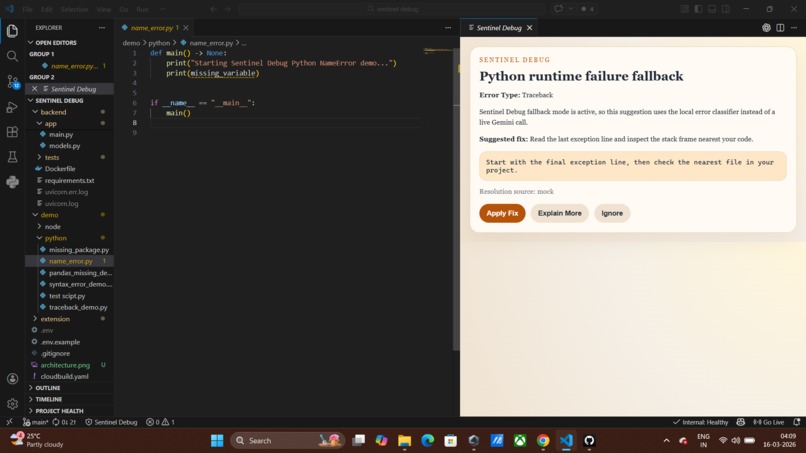
name error

Inspiration
Debugging runtime errors is a normal part of software development, but it often breaks a developer’s flow. A small mistake like a missing dependency or syntax issue can force developers to search documentation, browse forums, or copy error messages into search engines.
We wanted to explore a simple idea:
What if the development environment itself could understand runtime errors and suggest fixes instantly?
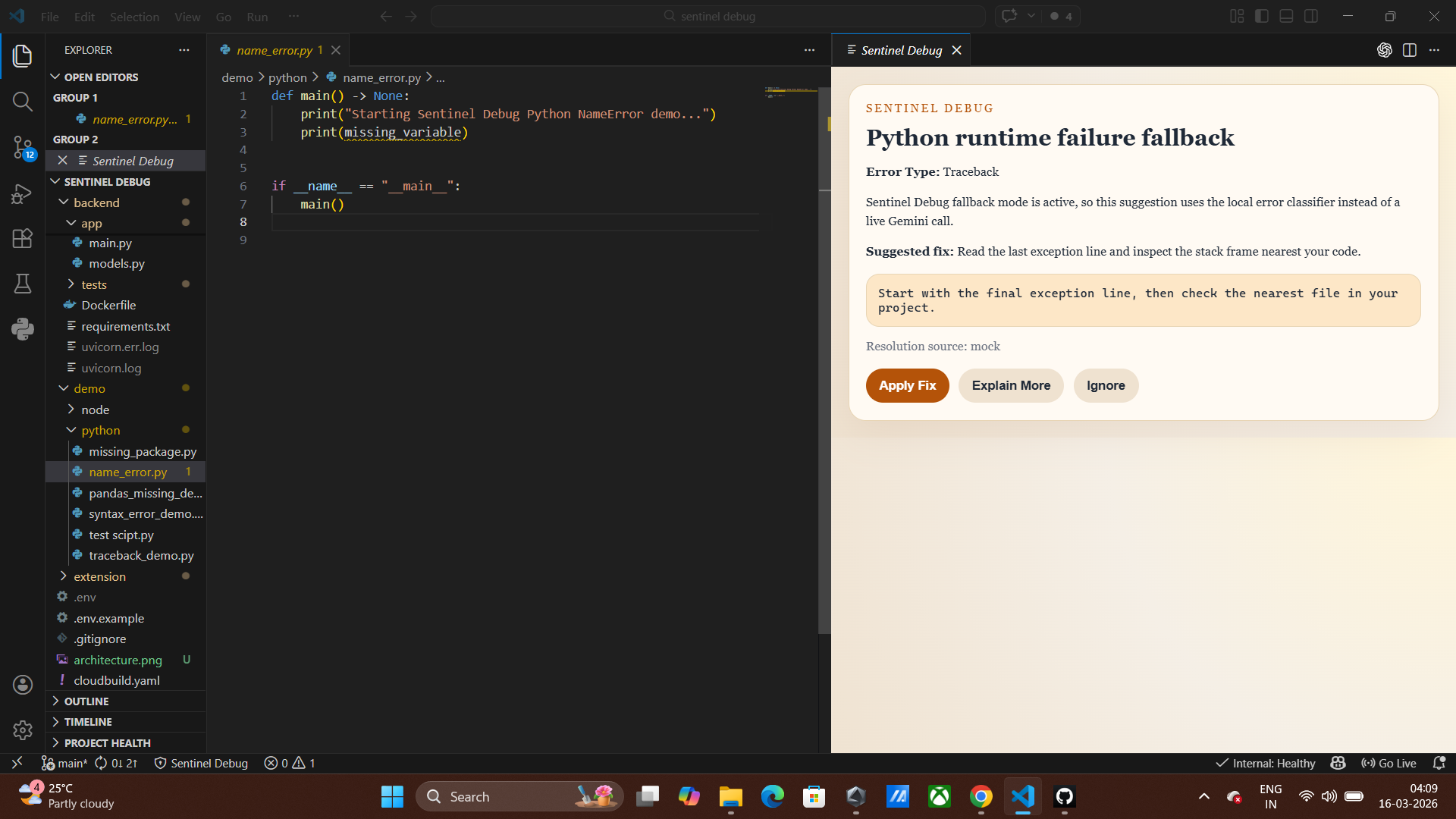
Sentinel Debug was built to act like a lightweight debugging assistant inside VS Code. Instead of manually interpreting terminal errors, the extension observes the terminal output, analyzes the error, and suggests a fix directly inside the editor.
The goal is to reduce debugging friction and help developers stay focused on building.
How we built it
Sentinel Debug is built as a combination of a VS Code extension and a backend analysis service.
The extension continuously monitors terminal output. When a runtime error appears, it captures the error message and relevant code context.
// Example simplified error detection if (line.includes("Error") || line.includes("Exception")) { sendErrorToBackend(payload); }
The error context is then sent to a backend service built with FastAPI.
The backend analyzes the error using a two-layer approach:
Local classifier for common errors
AI reasoning layer for complex debugging
The classifier can instantly detect issues like:
Missing dependencies
Syntax errors
Undefined variables
Module import failures
If the classifier cannot identify the issue, the system can fall back to an AI reasoning model to generate a debugging explanation.
The backend returns a structured response:
{ "summary": "Missing Python dependency", "cause": "The module 'pandas' is not installed", "fix": "pip install pandas" }
This response is displayed in a suggestion panel inside VS Code where developers can apply the fix directly.
Architecture Overview
The architecture follows a simple debugging pipeline:
Developer Code ↓ Terminal Error ↓ VS Code Extension (Sentinel Debug) ↓ Backend Analyzer (FastAPI) ↓ Local Error Classifier → AI Reasoning Layer ↓ Suggestion Engine ↓ VS Code Suggestion Panel
The idea is to transform raw runtime errors into structured debugging suggestions.
Challenges we ran into
One of the biggest challenges was detecting runtime errors reliably from the VS Code terminal. The terminal API does not provide a raw output stream, so we had to design a detection system that observes terminal lines and identifies error patterns.
Another challenge was making the system deterministic for demos. AI responses can vary, so we designed a classifier-based fallback that resolves common errors instantly without relying on external API calls.
We also had to design a pipeline that allows the extension, backend analyzer, and AI reasoning layer to work together without slowing down the developer experience.
What we learned
Through this project we learned how to build a full developer tool that connects an IDE extension, backend services, and AI reasoning.
We gained experience working with:
the VS Code Extension API
building FastAPI backend services
designing structured debugging pipelines
balancing deterministic systems with AI reasoning
Mathematical Perspective
Debugging efficiency can be thought of as reducing the time required to resolve errors.
If
T_d \) is the average debugging time and \( T_s \) is the time taken using Sentinel Debug, the improvement can be expressed as: $$ Efficiency = \frac{T_d - T_s}{T_d} $$ By providing immediate suggestions, Sentinel Debug aims to minimize \( T_s \) and increase overall developer productivity. --- ## What's next for Sentinel Debug Future improvements include: - supporting more programming languages - deeper code context analysis - smarter automated fixes - integration with debugging tools and developer workflows Our goal is to evolve Sentinel Debug into a true development companion that helps developers understand and resolve errors instantly.
Built With
- api
- code
- extension
- fastapi
- gemini
- javascript
- markdown
- node.js
- python
- typescript
- vs

Log in or sign up for Devpost to join the conversation.