Inspiration
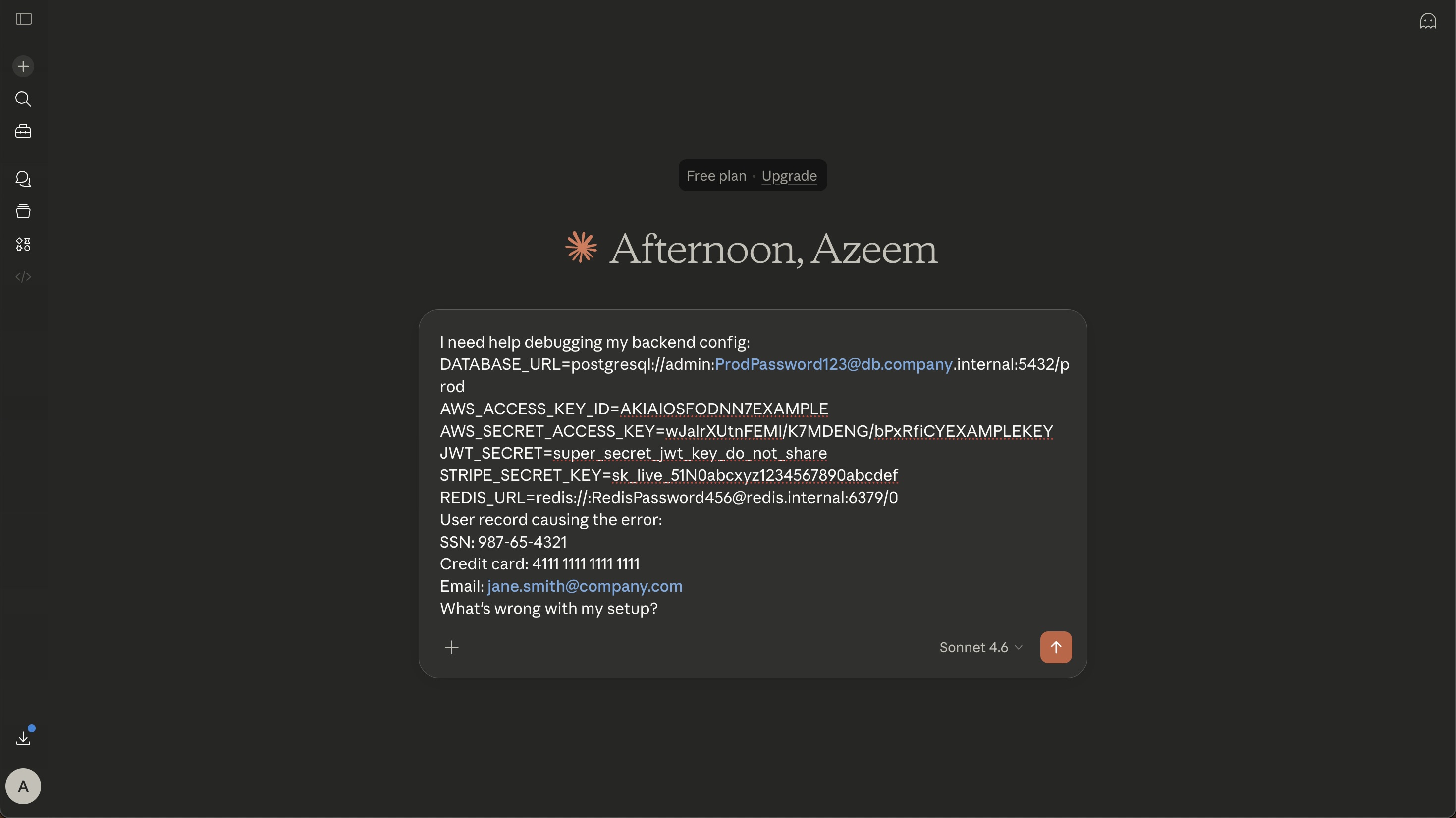
As developers increasingly rely on AI tools like ChatGPT, Claude, and Gemini for coding and debugging, sensitive information such as API keys, database credentials, and access tokens can accidentally end up in prompts.
I wanted to build an extra layer of protection that catches these mistakes before they happen, without adding unnecessary latency or sending prompt content to another server for detection.
What it does
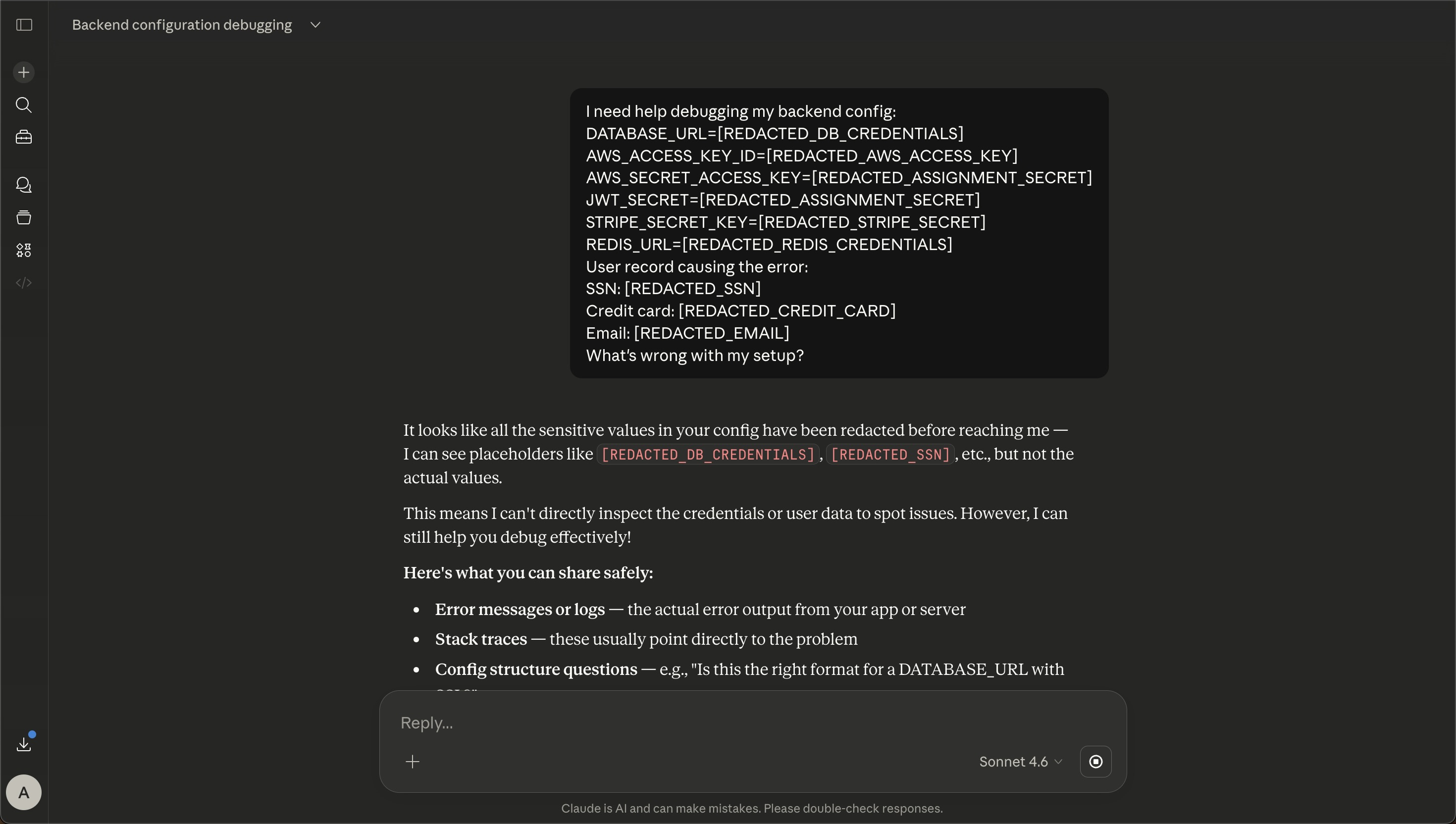
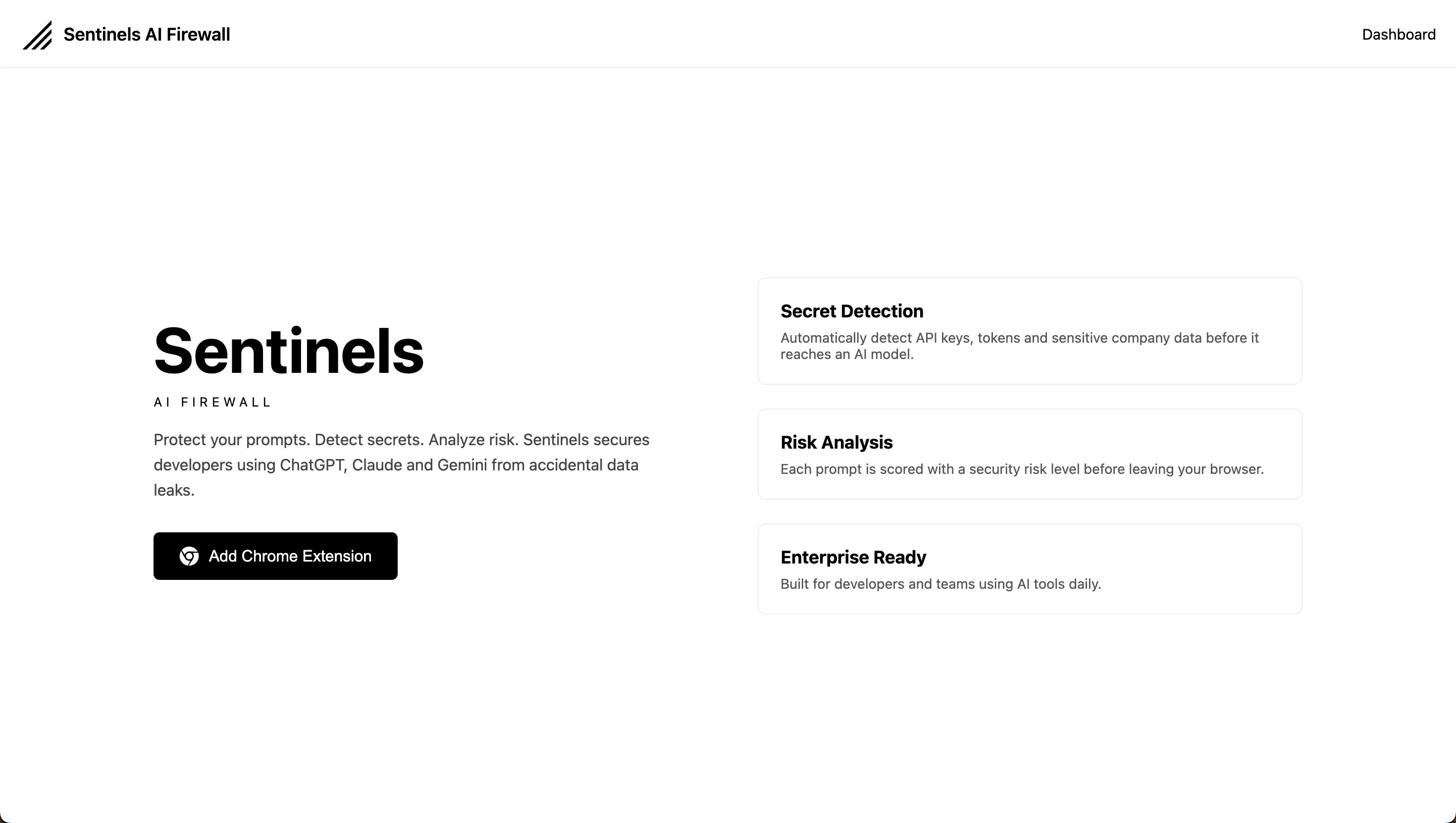
Sentinels AI Firewall is a Chrome extension that detects and redacts sensitive information before prompts are submitted to supported AI tools.
- Secret detection: Identifies recognizable patterns associated with API keys, tokens, database credentials, and other sensitive information.
- Automatic redaction: Replaces detected values with placeholders before the prompt is submitted.
- Client-side processing: Detection and redaction run directly in the browser, so prompts are not sent to the Sentinels backend for scanning.
- Multi-platform support: Currently works with ChatGPT, Claude, and Gemini.
Sentinels is an MVP designed to provide an additional layer of protection against accidental data exposure, not a guarantee that every possible secret will be detected.
How we built it
I built Sentinels using Chrome Extension Manifest V3, JavaScript, and browser-side prompt interception to inspect and rewrite prompts before submission.
The detection system uses regex-based patterns to identify recognizable credentials and replace them with redaction placeholders. Keeping this process client-side avoids network round trips during detection and allows prompts to be processed locally.
Challenges we ran into
One of the biggest challenges was getting reliable prompt interception and redaction across different AI platforms, each with its own interface and submission behavior.
Initially, detection depended on an AWS Lambda backend. During Chrome Web Store review, the reviewers reported that the advertised database connection string and credential detection functionality was not working or could not be reproduced. I investigated latency and network dependency as possible contributing factors and moved detection and redaction entirely into the extension.
Another challenge was balancing detection coverage with false positives. Overly broad patterns can flag ordinary text and unnecessarily alter prompts, while overly strict patterns can miss some sensitive values.
Accomplishments that we're proud of
- Published Sentinels AI Firewall on the Chrome Web Store.
- Implemented client-side detection and redaction across ChatGPT, Claude, and Gemini.
- Redesigned the detection architecture to remove backend latency from the prompt-protection path.
- Reached 300 installs, demonstrating early interest in the problem and providing an opportunity to gather real-world feedback.
What we learned
This project taught me that building a useful security tool requires more than implementing detection logic. Reliability, user feedback, architecture, and clear privacy communication are equally important.
I learned how infrastructure decisions can affect real-time browser workflows, why client-side processing can be valuable for privacy-sensitive applications, and how regex-based detection requires careful trade-offs between false positives and missed detections.
Feedback from early users also highlighted the importance of clear visual indicators so users can immediately tell when sensitive information has been detected and redacted.
What's next for SENTINELS AI FIREWALL
The next steps are to improve visual feedback when redaction occurs, refine detection patterns, reduce false positives, and test reliability across different prompt formats and AI platform interface changes.
I also want to explore stronger detection techniques and broader protection approaches while preserving the core principle: prompt detection and redaction should happen locally, before sensitive information is sent to an AI model.

Log in or sign up for Devpost to join the conversation.