-
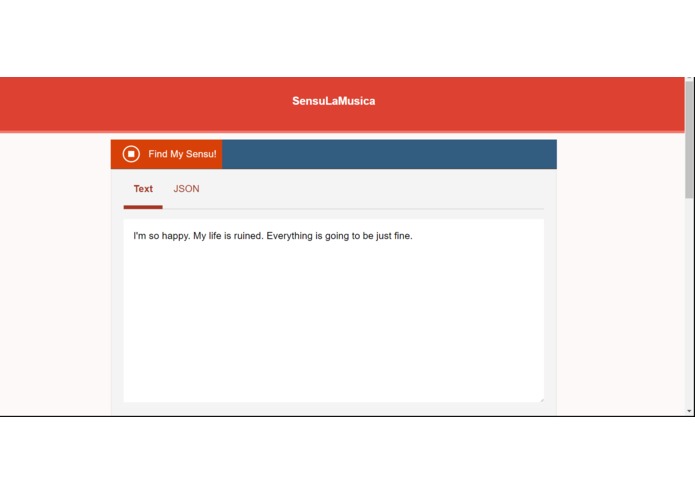
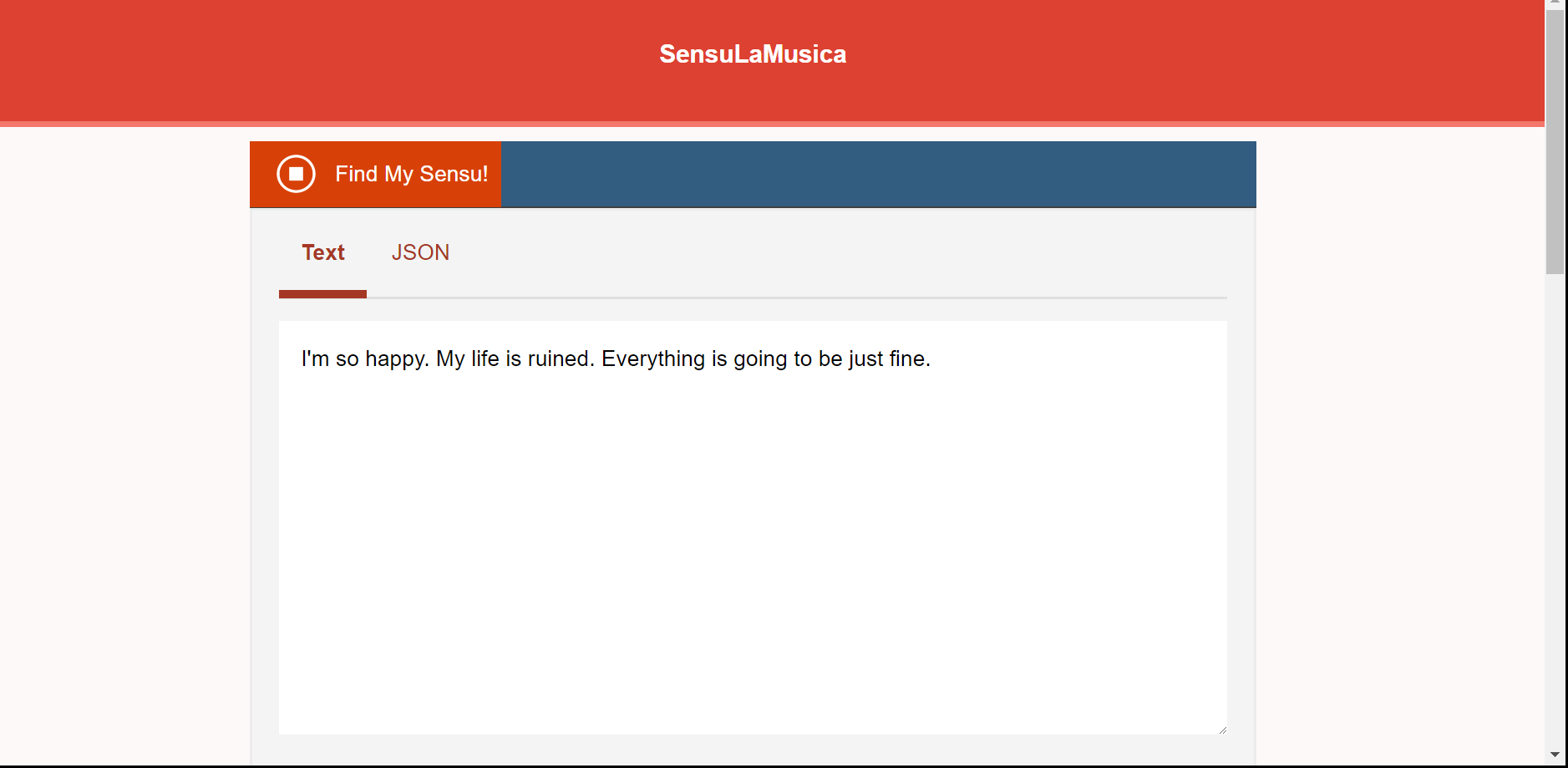
Voice input from user to text data
-
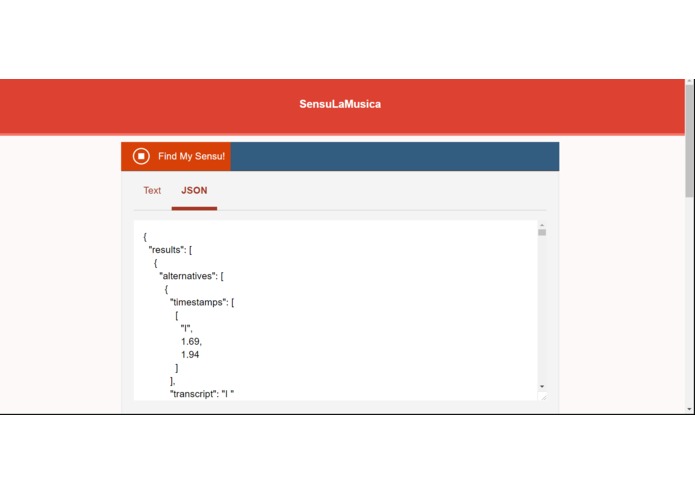
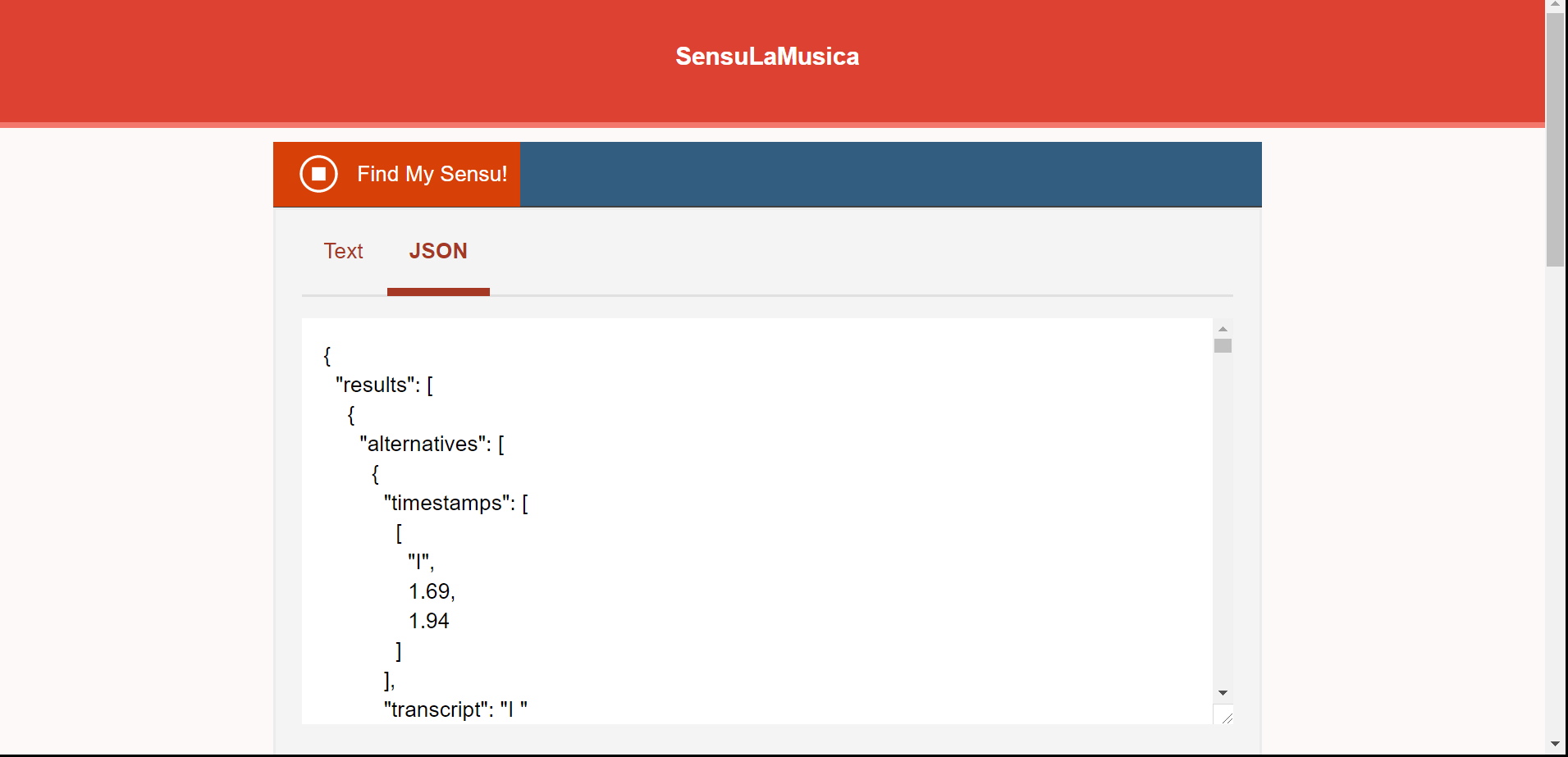
JSON format for text
-
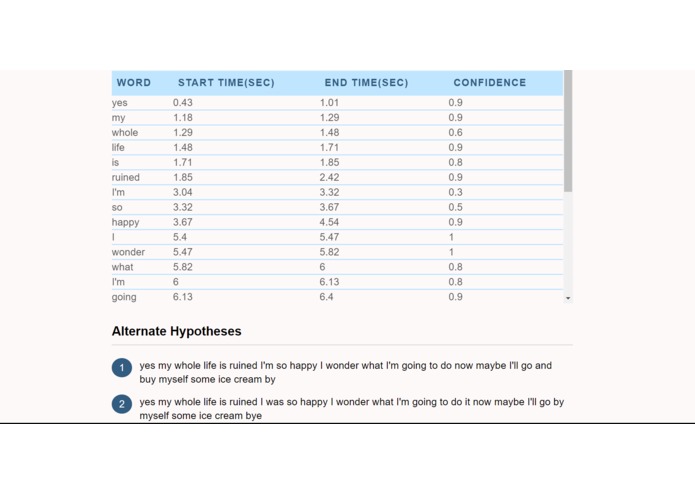
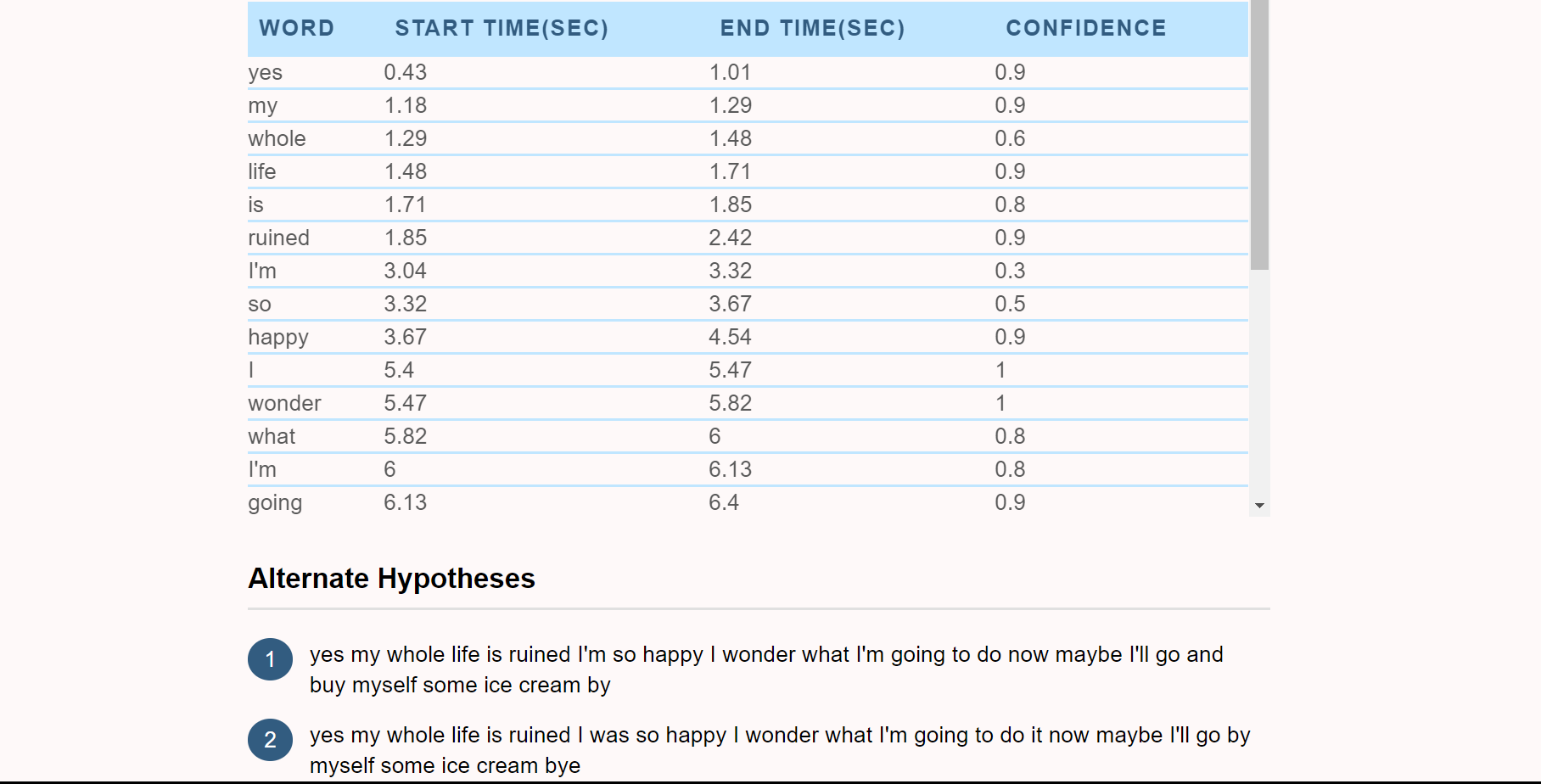
Metadata for Speech to Text API
-
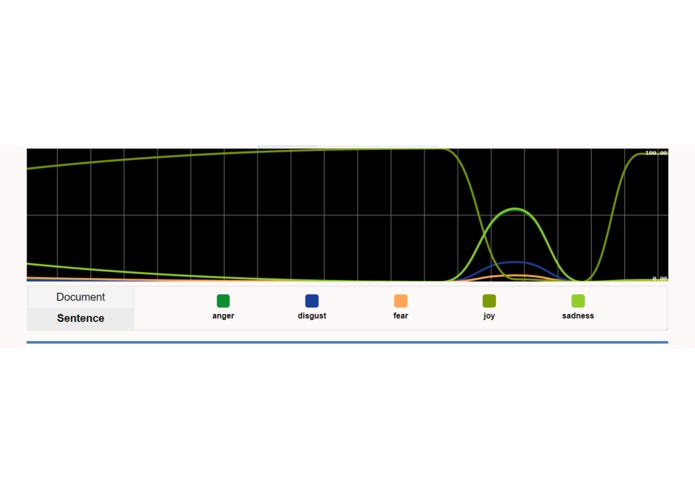
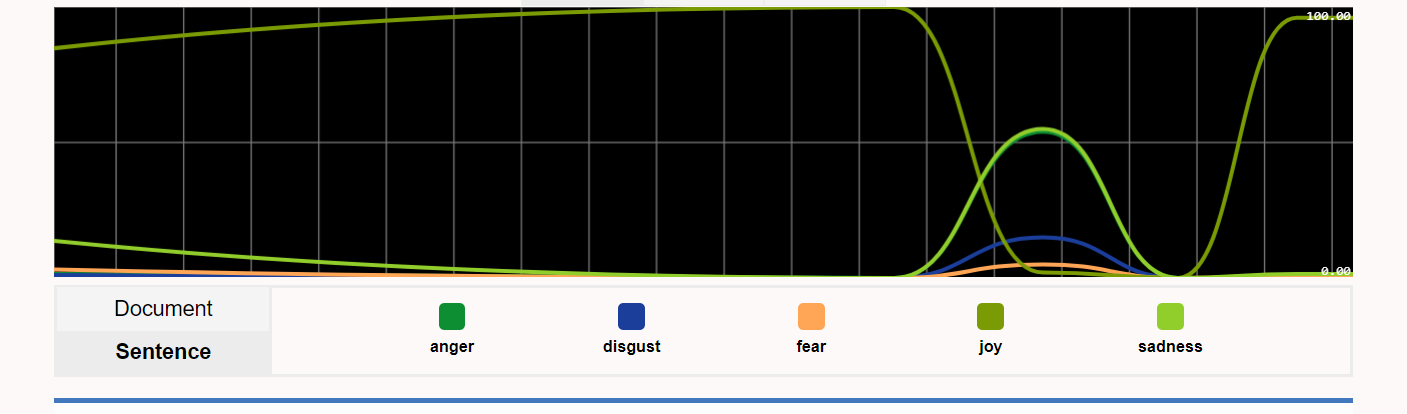
emotion readings on graph for voice input
SensuLaMusica
IBM Watson/real-time-tone-analysis; then plays a song depending on how you feel. Get the tone analysis service & the Watson speech to text service from Bluemix at https://console.bluemix.net/dashboard/apps?env_id=ibm%3Ayp%3Aus-south.
Download the Cloud Foundry Tool here:https://github.com/cloudfoundry/cli#downloads. Also download Node.js if you haven't already.
Additionally, link the endpoints to your main CLI app, which you could call real-time-tone-analysizer. Get the usernames & passwords and plug them into the vcap.json file.
Follow this guide to get to final steps:https://github.com/IBM-Bluemix/real-time-tone-analysis.
Edit the index.html depending on your style preference after it is copied into your tone analyzer folder. Every time you edit the files, remember to save and run the command
$ npm start
Built With
- bluemix
- html
- javascript
- speech-to-text-api
- tone-analysis


Log in or sign up for Devpost to join the conversation.