Inspiration
The world is not designed for neurodivergent people. Autistic individuals, people with ADHD, PTSD, sensory processing disorder, and migraine affect an estimated 300 million people worldwide. Most of them have learned to avoid places that overwhelm them through painful trial and error. There is no Yelp for sensory environments. There is no way to know, before you walk into a restaurant, whether the lighting is fluorescent, the music is loud, or the space is unpredictably chaotic.
We were inspired by the gap between what accessibility tools exist and what neurodivergent people actually need: advance knowledge of sensory conditions. The insight that made Sensly possible was realizing that every smartphone already has a microphone that can measure ambient noise in decibels and motions such as fidgeting with no special hardware required. We wanted the opportunity to build something genuinely useful: a map that tells you what a place feels like before you arrive, and an app that helps you calm down when the environment gets to be too much.
What it does
Sensly is a crowdsourced sensory environment map for neurodivergent people. Open the app and you see a live map of nearby venues, with each pin color-coded by sensory load. Tap any venue to see community ratings on noise, lighting, crowding, smell, and predictability, plus a time heatmap showing the quietest hours to visit.
When you're at a location, the app uses your phone's microphone to automatically measure ambient noise in real time with no manual input needed. A 30-second reading produces a calibrated decibel average that feeds directly into the venue's community score. You can then rate the other dimensions (lighting, crowding, smell) and add notes.
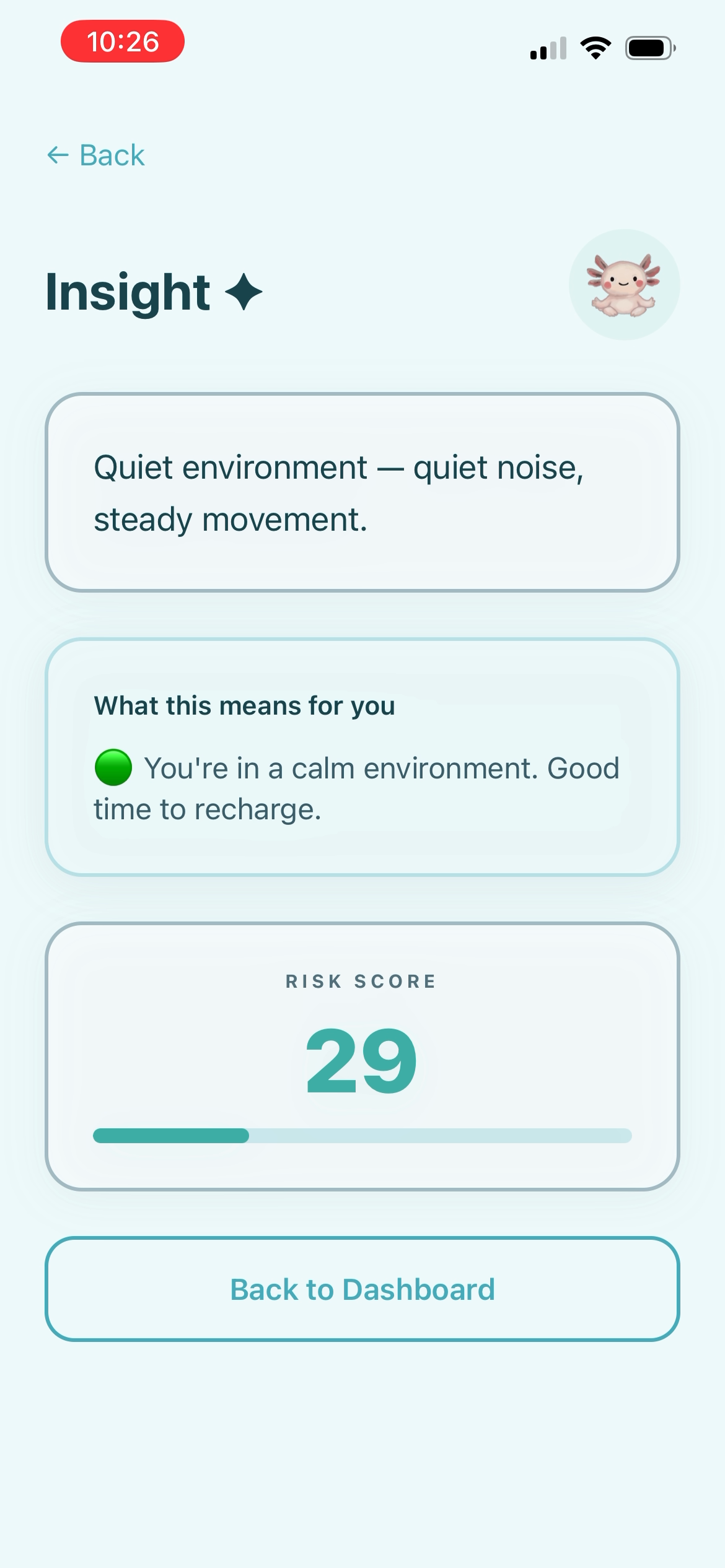
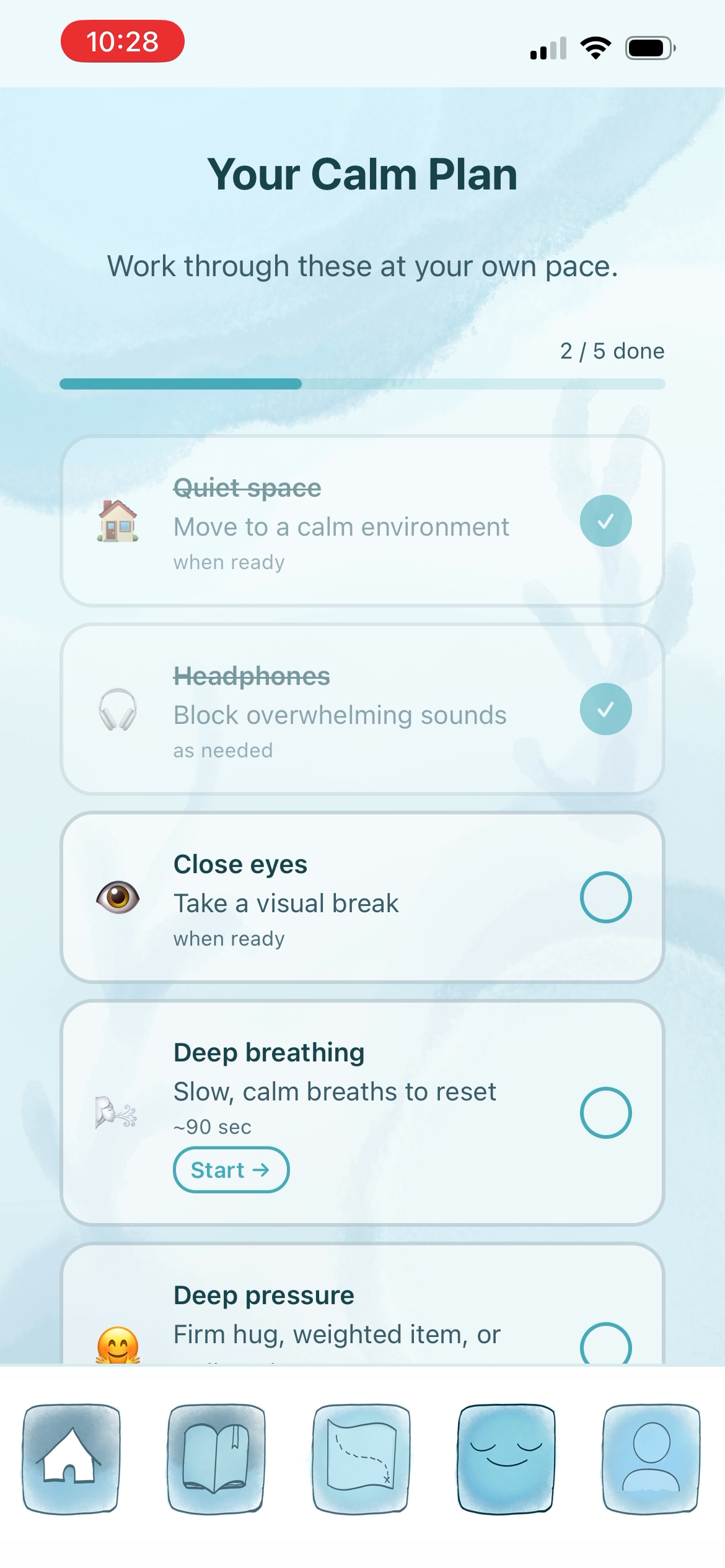
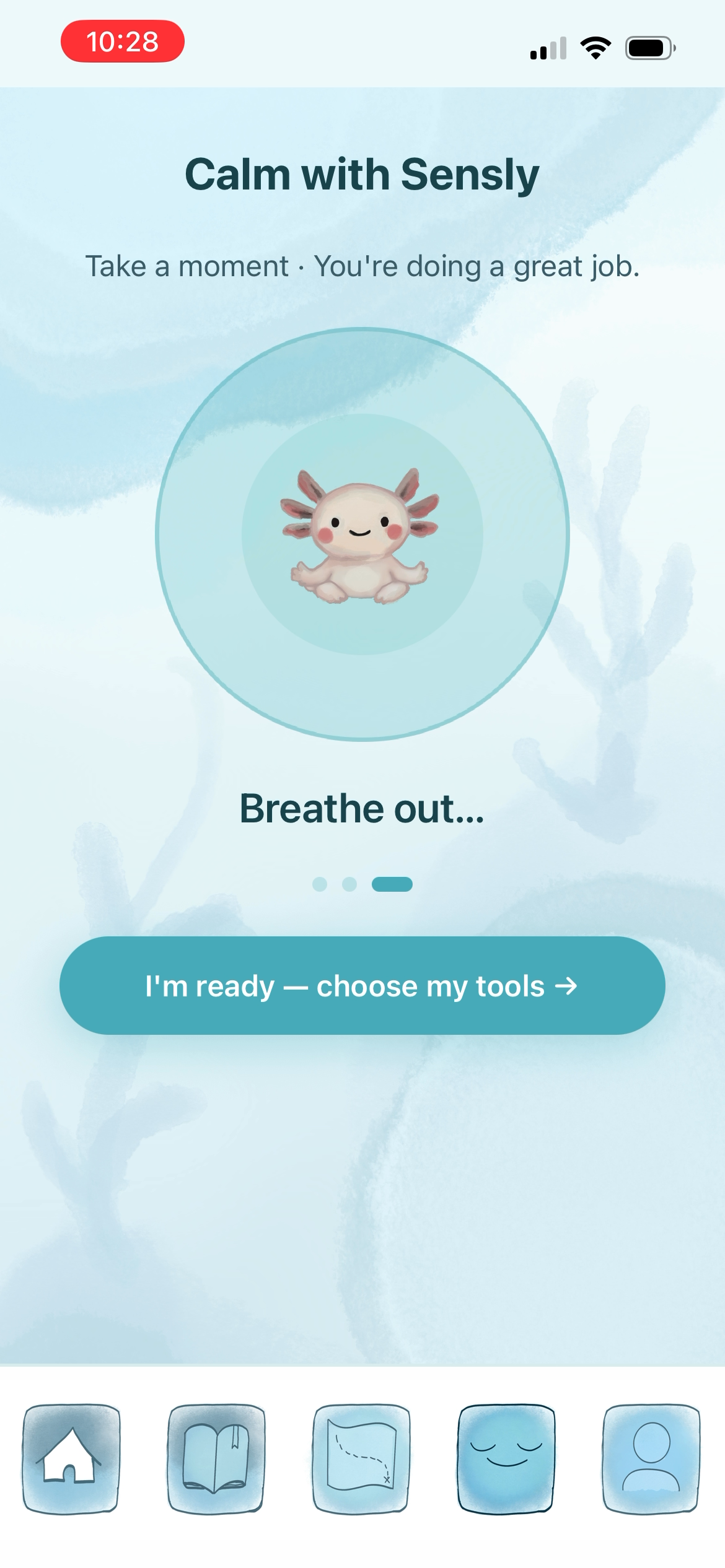
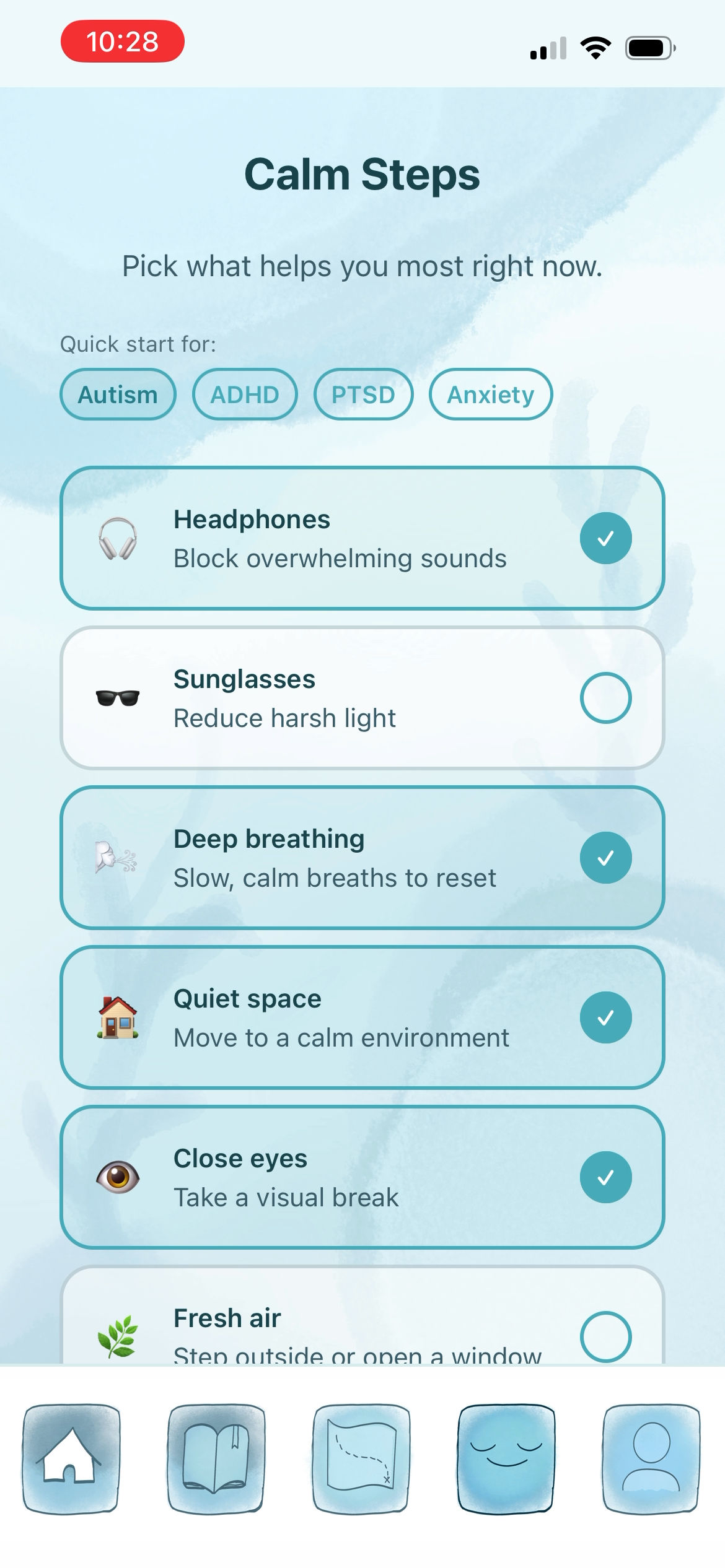
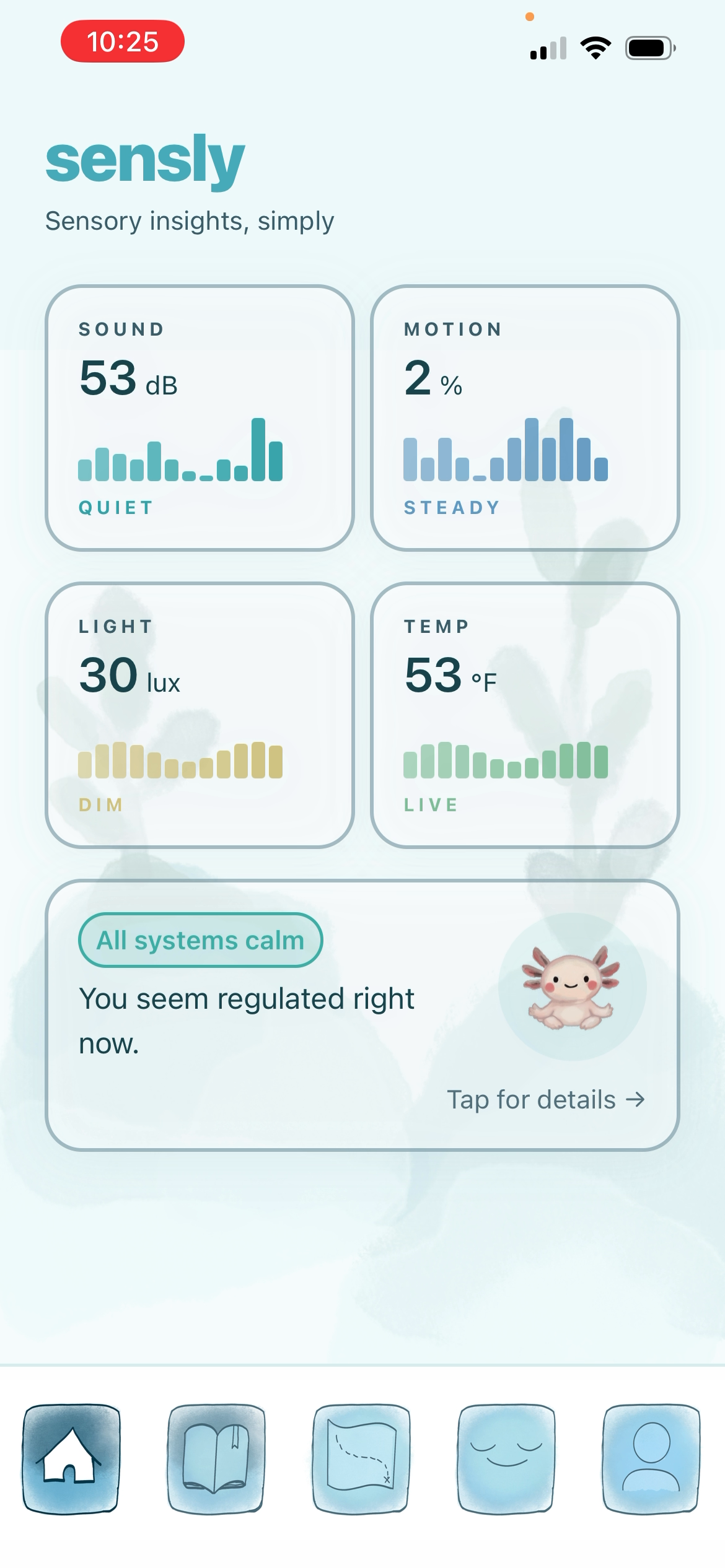
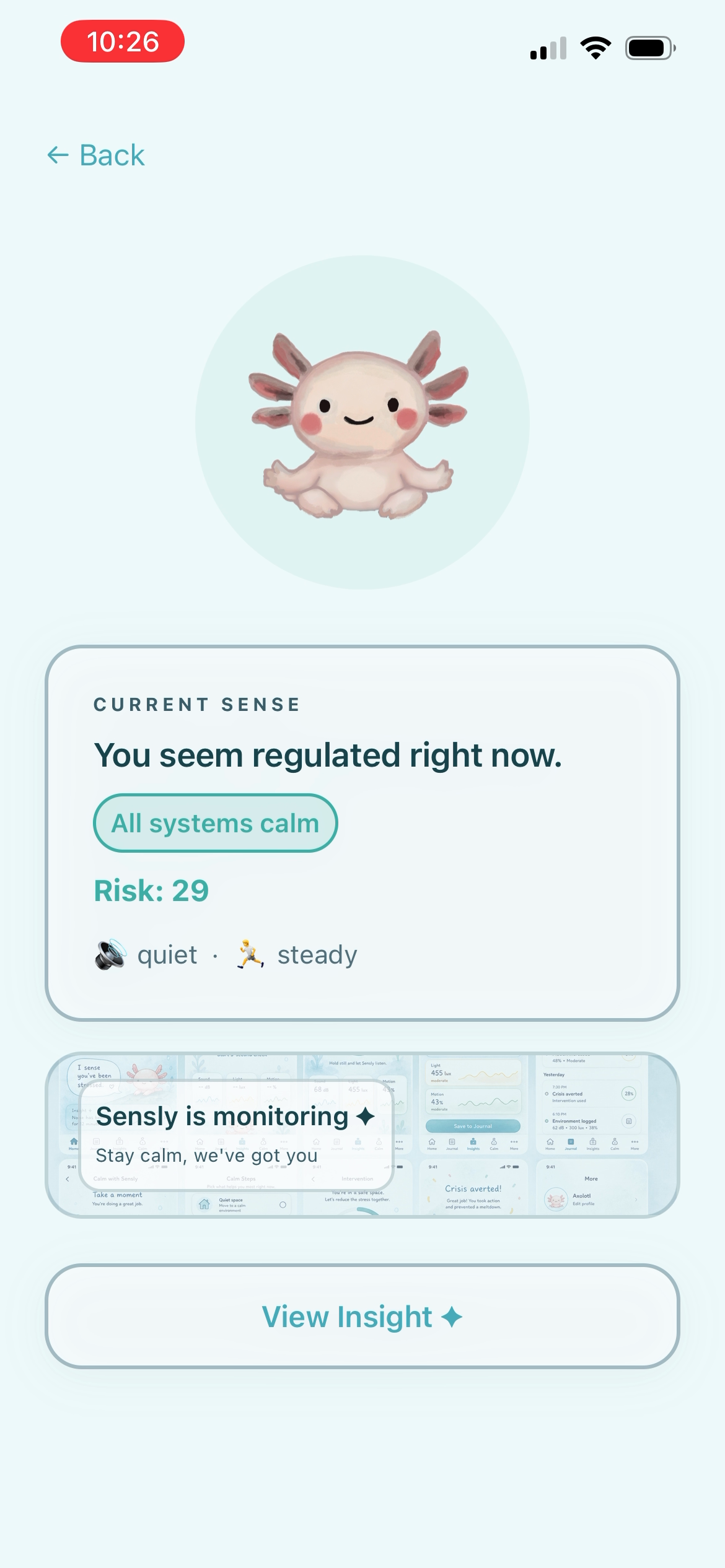
The Home screen monitors your environment passively, like sound, motion, temperature and estimated light levels combine into a live risk score. If it climbs, an axolotl mascot reacts to reflect your sensory state, and a Reset button takes you to the Calm screen: a guided breathing and grounding flow with tools personalized to your specific triggers.
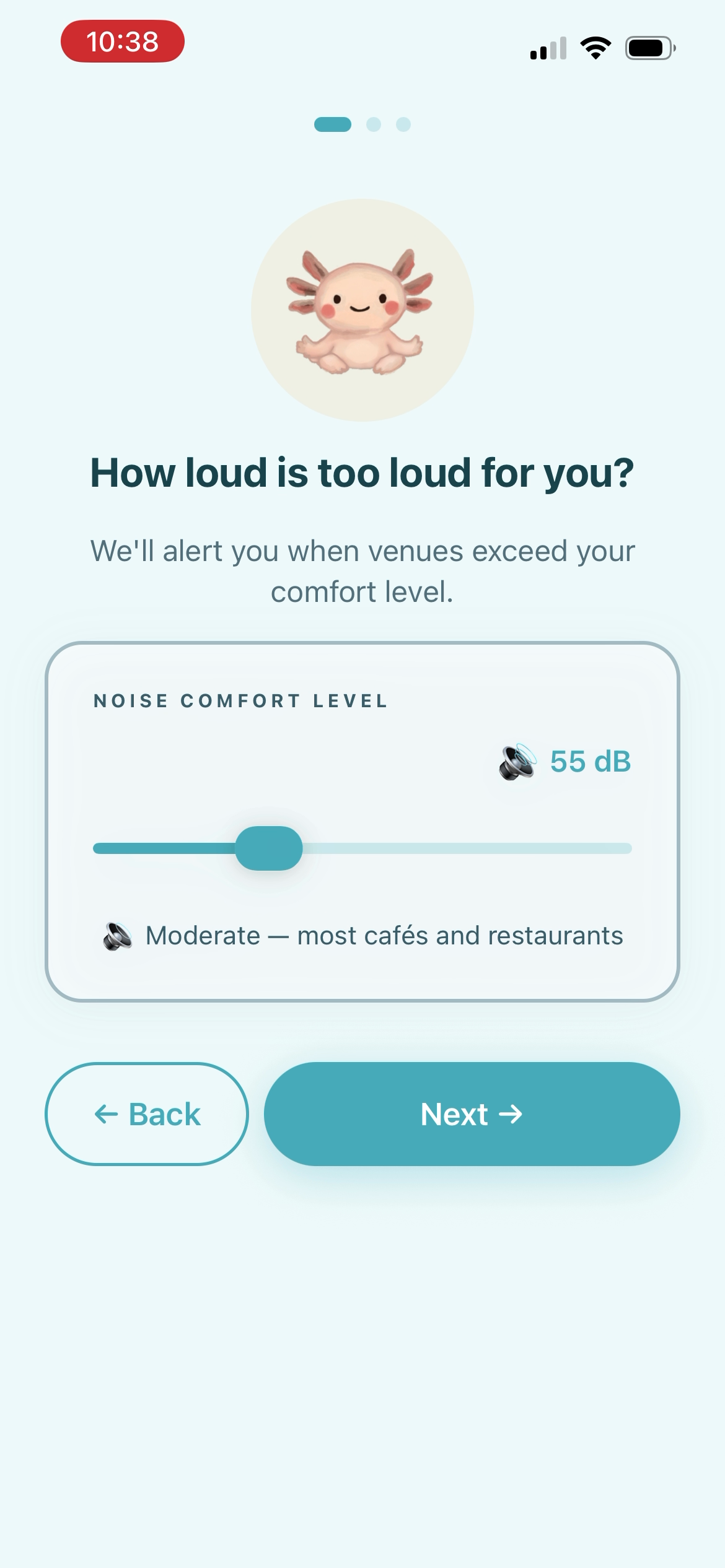
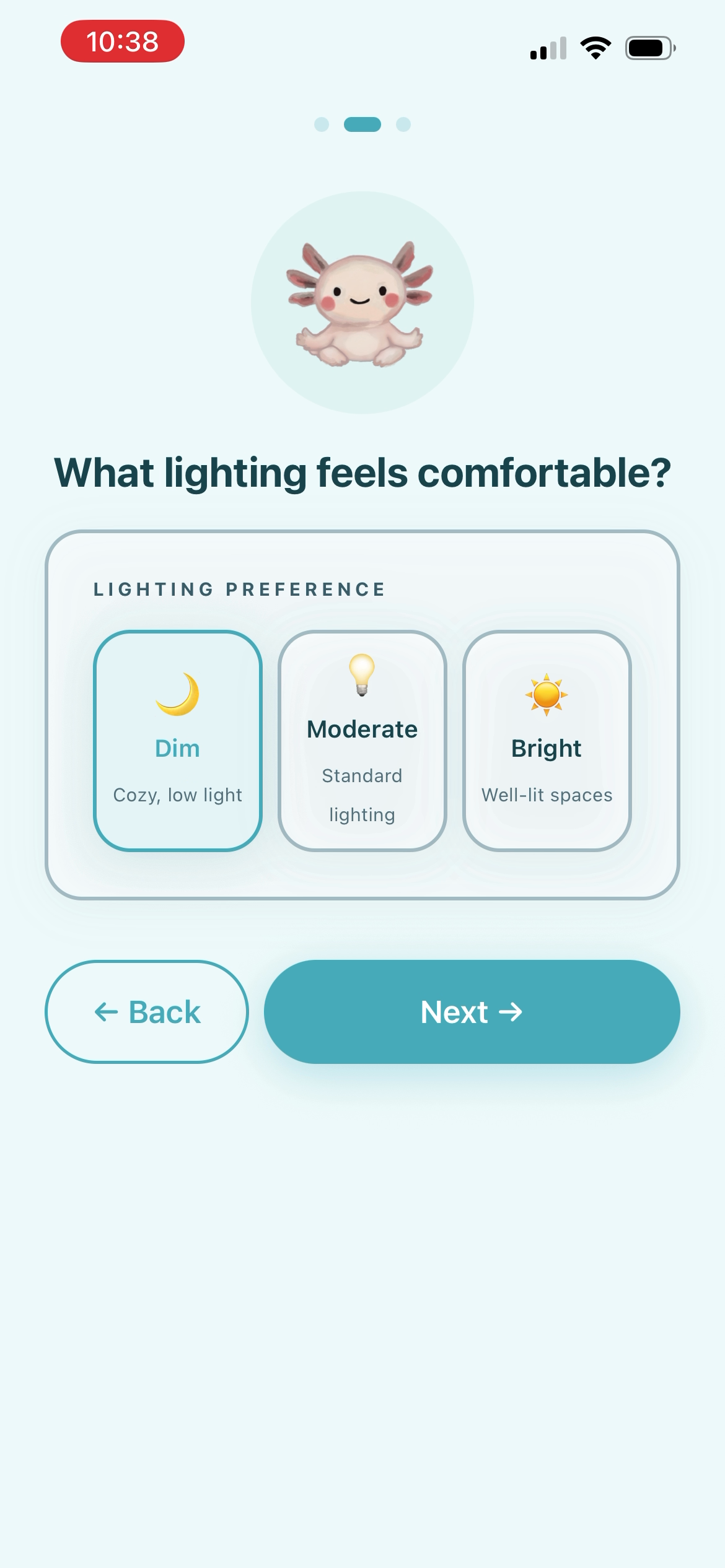
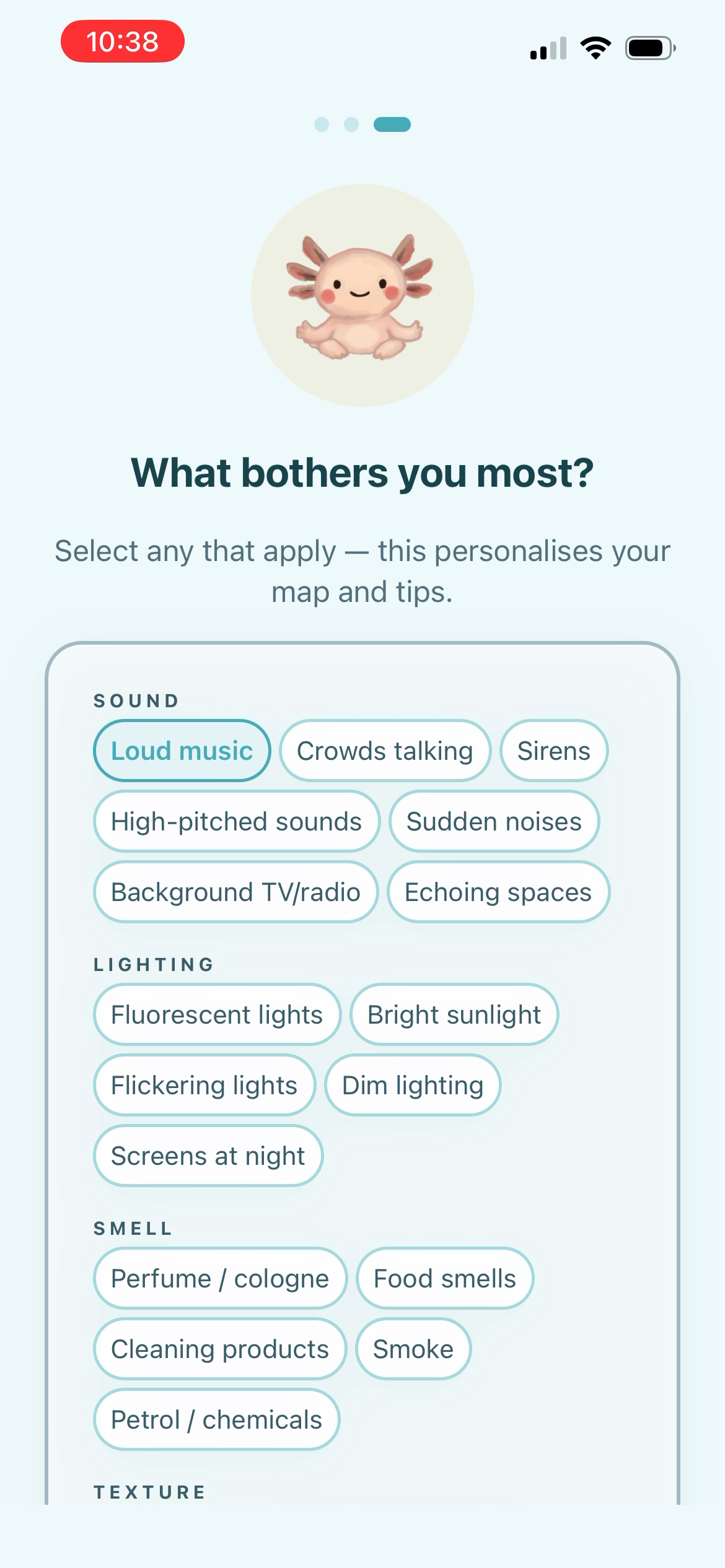
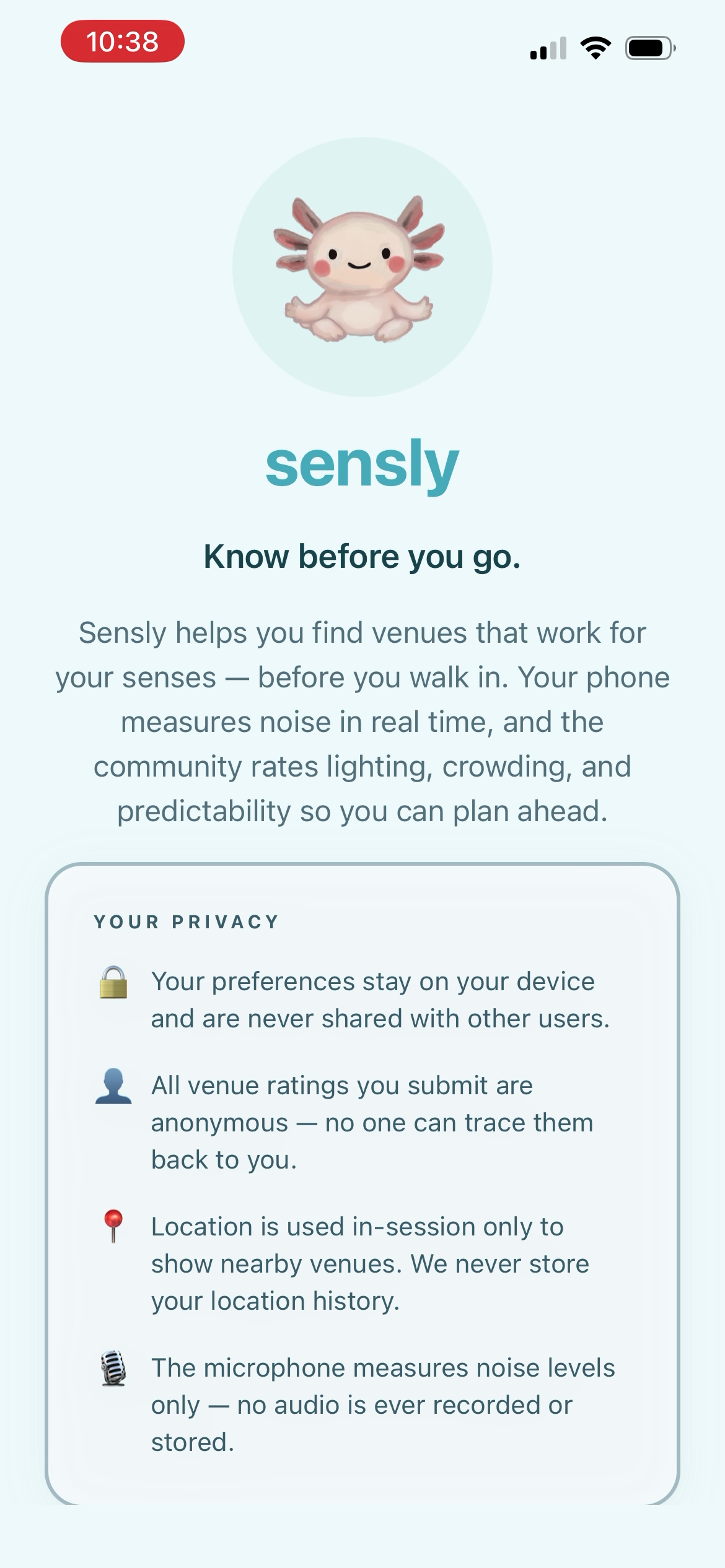
On first launch, a short onboarding wizard asks about your noise comfort level, lighting preference, and sensory triggers. These preferences shape everything, like which venues get flagged, what the daily check-in adjusts, and which calming tools appear first. A journal tab tracks your history and surfaces weekly AI-generated insights about your patterns.
How we built it
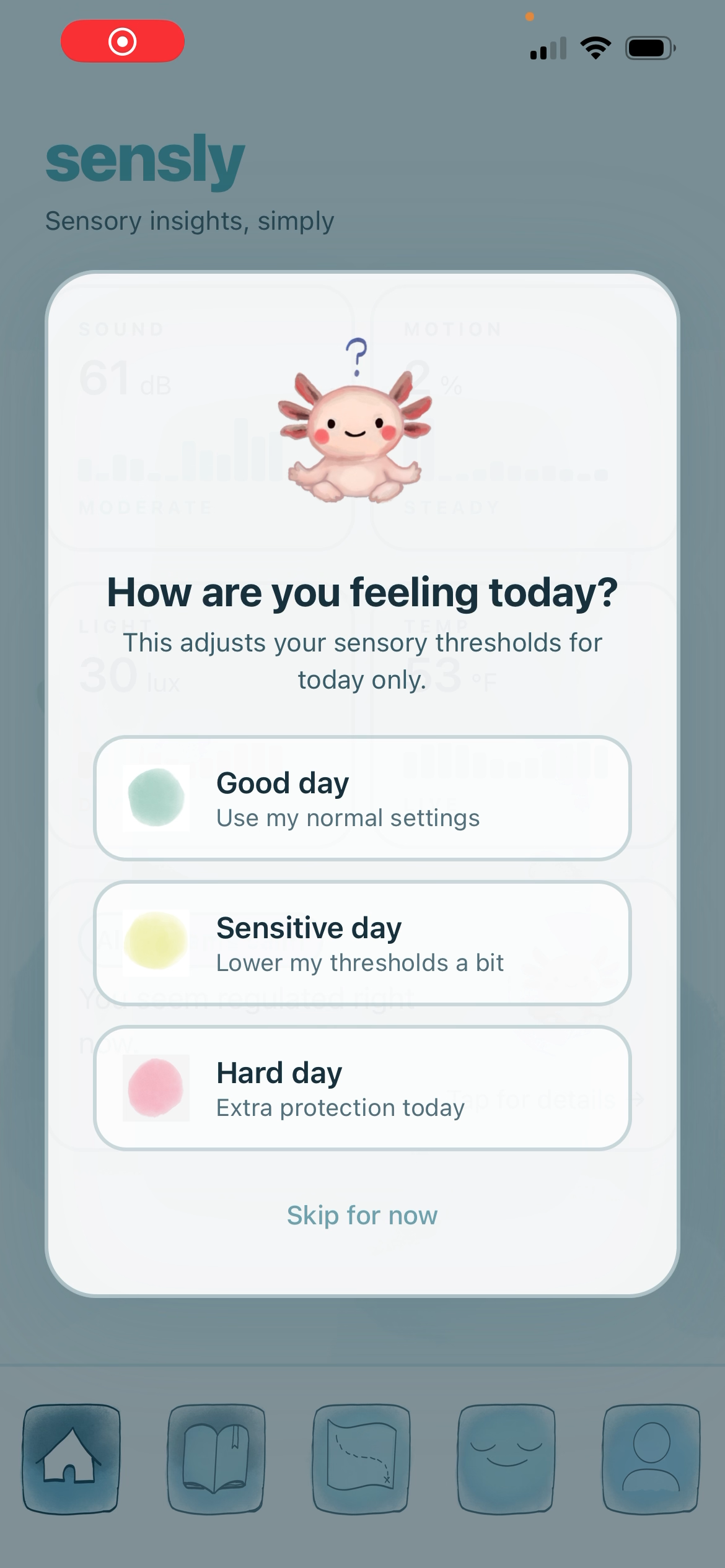
Building for neurodivergent users inspired us to make better design decisions for everyone. The research we did on sensory triggers were grounded in NIH publications, clinical guidelines, and occupational therapy literature. These insights shaped every feature, like the time heatmap on venue detail screens, the daily check-in that adjusts thresholds based on how you're feeling, and the Calm screen's evidence-based breathing and grounding tools.
We also learned that AI-assisted development works best when you invest in the tooling before you write the first line of product code. The steering files, agent configs, and PDD process we built with Kiro paid dividends throughout the entire project.
Challenges we ran into
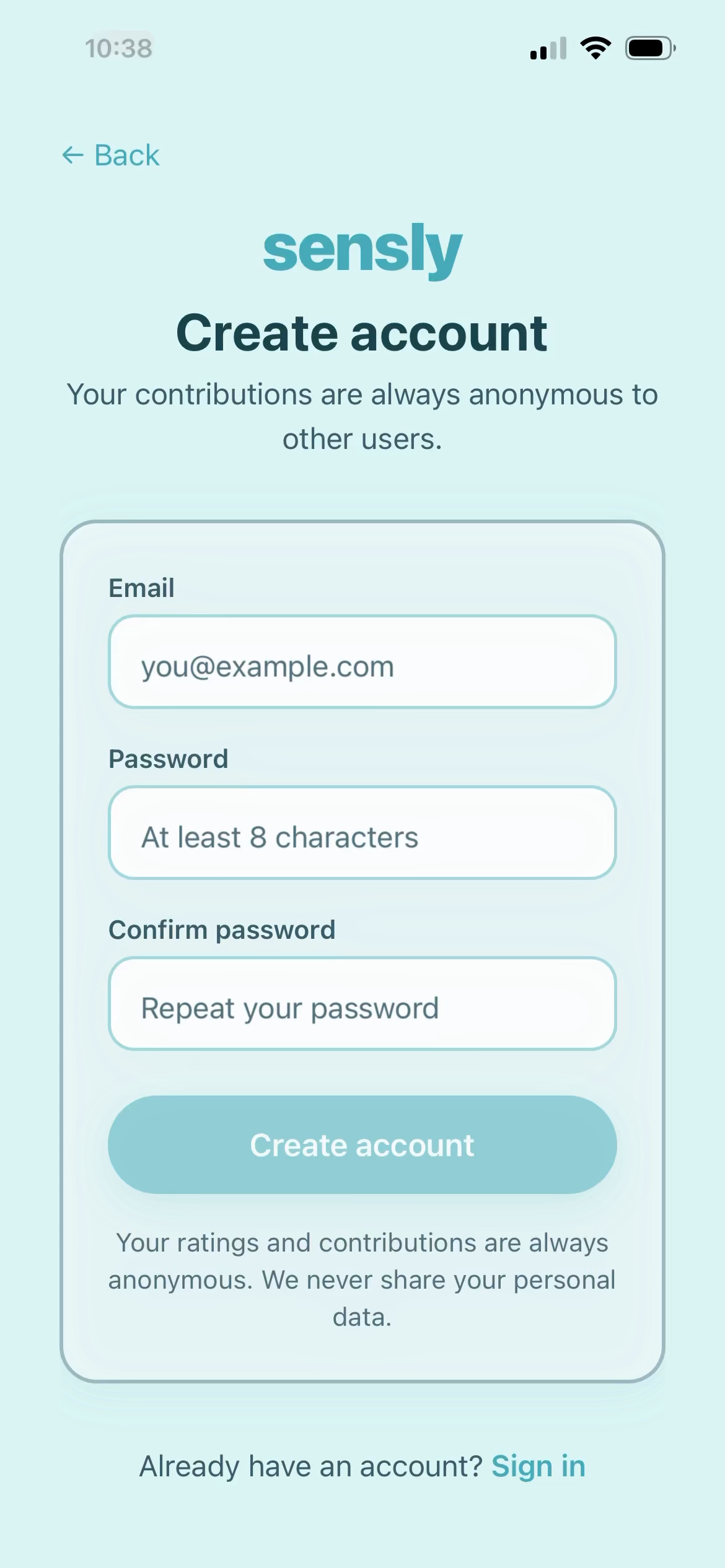
Getting the database set up correctly. Building a backend that handles sensitive health-adjacent data, such as sensory profiles, anonymous ratings, and location, required getting a lot of things right at once: privacy rules, data access controls, and automatic score calculations. Early migrations had conflicts and had to be rebuilt, and wiring the frontend to the live database took several rounds of debugging before auth, profiles, and ratings all worked end-to-end.
Expo version compatibility. React Native development involves a web of interdependent libraries that all need to be on compatible versions. We hit crashes from mismatched animation library versions, a chart library that silently changed its rendering engine, and a bottom sheet component that required a specific major version. Getting everything stable and running on a physical device took significant troubleshooting.
One microphone, two screens. The home screen listens to ambient noise passively while you browse, but the rating flow also needs the microphone. Only one screen can use it at a time. We had to carefully manage when each screen claims and releases the mic so they don't conflict.
Three people, one codebase. Working in parallel meant frequent merge conflicts and the risk of overwriting each other's work. We established clear file ownership, enforced a "pull before you code" rule, and used Kiro's session hooks to automatically flag any uncommitted changes at the start of every work session.
Accomplishments that we're proud of
The microphone-as-sensor concept actually works. The audio meter maps raw dBFS values from to calibrated dB SPL with research-backed thresholds (< 40 dB = very quiet, 55–69 dB = moderate, 85+ dB = hearing risk). The live gauge reacts in real time, the 30-second measurement produces a statistically meaningful average, and the result feeds directly into the venue's crowdsourced score via a Postgres trigger.
A genuinely research-backed product. Every threshold, every recommendation weight, every piece of user-facing copy was grounded in published clinical literature. The sensory-research.md steering file encodes a diagnosis × place field priority matrix derived from NIH publications, a weighted penalty scoring algorithm, and trauma-informed language rules. All design decisions have citations.
A complete, working backend. 10 Supabase tables with RLS, 15 RLS policies, Postgres triggers for aggregate recalculation, 4 deployed Edge Functions, and 15 seeded demo venues with realistic time-of-day noise patterns. All built and deployed in a single session through Kiro.
The onboarding flow. The 5-step first-run wizard (Welcome + Privacy → Noise → Lighting → Triggers → Personalized tutorial) correctly handles new accounts, returning users, and shared devices — a problem that required solving a non-trivial AsyncStorage race condition. The personalized tutorial adapts its tip based on the user's selected triggers and noise threshold.
The Calm screen's tool personalization. The tool picker in the Calm screen doesn't show a generic list — it scores each of 15 calming tools against the user's trigger categories and diagnosis tags, then surfaces the 8 most relevant ones. A user who flagged "sudden sounds" sees headphones and white noise at the top. A user who flagged "crowding" sees grounding exercises. This is implemented entirely in CalmScreen.tsx with no backend call.
What we learned
Building for neurodivergent users forced us to make better design decisions for everyone. The research we did on sensory triggers taught us that unpredictable sounds are more distressing than consistently loud ones, that predictability is as important as noise level, and that the same venue at 8am and 12pm can be completely different sensory experiences. These insights shaped every feature: the time heatmap on venue detail screens, the daily check-in that adjusts thresholds based on how you're feeling, the Calm screen's evidence-based breathing and grounding tools.
We learned that investing in AI tooling before writing product code pays compound interest. The steering files, agent configs, and PDD process we built with Kiro applied automatically to every subsequent task — we didn't have to repeat context, and Kiro didn't have to guess. The 2-strike circuit breaker rule alone saved us from at least three debugging spirals.
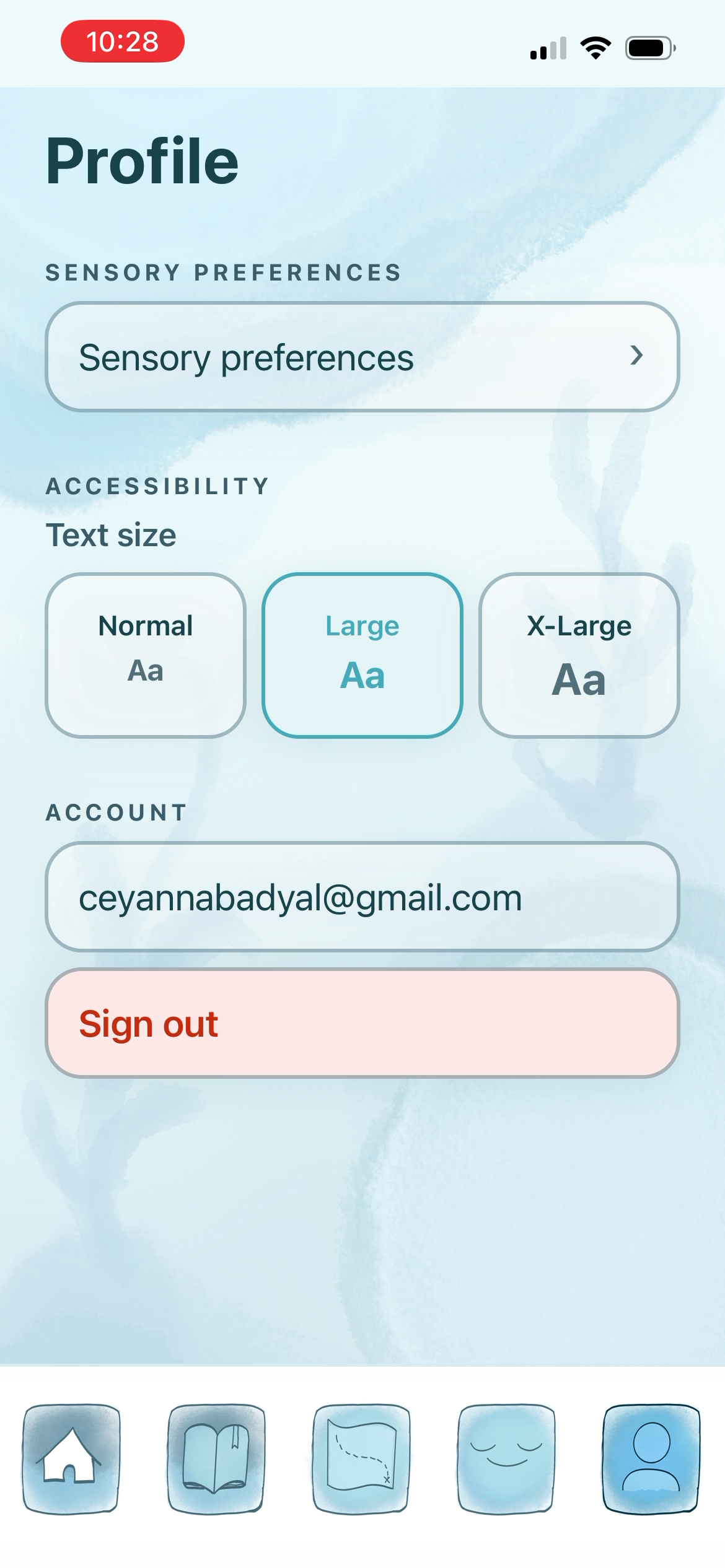
We also learned that privacy-first design is a feature, not a constraint. Users of a sensory app are sharing sensitive information about their neurological differences. Designing the system so that diagnosis data never leaves the device, ratings are always anonymous, and location is session-only wasn't just ethical — it was a product differentiator.
What's next for Sensly
Smarter recommendations. The recommendation scoring algorithm is built (sensory-research.md has the full spec) but not yet surfaced in the UI. The next step is a "Best match for you" filter on the map that uses the weighted penalty system to rank venues against the user's profile in real time.
Familiar places. The profiles table has a comfort_items field ready for saved venues. A bookmark button on venue detail screens and a "Safe places" filter on the map would let users pin their known-good locations for hard days.
Sense → Rate connection. The Sense tab measures noise but doesn't yet offer a direct path to rating the venue. Adding a "Rate this place" CTA after a measurement completes would close the most important user loop in the app and dramatically increase rating volume.
Companion mode. The Supabase Realtime infrastructure is already in place. A "Going with me" feature that broadcasts your live dB reading to a companion's device — so a caregiver or friend can see your sensory load in real time — is one Edge Function and one Realtime subscription away.
Apple HealthKit integration. Reading heart rate at the time of a rating would add a physiological signal to the sensory data, making the pattern detection engine significantly more accurate. The schema already has a heart_rate_bpm column in the ratings table.
Wider venue coverage. The current seed data covers San Luis Obispo. The Overpass API query is already parameterized by location — expanding to any city is automatic as users rate venues there. The crowdsourcing flywheel just needs users.
Built With
- expo.io
- figma
- groq
- kiro
- maps
- postgresql
- react-native
- supabase
- typescript
- zustand

Log in or sign up for Devpost to join the conversation.