-
-
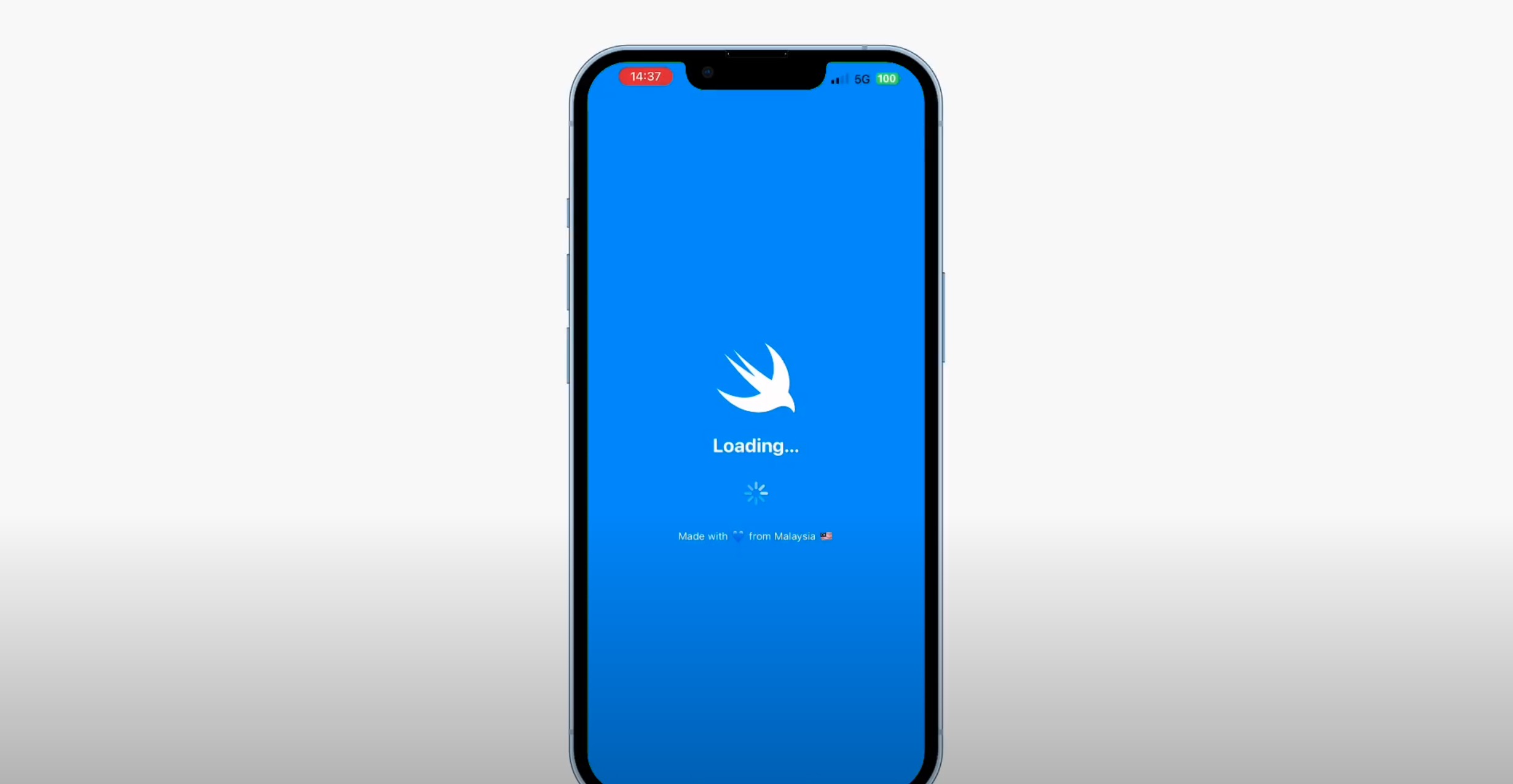
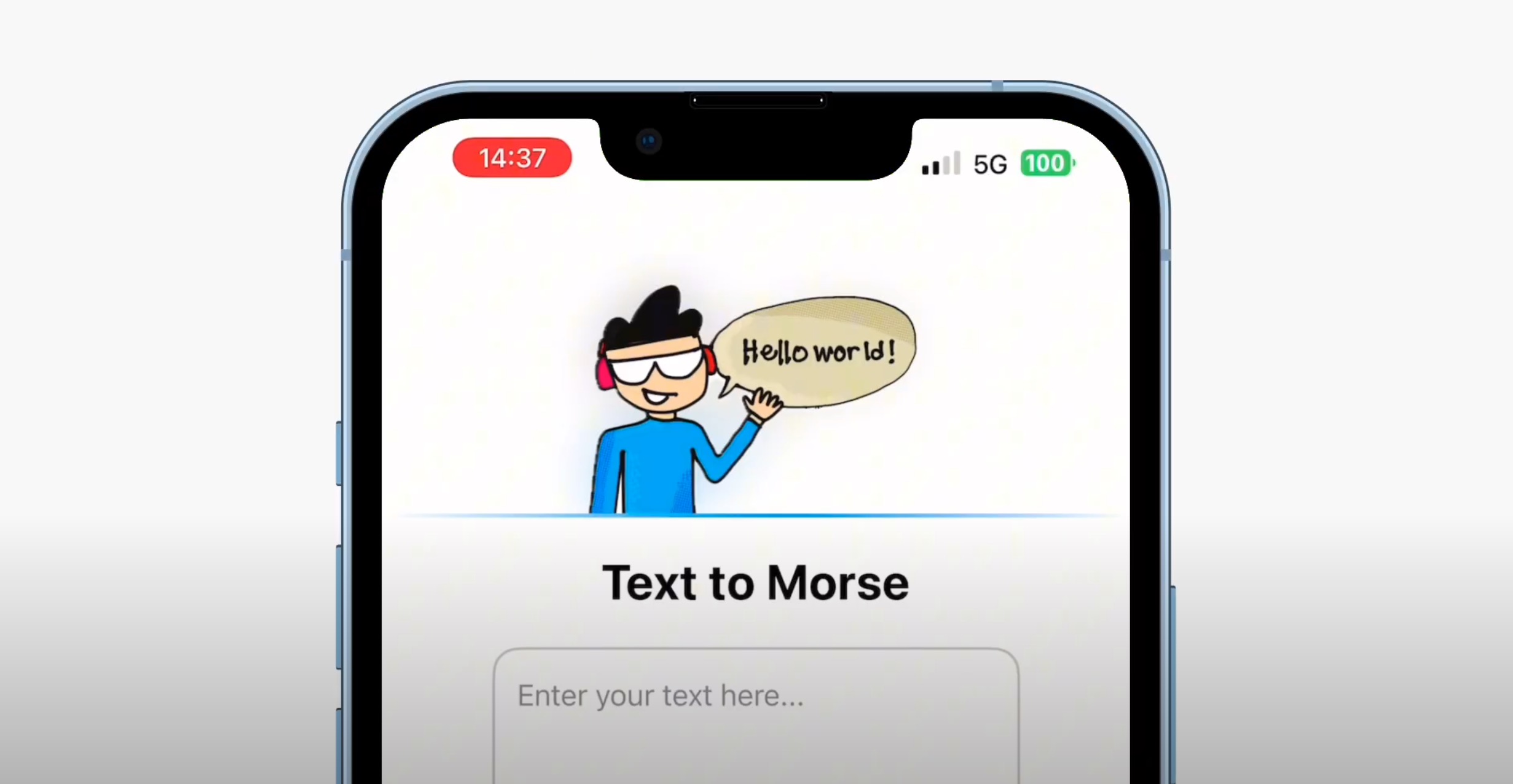
Sensable splash screen.
-
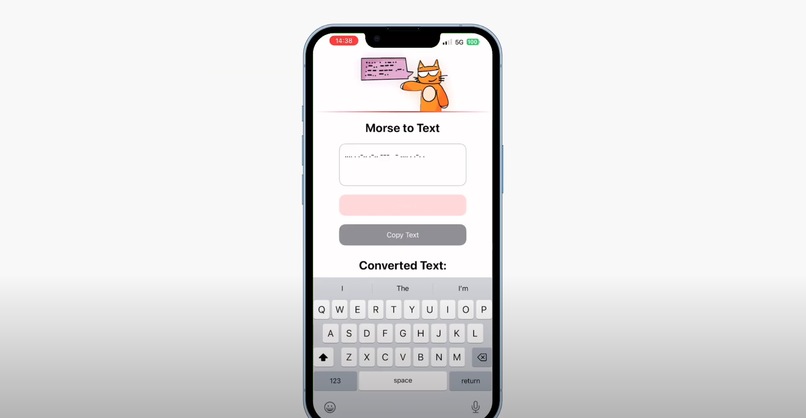
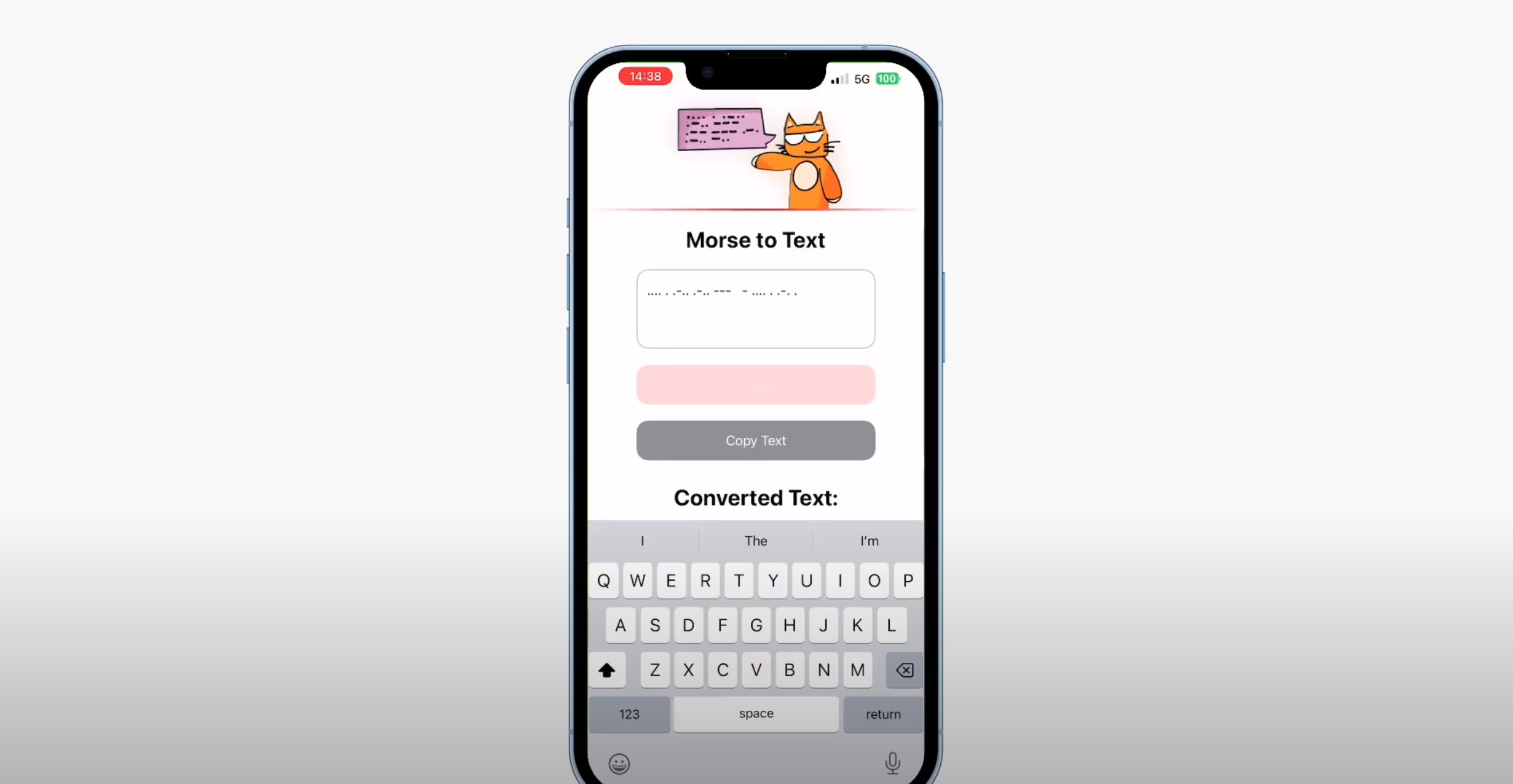
Morse-to-Text for translation.
-
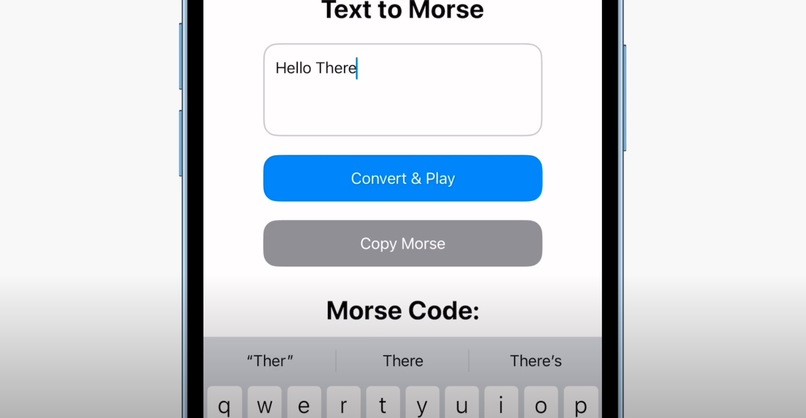
Copy and convert on the go. Play to enable Haptic sensing.
-
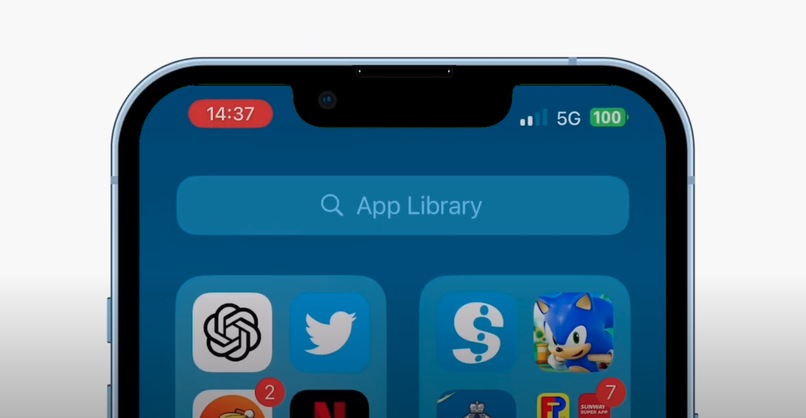
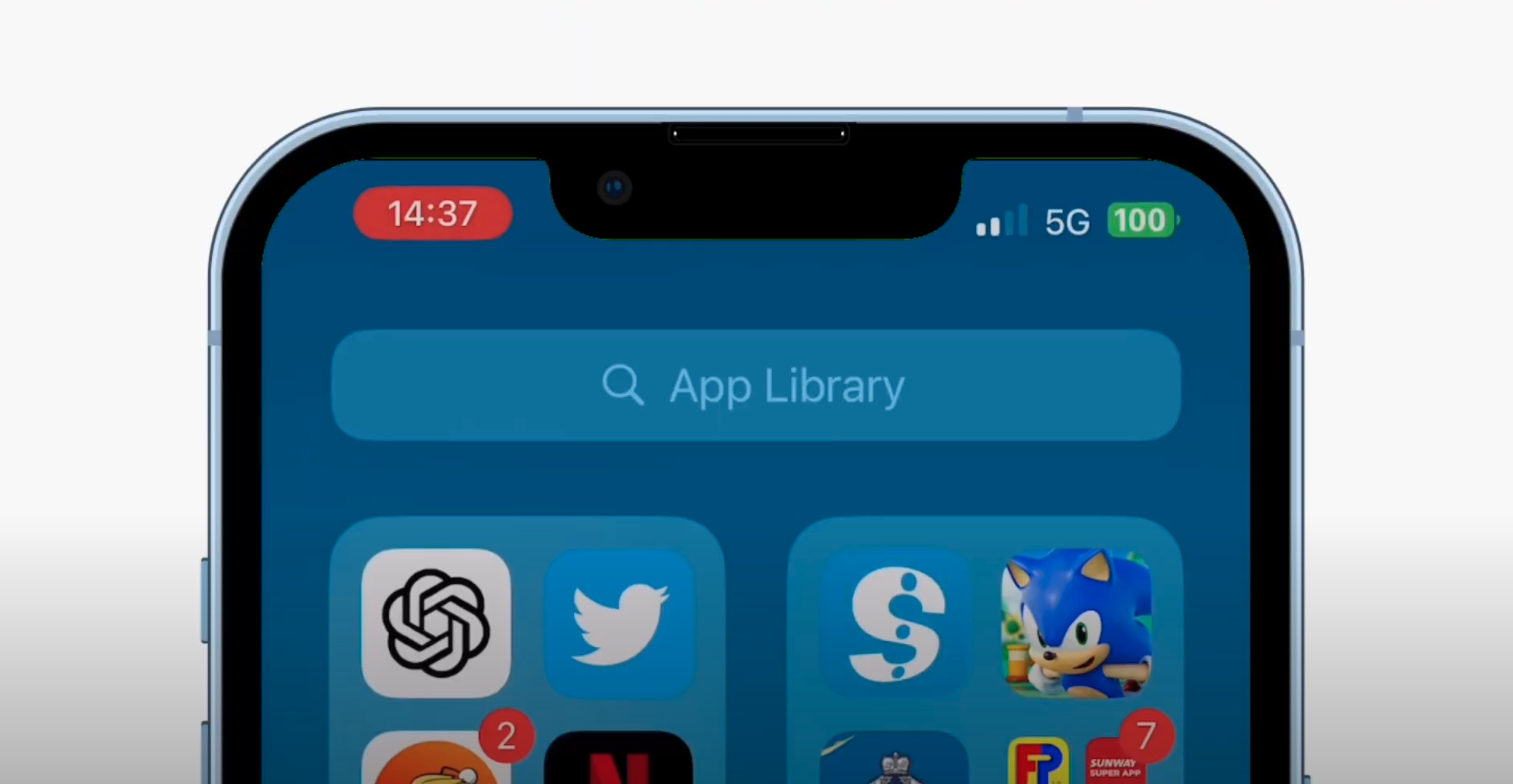
App Library showcasing Sensable icon.
-
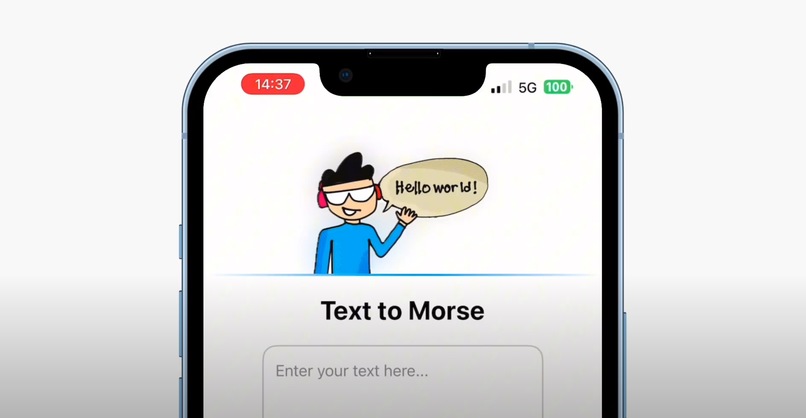
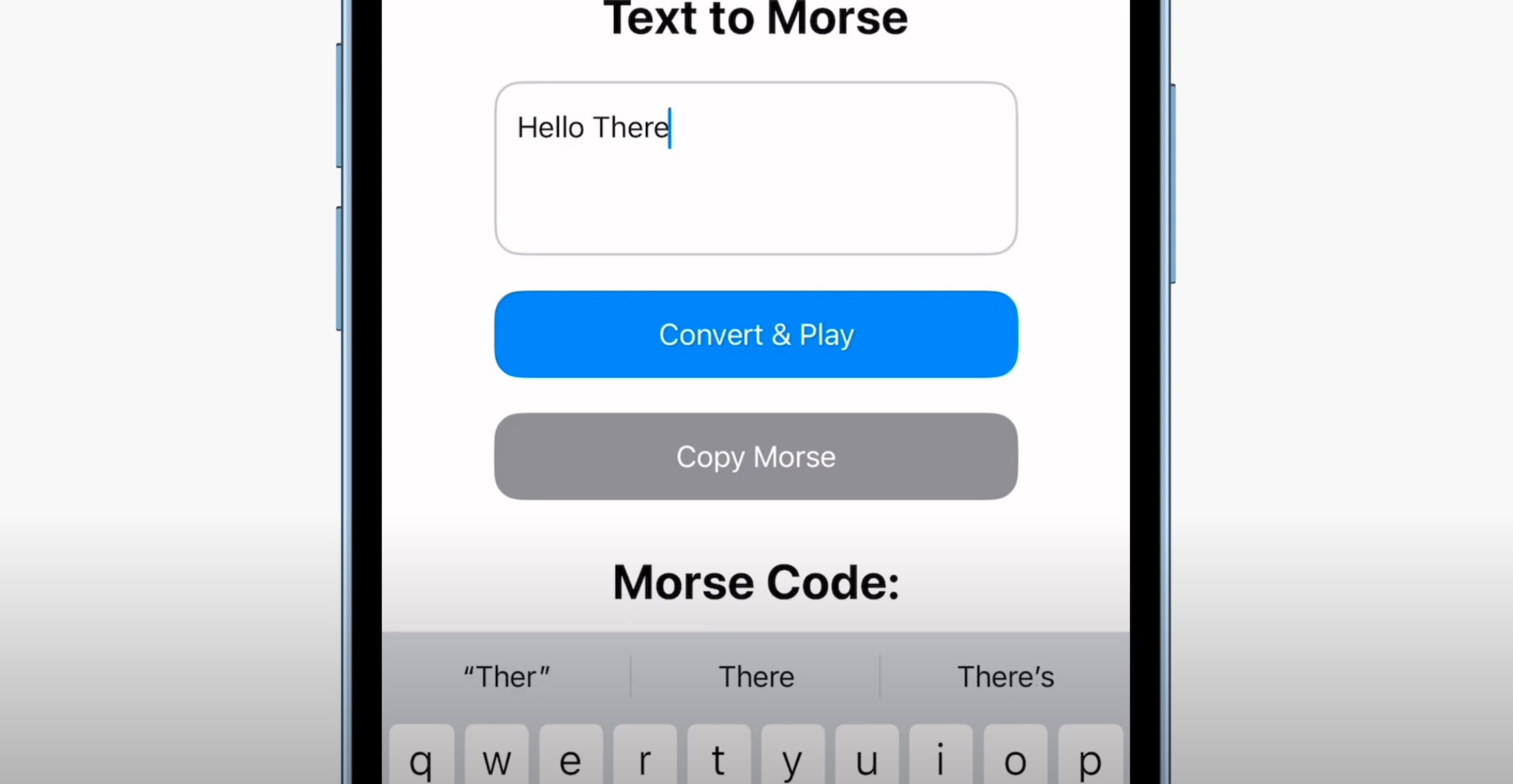
Text-to-Morse feature equipped with lowback translation.
-
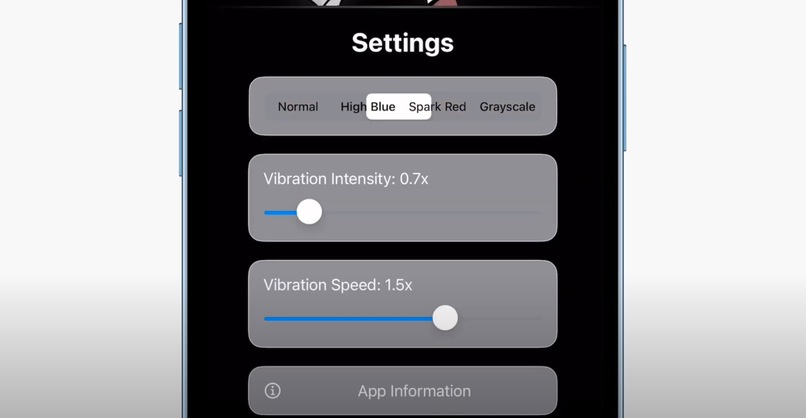
Future-proof accessibility.
Process of UnitySense Development
Step 1: Requirement Analysis: To define what the app does and what features it needs to imply.
Foundation:
- Echo Navigation: Uses sound feedback for object proximity detection.
- Sound Story Mode: Interactive storytelling with sound-based choices.
- Haptic Morse: Converts text to Morse code vibrations.
Core Idea:
- The app needs to be offline and do not need an Internet connection.
- The app must be interactive outside of their screen by using three senses: Hear, See and Touch.
- The app should be accessible for all audience using the existence of device sensors in their Apple devices to accomplist that true intuitive experience.
The three aspects of UnitySense is accesibility, interactive and engaging. UnitySense uses the existing sensors in their Apple devices, which is motion, sound and touch to fully immerse in the app experience.
Features:
- Works completely offline.
- Uses gyroscope for tilting and movement.
- Uses microphone for voice or sound-based recognition.
- Uses haptic feedback for vibration towards the user.
- Simple and clean UI with accessibility in mind.
Step 2: System Design
To define the appearance and structure of the app.
User Interface:
- Simple and direct design that follows the guidelines for Apple App Design.
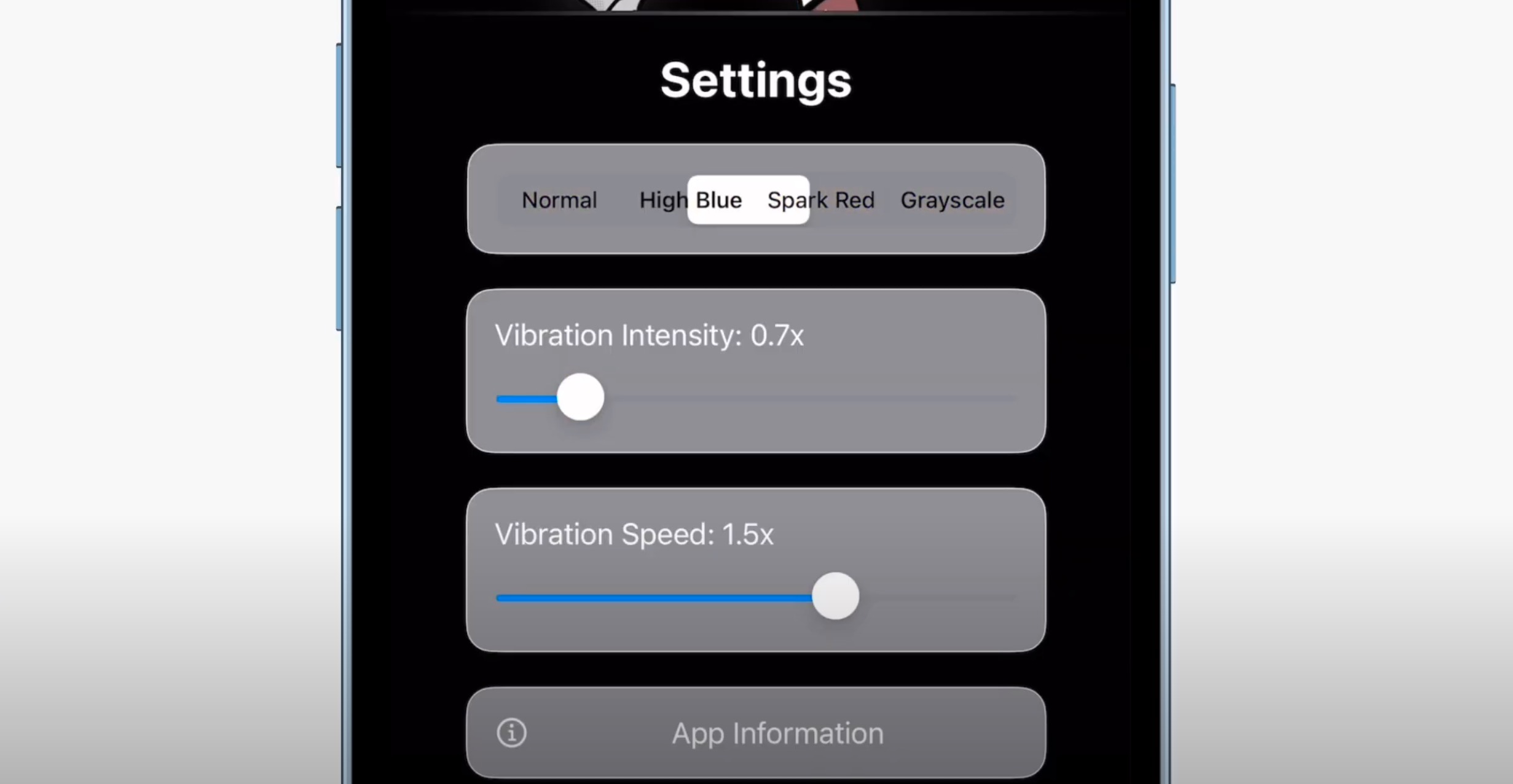
- Add contrast options or color visuals for colorblind users like in Settings app. .
Step 3: Implementation In UnitySense, I have added the code functions to trigger the sensors that is compatible with iPhone and iPad. Using the existing sensors, the application can enable the targeted input based on user selection, then results in the preferred output.
- Motion detection (using CoreMotion).
- Sound-based interaction (using AVAudioRecorder).
- Haptic feedback system (UIImpactFeedbackGenerator) on iPhone.
- Build the user interface with accessibility in mind.
- Offline storage for saving settings or progress.
Step 4: Testing
I have conducted 49 overall testing in selected possibilites to receive the outcome for each occurences. I have also included my friends in college as dummy users to take a sense on utilizing UnitySense in real life scenarios.
- Test each feature separately (gyroscope, microphone, and haptics).
- Let dummy users make their choices and reports them via the feedback form (Refer to Appendix B).
- Test in low-light and noisy environments to make sure the reliability of sensors.
- Fix issues and improve performance after selecting some feedback.
Step 5: Deployment & Maintenance
After completion and final release, I compiled it in the Swift file form and plan for future updates based on incoming feedbacks.

Log in or sign up for Devpost to join the conversation.