-
-
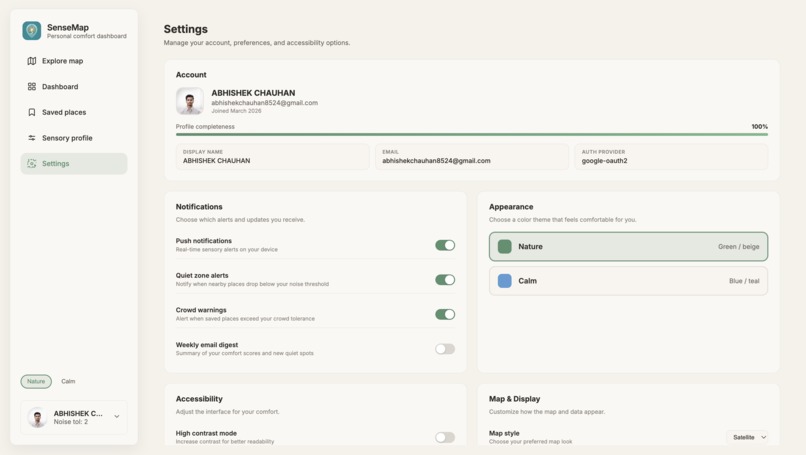
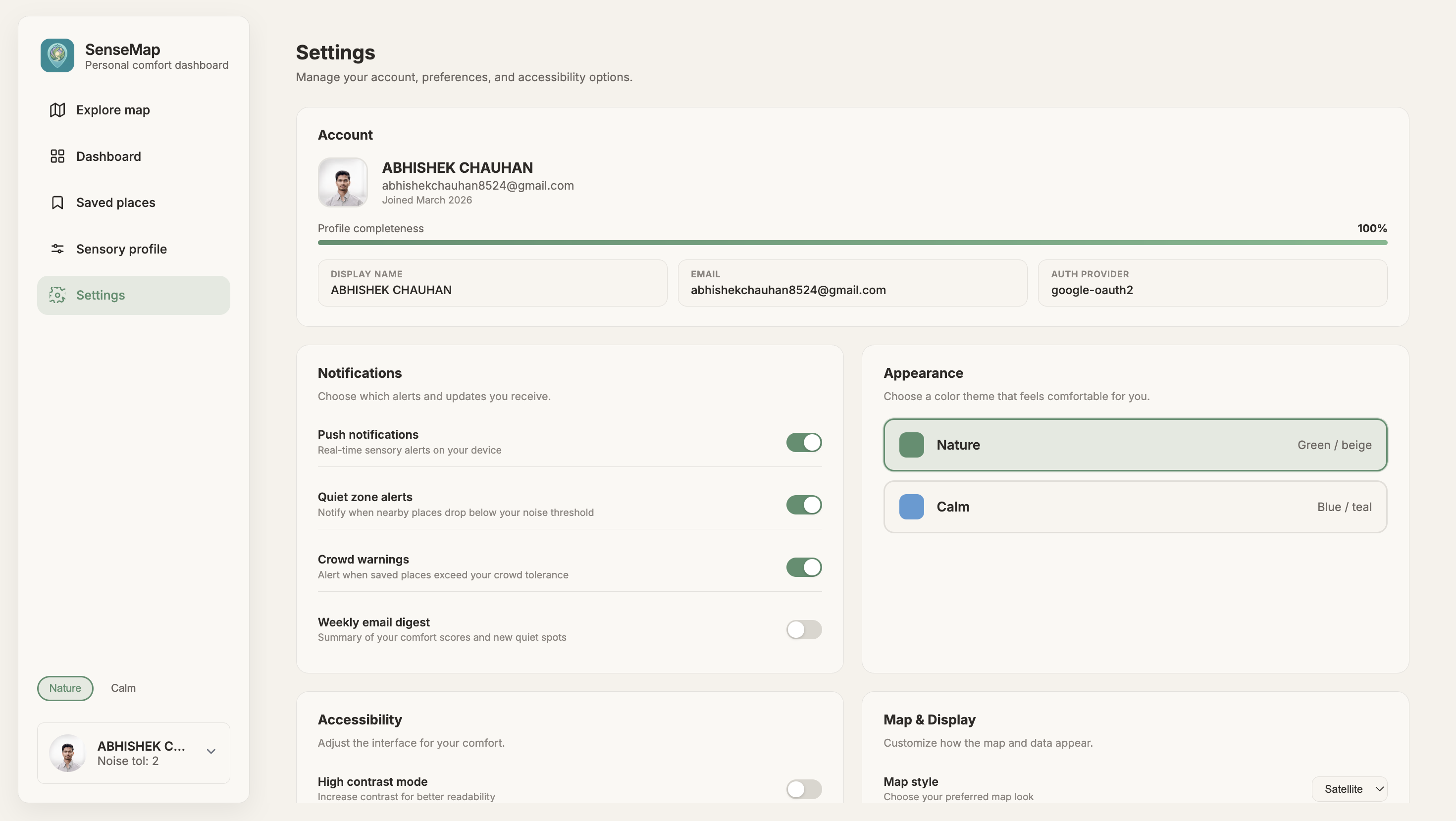
Settings
-
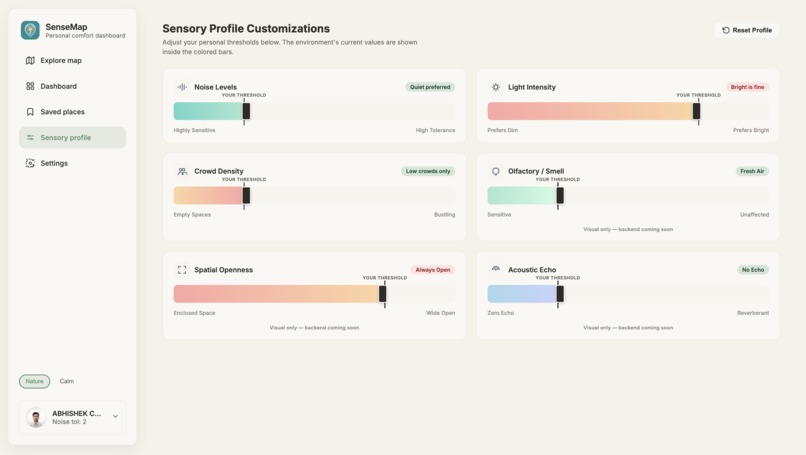
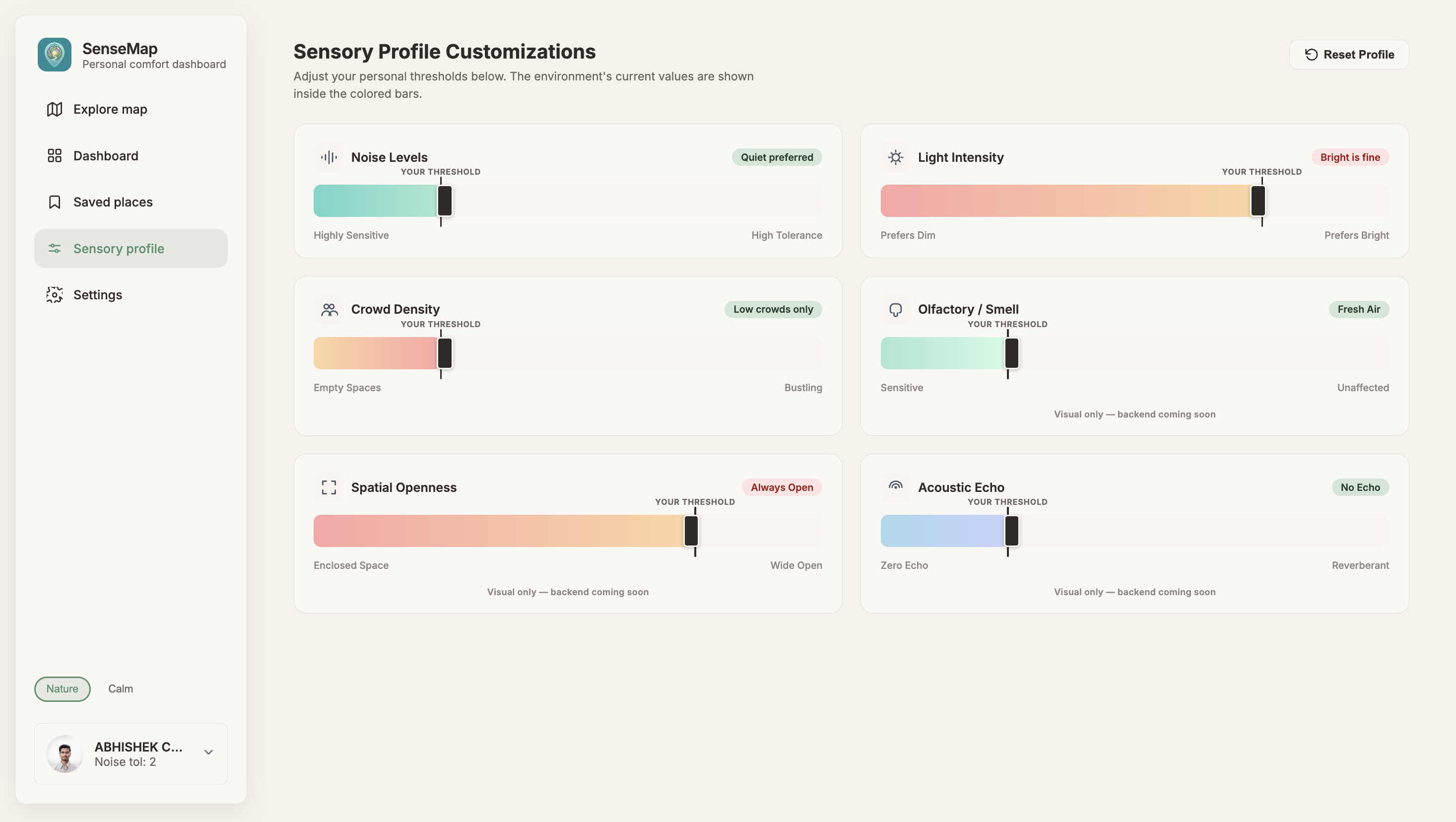
Sensory Profile Customizations
-
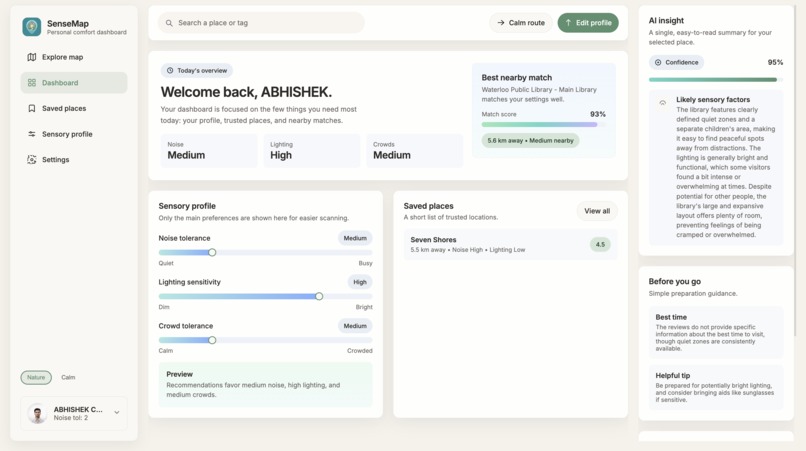
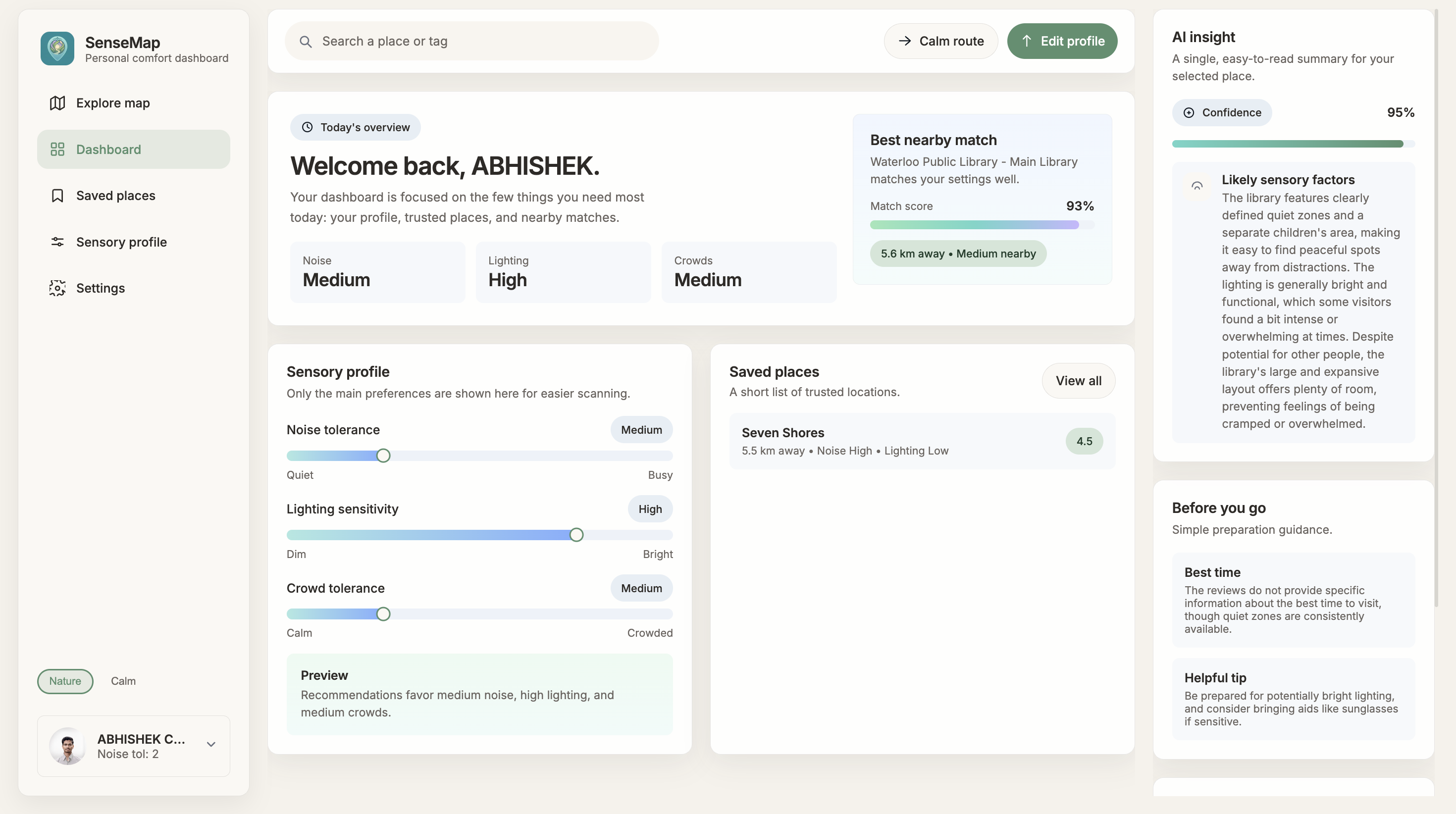
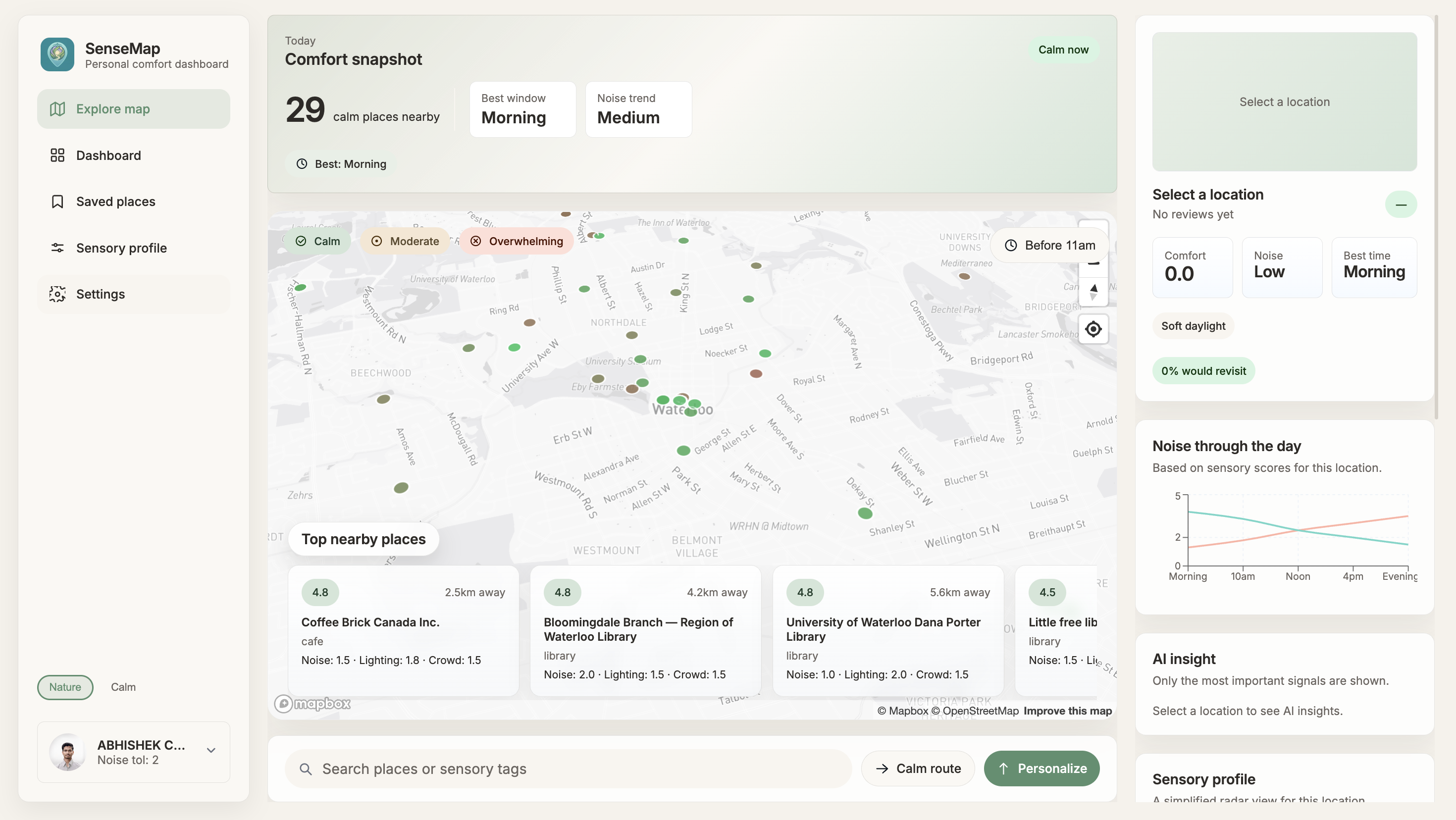
Dashboard
-
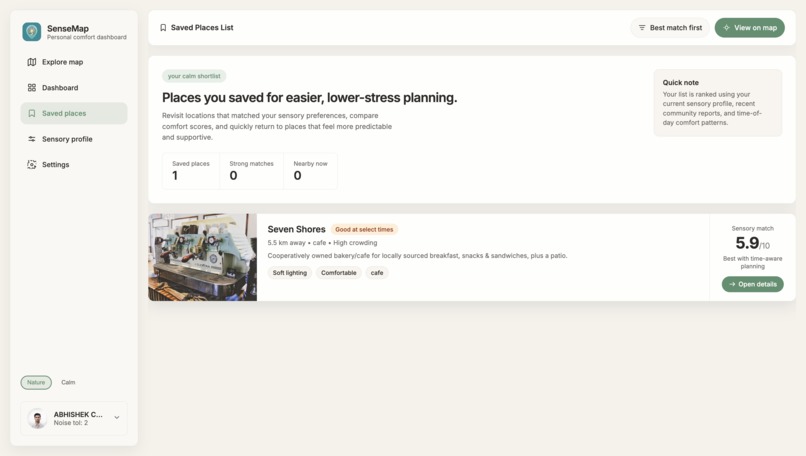
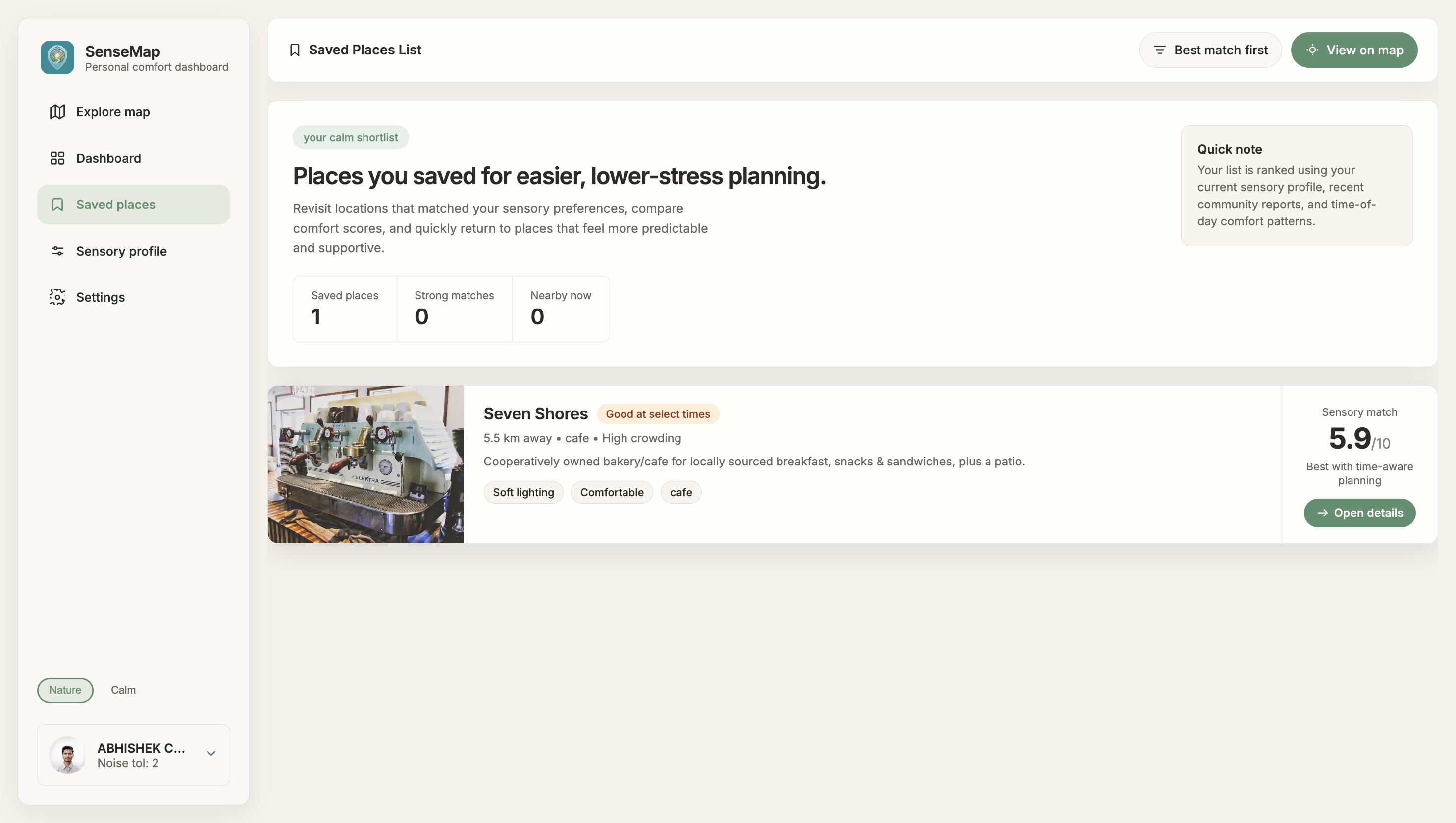
Saved Places List
-
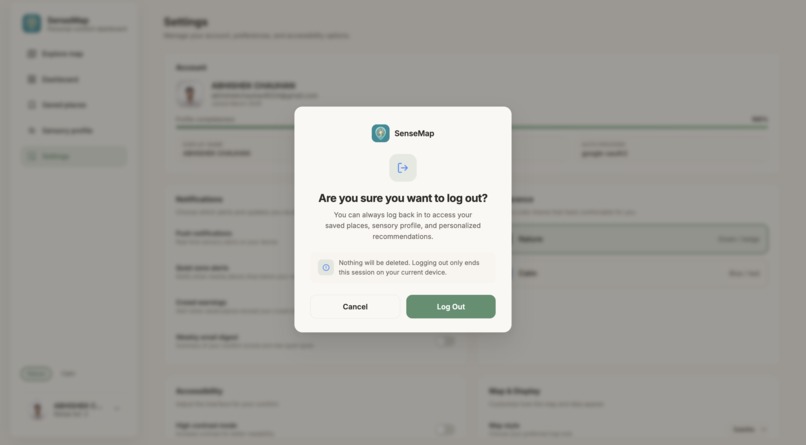
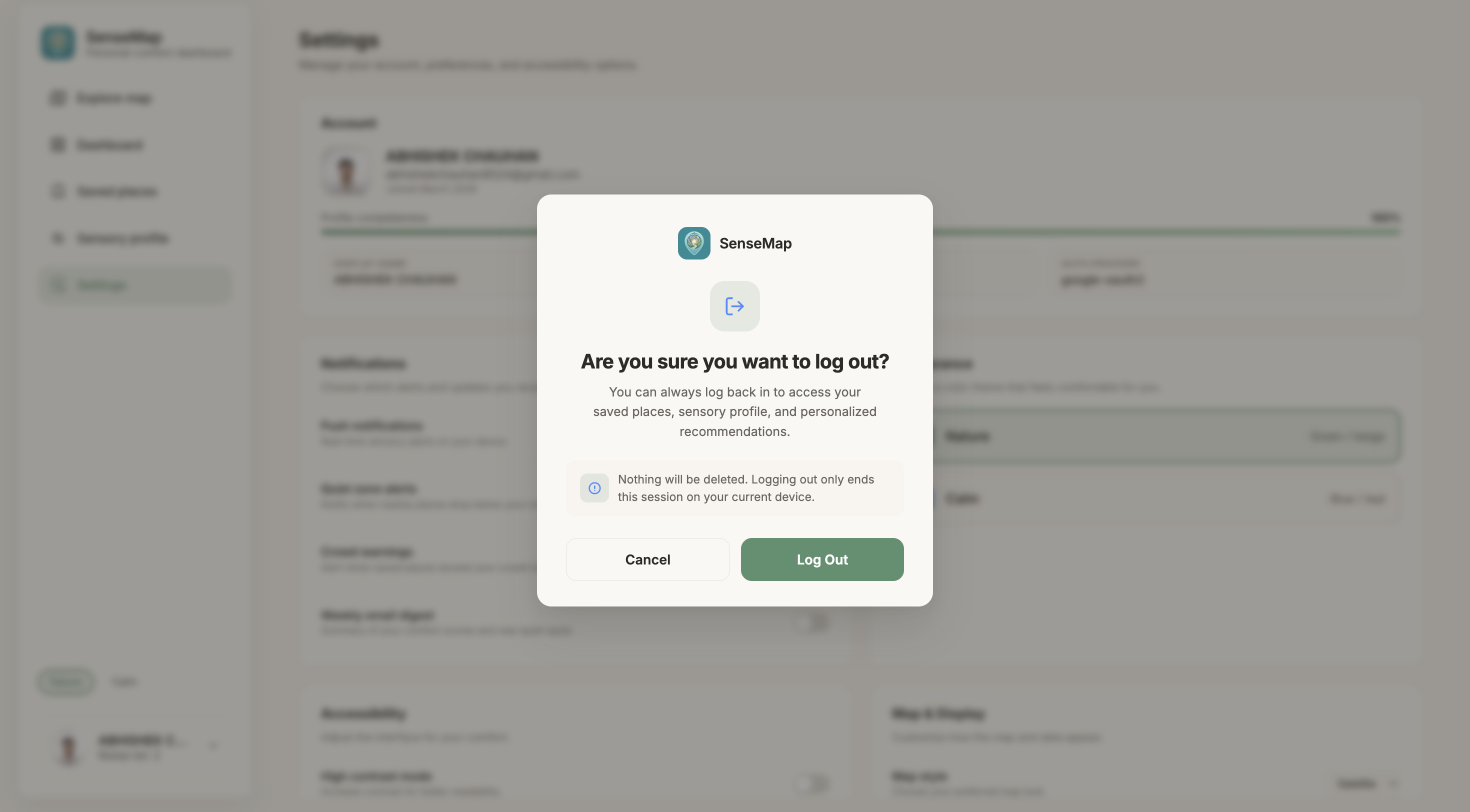
Logout
-
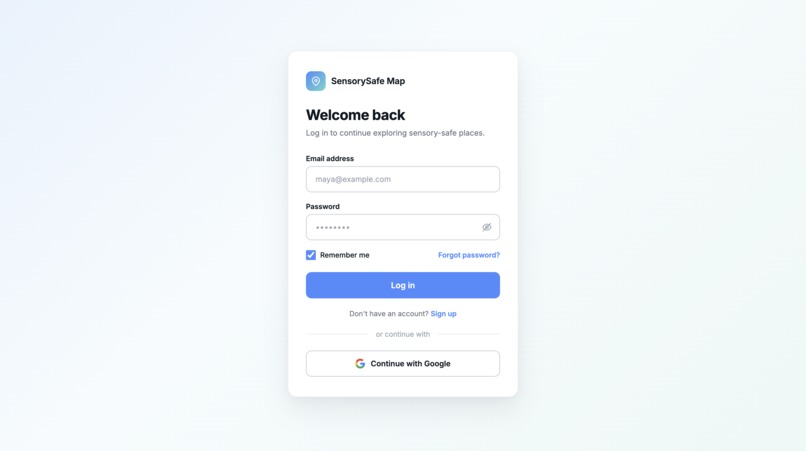
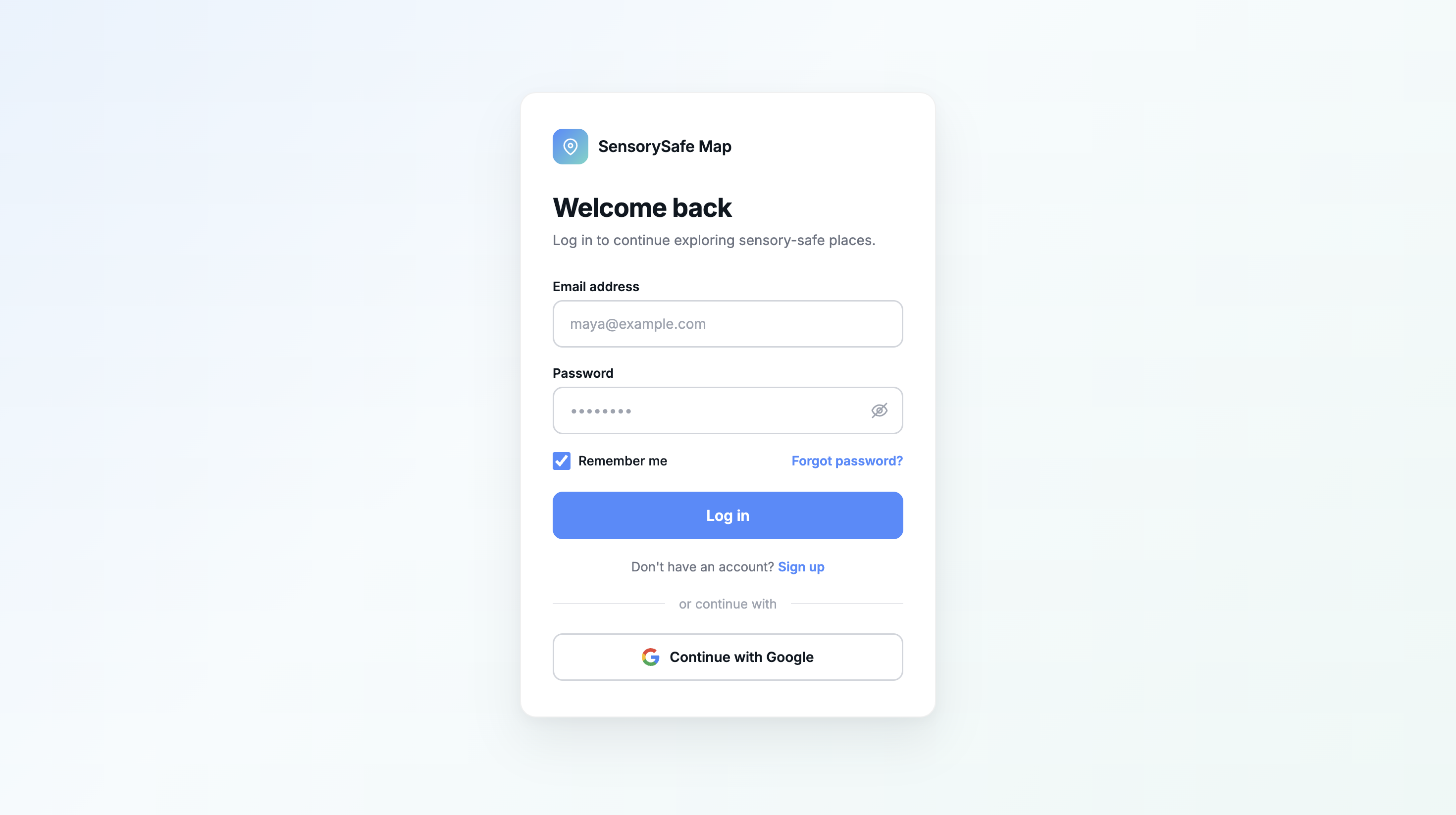
Login Auth0
-
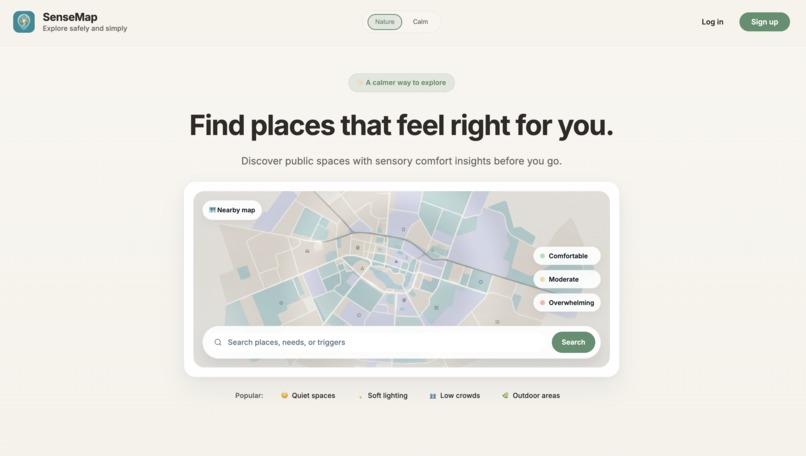
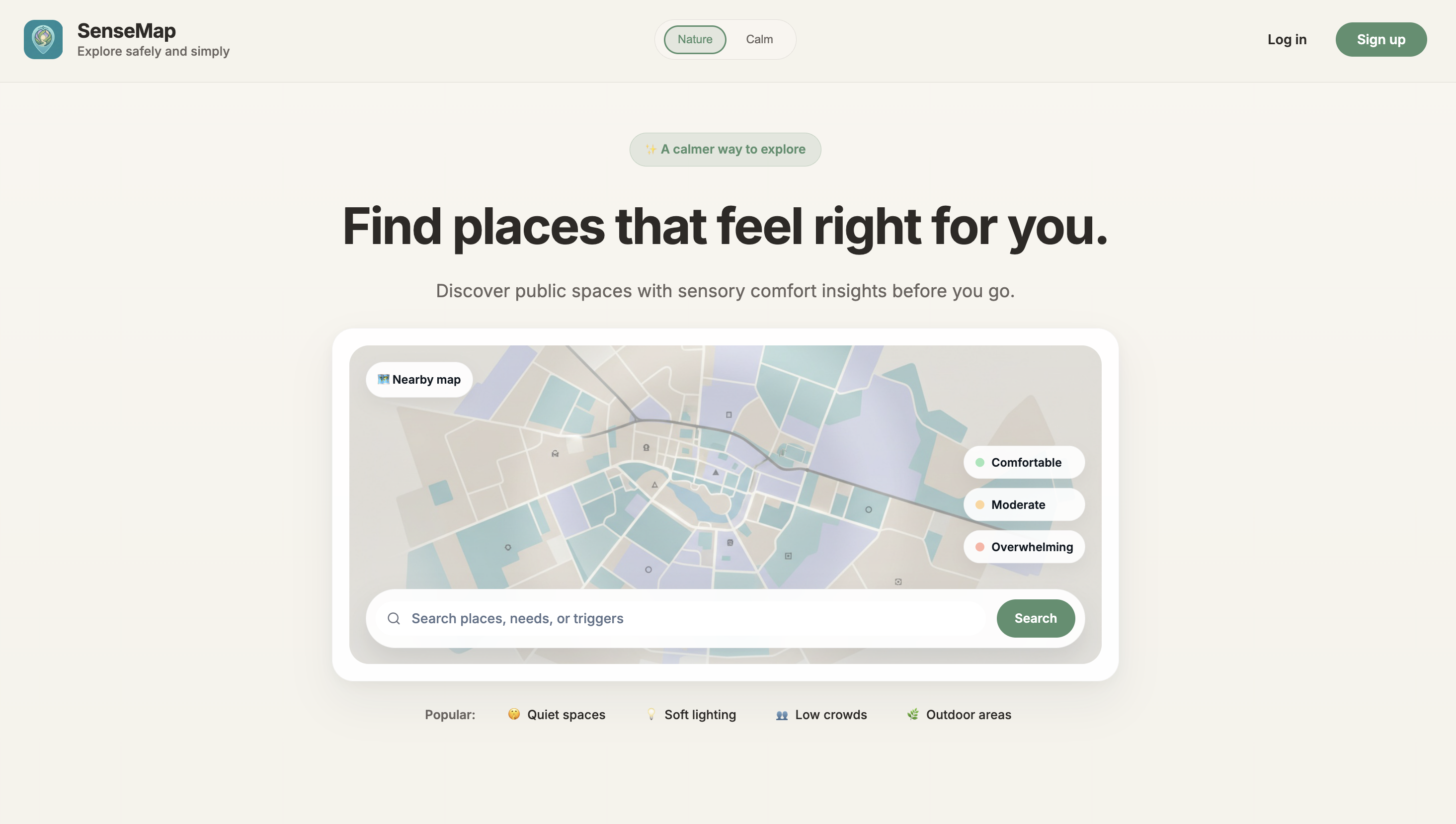
Launch Screen
-
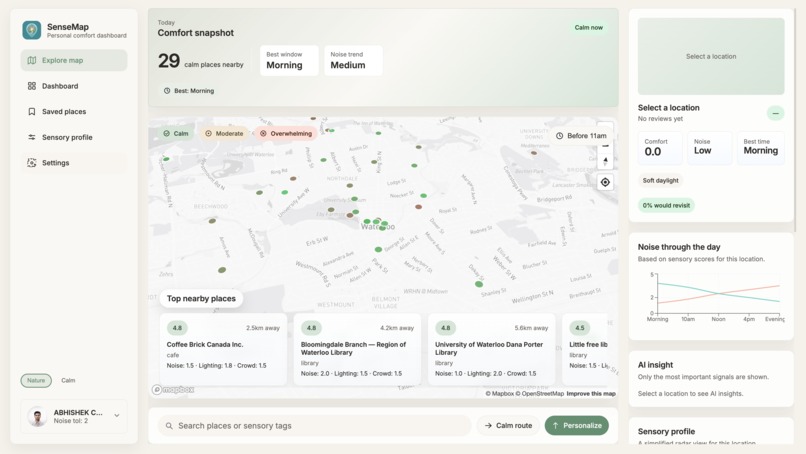
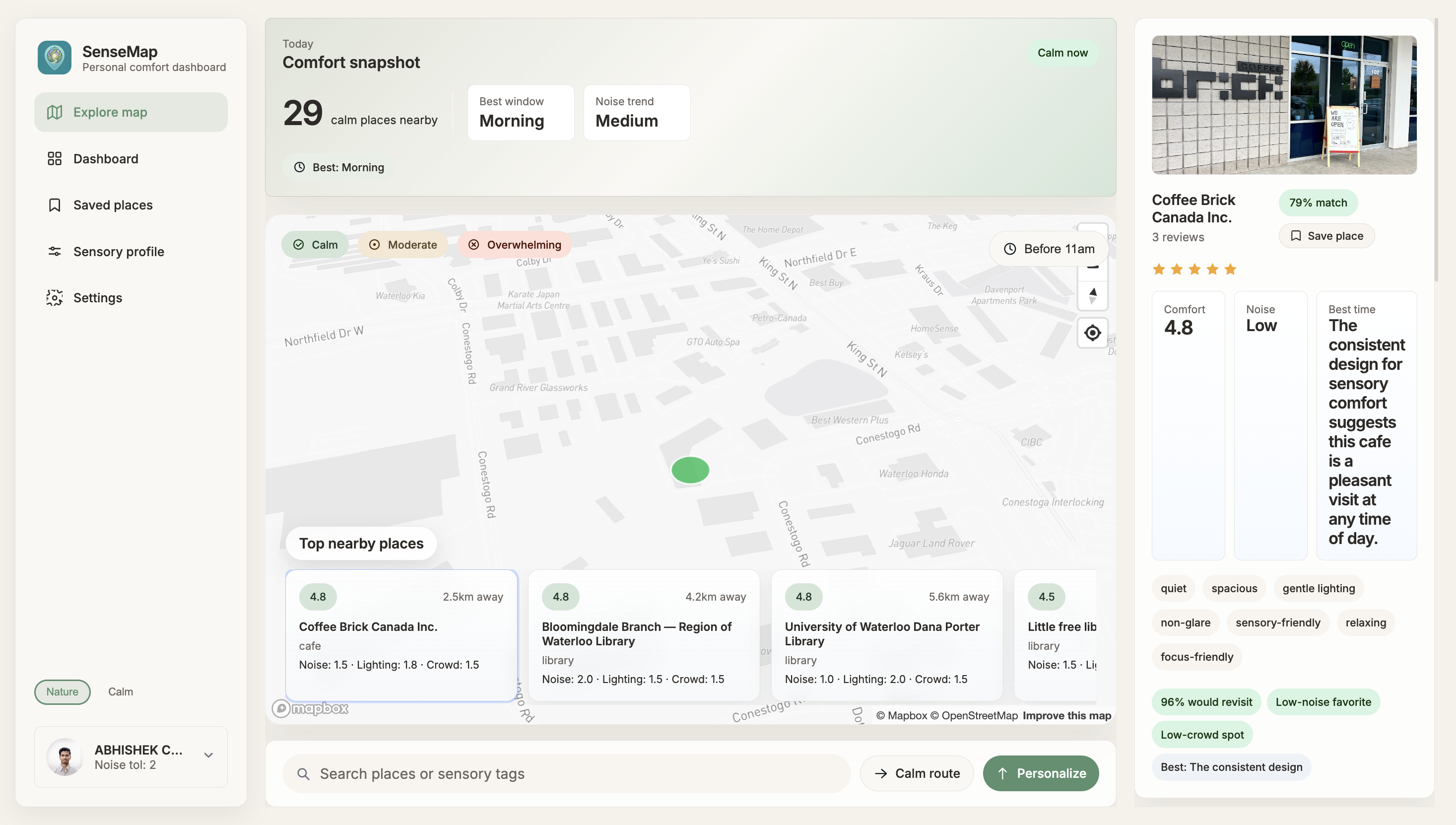
Map after Authentication
-
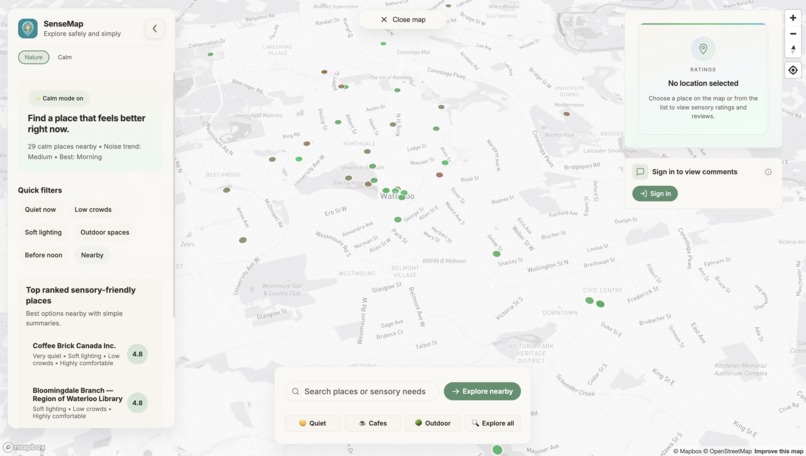
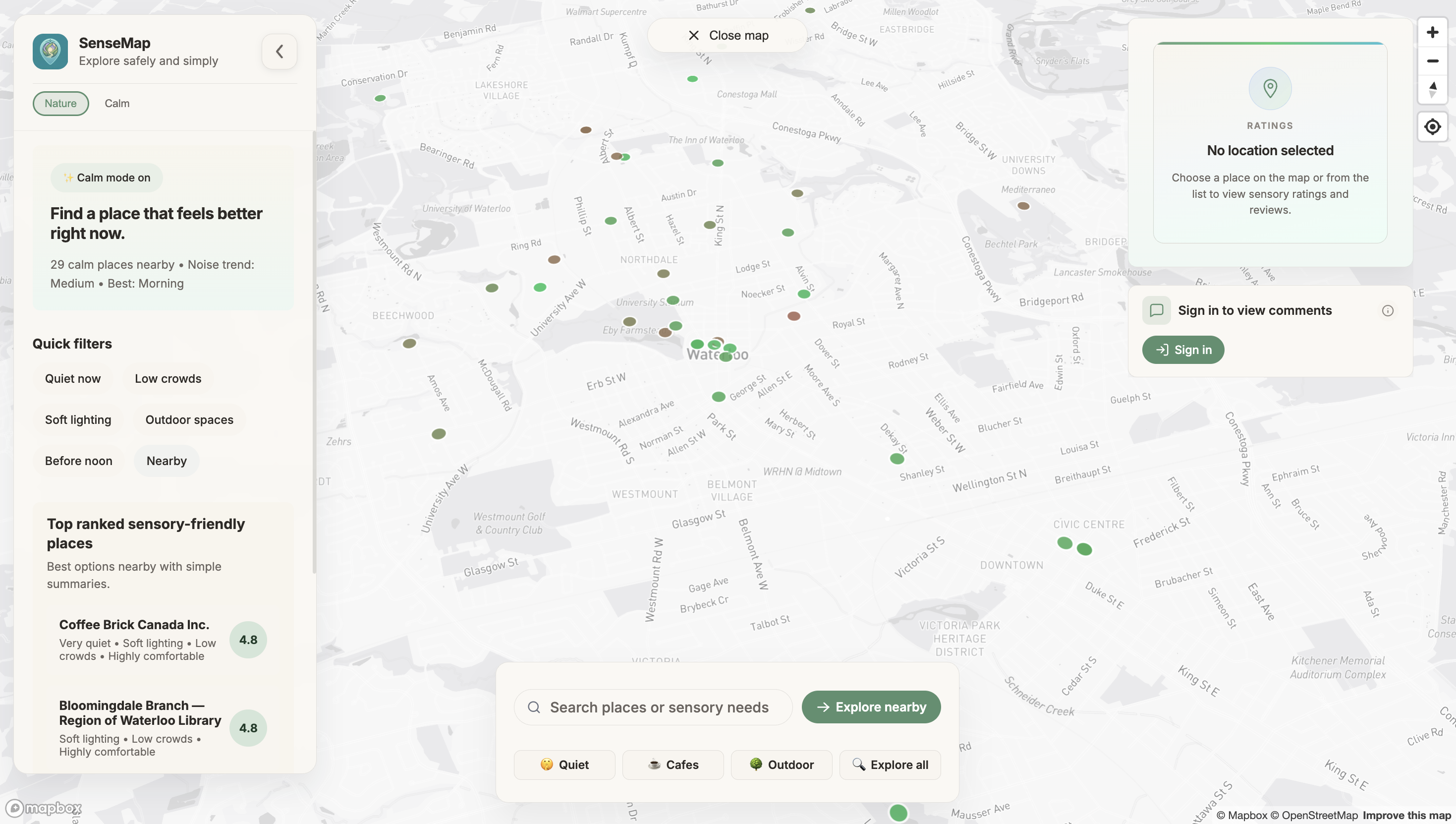
Map for Guests
-
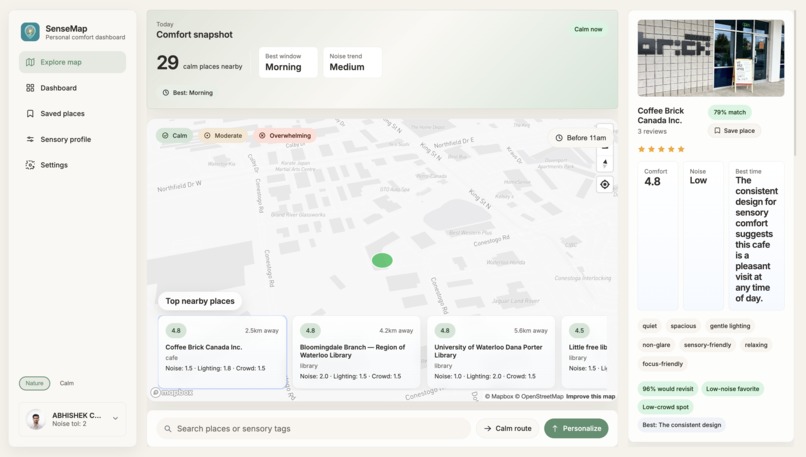
Selected Location on Map
-
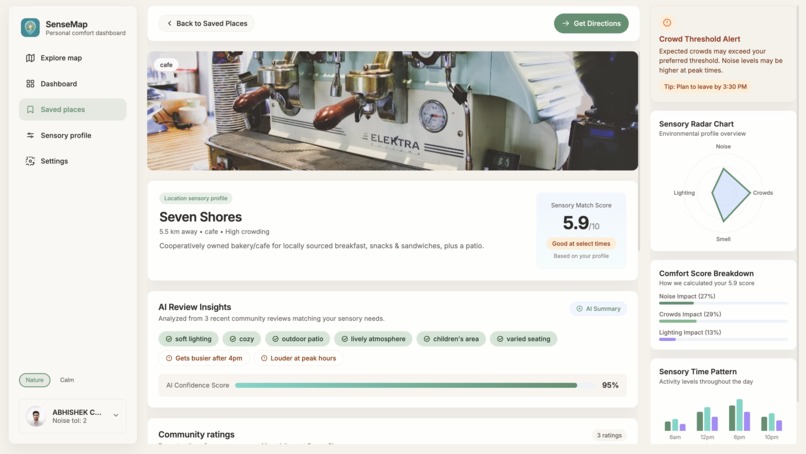
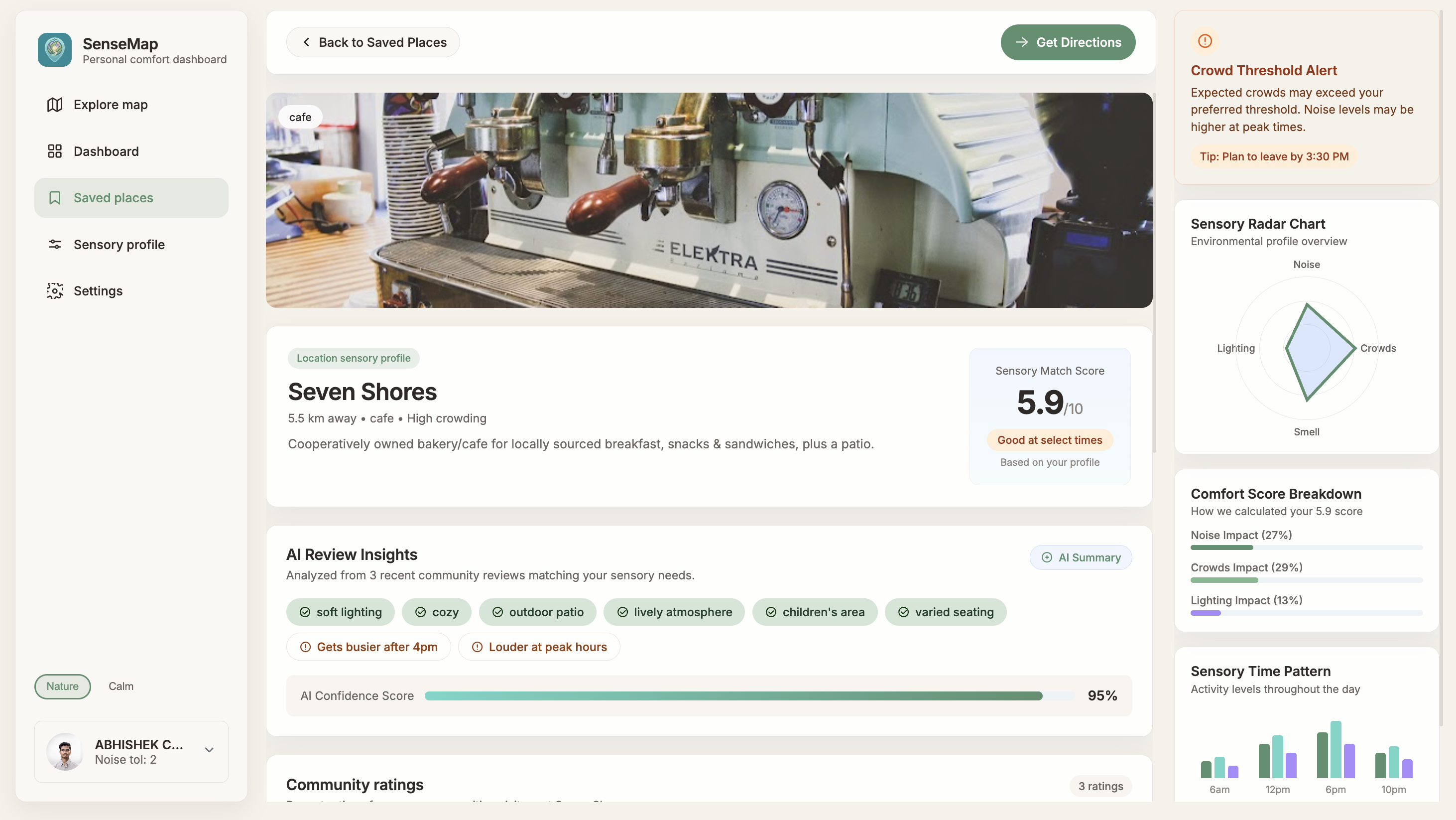
Saved Location Overview
SenseMap — Devpost Project Story
Inspiration
For millions of autistic and sensory-sensitive individuals, something as simple as visiting a café, library, or park can feel overwhelming — not because of the destination itself, but because of the unknown. Loud environments, bright lighting, unpredictable crowds, and sudden stimuli can turn a routine outing into an exhausting or distressing experience.
We built SenseMap because we believe that access to a space shouldn't just mean physical access — it should mean sensory access too. We were inspired by the gap between existing map tools and the real needs of neurodivergent people. Google Maps tells you how busy a place is, but it doesn't tell you whether the lighting is harsh, whether it echoes, or whether there's a quieter corner in the back.
We also drew inspiration from modern, minimalist digital products like Linear, Notion, and Apple's Human Interface Guidelines — designing every interaction to feel calm, predictable, and low-stimulation, because the app itself should reflect the peace it's trying to help users find.
What it does
SenseMap is a map-based web application that helps autistic and sensory-sensitive people find comfortable public spaces before they visit.
Core features:
- Interactive Sensory Map — A Mapbox-powered map overlaid with deck.gl heatmap layers showing noise, lighting, and crowd comfort levels across locations in real time.
- Community Sensory Reviews — Authenticated users submit detailed reviews rating noise, lighting, and crowd levels on a 1–5 scale. Every new review automatically recalculates the location's comfort scores.
- AI-Powered Insights — Using Google Gemini, SenseMap analyzes community reviews for each location and generates structured sensory insight cards including confidence scores, noise and lighting summaries, best visit times, sensory tags, and personalized preparation guides.
- Personalized Sensory Profile — Users set their noise, lighting, and crowd tolerances. The platform uses these to calculate a personal match score (0–100%) for every location.
- Smart Rankings — All locations are ranked by comfort score, giving users an instant list of the most sensory-friendly places nearby.
- Saved Places — Users can bookmark trusted locations for quick access and planning.
- Calm Route Mode — Filters the map to only show locations with high comfort scores, reducing decision fatigue.
- Before You Go — AI-generated preparation tips and best time recommendations so users can mentally prepare before visiting.
How we built it
We were a team of 4 — 2 focused on UI/UX design, and Frontend 1 on full stack developer, and 1 core backend developer.
Backend (Node.js + Express + Supabase + Prisma):
- Built a RESTful API with 15+ endpoints covering public location data, protected user features, AI insights, and image uploads
- Used Prisma ORM with PostgreSQL on Supabase for all data storage
- Integrated Auth0 for JWT-based authentication with a middleware pattern that differentiates guests (read-only) from authenticated users (full access)
- Integrated Google Gemini (gemini-2.0-flash) for AI review parsing — the model receives aggregated review text and returns structured JSON with confidence scores, sensory summaries, best times, and preparation guides
- Used Cloudinary + Multer for image uploads on reviews
- Built a score recalculation system that automatically updates aggregated sensory scores after every new review
- Deployed on Render with Supabase as the hosted database
Frontend (React + Mapbox GL JS + deck.gl):
- Built with React using Auth0 React SDK for authentication
- Mapbox GL JS for the interactive map with custom GeoJSON pin layers colored by comfort score
- deck.gl HeatmapLayer for real-time sensory comfort, crowd density, and lighting overlays
- Recharts for radar charts, noise timeline charts, and comfort score breakdowns
- Tailwind CSS for a clean, low-stimulation UI that prioritizes calm aesthetics
Design (Figma):
- Designed a full design system focused on autism-friendly UX — soft color palettes, generous spacing, low-contrast transitions, and predictable layouts to reduce cognitive load
- Designed 7 fully detailed screens including landing, explore map, dashboard, saved places, sensory profile, and auth flows
Challenges we ran into
1. Prisma v7 breaking changes
We hit an unexpected wall early on — Prisma v7 changed how database URLs are configured, removing url from schema.prisma entirely and requiring a prisma.config.ts file. Additionally, new PrismaClient() no longer works without a driver adapter. We had to pivot to using @prisma/adapter-pg with the PrismaPg adapter, which took significant debugging time.
2. Gemini API quota limits During development and testing, we burned through the free tier quota on multiple API keys due to rapid iteration. We learned to create fresh keys and implemented proper error handling with fallback states so the UI degrades gracefully when the AI endpoint is rate-limited.
3. Integrating Google Maps data with Mapbox Sourcing real location data proved challenging — Google Maps data isn't directly compatible with Mapbox's GeoJSON format, and the APIs have strict usage restrictions. We ended up building our own location seeding system with manually curated locations and a clean GeoJSON formatter that converts our database records into Mapbox-ready FeatureCollections.
4. Real-time sensory data architecture
Designing a system where every new review automatically recalculates aggregated sensory scores — without degrading performance — required careful thought. We built a recalculateScores() utility that runs after every review submission, averaging all user-submitted noise, lighting, and crowd levels into a single SensoryScore record per location.
5. Static vs dynamic frontend A major challenge was ensuring the frontend consumed real backend data everywhere. Early versions had hardcoded values for match scores, AI confidence, star ratings, and noise charts. We systematically replaced every static element with live API calls, computed values, and proper loading states.
Accomplishments that we're proud of
- Built a fully functional full-stack platform in under 48 hours with a team of 4
- Successfully integrated Google Gemini to generate structured, human-readable sensory insight cards from raw community reviews
- Designed and implemented a personalized match score algorithm that compares a user's sensory tolerances against real location data
- Created a clean, accessible design system purpose-built for neurodivergent users
- Deployed a live backend on Render connected to a hosted Supabase PostgreSQL database with real data
- Built 15+ API endpoints covering public data, protected user features, AI, image uploads, search, rankings, and saved places
What we learned
- Autism-friendly UX design — Implementing soft color palettes, generous spacing, low-contrast transitions, and predictable layouts to reduce cognitive load requires intentional, research-backed decisions at every step
- Accessibility standards — Designing with keyboard navigation, screen reader support, and motion-reduction options in mind from the start is far easier than retrofitting
- Prisma v7 and driver adapters — We deepened our understanding of database connection patterns in serverless and edge environments
- Structured AI prompting — Getting Gemini to return consistent, parseable JSON required careful prompt engineering, explicit output format instructions, and robust error handling
- GeoJSON as a universal data format — Designing the backend to serve GeoJSON natively made Mapbox and deck.gl integration significantly simpler
- Real-time score aggregation — Building systems where data stays fresh after every user action requires thinking about write-through patterns early in the architecture phase
What's next for SenseMap
Phase 1 — Richer data:
- Peer-to-peer sensory reviews to improve data accuracy as the user base grows
- Reviews for specific areas of a location (corner seating, patio, second floor)
- AI extraction of sensory information from public Google reviews
- AI prediction of sensory comfort for places with few or no reviews
- Real-time crowd estimation using location density data
- Time-of-day sensory forecasts (morning vs evening crowd levels)
Phase 2 — Smarter personalization:
- Smart recommendations based on past visits and preferences
- "Best time to visit" suggestions based on historical patterns
- Ability to mark specific triggers such as strong smells, loud music, or flickering lights
- Custom filters for individual sensory triggers
- Route planner that avoids crowded or noisy streets
- "Preparation mode" that previews full sensory conditions before visiting
- Community tips such as "best quiet corner" or "least busy time"
- Anonymous reviews to encourage honest and unfiltered feedback
- Integration with wearable devices to alert users of sensory overload risk
Phase 3 — Community & ecosystem:
- Verified sensory-friendly badges for businesses
- Businesses can submit official sensory environment profiles
- Sensory-friendly event listings in nearby areas
- Alert system warning users about potential sensory triggers nearby
- Option to report temporary changes such as construction noise or live events
- Family and caregiver mode to help plan safe outings together
- Shared safe-place lists for families or support groups
- Offline map mode for planning trips without internet access
- Multi-language support for a broader global user base
Phase 4 — Research & impact:
- AI clustering of similar sensory environments across cities
- Community moderation to improve review reliability
- Confidence scores showing the reliability of all sensory data
- Integration with urban planning data to identify quieter districts
- Open data dashboard for researchers studying sensory accessibility
Built With
- ai
- auth0
- cloudinary
- deck.gl
- express.js
- figma
- gemini
- gl
- javascript
- mapbox
- node.js
- postgresql
- prisma
- react
- recharts
- render
- supabase
- tailwind


Log in or sign up for Devpost to join the conversation.