
Inspiration
One of my friends asked me to develop an Android app that suggests apps based on context and usage on the front page so that the user need not go and search for required app at any point of time.
What it does
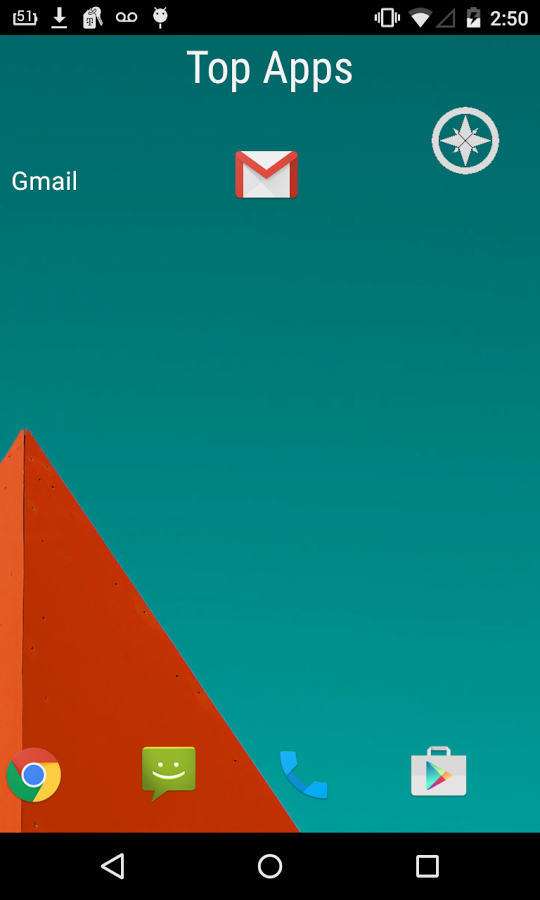
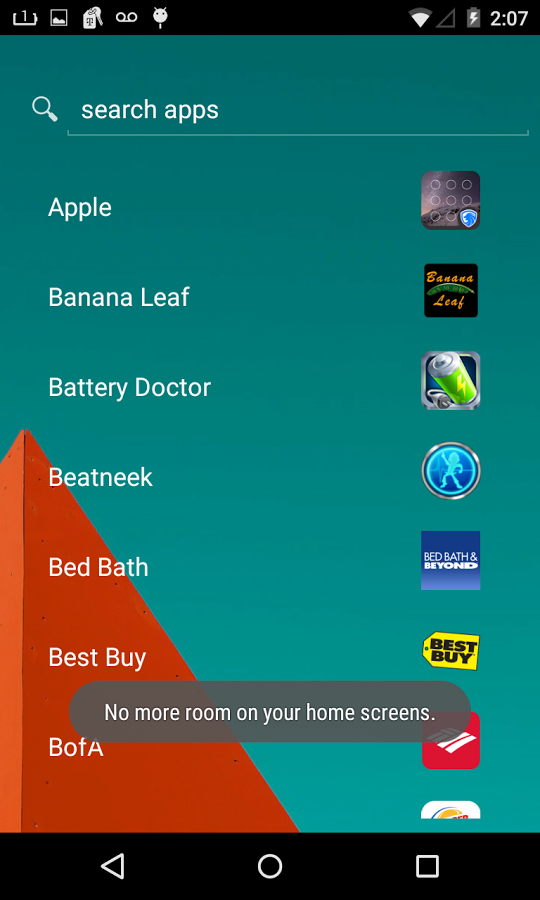
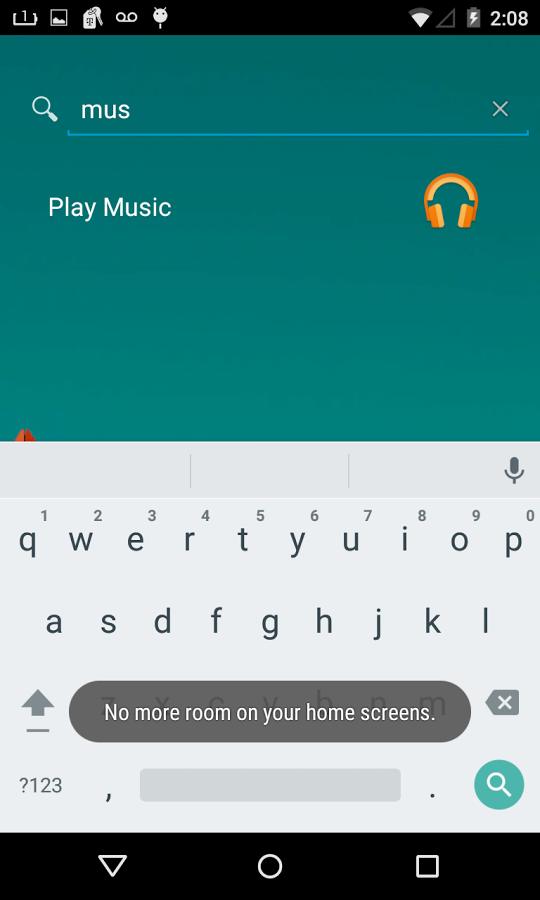
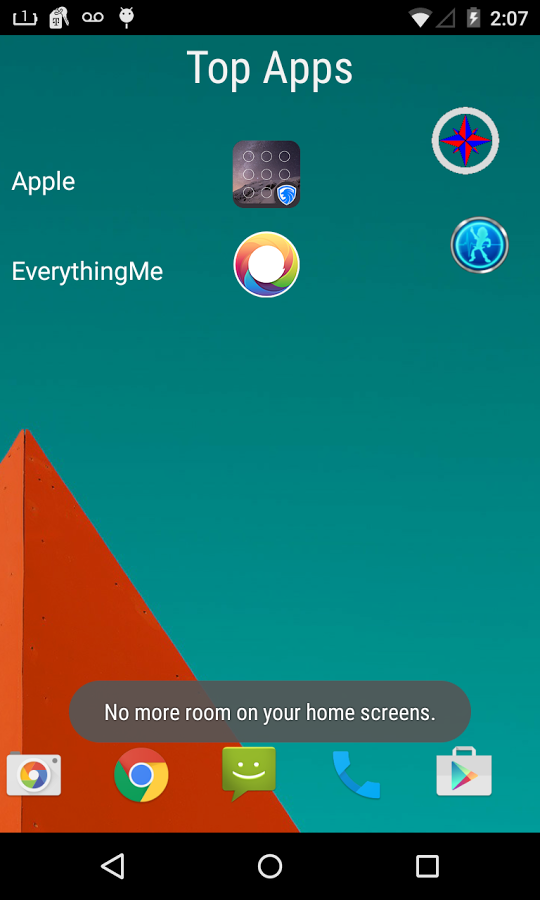
A home screen launcher that displays top apps based on context and usage on the front page and all installed apps on the second page. Users can uninstall listed app by using long click.
How I built it
I built it using Android, trnql SDK and Google Places API.
Challenges I ran into
Loading images for all installed apps, displaying top apps based on usage and batter drain when constantly looking for near by places.
Accomplishments that I'm proud of
Using right SDK (trnql SDK) for this app. Displaying apps matching user's context provided the apps are already installed on the phone.
What I learned
I learnt how to cache images, how picasso library works, how to use trnql's smart framework for effective communication between activities and services running within an application and how to minimize battery drain by tracking user's activity (trnql user activity - walking/biking/onfoot/driving) when looking for near by places.
What's next for Sensei Launcher BETA
To promote app and get more downloads and feedback.

Log in or sign up for Devpost to join the conversation.