-
-
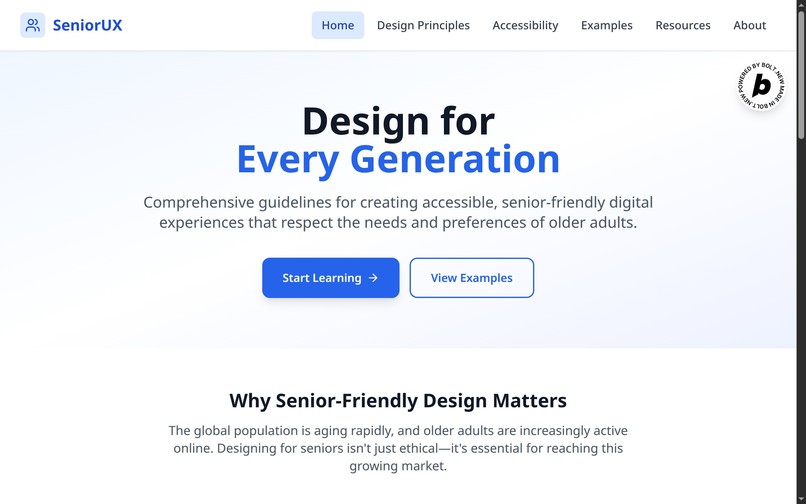
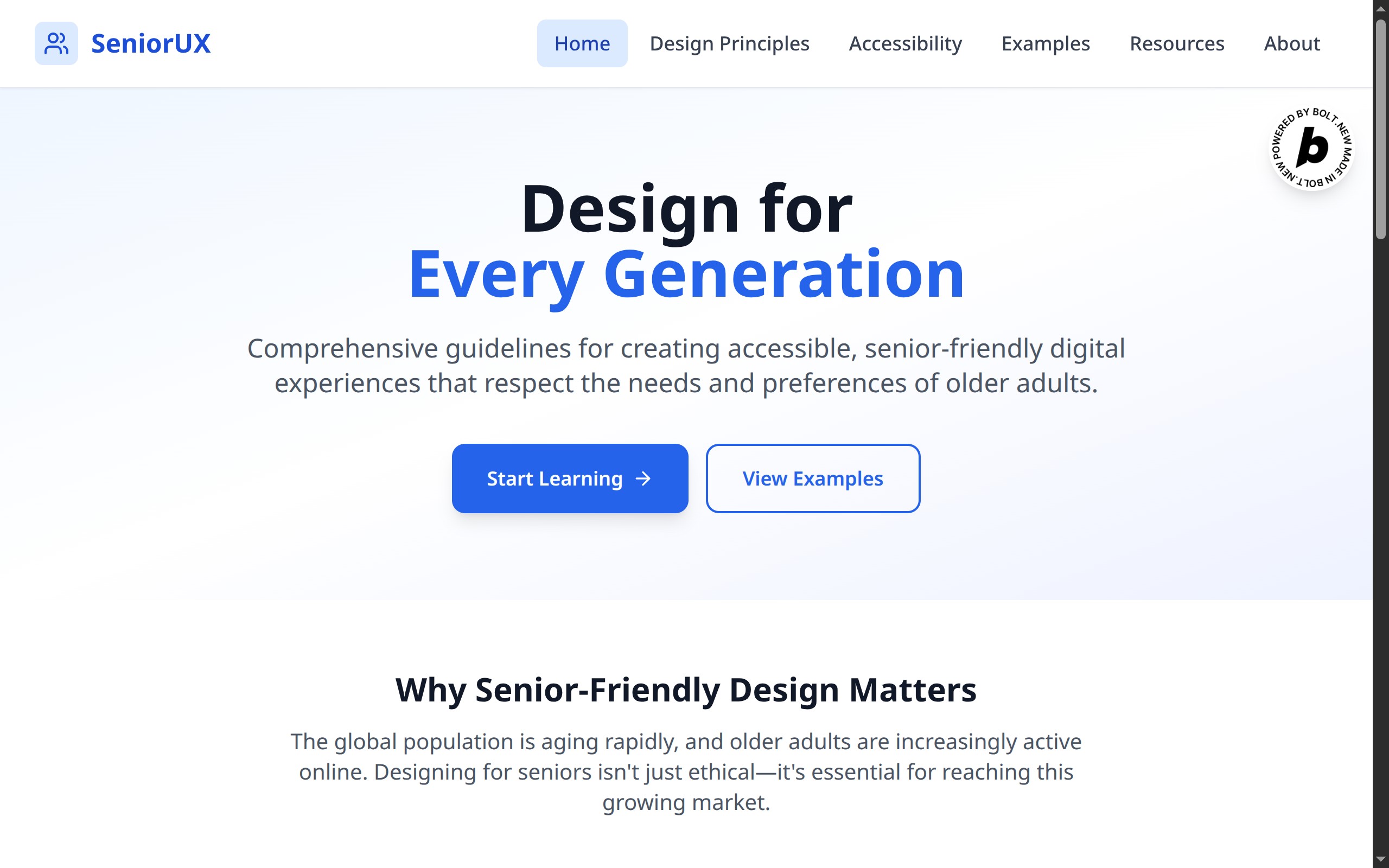
home page
-
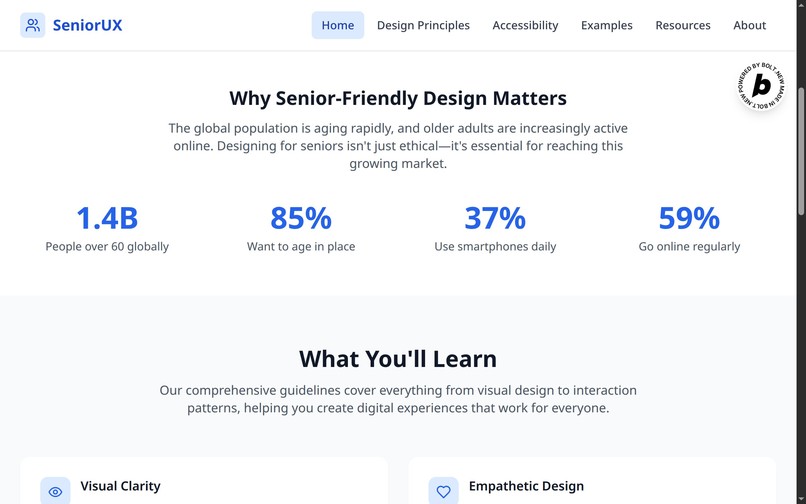
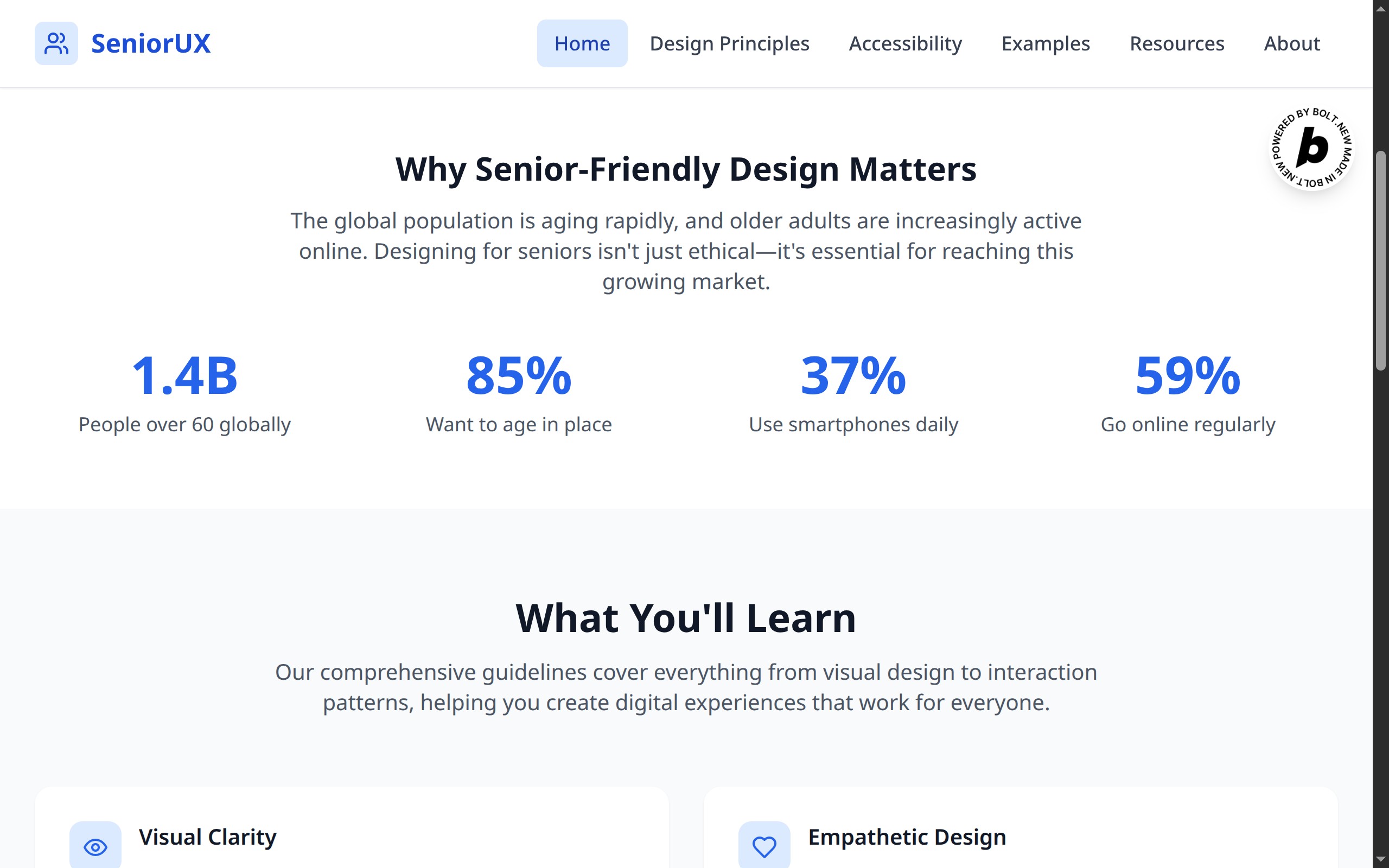
statistics
-
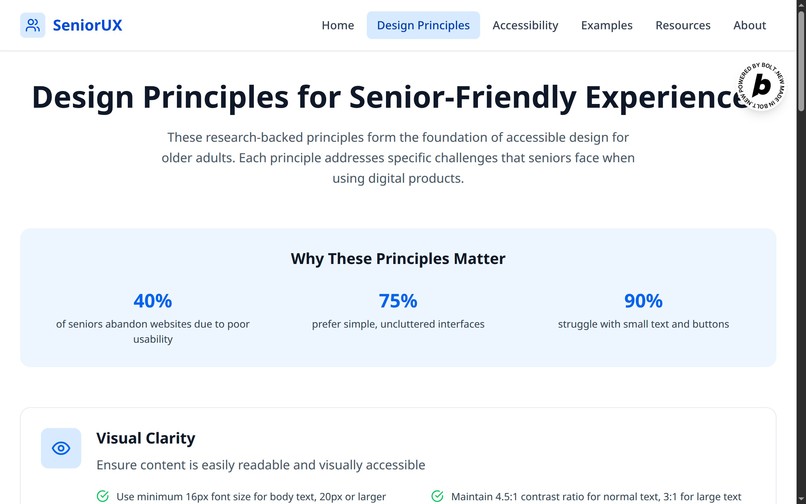
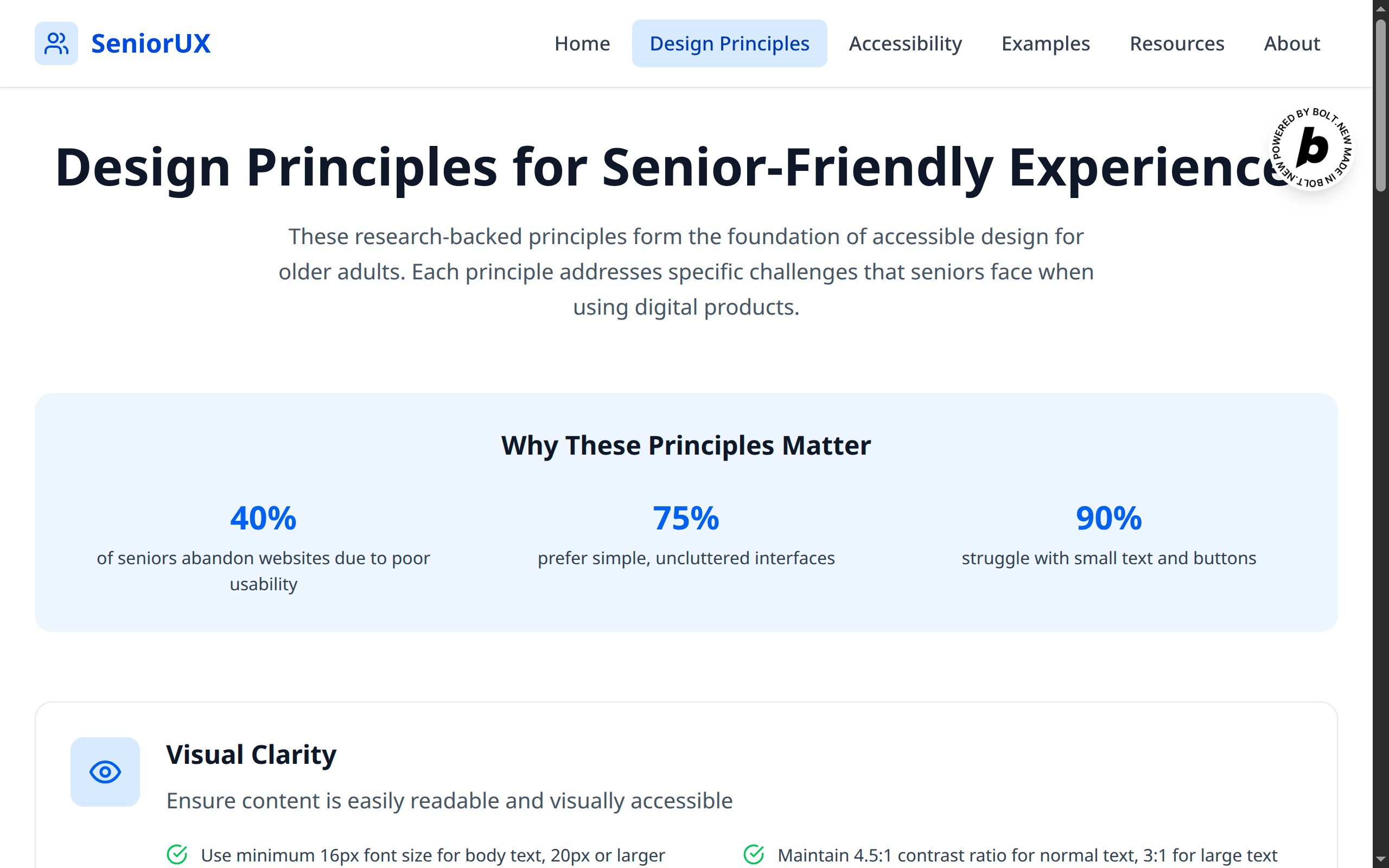
design principles - top
-
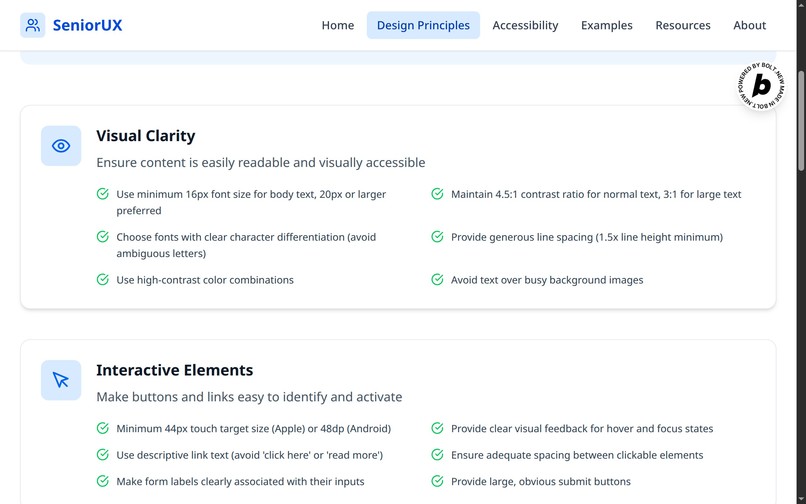
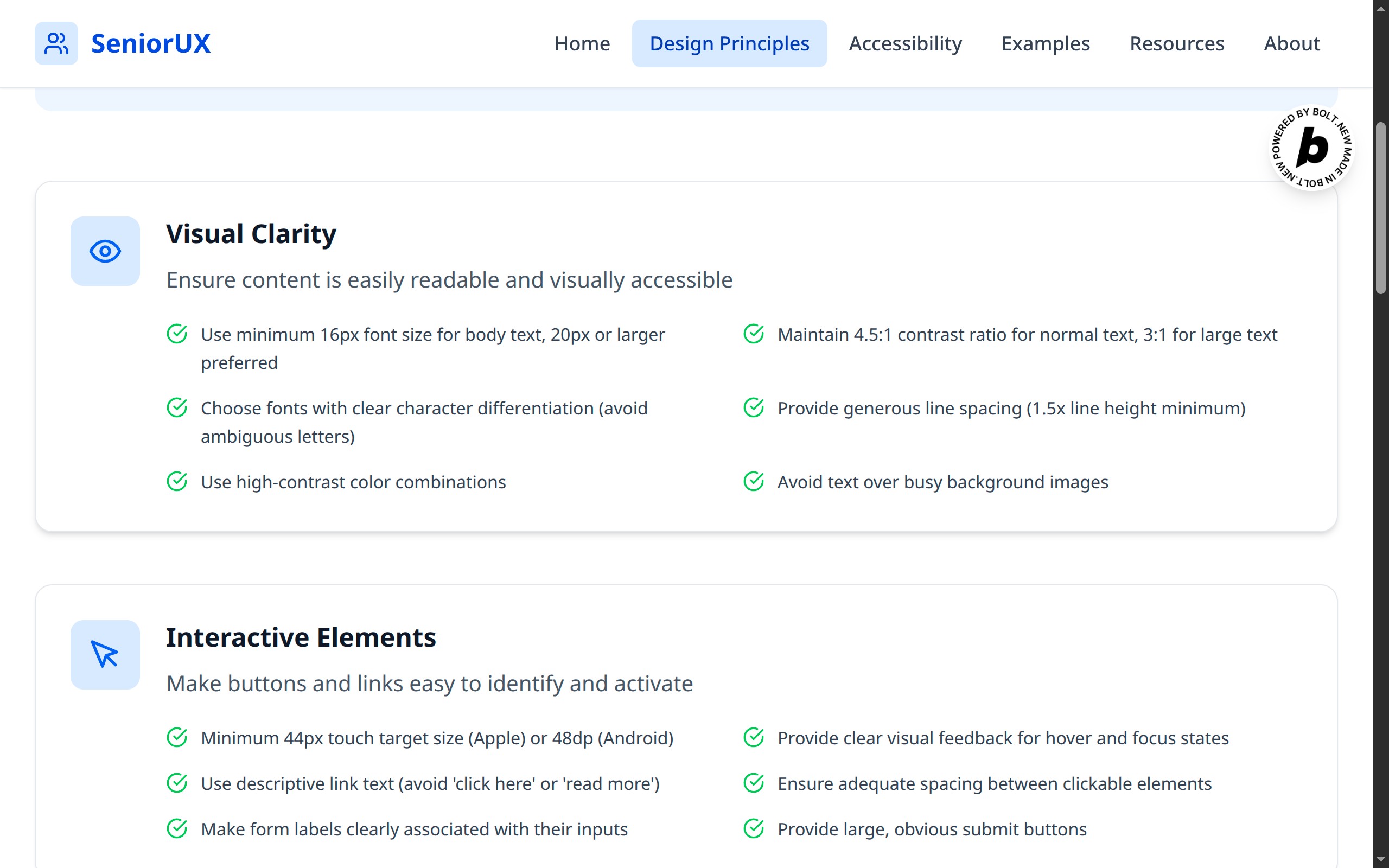
design principles
-
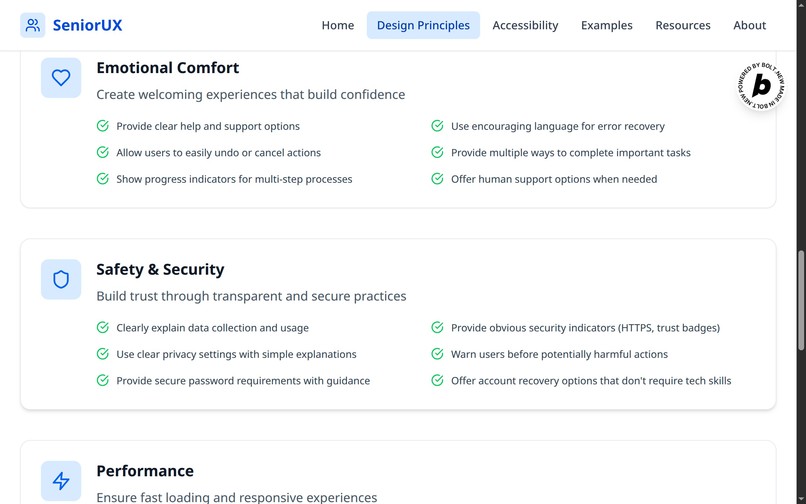
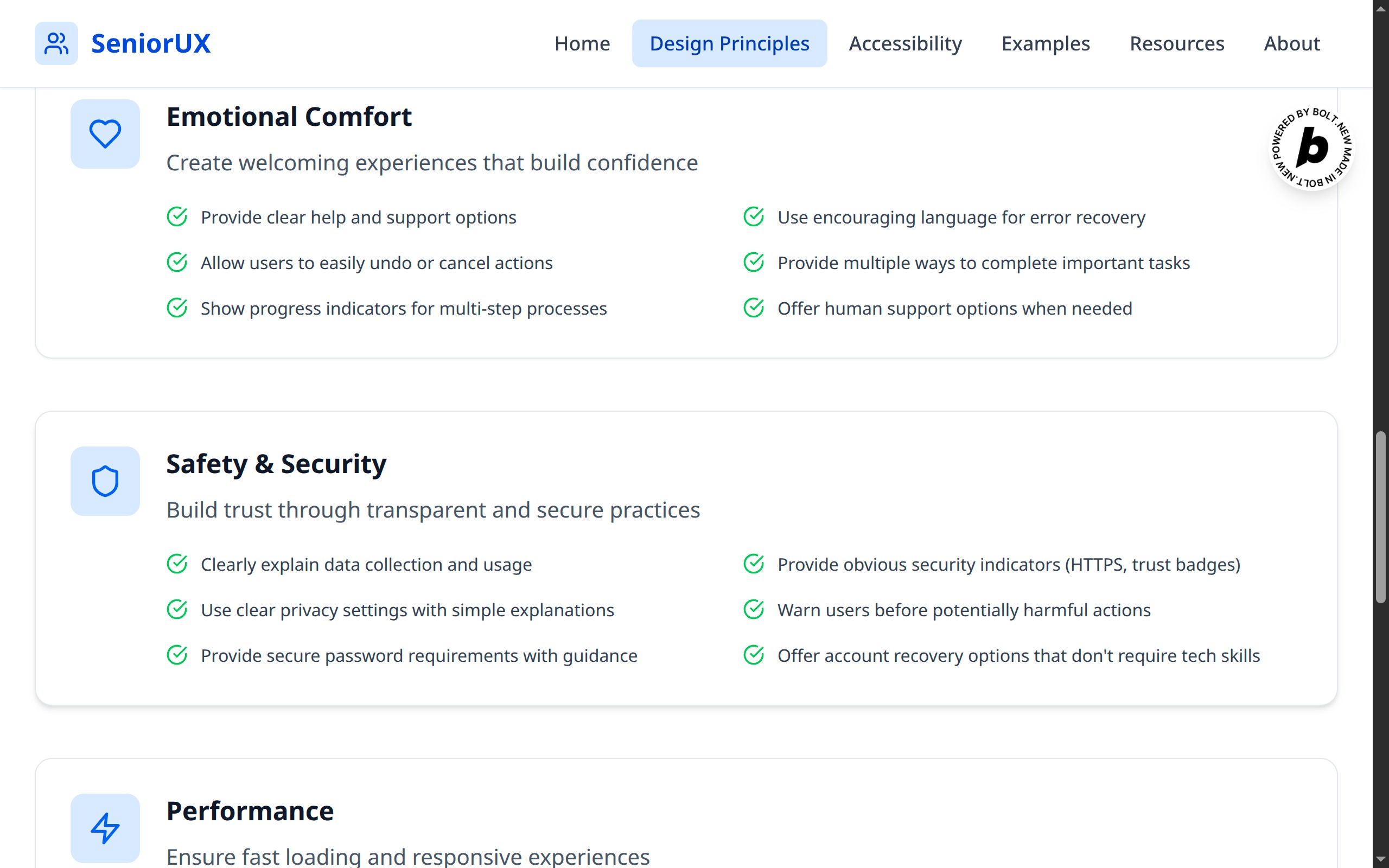
more design principles
-
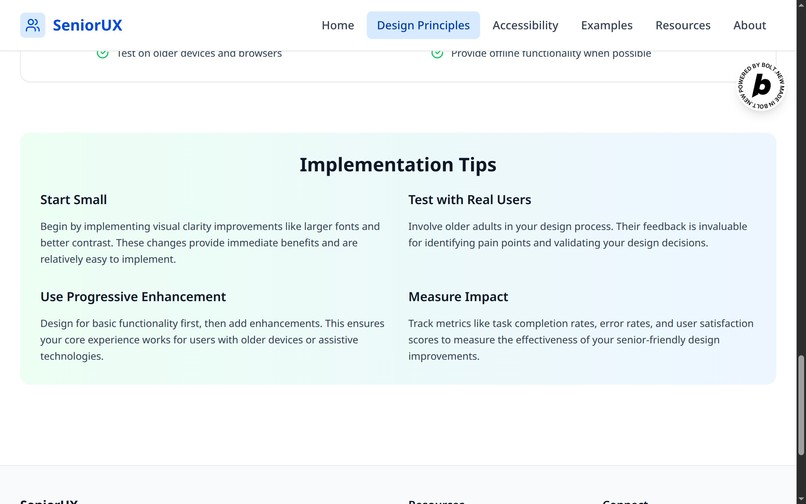
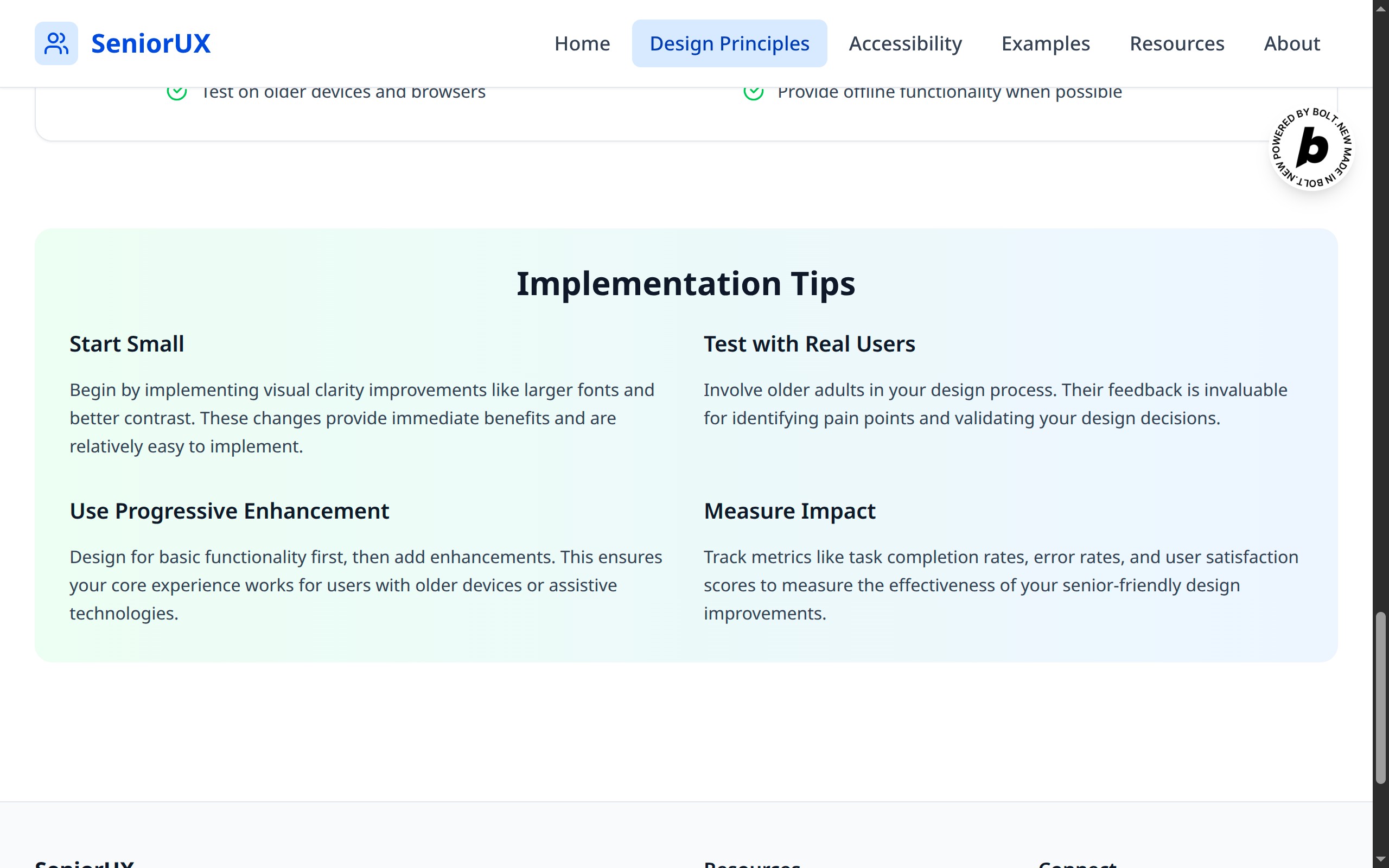
implementation tips
-
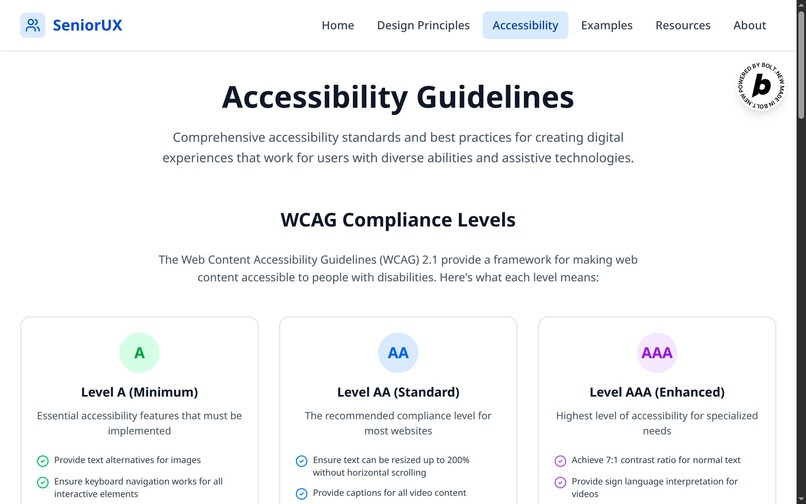
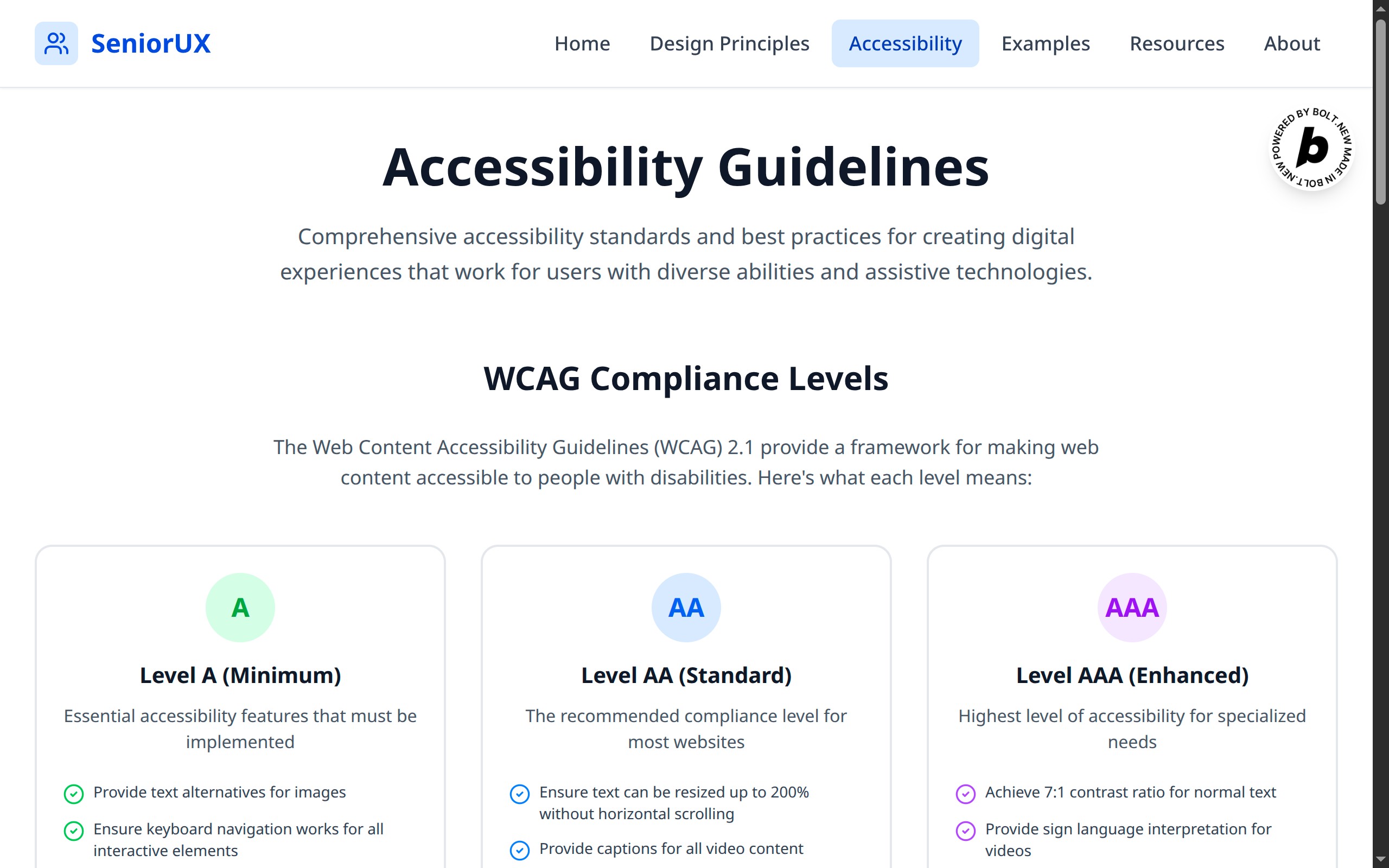
accessibility guidelines
-
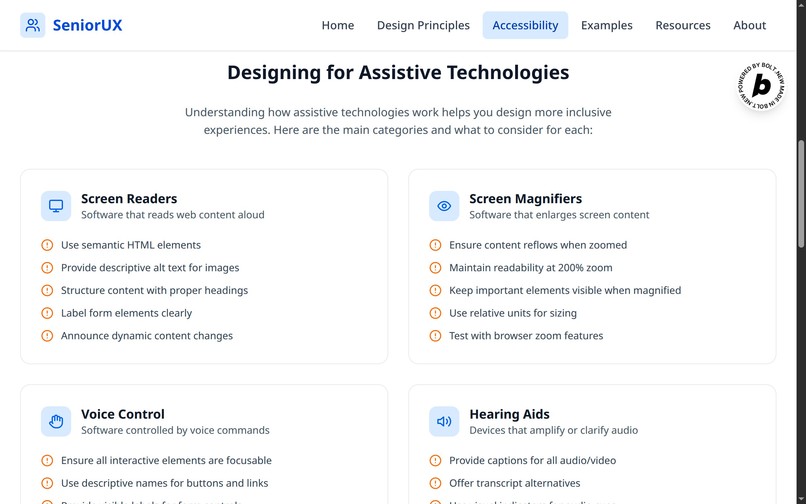
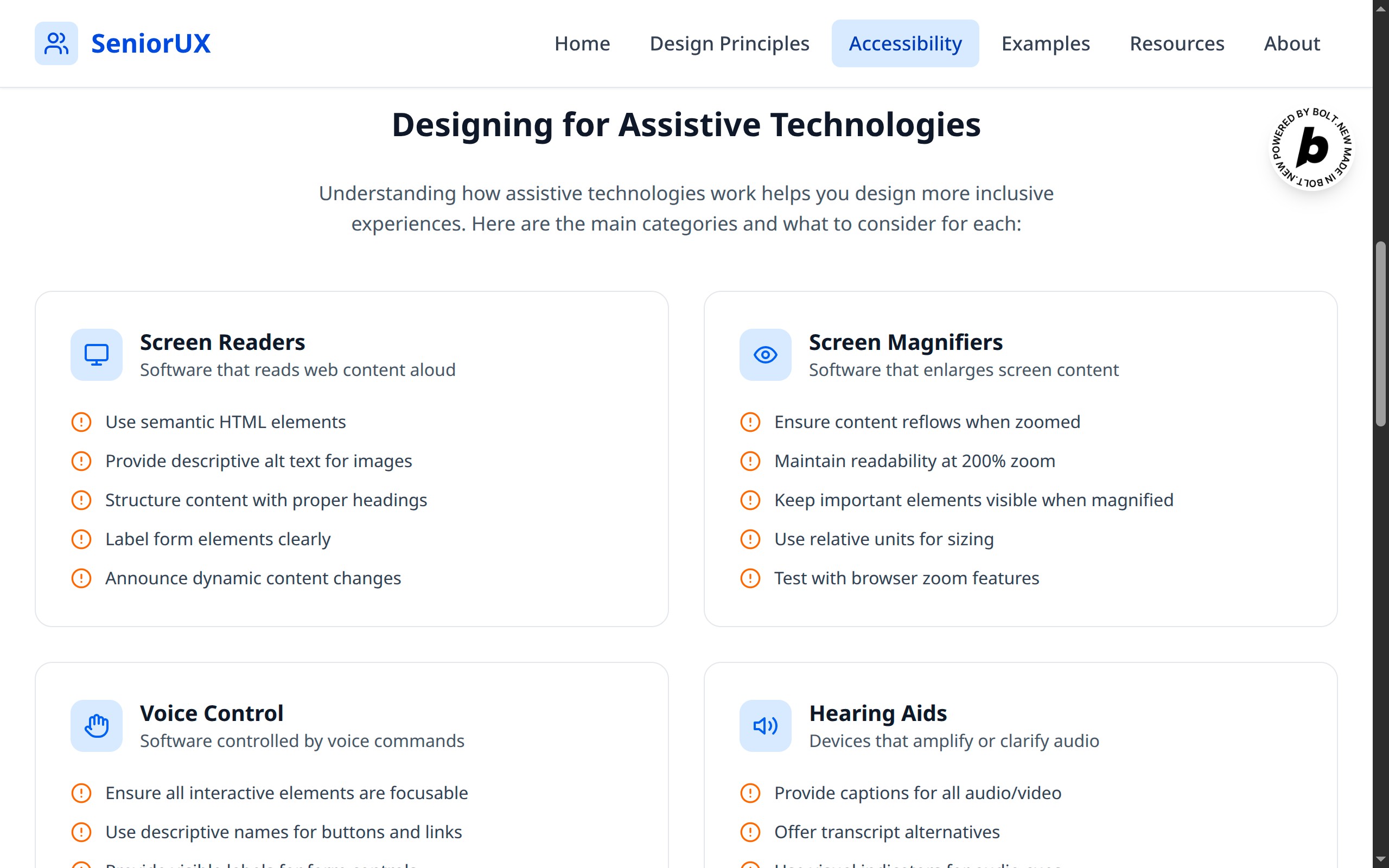
designing for assistive technologies
-
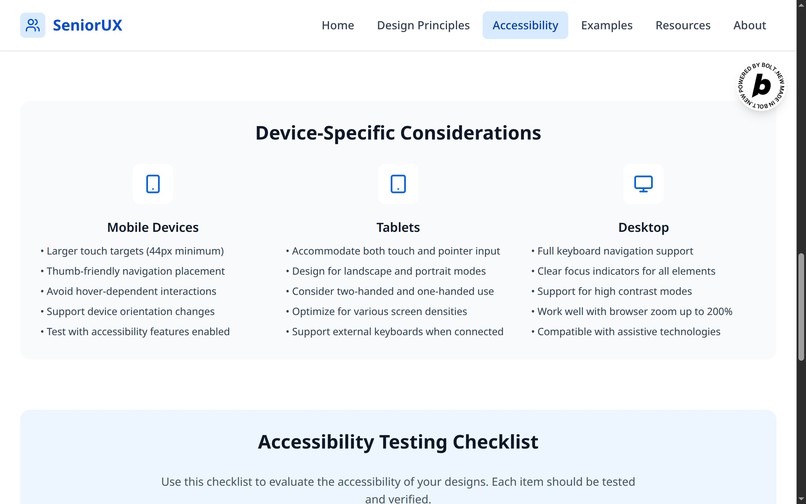
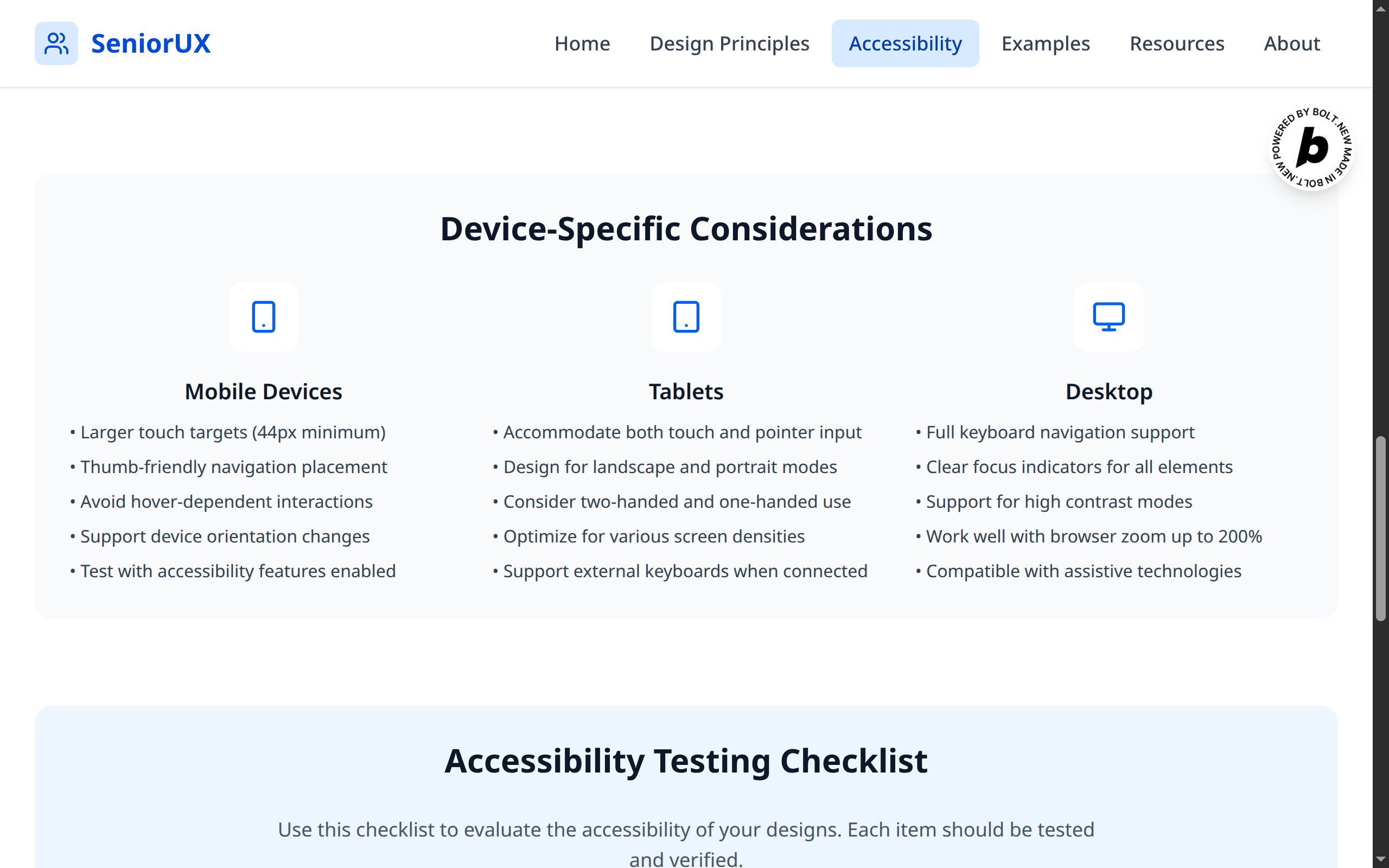
device specific considerations
-
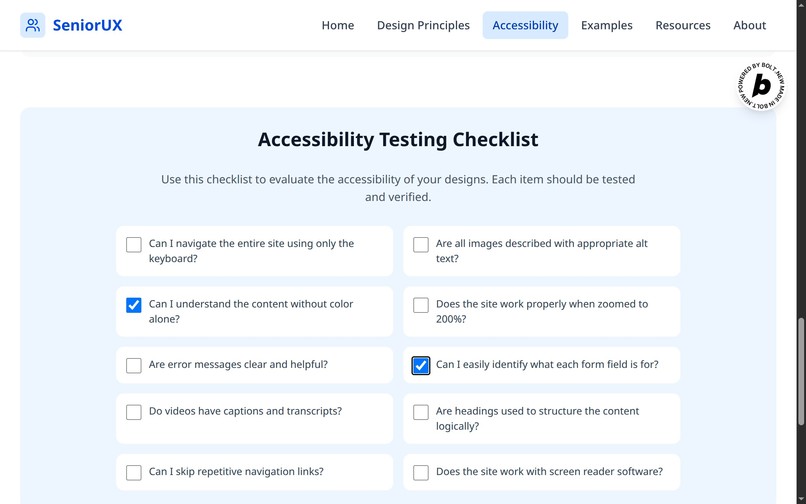
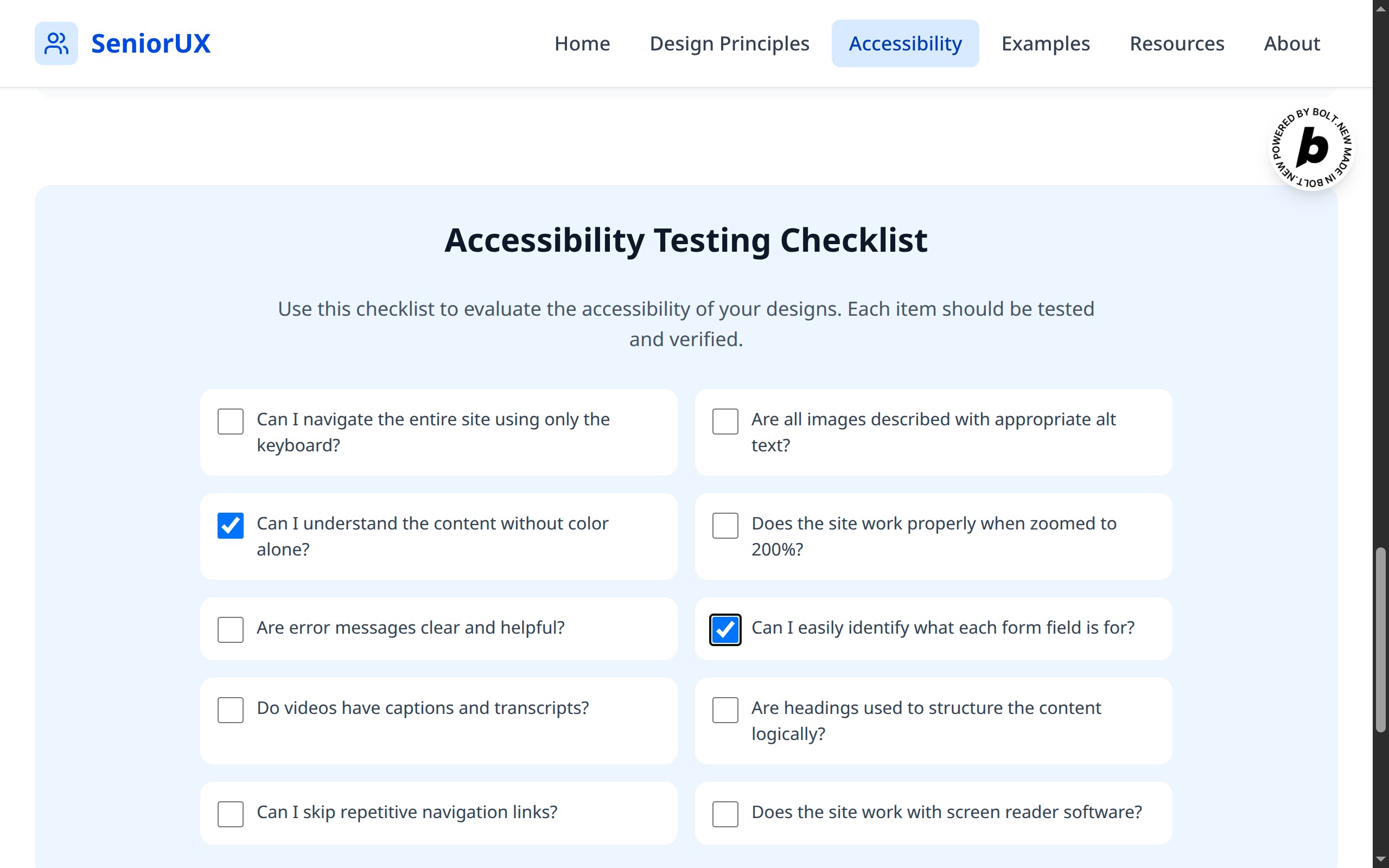
accessibility testing checklist
-
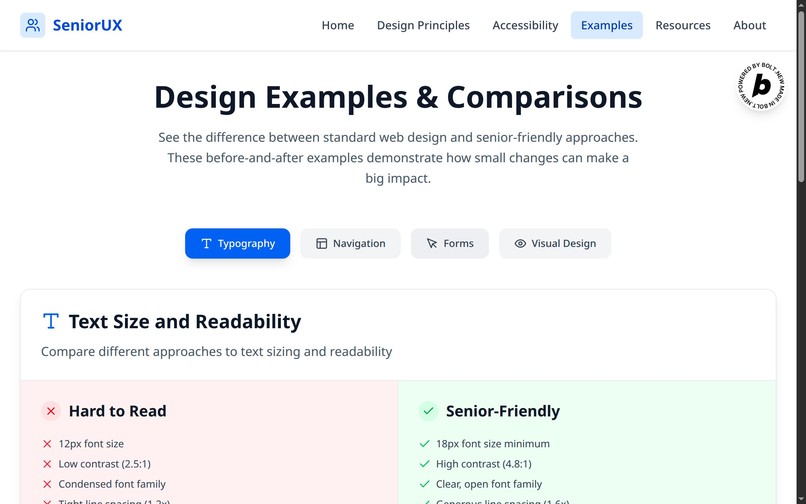
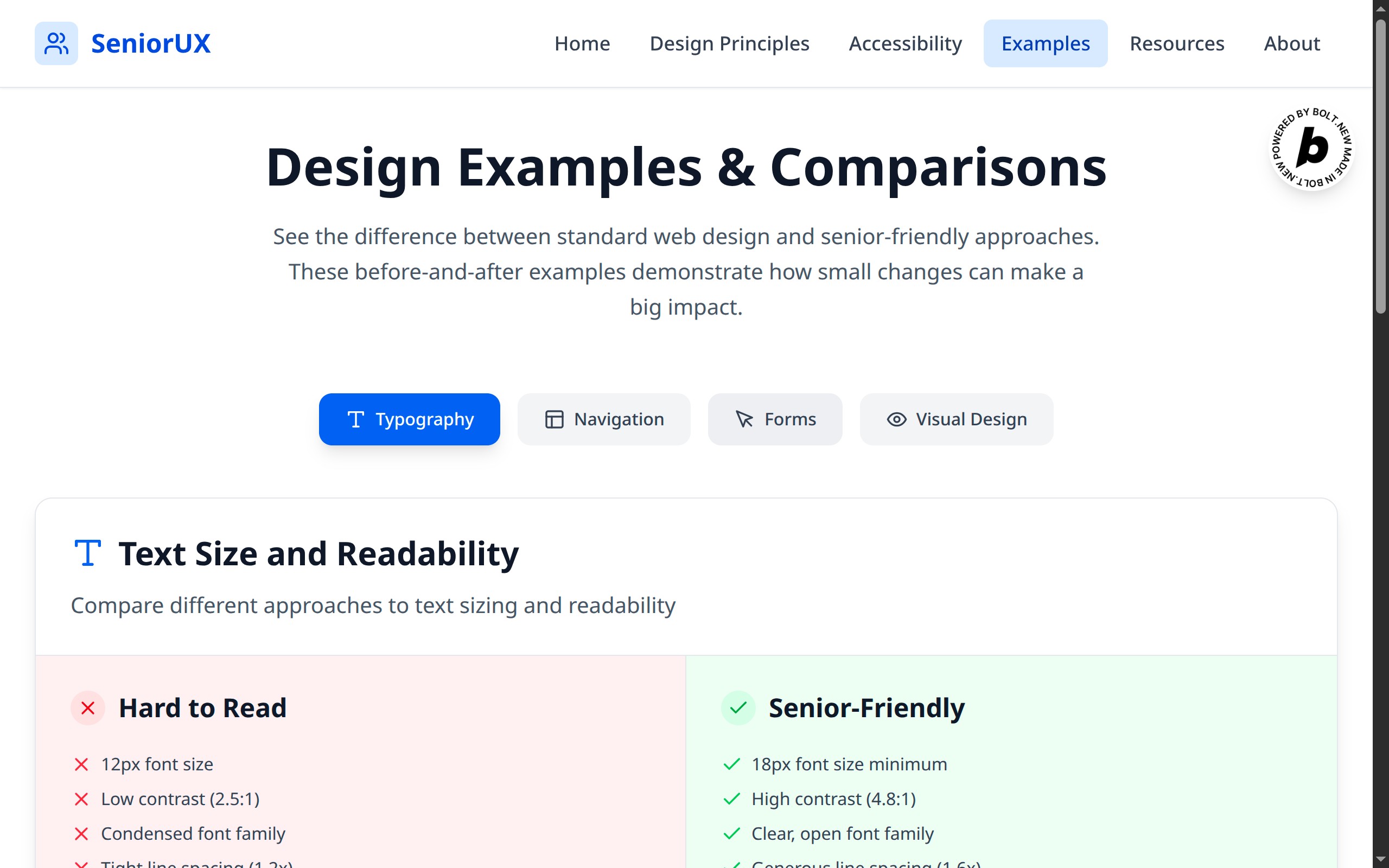
design examples and comparision
-
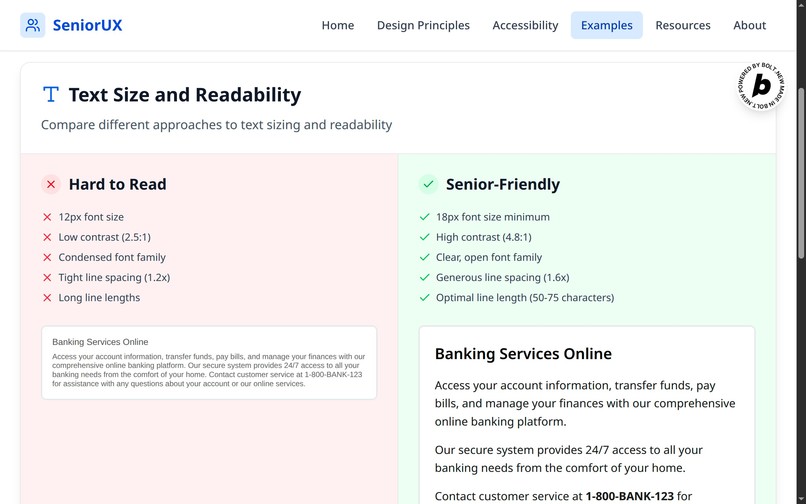
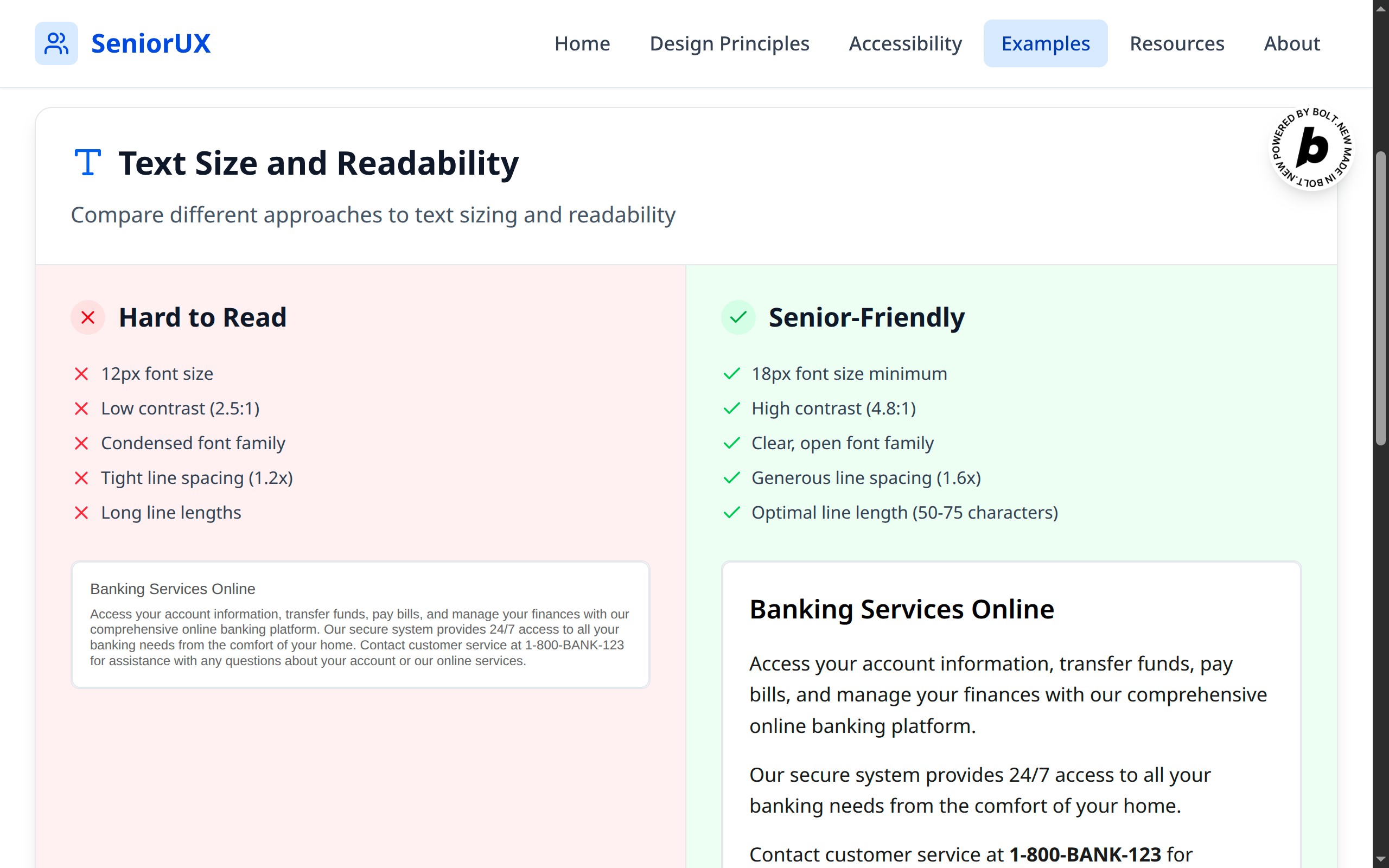
text size and readability
-
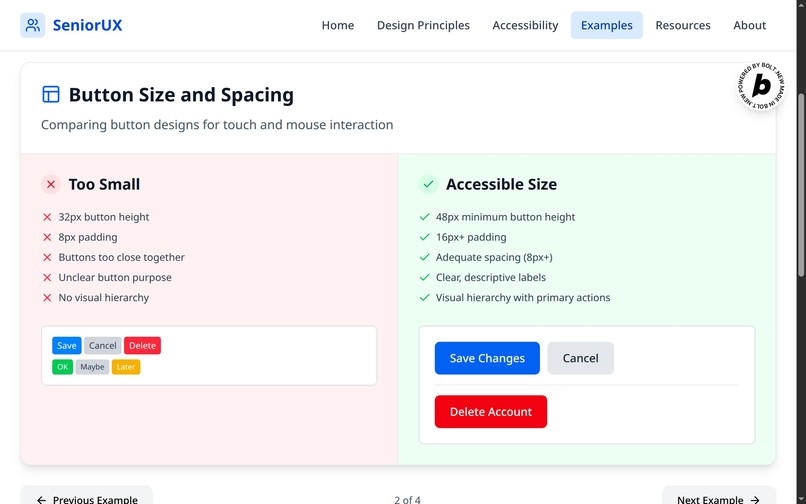
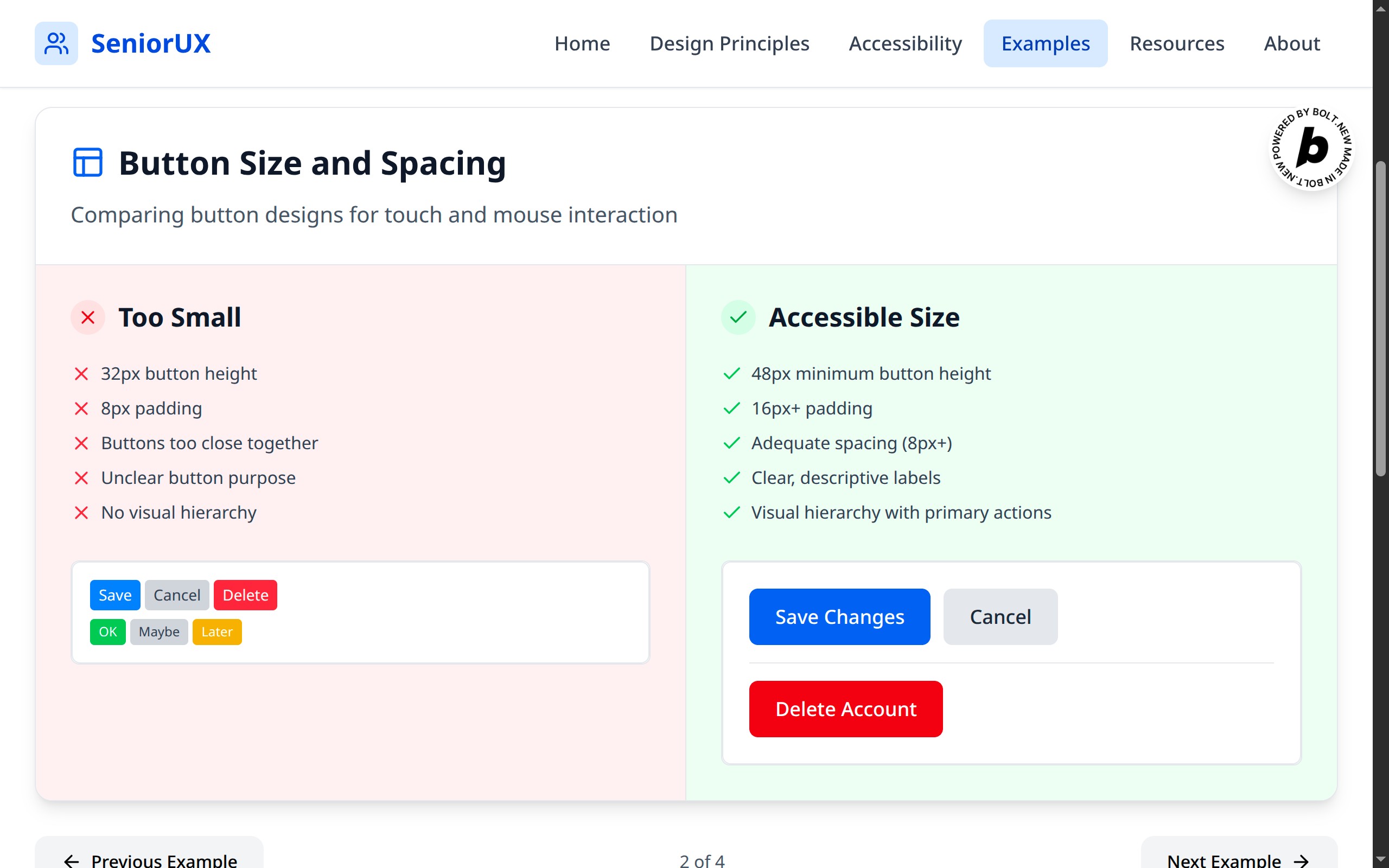
button size and spacing
-
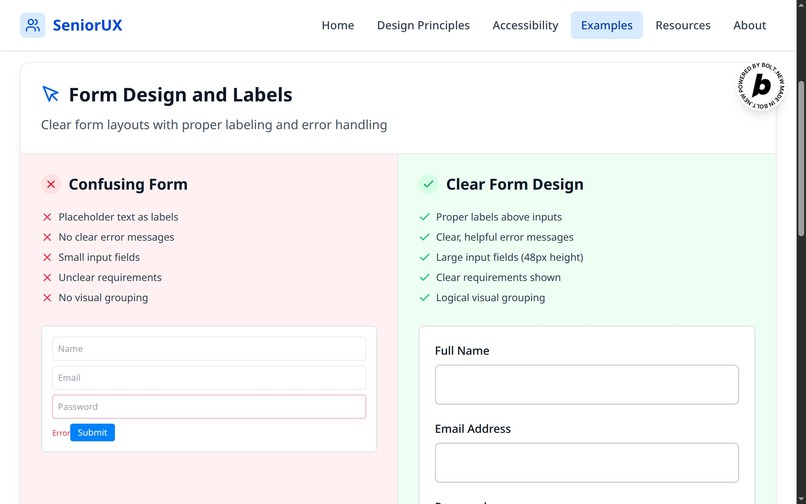
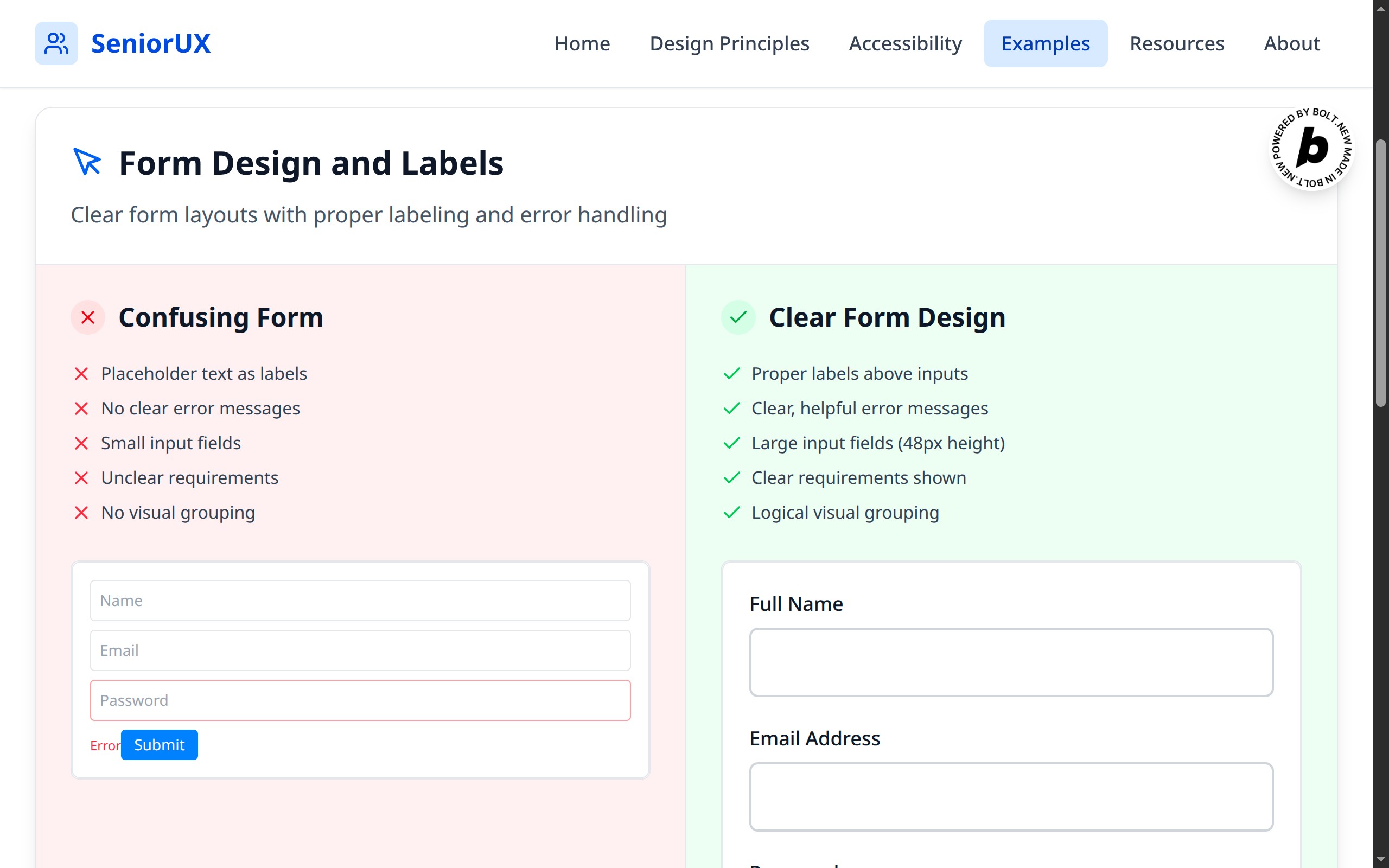
form design and labels
-
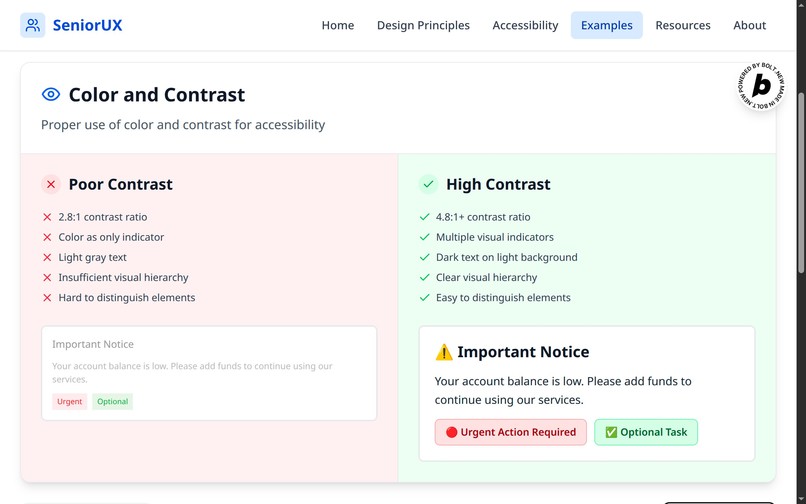
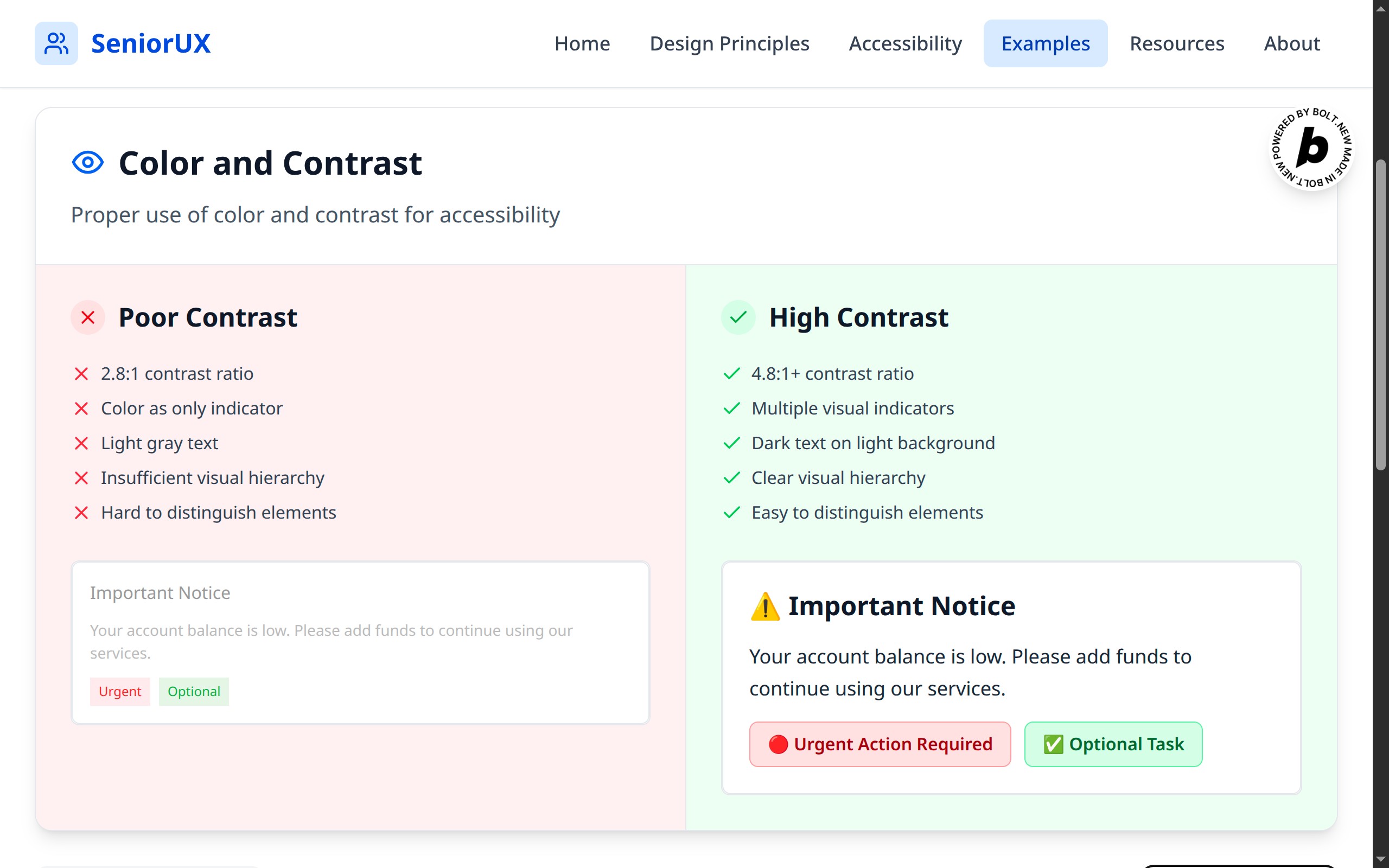
color and contrast
-
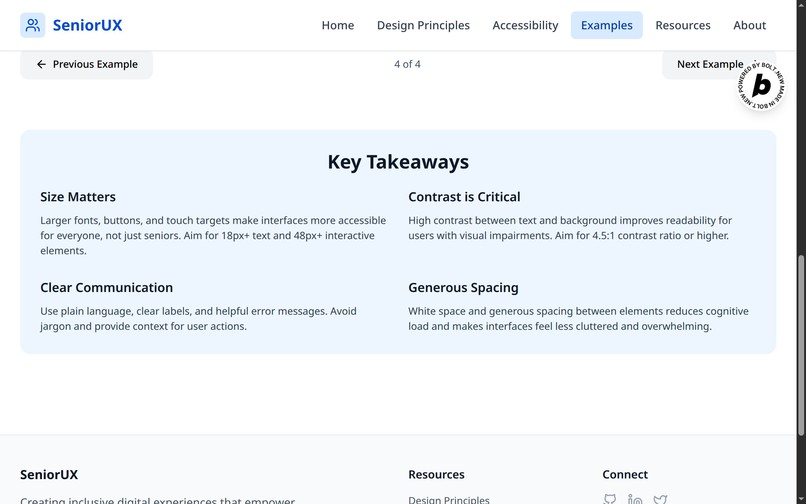
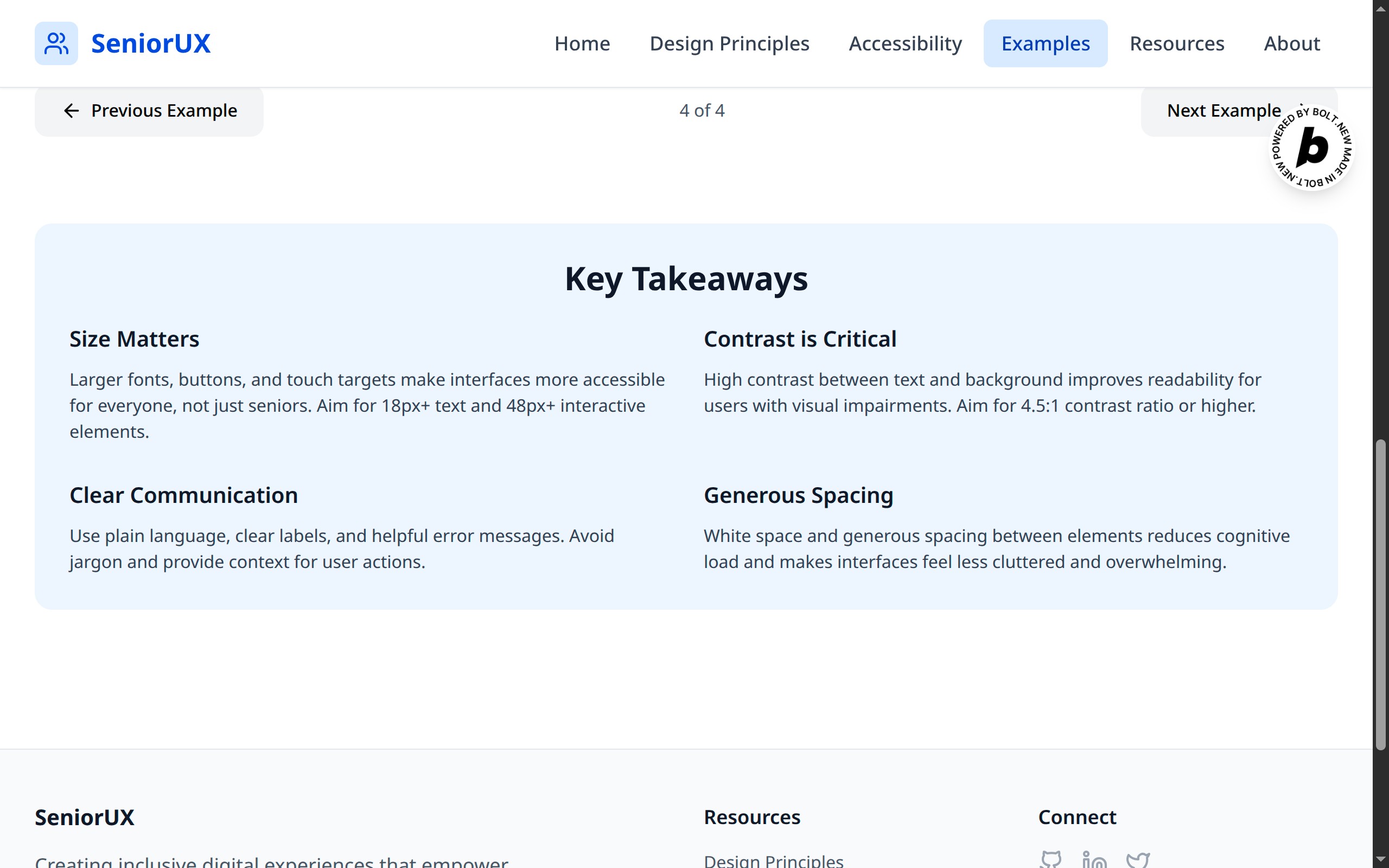
key takeaways
-
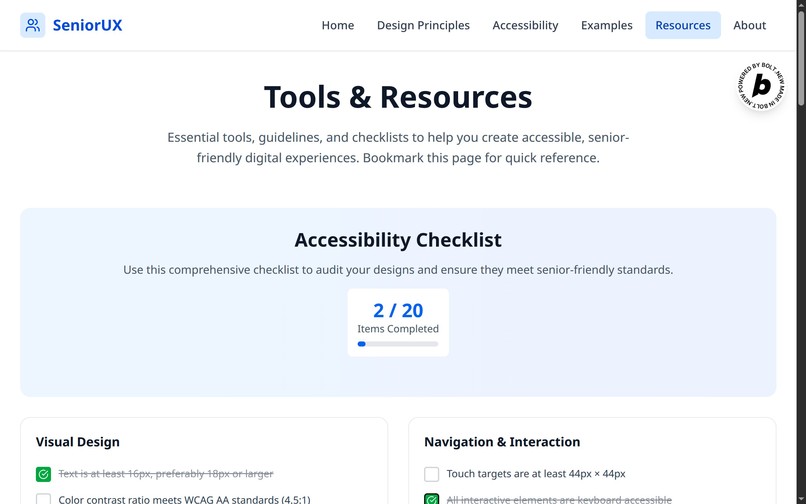
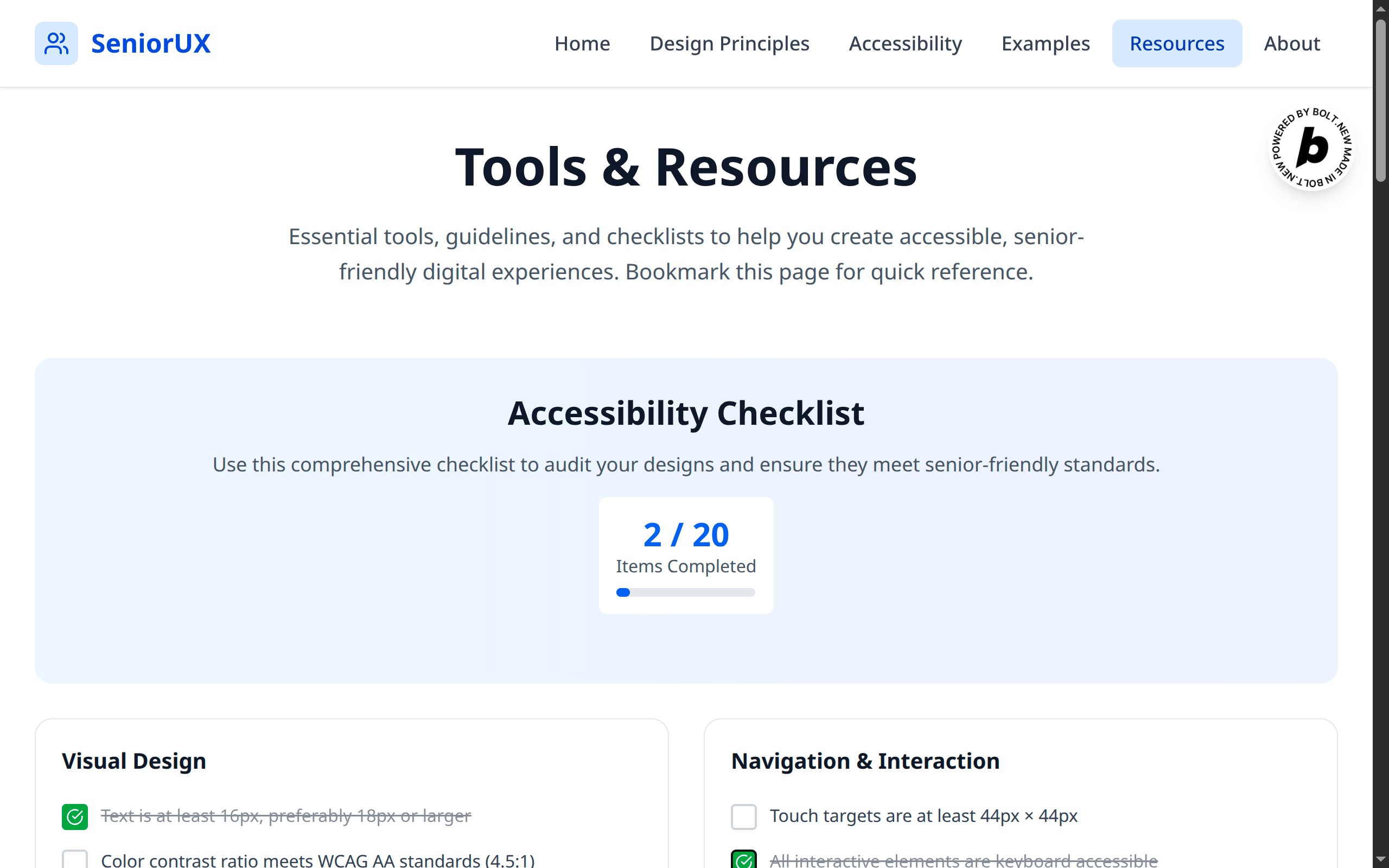
tools and resources
-
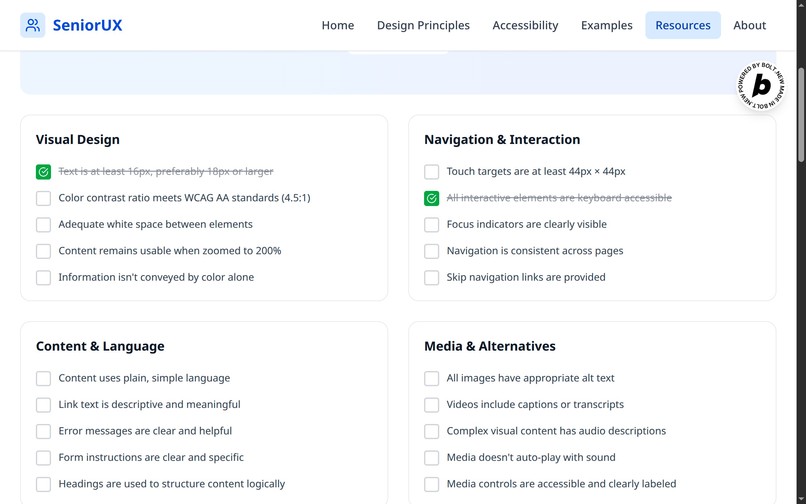
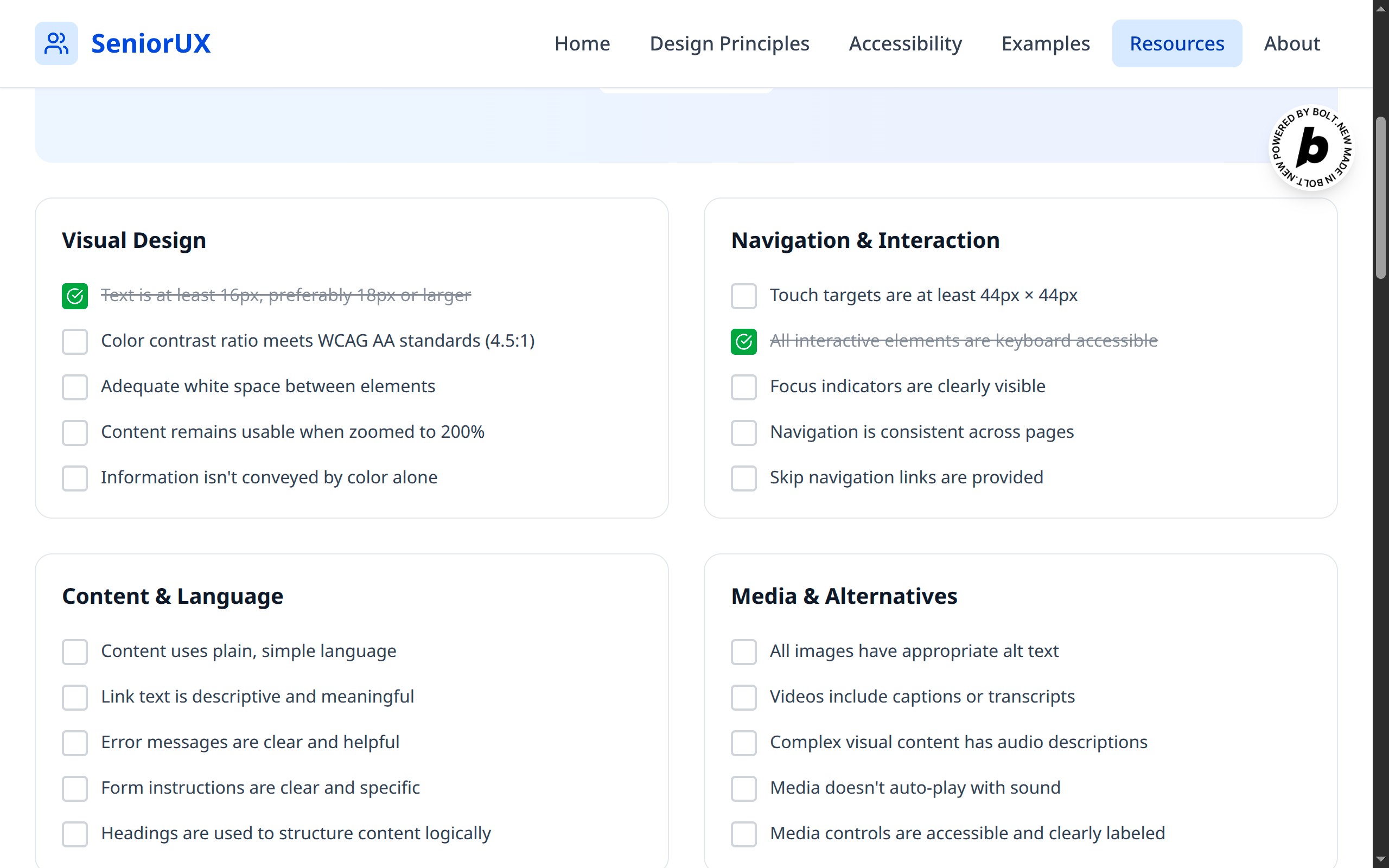
checklist - visual design, navigation & interaction, content & language, media & alternatives
-
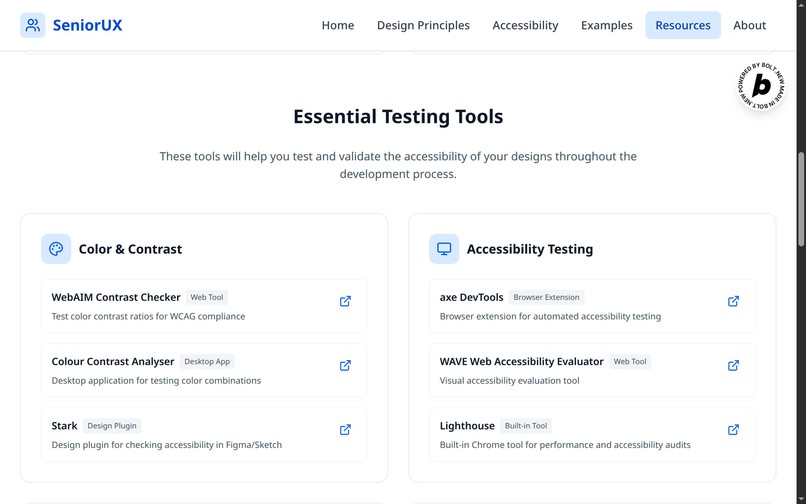
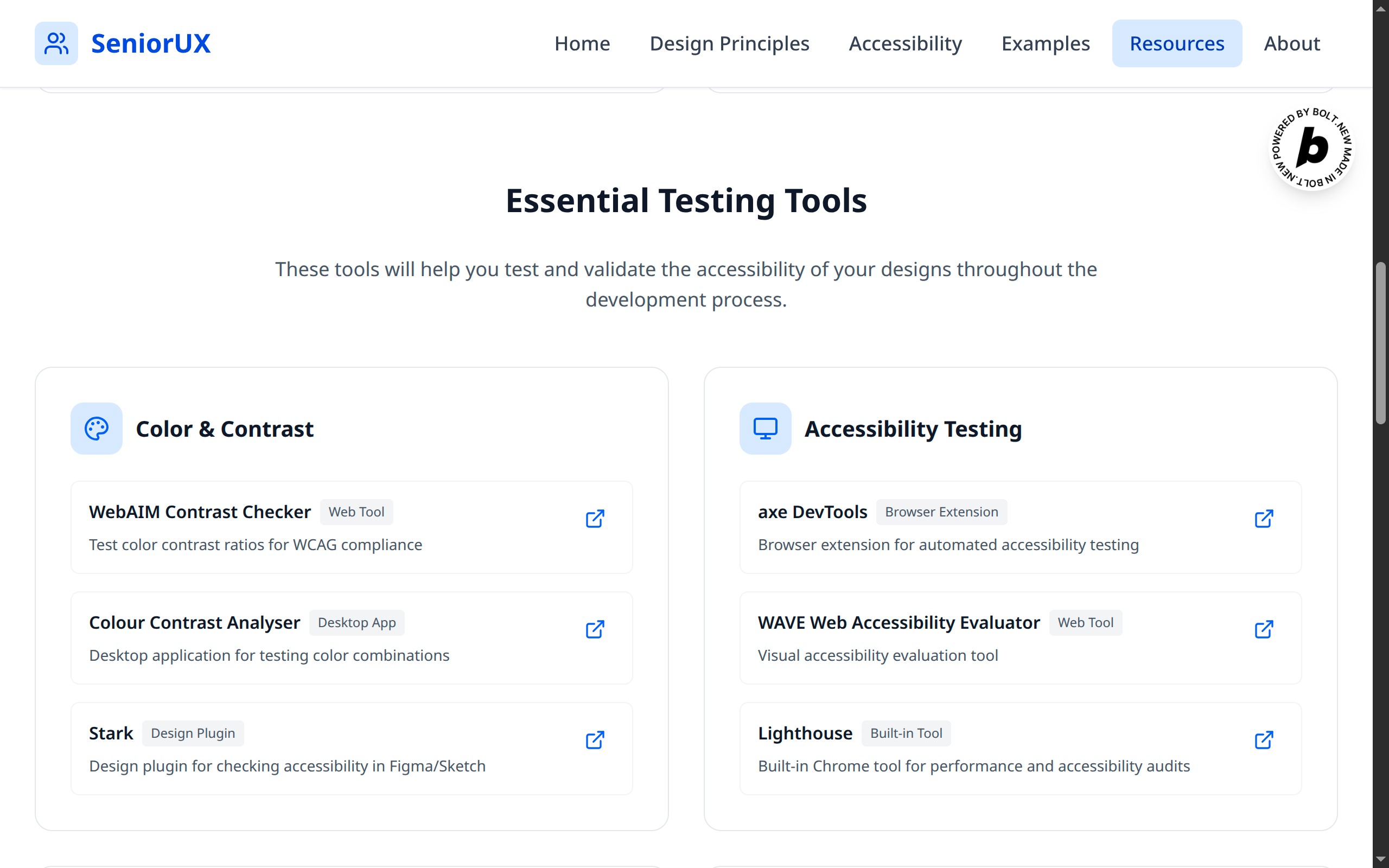
essential testing tools
-
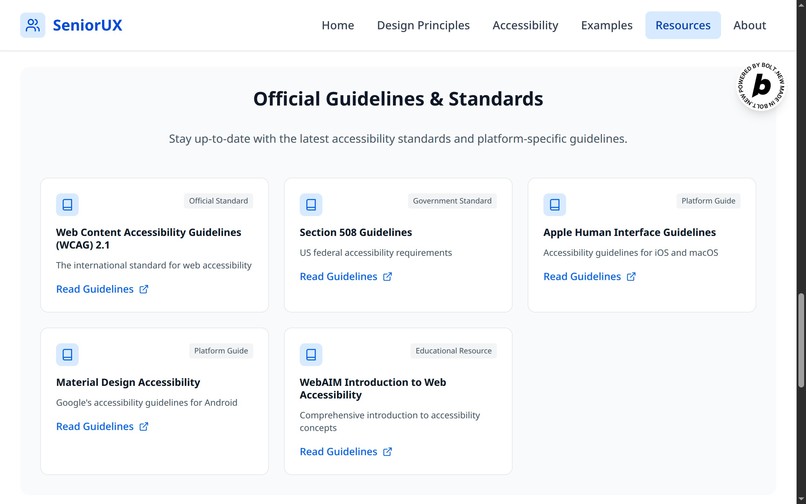
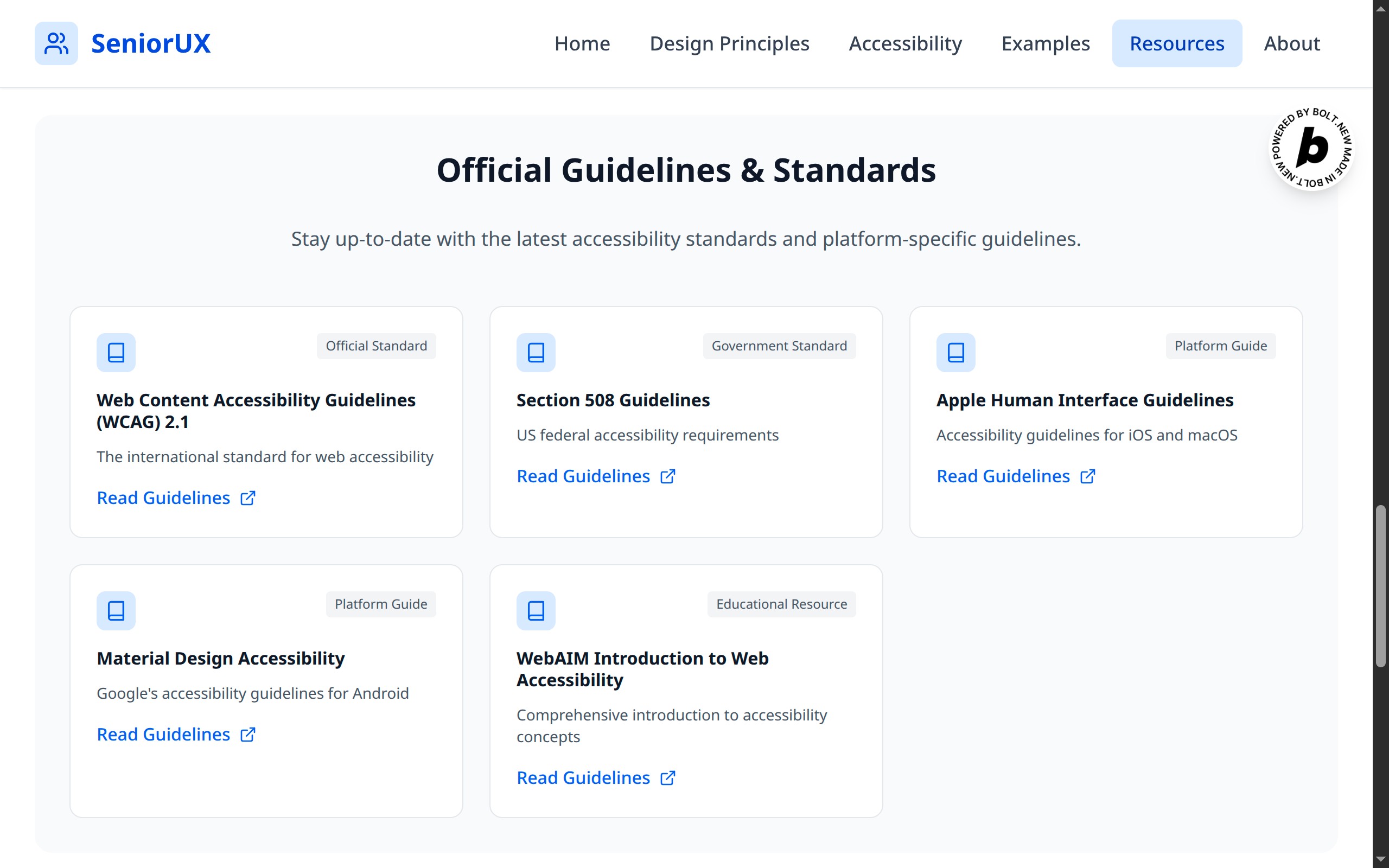
official guidelines and standards
-
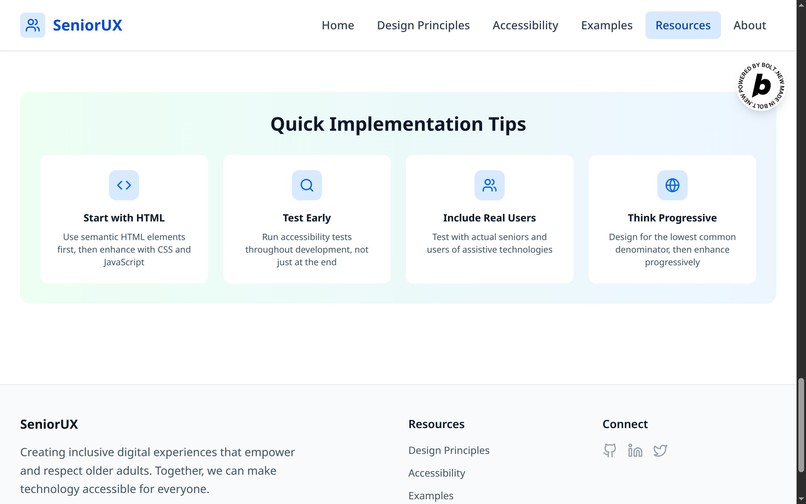
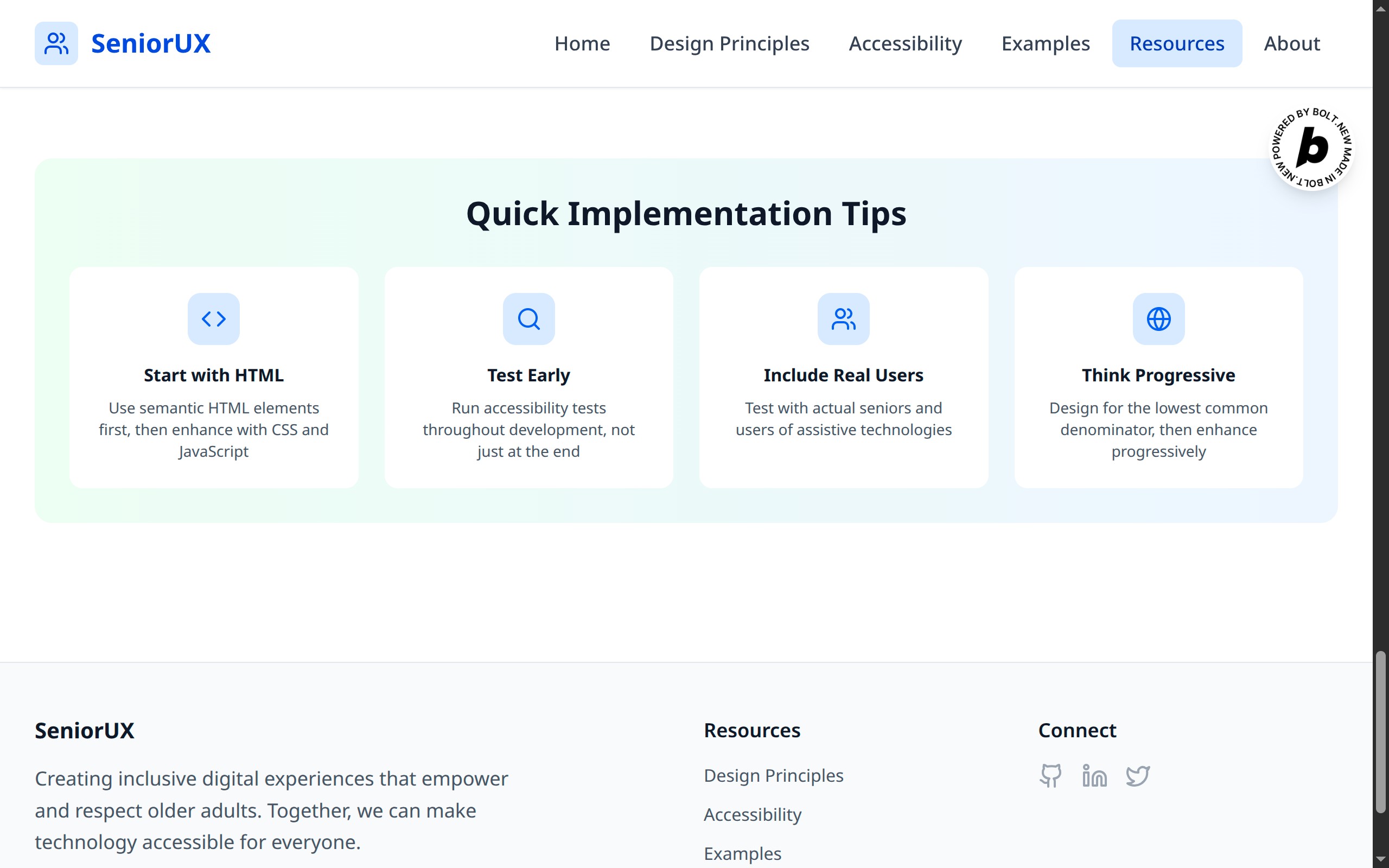
quick implementation tips
Inspiration
💡 Anyone who has provided tech support 🛠️ for their older parents 👴 or grandparents 👵would have come across several occasions where the seniors couldn't find an option they were looking for in an app or don't know how to proceed further in an app screen.
This is is because apps these days are not designed with senior users in mind. It might be intuitive for someone who is on mobile all day and night to scroll the screen horizontally for that hidden tab but for an older user who hasn't done that frequently it might be impossible to navigate the app.
We need app designers to be considerate about their older users.
What it does
👥 SeniorUX is a website which provides design guidelines for designing apps and websites for older users, can help app designers design apps for them and solve the difficulties faced by seniors when navigating apps and websites.
It provides,
- Design Principles for Senior-Friendly Experiences
- Visual Clarity
- Interactive Elements
- Inclusive Language
- Cognitive Support
- Emotional Comfort
- Safety & Security
- Performance
- Implementation Tips
- Accessibility Guidelines
- WCAG Compliance Levels
- Designing for Assistive Technologies
- Device-Specific Considerations
- Accessibility Testing Checklist
- Design Examples & Comparisons
- Typography, Navigation, Forms, Visual Design
- Tools & Resources
- Accessibility Checklist
- Essential Testing Tools
- Official Guidelines & Standards
- Quick Implementation Tips
How we built it
Built in One Shot, using ⚡Bolt!
Prompt:
Create a comprehensive website called SeniorUX providing design guidelines for creating accessible and senior-friendly digital experiences. This will be a beautifully designed resource that helps designers understand and address the unique needs of older users. Make sure the website is high quality and all links, buttons work as intended.
That's all folks!
And,
Domain : seniorux.dev was bought from Entri.
Deployment: seniorux.dev was deployed to Netlify.
Challenges we ran into
None. It was a successful single prompt application!
Accomplishments that we're proud of
Was able to build a fully functional website with a single prompt using Bolt.
What we learned
Bolt can build fully functional website with a single prompt.
What's next for SeniorUX
Adding mock up screens for mobile, laptop and desktop.
Built With
- ai
- bolt
- entri
- netlify


Log in or sign up for Devpost to join the conversation.