-
-
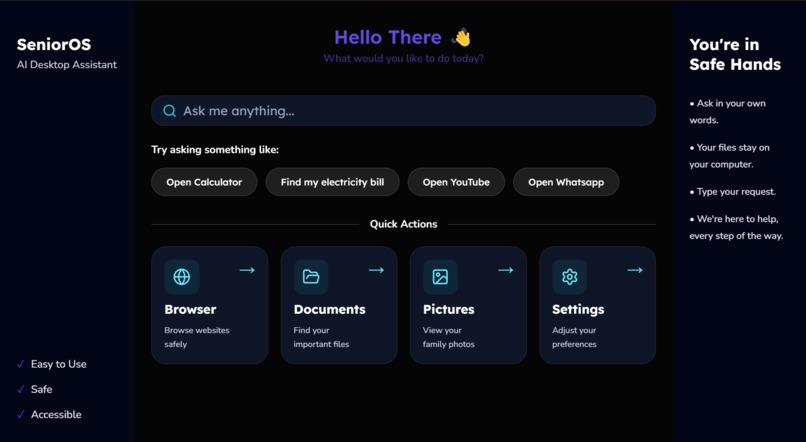
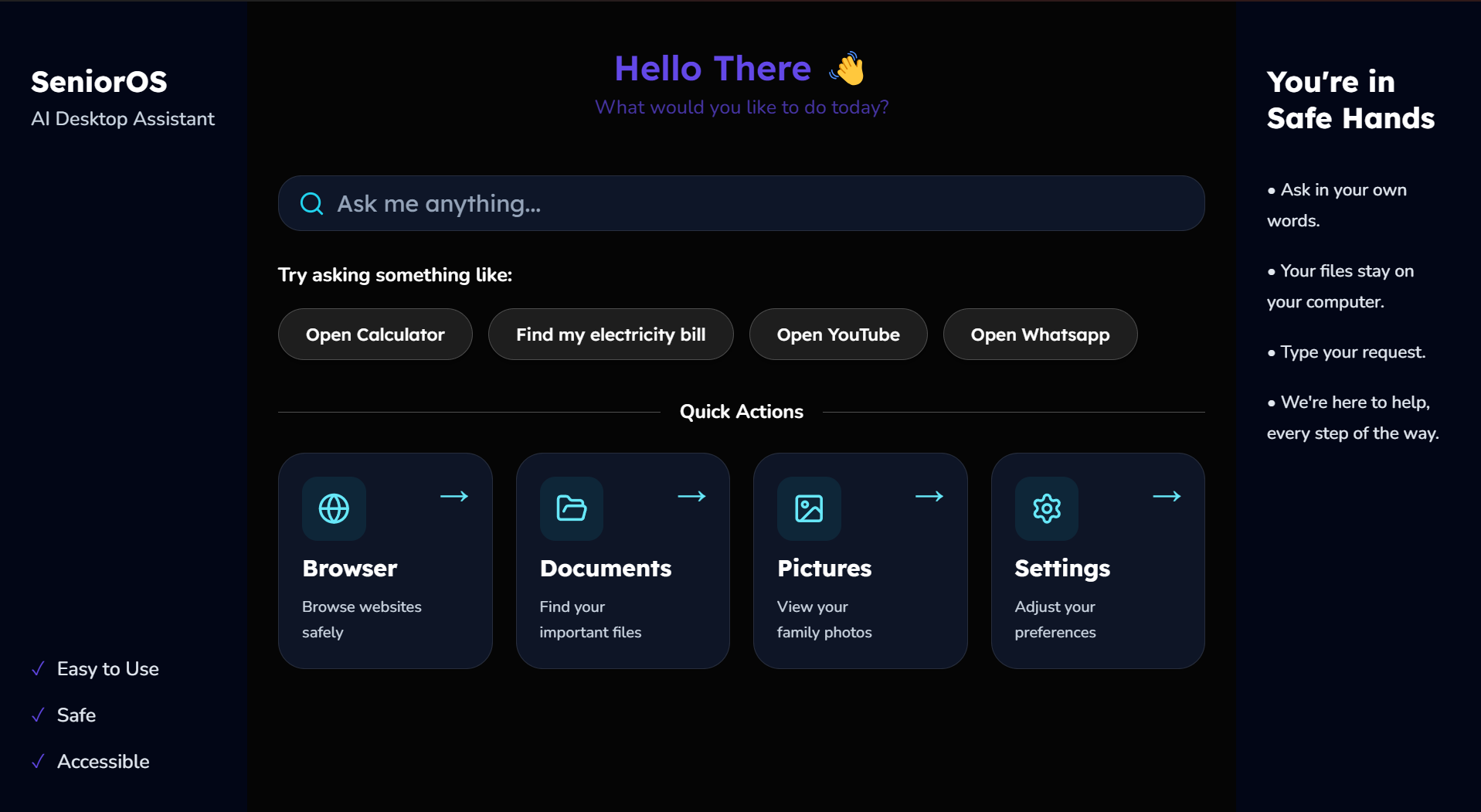
Dark Mode Home Page
-
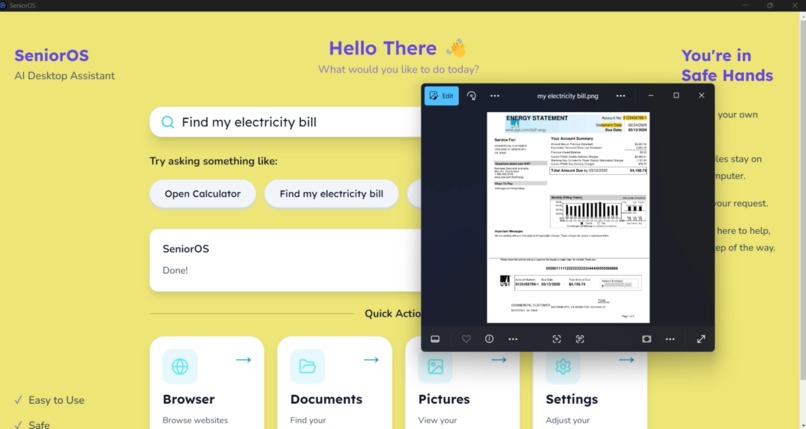
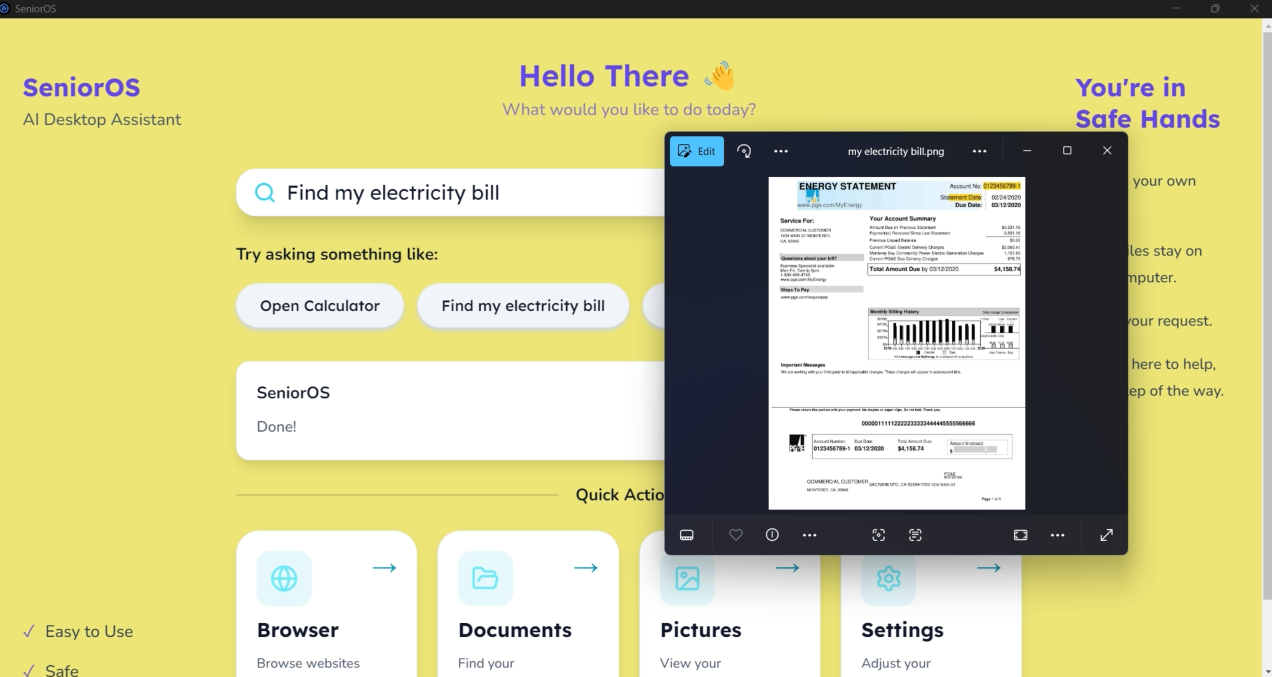
Demo of opening electricity bill
-
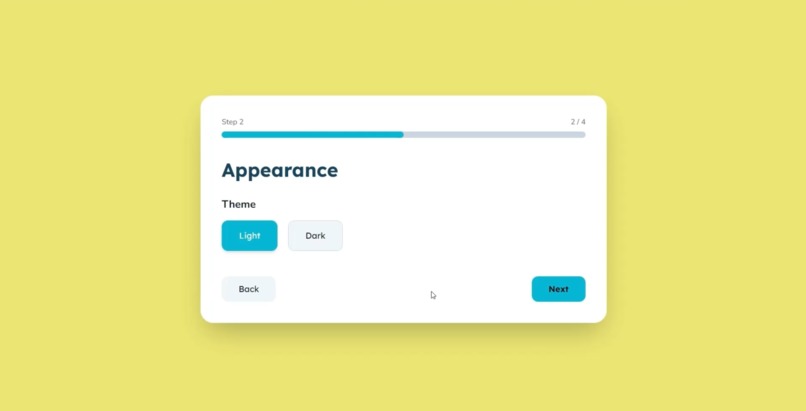
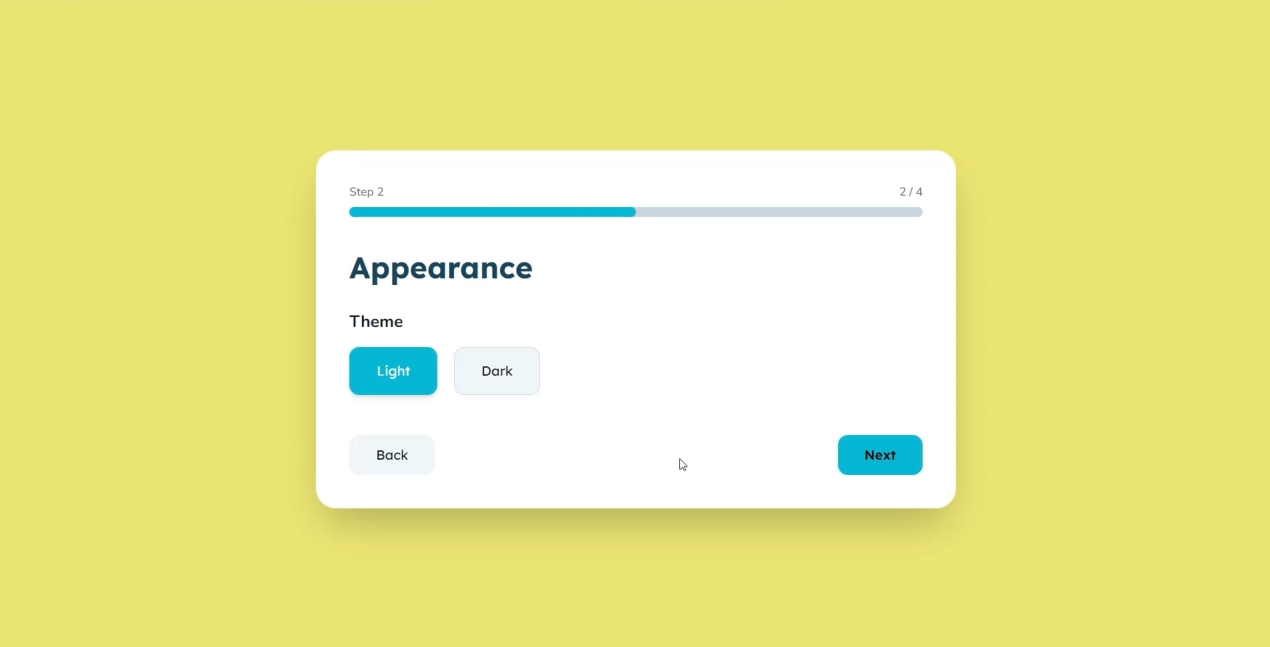
Customizable
-
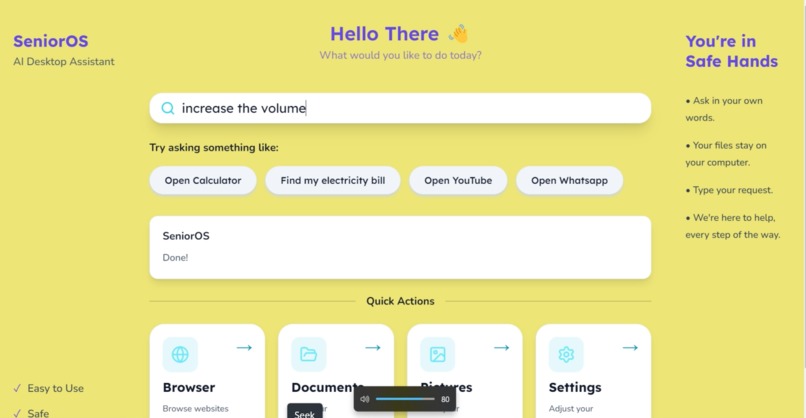
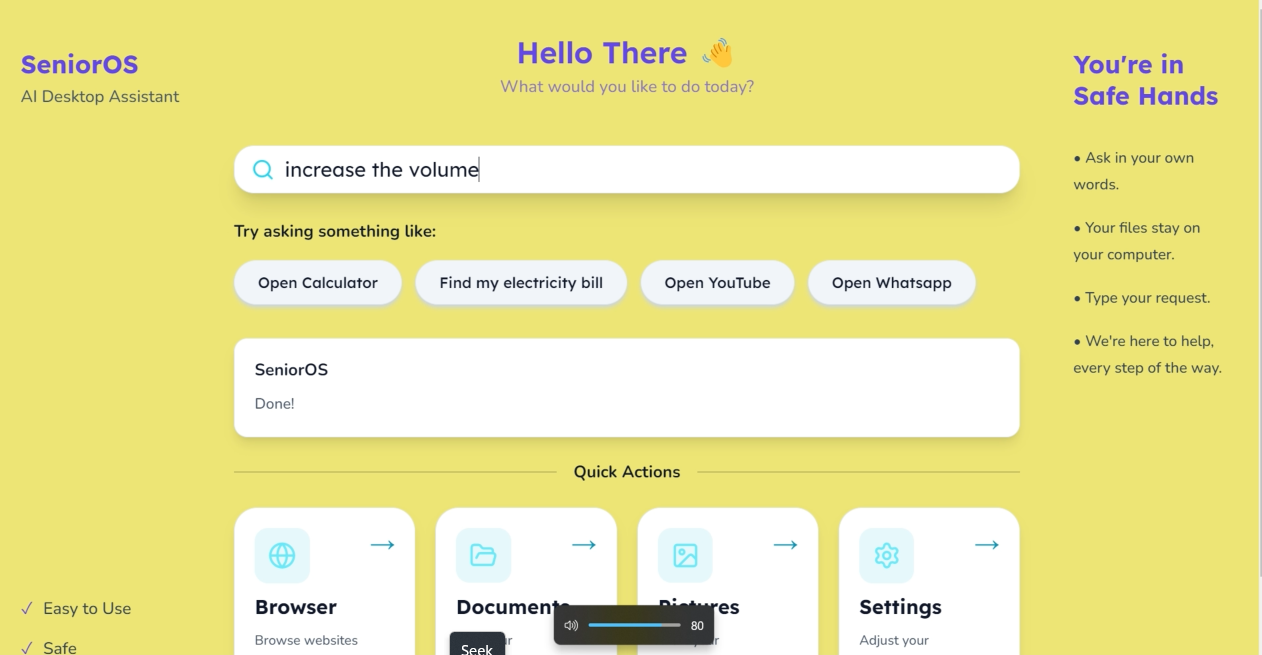
Setting volume as desired
Project Story
Inspiration
Technology has become an essential part of everyday life, yet millions of senior citizens still struggle with using computers. Simple tasks such as finding a document, opening an application, or searching for information often require navigating multiple menus and remembering complex file locations.
We wanted to change that.
Instead of expecting seniors to adapt to computers, we asked ourselves a different question:
What if the computer could simply understand what the user wants?
That idea became SeniorOS—an AI-powered desktop assistant that allows users to interact with their computer using natural language while keeping everything private and offline.
What it does
SeniorOS is an AI-powered desktop assistant designed specifically for senior citizens.
Users can simply type commands such as:
- Open Calculator
- Open Documents
- Browse Pictures
- Search for my electricity bill
- Open Browser
The assistant understands the request using a locally fine-tuned language model, converts it into a structured command, and safely performs the corresponding desktop action.
To make the experience even more accessible, SeniorOS includes:
- Intelligent file and folder search
- Permission-based indexing of user-approved folders
- Text-to-speech responses
- Large, senior-friendly interface
- Guided onboarding
- Light and Dark themes
Everything runs entirely offline, ensuring user privacy.
How we built it
SeniorOS was built as a desktop application using Electron, with a modern frontend developed in React, TypeScript, and Tailwind CSS.
For natural language understanding, we fine-tuned the Qwen 3 1.7B language model using LoRA, enabling it to accurately interpret desktop-related commands while remaining lightweight enough for local inference.
Our backend handles:
- AI inference
- Intent parsing
- Desktop command execution
- File indexing
- Fuzzy searching using Fuse.js
- Settings management
- IPC communication between Electron and React
To improve privacy, the application indexes only user-approved folders and performs all inference locally without relying on cloud APIs.
Challenges we ran into
Building SeniorOS involved several technical challenges.
One of the biggest challenges was creating a reliable AI pipeline capable of converting conversational language into structured desktop commands. Fine-tuning the model and designing prompts that consistently produced valid outputs required significant experimentation.
Another challenge was integrating desktop automation with Electron while maintaining a modular architecture for future expansion.
We also had to implement an efficient indexing system that balanced fast search speeds with user privacy by restricting searches to approved directories.
Packaging the application was another hurdle due to the large offline AI model, requiring us to optimize how resources were bundled for distribution.
Accomplishments that we're proud of
We're proud that SeniorOS runs entirely offline while still providing intelligent natural language understanding.
Some highlights include:
- Fine-tuning our own AI model for desktop command understanding
- Successfully integrating local AI with desktop automation
- Building a permission-based search engine that respects user privacy
- Creating an accessible interface designed specifically for senior citizens
- Delivering a fully functional Electron desktop application without relying on external AI services
Most importantly, we built technology that directly addresses a real accessibility problem faced by millions of people.
What we learned
This project taught us that building an AI application extends far beyond training a language model.
We learned how to:
- Fine-tune transformer models using LoRA
- Integrate local AI inference into desktop applications
- Design reliable AI pipelines for structured outputs
- Build scalable Electron applications
- Optimize search through indexing and fuzzy matching
- Balance accessibility, usability, and privacy in software design
We also gained a deeper appreciation for designing software with empathy, recognizing that great technology should adapt to its users rather than expecting users to adapt to it.
What's next for SeniorOS
SeniorOS is only the beginning.
Our future roadmap includes:
- Voice command support
- Speech recognition
- OCR for reading printed or scanned documents
- Email assistance
- Calendar integration
- Medication reminders
- Emergency contact support
- Multi-language support
- Personalized AI companion
- Smarter contextual file search
Our long-term vision is to transform SeniorOS into a complete AI-powered accessibility platform that empowers senior citizens to use technology independently, confidently, and safely.

Log in or sign up for Devpost to join the conversation.