-
-
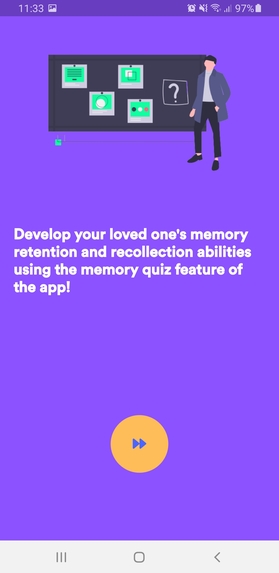
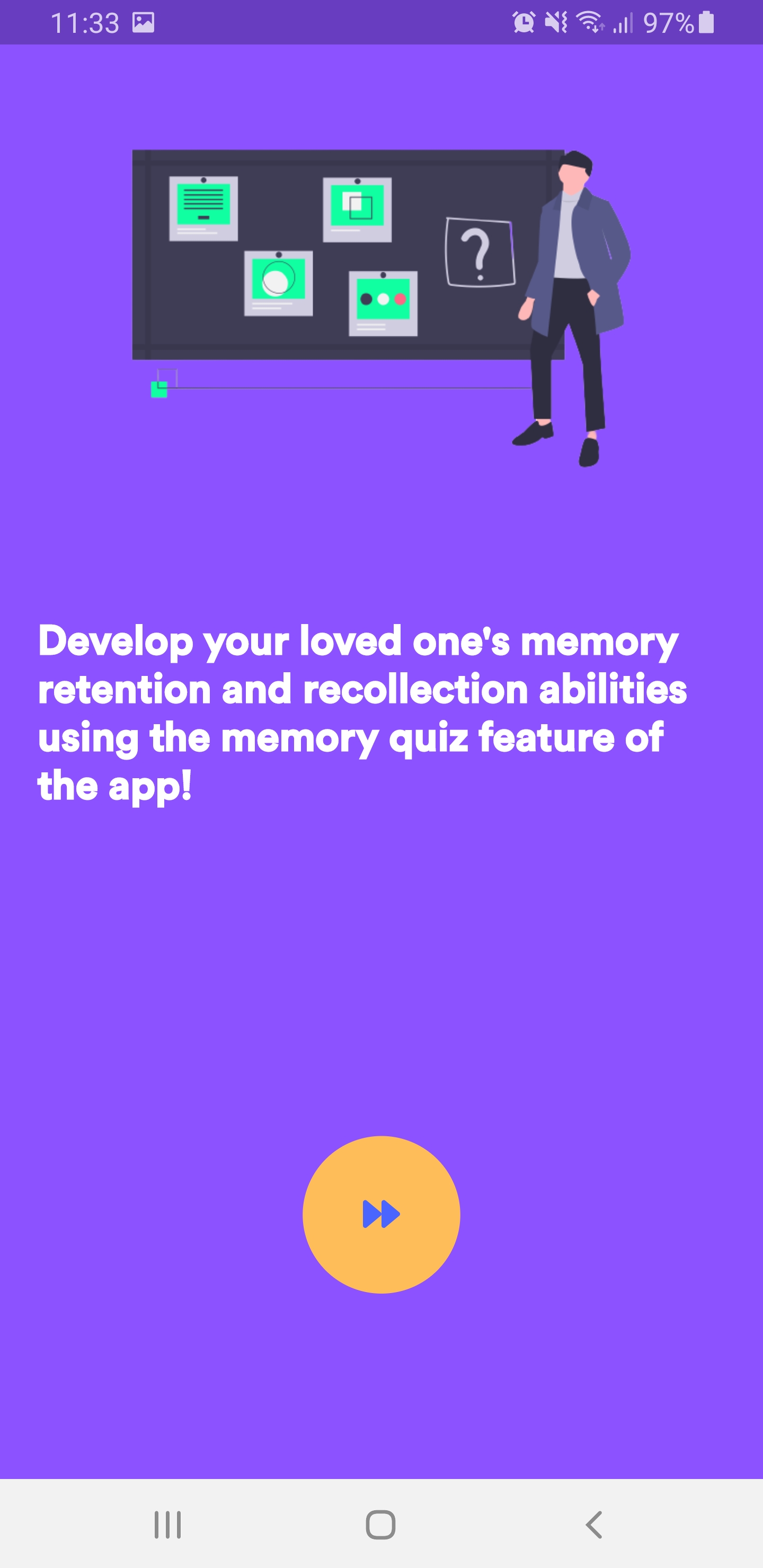
Onboarding screen for the CaretakerBuddy app
-
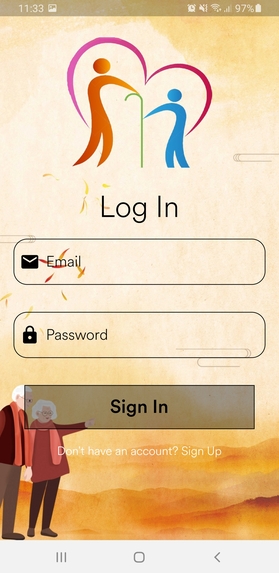
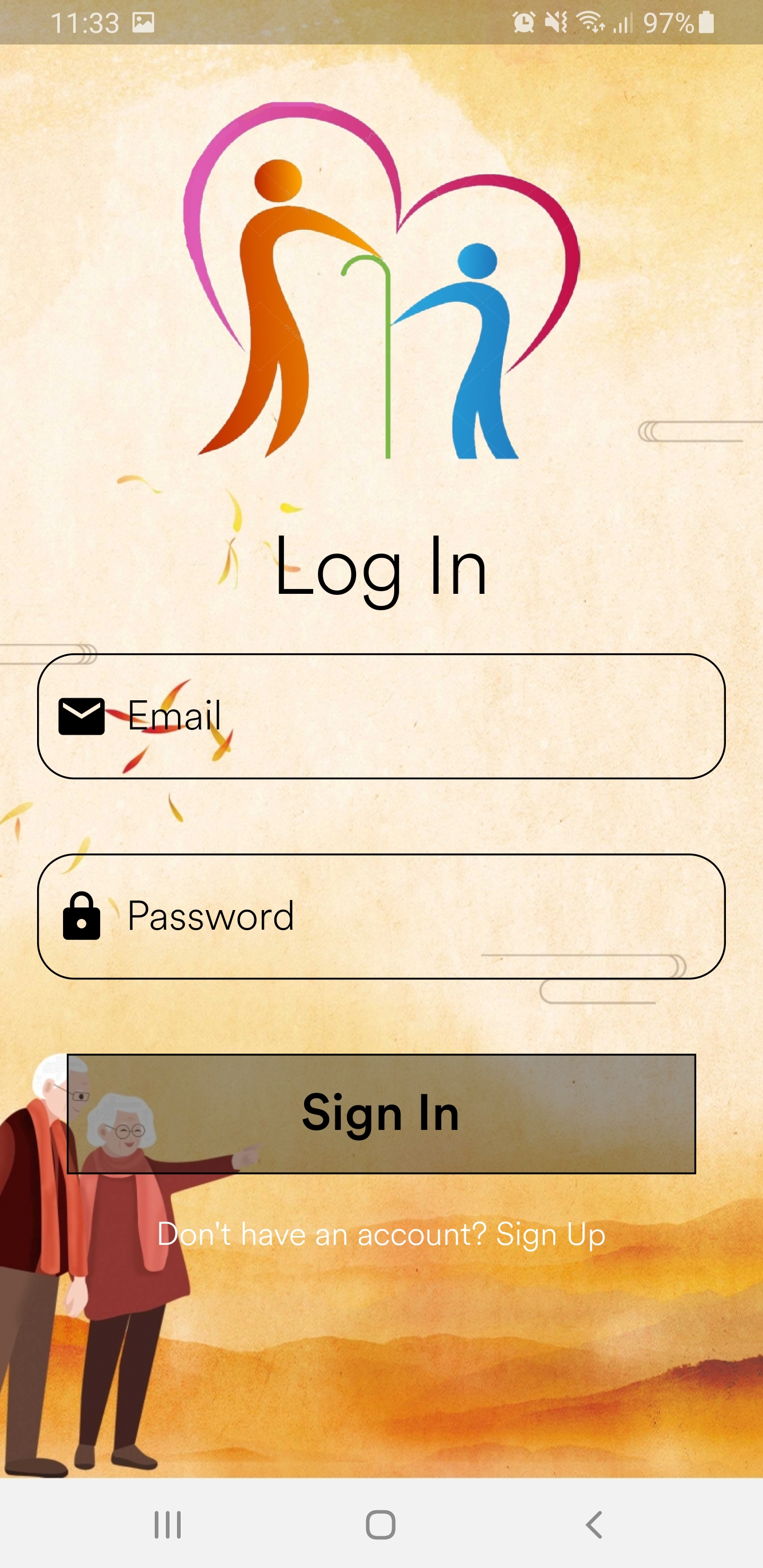
Log in UI for the the CaretakerBuddy app
-
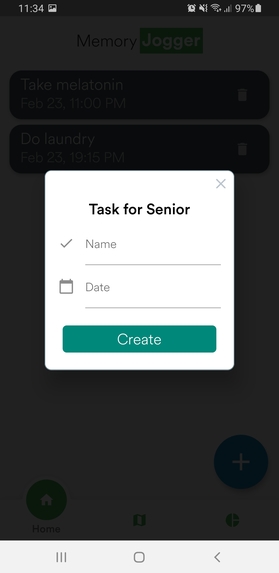
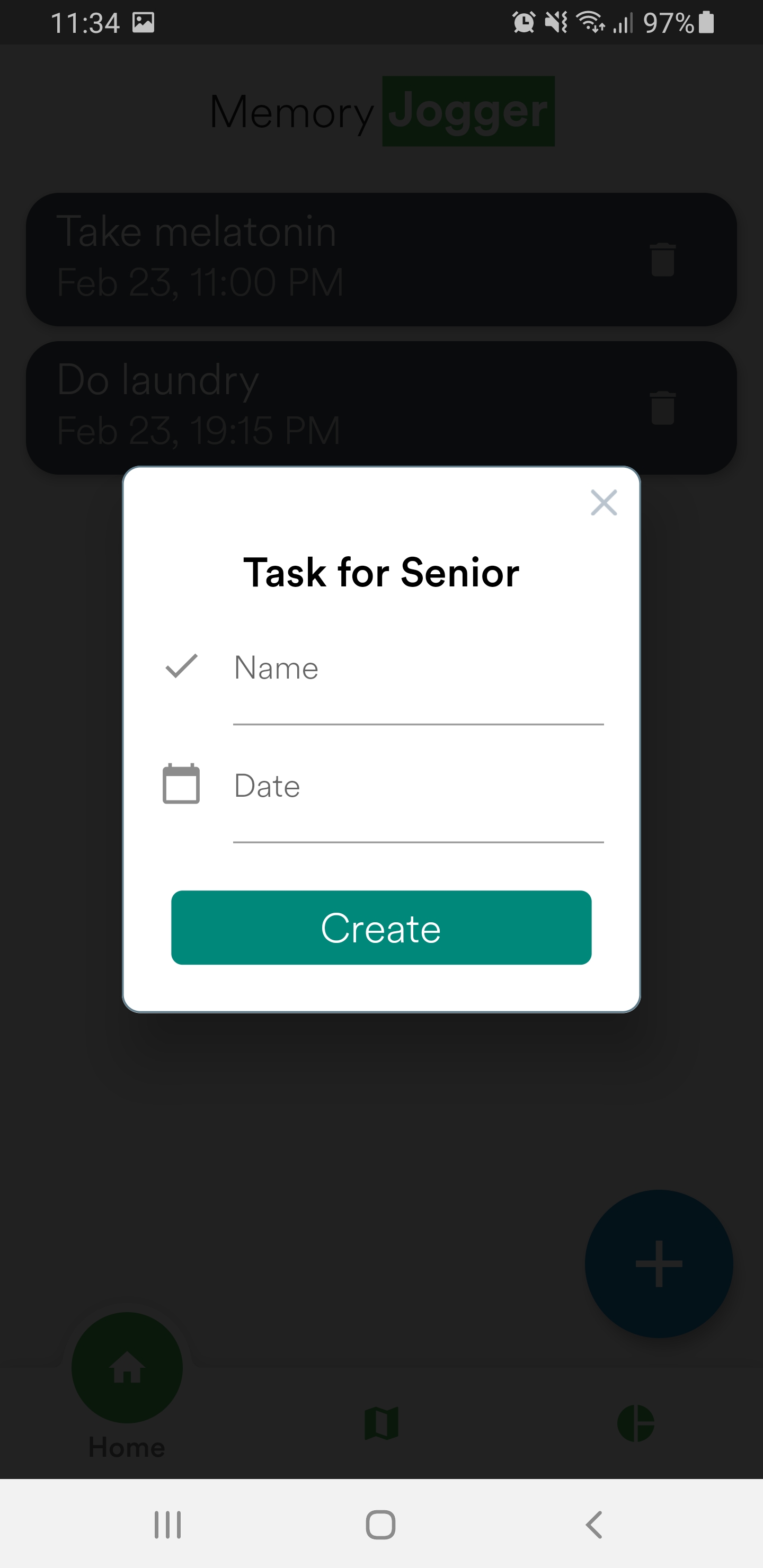
Assigning tasks for senior citizen from the CaretakerBuddy app
-
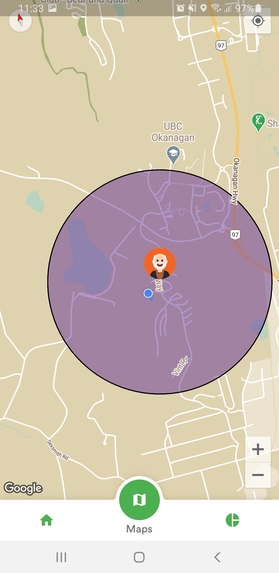
Maps feature showing location of the senior citizen (icon) and self loction (blue marker) in the CaretakerBuddy app
-
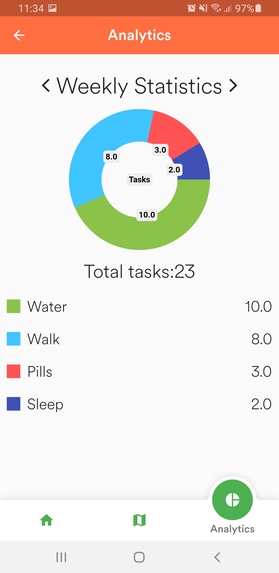
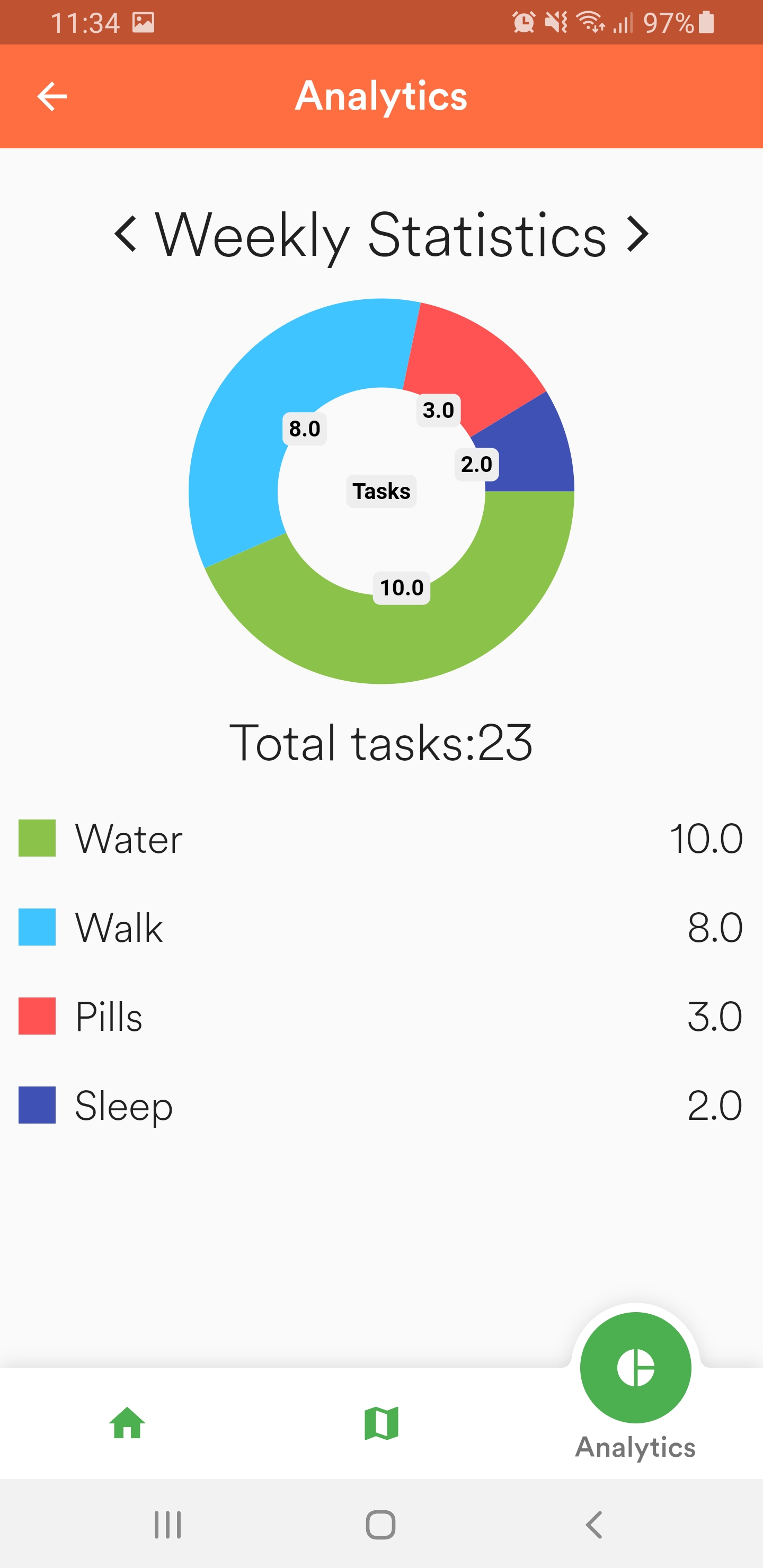
Analytics section in the CaretakerBuddy app showing the task completion of the senior citizen
-
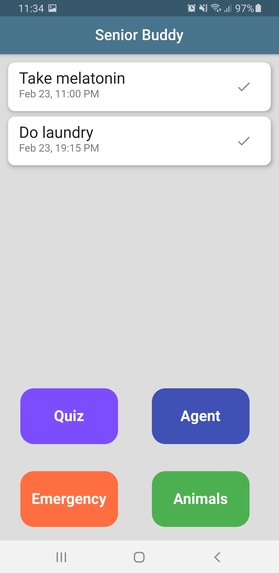
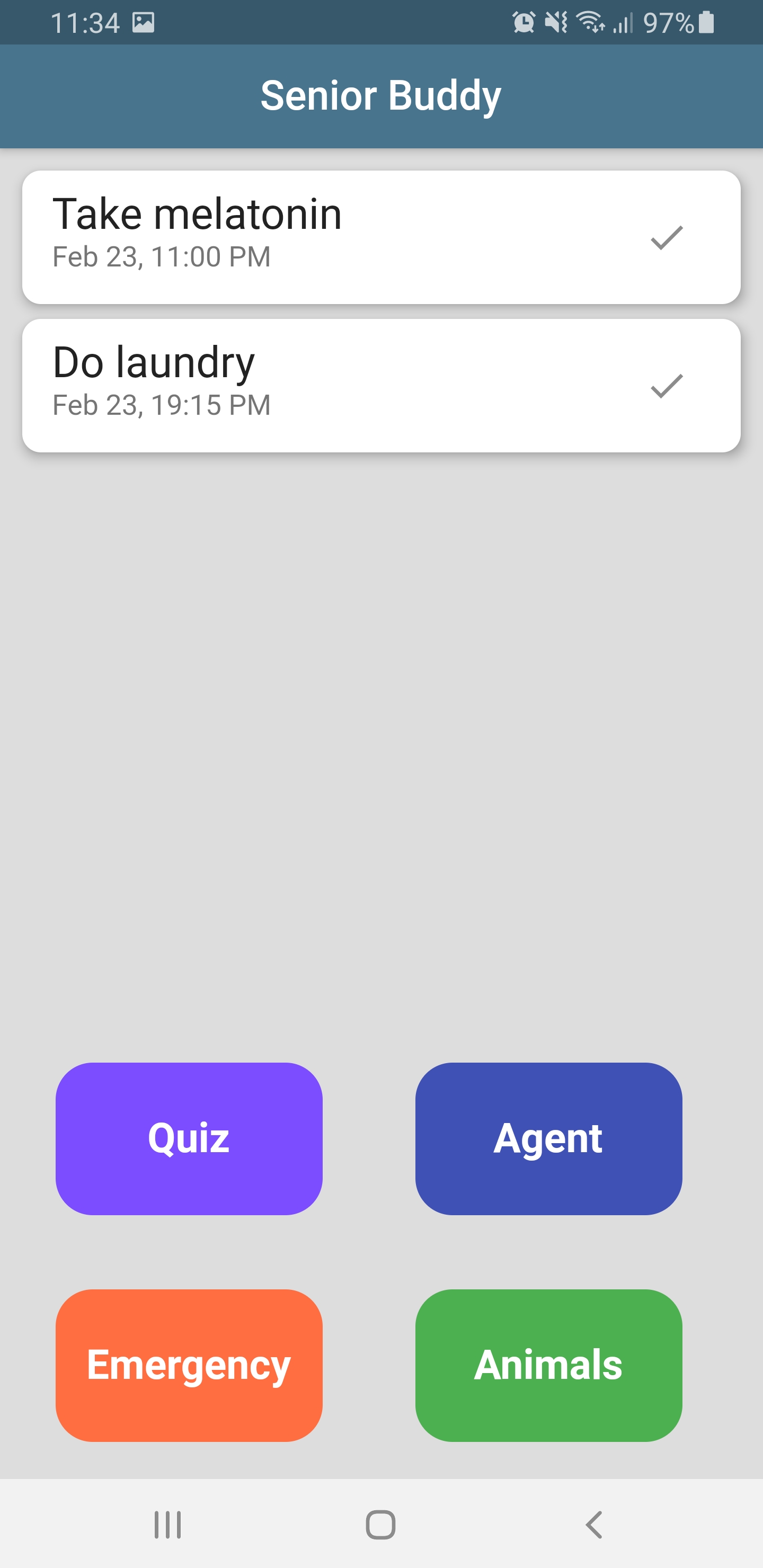
Homepage of the SeniorBuddy App
-
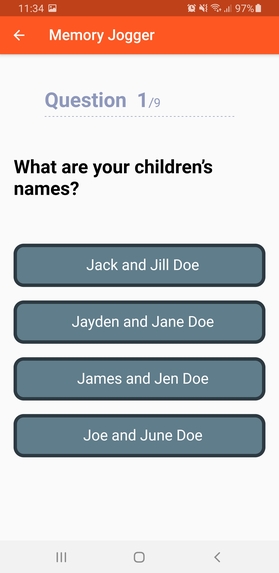
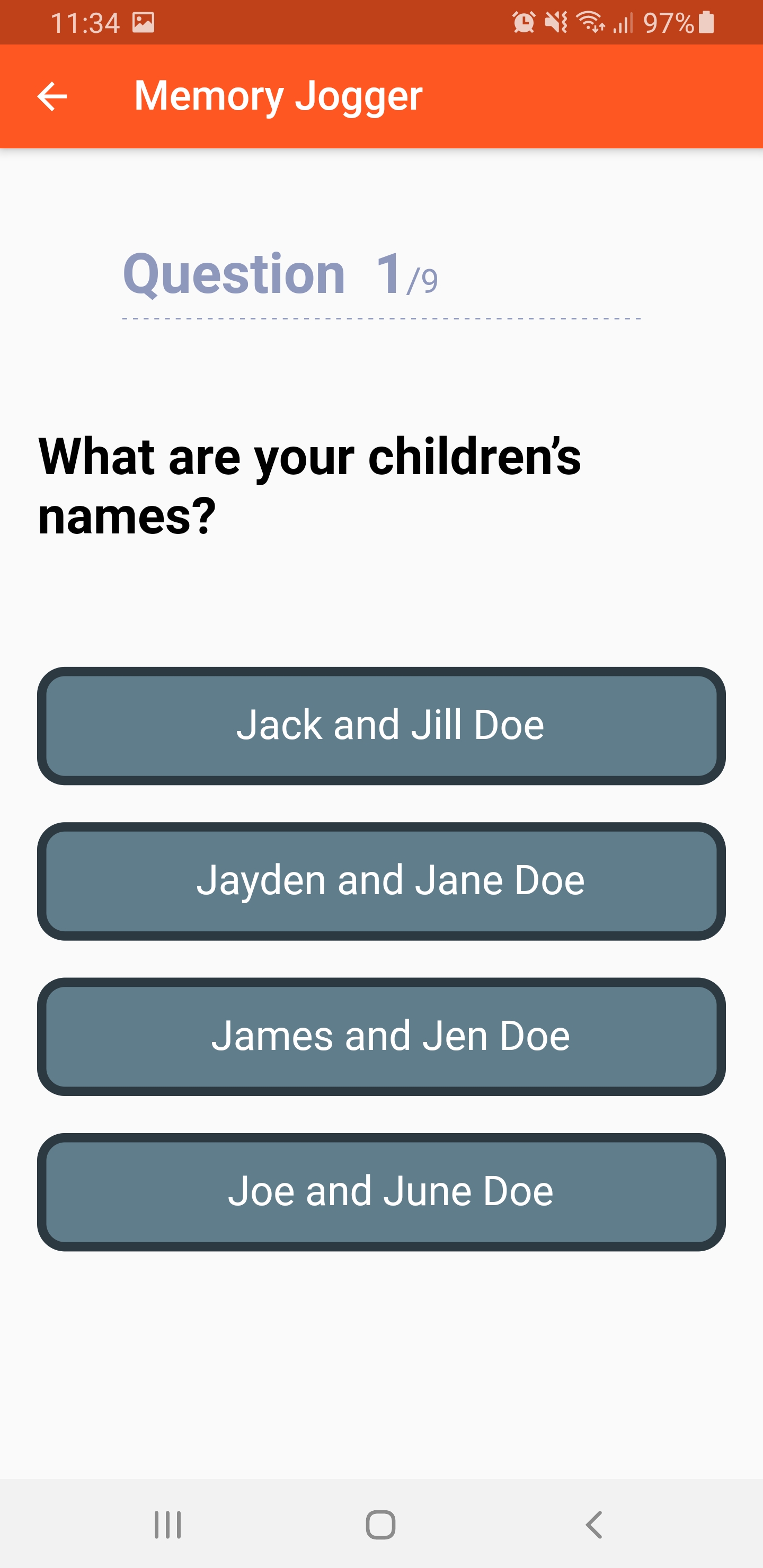
Quiz feature to recollect old memories in the SeniorBuddy App
-
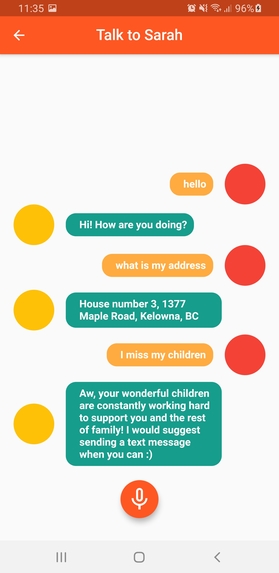
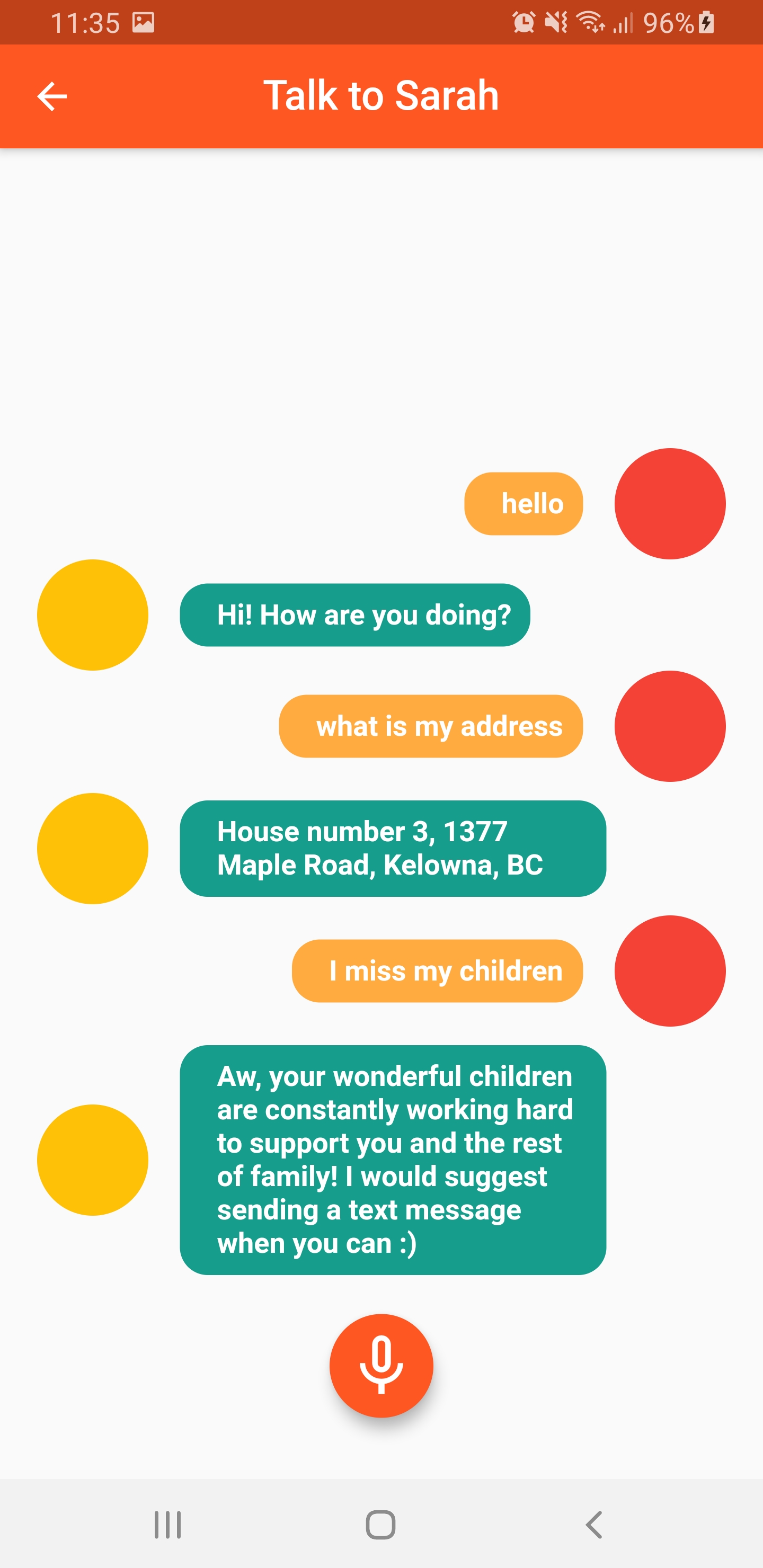
Personalized AI chatbot (Sarah) in the SeniorBuddy App
-
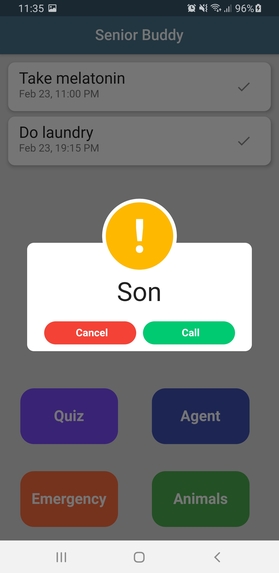
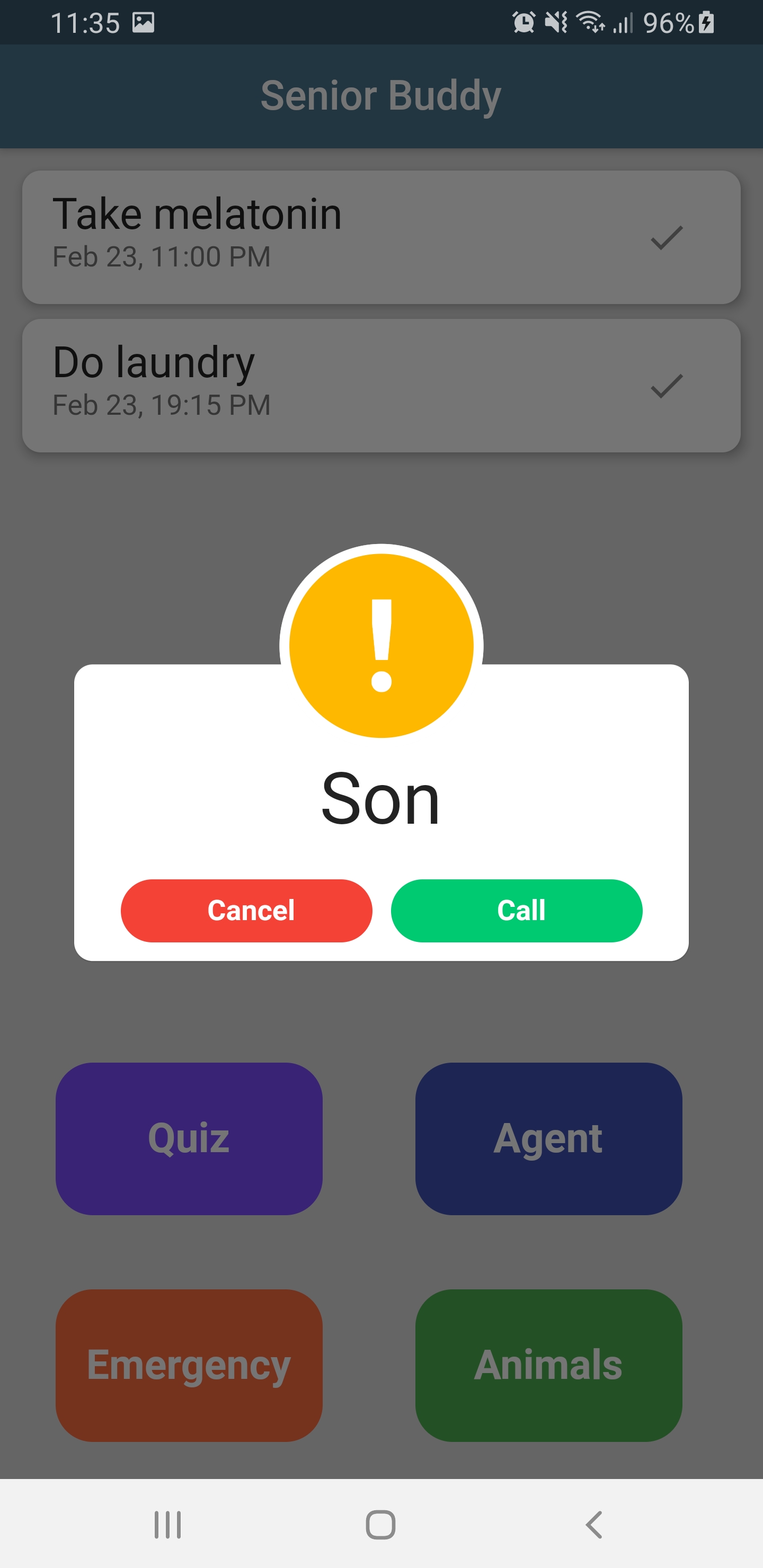
Emergency contact feature in the SeniorBuddy App

Inspiration
In the recent past, the world has gone through a tremendous wave of change due to the ongoing pandemic. One specific demographic that is being drastically affected, as a result, is the senior citizen community. As a direct consequence of the pandemic, our beloved senior citizens are facing unprecedented crises of mental health and emotional distress. A recent study (November 2020) done in various nursing homes within the Chicago region, revealed that residents had reduced appetite and two-thirds of the population drastically lost weight since the beginning of the pandemic (Khimm, 2020). This is caused by the impact of social isolation and visiting restrictions that are placed on such homes. This hints strongly that our precious loved ones are feeling more disconnected now than ever before and this is causing a sharp decline in their mental health!
Enter SeniorBuddy and CaretakerBuddy. The pair of applications were primarily inspired by the aforementioned issue. The applications aim to tackle this disconnection by creating a ‘bridge’ between the senior citizens and their primary caretakers. In addition, we also included findings from an award-winning research article relating decrease in short-term memory loss amongst the senior citizens when they were constantly shown slideshows of their past (Battagiri et al, 2008). This fundamentally inspired us to create the quiz feature that serves to constantly remind the users of SeniorBuddy about general information (such as “What was your nickname when you were younger?” or “What was the first car you owned) in an attempt to jog their memories and create an overall positive mental atmosphere along with added memory recollection and retention benefits!
What it does
SeniorBuddy
This is the application that the senior citizen would use and is practically complimentary to its sister app, CaretakerBuddy. The app is more simplistic in its design and ease-of-use. This was done to make it exponentially easier for the target users to navigate the app and more so, use it to a much greater extent than otherwise. Key features of the app include: Personalized AI Chatbox (Sarah) - Built by integrating DialogFlow, Google Speech-to-text and Google Text-to-speech into Flutter. This feature is geared to be more than an assistant to the user, it aims to become the user’s companion. Sarah aims to be capable of holding conversations with the user on more than just tasks and queries. It is built to be an emotional support to an extent and it achieves this by frequently conversing with the user. Memory Jogger(Quiz) - Personalized quiz for every user. Can be build by their caretaker. Studies show that people at an older age group tend to forget things faster and frequently challenging their memory proves to be working against it. Emergency Contact - Call your emergency contact instantly. todolist reminders - Reminders that give senior a notification on their phone every time task due date is up. Helps them remember and stay in healthy shape. Built using cloud firestore and firebase storage.
CaretakerBuddy This application is meant to be used by the caretaker and correspondingly it has more technical features than the SeniorBuddy App. Key features include- Maps This feature allows the caretaker to see in real time the location, route taken and other such data of the senior citizen. This is particularly useful to monitor the activities of the senior citizen. If the senior citizen crosses a certain boundary (shown in purple in the image) the caretaker will get a notification.
Personalized Charts - Shows how much of the tasks senior has completed. Uses beautiful charts to demonstrate it. Ability to create and delete todolist for the senior - Create a task with name and deadline so caregiver's senior receives a notification at a specific time.
How we built it
For this project, we used a variety of tools. The main language we used was Flutter, which is a cross-platform language for apps. Flutter helped us to build a mesmerizing UI and smooth animations quickly, due to our previous experience in the language as well as the big variety of packages it offers. For the back-end, we decided to employ Google's Firebase. After connecting both apps to the same project in the Firebase, we delegated the tasks so we can achieve more. One of us was building a map, one was working on AI, the other was designing the logo and other images, and one was building the UI.
Tech Stack: -Front-end/UI -- Flutter and dart -- Adobe XD -Backend -- Firebase -- Cloud Firestore -- Cloud Storage -- Firebase Authentication -- Dialogflow -- Google Maps
Challenges we ran into
Because the project consisted of two separate apps, closely linked to each other the workflow was a little bit chaotic. We stumbled upon the "merging" problem in GitHub where parts of code would get lost. Another challenge was connecting the cloud functions with our project.
Accomplishments that we're proud of
We are really proud of Sarah and the responses she gives to all queries and questions. We tried our best to make her as life-like as we can, and we are proud of what we achieved, considering the time constraints. The animations, especially the one on the startup was another big milestone for us since we made it from scratch using complex logic and geometry.
What we learned
We learned a great deal about machine learning and animations since we put a lot of emphasis on those in this project. But mainly, we all learned a lot about teamwork and better coordination, since this was one of the most challenging projects for all of us. We also learned how to create a functioning project in a constrained amount of time, which required us to have sharp planning skills and a great deal of time management.
What's next for SeniorBuddy + CaretakerBuddy
** Use tensorflow lite to detect body movements and teach your seniors how to exercise ** Draw polylines on where the senior has visited recently. If a senior with memory problems/Alzheimer disease, gets off the road, notify the caretaker immediately. ** User echoAR to implement virtual animals for senior to play with (we really wanted to implement this)
Built With
- cloud-firestore
- cloud-functions
- dart
- dialogflow
- firebase
- firebse-auth
- flutter
- google-cloud
- google-cloud-messaging
- google-maps
- node.js


Log in or sign up for Devpost to join the conversation.