
Inspiration
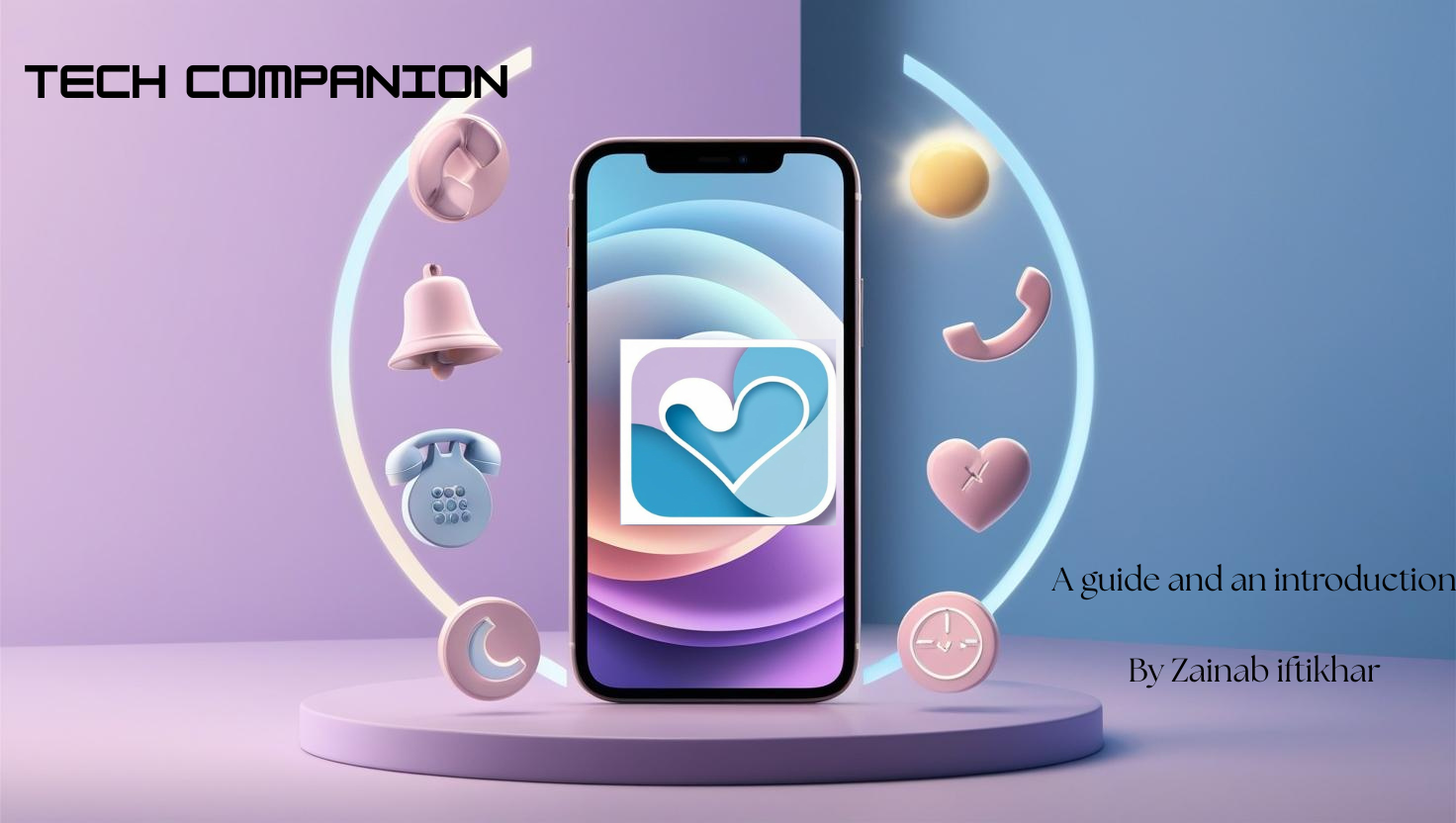
I noticed how many people — especially seniors or those without much digital experience — struggle with using everyday apps for reminders, calls, and settings. Many of them feel overwhelmed by cluttered interfaces or confusing icons. So I decided to create something that’s gentle, simple, and supportive — a digital companion that makes daily tech feel easy and empowering.
What it does
Tech Companion allows users to:
- Set simple reminders (stored via localStorage)
- Make quick calls (via clickable phone links)
- Switch between light and dark themes
- Navigate a clean, clutter-free interface designed for comfort
The idea is to provide only what’s needed, and remove everything that causes friction or anxiety.
How we built it
Built the app using:
- HTML, CSS, and JavaScript for the frontend
- localStorage to store reminders without a backend
- Responsive design using Flexbox and media queries for mobile support
- A custom theme switcher using JavaScript for light/dark mode I also paid special attention to layout spacing and iconography to make everything more accessible.
Challenges we ran into
- Getting localStorage to work in a user-friendly way with reminders
- Making sure the UI worked well on both desktop and mobile screens
- Keeping everything visually clean while still showing enough information
Accomplishments that we're proud of
- A fully working prototype with reminder functionality and theme toggling
- A UI that is both modern and beginner-friendly
- Creating a tech project that puts human comfort first
What we learned
- How to use localStorage effectively for basic app functionality
- How important visual hierarchy and spacing is for user clarity
- How to work with constraints (no backend!) and still build something useful
What's next for Tech Companion
I plan to:
- Add voice-to-text reminders
- Include simple tutorials or tooltips for first-time users
- Explore adding multi-language support
- Build a more robust version with backend integration (Firebase or Supabase)
TO WHOEVER WANTS THE CODE FOR THIS THERE IS THE LINK OF THE GITHUB WITH ALL THE CODE. A Tip: first run the main.html file .
Built With
- css
- html
- javascript
- localstorage-api

Log in or sign up for Devpost to join the conversation.