-
-
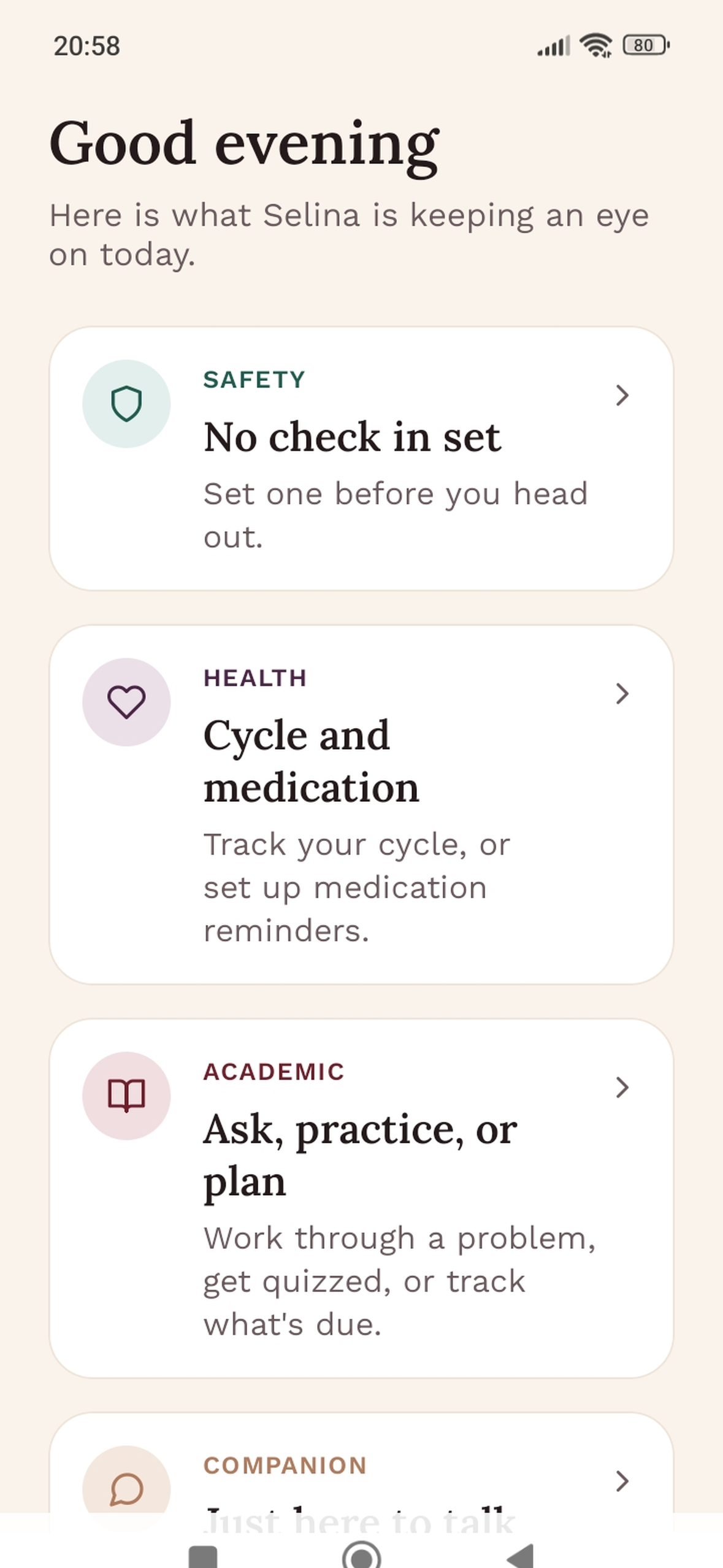
1179×2556 screenshot
-
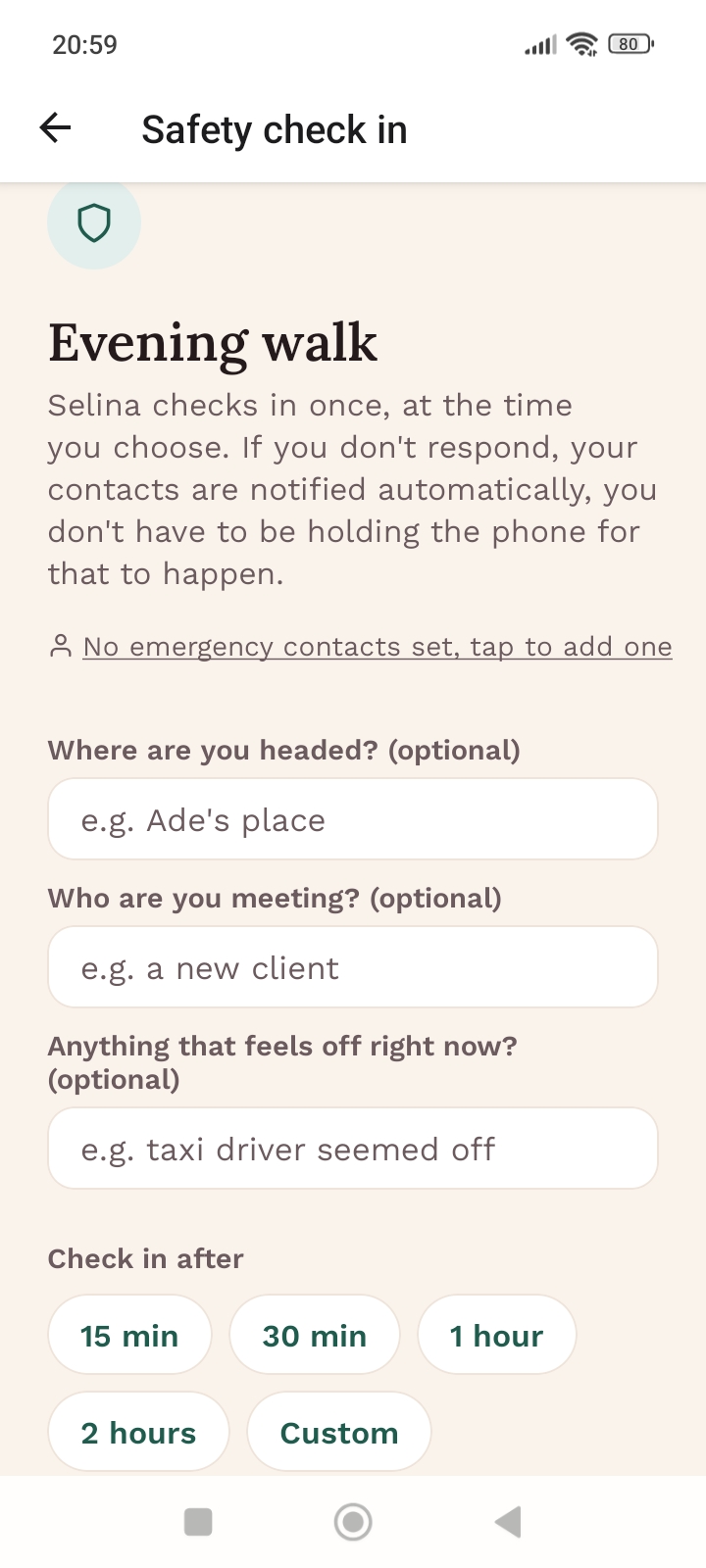
Safety Check in
-
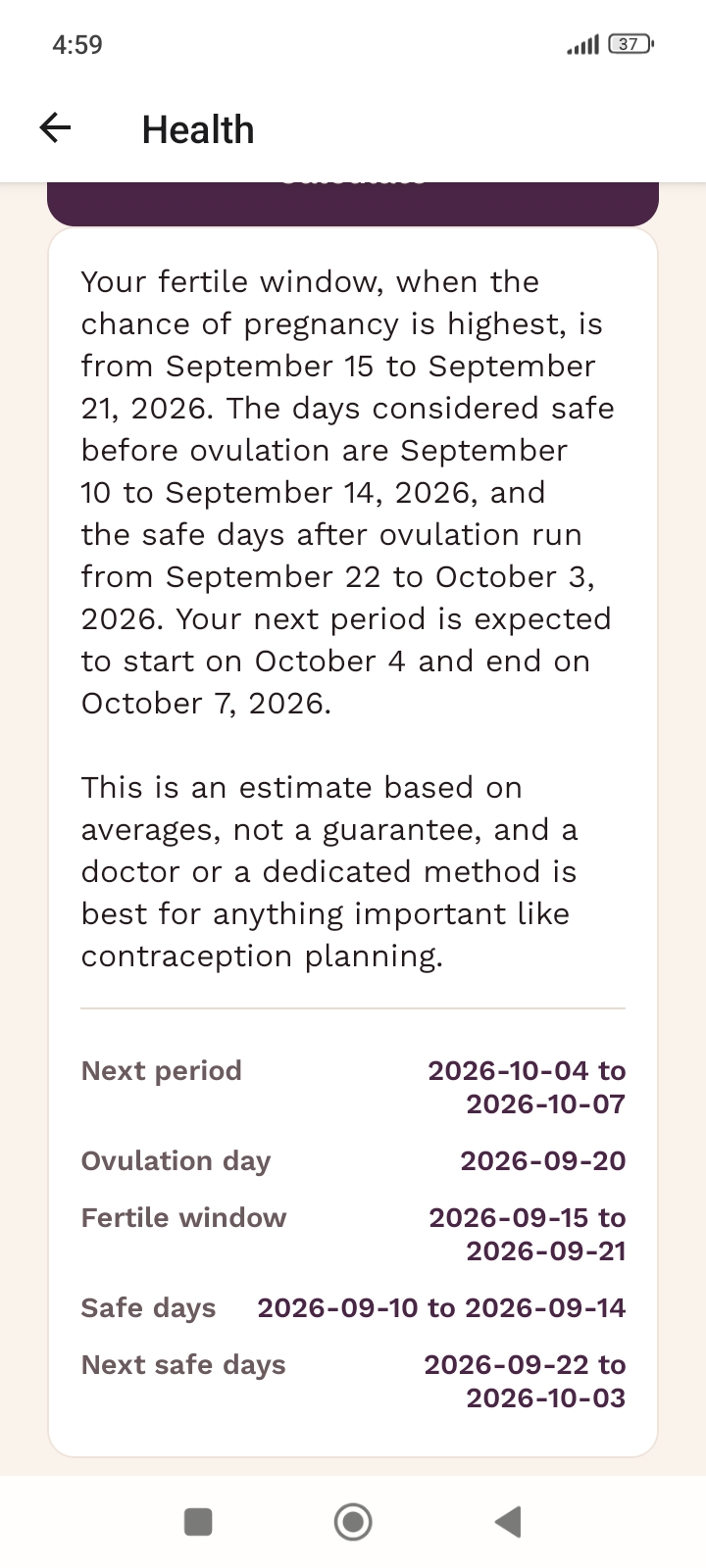
Health_Cycle-calculation
-
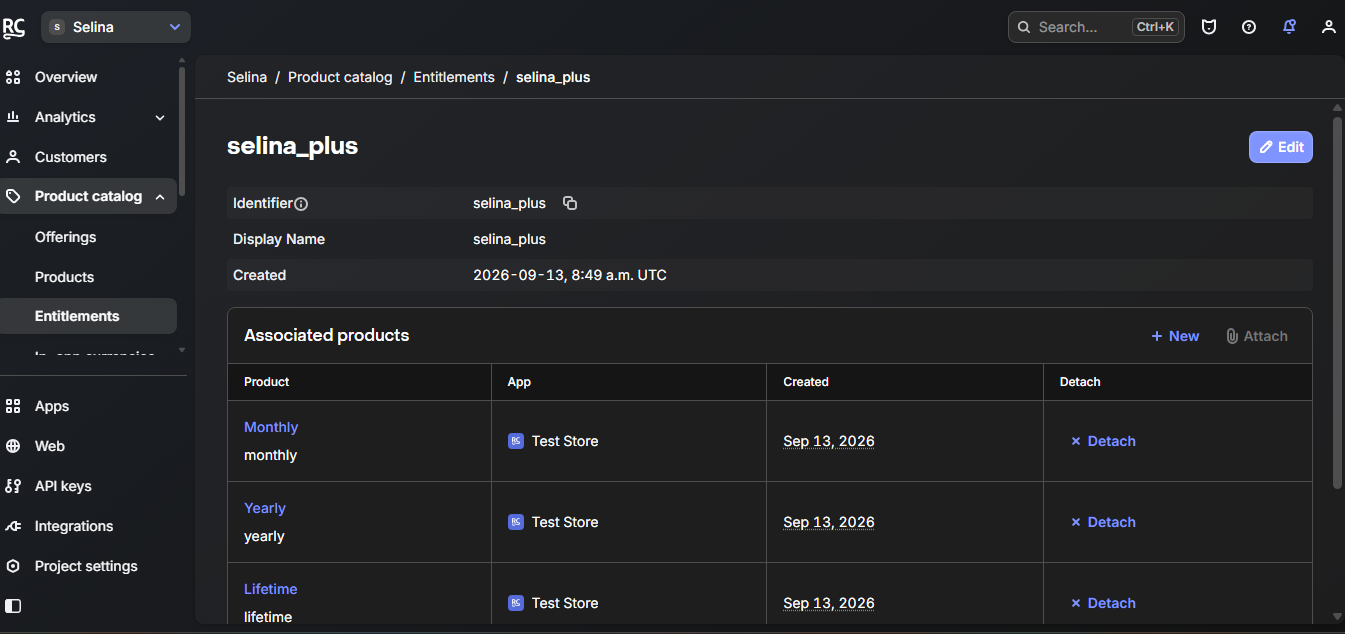
RevenueCat_entitlement-page
-
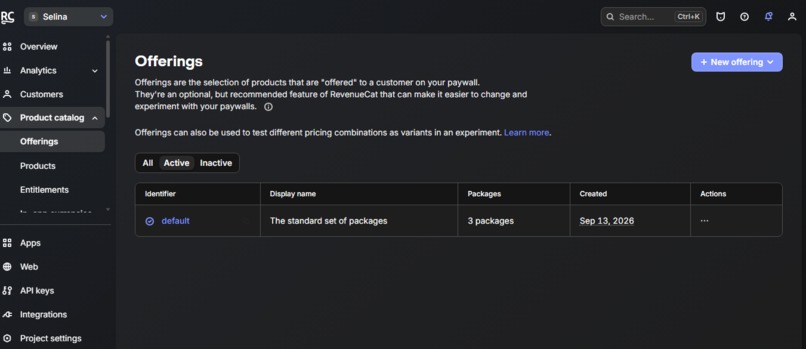
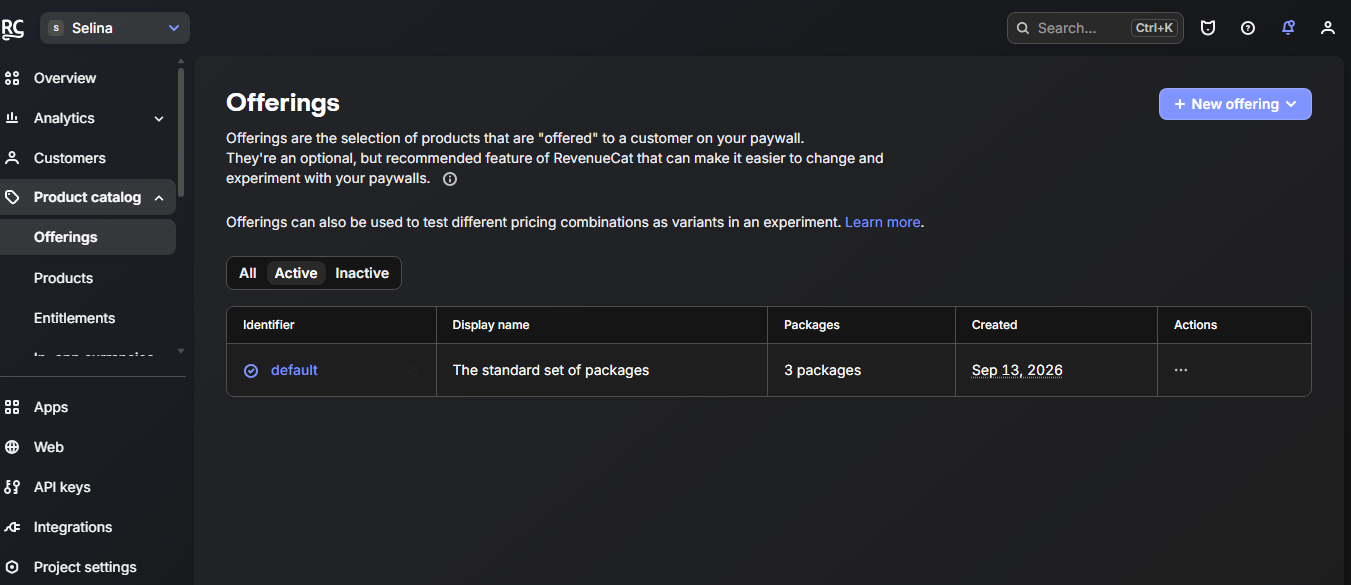
RevenueCat_Offering-page
-

App Icon 1024x1024

Inspiration
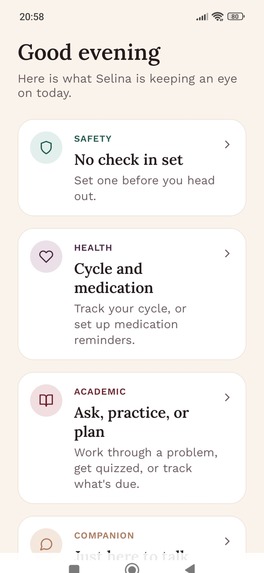
I lost two people close to me during pregnancy and childbirth. After that, I kept thinking about how much can go wrong for a woman when there's no one checking in, no record of what happened, and no easy way to get support. Selina came out of that: a few small things a woman might need on a hard day, in one place.
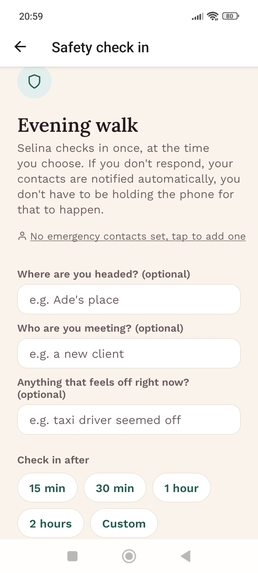
The safety part of Selina already had a check-in timer. The next question was what happens when she wants to show what happened. A photo taken in a bad moment is often too dark or too blurry to help. It also often has other people's faces in it, people who never agreed to be recorded. I wanted Selina to deal with both before anything is saved.
What it does
Selina Vision takes a photo or a short video clip and does four things:
- Checks that it's usable (not too dark, too bright or too blurry).
- Blurs every face it finds.
- For video, flags sudden or repeated movement.
- Keeps one clear frame from a clip.
Then it returns a next action, and the Selina Safety Agent acts on it. The agent never sees the image. The vision result decides what it does:
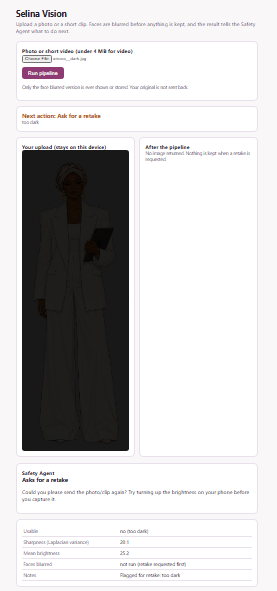
- Too dark or blurry: it asks for a new photo with one practical tip, and nothing is stored.
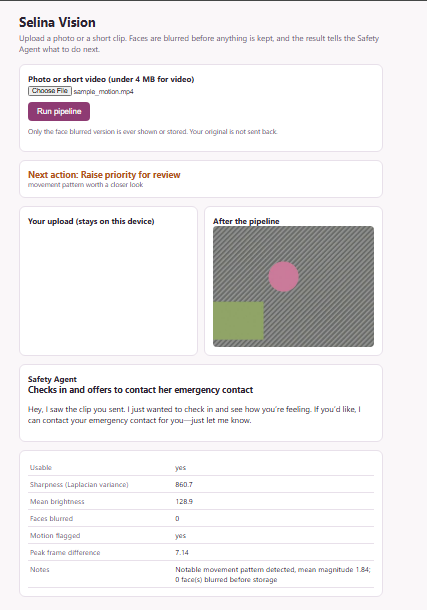
- Sudden movement in a clip: it checks in on her and offers to contact her emergency contact. It doesn't assume anything is wrong, because shaky footage can also just be a shaky hand.
- Usable and calm: it files the blurred image on her timeline.
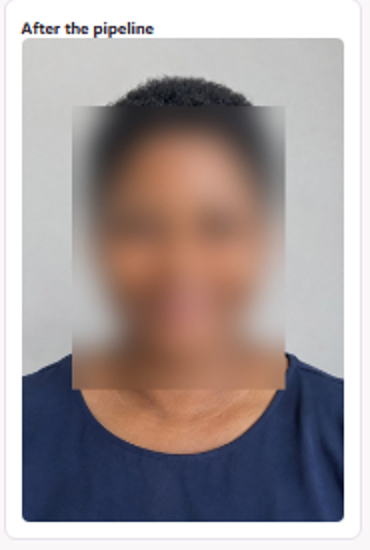
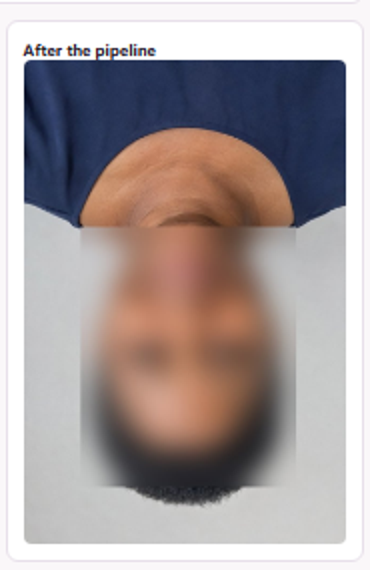
You can try it on the live page. Upload a photo and the face comes back blurred, with the Safety Agent's reply under it.
A dark photo is bounced back with a retake request, and a clip with sudden movement raises priority:
How we built it
The core is a Python module on OpenCV 5.0.0. It uses Laplacian variance for sharpness, FaceDetectorYN (the YuNet model) for faces, rotate to retry sideways and upside-down photos, GaussianBlur for the blur, and absdiff between video frames for motion. OpenCV 5 moved the old Haar cascade out of the main package, so YuNet was the way to go.
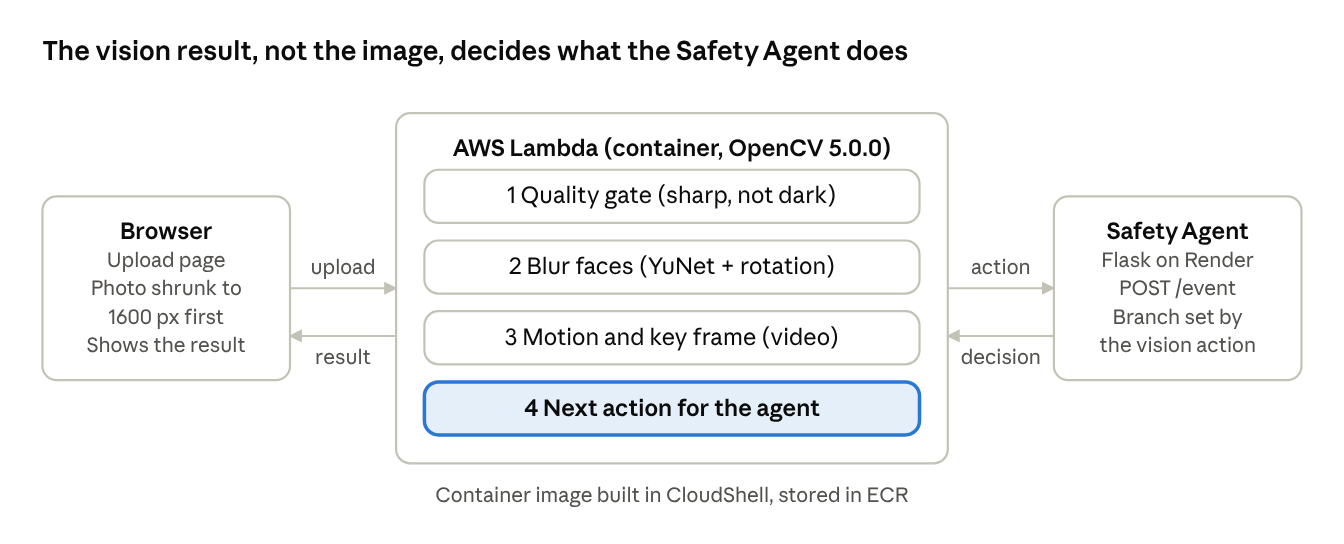
It runs on AWS as a container image on Lambda, behind a Function URL that serves a small upload page. The Lambda sends the result to the Selina backend, a Flask app with nine small agents behind one orchestrator, and shows the Safety Agent's reply on the page. The reasoning runs on Groq, with a mock provider as a fallback.
Challenges we ran into
My first test photo came back with no face found. The detector found it at 640 pixels and missed it at full phone size, so every image is now shrunk before detection.
I then tested properly instead of trusting one good photo. I made 160 test files from 20 portraits (blurred, dark, washed out, small face, upside down, half cropped, low resolution). Upside-down faces were blurred only 3 times out of 20. That's a privacy failure, because the person stays visible. I added a retry on rotated copies and it went to 20 out of 20.
My first version also filed every result the same way, so the vision output wasn't changing what the agent did. I rewrote the Safety Agent so the three results lead to three different behaviours.
On AWS, the free host for my backend sleeps when idle. One test run took 39.6 seconds, and about 35 of those were the backend waking up. The OpenCV part took around 4.
Accomplishments that we're proud of
It runs end to end on AWS, from upload to blurred image to the agent's decision. The evaluation picked the right next action on 157 of 160 files, and blurred 95 of 100 faces with no false blurs. I'm also proud that the technical report lists the failures instead of hiding them.
What we learned
One demo photo looked perfect and hid a real problem. Writing a test set that tries to break the pipeline found things I would have missed. For a tool about privacy, a missed face matters more than a false blur, so I tuned toward catching faces and put a human review step after it.
What's next for Selina
Three failures are still open: faces cut in half by the frame (3 of 20 missed), small faces (2 of 20 missed) and washed-out photos that pass the quality check (3 of 20). Tiled detection and a check for blown-out highlights are the first things I'll try. After that, testing on real phone video and group photos, since my test set is clean portraits with synthetic damage.
The live endpoint is open and has no login, which is fine for a prototype but not for real use. It needs authentication, rate limits and a clear rule for how long evidence is kept. Then comes photo and clip upload inside the Selina app itself, so a woman can send evidence from the Safety screen.
Built With
- expo.io
- flask
- python
- react-native
- react-navigation
- revenuecat

Log in or sign up for Devpost to join the conversation.