-
-
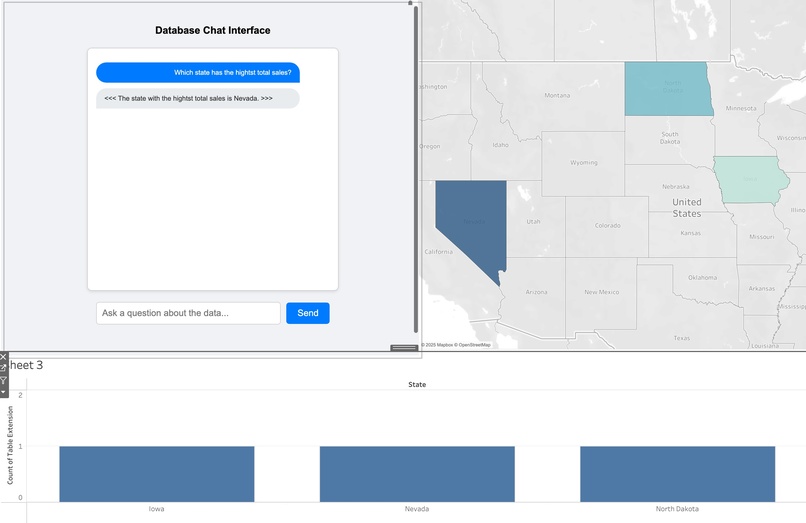
Ask questions about your data
-
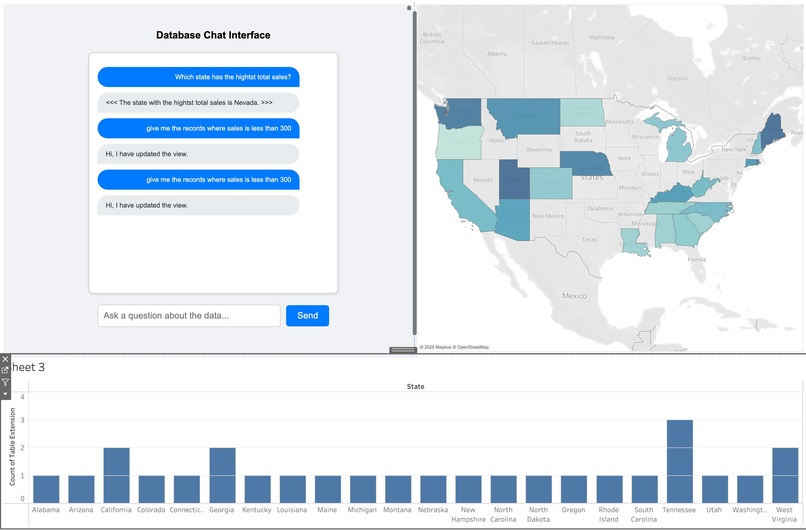
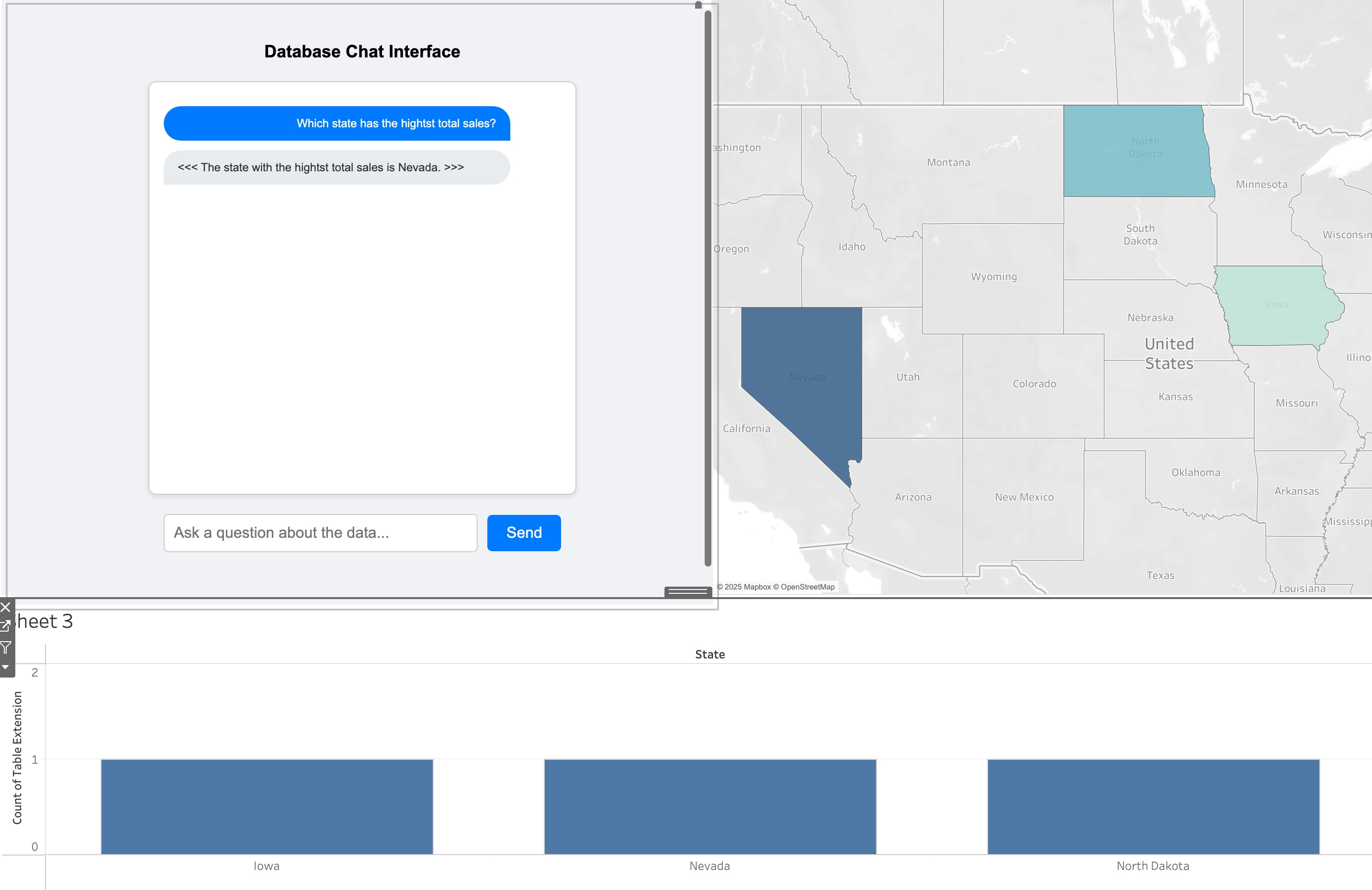
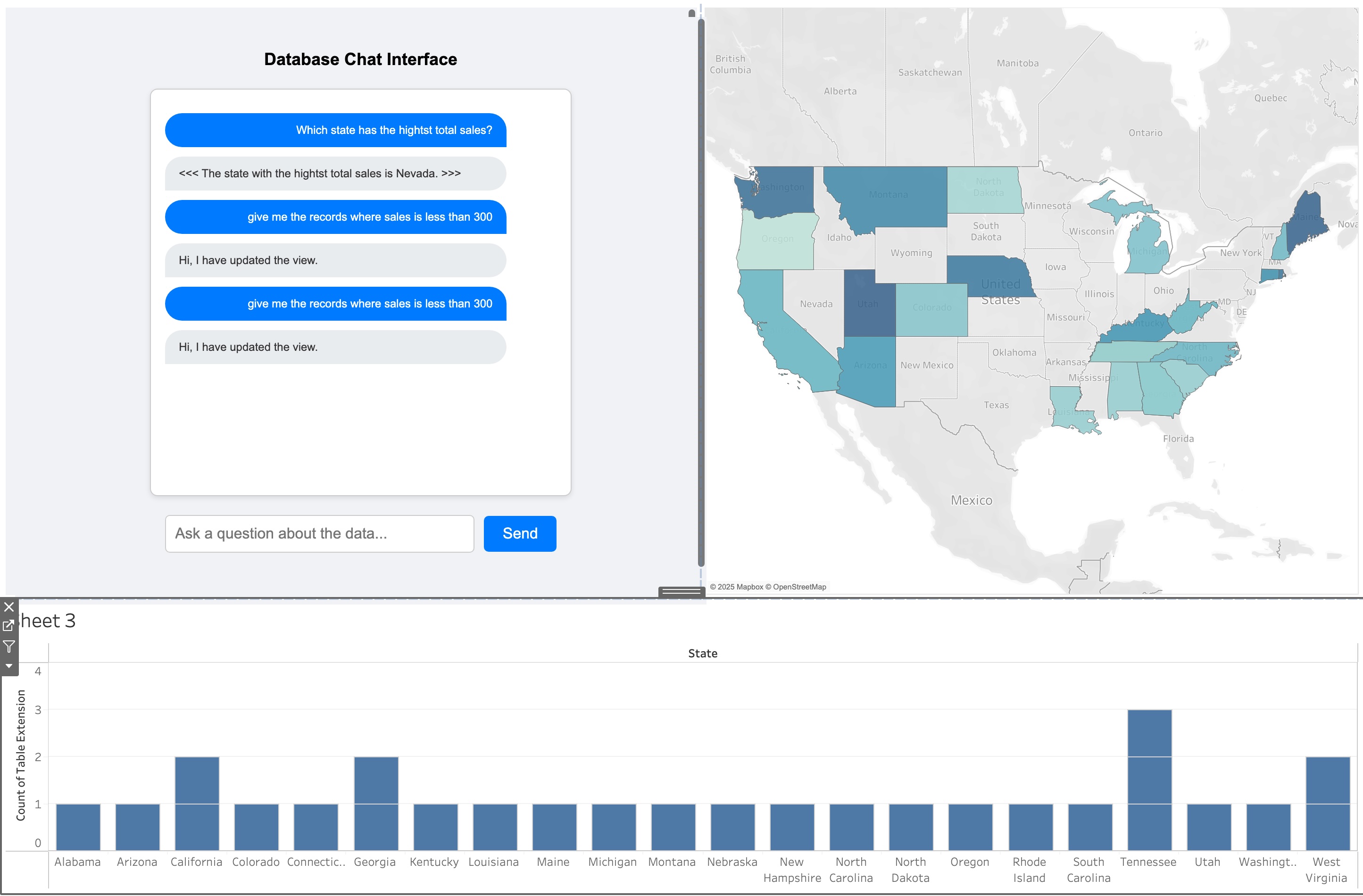
Ask Ai to update the view with new data from the database
Inspiration
I noticed how teams often struggle with bloated, static dashboards and constant back-and-forth with technical teams just to get specific insights. I wanted to simplify that process—making data easily accessible to everyone, without losing depth or flexibility. I also aimed to make dashboards more user-centric, so new questions can be asked on the fly for better, faster decision-making.
What It Does
My solution embeds an AI-powered query interface directly into a Tableau dashboard. Users type natural-language questions, and the system either returns direct answers or retrieves only the relevant data for the dashboard—no more scanning entire datasets or waiting on IT. The AI engine creates the necessary database queries, fetches the data, analyzes it, and provides the information you need when you need it.
How I Built It
Dashboard Extension: A custom extension that lets users interact with data in real-time. It also triggers the Table Extension to fetch new data based on user requests.
Table Extension: This lightweight script connects to the server; whenever new data is ready, it pushes the latest information to the dashboard.
AI Query Engine: A locally hosted model (from deepseek) interprets natural-language questions and translates them into SQL queries. This keeps costs low and the setup secure—no external data connections.
Database & Data Generator: A backend service continuously creates fresh records and stores them in the database, ensuring real-time data.
Server Setup: A simple Flask server processes user requests, runs queries, and sends the results back for visualization.
Challenges I Ran Into
Real-Time Performance: Making sure queries on large datasets run quickly and efficiently without crashing or lag.
AI Query Accuracy: Training the model to handle domain-specific questions and convert them into valid SQL.
Integration Hurdles: Ensuring the extension worked seamlessly within various dashboard features and security constraints.
Accomplishments I'm Proud Of
Robust Query Handling: The AI engine manages a wide range of queries, from basic lookups to complex aggregations.
Scalable Design: The solution handles growing data volumes while maintaining performance.
Efficient Data Handling: By querying smaller, relevant subsets, we reduced the risk of misinformation and improved accuracy.
Truly Self-Service: Users can ask for specific insights without needing to write SQL or sift through full datasets.
What I Learned
Precise Context Matters: Feeding only relevant data to the AI cuts down on confusion and “hallucinations.”
Efficient Data Access: Finding the right balance between speed, accuracy, and scalability is crucial.
Real-Time Feasibility: With careful architecture and optimization, on-demand data generation and retrieval is absolutely possible.
What's Next for Self-Service Analytics, Powered by AI
Multi-Platform Integration: Extend beyond Tableau to other BI and visualization tools.
Refined AI Models: Further improve how the AI interprets complex or industry-specific questions.
Multi-Lingual Support: Enable global teams to query data in various languages.
Advanced Analytics: Incorporate predictive modeling and anomaly detection directly in the dashboard.
Deeper Integrations: Connect with more data sources and BI platforms to unify analytics.
Custom Visualization Support: Allow the AI to create interactive, tailor-made visuals for even richer insights.

Log in or sign up for Devpost to join the conversation.