-
-

Logo
-
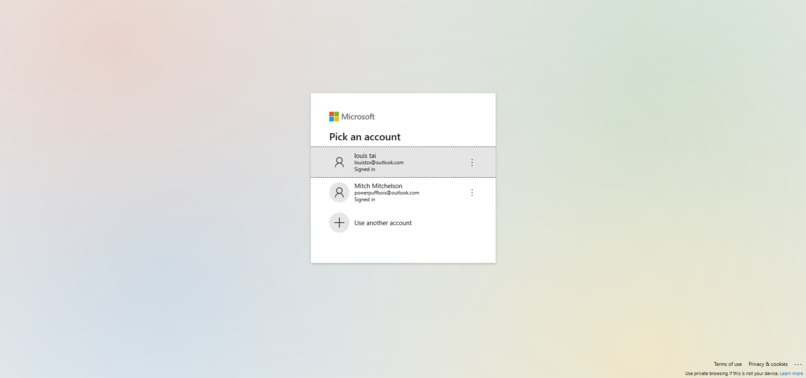
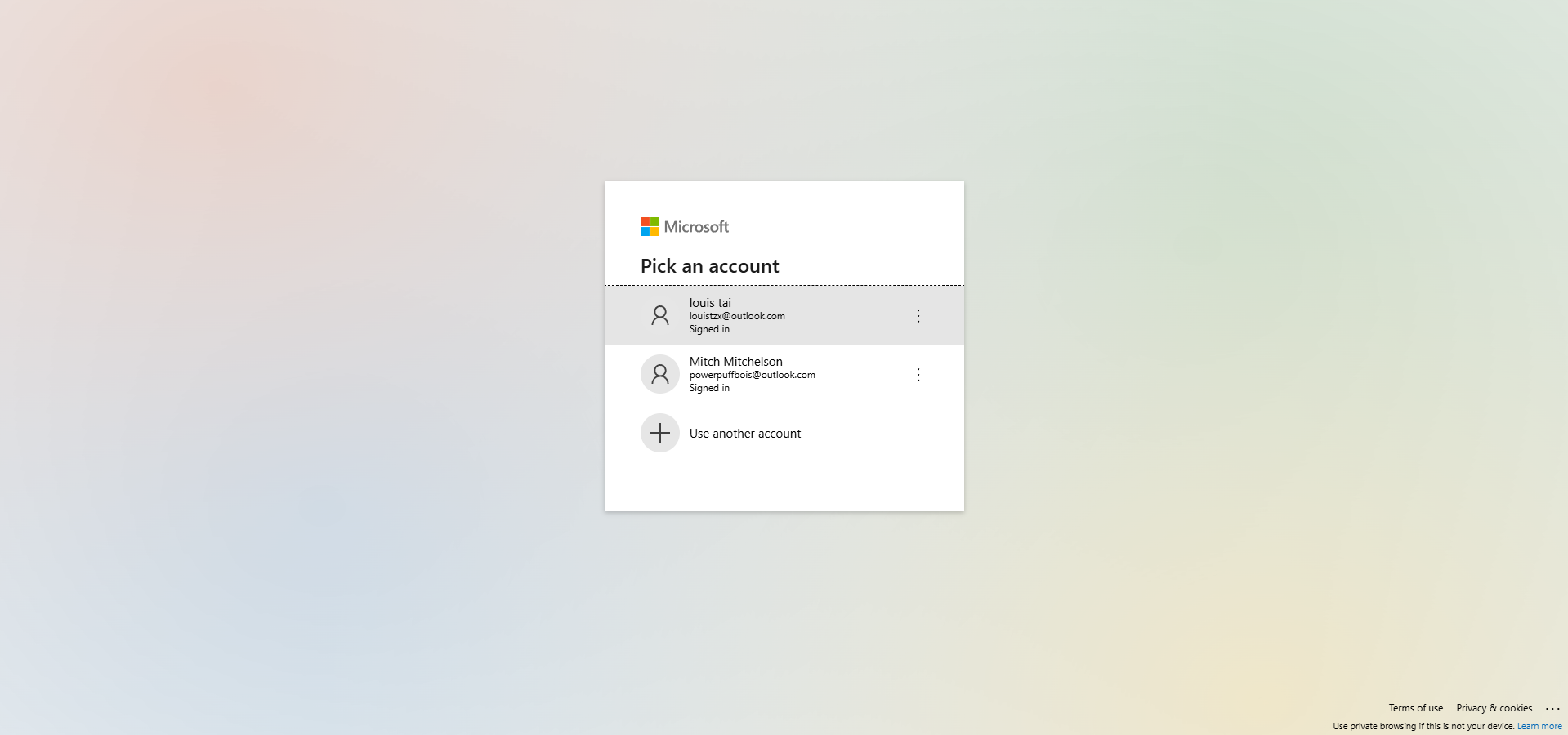
Login
-
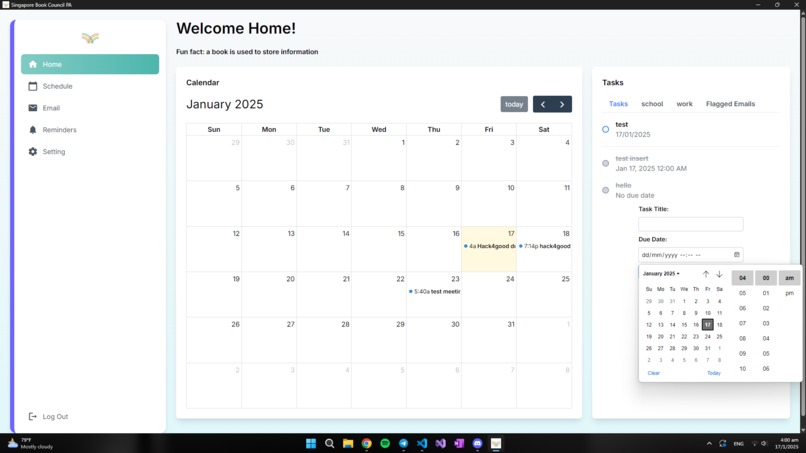
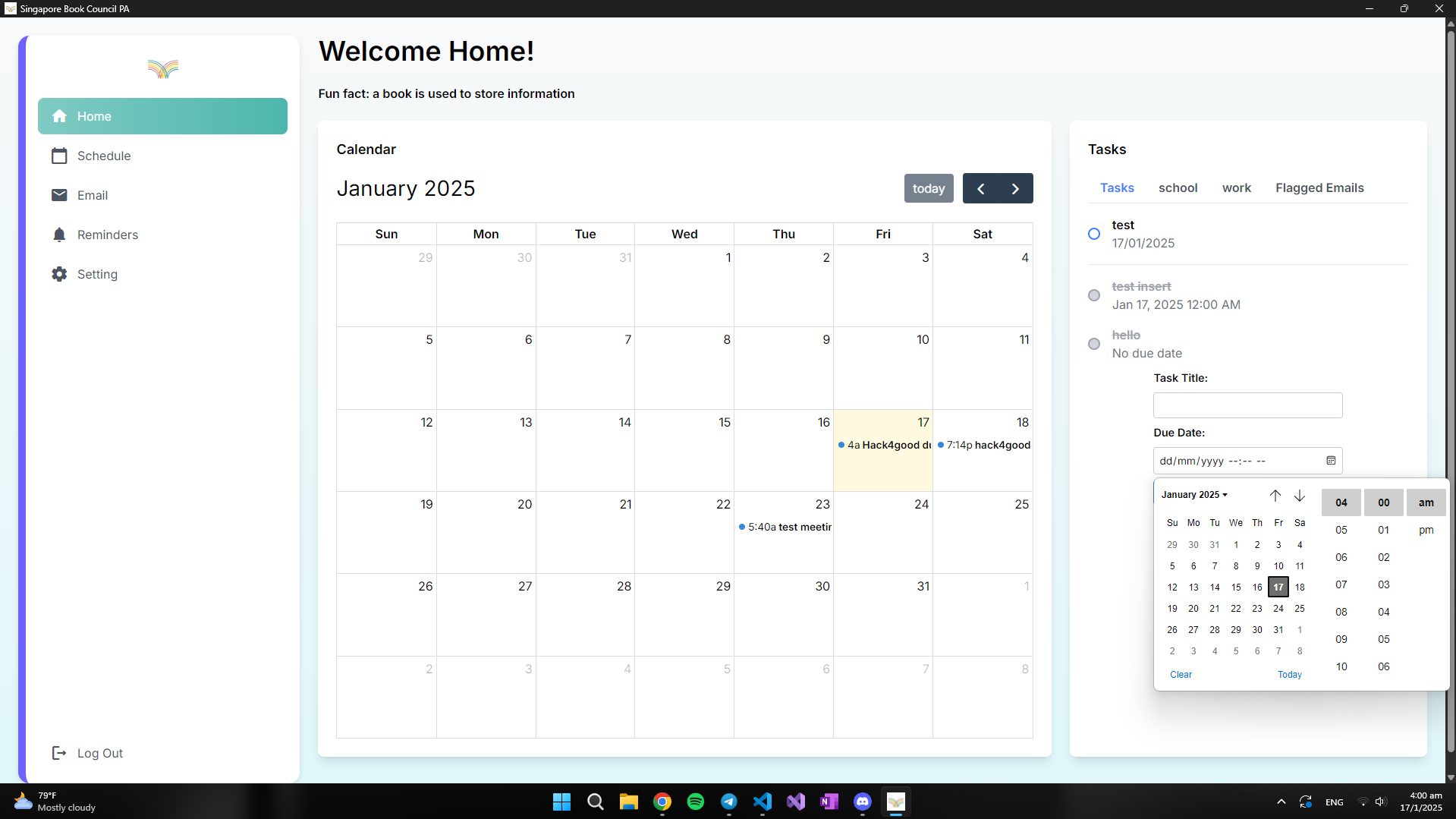
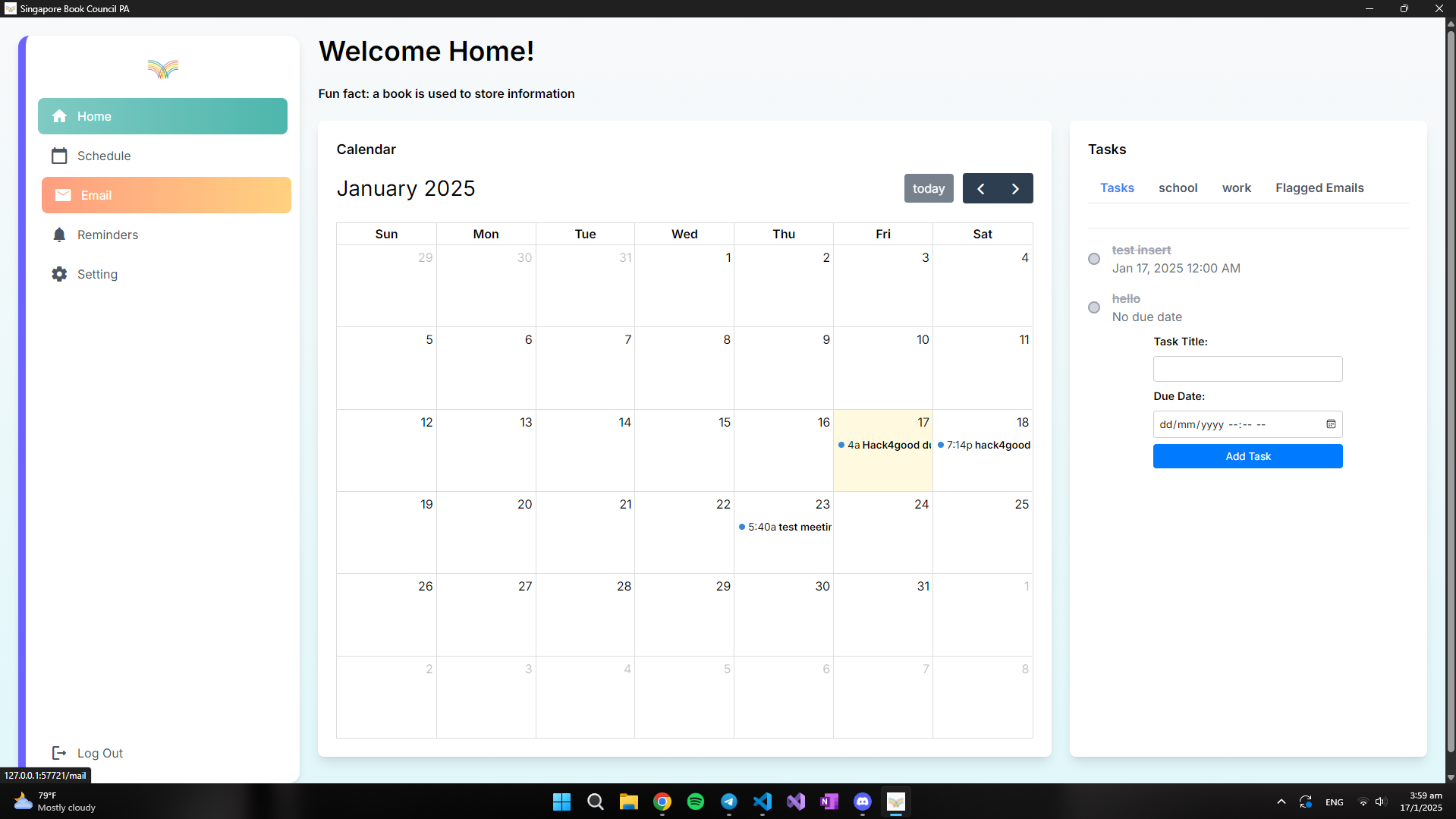
Home Page
-
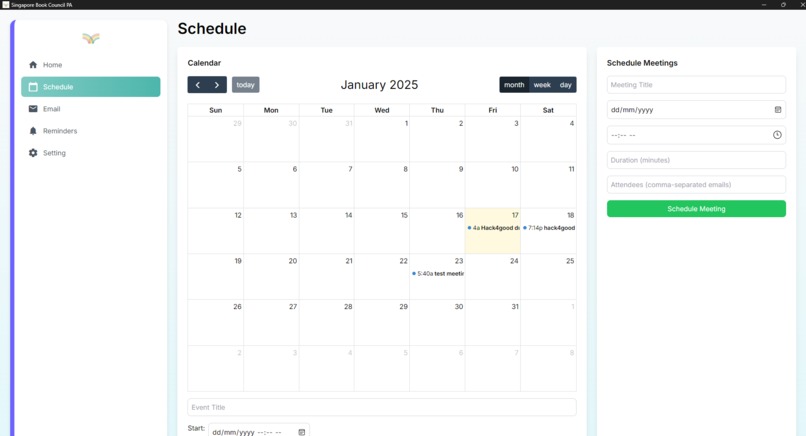
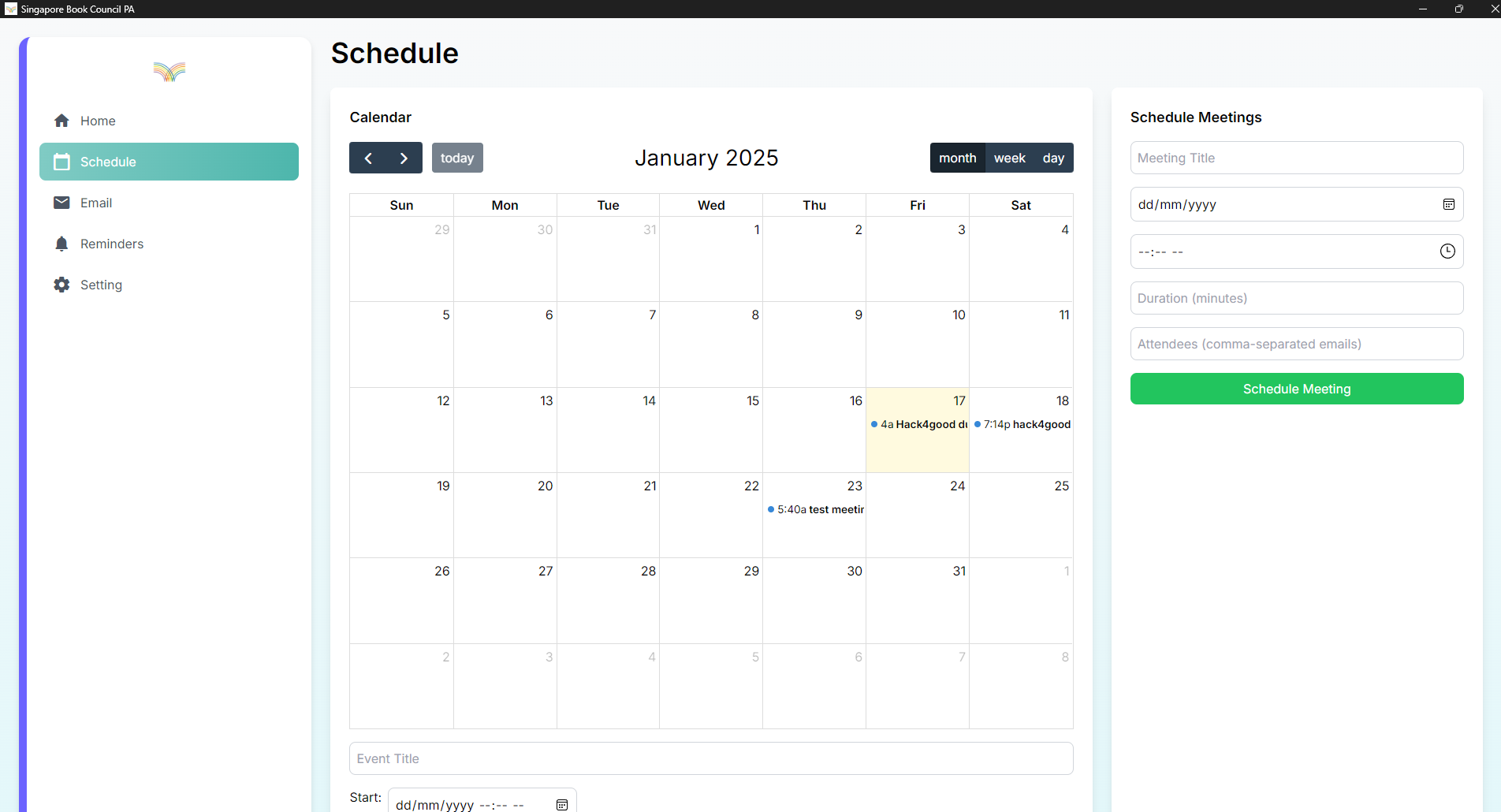
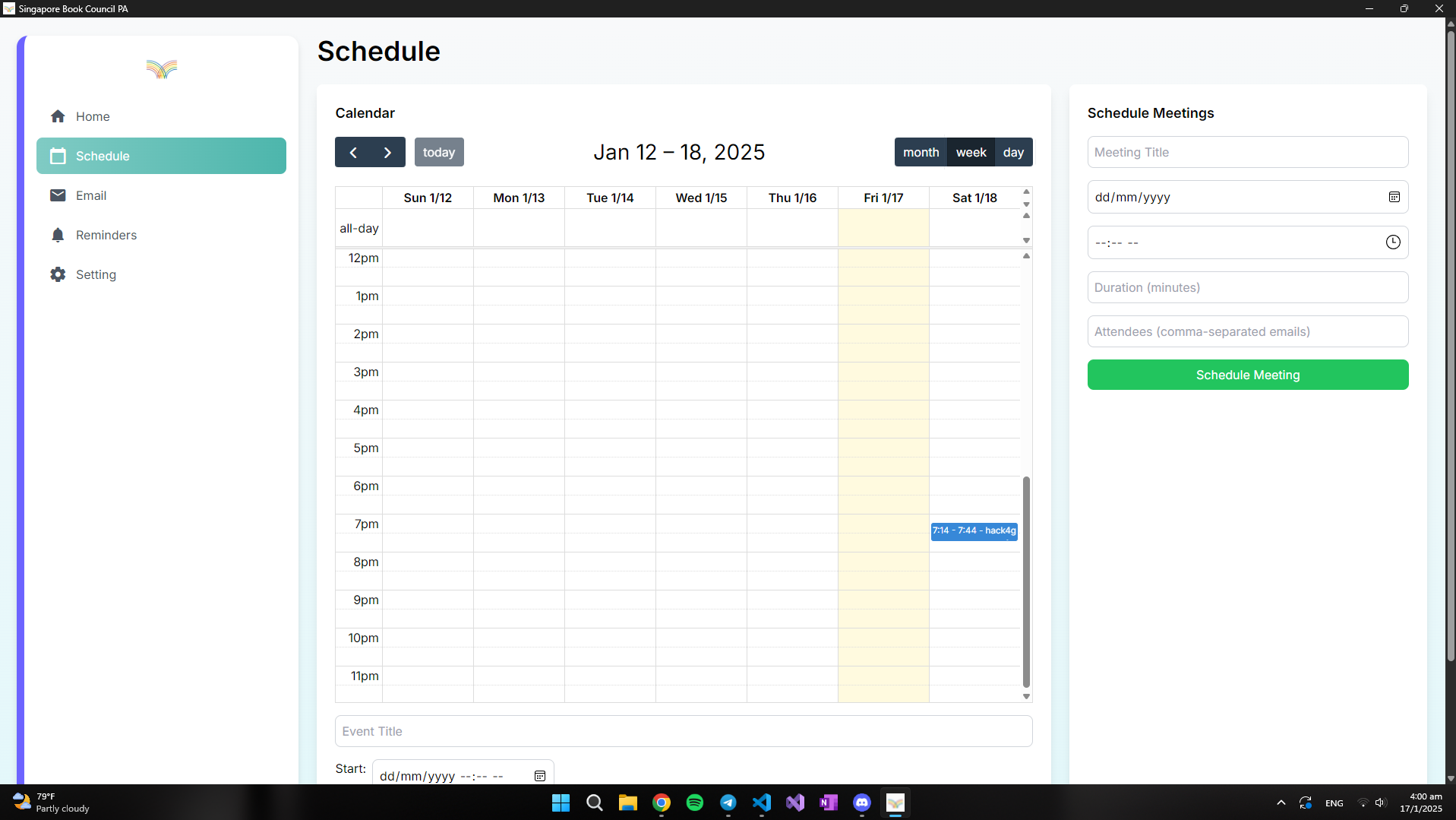
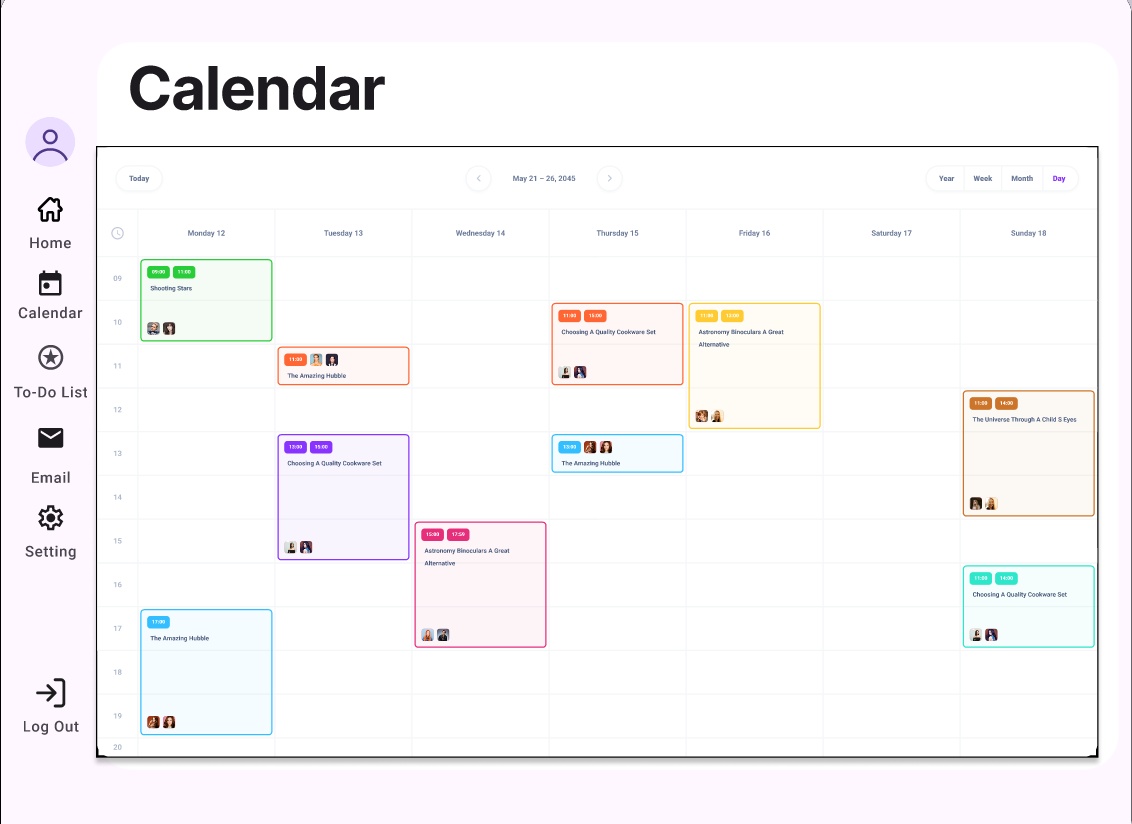
Schedule
-
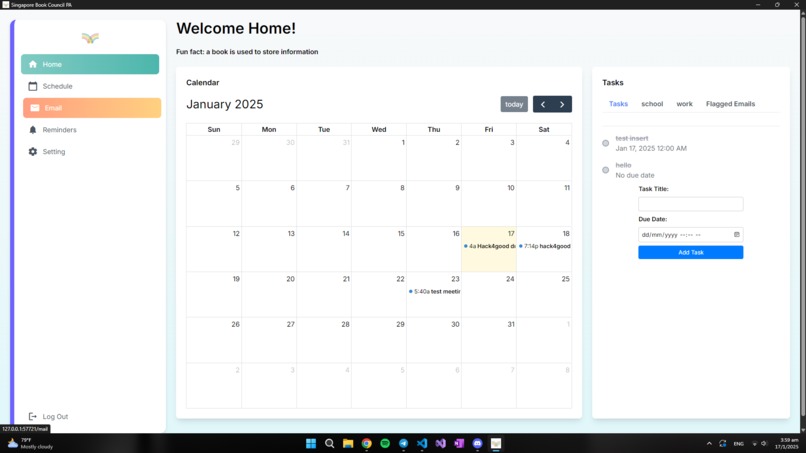
Schedule
-
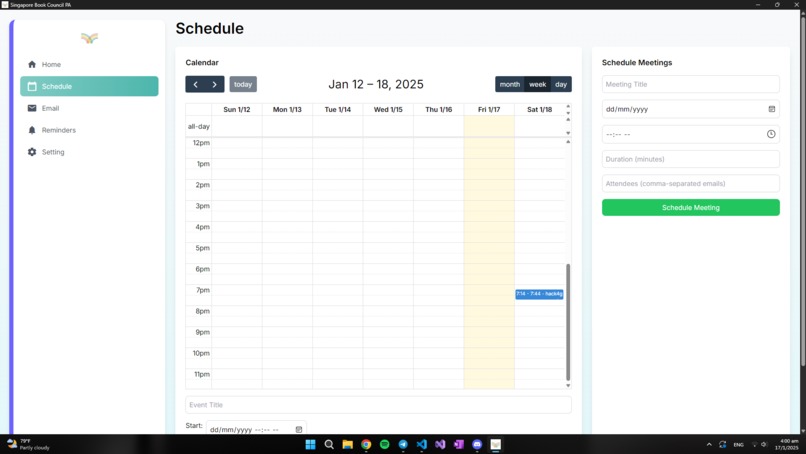
Schedule
-
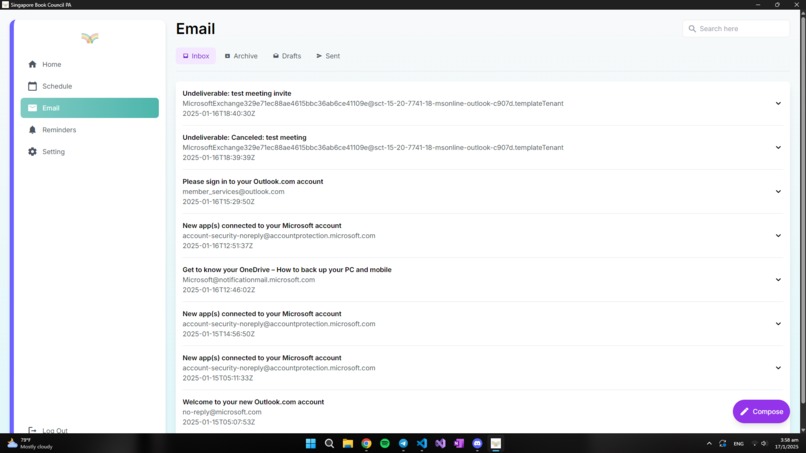
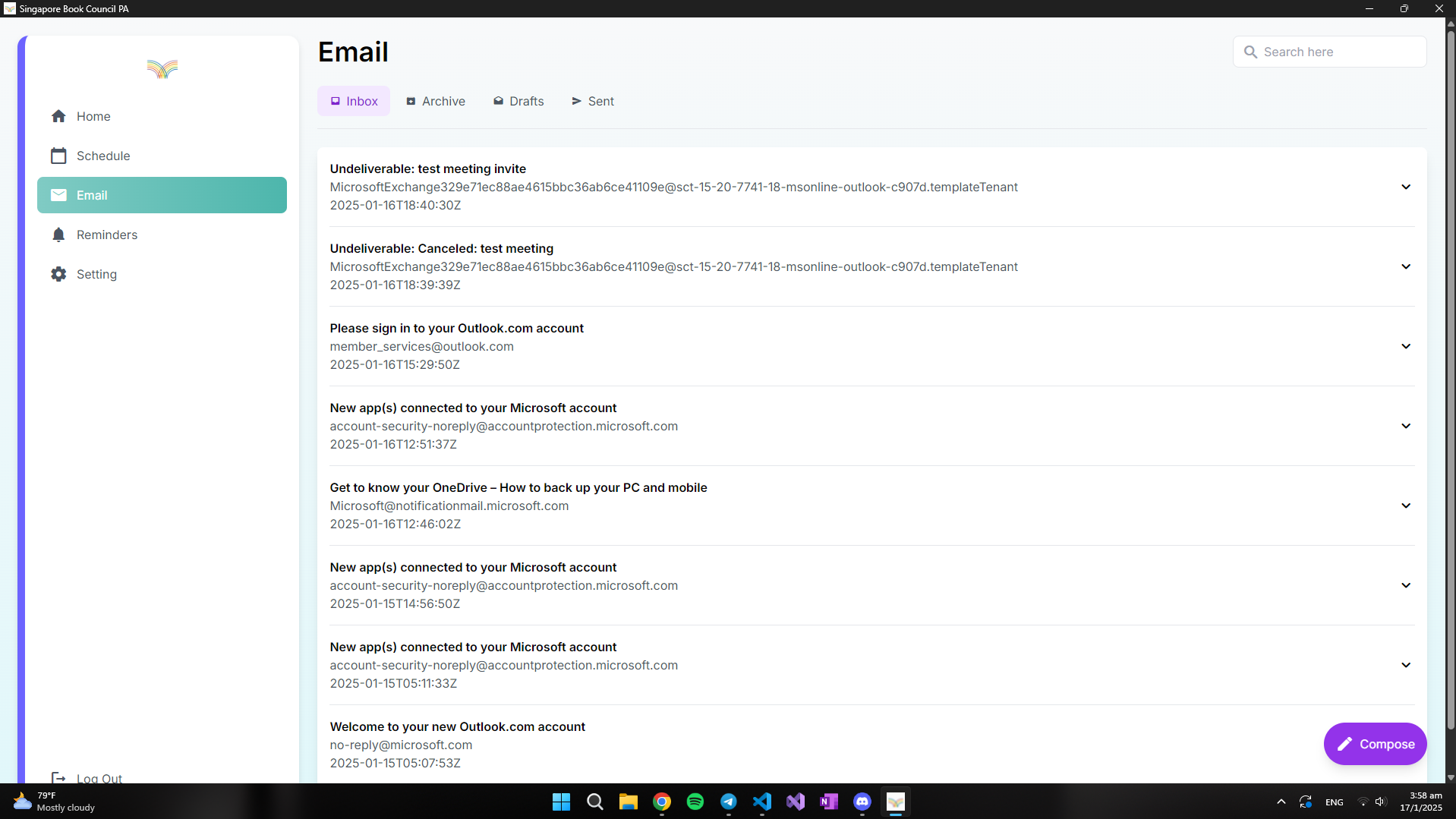
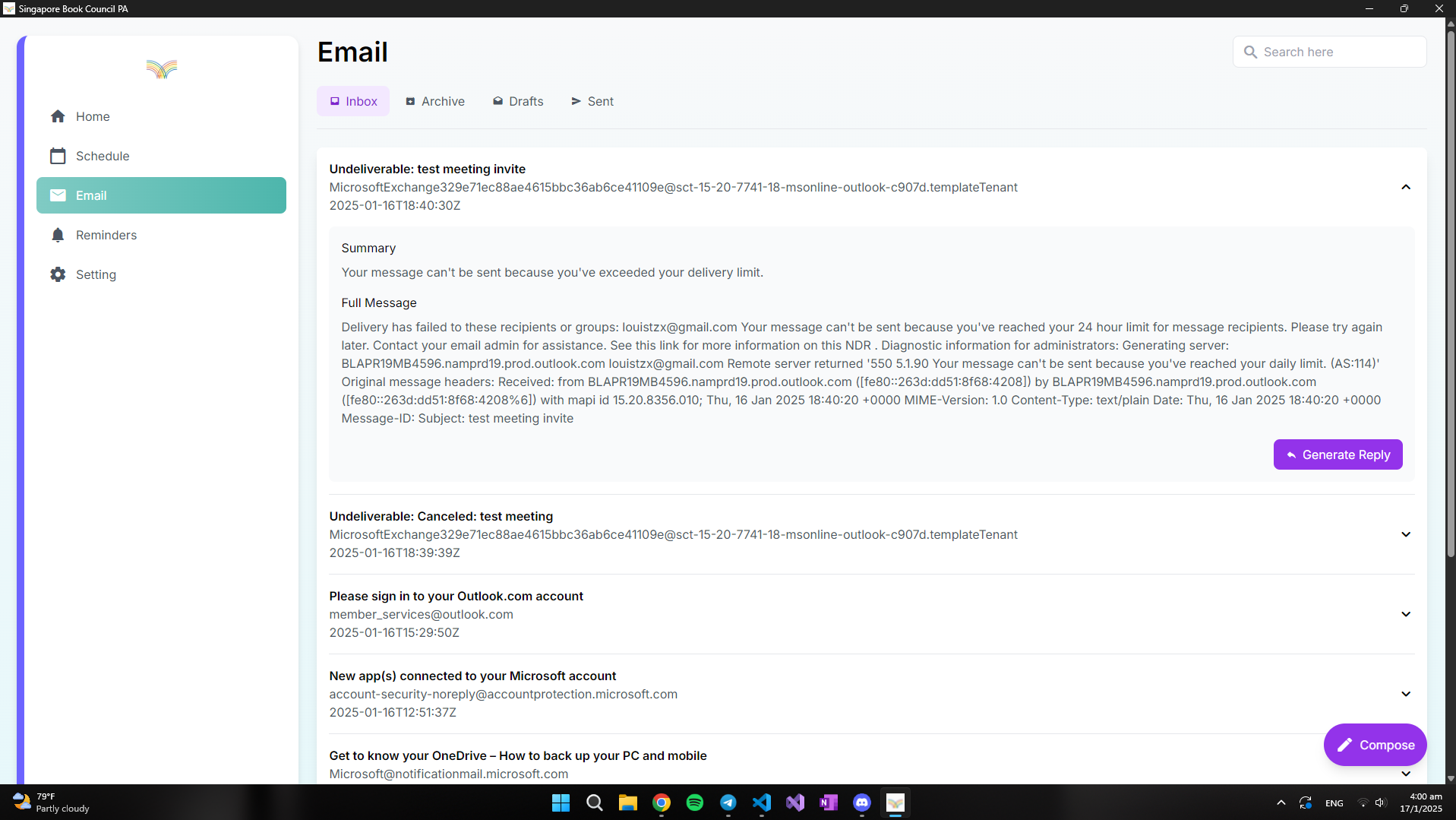
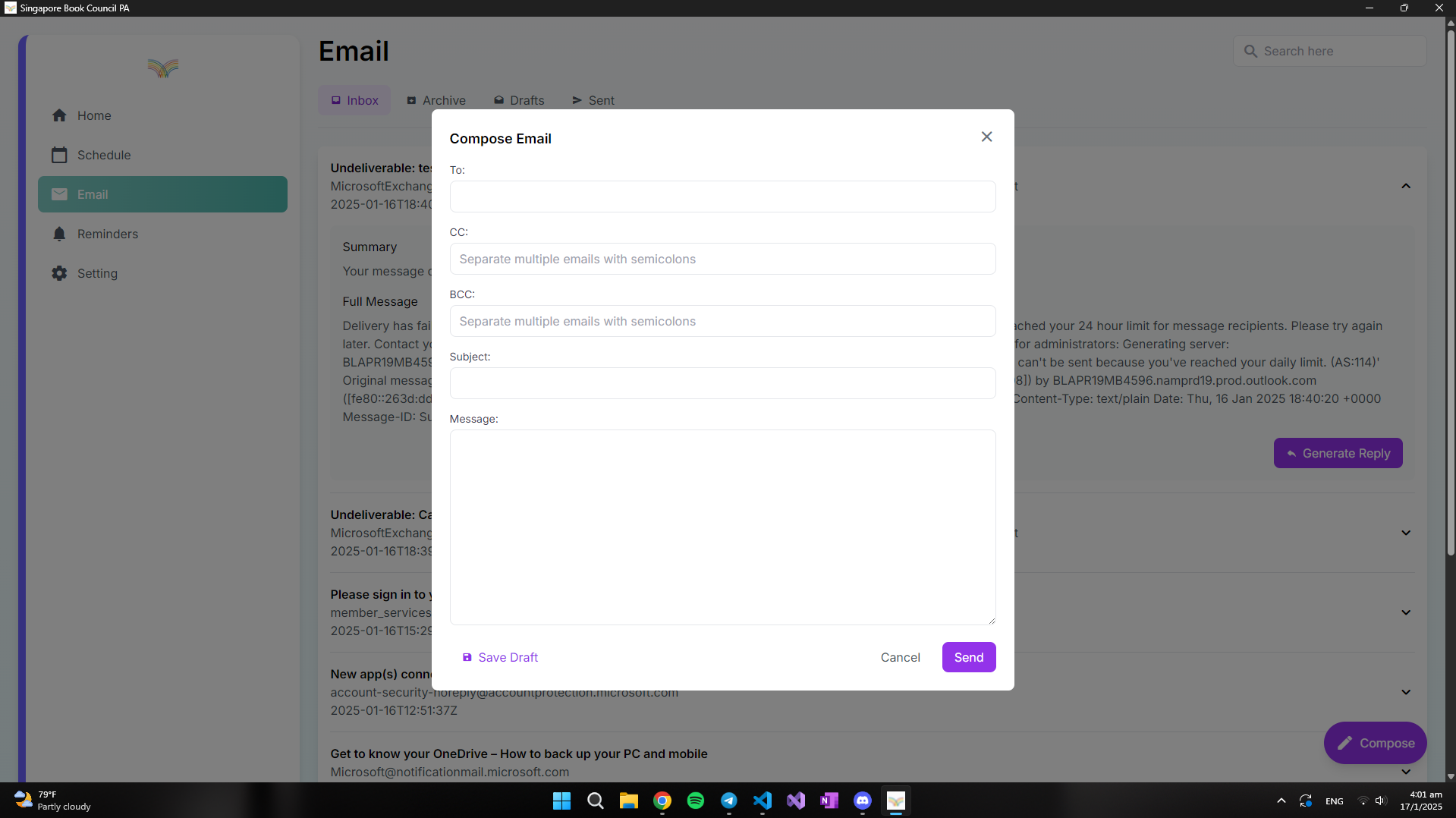
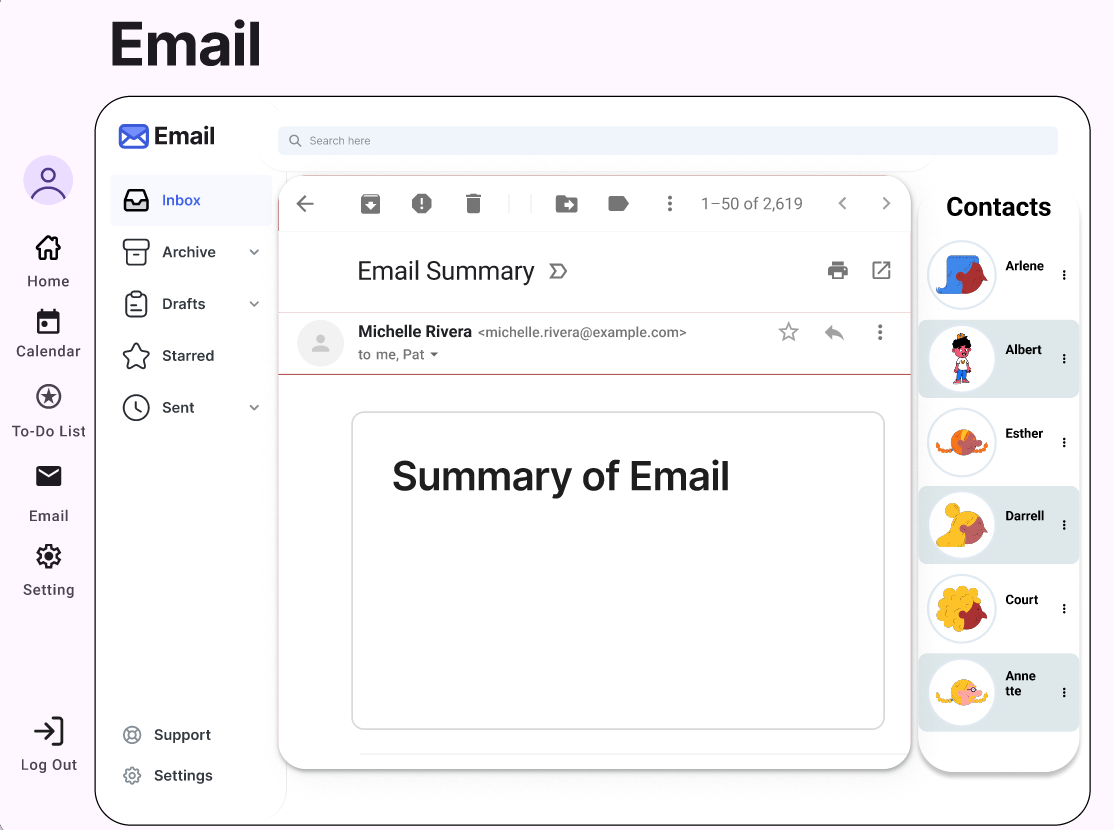
Email
-
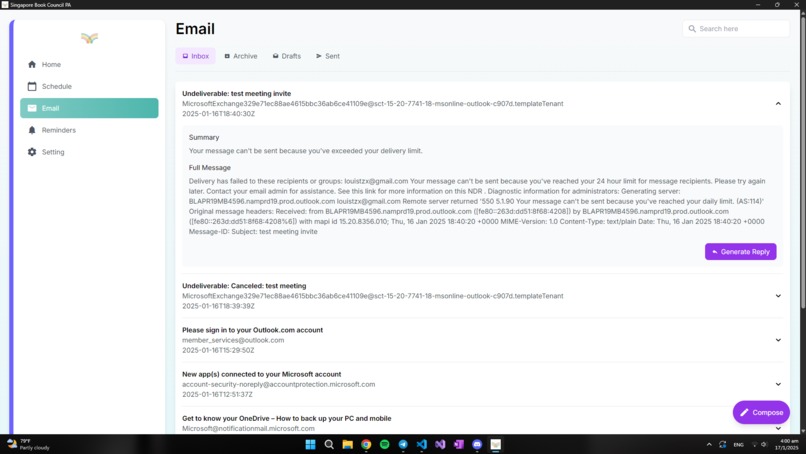
Email
-
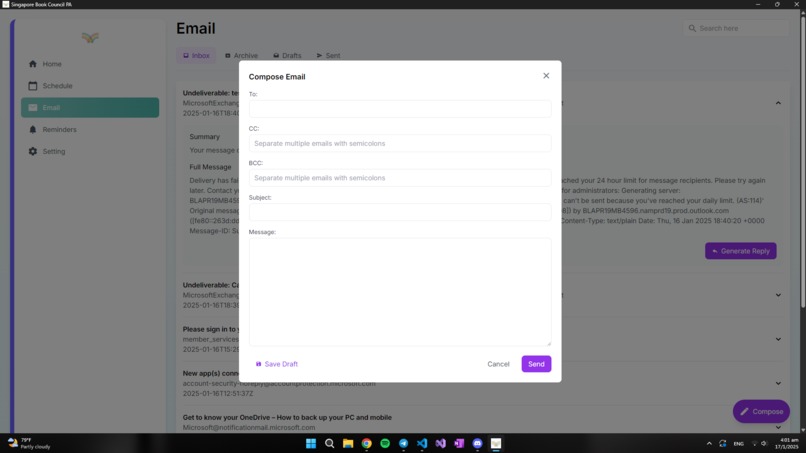
Email
-
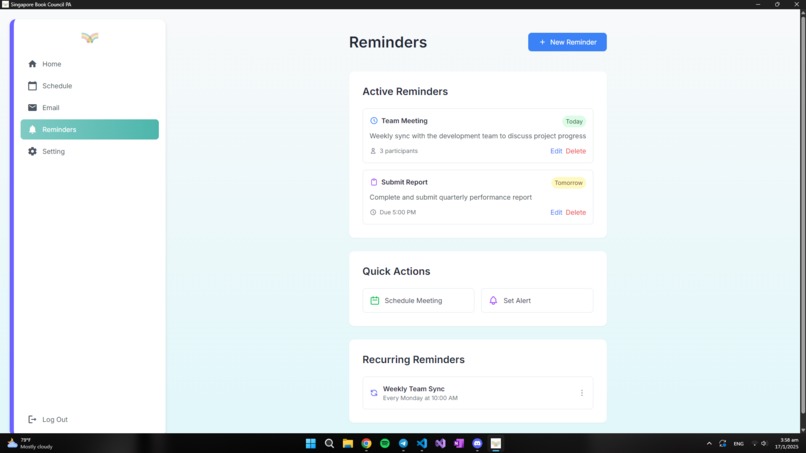
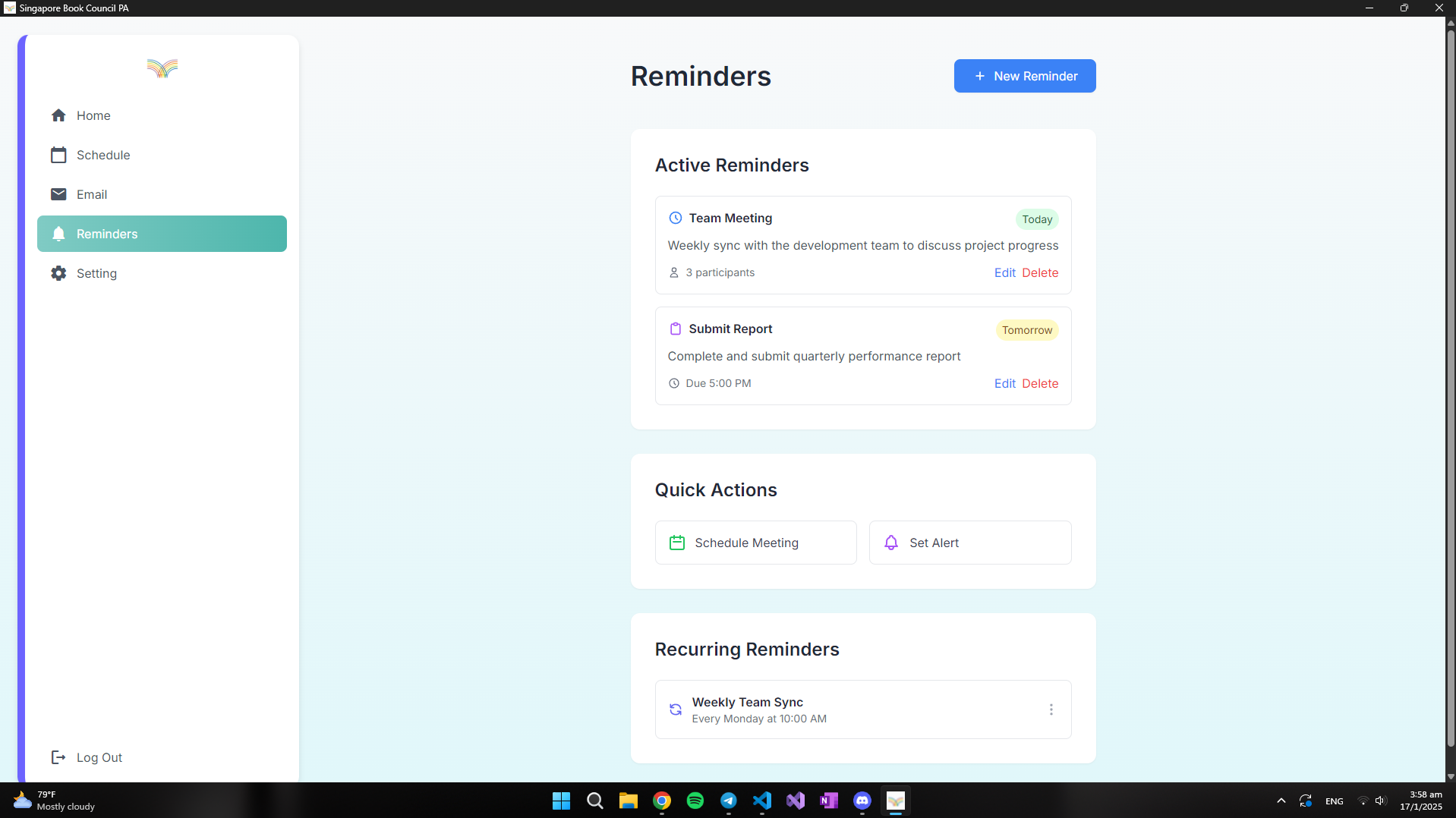
Reminders
-
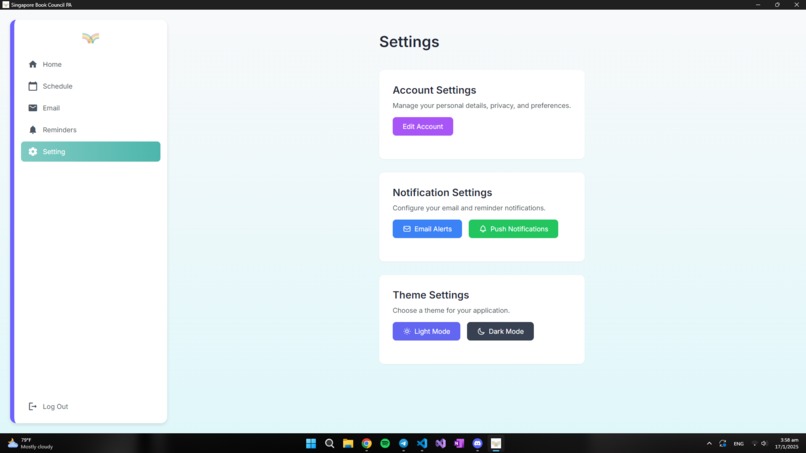
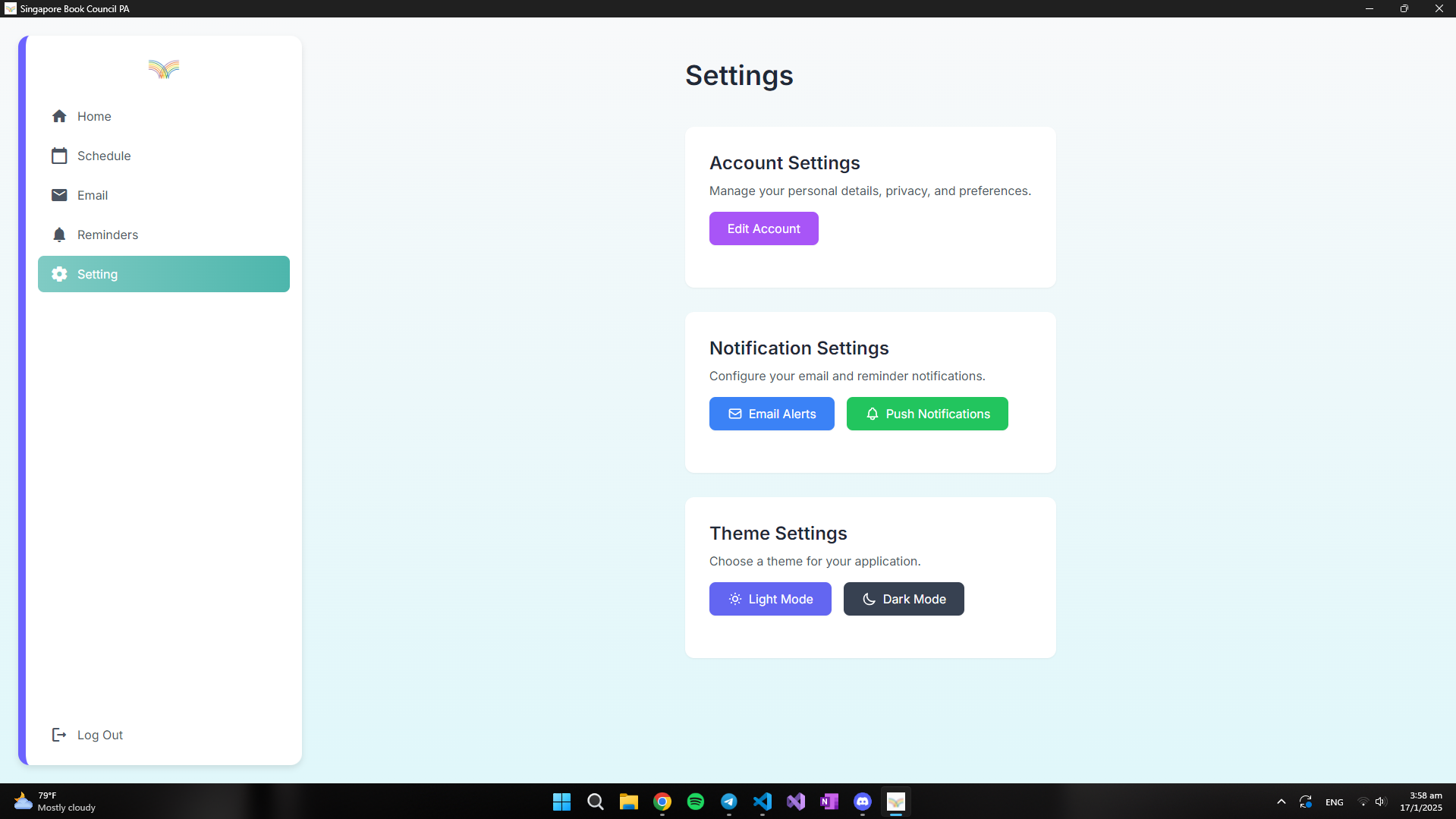
Settings
-
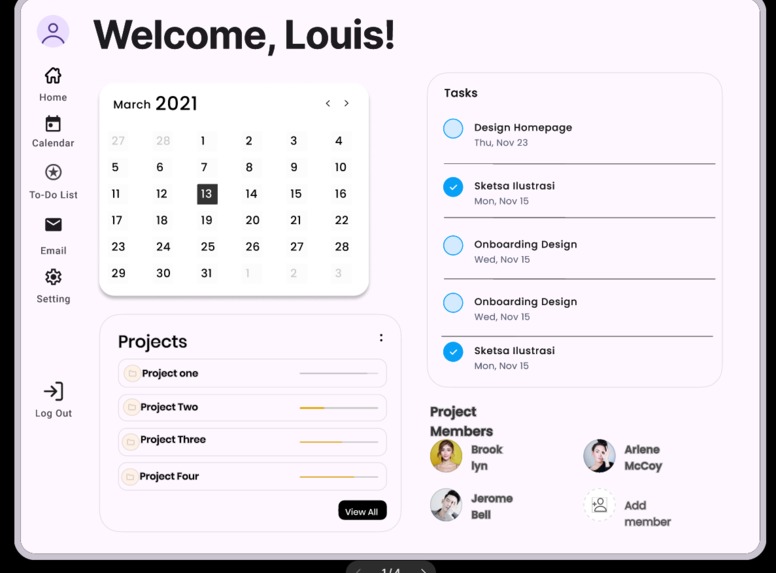
Initial Figma UI draft
-
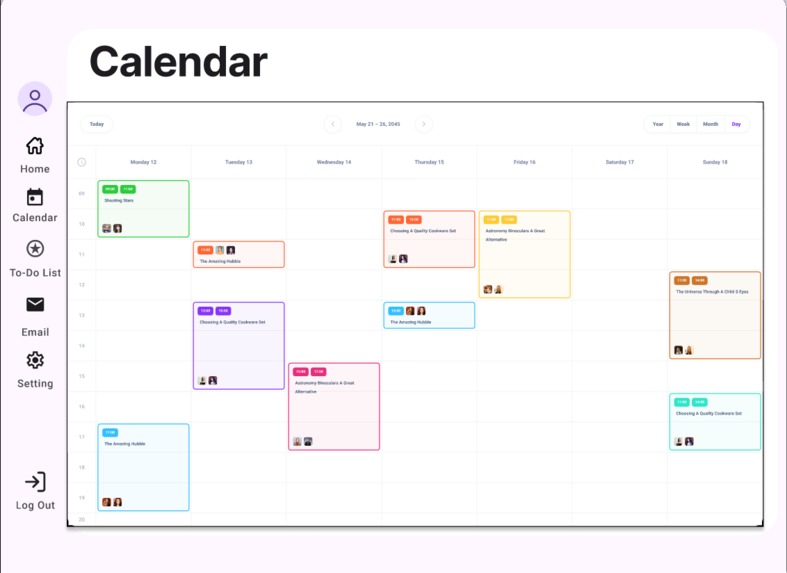
Initial Figma UI draft
-
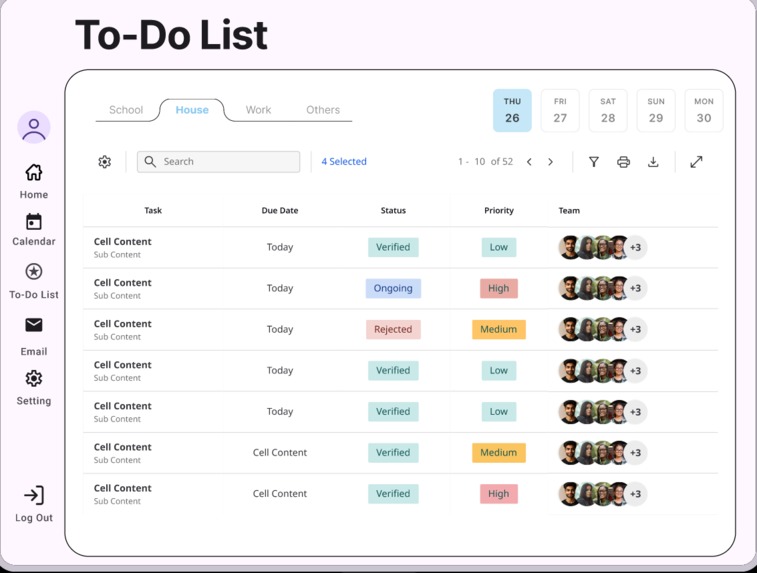
Initial Figma UI draft
-
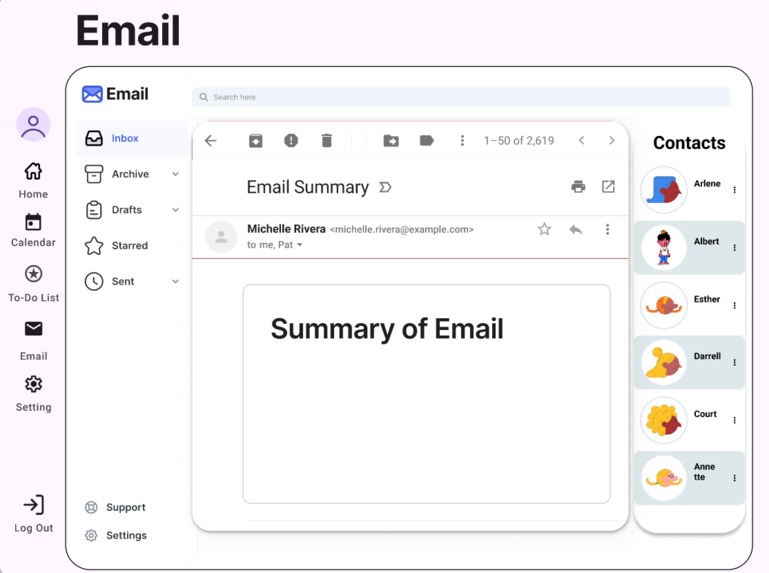
Initial Figma UI draft

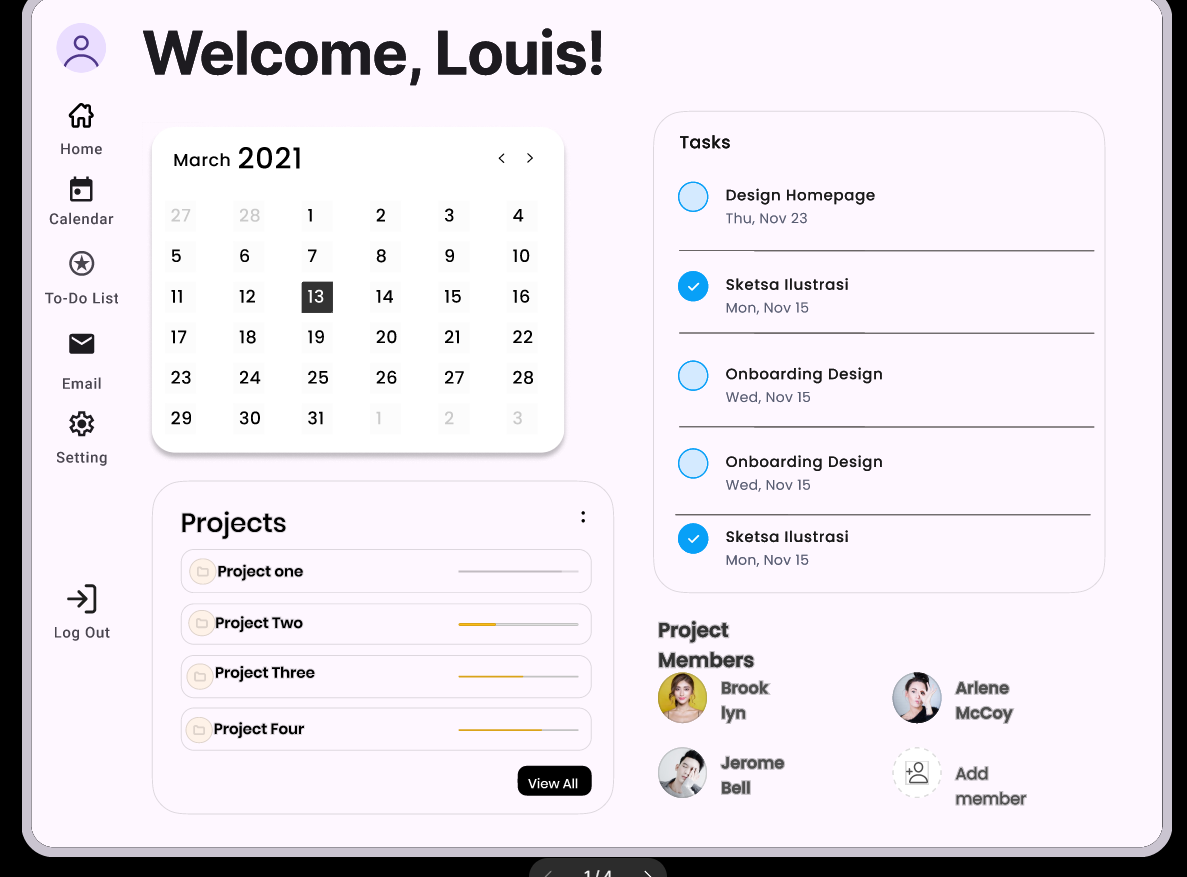
Segue
Inspiration
SBC's aim which is to "Power Our Imagination by developing creativity, imagination, original thought, and empathy. Our programmes focus on creative writing, reading, illustration, translation and storytelling." Guided by the prompt and push for automation we decided to create a cross between an AI scheduling assistant application and project management application.
What it does
1. Calendar Integration:
- View, add, and delete events from your Outlook calendar
- Automatically schedule and arrange meetings with calendar invites
2. To-Do List Management:
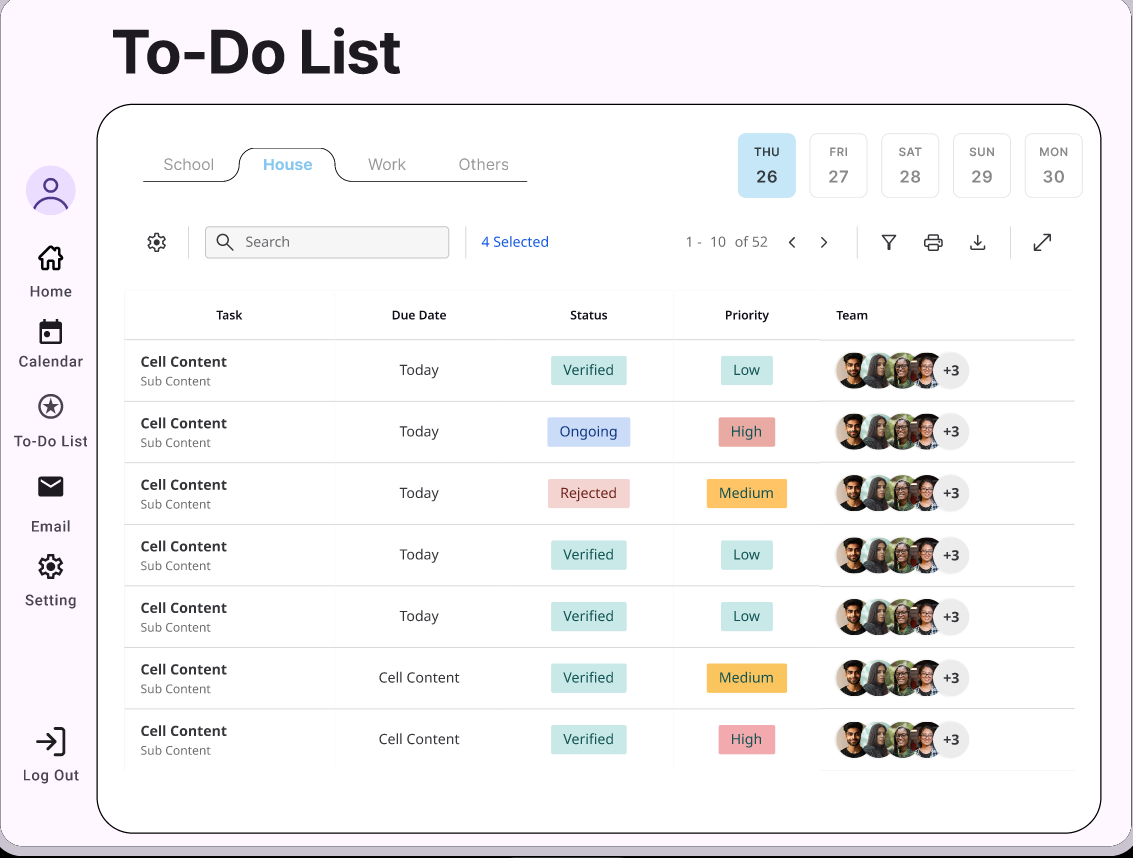
- Sync with Microsoft To Do
- View, add, and complete tasks directly from the assistant
3. Email Integration:
- Access Outlook mail to view, draft, and send emails
- AI-powered email summaries and smart replies
4. AI-Powered book-related Fun Facts
Steps taken to building end product
- Decide on the features we wanted to include in our project.
- Designed the general UI layout in Figma (adhered to the Singapore Book Council's color theme and prioritized intuitiveness).
- Translated the UI design into code using HTML, CSS, and JavaScript.
- Back end: Python, Front end Integration: Flask.
- Testing and refinement
Challenges we ran into
- Creating an intuitive, simple to use as well as visually appeal UI.
- Setting up the Microsoft Graph API
- Including a Google's flan-T5 LLM in our project and figuring out how to use it to generate email summaries from Outlook
Accomplishments that we're proud of
- Modern front end design
- AI integration
- Syncing with Outlook accounts
- Cost free implementation
What we learned
- Striking a balance between reducing the size of an LLM and maintaining its accuracy.
- Working with Microsoft Graph APIs
What's next for Segue
- Refining of reminders and possible AI generated, personalized reminders
- Integrating settings and better UI customizability
- Training of AI model for better responses


Log in or sign up for Devpost to join the conversation.