-
-
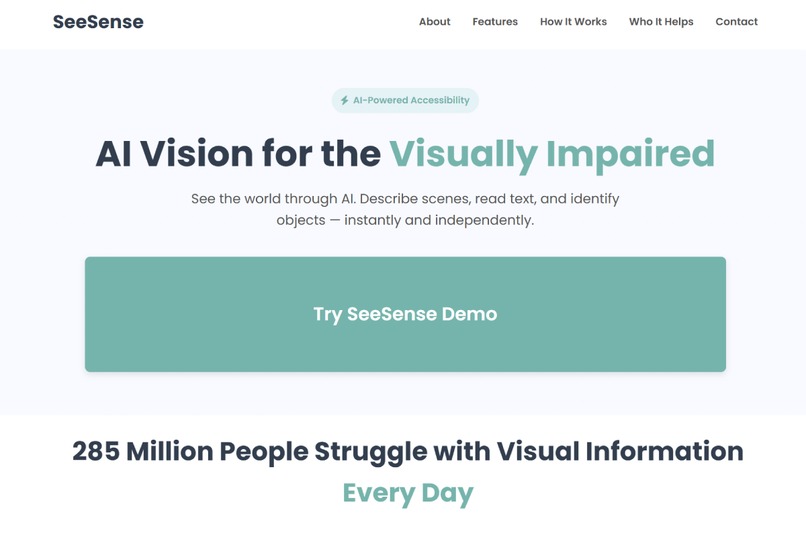
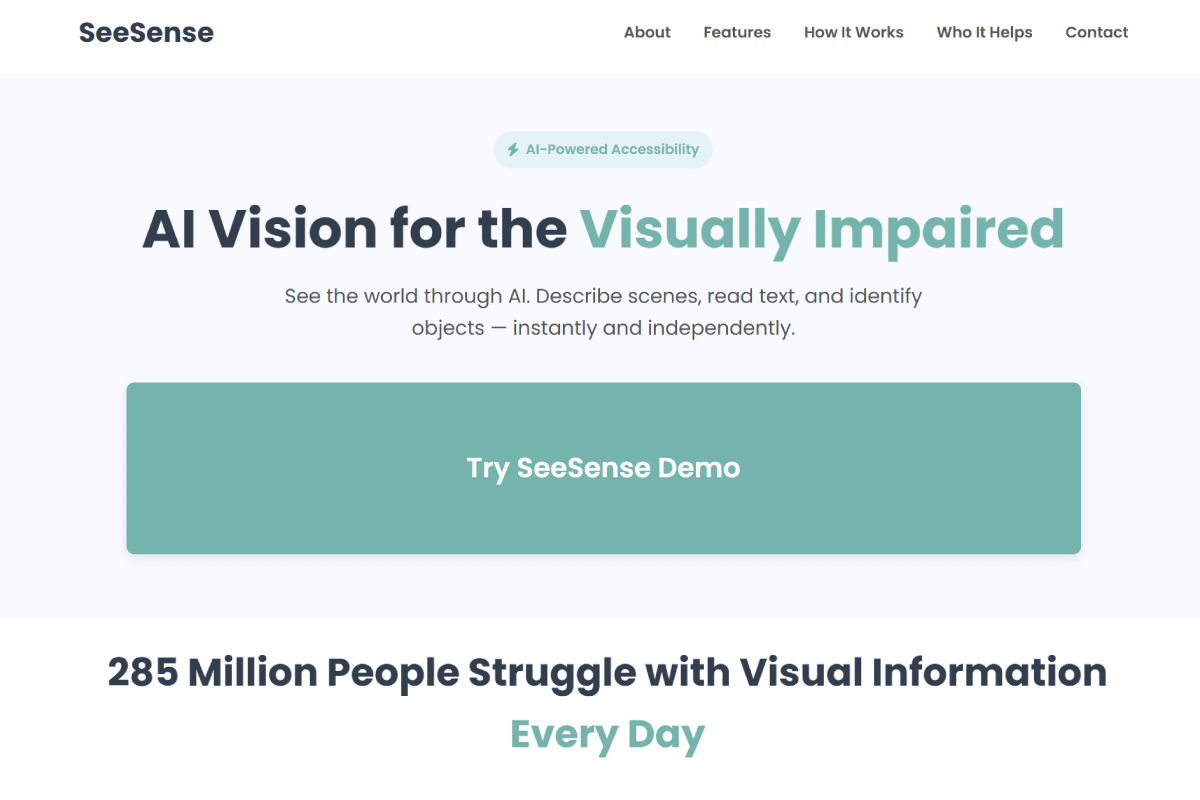
Homepage introducing SeeSense with a simple call-to-action to start the demo
-
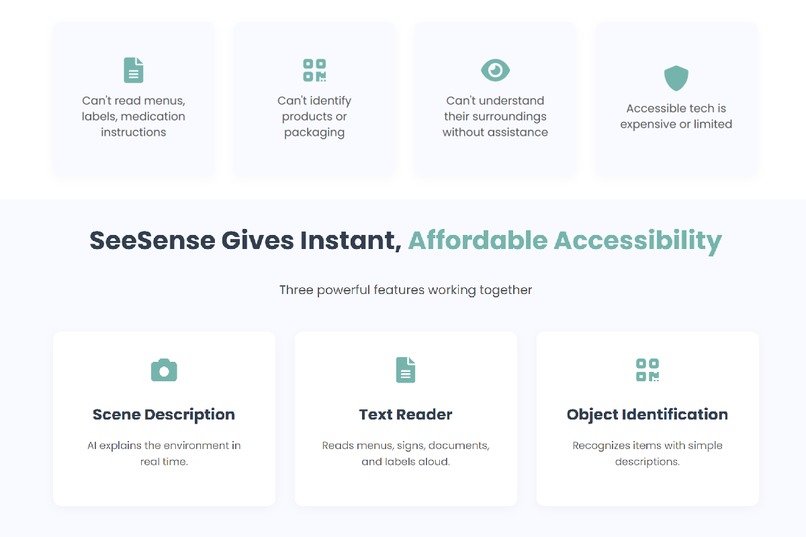
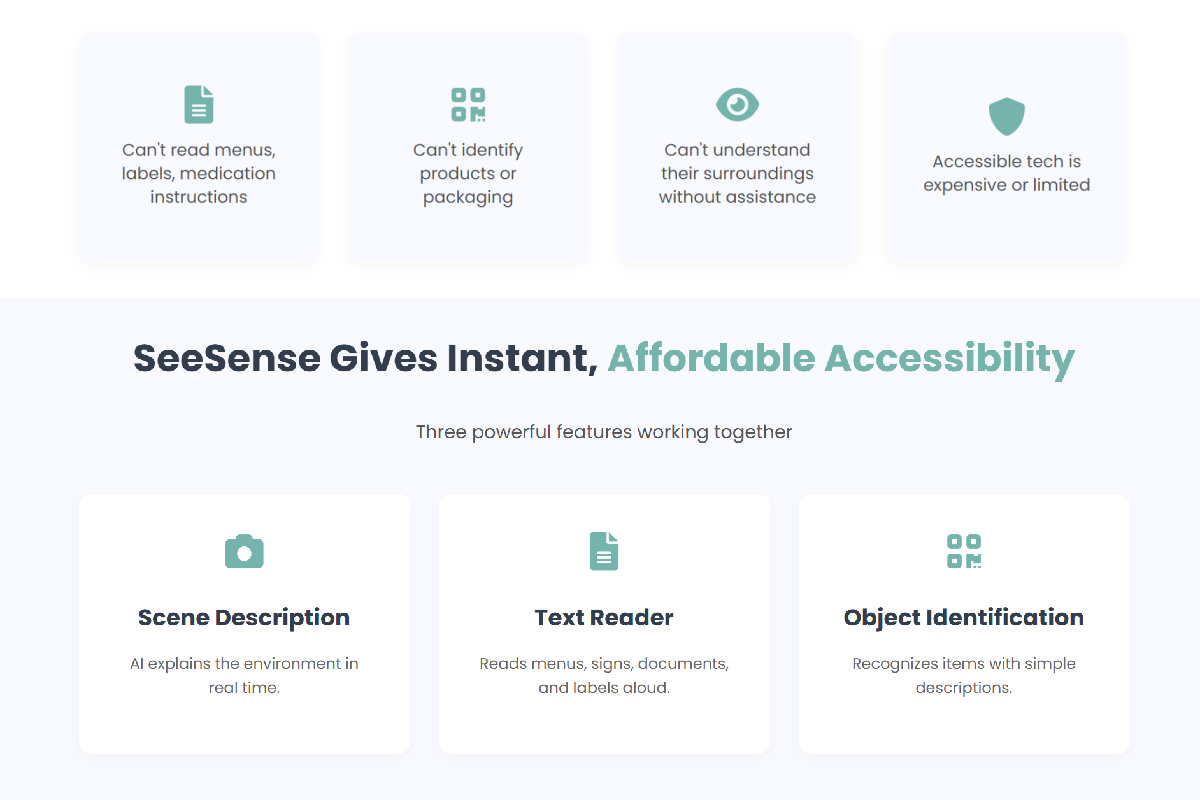
Feature overview showing scene description, text reading, and object identification
-
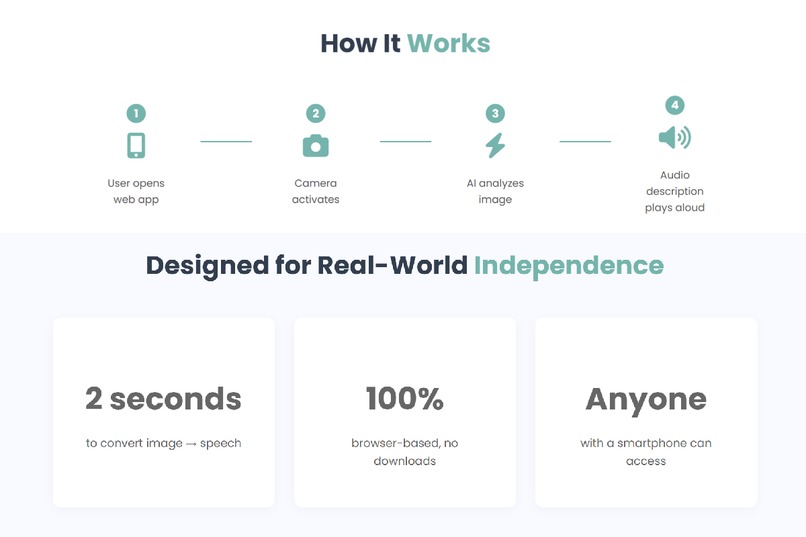
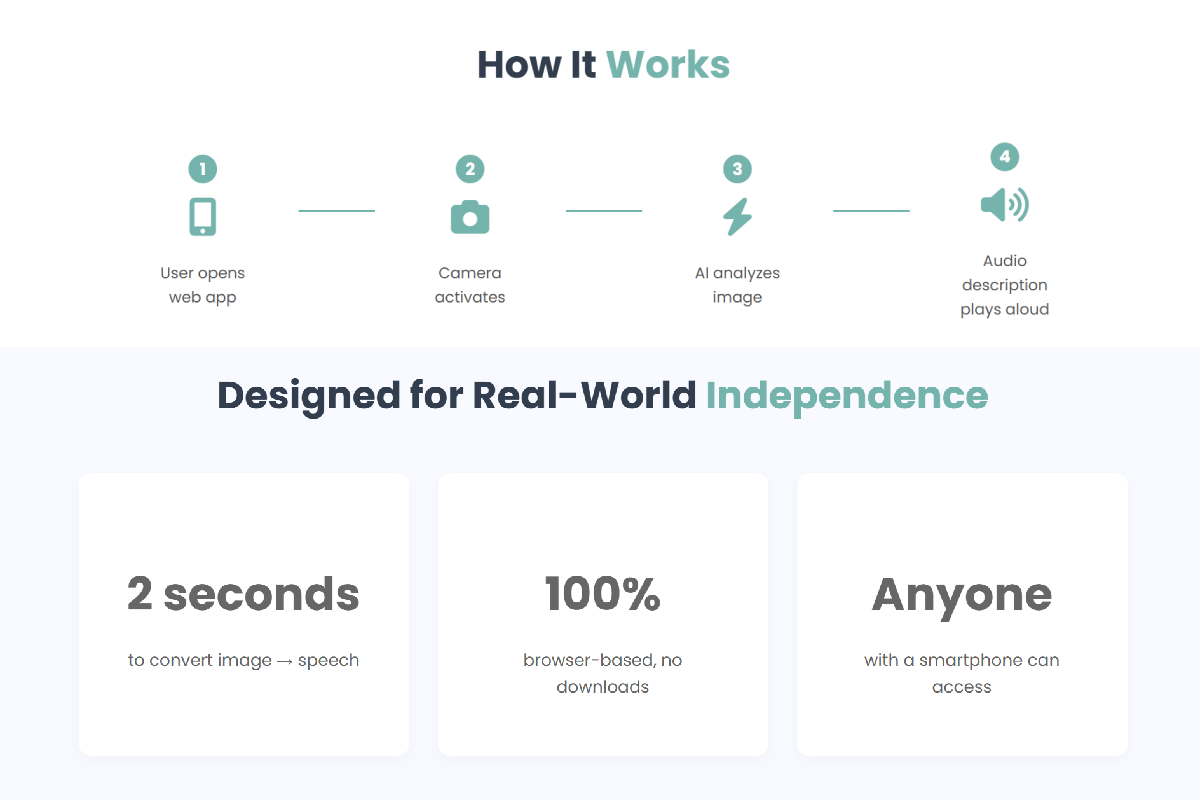
Step-by-step visual showing how SeeSense processes images into spoken feedback
-
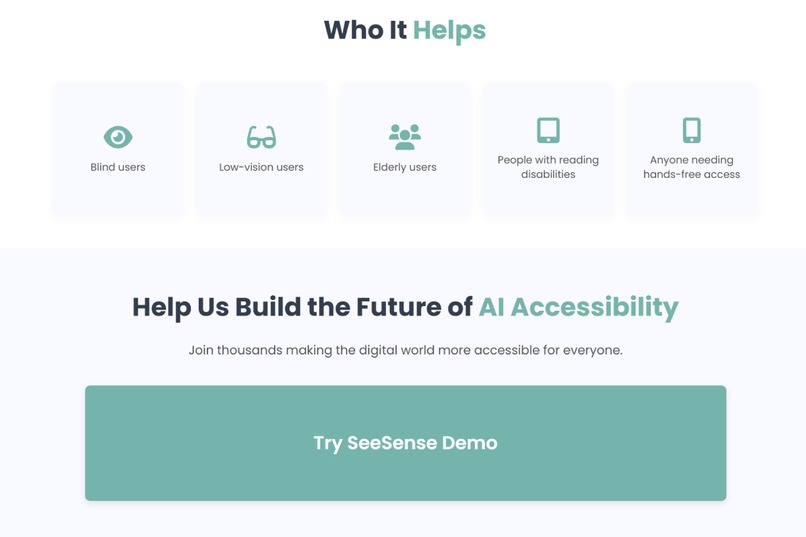
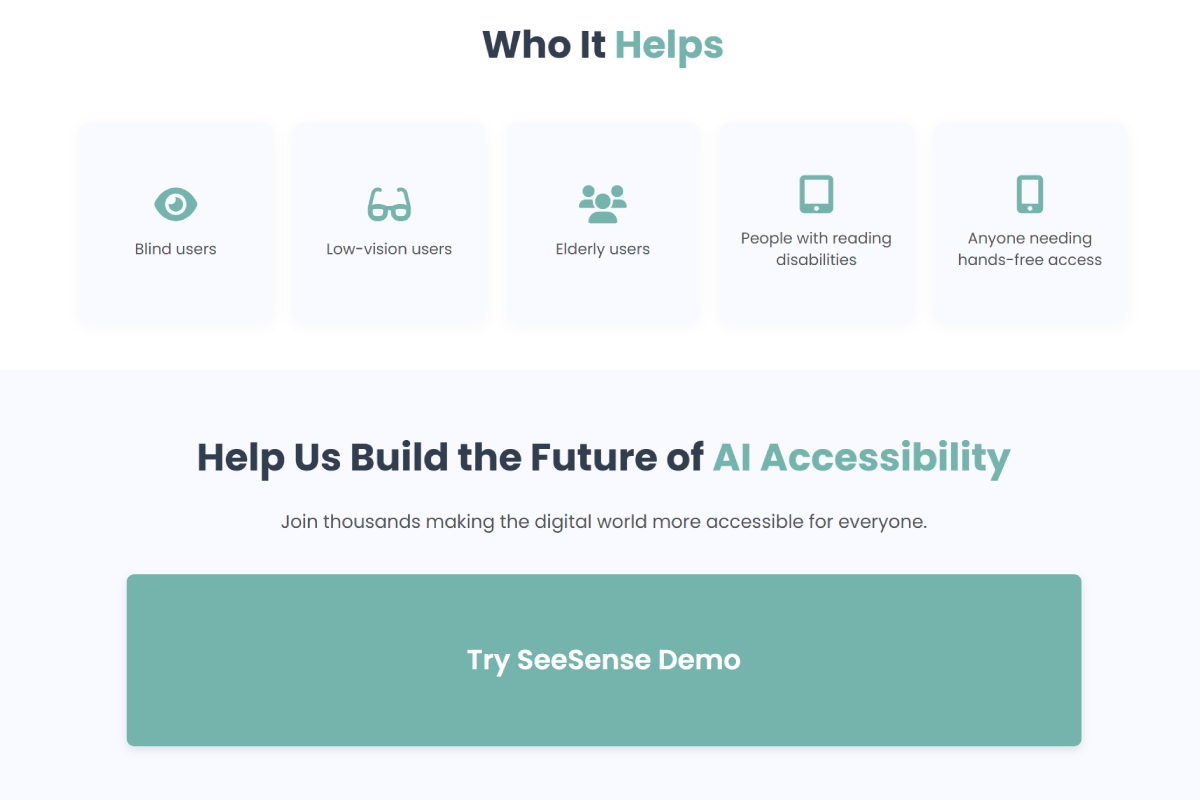
Section highlighting who benefits — blind and low-vision users, elderly users, and others needing accessible tech
-
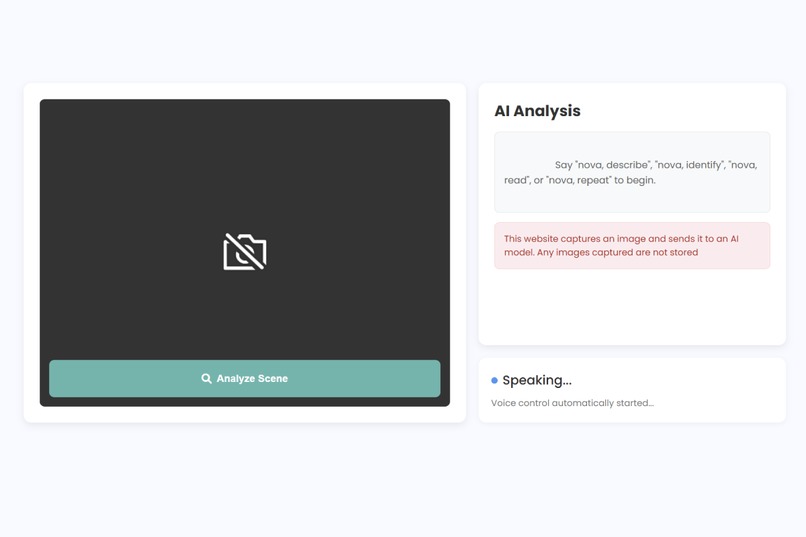
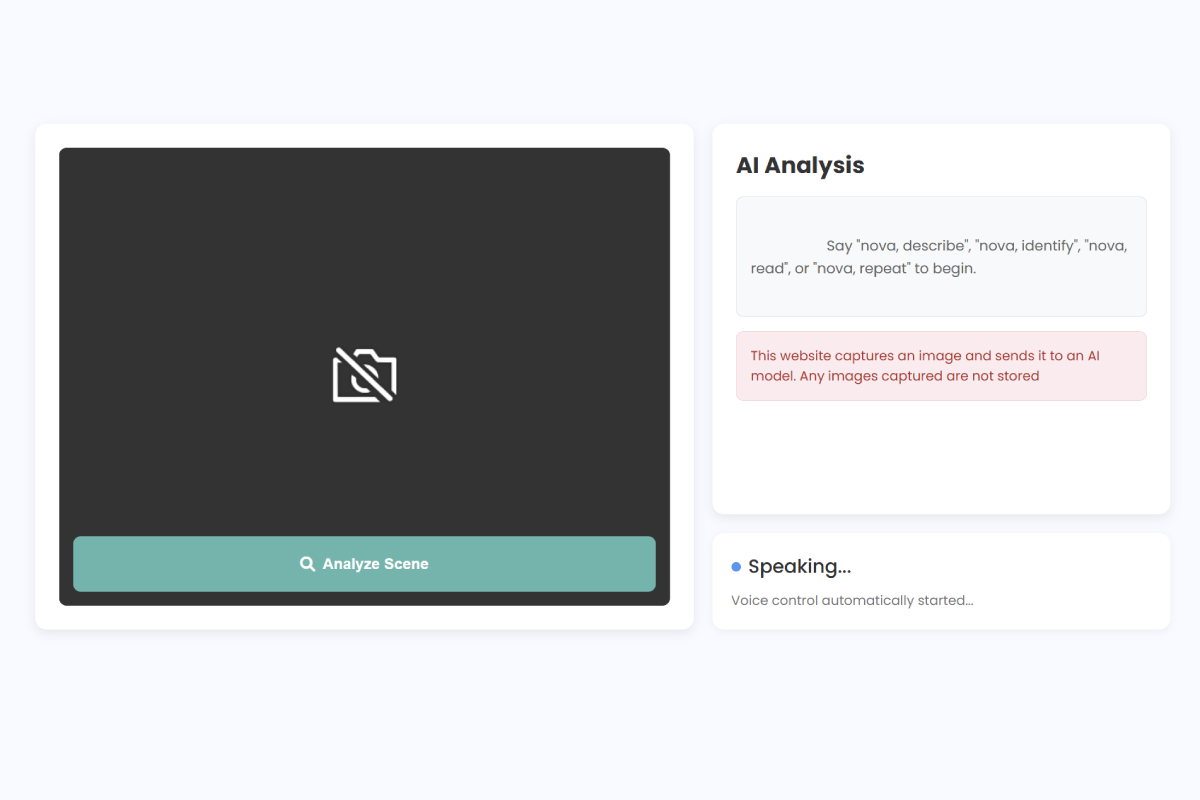
Main analysis screen where users speak commands and receive live AI feedback
Inspiration
SeeSense was inspired by a simple but unsettling realization: navigating the world without reliable visual information is something most people never think about — until they have to. For millions of blind and low-vision individuals, everyday tasks like reading a medication label, identifying an object, or simply understanding their surroundings require external help or specialized devices that are either expensive, inaccessible, or unavailable.
While powerful AI vision models exist, most are locked behind screens, complex interfaces, or sight-dependent workflows. We wanted to turn that capability into something immediate, intuitive, and hands-free — something that feels less like a tool and more like a companion.
Right now, SeeSense uses two different speech layers — one for system responses and one generated through TTS. This helps differentiate between system prompts and AI understanding feedback. In future versions, these will unify for consistency or become customizable so users can choose a preferred voice.
SeeSense was built to give independence back — one description, one object, one environment at a time.
What It Does
SeeSense is an accessible, browser-based AI assistant that turns a smartphone or laptop camera into real-time audio guidance for blind and low-vision users. It delivers:
Scene Description
The user can say: “Nova, describe” SeeSense captures an image, sends it to the Gemini Vision model, and generates a detailed spoken description of nearby objects, layout, and environment context.
Text Reader
Reads signs, menus, medicine labels, and documents aloud on command.
Object Identification
Detects and describes a specific object in the frame — ideal for items that look similar, like groceries, packaging, or appliances.
Everything works hands-free through voice interaction — no need to tap, aim accurately, or navigate menus.
How We Built It
Technology Stack
- Frontend: HTML, CSS, JavaScript (Web Speech API, MediaDevices Camera API)
- Backend: Python + Flask
- AI: Google Gemini Vision API for scene understanding and OCR
- Speech Layer: gTTS and browser text-to-speech
Key Implementation Decisions
- Hands-Free Interaction: Built custom voice trigger logic using Web Speech API to enable commands like “Nova, read this” or “repeat”.
- Camera Streaming + Capture: Leveraged browser media APIs to take snapshots and send them to the backend for processing — optimized to avoid latency delays.
- Fallback Awareness: Added feedback cues when images are too dark, too bright, or too close — improving reliability and reducing confusion.
- Simple UX: The entire interface is clickable, high-contrast, and minimal — intentionally designed so sighted assistance isn’t required after initial setup.
Challenges We Ran Into
- Accessibility-First Design: Designing for users who cannot visually confirm button clicks, screen states, or camera alignment required rethinking standard UI patterns.
- Camera Framing Limitations: Blind users may not aim the camera perfectly. We implemented environmental cues (lighting warnings and actionable text feedback) to improve interaction quality.
- Latency + Stability: Balancing processing speed with high-quality AI output meant optimizing API calls and reducing unnecessary image data overhead.
Accomplishments We're Proud Of
- Fully Hands-Free Interaction: SeeSense works via voice commands, making the experience intuitive and independent.
- Browser-Based Accessibility: No installation, no special hardware — if someone can open a website, they can use SeeSense.
- Real-World Usability: The system successfully identifies objects, reads text aloud, and describes environments in less than a few seconds.
What We Learned
- Designing for accessibility requires simplification, not limitation — fewer steps, fewer decisions, and clearer guidance make the experience stronger.
- Real-time multimodal AI can meaningfully improve everyday independence for disabled users.
- Sometimes, the most impactful technology isn’t the most complex — it’s the one people can actually use.
What's Next for SeeSense
- Continuous Mode: Live scene understanding updated every few seconds.
- Smart Object Tracking: Guidance like “move left… good… hold still… capturing” to help with alignment.
- Offline Support: Using local models for privacy and speed.
- Mobile App Version: Dedicated iOS/Android release for accessibility-optimized hardware features.
- Partner Testing: Pilot testing with blind/low-vision advocacy groups to refine UX based on real-world use.

Log in or sign up for Devpost to join the conversation.