-

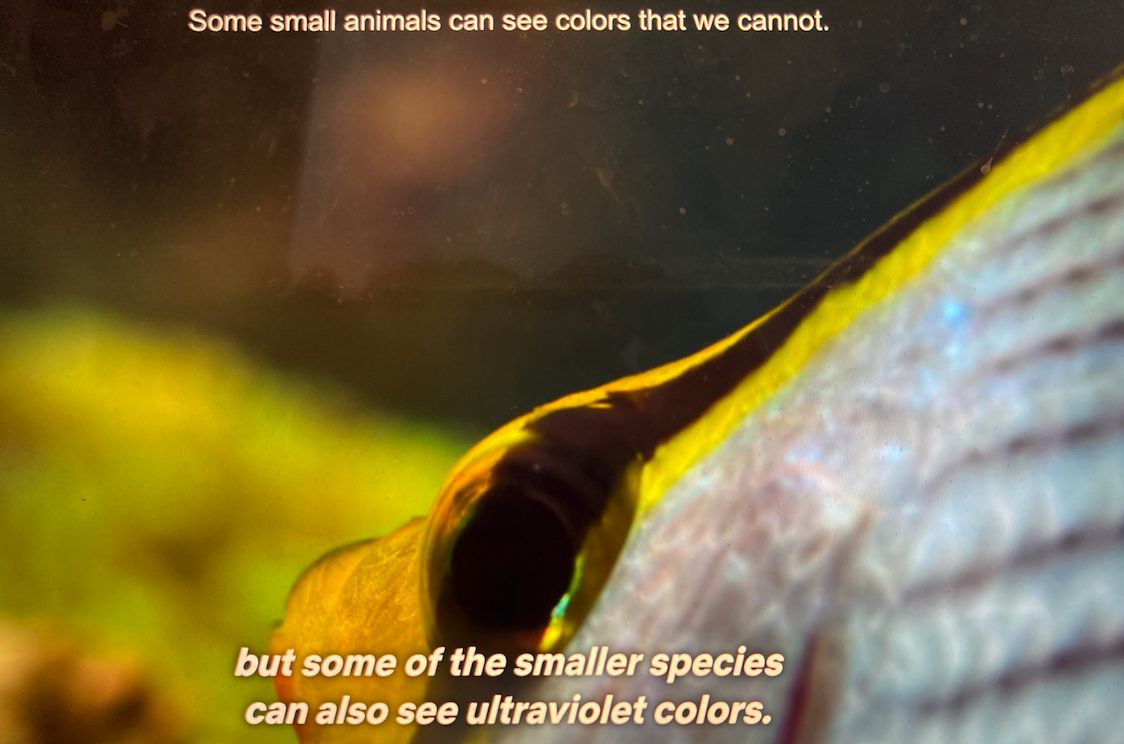
Adjusting the level of subtitles based on the user's selected familiarity with a language.
-
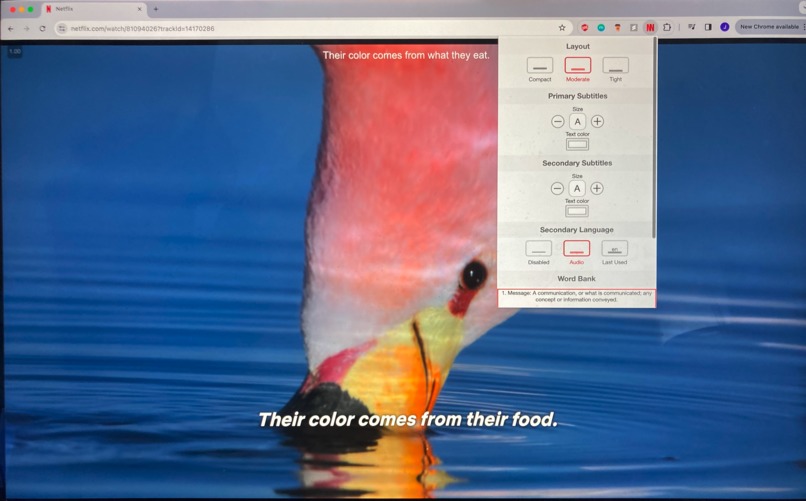
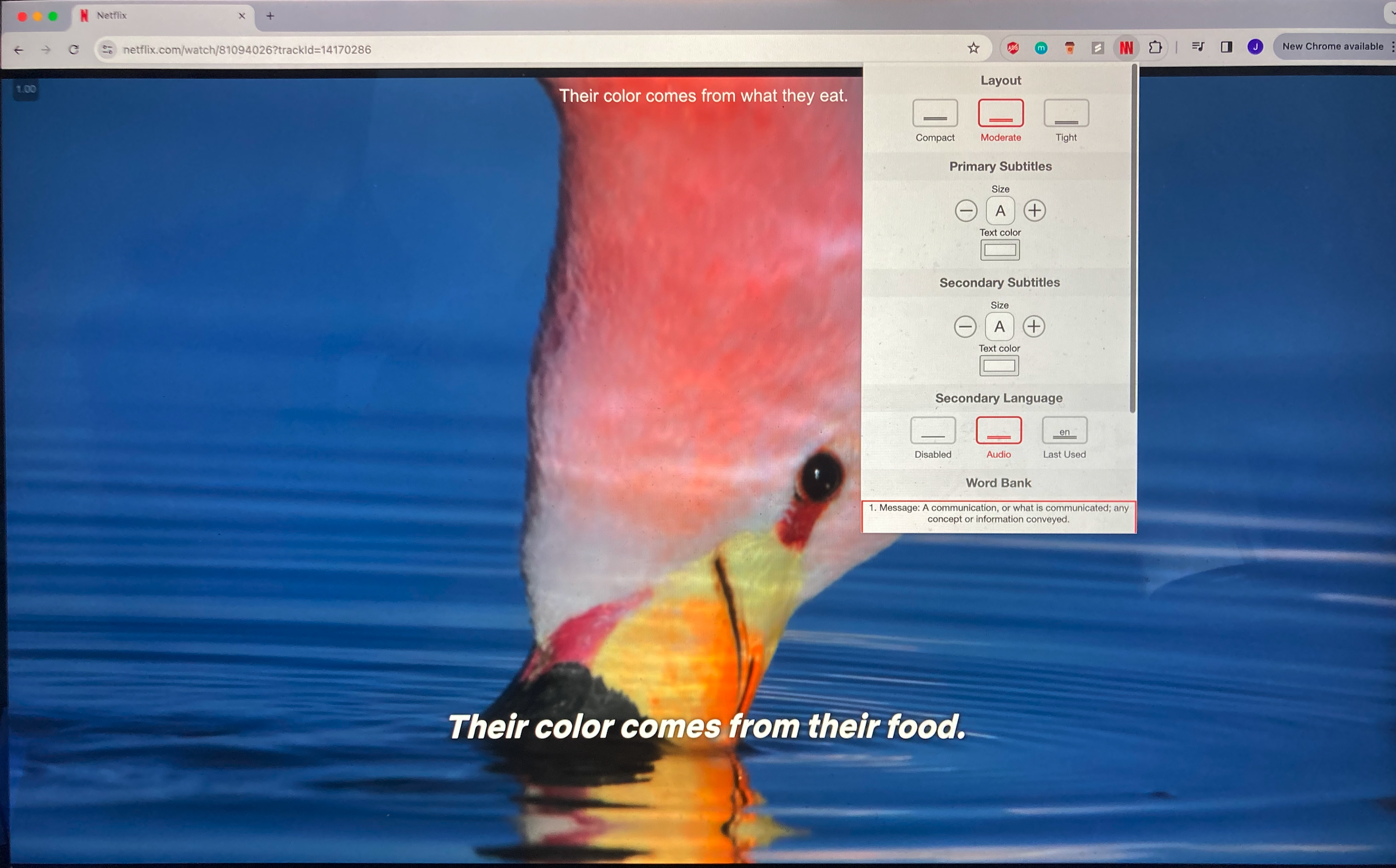
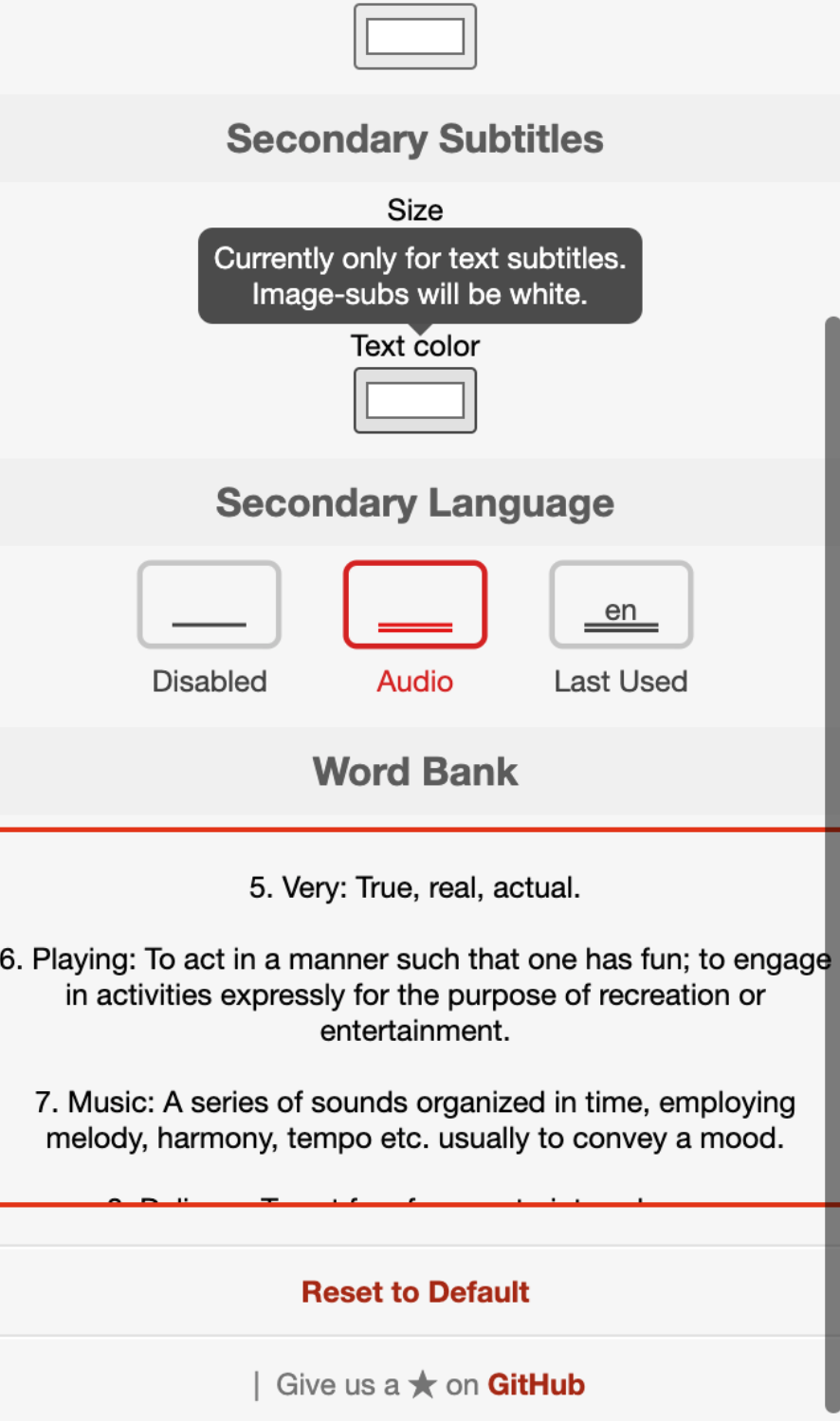
A pop up to adjust the settings of the fonts and keep track of new words that you have learned!
-
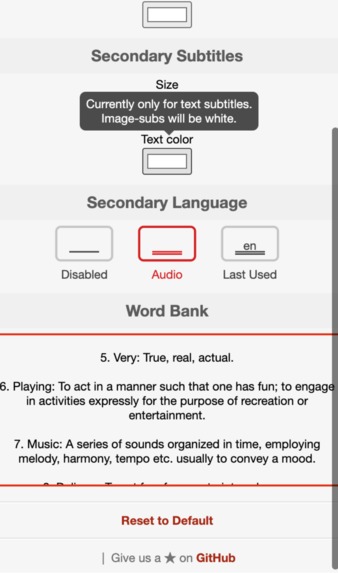
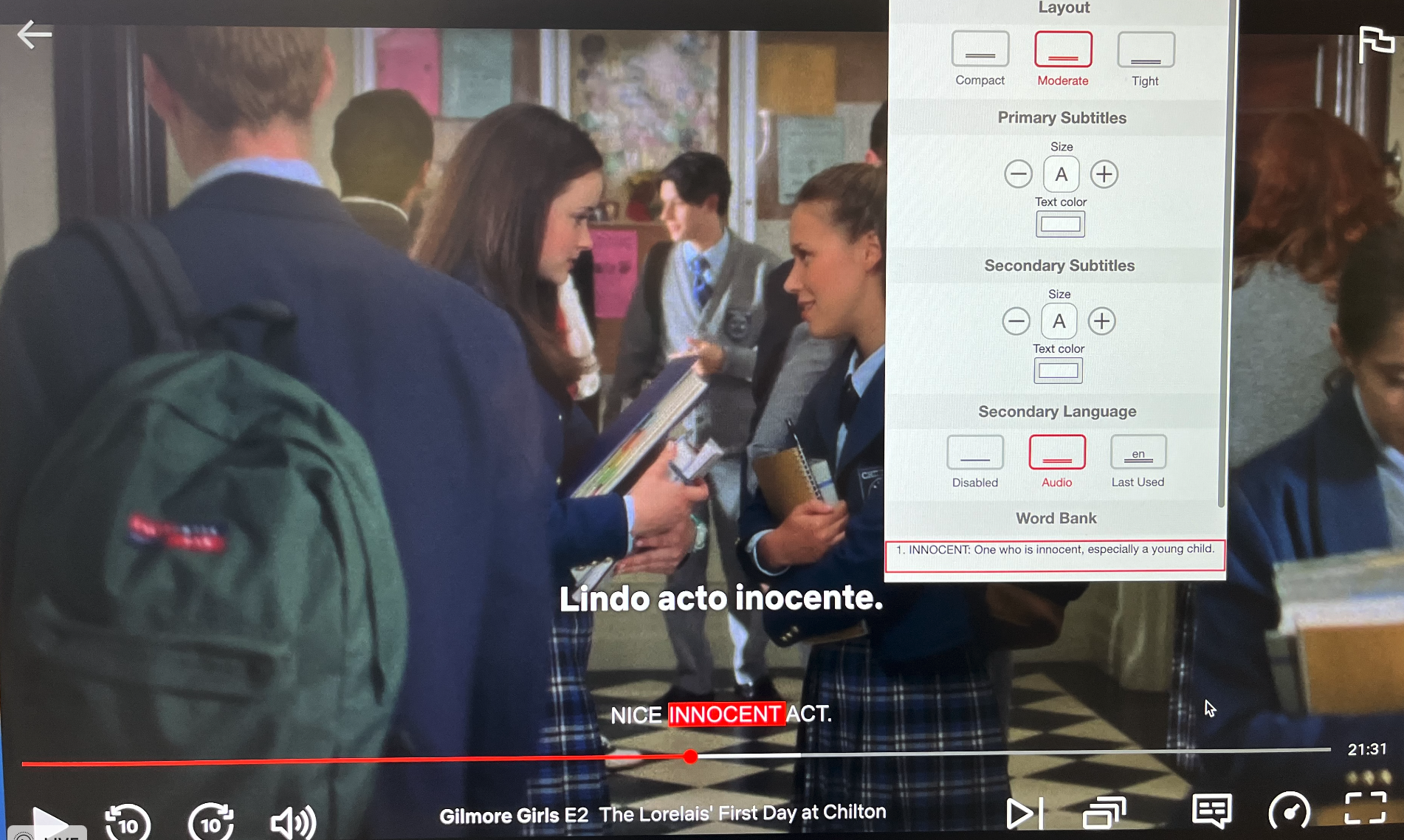
The word bank that the user can add new vocabulary to, which automatically populates with the definition of the word.
-

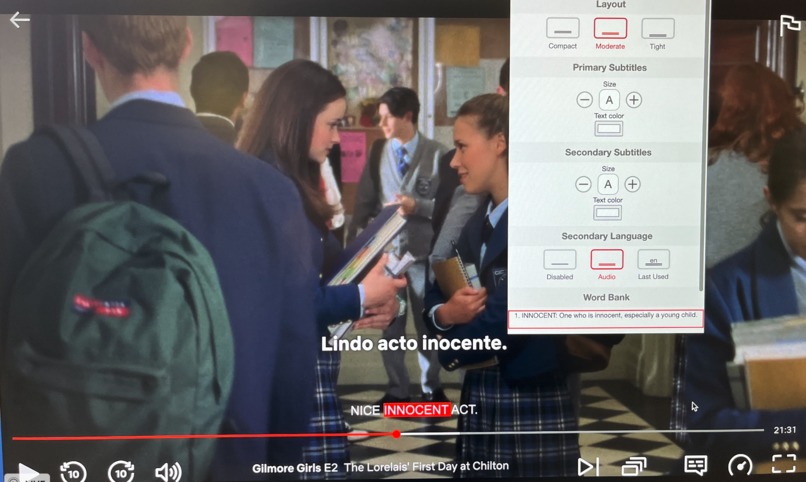
Select and highlight words with keyboard shortcuts. They get added to your word bank!
-
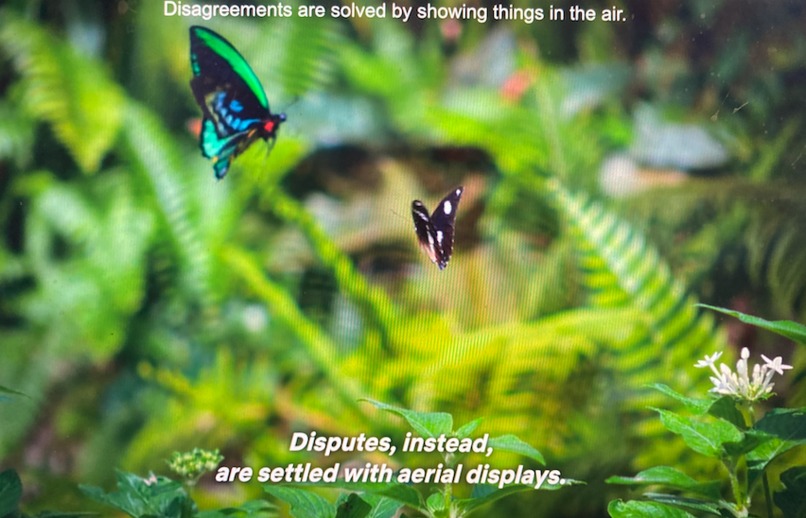
Different levels of subtitles.
-


Inspiration
We both love learning languages! From our experience, watching TV in the target language is one of the most engaging and fun ways to improve fluency and cultural familiarity. However, it can be difficult to follow sometimes without the subtitles of both languages.
What it does
Seeing Double allows you to watch Netflix with two sets of subtitles in different languages, and then if you see a word you don't know, you can add it to a word bank by clicking on it or using a keyboard shortcut. The word will then briefly highlight while on the screen. The word is then added to a wordbank where a definition will be auto populated. We also allow the user to set their language level based on vocabulary size, and we generate subtitles in real time to match their level of familiarity with the language. This reduces the complexity of subtitles for beginning language learners.
How we built it
We started with a billigual subtitle chrome extension repo (https://github.com/gmertes/NflxMultiSubs) and added new features to make it more conducive to language learning. We added support for the word bank by changing the way the secondary subtitles were rendered, creating new listeners/keyboard shortcuts, and then storing the identified words with their definitions. We adjusted the reading level using a call to the OpenAI API and then rendered the words using the method we had previously developed.
What we learned
Chrome Extension Dev in JavaScript (coordinating background script, popup, and content scripts), how to negotiate events when multiple parties are trying to poll them (ie Netflix uses clicks to determine pauses, clicks only working in certain areas of the screen, etc), how to generate and render captions in real-time.
Built With
- chat-gpt-api
- dictionary-definitions
- javascript
- netflix


Log in or sign up for Devpost to join the conversation.