-
-
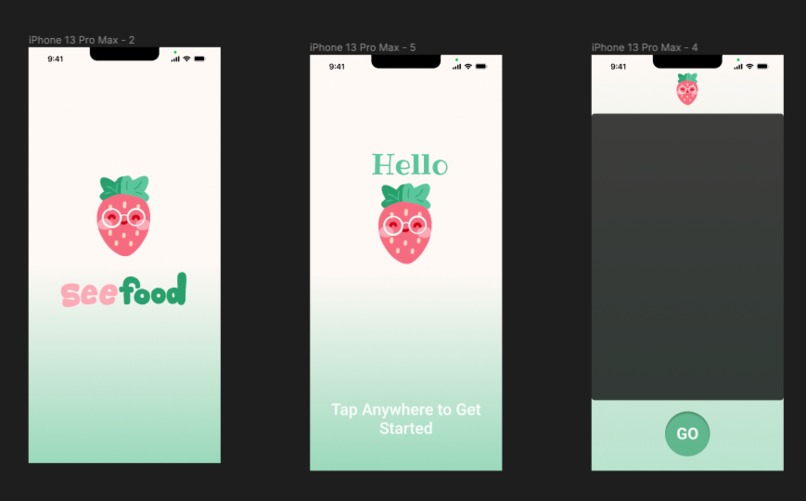
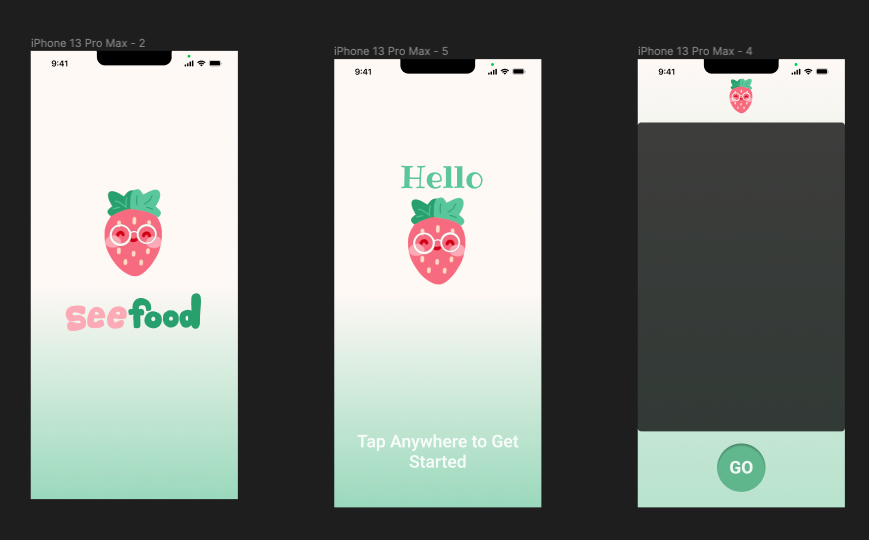
Figma Template
Inspiration
Our inspiration comes from a blog that one of our team members recently read about the difficulties and discrimination that disabled and visually impaired people face when using their mobile phones. On the blog site, “Life of a Blind Girl,” author Holly wrote an article called, “How do blind and visually impaired people use a mobile phone?” Holly talks about the struggles and judgment she feels from strangers when they notice her with a phone and ask her if she is faking her disability. Therefore, we wanted to create an innovation that pushes towards normalizing people with visual impairment and disabilities having phones. While there are a lot of features provided by Apple and other mobile providers such as Screen Reader, Zoom, Magnifier, and Display Accommodations, our team aspired to build an application that addressed and assisted in people’s daily lives.
What it does
SeeFood is an innovative app that uses image classification with a user-friendly interface built on SwiftUI, CoreML, and Figma. Using your smartphone's camera, simply snap a picture of the food in front of you. Leveraging image classification, the app quickly and accurately identifies the food item. It also integrates seamlessly with Apple’s built-in VoiceOver features, providing an audio description of the identified food item, and ensuring accessibility for everyone.
How we built it
We used CoreML to create an image classification model that identifies various common grocery items. We integrated our app on the SwiftUI in Xcode.
Challenges we ran into
During the development of this project, we encountered several challenges while integrating the backend and frontend. To streamline the workflow, we tried dividing the project into two parts, with one team focusing on the frontend and design aspect and the other on image classification and app implementation. However, as our team members were not previously familiar with the specific software used, we faced difficulties when trying to merge our frontend and backend together.
Accomplishments that we're proud of
Our commitment and resilience in creating a functional app using software that we had no experience in, such as SwiftUI, CoreML, and Figma previously is something that our team is very proud of. Throughout our hackathon journey this weekend, we were constantly learning and expanding our knowledge on the various platforms and software tools available.
What we learned
We learned how to utilize software and design tools such as SwiftUI, CoreML, and Figma. We also learned to incorporate existing documentation into our work.
What's next for SeeFood
Our app has a lot of potential for improvement from its uses to its design. We would like to expand the number of grocery store items our app can identify. We would also like to implement a login feature that keeps track of some of the user’s information, like dietary restrictions or allergies. That way, when they scan food, alerts, and messages can appear to warn them if it contains allergens or other foods they want to avoid. Furthermore, we would like to continue working on our app’s interface to make it more user-friendly for individuals with visual impairments and disabilities.


Log in or sign up for Devpost to join the conversation.