-
-
index.html
-
businessmode.html
-
inputbusiness.html
Inspiration
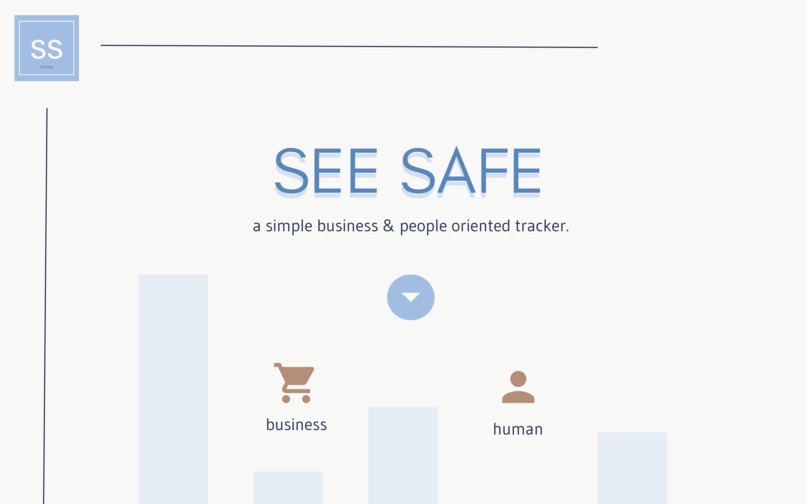
We started with an issue: optimizing safe social distancing practices when out in public, without time inconveniences. Have you ever gone out to shop for food or necessities and groan because of large crowds or lines? We wanted to solve that issue and bring people a greater sense of safety when shopping. By knowing the location's numbers, a person can plan alternatives or revisit the business at another time. Stores, whether it comes to food or buying an extra pair of socks, are unavoidable, even in a pandemic. Additionally, we took note of the struggling local business around UCSC and decided to merge the two.
What it does
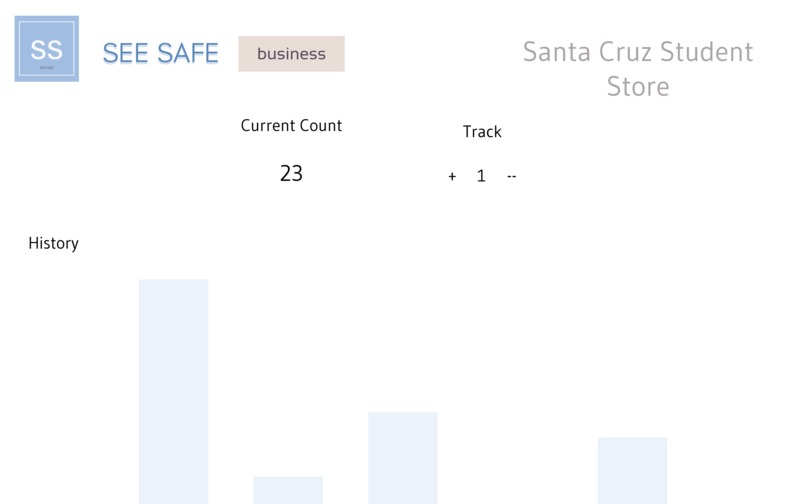
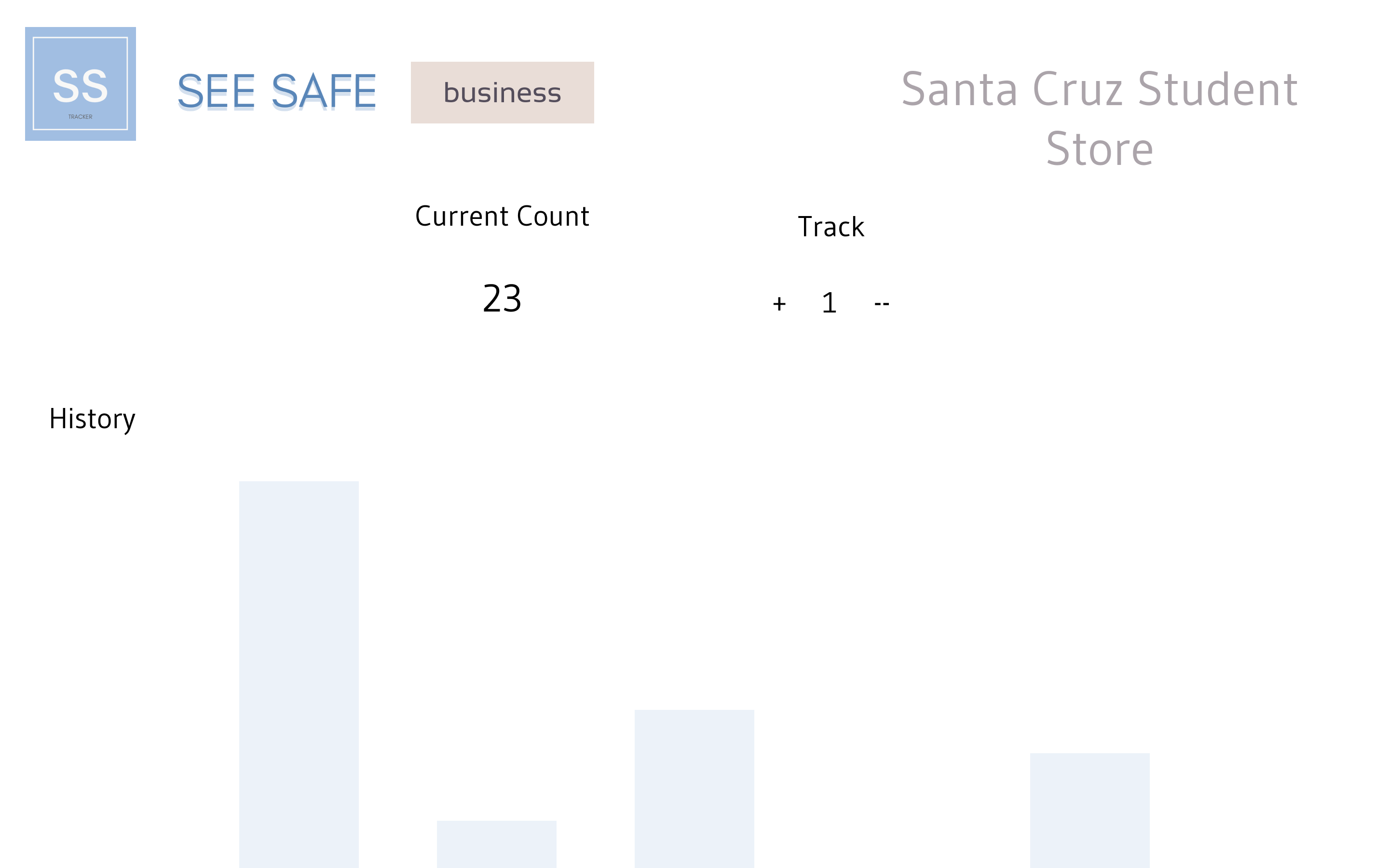
Local business owners are able to real-time track the number of customers in their store through our web app, store the number of customers visited within the past week, and have a personalized dashboard that instantly shows them all the information needed. And now you as a customer can visit your favorite local shop in Santa Cruz, as you hold 100% knowledge of how many people are inside, and can decide whether it is the right time to visit!
How we built it
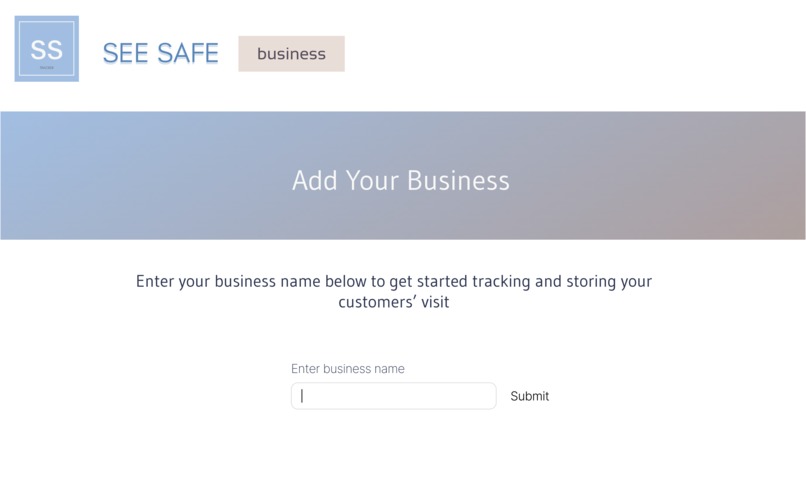
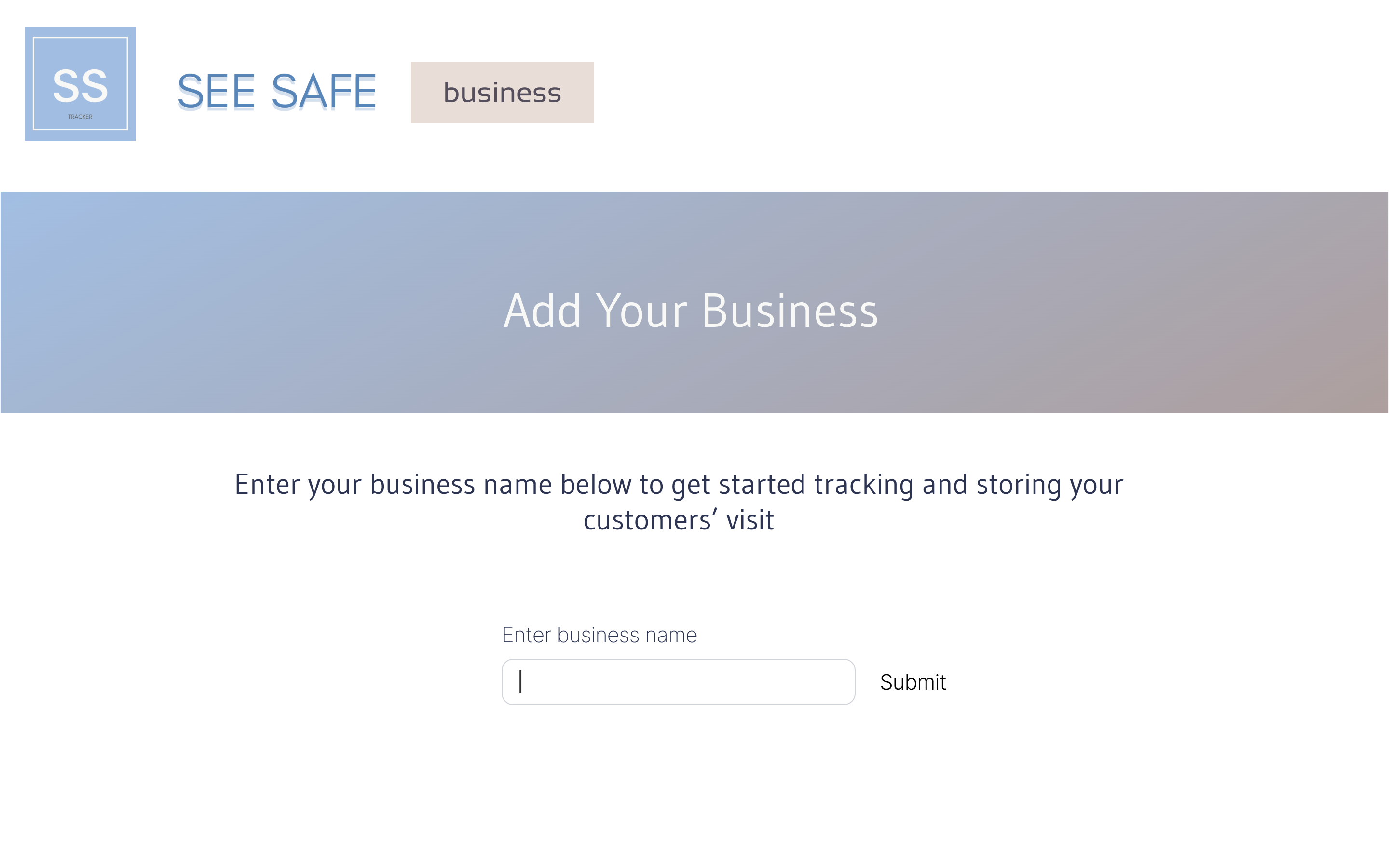
We separated the tasks with front-end vs back-end. In the front-end, we coded 3 HTML pages with a minimalistic design choice utilizing HTML, CSS, and JS. As for the back-end, we focused on setting up a Firebase to make use of their Realtime Database in order to store our data. We worked together to combine the two with Python and Flask in order to develop our fully working web app!
Challenges we ran into
1) HTML and CSS not going where it should go 2) Difficult to pull a certain key from Firebase. 3) Issues with Flask
Accomplishments that we're proud of
1) Finally retrieving the data we wanted from Firebase 2) Having HTML pages connected 3) HTML changed based on Python
What we learned
1) How to use Firebase 2) How to code in HTML and CSS 3) Adding Python to websites
What's next for See Safe
1) Map that shows nearby shops 2) User mode finished
NOTE
To test it on repl.it, after you press "Run" make sure to open a new tab shown at the top right corner!


Log in or sign up for Devpost to join the conversation.