-
-
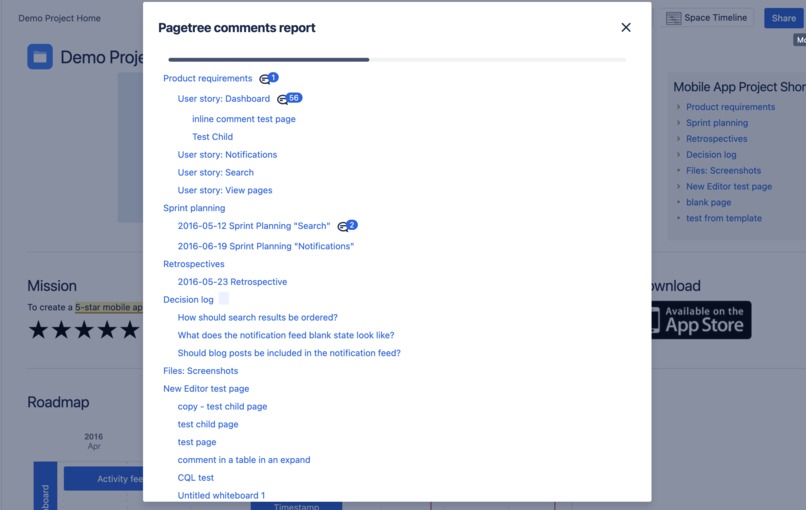
Pagetree Unresolved Comment Report
-
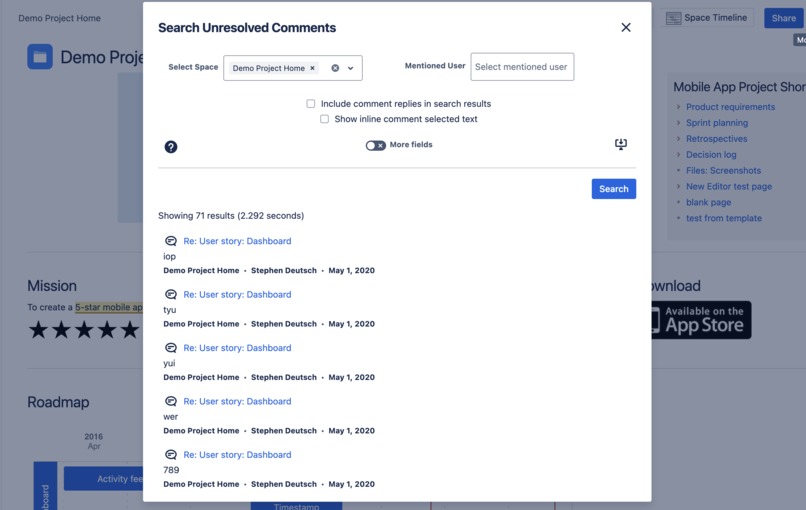
Unresolved Comment Search
-
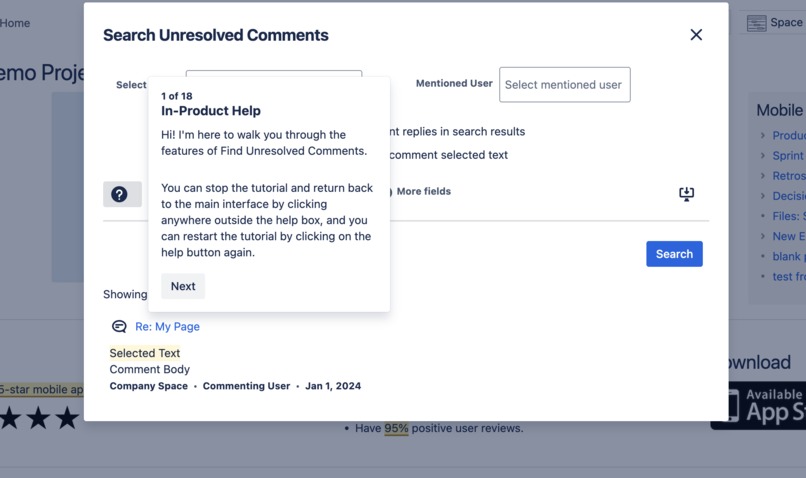
In-Product User Guide
Inspiration
Inline comments in Confluence are a great way for users to interact with each other in order to clarify or clean up information, helping teams to stay aligned. However, sometimes they can be difficult to find, or you might not even know which comments exist in your instance. See All Unresolved Comments has filled that gap for several years now on the Atlassian Marketplace, but as a Connect app. We finally decided to make the leap to Forge because of a few reasons:
- Originally the app showed the number of all unresolved inline comments in an icon at the top of the page. However, Atlassian decided to remove this section, so we needed to find a new place to put it. Thanks to the dynamic content byline feature of Forge, we can replicate this functionality in a new place. Thanks to Connect-on-Forge, it is possible to replace just this part of the app while leaving the rest on Connect. But what would be the fun in that?
- "Runs on Atlassian" - Not only does this make the app eligible for a bonus prize, but it makes a lot of sense as a marketing tool towards prospective and existing customers. This particular app does not require calling out to outside sources, so it makes sense to rewrite in Forge so that it can earn this distinction. For some of our other apps which have Confluence macros, supporting existing customers using legacy pages means it won't be as easy to switch completely over to Forge, but the fact that this app does not contain any macros made it more suitable for fitting into the "Runs on Atlassian" category.
What it does
Our app is made up of four modules:
- Has Inline Comments? - This module checks for the existence of unresolved inline comments and displays how many unresolved inline comments exist in the page. The indicator can be found in the content byline.
- Inline Comments Overview - This module has two different parts: a listing of all unresolved inline comments, to be able to browse through all comments at once, and a bird's eye view of the page, showing where the selected text of the comments is in relation with the section headings.
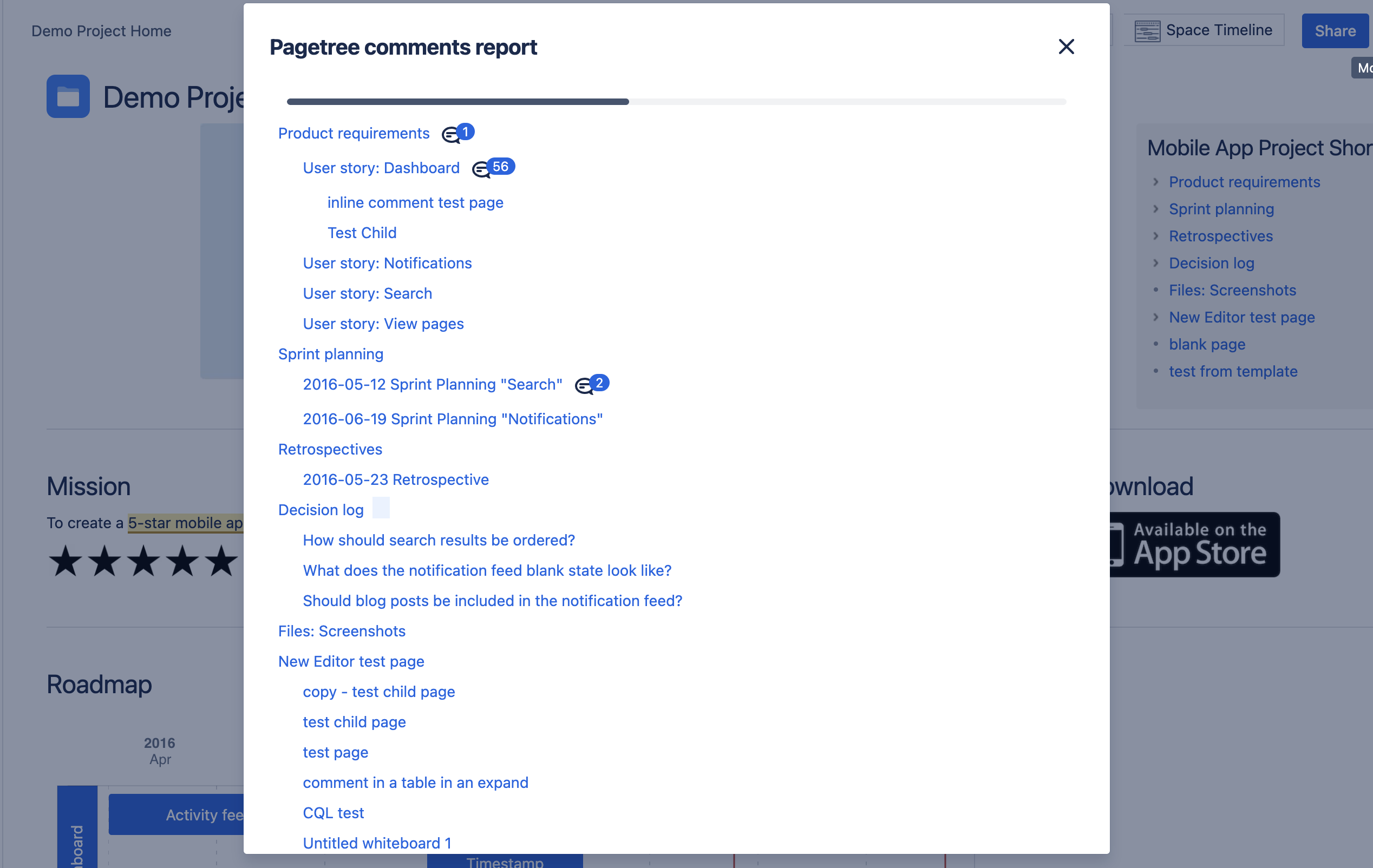
- Pagetree comment search - This module displays a tree of pages, the entire subtree underneath the current page, and searches for unresolved inline comments in all of the child pages.
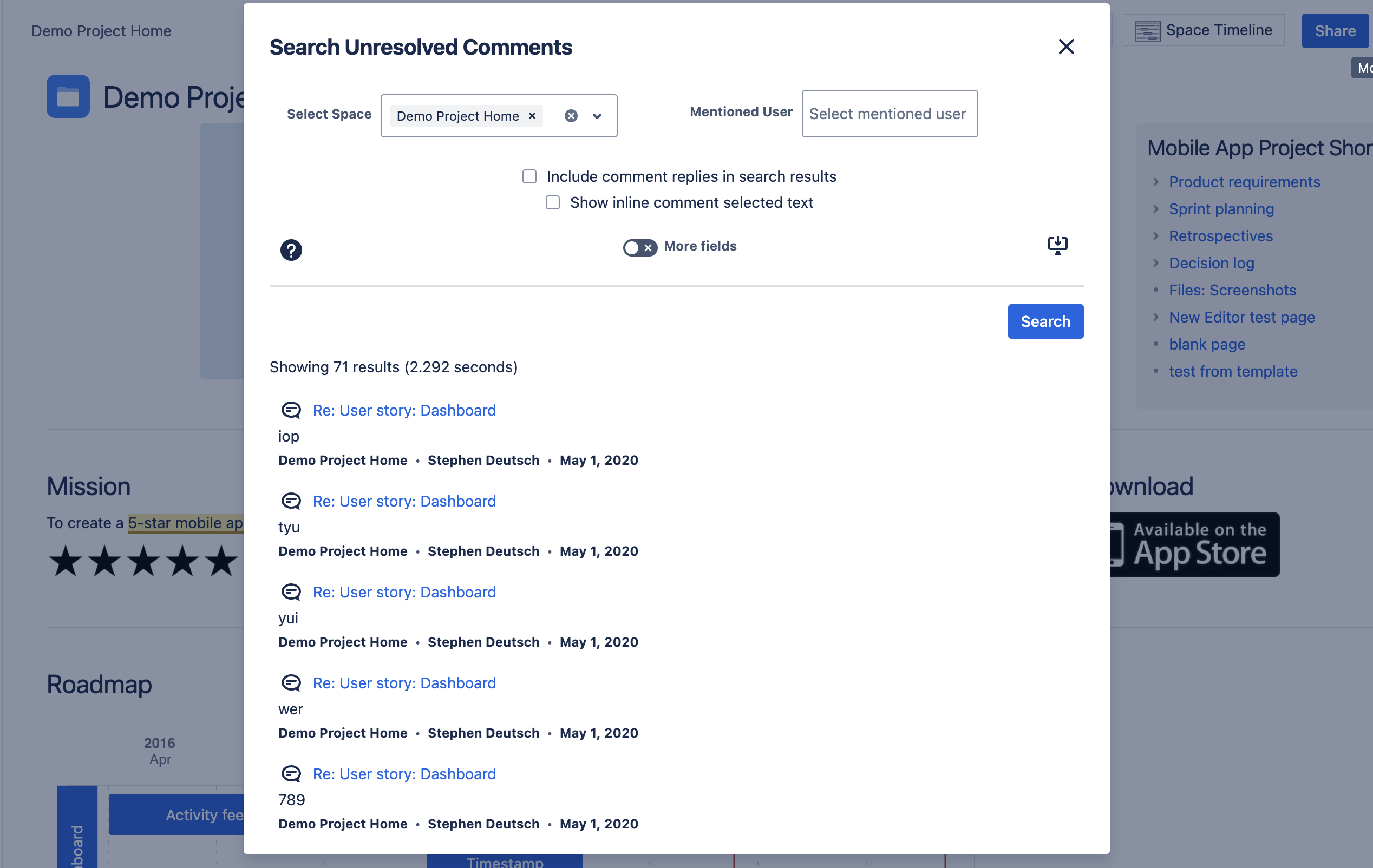
- Comment Search - This module allows you to search for unresolved comments and provides lots of filters, including comment text, user mentions, creation date, etc.
How we built it
Thanks to the recent improvements in UI Kit, I'm proud to say that this fairly complex app was able to be developed 100% using UI Kit features, and we were able to stretch them in some surprising ways. Other than that, the code itself was written in VS Code, which had good support for syntax highlighting and errors for Forge code, and the Forge Tunnel feature made the development cycle really short; it was really easy to jump back and forth between the code and the browser, testing changes as you go.
Challenges we ran into
At first I wasn't very used to the React way of doing things, but after a while it made a lot of sense, and the UI modules seem well thought out. However, because the original app code was not using a data-binding framework, the code had to be almost totally rewritten. When using UI Kit, you need to only use the building blocks that are provided, so this provided some limitations, but I think we were able to work around them fairly well.
Because one of the main features of the app is displaying comment data, and because UI Kit does not support displaying your own HTML (yet, coming soon in Early Access), I worried that I might have to parse the comments myself and turn them into UI Kit components. I started with this approach, but during the Hackathon, the AdfRenderer component became available, so I could simply feed the markup to this component and it would render very similarly to the way it does in the main Confluence interface, and I no longer had to worry about trying to convert the comment markup myself, which was great.
Another minor issue was the fact that UI Kit does not support closing the dialog box programmatically, which would have come in handy for a certain use case.
Accomplishments that we're proud of
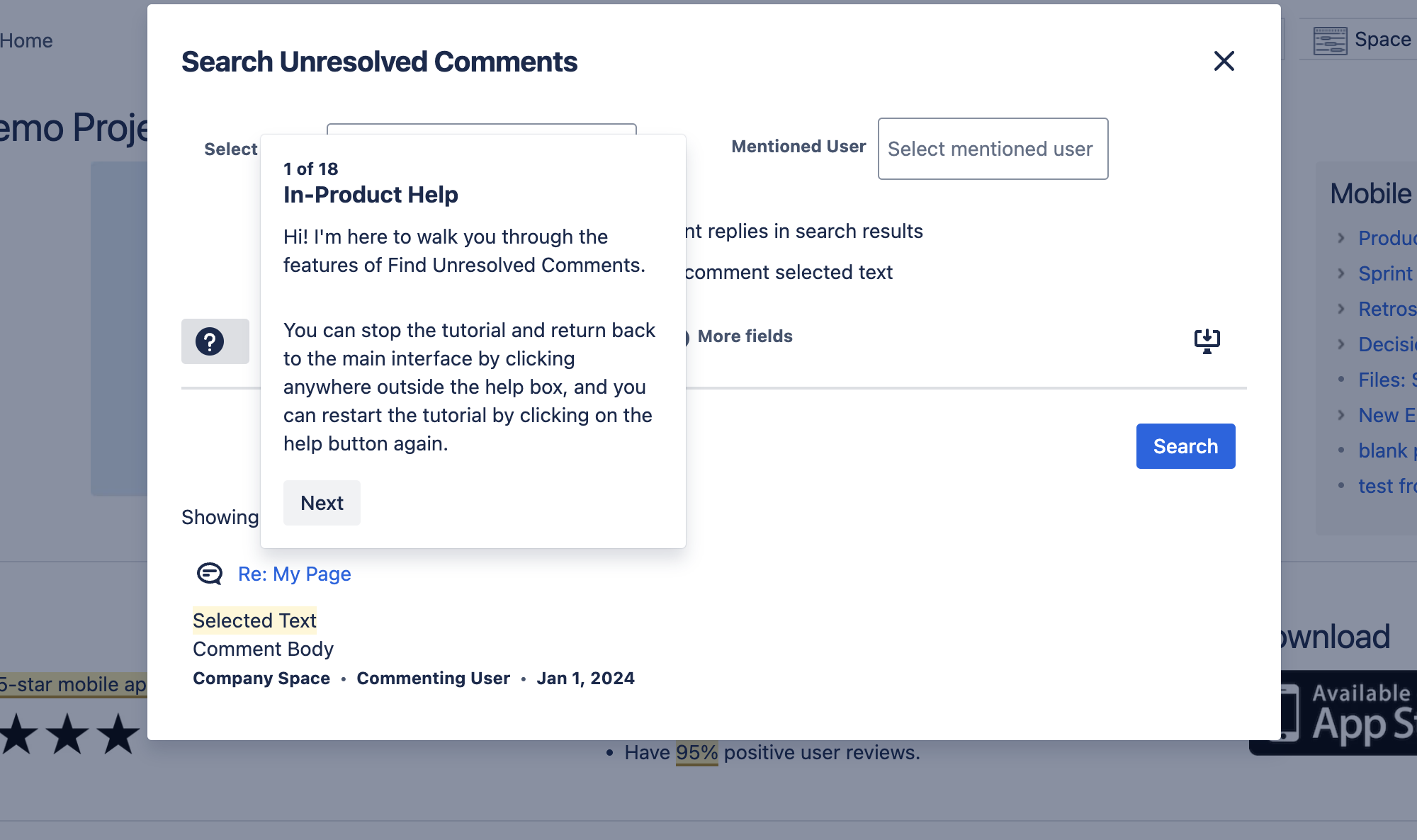
The Search Comments module contains an in-product help/tutorial feature that I was worried would be impossible to implement, but by (ab)using the popup component, I was able to recreate the functionality, and I think it turned out quite well.
Another cool technical trick is taking advantage of the fact that you can use an SVG for the dynamic byline icon, so I was able to make the most of this by dynamically generating an SVG that resembles a number badge that is updated dynamically and contains the number of unresolved comments in the current page.
Finally, I'm proud that the app was able to retain all its functionality, and the rewrite was able to be completed entirely within the Hackathon period.
What we learned
I learned a lot about Forge, including all the features of the new UI Kit, the Forge CLI, and the new tunnels. It had been about a year or two since I tried developing an app in Forge, and I was surprised to see that it had evolved quite a lot in the meantime. Now that I've seen it's possible, I plan to rewrite some more of our apps using the Forge platform.
What's next for See All Unresolved Comments
After the hackathon, I plan to release the new Forge version to the Marketplace and get some more feedback. I also plan to apply to be a featured app for the "Runs on Atlassian" badge when it launches on the Marketplace early next year.


Log in or sign up for Devpost to join the conversation.