
Inspiration
What it does
How we built it
Challenges we ran into
Accomplishments that we're proud of
What we learned
What's next for SecureQuest
About the Project
Inspiration
Cybersecurity is often taught through definitions, technical concepts, and lists of best practices. We wanted to make cybersecurity learning more practical and interactive.
SecureQuest was inspired by a simple question: what if learning cybersecurity felt like making real security decisions instead of only reading about them?
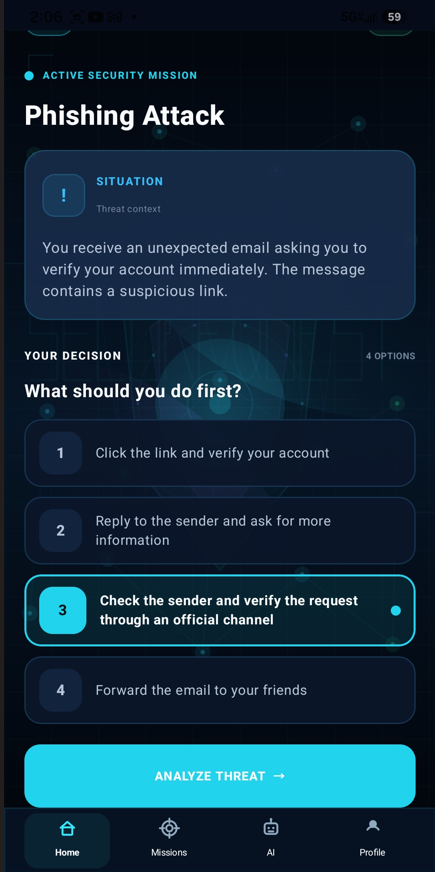
We designed the experience around realistic cybersecurity situations such as phishing, weak passwords, malicious applications, ransomware, and unsafe public Wi-Fi. Instead of simply reading an explanation, users make a decision and then learn why that decision is safe or risky.
Our goal was to create a cybersecurity learning experience that is practical, engaging, and easier to understand for people who are still developing their security awareness.
What We Built
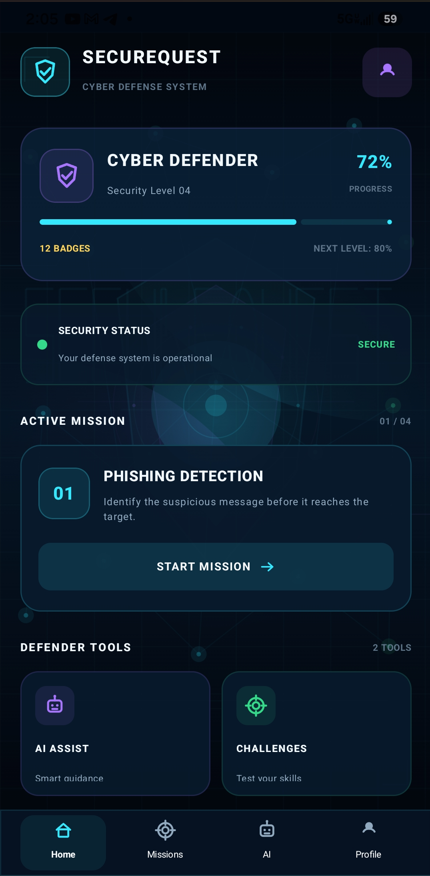
SecureQuest is an Android cybersecurity learning application built with Kotlin and Jetpack Compose.
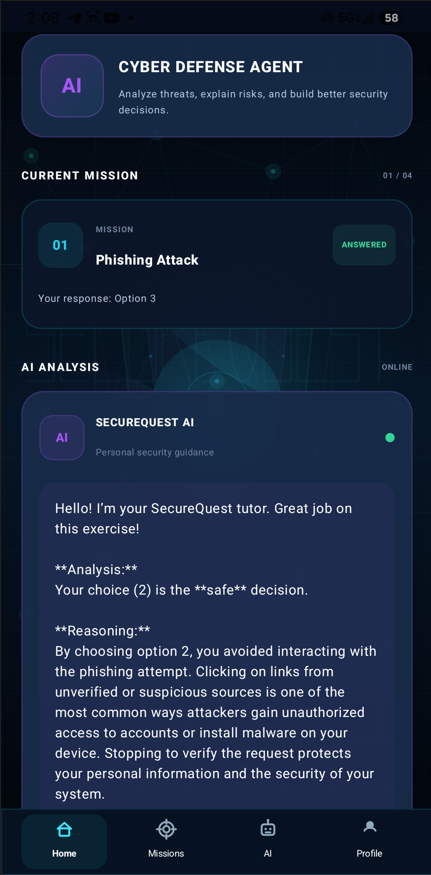
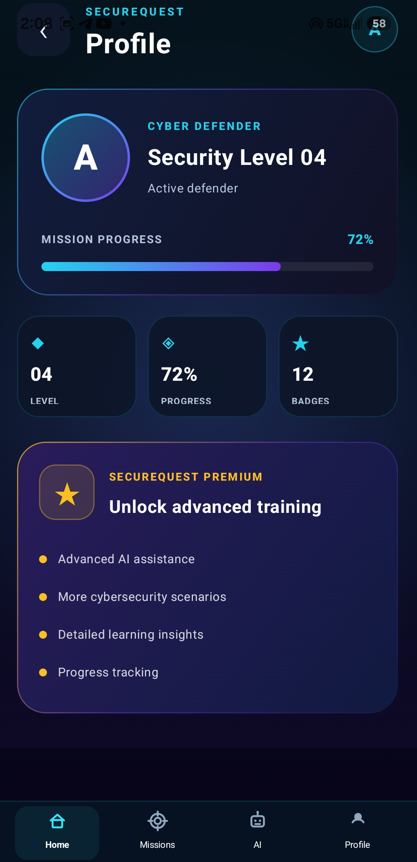
The application combines interactive cybersecurity missions with an AI-powered cybersecurity tutor. Users can work through security scenarios, make decisions, receive explanations, track their progress, and explore achievements.
Core features include:
• Interactive cybersecurity missions
• Phishing and threat-detection scenarios
• Decision-based cybersecurity learning
• AI-powered cybersecurity guidance
• Gemini-powered threat analysis and explanations
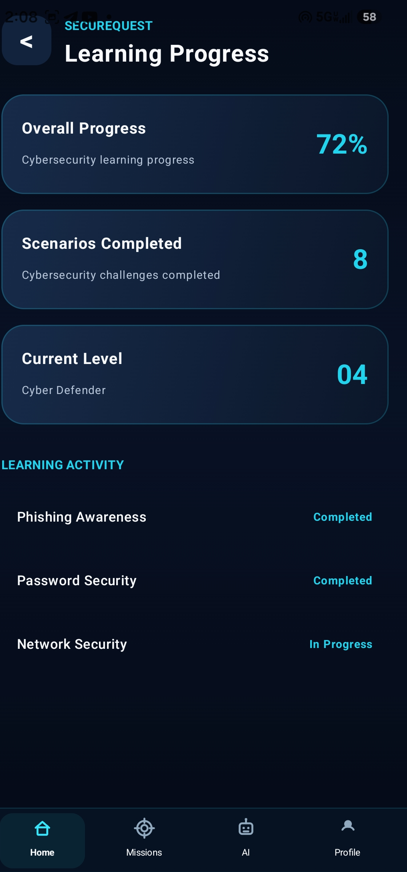
• Learning progress tracking
• Achievement tracking
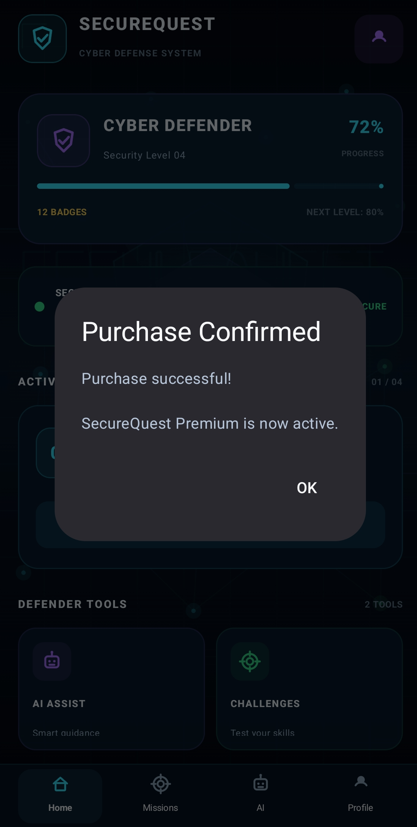
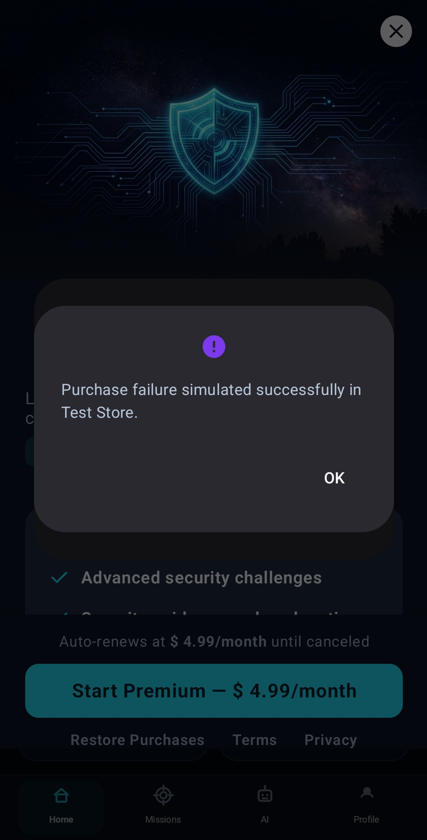
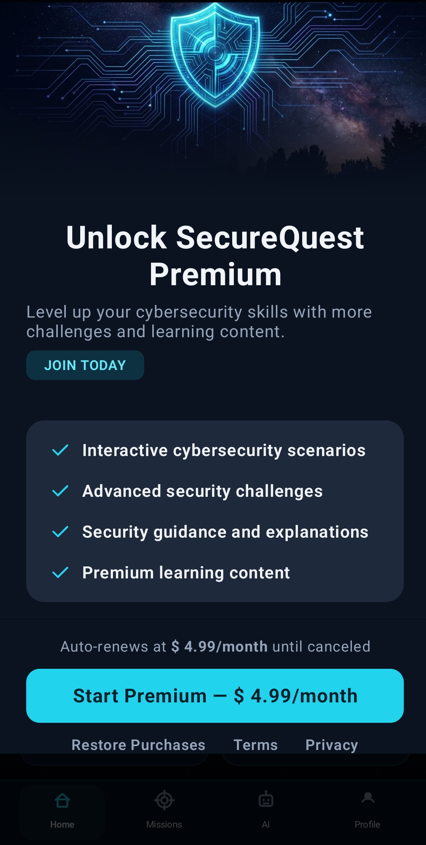
• Premium features powered by RevenueCat
• Modern dark cyber-defense user interface
The AI Assistant communicates with a Node.js and Express backend, which connects to the Google Gemini API. The Gemini API key is kept on the backend rather than being embedded directly in the Android client.
The architecture is:
Android Application
|
| REST API
v
SecureQuest Backend
|
| Gemini API
v
Google Gemini
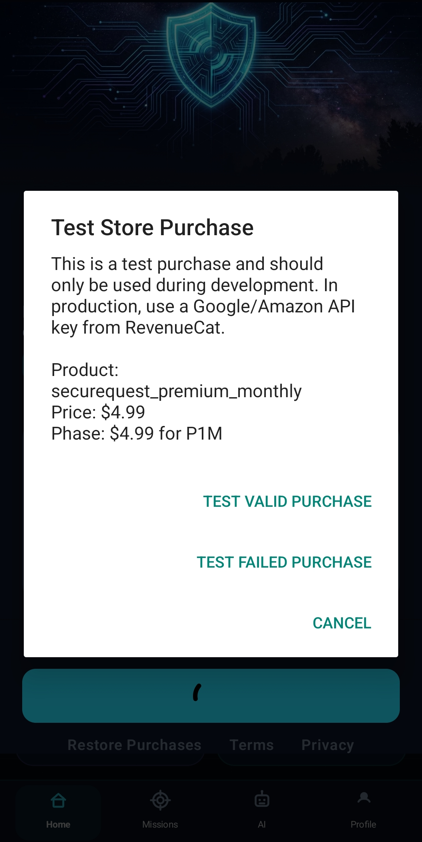
For monetization, we integrated the RevenueCat SDK and configured a premium product, entitlement, offering, package, and paywall. We used RevenueCat Test Store during development to validate the purchase flow without using a real store transaction.
How We Built It
The Android application was developed with:
• Kotlin
• Jetpack Compose
• Material 3
• Navigation 3
• Kotlin Serialization
• OkHttp
• RevenueCat SDK
The backend was developed with:
• Node.js
• Express
• Google Gemini API
The project is organized around the mobile application, cybersecurity learning experience, AI integration, backend services, and monetization layer.
The main application flow is:
Home
|
+-- Cybersecurity Mission
|
+-- Threat Analysis
|
+-- AI Assistant
|
+-- Progress
|
+-- Achievements
|
-- Premium
        |
-- RevenueCat Paywall
We tested the application both through Android tooling and on a physical Android device. This was especially important for validating the AI network connection and the RevenueCat Test Store purchase experience.
Challenges We Faced
One of the biggest challenges was connecting the Android application to the local AI backend while testing on a physical Android device.
The application initially had to distinguish between emulator networking and physical-device networking. We had to configure the backend URL correctly, add Android Internet access, allow local HTTP traffic for development, and use USB port forwarding with adb reverse during testing.
Another challenge was diagnosing the AI connection. The generic message displayed by the application did not immediately reveal whether the problem came from the Android application, local networking, the backend server, or the Gemini API. We therefore tested each layer separately until the complete Android-to-backend-to-Gemini path was working.
RevenueCat was another important part of the project. We configured a Test Store product, connected it to the premium entitlement, created the securequest_premium offering, configured the monthly package, and tested the purchase flow through the RevenueCat paywall.
We also had to refine the user interface extensively. We wanted SecureQuest to feel like a modern cybersecurity product rather than a traditional educational application, so we focused on a dark cyber-defense visual language, structured information cards, neon-inspired accents, mission progression, and consistent navigation.
What We Learned
This project taught us that creating a working mobile application requires much more than building screens.
We learned how different components have to work together:
User Interface
↓
Navigation
↓
Application Logic
↓
Network Layer
↓
Backend
↓
AI Service
↓
Monetization
We gained practical experience with Android development, Jetpack Compose, REST APIs, Node.js, Express, Google Gemini integration, RevenueCat subscriptions, Test Store purchases, local networking, Android debugging, Git, GitHub, and real-device testing.
We also learned that testing on a physical device can reveal problems that are not obvious when developing only on an emulator.
Why SecureQuest Matters
SecureQuest is designed around a simple learning principle:
learn by making decisions, understand the consequences, and improve through immediate feedback.
Instead of presenting cybersecurity as a collection of abstract concepts, SecureQuest turns security awareness into an interactive experience.
The project brings together:
Cybersecurity + Interactive Learning + AI + Mobile Technology + Monetization
in a single Android application.
Our goal is to demonstrate how modern AI and mobile technologies can make cybersecurity education more practical, accessible, and engaging.
Built With
- ai
- android
- api
- app
- artificial
- compose
- cybersecurity
- education
- express.js
- generative
- in-app
- intelligence
- jetpack
- kotlin
- material
- mobile
- node.js
- okhttp
- purchases
- rest
- revenuecat
- serialization
- subscriptions

Log in or sign up for Devpost to join the conversation.