-
-
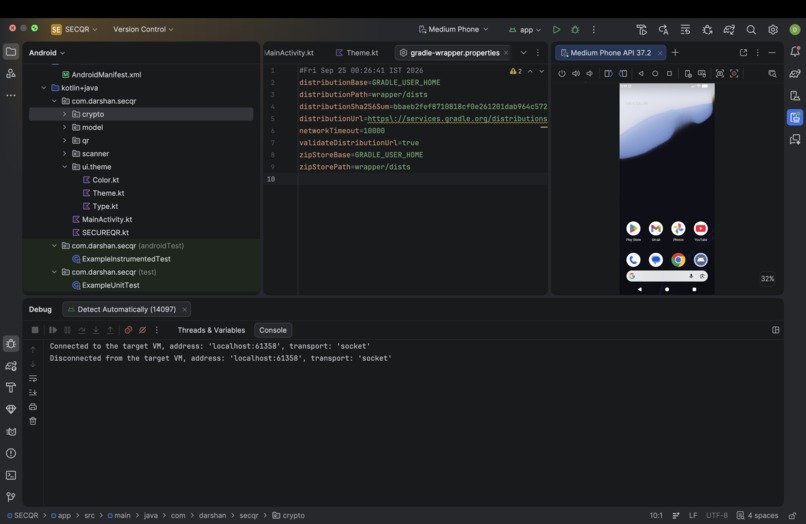
Android Studio project workspace with the SecureQR source tree open and an Android emulator running.
-
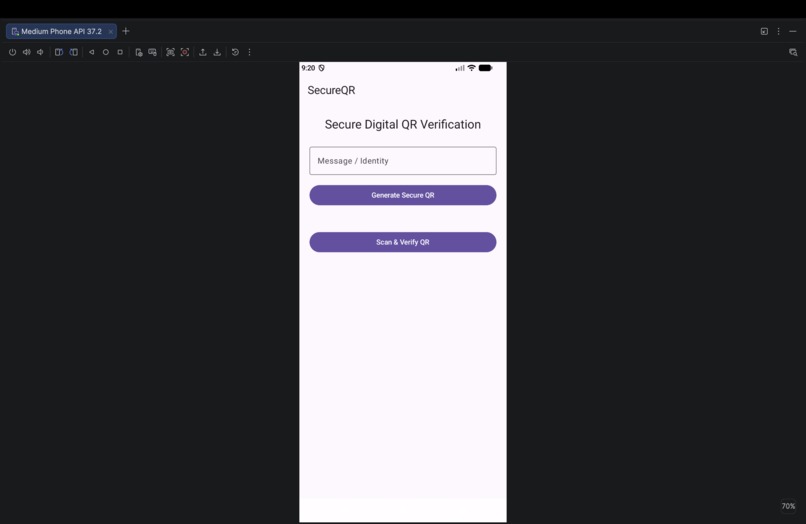
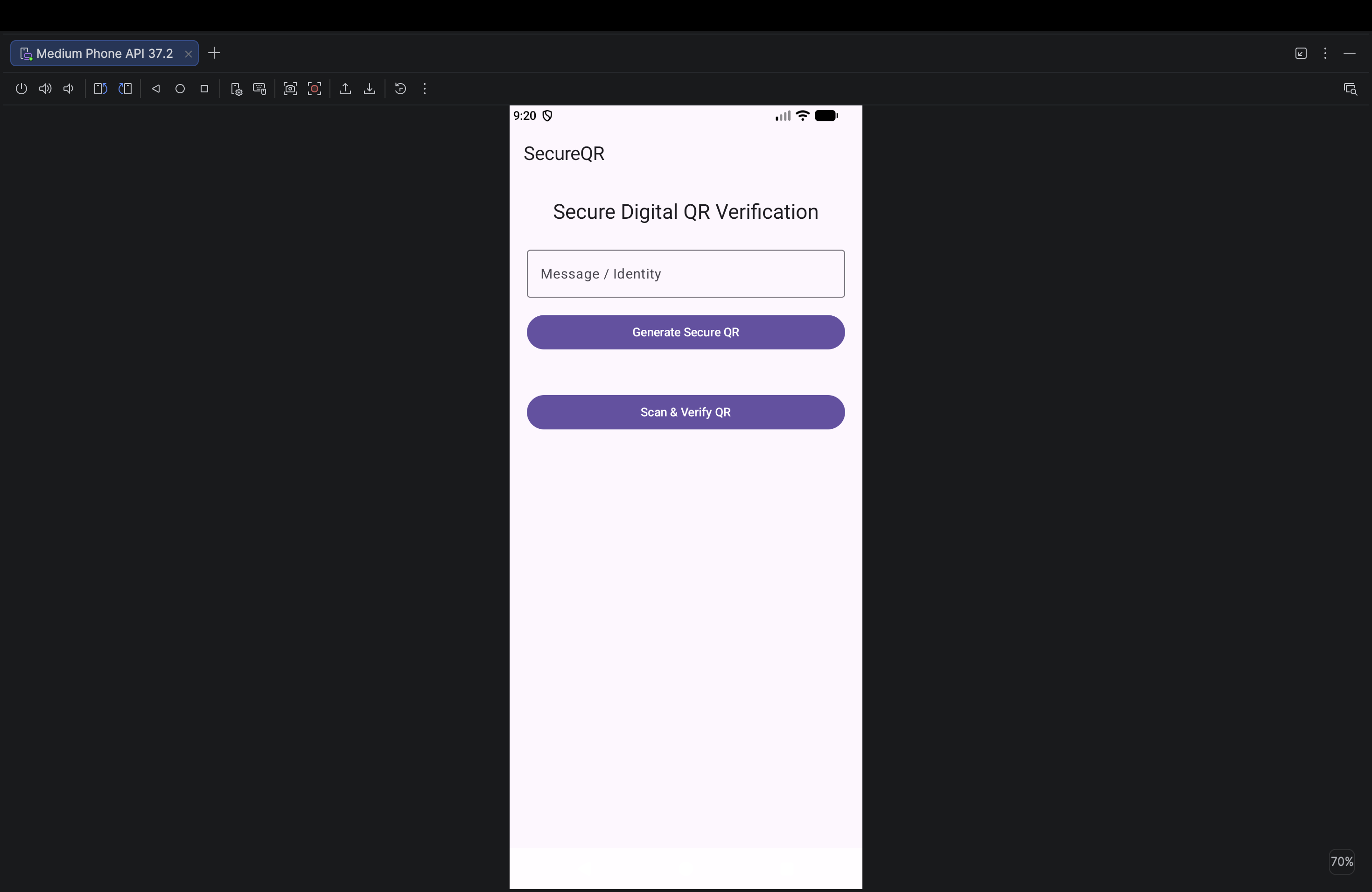
SecQR app home screen in the Android emulator with a field for entering a message or identity and options to generate
-
logo for SECQR
Inspiration:QR codes are convenient for authentication and access, but a static QR code can potentially be copied, shared, or reused by an unauthorized person. We wanted to build a system where simply possessing a QR image would not be enough to gain access.
This led us to the idea of SecureQR, where QR codes are designed to be temporary and verifiable rather than permanently reusable
What it does:SecureQR provides a secure QR-based verification workflow:
Generates one-time QR codes
Uses trusted cryptographic keys to verify authenticity
Allows QR codes to be revoked
Prevents previously used QR codes from being reused
Verifies whether a QR code is valid before granting access
Provides a foundation for secure temporary authentication and access management
The goal is to add a security layer between a QR code and the resource or service it protects.
How we built it:The project was developed as a mobile-based cybersecurity application with a secure verification backend.
The main components are:
QR Generator – Creates temporary QR credentials.
QR Scanner – Scans and extracts the QR information.
Trusted Key System – Uses cryptographic keys to verify that a QR code was generated by a trusted source.
One-Time Verification – Tracks QR usage so a valid QR cannot simply be reused.
Revocation System – Allows compromised or invalid QR credentials to be revoked.
Backend Verification – Validates QR requests and returns the verification result.
Secure Access Flow – Grants access only after successful verification.
Challenges we ran into:One of the biggest challenges was designing the QR workflow so that security was not dependent only on the QR image itself.
We had to think about:
How to prevent QR reuse
How to verify that a QR was generated by a trusted source
How to handle revoked credentials
How the mobile application should communicate with the backend
How to balance security with a simple user experience
How to test invalid, expired, reused, and revoked QR codes
Accomplishments that we're proud of:We’re proud of building a working cybersecurity-focused QR verification concept that combines one-time QR codes, trusted cryptographic keys, and QR revocation into a single secure access workflow.
We’re especially proud of turning a common QR-based process into a security-focused solution while learning practical concepts such as authentication, cryptography, backend verification, and access control.
What we learned:Building SecureQR helped us understand how different cybersecurity concepts work together in a practical application.
We learned about:
QR-based authentication
Cryptographic key verification
Secure client-server communication
Temporary credentials
Access control
Token validation
Revocation mechanisms
Secure application design
Mobile application development
🚀
What's next for SecureQR – Secure One-Time QR Verification:## What's Next for SecureQR
Our next step is to make SecureQR more robust, scalable, and practical for real-world use.
- Stronger authentication: Add biometric or multi-factor authentication for sensitive access.
- Advanced QR security: Introduce QR expiration, replay-attack protection, and stronger token validation.
- Real-time revocation: Improve the backend so compromised QR credentials can be revoked instantly.
- Cloud deployment: Deploy the backend infrastructure for reliable real-world access.
- Security monitoring: Add logs and alerts for suspicious or repeated verification attempts.
- Broader use cases: Adapt SecureQR for campuses, events, offices, visitor management, and temporary digital identity verification.
- Production release: Improve UI, performance, testing, and security before releasing SecureQR as a production-ready application.
Our long-term goal is to turn SecureQR into a reliable temporary-access platform where QR credentials are secure, verifiable, time-limited, and difficult to reuse or abuse.
Built With
- access-control
- android
- android-studio
- api-security
- authentication
- authorization
- backend
- cryptography
- cybersecurity
- digital-identity
- flask
- information
- kotlin
- one-time-tokens
- python
- qr-code
- rest-api
- secure-qr
- sqlite

Log in or sign up for Devpost to join the conversation.