-
-
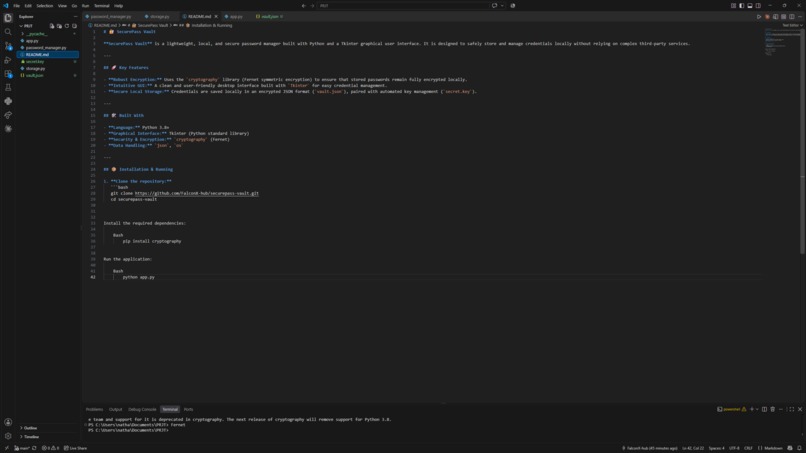
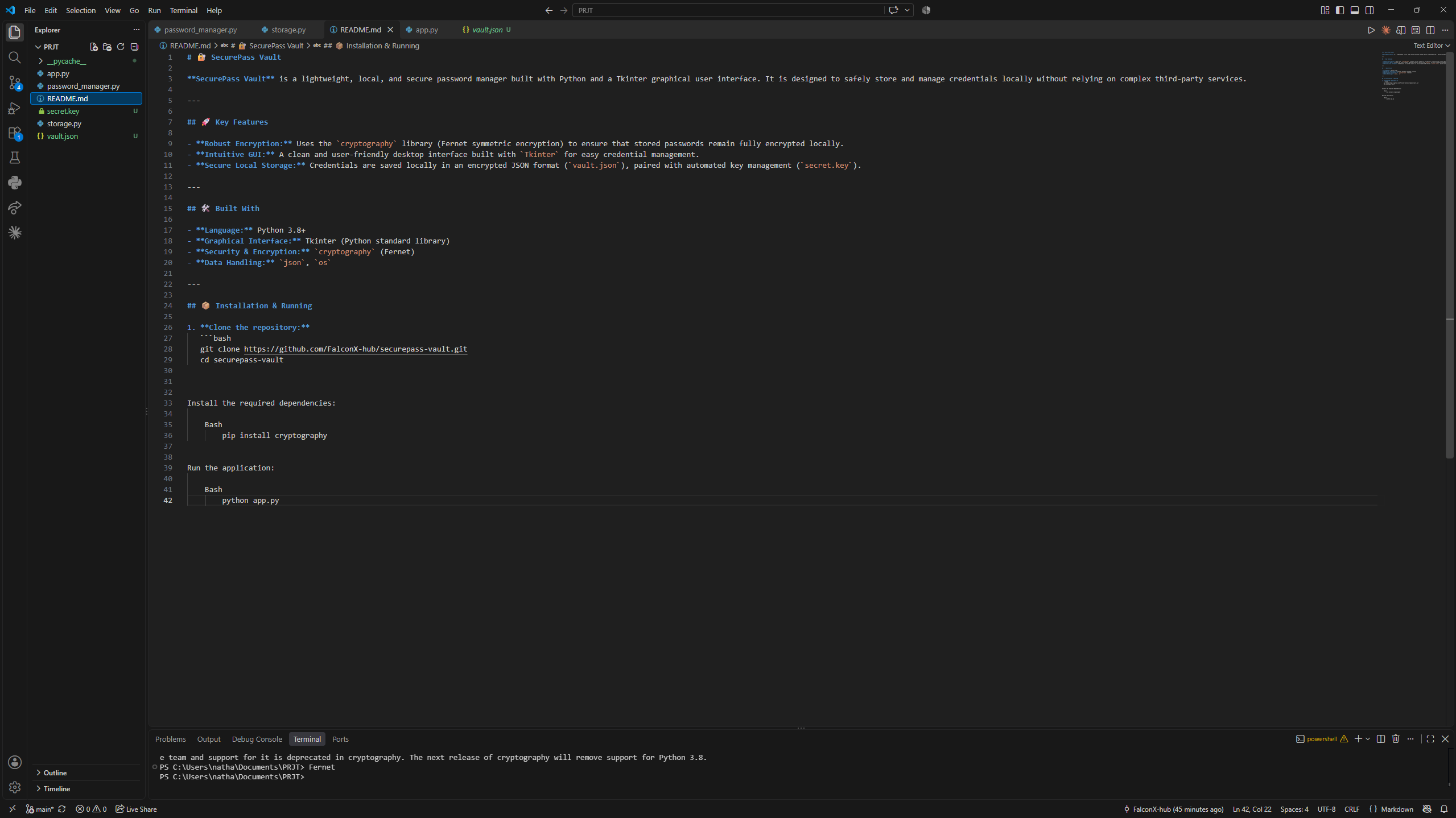
README
-
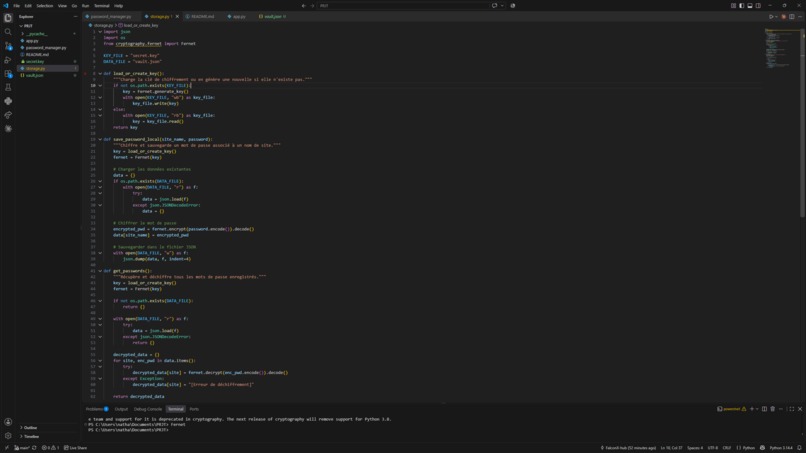
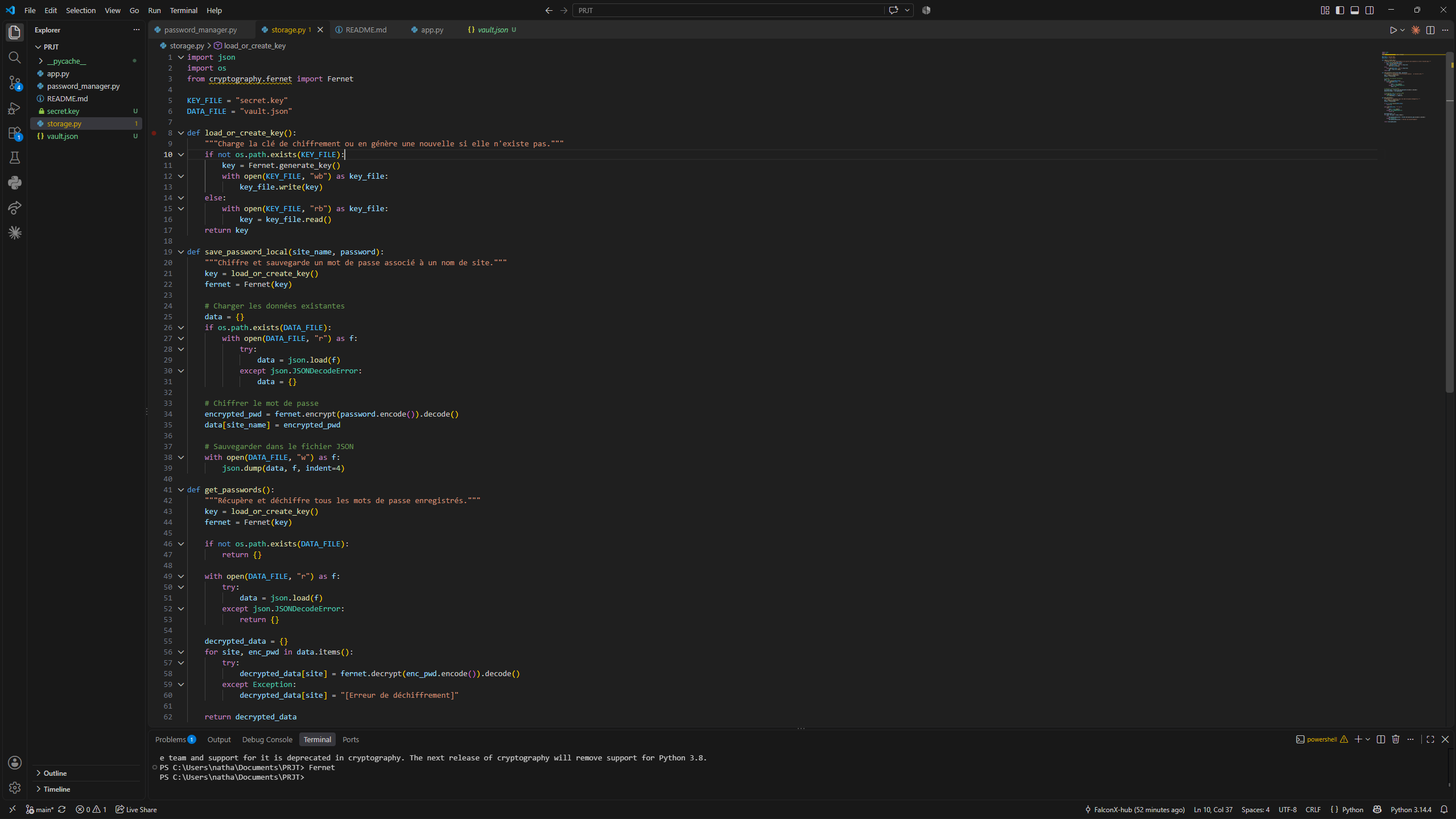
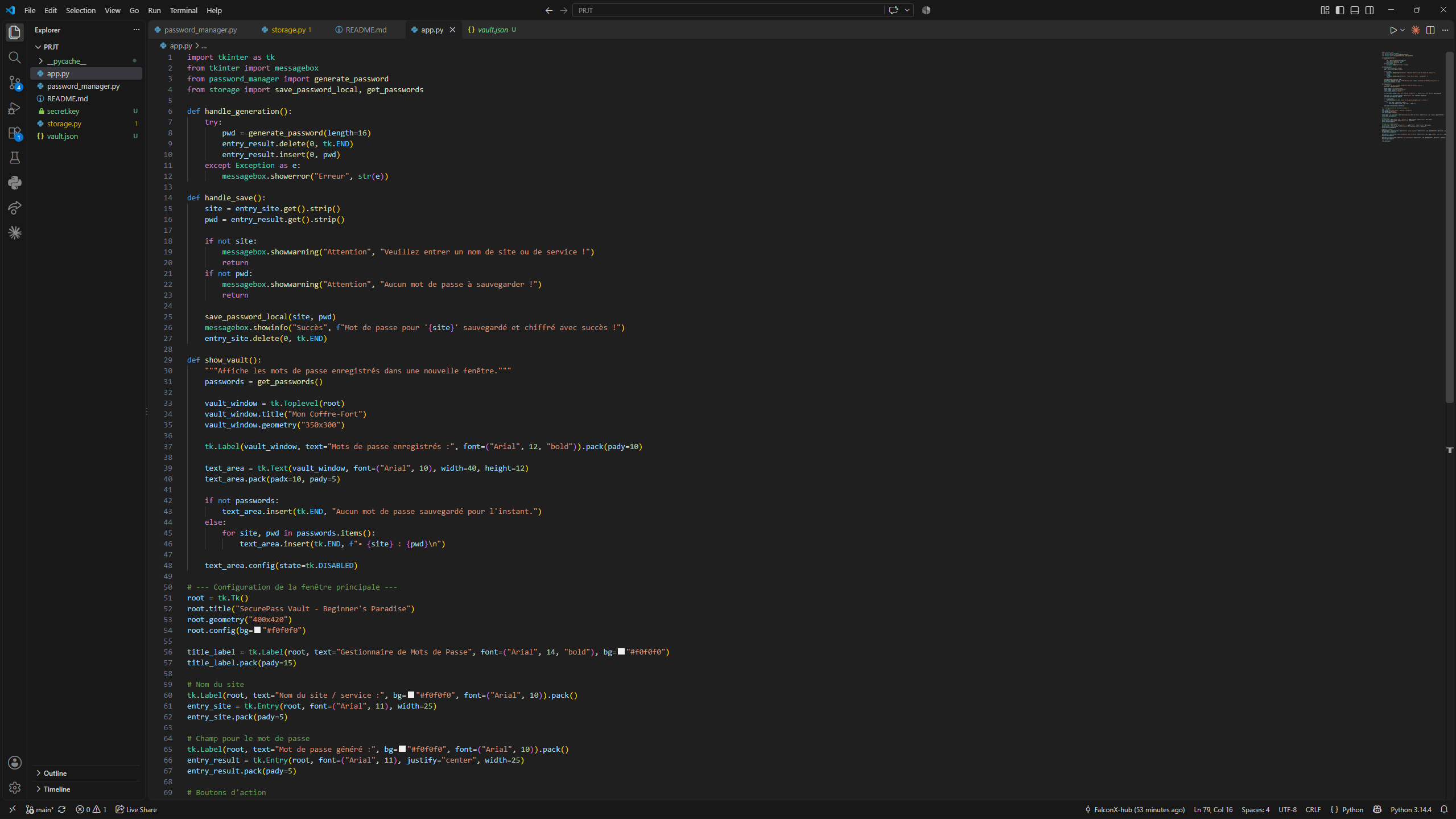
Storage
-
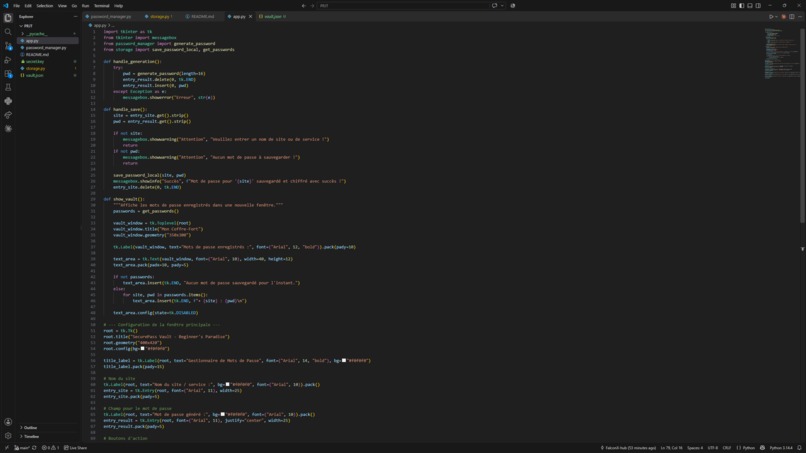
app 1
-
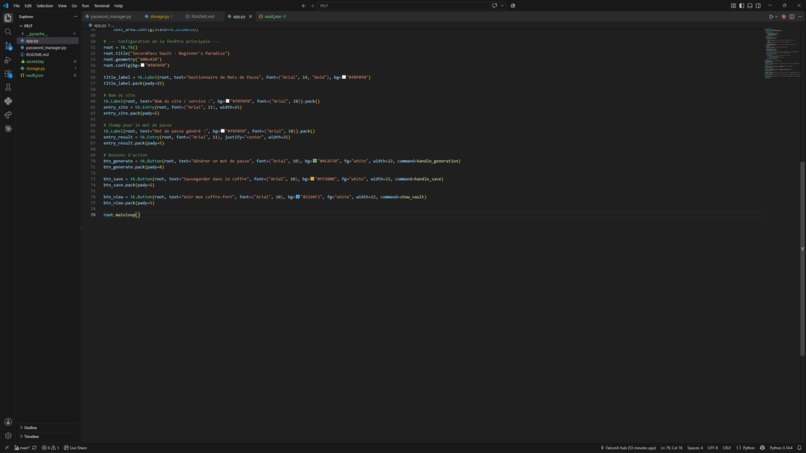
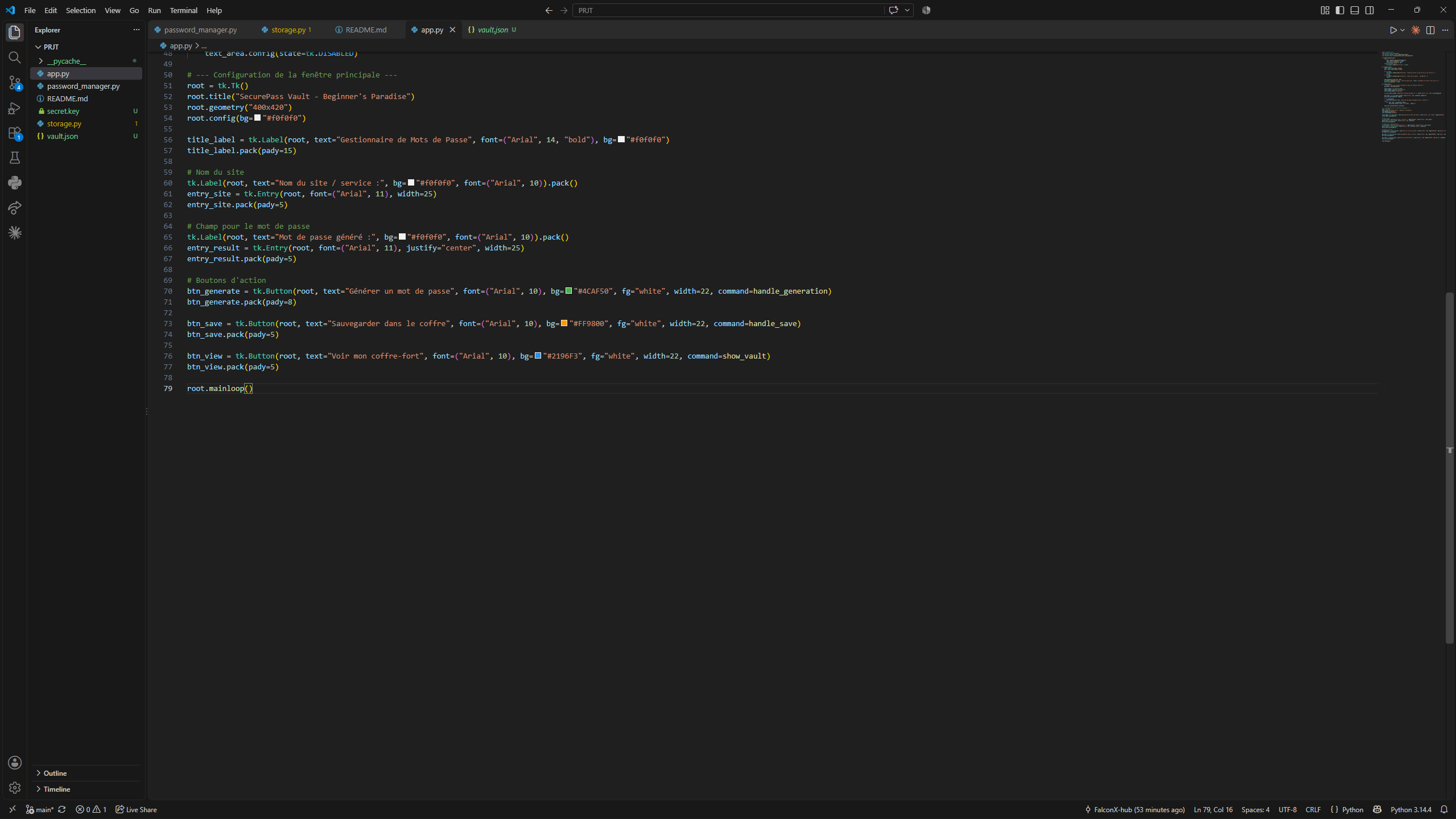
app 2
-
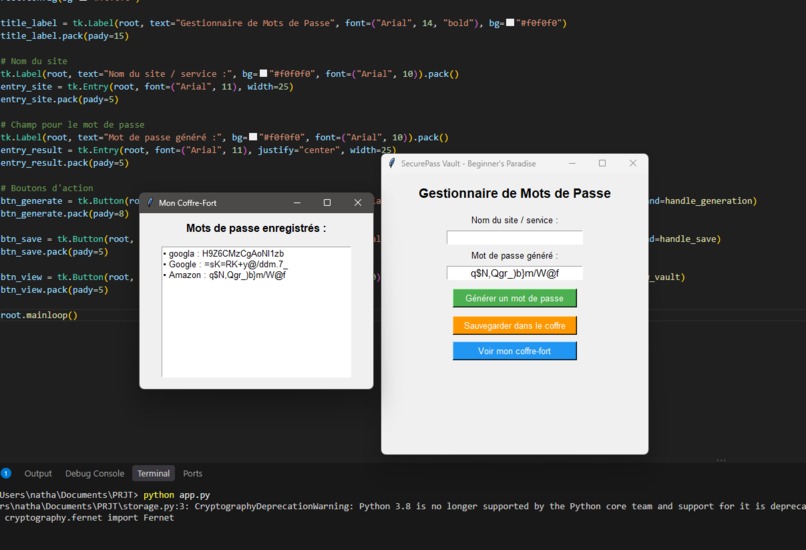
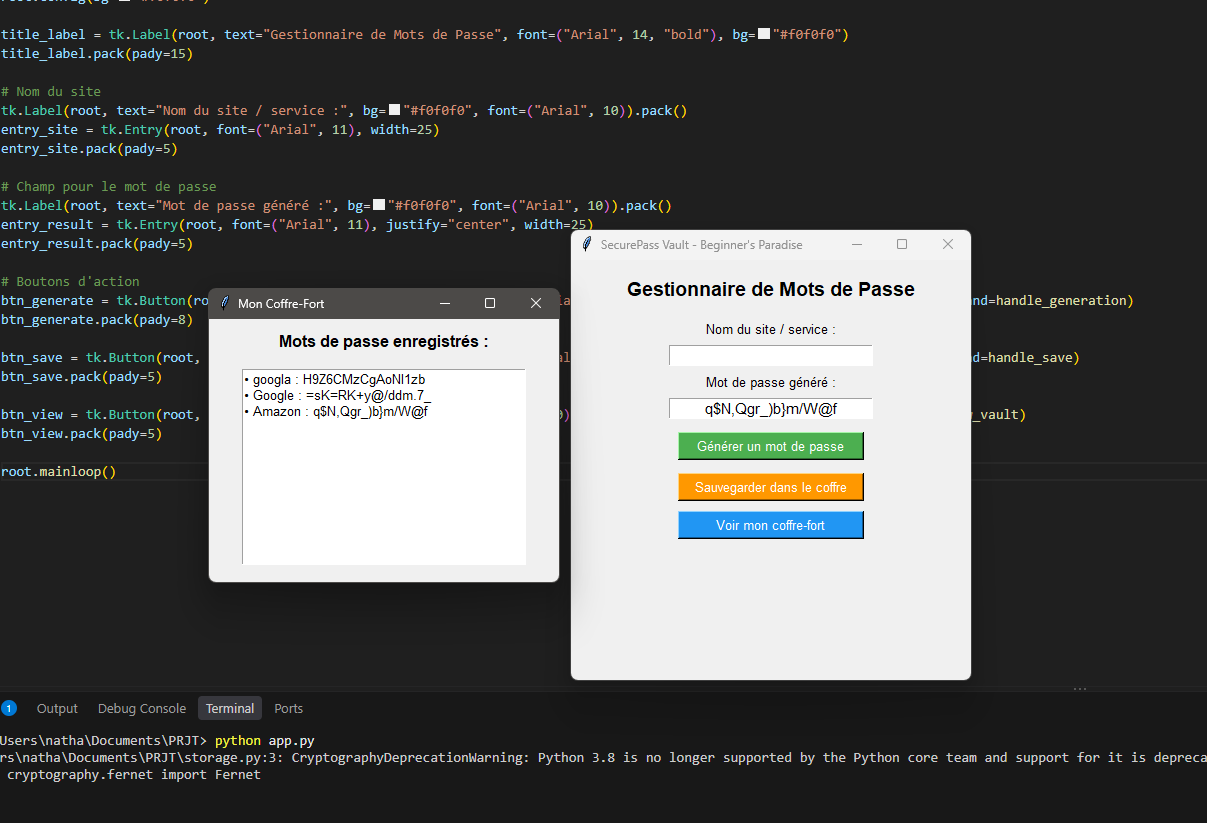
app while running
-
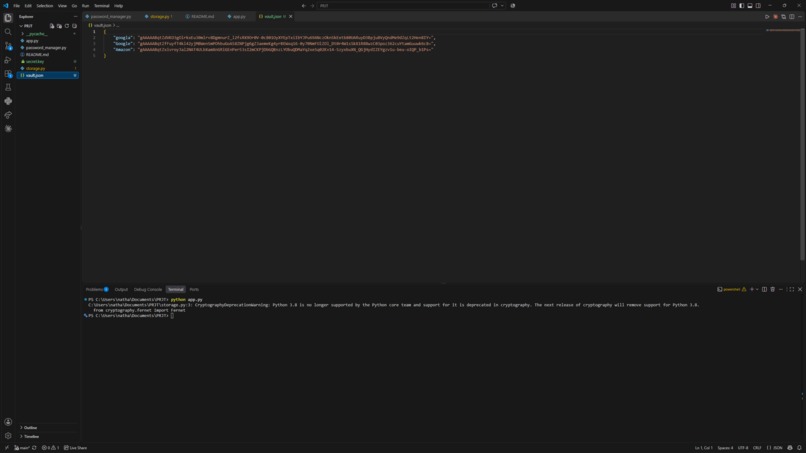
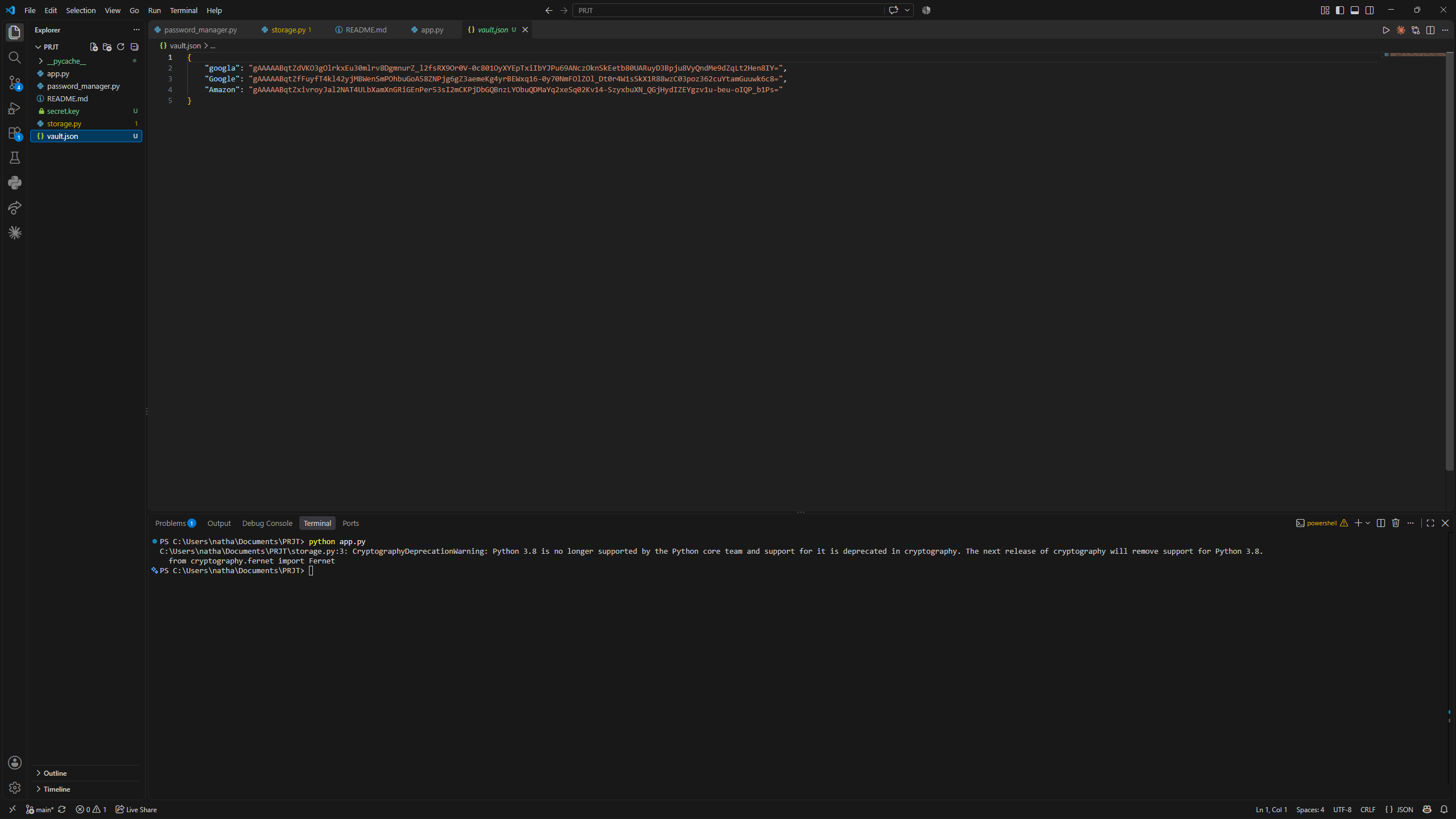
Vault
💡 Inspiration
With the rise of online security threats and complex third-party password managers, we wanted to build a straightforward, transparent tool that keeps user data entirely under their own control. SecurePass Vault was created to offer a lightweight and secure alternative for local credential management.
⚙️ What it does
SecurePass Vault is a desktop application that allows users to securely store, manage, and retrieve their website credentials. All sensitive data is encrypted locally using strong symmetric encryption before being saved, ensuring that no plain-text passwords ever touch the disk.
🛠️ How we built it
- Python as the core programming language.
- Tkinter for a clean, intuitive, and native graphical user interface (GUI).
- Cryptography (Fernet) for robust, industry-standard symmetric encryption and automated key generation/management.
- JSON & OS libraries for handling local secure data persistence.
🧗 Challenges we ran into
One of the main challenges was ensuring seamless automated key management so that users wouldn't have to manually handle encryption keys while keeping the vault fully secure. We solved this by implementing an automatic local key generation sequence on the first run.
🏆 Accomplishments that we're proud of
- Successfully implementing end-to-end local encryption using Fernet.
- Designing a responsive and functional desktop UI using only Python's built-in tools.
- Structuring a clean, production-ready GitHub repository with proper version control.
📚 What we learned
This project deeply reinforced our practical knowledge of cryptographic implementations in Python, secure local file handling, and version control workflows using Git and GitHub.
🚀 What's next for SecurePass Vault
- Adding a master password screen to protect access to the application itself.
- Implementing a password generator tool with customizable complexity rules.
- Enhancing the UI styling for a more modern look and feel.

Log in or sign up for Devpost to join the conversation.