- Inspiration
Every day users unknowingly share sensitive data (login details, payments, personal info) on unsafe websites.
Most people don’t know whether the website they use is secure or leaking data.
Developers also don't have time or technical knowledge to run big security checks.
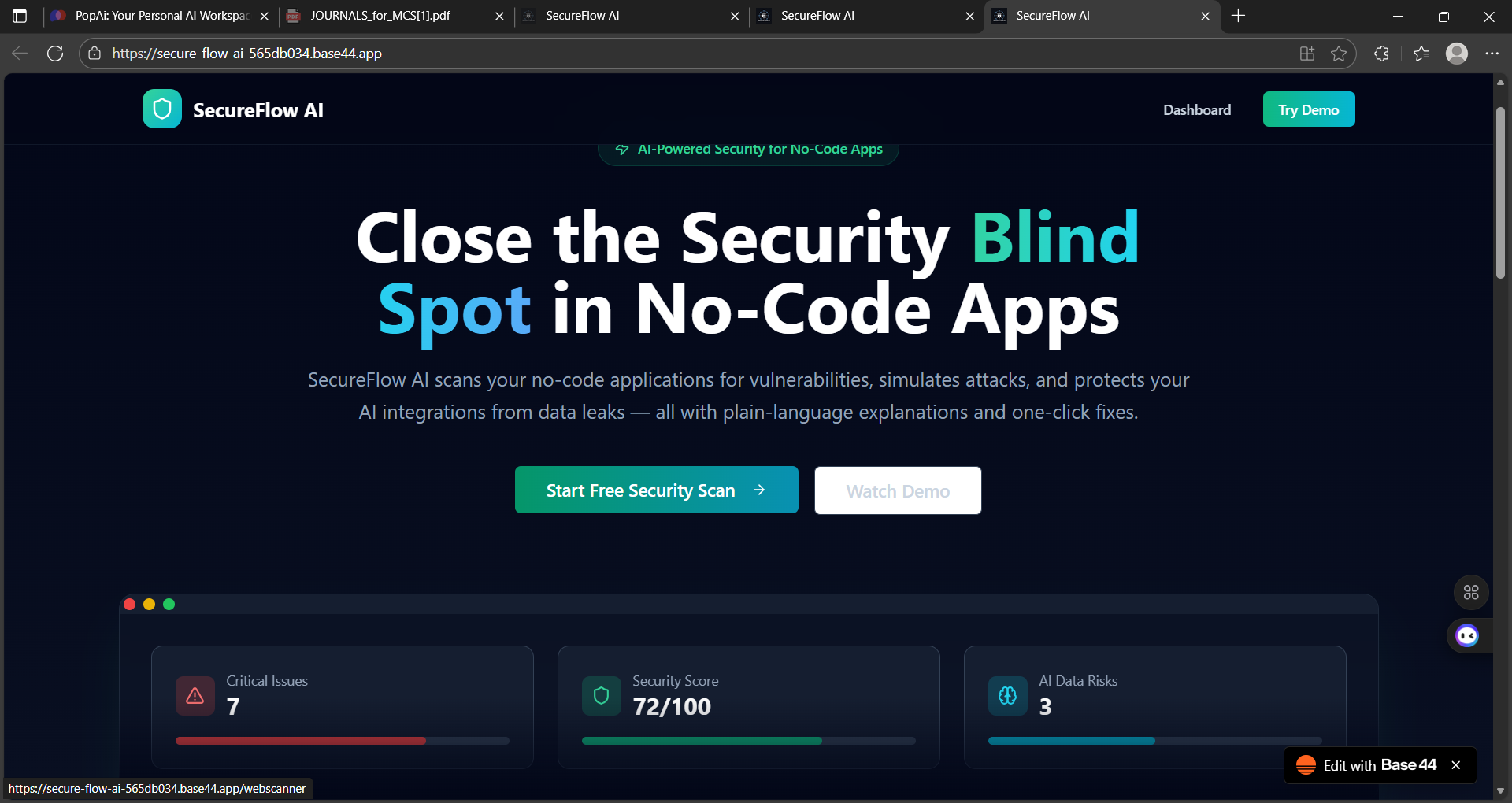
So we built SecureFlow AI — a no-code, instant security scanning platform where anyone can check website safety with just a link.
- What It Does
SecureFlow AI provides end-to-end website safety analysis with zero coding.
⭐ Main Features
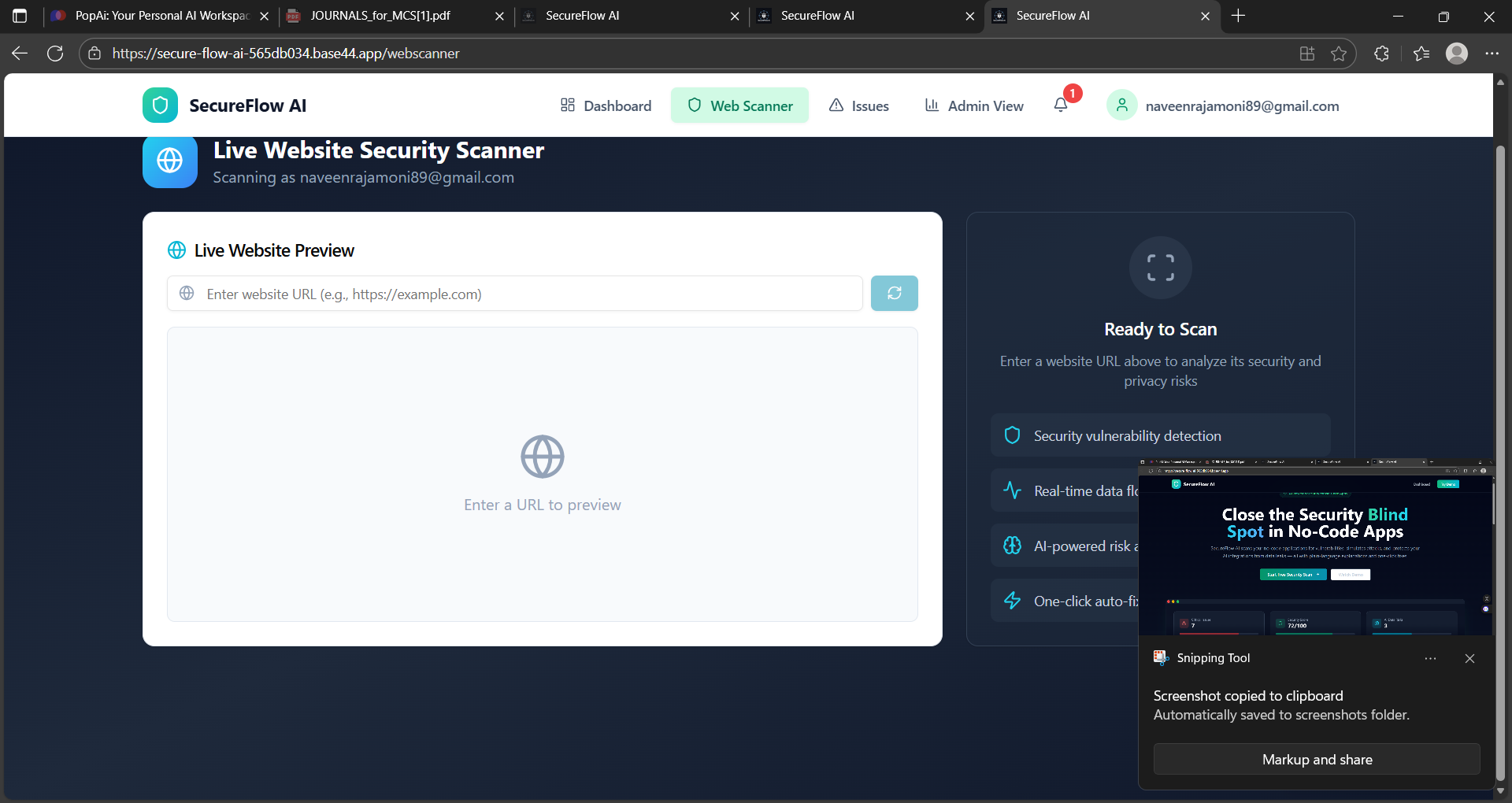
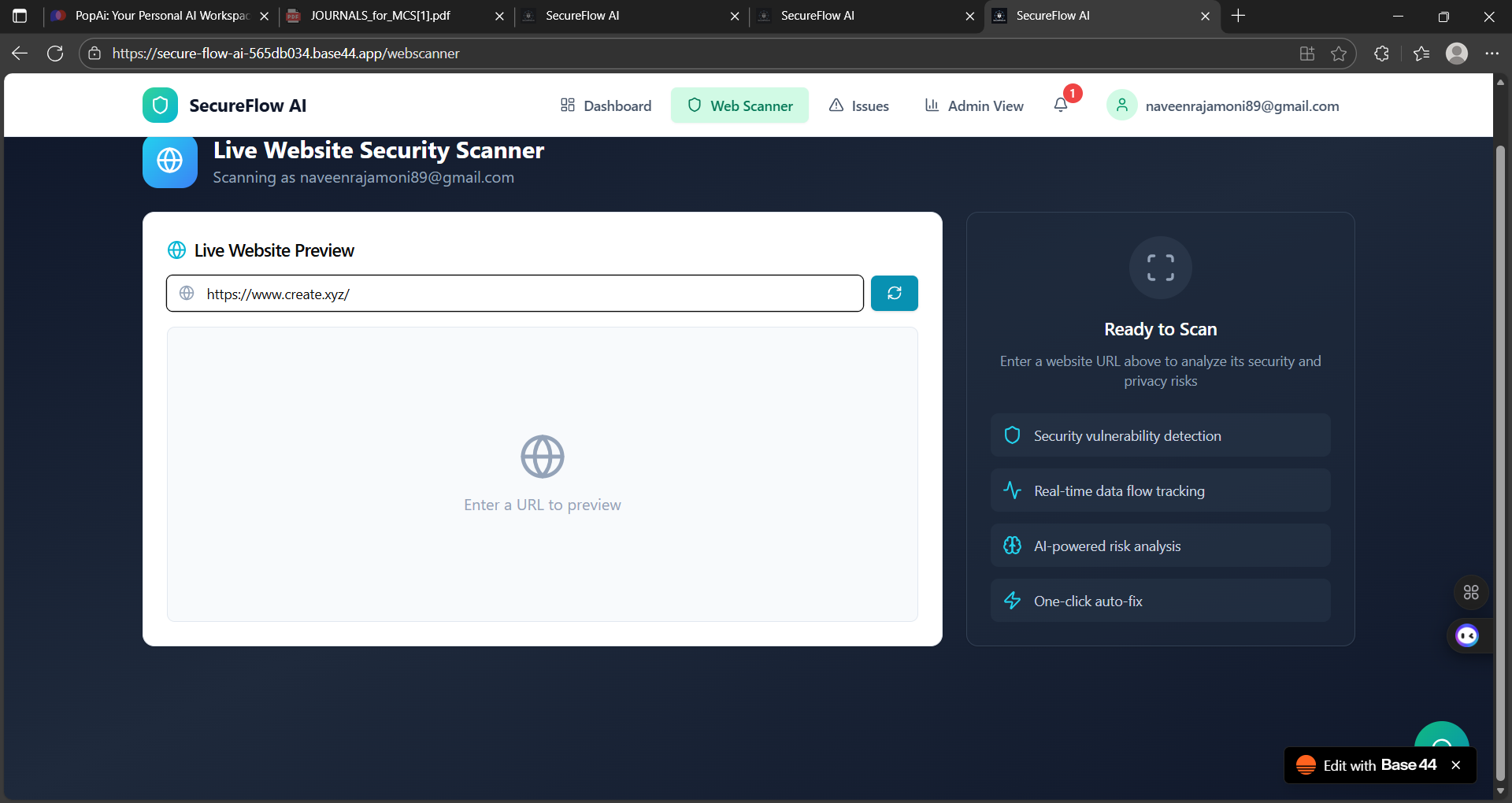
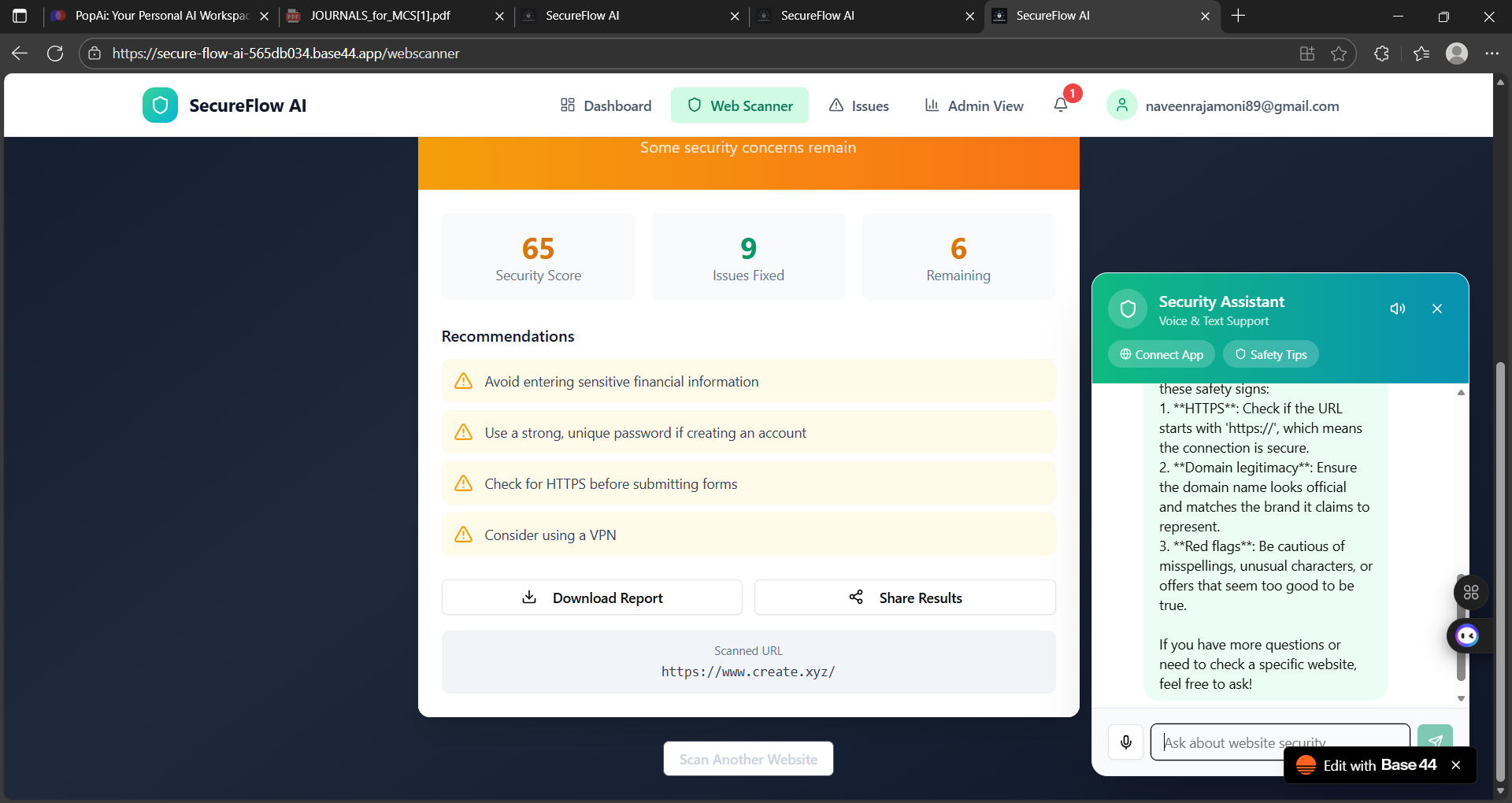
Scan any website URL — just paste the HTTPS link and get a full security report.
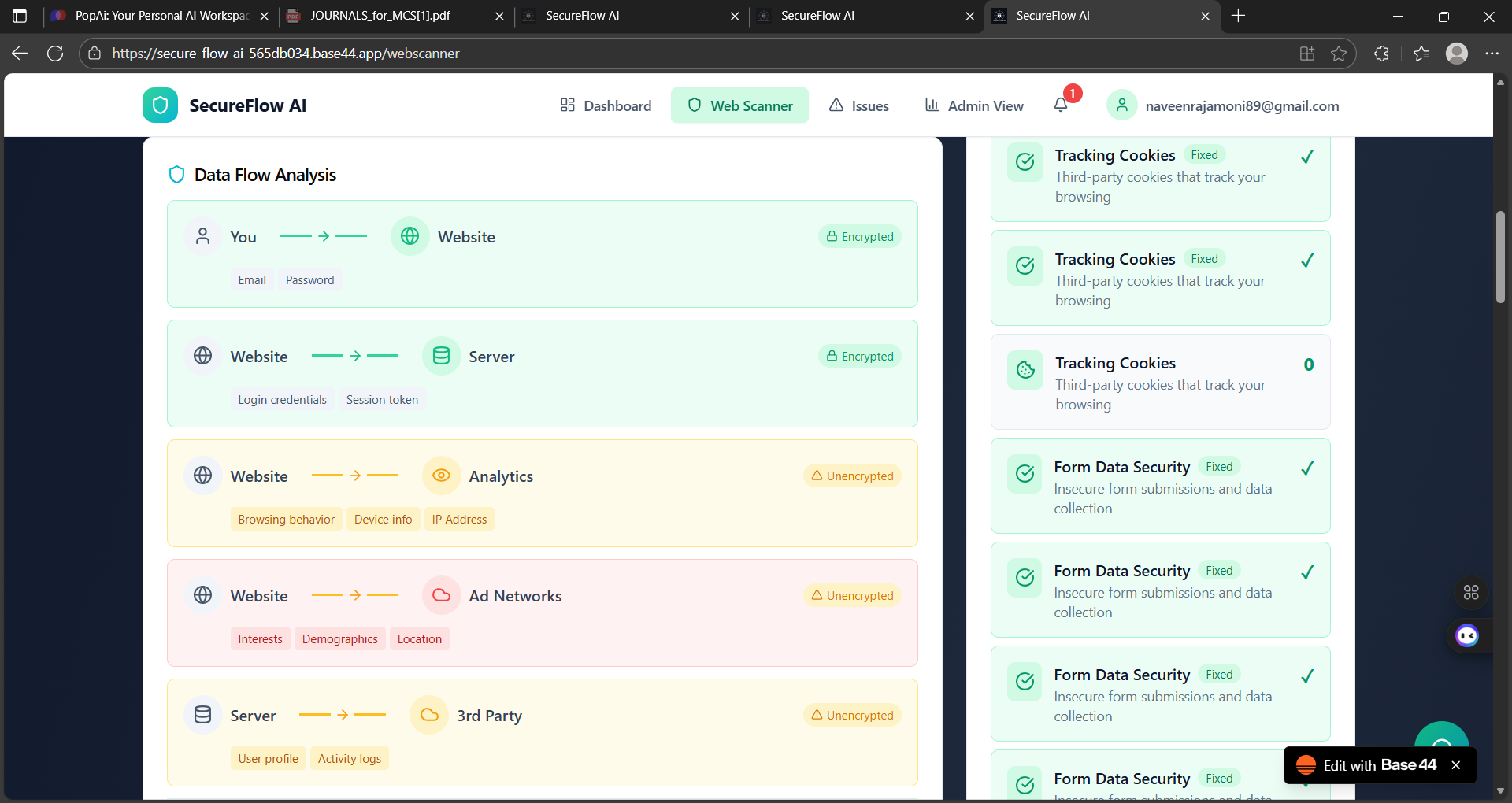
Detect unsafe login pages & payment pages — system alerts: “Critical — do not share sensitive data.”
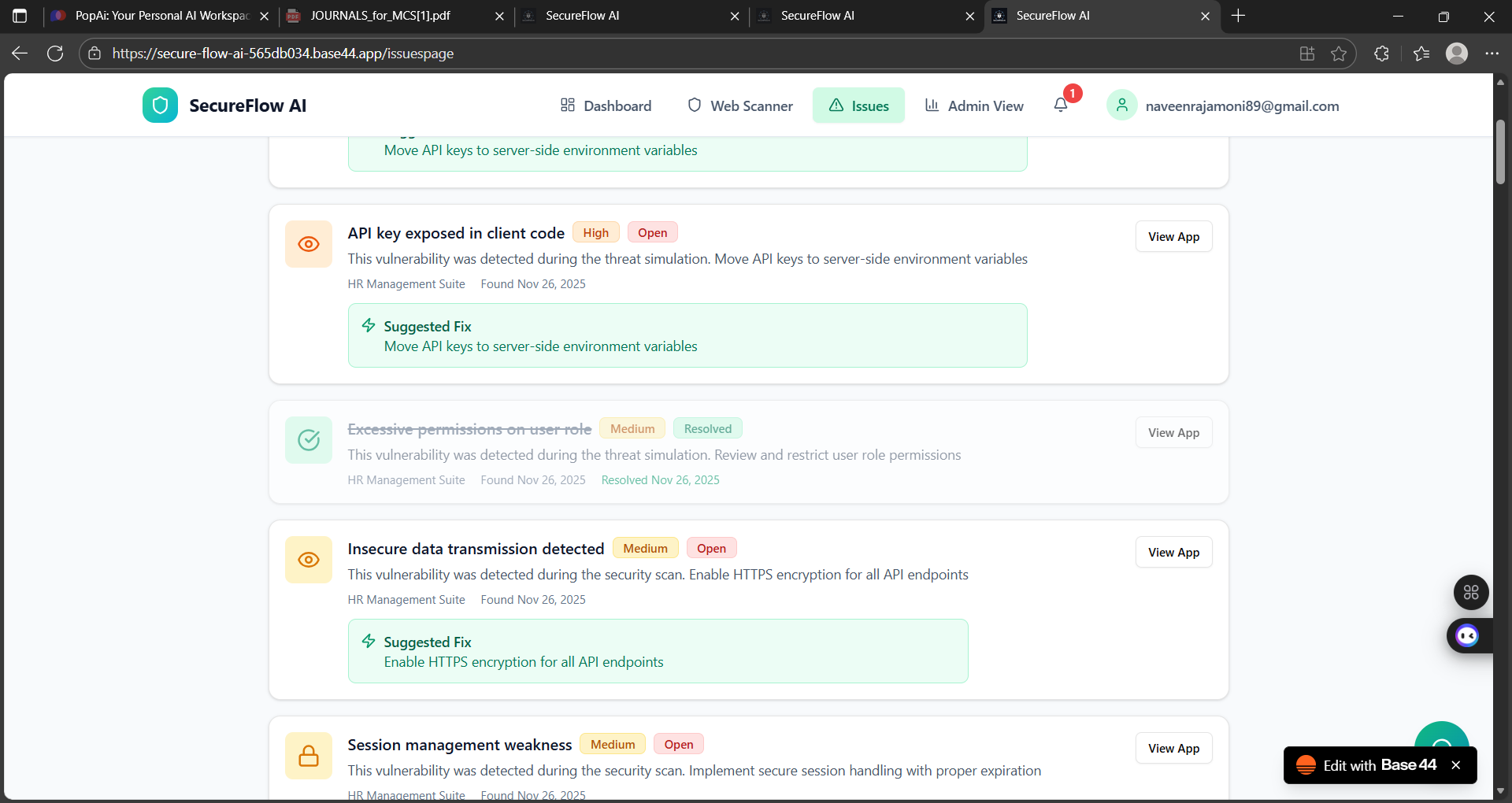
Auto Scan of Websites You Use — checks the websites you login to regularly and shows:
unsafe data
vulnerabilities
weak sections
Auto-Fix Button — instantly resolves detected vulnerabilities (simulation).
Scheduled Auto-Scan (Daily / Weekly / Monthly) — reduces chances of data leakage over time.
AI Chatbot Assistant (Voice Mode) — helps users understand issues, steps, reports, and queries.
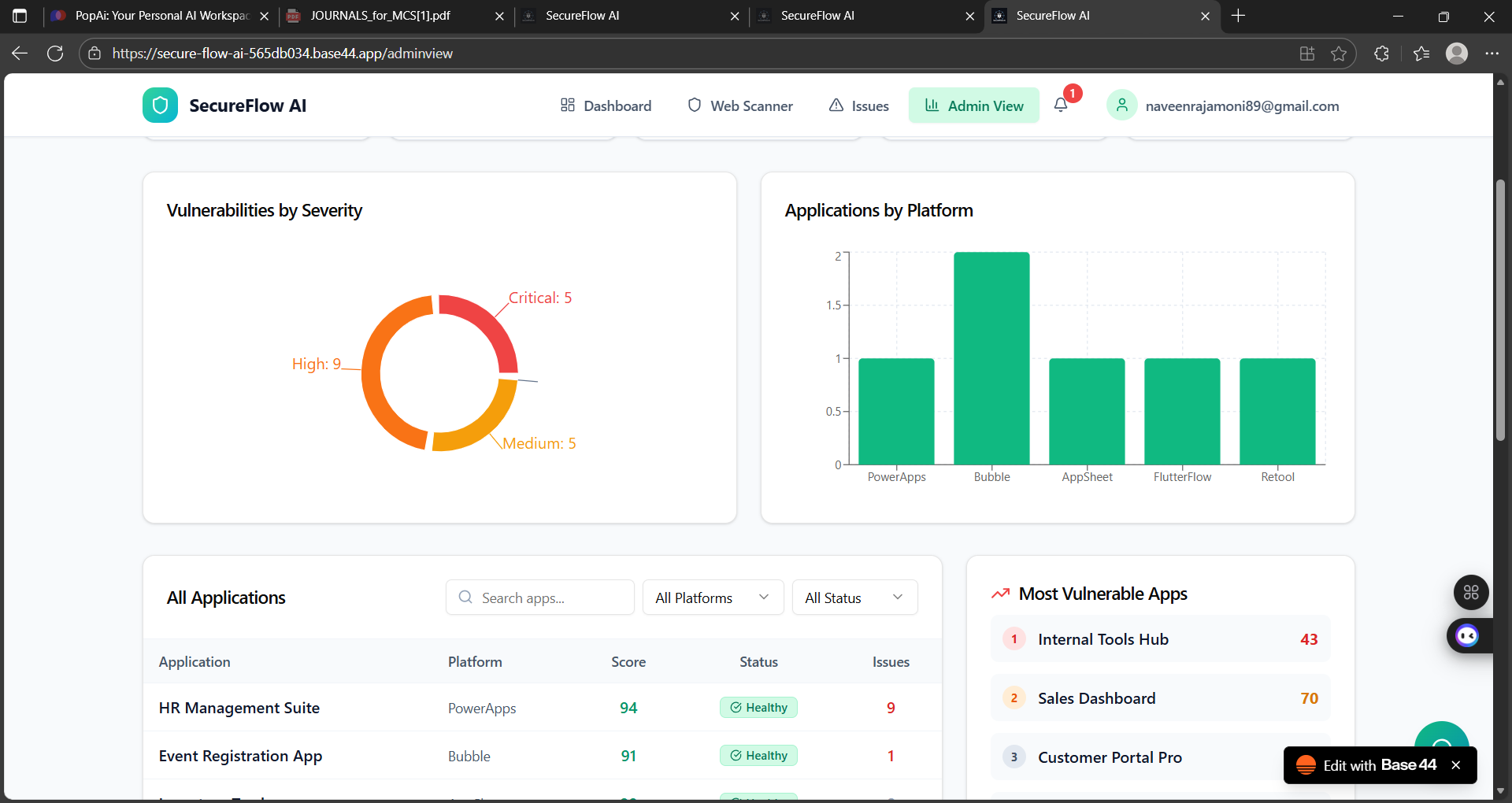
Admin Dashboard — shows an overall risk percentage, error counts, and system health in a single view.
- How We Built It
Designed a no-code front-end using Base44 builder.
Used modular components to simulate:
scanning
security reporting
vulnerability detection
autofix flows
Built an interactive UI using HTML + CSS only, no JavaScript.
Integrated a voice-enabled AI agent to guide the user through reports.
Created admin and user flows to show real-time scanning results.
- Challenges We Ran Into
Creating a realistic security scanning experience without backend coding.
Designing a clean UI with only HTML & CSS.
Making the Auto-Fix simulation feel real and reliable.
Implementing user and admin flows inside a no-code platform.
Making voice-mode chatbot smooth and responsive.
- Accomplishments That We’re Proud Of
Built a fully functional security demo inside a no-code system.
Created a unique Auto-Fix button that simulates real security patching.
Integrated voice-enabled AI help for explaining reports.
Developed a system that can educate users on safe browsing habits.
Designed a clean admin dashboard that shows risk score clearly.
- What We Learned
Managing UI/UX inside strict no-code limitations.
How real security scans work (SSL, headers, vulnerabilities).
Building logical flows for scanning, alerting, and fixing.
Designing features that feel real without backend processing.
Importance of simplifying complex security concepts for normal users.
- What’s Next for SecureFlow AI
Real backend integration for live vulnerability scanning.
Add machine learning–based threat prediction.
Browser extension for automatic website safety alerts.
Real-time phishing detection system.
Enterprise dashboard for companies to monitor websites.
Multi-device support + mobile app version.
Built With
- base44


Log in or sign up for Devpost to join the conversation.