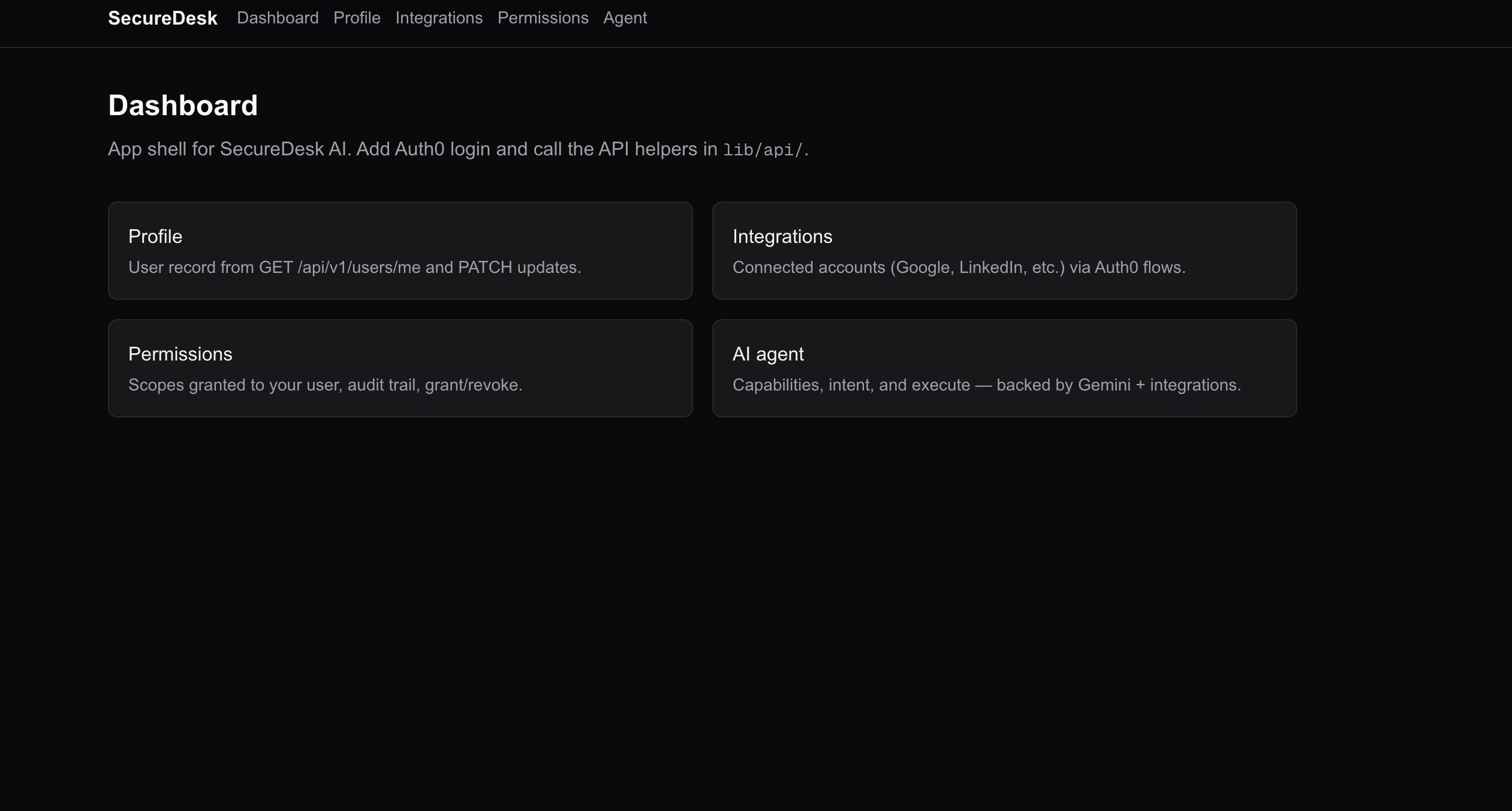
SecureDesk AI — Backend API
Express + TypeScript API for authentication (Auth0), users, integrations (Google / Auth0 Connected Accounts), permissions, and a Gemini-powered agent with audit logging.
Tenant name: dev-7u8dhpj4erj1k7bc
Problem statement
Teams need a single backend that can authenticate users securely, store profiles, connect third-party accounts (e.g. Google) without scattering tokens across clients, enforce fine-grained permissions for sensitive actions, and expose an AI agent that only acts within those boundaries—while keeping an audit trail for compliance and debugging. Building all of that from scratch duplicates auth, OAuth, and policy logic in every product.
Solution
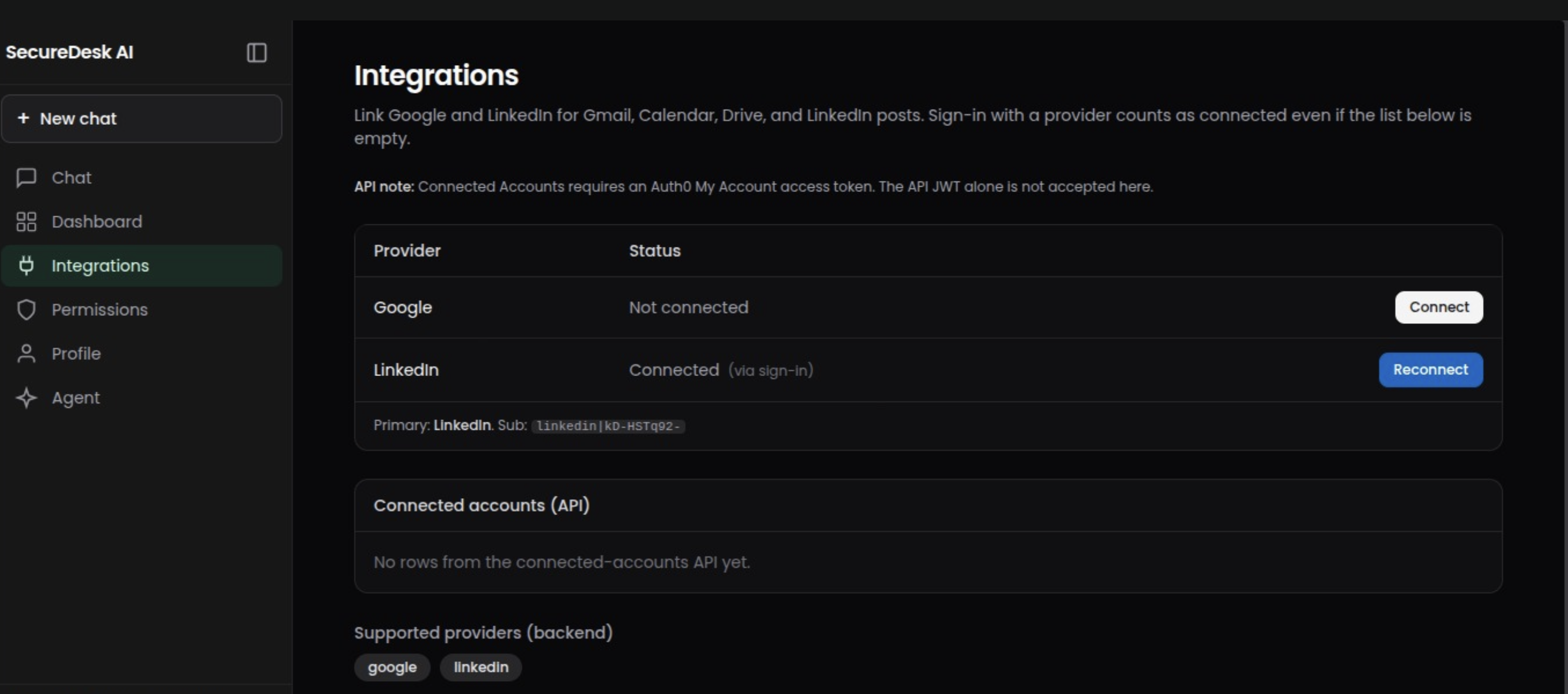
This API provides a centralized REST service: Auth0 JWT verification for every protected route, user records backed by PostgreSQL, integrations via Auth0 Connected Accounts and provider flows, scoped permissions with grant/revoke and audit logs, and an agent layer powered by Gemini that resolves intents and executes allowed operations (e.g. Gmail/Calendar) only when the user has the right scopes. Health endpoints, structured logging, rate limiting, and Docker support make it deployable and operable as one cohesive backend.
Stack
- Runtime: Node.js (ES modules), TypeScript
- Framework: Express 5
- Auth: Auth0 JWT (
express-oauth2-jwt-bearer) - Database: PostgreSQL via Neon + Drizzle ORM
- AI: Google Gemini (
@google/generative-ai) - Logging: Winston
- Validation: Zod
✍️ Bonus Blog Post
Building SecureDesk AI started with a simple but uncomfortable realization — most AI agents today are powerful, but blindly trusted.
While experimenting with AI agents that could call APIs and automate workflows, I noticed something risky: the agent had too much freedom. It could trigger actions, access services, and handle sensitive data with very little control. That didn’t feel right.
The first challenge was redefining the role of the agent. Instead of letting it act directly, I redesigned the system so the agent only generates intents, not actions. This small shift changed everything. It forced me to think of AI as a decision suggester rather than an executor.
The next hurdle was implementing a secure validation layer. Integrating Auth0 helped solve identity and authentication cleanly, but managing external service tokens was tricky. That’s where the idea of a Token Vault came in — isolating credentials from the agent and routing everything through a controlled backend.
Another challenge was balancing usability with security. Too many checks can slow things down, but too few can make the system dangerous. Finding that middle ground — where actions are verified but still feel seamless — was one of the most valuable lessons.
What stood out most during this project is how easy it is to build fast, and how hard it is to build safely.
SecureDesk AI isn’t just a project for me — it’s a shift in mindset: AI shouldn’t be trusted by default. It should be verified at every step.
Prerequisites
- Node.js 20+ recommended (aligns with Docker image
node:22-alpine) - A PostgreSQL connection string (e.g. Neon)
- Auth0 tenant and API identifier (audience)
- Google AI API key for Gemini (agent features)
Quick start
cd SecureDesk-Ai
npm ci
cp .env.example .env
# Edit .env with real DATABASE_URL, AUTH0_*, GEMINI_API_KEY, etc.
npm run dev
Default server URL: http://localhost:8000 (or whatever you set for PORT).
Scripts
| Command | Description |
|---|---|
npm run dev |
Dev server with hot reload (tsx watch) |
npm start |
Production-style start (tsx, no watch) |
npm test |
Jest + Supertest API tests |
npm run typecheck |
tsc --noEmit |
npm run drizzle |
Drizzle Kit CLI (drizzle-kit) |
API overview
Base path: /api/v1
| Area | Prefix | Notes |
|---|---|---|
| Auth | /api/v1/auth |
Current user, MFA verification |
| Users | /api/v1/users |
Profile (GET/PATCH /me) |
| Integrations | /api/v1/integrations |
Supported providers, connected accounts, revoke |
| Permissions | /api/v1/permissions |
Scopes, audit |
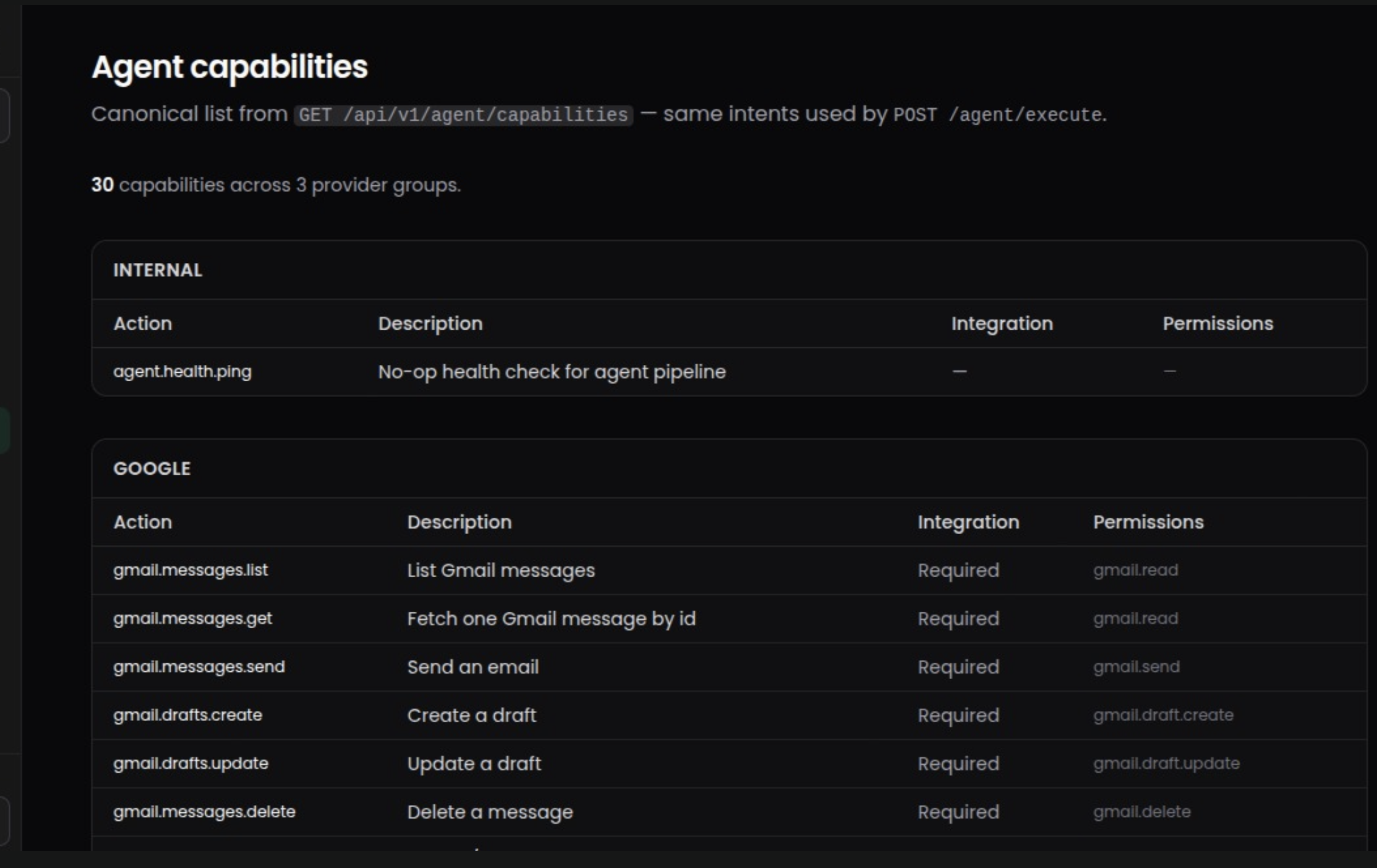
| Agent | /api/v1/agent |
Capabilities, intent, execute |
Protected routes expect Authorization: Bearer <access_token> (Auth0-issued JWT for your API audience).
Health checks
| Route | Purpose |
|---|---|
GET /health |
Liveness (process up) |
GET /ready |
Readiness (SELECT 1 against the database; 503 if DB unreachable) |
Use these for Docker Compose / Kubernetes probes.
Environment variables
Copy .env.example to .env and fill in values. Never commit .env.
Required for a typical run
DATABASE_URL— PostgreSQL connection stringAUTH0_ISSUER_BASE_URL— e.g.https://your-tenant.auth0.com/AUTH0_AUDIENCE— your API identifier in Auth0GEMINI_API_KEY— Google AI key (agent)
Server & security (see .env.example for defaults)
PORT— listen port (default 8000 in code if unset)JSON_BODY_LIMIT— max JSON body size (e.g.1mb)TRUST_PROXY—truewhen behind a reverse proxy (correct client IP / rate limits)CORS_ORIGIN— comma-separated origins,*, orfalseCORS_CREDENTIALS—trueonly if you need credentialed cross-origin requestsRATE_LIMIT_ENABLED,RATE_LIMIT_WINDOW_MS,RATE_LIMIT_MAX,AGENT_RATE_LIMIT_MAXLOG_LEVEL— Winston level (e.g.info,debug)
Optional / feature-specific
AUTH0_MFA_ACR— MFA policy (see auth controller)AUTH0_DOMAIN— if not inferred from issuer (Connected Accounts / token flows)AUTH0_TOKEN_VAULT_CLIENT_ID/AUTH0_TOKEN_VAULT_CLIENT_SECRET— federated access for agent + Google APIs
Docker
Build and run (pass the same env vars you use locally; replace placeholders with real values):
docker build -t securedesk-api .
docker run --rm -p 8000:8000 --env-file .env securedesk-api
Or use Compose:
docker compose up --build
Ensure PORT inside the container matches the mapped port (e.g. 8000). The Compose file includes a healthcheck against GET /health.
Image install uses npm ci --omit=dev; runtime uses npm start (requires tsx in production dependencies).
Tests & CI
npm test
npm run typecheck
GitHub Actions (if enabled): .github/workflows/ci.yml runs install, typecheck, and tests on push/PR. Initialize git with this folder as the repo root, or adjust paths in the workflow if the repo root is higher up.
Project layout (high level)
src/
  agent/           # Agent intents, Gemini, capabilities
  db/              # Drizzle client + schema
  middlewares/     # Auth0 JWT, permissions, security, logging
  modules/         # auth, user, integrations, permissions
  routes/          # Health / readiness
  utils/           # Logger, HTTP helpers
License
ISC (see package.json).

Log in or sign up for Devpost to join the conversation.